When it comes to building a website, there are numerous factors that need to be taken into consideration in order to create a successful online presence. Whether you’re a business owner looking to establish an e-commerce platform or an individual wanting to showcase your portfolio, understanding the essential elements of website development is crucial.
I have been building websites for almost 10 years now for both corporate and personal clients, and here are some things I have noticed that you should consider if you want to have one. In this article, we will discuss 7 important things that you should keep in mind when starting to own a website.
We will focus on the most important aspects, enabling you to plan more effectively before hiring a web developer or agency. From defining your target audience and selecting the right domain name and optimizing for search engines, these considerations will help you create a user-friendly website that aligns with your goals and engages your visitors. So, let’s dive in and explore the key aspects of building an effective website.
Define Your Website’s Purpose and Goals
Defining the purpose and goals of your website is a crucial step in creating an effective online presence. By clearly understanding what you want to achieve with your website, you can tailor its design, content, and functionality to meet those objectives.
The purpose of a website can vary depending on the nature of the business or organization. It could be to showcase products or services, provide information and resources, generate leads or sales, build brand awareness and credibility, or facilitate communication with customers.
To define your website’s purpose, start by asking yourself:
- What specific goals you want to accomplish?
- Are you looking to increase online sales?
- Do you want to educate and inform your audience?
- Are you aiming to establish yourself as an industry expert?
Once you have identified your goals, it’s important to align them with the needs and expectations of your target audience. Consider their demographics, interests, and motivations when crafting your website’s purpose statement.
Having a clear understanding of your website’s purpose will guide every aspect of its development. From the layout and design choices to the content strategy and call-to-action buttons, everything should support your overarching goals.
Have a Clear Call-to-Actions (CTAs) to Drive Conversions
One of the key elements of an effective website is the inclusion of clear and compelling call-to-actions (CTAs). CTAs are essential for guiding your audience towards taking a desired action, whether it’s making a purchase, signing up for a newsletter, or downloading a resource. We will explore the importance of incorporating clear CTAs in your copy and provide tips on how to create effective ones.
A well-crafted CTA can significantly impact conversion rates by providing a clear direction to your audience. It helps them understand what steps they need to take next and encourages them to engage further with your brand or product. Without a strong CTA, your website may fall flat and fail to drive the desired results.
When creating CTAs, it’s important to be concise yet persuasive. Use action-oriented language that creates a sense of urgency or excitement. For example, instead of saying “Learn more,” you could say “Get started today” or “Unlock exclusive access now.” This type of language motivates readers and prompts them to take immediate action.
Additionally, make sure that your CTAs stand out visually. Use contrasting colors or bold fonts to draw attention and make them easily identifiable within your copy. Position them strategically within your content so that they are visible without being intrusive. By incorporating clear call-to-actions in your website, you can effectively guide your audience towards the desired actions and increase conversion rates.
Selecting a Suitable Domain Name and Web Hosting Provider
If you’re planning to own a website, a domain name and web hosting are the most essential components you’ll need. Your domain name is your online identity. It should be memorable, relevant to your brand, and easy to spell. On the other hand, web hosting is responsible for storing your website files and making them available across the world.
A domain name is a unique identification name for your website. It is what users type into their URL address bar when they want to visit your website. For example, if you run a beachfront rental called Sunrise Cove, you could go with something like “sunrisecove.com” or “sunrisecoverentals.com“. The choice of a domain name is entirely up to you. However, it’s important to note that a domain name must be unique. It is important to check the availability of your preferred domain name before finalizing your decision.
Popular web hosting companies often include domain name registration when you purchase a hosting plan. Just like web hosting, a domain name is also an ongoing expense. Most of the time, domain names are renewed once a year.
Web hosting essentially provides storage, also known as a server, for your website files, making them accessible from anywhere. Some well-known web hosting companies include Hostinger, Siteground, and WP Engine. It is important to remember that web hosting is an ongoing expense. The majority of web hosting companies offer annual hosting plans as part of their package options.
Knowing your Website Design for an Effective Online Presence
“Web Design” is a widely used term in the web industry and is essentially one of the key processes in creating a website. Some people believe that web design is simply about designing a website, such as adding colors to buttons, inserting images, or creating large header texts. However, web design is much more than that.
From a technical perspective, web design encompasses the process of how your website functions, including how pages connect to each other, the sitemap, website structure, content, layout, and graphics. In short, it refers to the overall planning of your website.
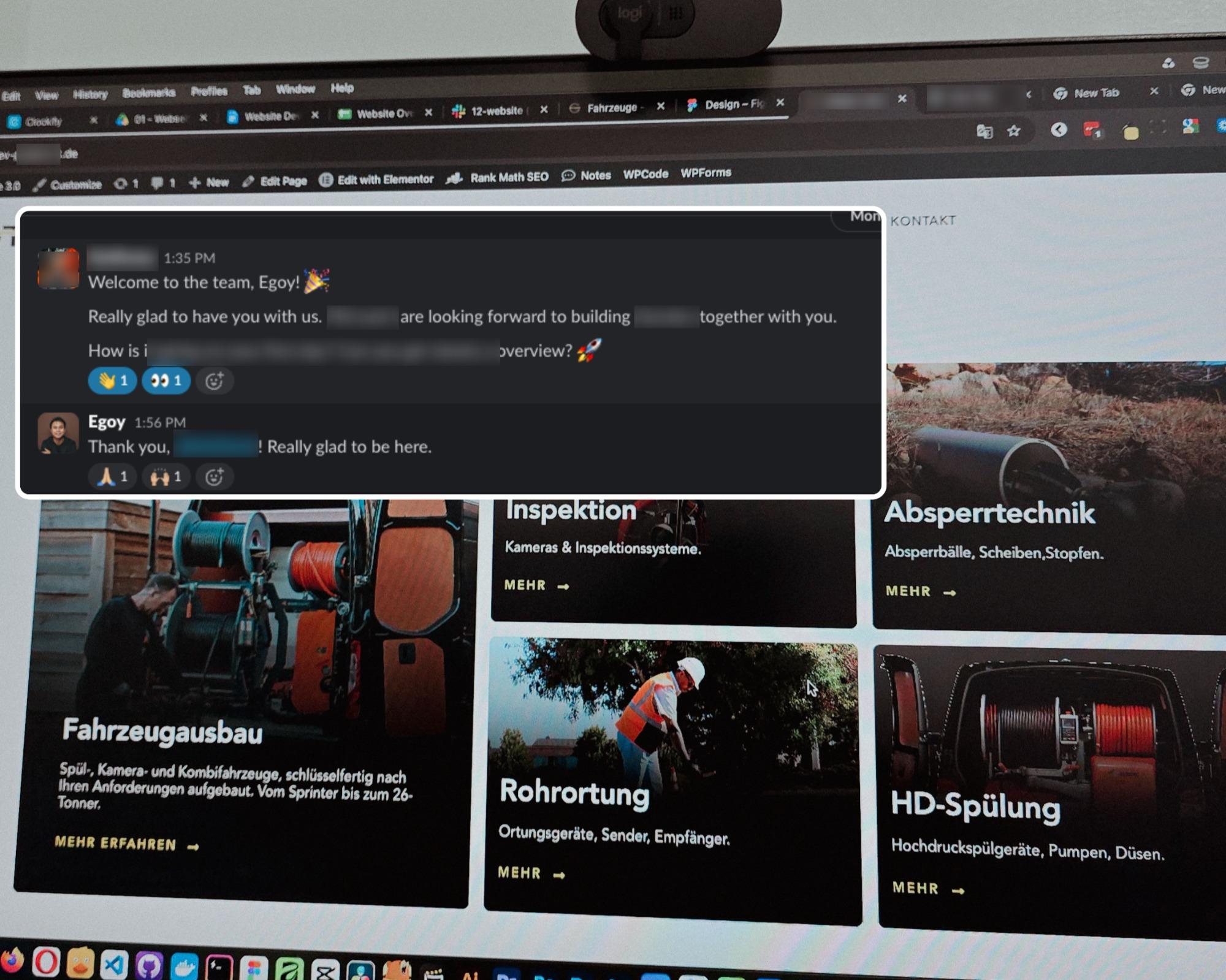
When it comes to creating a professional and engaging online presence, a skilled web developer and web agency can offer you a comprehensive web design package. This package encompasses all the essential elements needed to build a successful website that not only looks visually appealing but also functions seamlessly. By leveraging their expertise, you can save time and energy while receiving a tailored web design solution that aligns with your business goals and captures the attention of your target audience.
Optimize Your Website for Search Engines (SEO)
Optimizing your website for search engines is crucial in today’s digital landscape. Given the competition among millions of websites, it is essential to distinguish your website and achieve a high ranking in search engine results. How will you do that? This is where search engine optimization (SEO) comes into play.
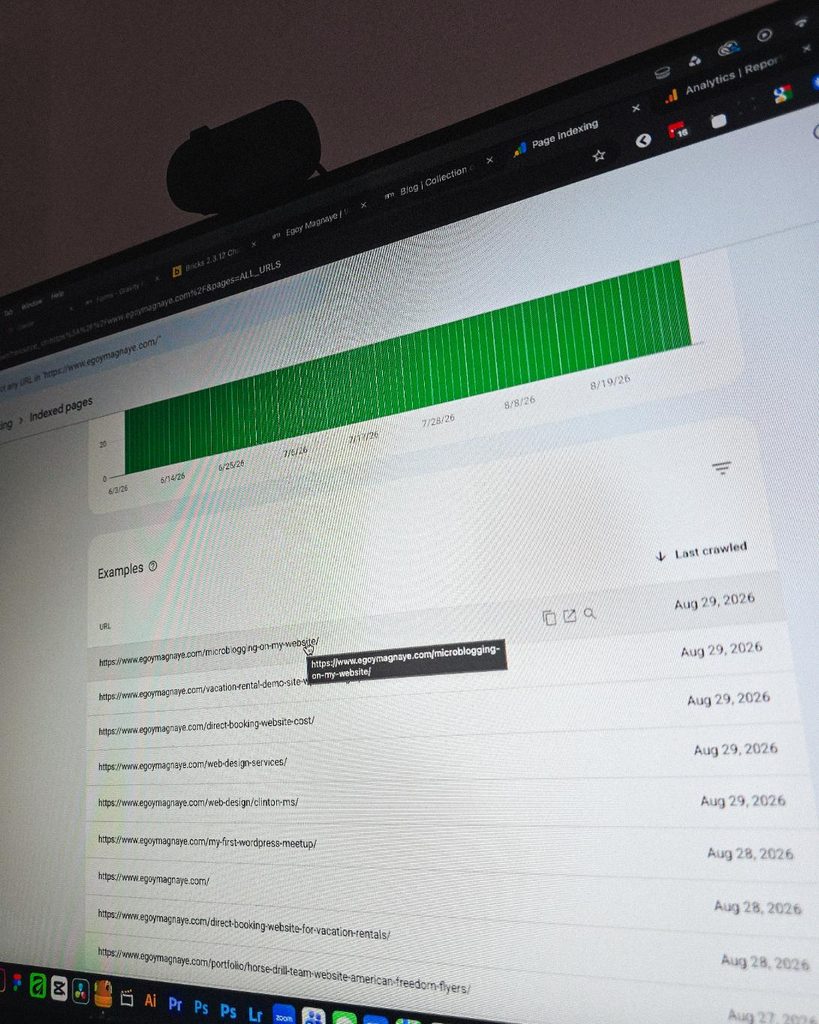
SEO involves a series of techniques and strategies aimed at improving your website’s visibility and organic traffic from search engines such as Google. By implementing effective SEO practices, you can increase the chances of your website appearing on the first page of search results when users enter relevant keywords.
Just as a side note, optimizing for search engines can take a significant amount of time. In some cases, it may take nearly a year to see the desired results. If done correctly, the results can be very rewarding. Imagine not having to pay for running ads to increase traffic to your business.
Incorporate Analytics and Tracking Tools to Monitor Website Performance
Integrating analytics and tracking tools is necessary for effectively monitoring and improving website performance. These tools provide valuable insights into various aspects of your website’s performance and user behavior. By analyzing the data collected through these tools, you can make informed decisions to optimize your website and drive better results.
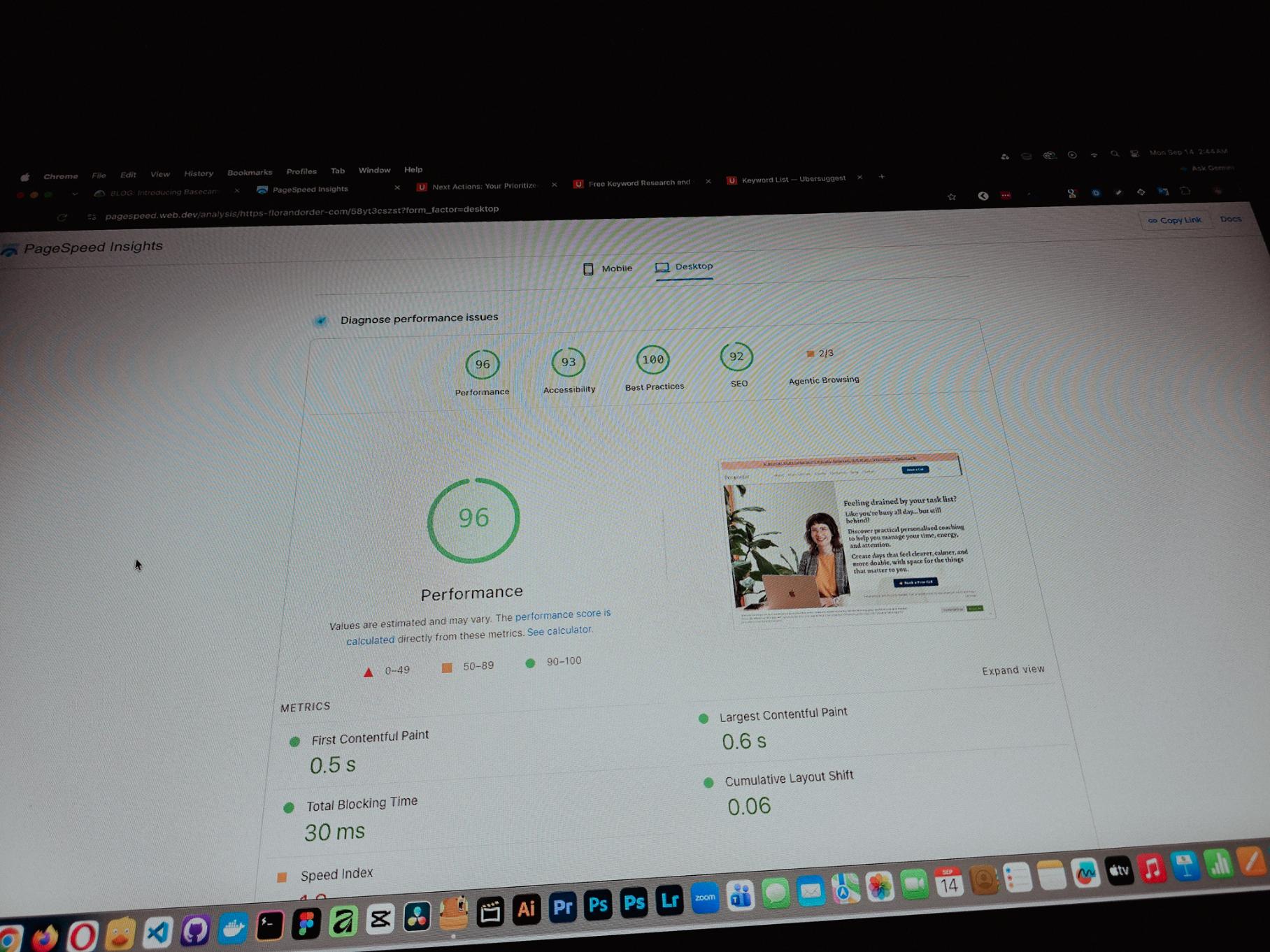
Analytics tools such as Google Analytics allow you to track key metrics like website traffic, bounce rate, session duration, and conversion rates. This data helps you understand how users are interacting with your site and identify areas for improvement. You can also track the effectiveness of your marketing campaigns by setting up goals and tracking conversions.
Tracking tools go beyond basic analytics by providing more granular data on user behavior. Heatmap tools like Crazy Egg or Hotjar visually represent where users are clicking or scrolling on your site. This information helps you identify which areas of your website are receiving the most attention or need improvement.
By incorporating analytics and tracking tools into your website strategy, you gain a deeper understanding of how users interact with your site and can make data-driven decisions to improve its performance. Monitoring key metrics regularly enables you to identify trends or issues early on and take appropriate actions for conversion rate optimization and overall success.
Regularly Update and Maintain Your Website
To ensure the optimal performance and success of your website, it is important to regularly update and maintain it. Updating your website on a regular basis is essential for several reasons. Firstly, it helps to keep your content fresh and relevant, ensuring that visitors find value in their interactions with your site. Search engines also favor websites that are regularly updated, as it indicates that the content is current and reliable.
Maintenance tasks are equally important in preserving the functionality and security of your website. Regular maintenance helps identify and fix any technical issues or bugs that may arise over time. It also allows you to implement necessary updates to plugins, themes, or other software components used on your site.
Conclusion: Building a Successful Website Requires Careful Planning and Consideration of Various Factors
From design and user experience to content creation and search engine optimization, there are several key elements that contribute to the overall success of a website. The factors that we have discussed will serve as your guide in preparing if you are planning to have a website for your business.
If you find yourself in a state of uncertainty about where to initiate your website development journey, you can rely on me to provide the necessary assistance and guidance. I am here to support you at every step, ensuring a smooth and successful website development process. From brainstorming ideas to designing and implementing them, I will be by your side, offering valuable insights and suggestions for creating an impactful online presence.