Short thoughts, work in progress, lessons learned, & the occasional personal update.
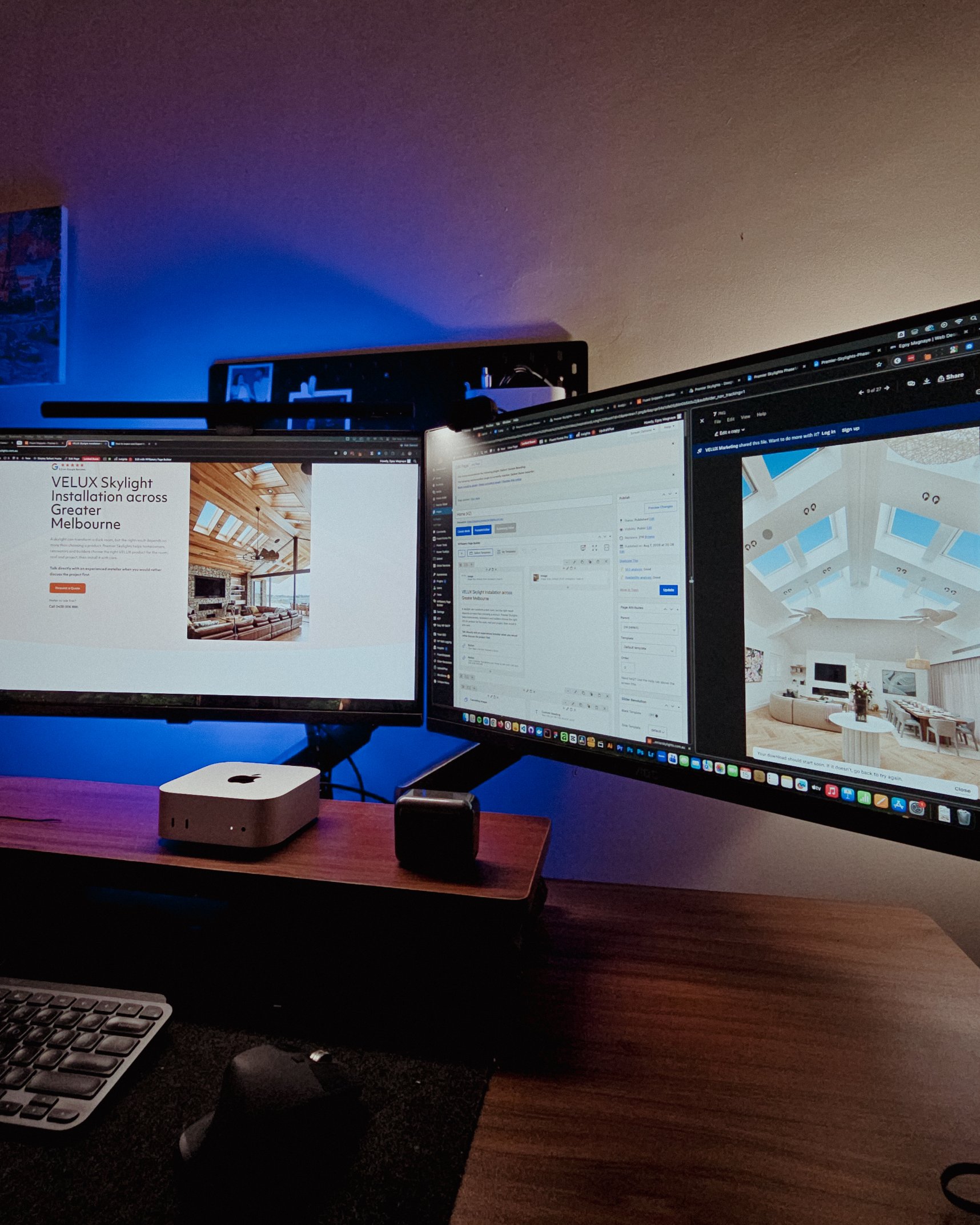
Recently visited my fiancée’s family, so I got some time off from this workstation and worked from somewhere else for a bit.
That’s one of the things I’m really grateful for with freelancing. You have the freedom to bring your work anywhere and get a change of scenery when you need it.
But yeah, good to be back at this little workspace!
Posted 4 days ago
Got my new eyeglasses! Been trying to take better care of my eyes since they take the most stress in this kind of work. So I make sure to get them checked from time to time.
Also, I always go with transition lenses. Just being practical 😅
Classy and functional at the same time!
Posted October 2, 2026
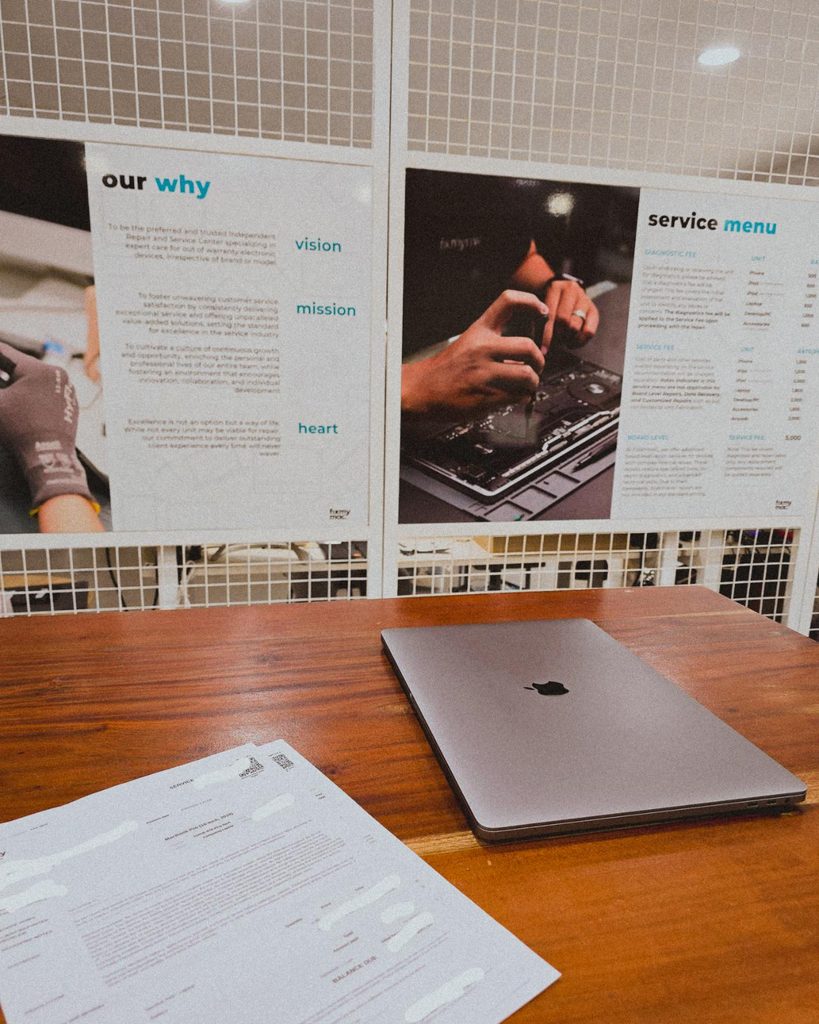
Being a freelancer taught me that you need a backup for everything. Projects, internet, even your computer 😀. Since my main machine is a Mac Mini running the M4 chip, I just needed this laptop repaired as a backup.
But with all the AI integrations these days, PCs and laptops are getting expensive. Even the repairs!
Posted September 29, 2026
I’m continuing an Elementor project, and I can see myself building custom solutions around it again.
For growing sites with heavy dynamic data and conditional layouts, it’s not really its strongest area.
But it’s still great for marketing sites and for less technical users. Also noticed it now has an MCP, which is a nice plus if you’re using AI.
Posted September 25, 2026
Almost done with the design plans for all the dynamic systems on a tradie company web design project.
8 structured data systems in one project. Connecting and strategizing everything so it all works from day one.
I guess freelancing feels fulfilling once you’re done with this kind of project. But the process behind it? That’s a bit overwhelming.
Posted September 20, 2026
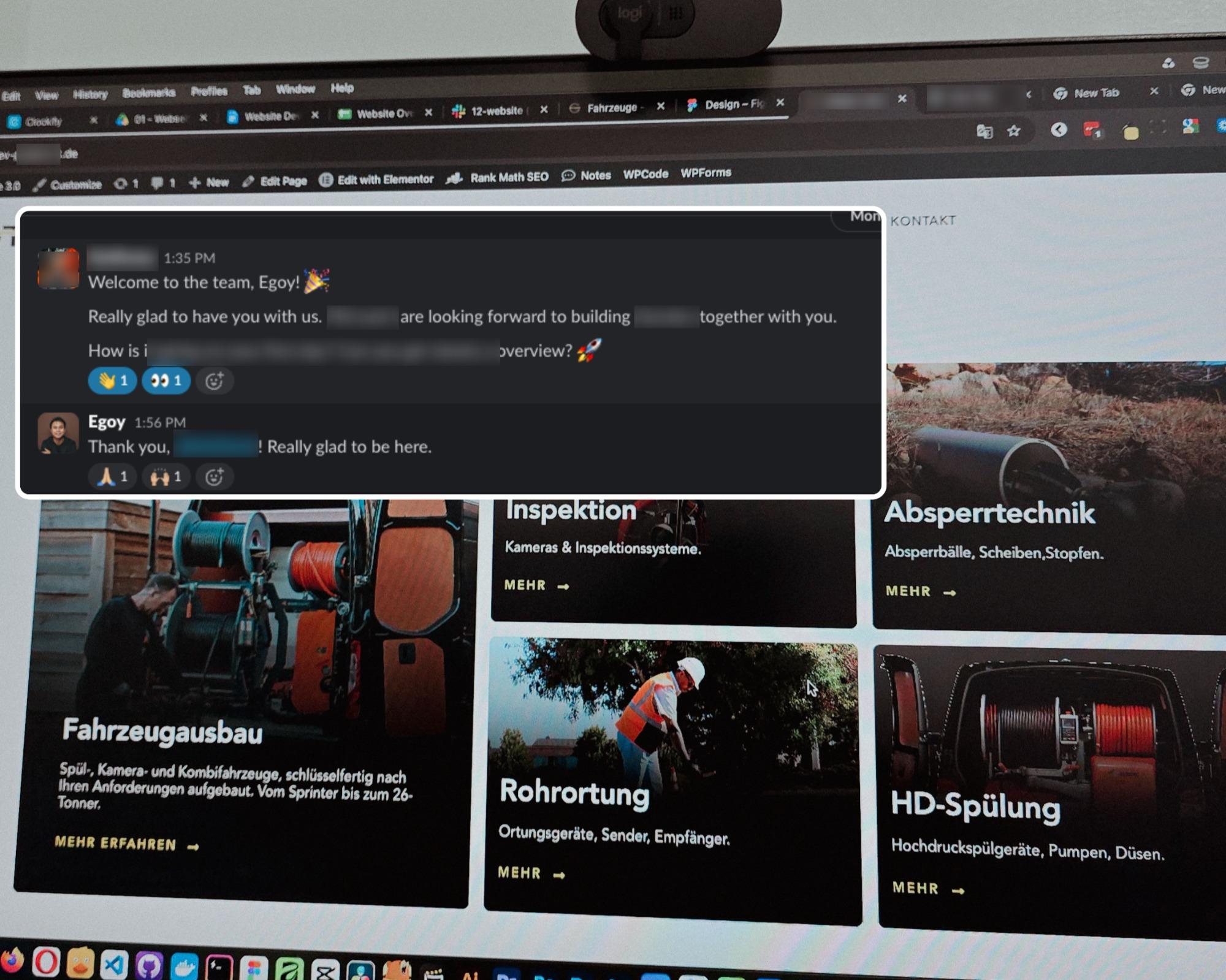
Started a new project for a B2B equipment dealer in the sewer and pipe industry based in Germany.
This time I’m not starting from scratch though, the previous provider left it at about 15% progress so I’m just picking up where they left off.
The only real challenge? The language. Shifting from English to Deutsch 😅
Hallo zusammen 👋
Posted September 18, 2026
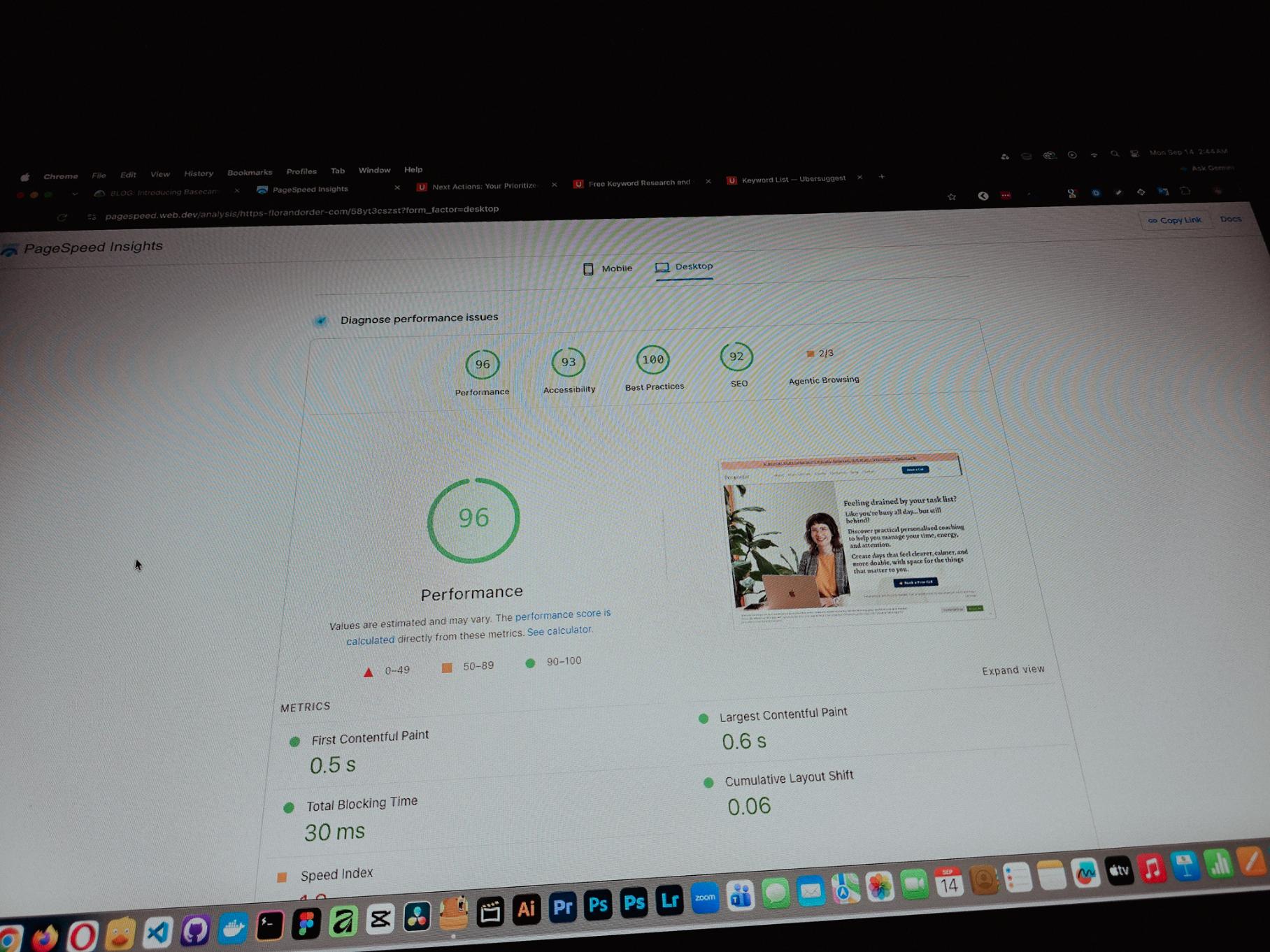
Currently working on one of my monthly site care tasks, checking the speed of a client site. And it’s still performing well. These routine checks don’t look exciting but they keep things running the way they should.
Speed is one of the hardest things to improve on a website because there are so many factors like server, how the pages are built, and the tools used to build them. But I’m still glad I was able to improve this one.
Posted September 13, 2026
One thing you can’t really control when handling projects is the timeline. It can shift at any point, especially when you’re working with trade businesses.
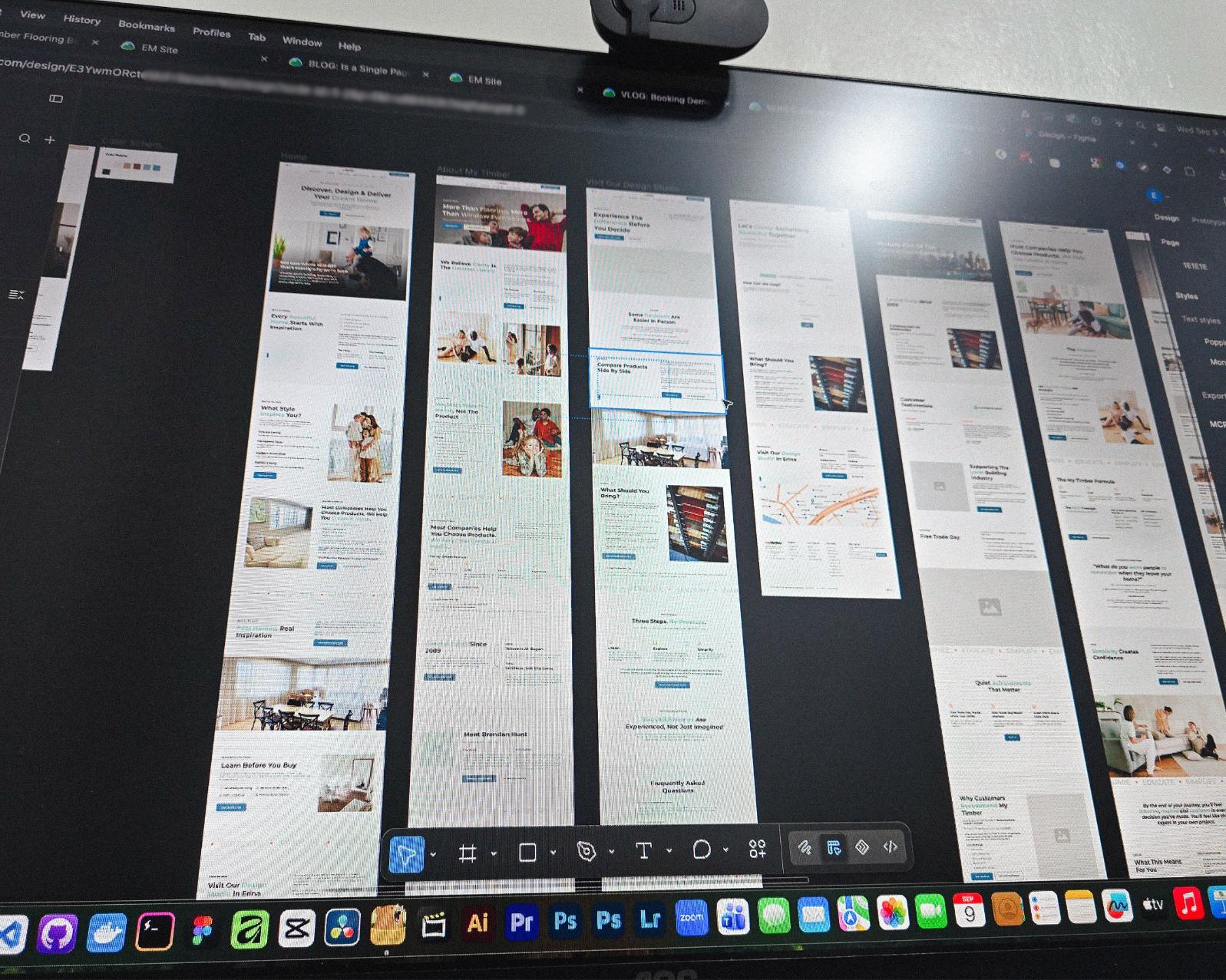
Just picked up the design phase of the flooring company project again. Glad I’m already done with the major pages and just working on the Learning Resources and Projects dynamic pages now.
Posted September 9, 2026
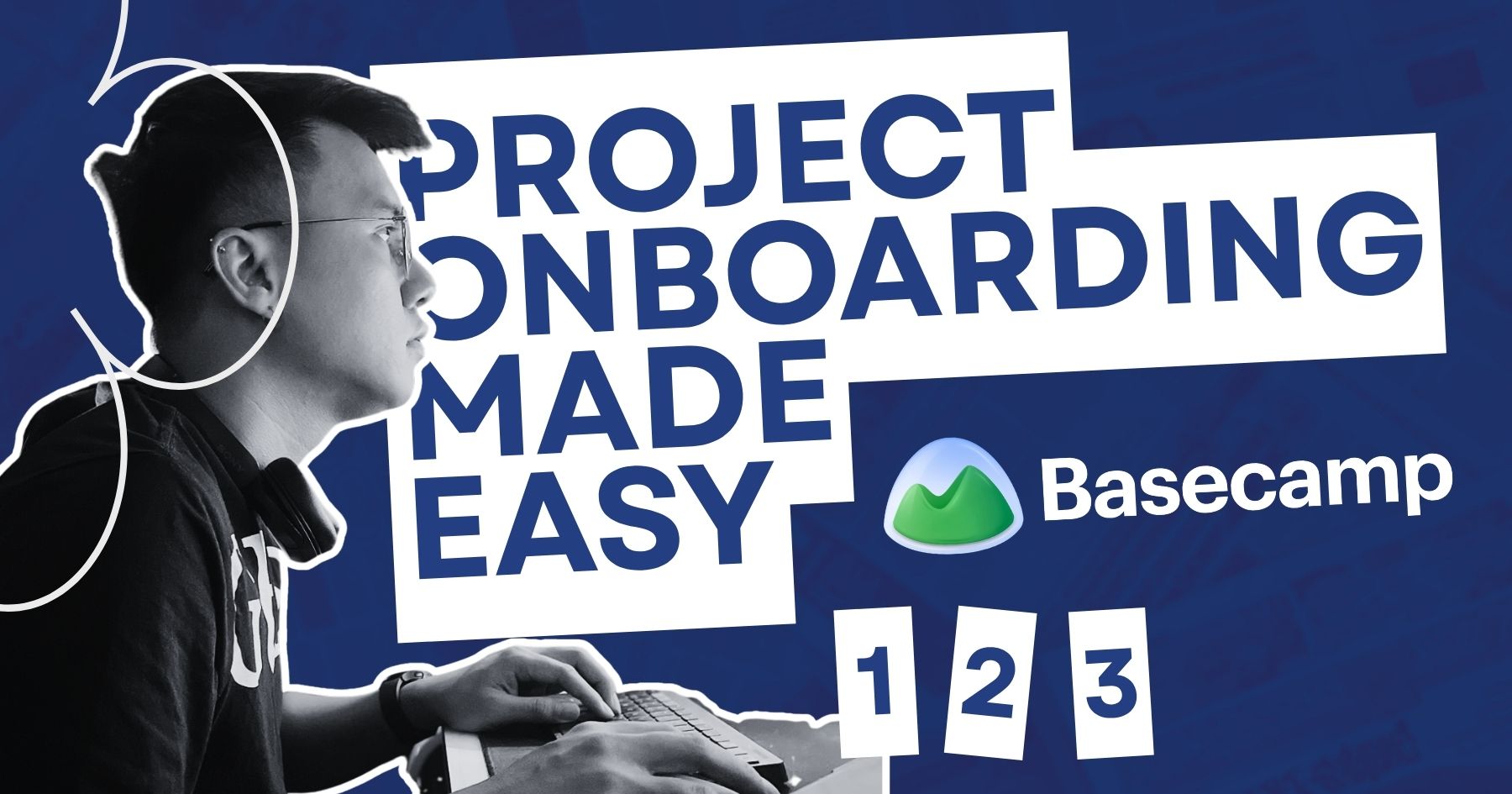
Been using Basecamp for project management since I started freelancing.
I’ve tried the more popular ones, but Basecamp is still one of the most straightforward tools out there.
Btw I’m almost done with a new post on how I onboard client projects using it.
Posted September 3, 2026
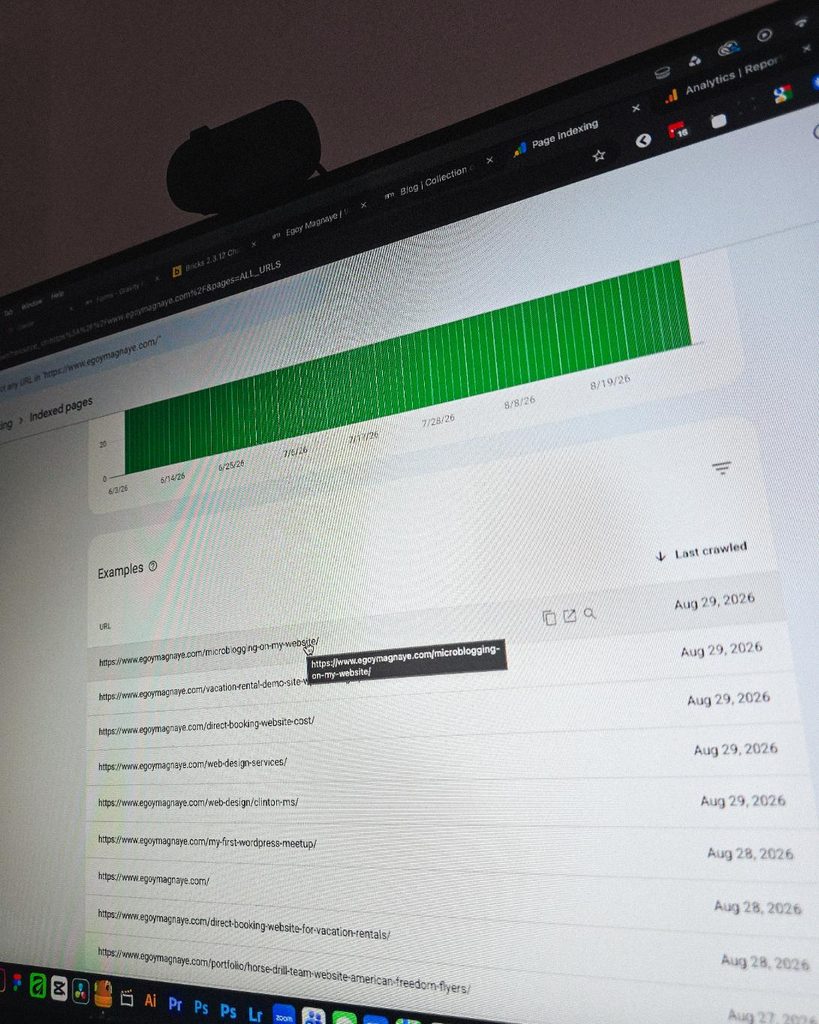
Since I left my corporate job last year to go full-time freelancing, I’ve been putting a lot more effort into this website.
And one of the most rewarding things so far is how much easier it is to get content indexed by Google.
Just added a new post and it got indexed almost immediately.
Posted September 1, 2026
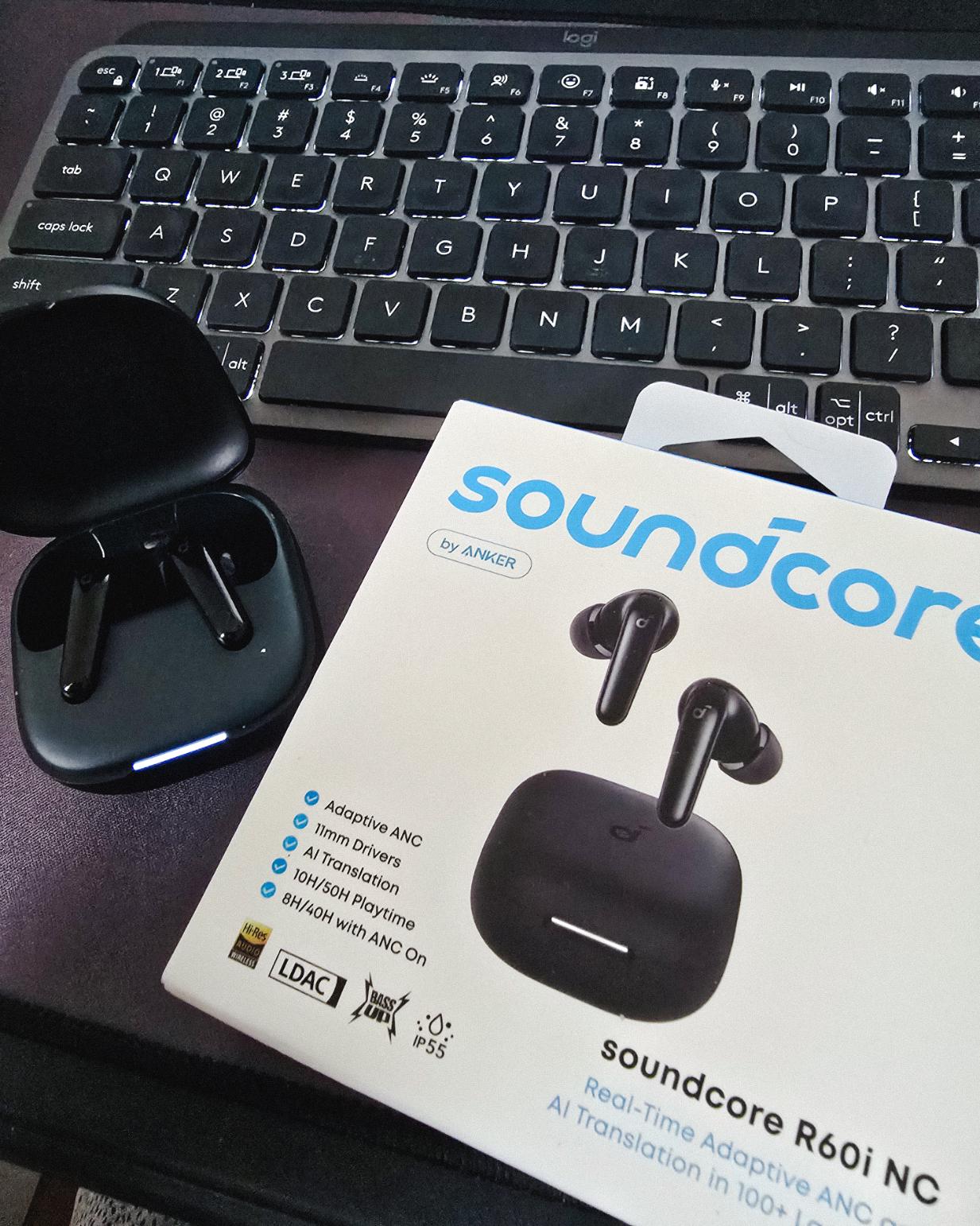
Got my new earbuds from Anker and I’m really liking the noise cancellation so far. Been using the one from Baseus for 2 years and it finally needed a replacement.
Looks small but this pair really helps when I need to focus.
Found some old clips of my website designs done on Adobe XD. Different versions of my site over the past 10 years. A lot of testing and trial and error. It’s been a journey.
Had to switch to Figma with all the issues around XD being phased out.
Posted August 26, 2026
I can’t remember if they’re going to post recordings of the 2-day event, but I was still able to gather some insights from my phone and memory 🙂
I’m at the point where I want to offer businesses stuck on WPBakery a free rebuild.
Nah maybe a discount 😅
But seriously, if you’re going with WordPress, at least use a solid page builder like Bricks (my bias), Beaver, Divi, or Elementor. Launching a site is just a small part of it.
Building new pages and optimizing over time is the long game, and your site builder matters for that.
Posted August 17, 2026
Been handling website projects in the home improvement space, especially clients in AU.
Looking at these skylight photos all day got me thinking. What’s it like living in a house with a transparent roof like that? Then I imagined having one here in PH. Sounds great when it rains. Then summer hits 😂
jk, these skylights are actually automated and packed with features.
Posted August 15, 2026
WPBakery might be the only page builder where the experience is equally rough whether you’re using backend or frontend editing. Divi handles this way better.
Sorry, I keep comparing these two because they both offer both modes, but the quality gap is real. Credit to the Divi team for getting that right!
Posted August 14, 2026
Got a chance to attend the HighLevel Manila 2-day event!
I just realized I wasn’t able to record everything. Now I’m trying to piece together all the info I remember and the photos I have.
The insights they shared were pretty overwhelming 😅
Posted August 10, 2026
I have an urgent page build using WPBakery. Although we have a 1-week deadline, I’m confident I can deliver. But seriously, at least give us a custom CSS field per widget. Even Divi has that!
I’m not really the type to rant about tools I use for work. I get that every builder is built differently. But every time I have a project using this one, it just takes so much longer than it should.
What is a Web Manager: Key Responsibilities & Duties
Last updated on August 24, 2026
20 mins read
Reader Disclosure
Disclosure: I may occasionally include affiliate links in my posts or pages. If you click on one of these links and make a purchase, I may receive a small commission, which helps me keep this website running and create more useful content. However, this does not affect my opinion on the product or service in any way. I only recommend products and services that I truly believe in and use myself.
Do you own a website? Are you the one responsible for managing and maintaining it? How is it going? Well, in this article, we will discuss the various responsibilities of a web manager, sometimes referred to as a website administrator. If you are a business owner who solely manages your site, we will discuss why you might need one for your business and why it is a necessity.
Our website plays an important role in our business as it serves as our virtual storefront, attracting potential customers, showcasing our products or services, and generating revenue for us. However, having a site is not just about the positive side. There are times when it needs to be maintained to continue serving its purpose.
Let’s use our house as an example. Some parts of our home, such as the HVAC and plumbing systems, require monthly maintenance. When these are not properly maintained, things can quickly get out of hand. This also applies to our website, and just like the professionals who maintain our homes, managing an online presence requires expertise and dedicated attention. This is where the role of a web manager becomes invaluable.
Minimize working on your website without breaking the bank
I’m here to simplify your website management & development, handling all the technical aspects for you.
A website “web” manager is responsible for overseeing the day-to-day operations of a website, ensuring its functionality, security, and performance. Please take note that the responsibilities of a web manager may vary depending on the website and client requirements. However, their job description typically includes tasks such as content management, optimizing user experience, implementing search engine optimization (SEO), and monitoring analytics.
The importance of a website manager cannot be overstated. They play an important role in ensuring that the website remains up-to-date with relevant information, engaging visuals, and seamless navigation. By regularly updating content and promptly addressing technical issues, they enhance the user experience, increasing the likelihood of visitors or customers returning to your website.
The Responsibilities & Duties of a Web Manager
Honestly, I didn’t realize that the majority of my daily tasks as a web developer are actually related to being a web manager. After designing, developing, and launching a website, my job responsibilities completely shifted from being a developer to that of a web manager. As I mentioned, these duties may vary for each client. However, here are the common duties that they typically have.
1. Site Maintenance and Updates
A while ago, I used our houses as an example to illustrate the importance of maintenance. We certainly don’t want to experience flooding or any kind of discomfort, right? Well, the same goes for websites. As a business owner, you rely on your website to function as intended. It is important for it to work properly at all times in order to generate more revenue for you.
Let’s use one of my personal clients’ websites as an example. I have been maintaining the Flor and Order website since its launch in 2021. As their web manager, it is my responsibility to keep their website updated and well-maintained to ensure their site proper functionality.
Remember that maintaining your website should be an ongoing commitment rather than a one-time effort. This is why it is the first item on this list because as a website manager, we always ensure that we maintain and monitor our clients’ websites to keep it running smoothly. Actually, I wrote a post about what will happen if you stop maintaining your WordPress website. Feel free to check that one out too!
2. Security and Backups Management
Trust me, the last thing you want is for your website to get hacked. An unsecured website has the potential to cause significant damage to your business’s reputation, so ensuring security in the first place is crucial.
The implementation of security measures can vary depending on the website platform you are using and as a web manager, it is important for you to understand how to secure your website using that platform. In my case, most of the websites I’m maintaining were built using WordPress. As WordPress developers, we prioritize the security of our clients’ websites. To achieve this, we always conduct scheduled scans and use trusted third-party extensions only.
Another responsibility of a good website administrator is to implement reliable data backup procedures. Consider this scenario: your website has been hacked or has experienced an outage for some reason. What would you do if you didn’t have a backup on your server or any other form of storage? Unfortunately, without a backup, there may not be much you can do unless you’re willing to pay your hacker to restore your website.
Regularly backing up your website’s data ensures that even in the event of a cyberattack or system failure, you have a recent copy of your information stored safely. Honestly, that’s one of the reasons why I chose to buy a slightly more expensive web hosting service compared to the cheap hosting that lacks or unreliable backup features.
3. Content Management and Publishing
The primary purpose of your website is to effectively communicate to your audience what you can do for them. It is essential to inform your customers and clients about your business if you want to stay ahead of your competition. And how can you actually do that? By adding more relevant content to your website. Content is the major building block of a website, it can take the form of a page, a blog, a case study, a microblog, images, etc.
Adding content to a website varies for each platform. Most of these platforms, also known as content management systems (CMS), offer an easy way for you to add your content. Although these platforms keep upgrading to make our life easier, adding and managing content is still a time-consuming task for most business owners.
As a website administrator, our responsibilities may include managing content, configuring system settings, and ensuring the smooth operation of the platform. We are also responsible for overseeing the organization and categorization of content, making it easily accessible for both owners and users.
4. Improving User Experience
As a business owner who owns a website, it is important for you to continuously improve the experience of your customers. By focusing on enhancing their experience, you can build stronger relationships, increase customer satisfaction, and potentially drive more sales. Although this type of responsibility is typically included in the development phase, I still find myself having these tasks after launching a website.
Well, how can you improve your customer experience? There are actually plenty of factors to consider, and it always depends on what you need and what will make it easy for your users to use your website.
User experience is actually a broad topic, but I will try to provide an example. Imagine having an ecommerce website, and you want to add a new product slider to one of your product pages. The product slider should only display six products that you wish to upsell to your customers.
Upselling can be a great way to boost your sales by encouraging customers to make additional purchases from you, and using a slider is a nicer way to showcase many products without cluttering your product pages. This is one way of improving your user experience. Now, here’s another example:
Let’s say you have a pet website that sells accessories for pet lovers. You have decided to implement a custom filtering functionality for a specific product category. This filtering functionality will make it easy for your customers to filter out the products they need. But here’s the catch: all the products in that specific product category must be your “bestseller” products only.
As you can see, most of these tasks require some technical skills. An experienced web manager can handle this type of request for you, ensuring that your website still operates seamlessly. They can efficiently address any requests related to the improvement of your website, allowing you to focus on other important aspects of your business.
5. Analyzing Website Performance and Metrics
Here is another responsibility which is mostly related to digital marketers. Having the ability to see how your website performs is an important way to determine whether you are on the right path or not. With the help of website analytics tools and performance tracking metrics, you can gain valuable insights into how your site is performing and make informed decisions to improve its effectiveness.
Popular tools like Google Analytics offer detailed analysis of important metrics such as page views, bounce rate, conversion rate, and user demographics. By using these tools, you can improve your website’s performance and provide a better user experience.
In addition to your other responsibilities, it will be essential for you to diligently track site speed, uptime, and overall performance metrics. Ensuring customer satisfaction requires promptly identifying and addressing any of these issues that may arise.
6. Search Engine Optimization (SEO)
Let’s say you own a dental clinic that primarily serves clients in West Virginia. As part of your efforts, you created a website for your business to attract more clients in your target area. However, you started to notice that you are not generating enough traffic or leads. At the time of writing this article, if you search for “dental clinic in west virginia“, it gives you approximately 30,000,000 web results.
Imagine the competition for that keyword. And as we know, the majority of search result clicks occur on the first page of Google. Well, if you don’t have a large budget to pay for ads or hire digital marketers, then implementing SEO can be beneficial. Search engine optimization, also known as SEO, is a valuable practice used to improve the visibility and traffic of your website through organic search engine results. It focuses on improving both the quality and quantity of visitors to your site.
As a web manager, implementing SEO correctly can offer long-term rewards for your website and business. It helps you gain organic traffic and site visitors without the need to pay for it. While this responsibility typically falls on digital marketers, it is important for all of us to understand how we can optimize our website and make it search engine friendly.
Why Hiring a Web Manager is Essential for your Business Success
If you are capable of managing, improving, and maintaining your website, you actually don’t have to hire a website manager. However, just like any other profession, hiring someone to do these tedious tasks can save you a lot of time. They save you from troubleshooting errors and bugs, doing a ton of research for your SEO, improving your user’s experience, maintaining and updating your sites, and continuously building and enhancing your website, and a lot more.
Imagine the amount of time you could free up by having someone to help you, by entrusting your website management to a dedicated professional, you can focus on other core aspects of your business while ensuring that your website remains strong.
Do you need to hire a full-time manager?
The answer to this question depends on your budget and the complexity of your website. An example of a complex website is an ecommerce website that handles a high volume of daily orders and traffic. As you may know, this type of website must be accessible at all times, or else a significant amount of revenue or potential sales could be lost. No one wants that, so hiring a dedicated web administrator is a great option to ensure that your website is always functioning properly.
If you are on a tight budget or have a small to medium-sized website, you don’t need to hire a full-time staff to monitor your website constantly. Hiring a part-time or freelance manager would actually be a suitable option. What’s important is that you have a go-to and trusted person to rely on when issues arise on your website.
How can I help your business as a web manager?
For almost 8 years, I have been assisting businesses in building and maintaining their websites. All the responsibilities mentioned above are part of my daily tasks as a web manager. Well, just to clarify, I don’t do all of them every day. On some days, I focus on content management, while on others, I dedicate my time to keyword research, on-page SEO, and building new features.
What I’m trying to say is that I can offer various ways to help you manage and improve your site. Regardless of the industry you are involved in, whether it’s healthcare, law, contractors, food, coaching, or even e-commerce, I have experience in working with some of these niches.
If you need someone to take care of your website, building new features, addressing issues, or maintaining it, don’t hesitate to reach out. I would be more than happy to assist you.
We use cookies to improve your experience on our site. By using our site, you consent to cookies.
This website uses cookies
Websites store cookies to enhance functionality and personalise your experience. You can manage your preferences, but blocking some cookies may impact site performance and services.
Essential cookies enable basic functions and are necessary for the proper function of the website.
Name
Description
Duration
Cookie Preferences
This cookie is used to store the user's cookie consent preferences.