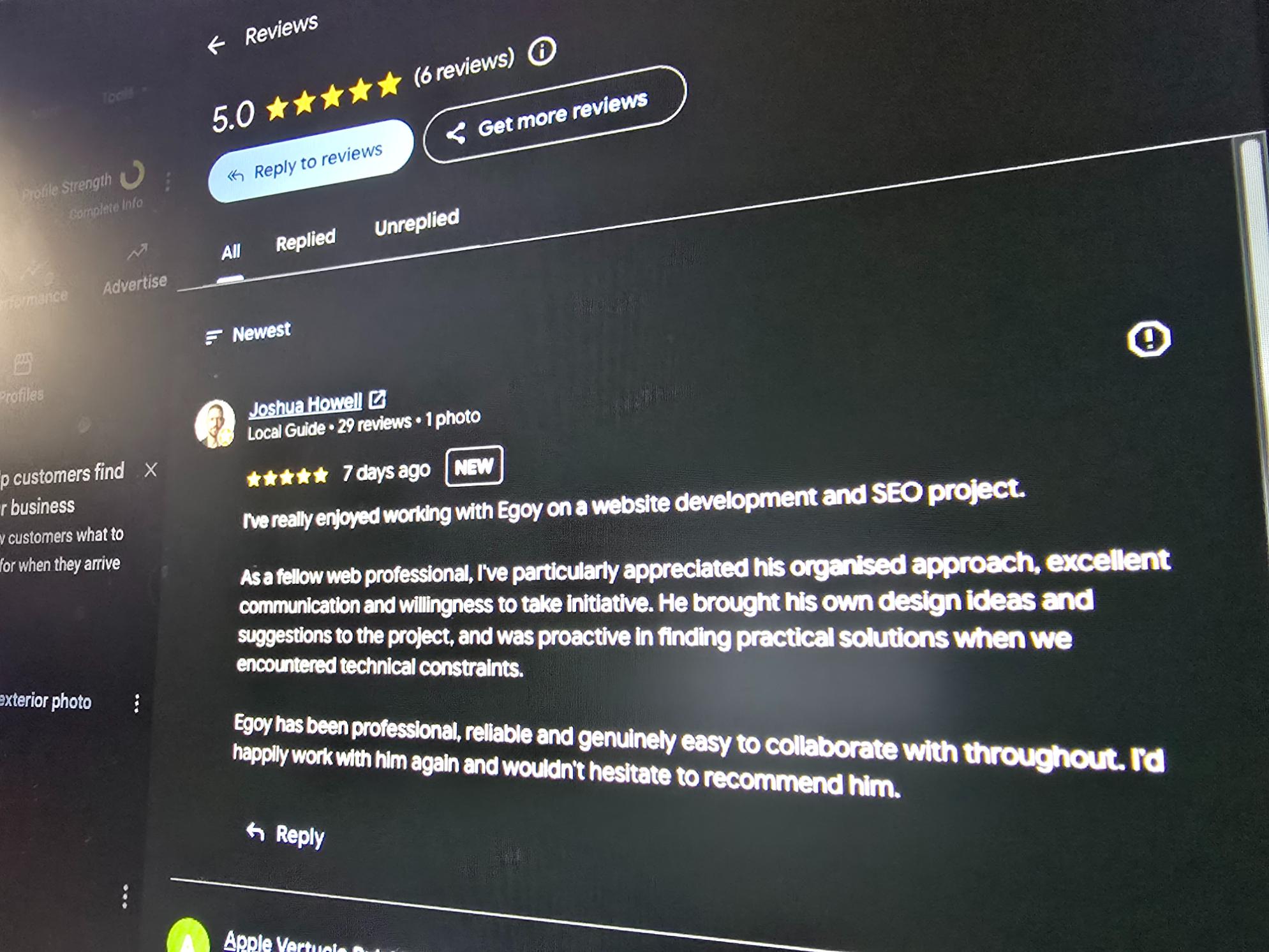
Got a 5-star review from a happy client. Always nice to see these 🙂🙏
Short thoughts, work in progress, lessons learned, & the occasional personal update.
Got a 5-star review from a happy client. Always nice to see these 🙂🙏
You never know what’s gonna happen, so as a freelancer, having backups is a must. Got my new power station from EcoFlow.
And it’s enough to power the whole workstation.
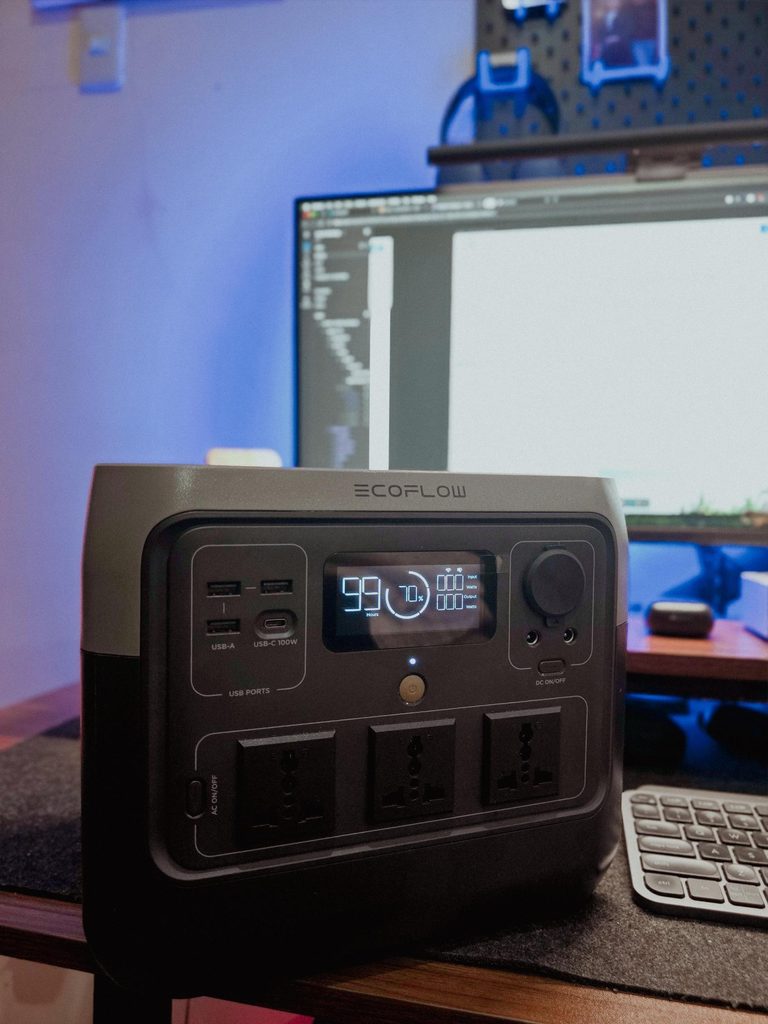
Also I bought a portable solar panel (200W) from a different brand, but it serves its purpose anyway. Gonna upload a photo next time as it’s pretty long when unfolded 😅
Been using my high chair a lot lately since I let go of my old one.
Started getting back aches because of it lol. No choice but to get this ergonomic chair.
Really liking the comfort so far!

The PHP2Shell vulnerability was all over the news this week. Hostinger emailed to say they tested it against their live servers and my sites weren’t affected, and they’re applying the PHP fix automatically anyway.
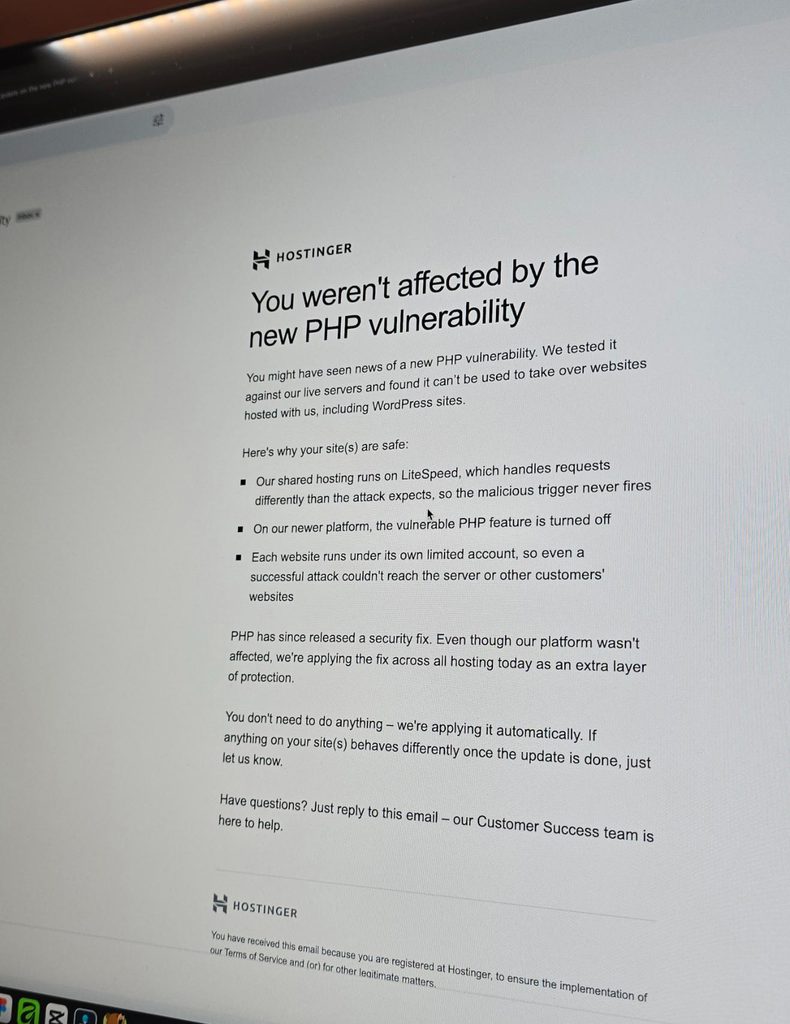
I guess getting good hosting isn’t so bad after all. That assurance really helps in this kind of issue.
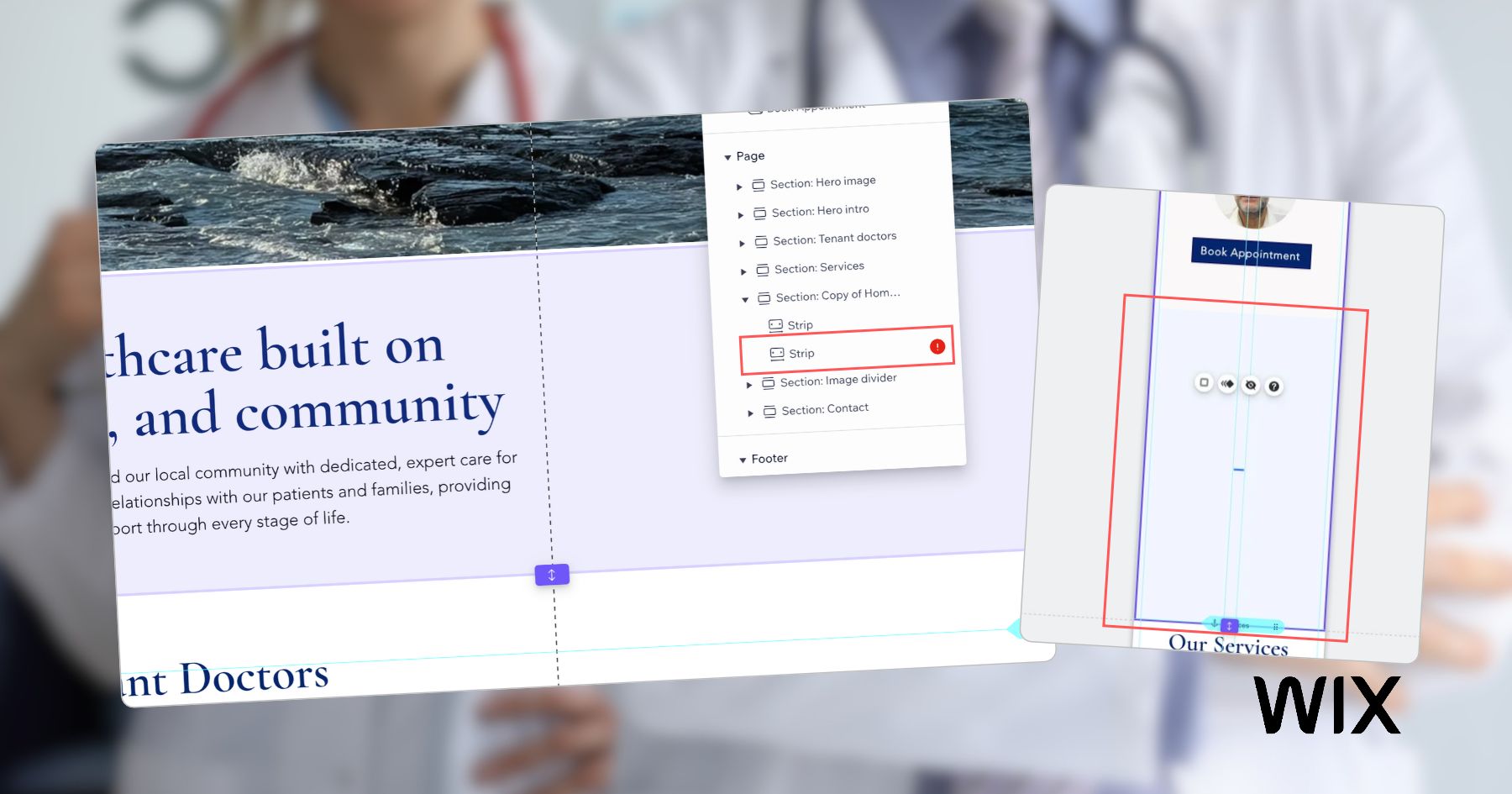
It’s been a while since I worked outside of WordPress. Just finished a Wix project for a healthcare practice, working on some of the design refinements and consistency fixes.
The way you build on different platforms really does differ.
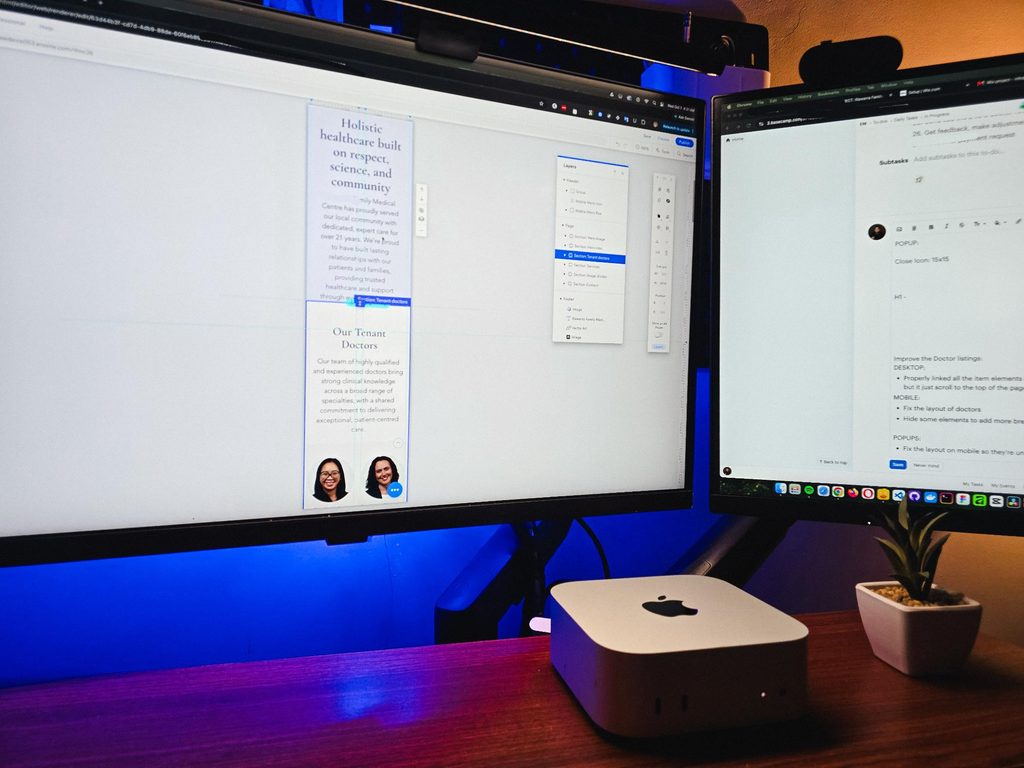
That’s one of the harder parts of freelancing, you need to adapt fast. Enjoyed working on it though.
Recently visited my fiancée’s family, so I got some time off from this workstation and worked from somewhere else for a bit.
That’s one of the things I’m really grateful for with freelancing. You have the freedom to bring your work anywhere and get a change of scenery when you need it.
But yeah, good to be back at this little workspace!
Got my new eyeglasses! Been trying to take better care of my eyes since they take the most stress in this kind of work. So I make sure to get them checked from time to time.
Also, I always go with transition lenses. Just being practical 😅
Classy and functional at the same time!


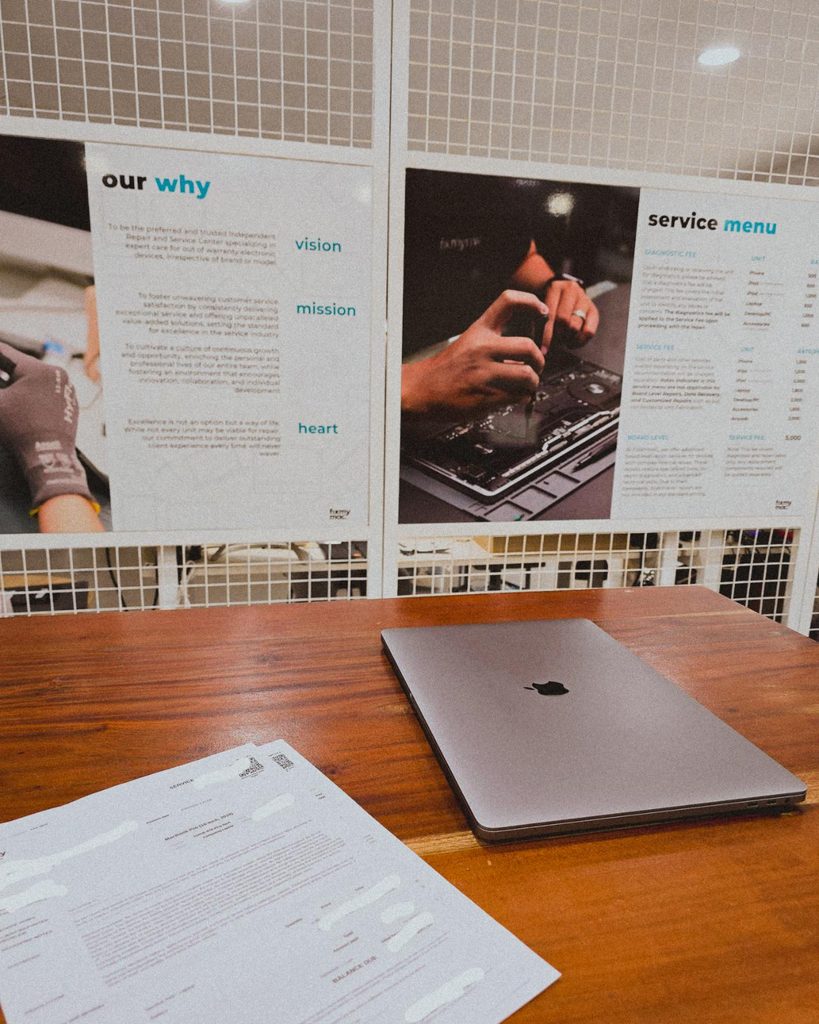
Being a freelancer taught me that you need a backup for everything. Projects, internet, even your computer 😀. Since my main machine is a Mac Mini running the M4 chip, I just needed this laptop repaired as a backup.
But with all the AI integrations these days, PCs and laptops are getting expensive. Even the repairs!
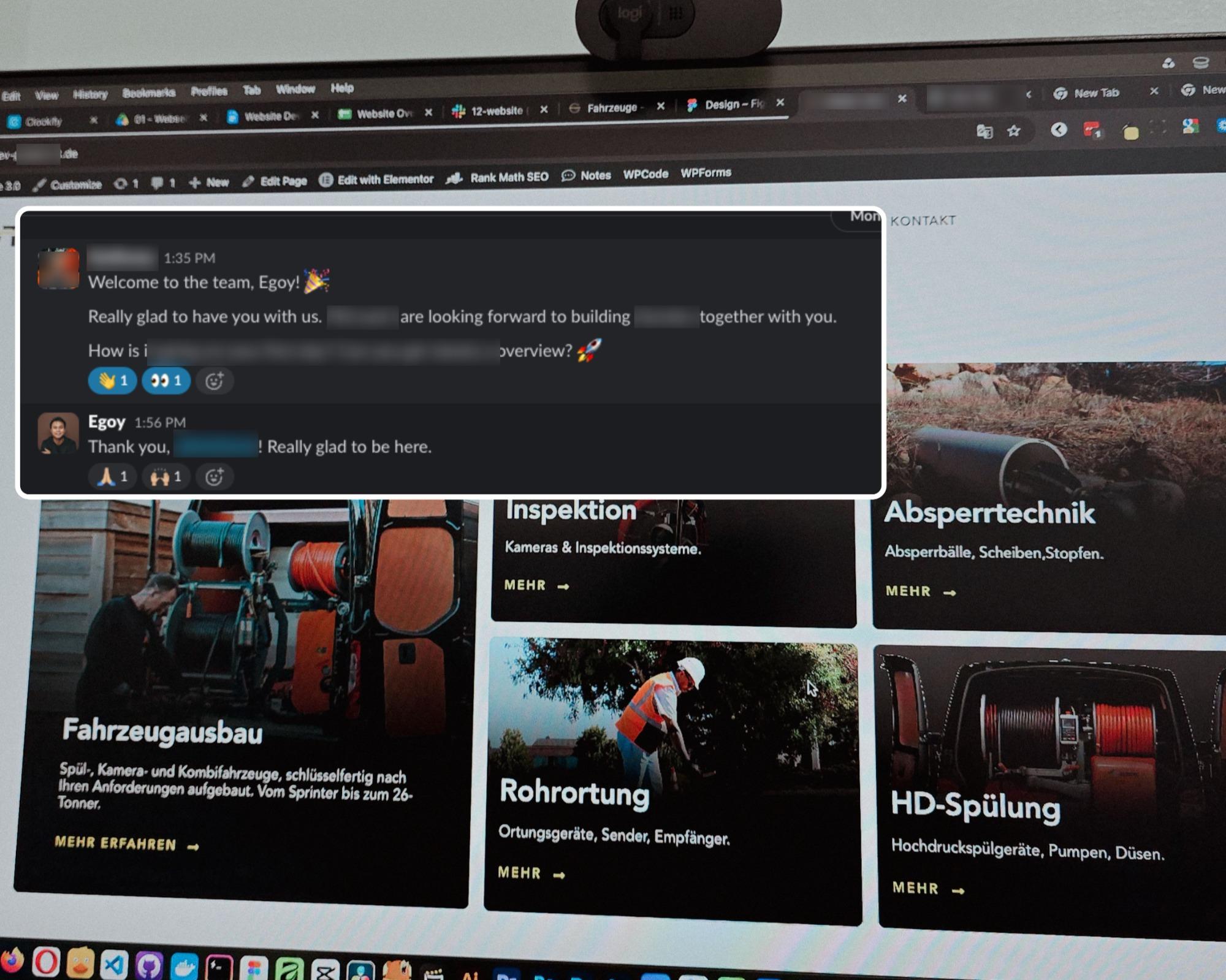
I’m continuing an Elementor project, and I can see myself building custom solutions around it again.
For growing sites with heavy dynamic data and conditional layouts, it’s not really its strongest area.
But it’s still great for marketing sites and for less technical users. Also noticed it now has an MCP, which is a nice plus if you’re using AI.
8 structured data systems in one project. Connecting and strategizing everything so it all works from day one.
I guess freelancing feels fulfilling once you’re done with this kind of project. But the process behind it? That’s a bit overwhelming.
This time I’m not starting from scratch though, the previous provider left it at about 15% progress so I’m just picking up where they left off.
The only real challenge? The language. Shifting from English to Deutsch 😅
Hallo zusammen 👋
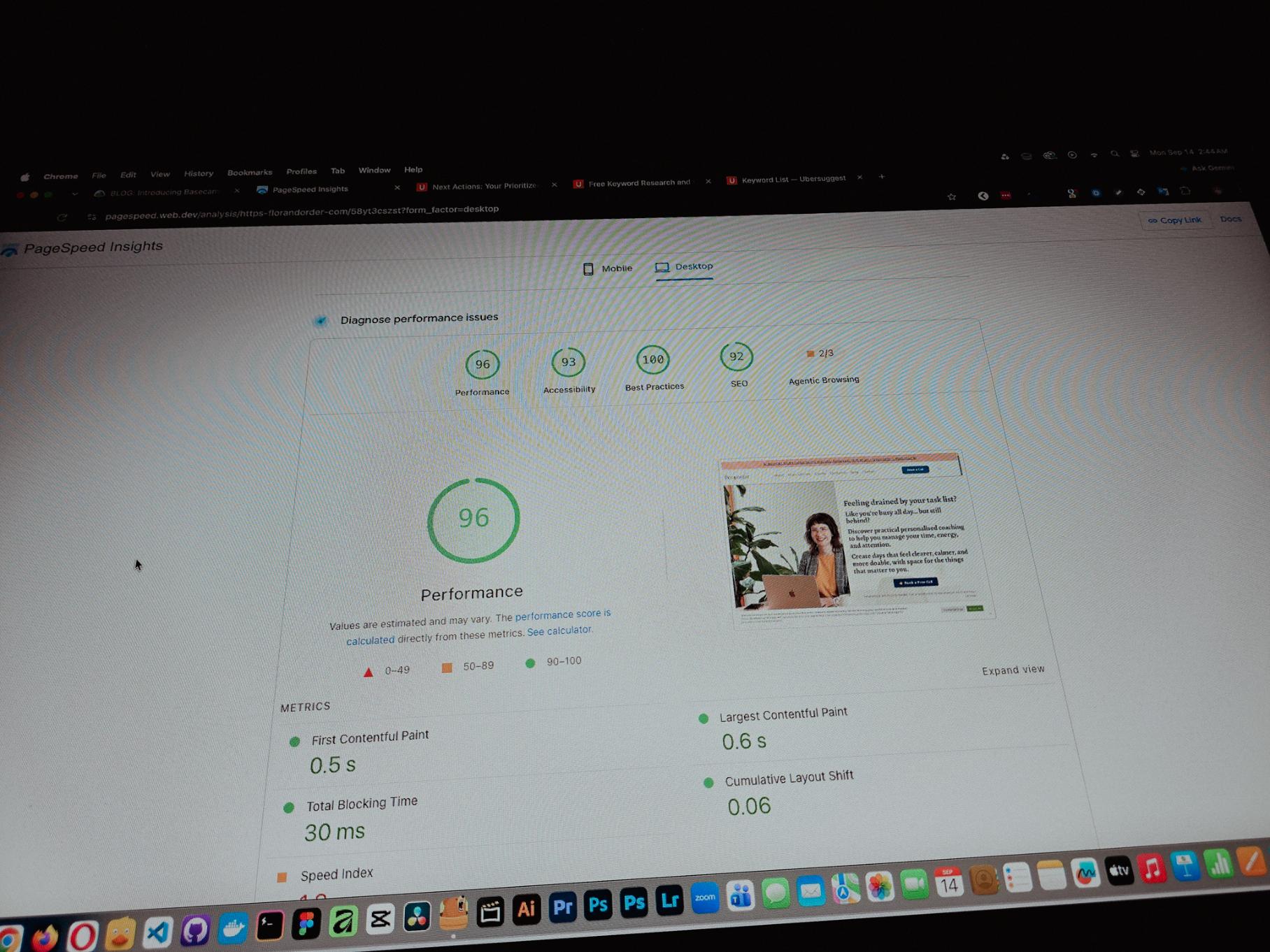
Currently working on one of my monthly site care tasks, checking the speed of a client site. And it’s still performing well. These routine checks don’t look exciting but they keep things running the way they should.
Speed is one of the hardest things to improve on a website because there are so many factors like server, how the pages are built, and the tools used to build them. But I’m still glad I was able to improve this one.
One thing you can’t really control when handling projects is the timeline. It can shift at any point, especially when you’re working with trade businesses.
I’ve tried the more popular ones, but Basecamp is still one of the most straightforward tools out there.
Btw I’m almost done with a new post on how I onboard client projects using it.
Since I left my corporate job last year to go full-time freelancing, I’ve been putting a lot more effort into this website.
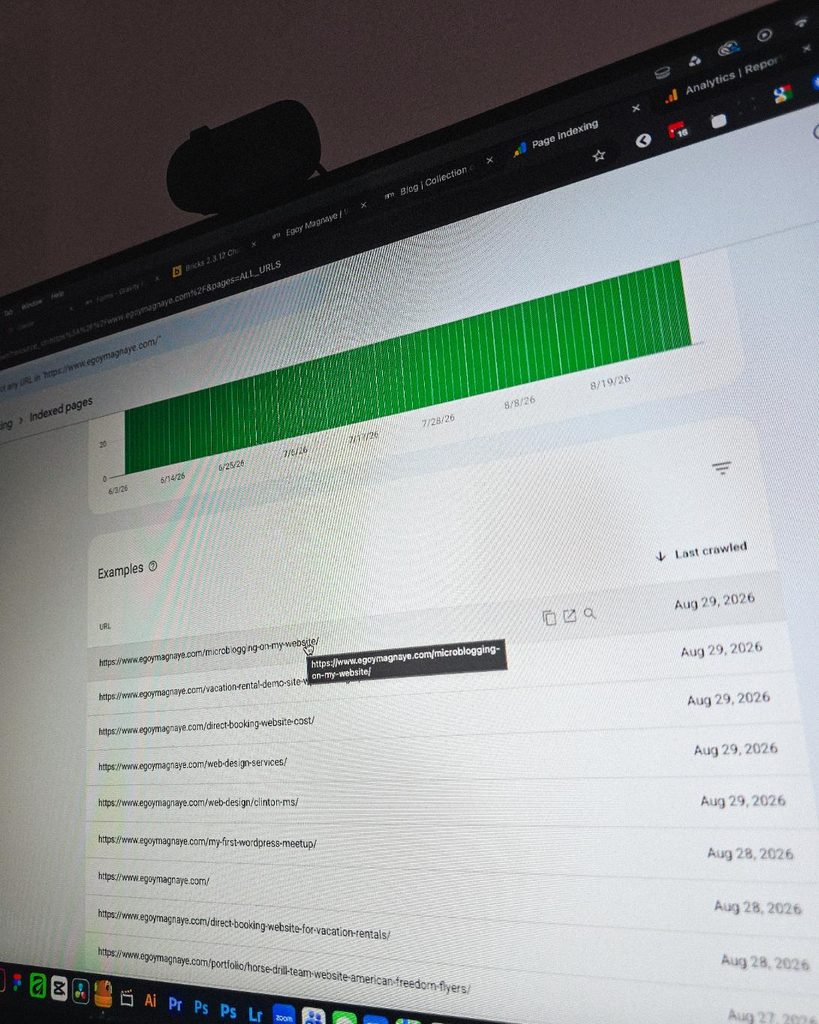
Just added a new post and it got indexed almost immediately.
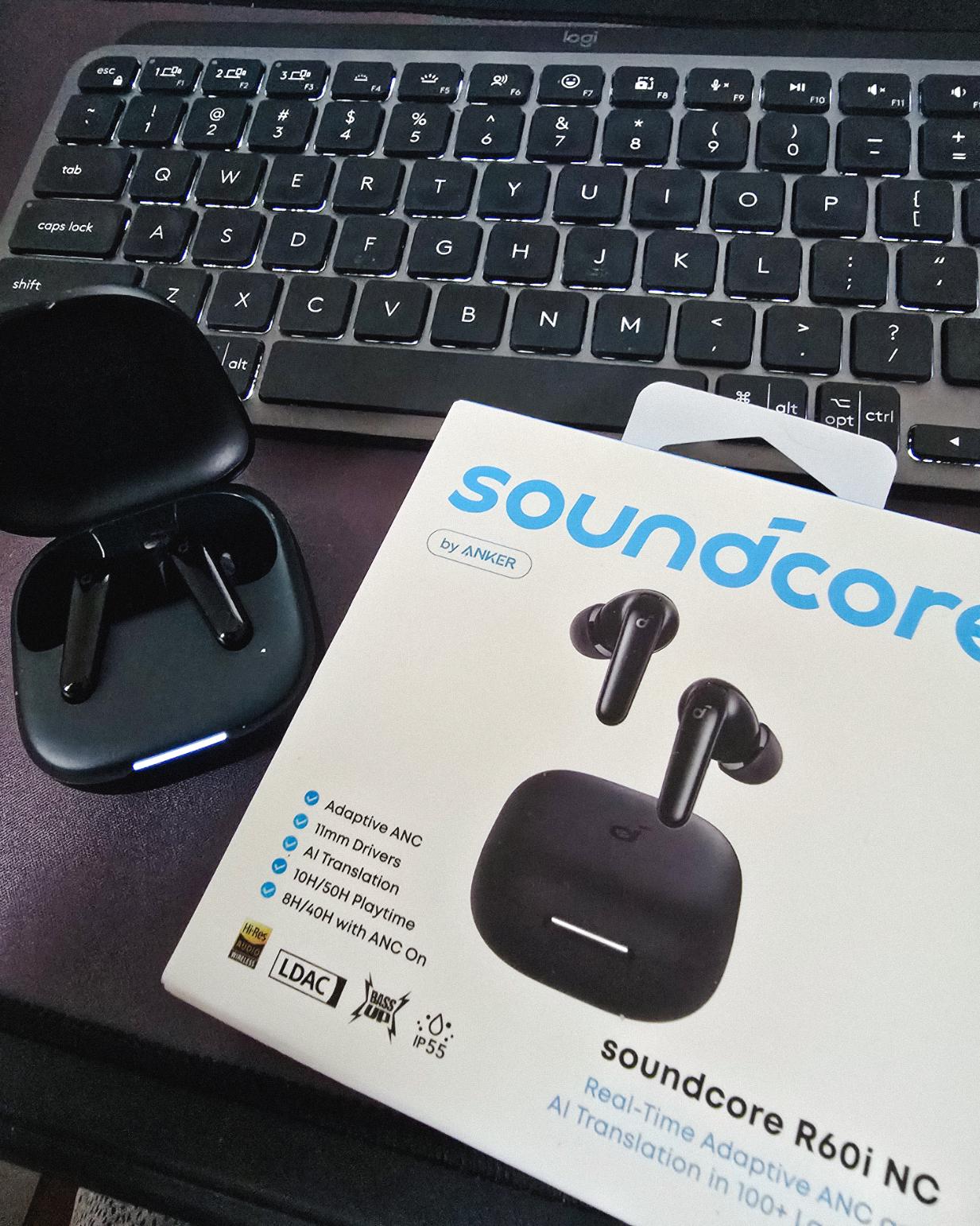
Got my new earbuds from Anker and I’m really liking the noise cancellation so far. Been using the one from Baseus for 2 years and it finally needed a replacement.
Looks small but this pair really helps when I need to focus.
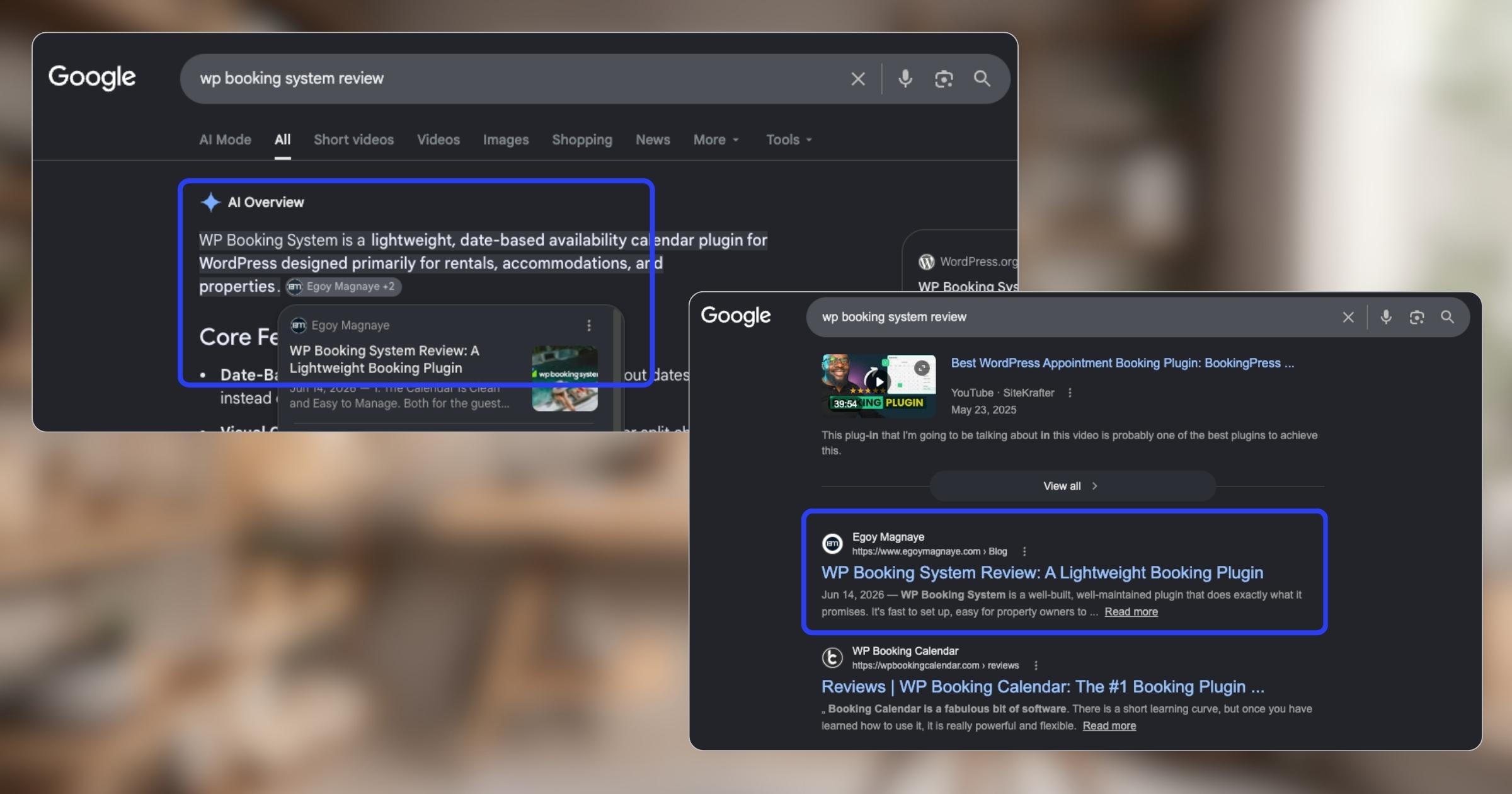
My WP Booking System review is now showing up in AI Overviews and SERP, just like my Bricks Builder one. Been ranking for both too.
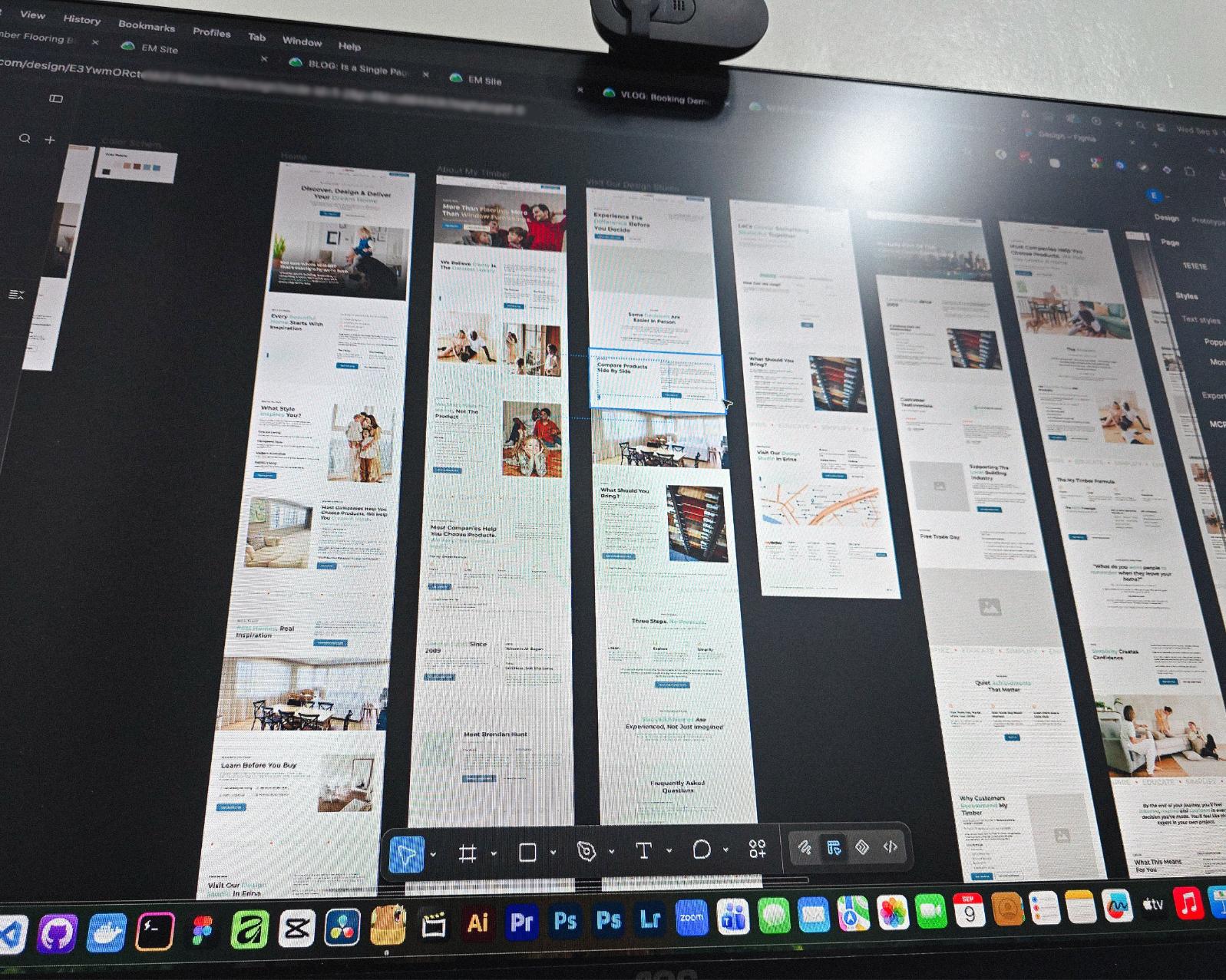
Found some old clips of my website designs done on Adobe XD. Different versions of my site over the past 10 years. A lot of testing and trial and error. It’s been a journey.
Had to switch to Figma with all the issues around XD being phased out.
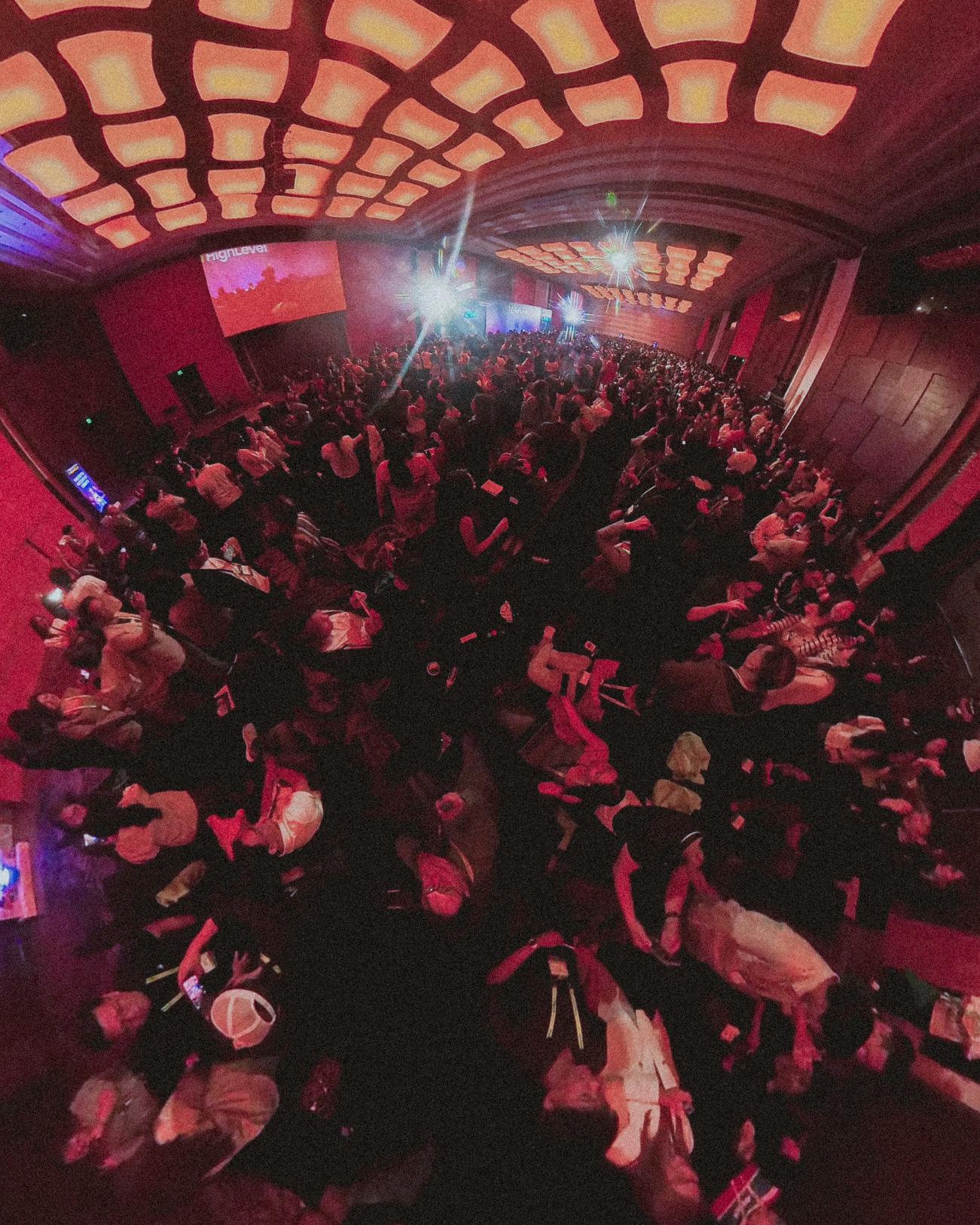
I can’t remember if they’re going to post recordings of the 2-day event, but I was still able to gather some insights from my phone and memory 🙂
Here’s the new blog about HighLevel Live Manila.
Since I’ve already added more than 10 notes, I can say I’m really liking this new feature on my website.
See the full post on why I added microblogging to this website.
Reader Disclosure
Disclosure: I may occasionally include affiliate links in my posts or pages. If you click on one of these links and make a purchase, I may receive a small commission, which helps me keep this website running and create more useful content. However, this does not affect my opinion on the product or service in any way. I only recommend products and services that I truly believe in and use myself.
Developed for a home-improvement company in Australia. These three separated widgets are part of their website which provides a custom product enquiry process.

This article may contain some technical terms which provides an overview of how I constructed this custom functionality. If you have any questions, please let me know.
This time, the problem will not come from the client but the development approach. The client only wants a separate enquiry form for each product. These forms work like an “add to cart” functionality in an e-commerce website. But instead of adding the products to the cart, they want their customers to add the products in the global enquiry email.
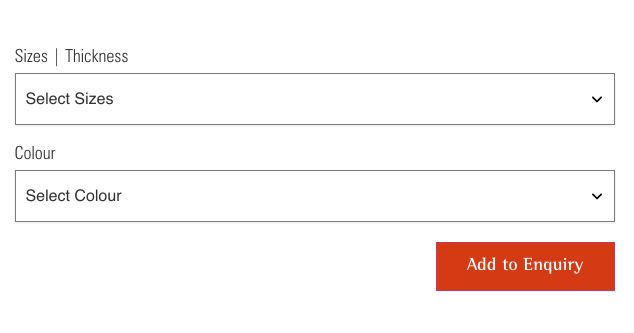
The main enquiry form was generated using Contact Form 7, a contact form generator in WordPress.

I can just create separate enquiry forms in Contact Form 7 then add them to each product. I can also customize these forms to disable the form submission and just save the submitted values into some kind of storage like the Local Storage.
That would be a good solution, right? But there are features that the client wants that will just make the functionality development complicated.
First, the client wants a “cart” like widget where they can see the products that were added to their enquiries. For every product that was added and removed, the “cart” like widget needs to update as well.
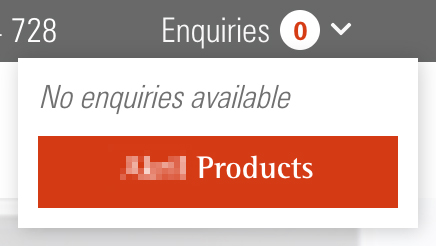
Another feature, although this feature was not requested by the client. I want to add a section in the main contact form where the customers can see all the products they have added, the customers can also remove a product if they want. I think adding this feature will improve the user experience.

I’m sure you notice what will be the issue.
Each widget is separated but these widgets must communicate to each other to update their view or their UI. The widgets must share the same state so they will update in real-time.
You might notice as well that these widgets are located in a different part of the website, one in single product pages, the “cart” like widget is in the main header and the overall enquiries list is on the Contact page. They don’t share the same parent DOM element.
A little heads up! These widgets are built using React but if you know how React works, all the components are rendered to a parent DOM element by default.
Now let us go to the next section and talk about how I built the features and came up with a solution.
I’m not saying that this is the correct way of doing this kind of customization but I just want to share how I did it. I know there are lots of ways how to accomplish this. Please understand that these are just an overview and not the complete process.
Let us talk about how I built each feature first and later how I connected each widget.
All the form data was dynamically generated by the back-end. The client website was using Advanced Custom Field plugin, a plugin that provides custom fields or data. I think it’s better and much faster to use it than to build a custom form input generator.

Then I used these form input data and integrate them with Formik so that I have a dynamic form for each product.
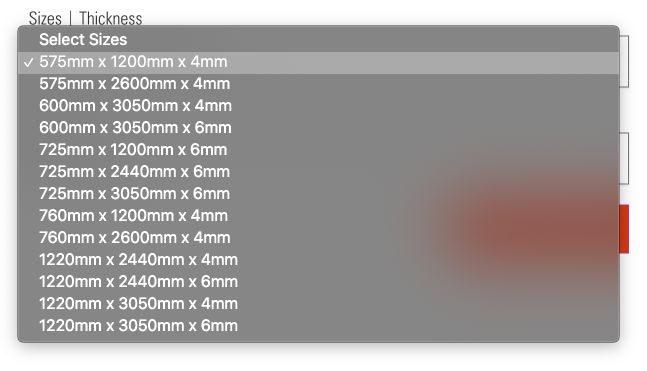
These forms do not need to send something, it just needs to update the state. I used React Context and React Hooks to control the global state instead of Redux state management package. If the customer submits the form, the submitted values will be saved to the global state.
This widget was located in the main header. This widget will show the total of enquiries the customer has and also the title of the items.

Whenever a customer submits a product enquiry or removes an item, this widget will update.
This widget gets its data to the global state. This widget was built also using React but in separate parent DOM element.
This section was added to the main contact page. Before the customers submit their message, they can review their products. They can remove product items if they want.
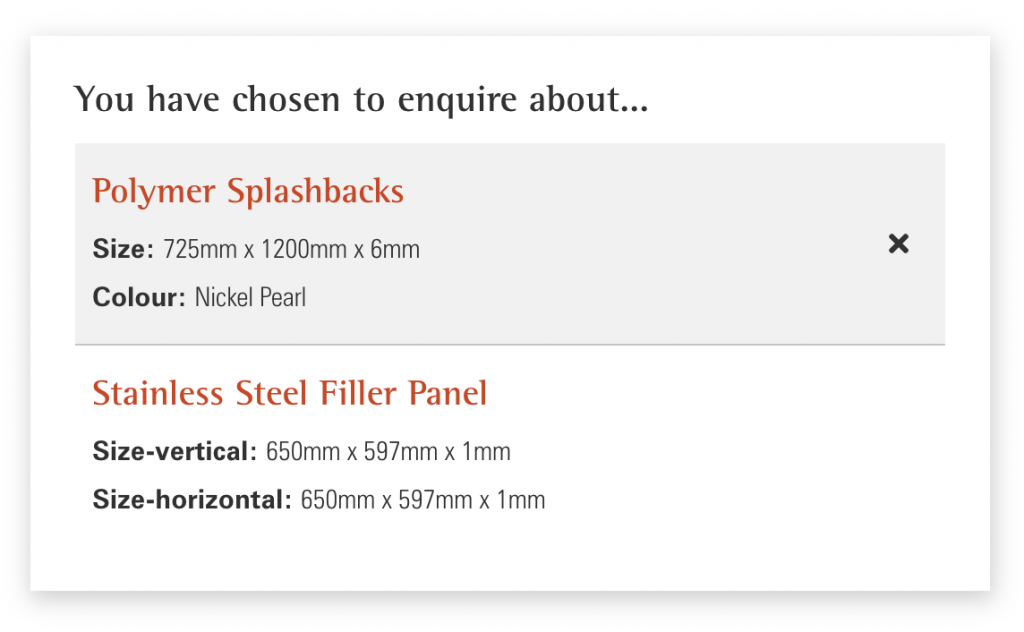
All the products that they have added will be included in the main contact form submission.
This was also rendered on a different parent DOM element, and it gets its data to the same global state as well.
So the question is how I connect these three components and make them share the same global state?
Well, React has a feature called Portals, you can create different React components and attached them to a different parent element. Basically, this portal serves as a bridge to these separated components so they can still communicate (in a way).
In my case, I just created different portals by using the “createPortal” method and enclosed all the components into the context provider. By doing this, even though they are separated they will still share the global state.
To be honest, I can’t remember what is the exact reason why I came up with this approach. As far as I can remember, my first solution was to depend only on every update of my global state in Local Storage.
That solution was not working, I’m not sure why. When I tried testing it by adding a new product enquiry, the overview widget in the header was not updating in real-time. The overview widget will only update after the next product enquiry submission, some sort of a delayed update.
Well, I have deadlines to meet, I need a better solution and Portals help me with these issues.
After years of supporting AU business websites, the same improvements keep making a difference. Here…
A quick method for finding and removing the hidden strip causing unnecessary white space between…
How my web design client onboarding stays organized from day one using Basecamp & what…