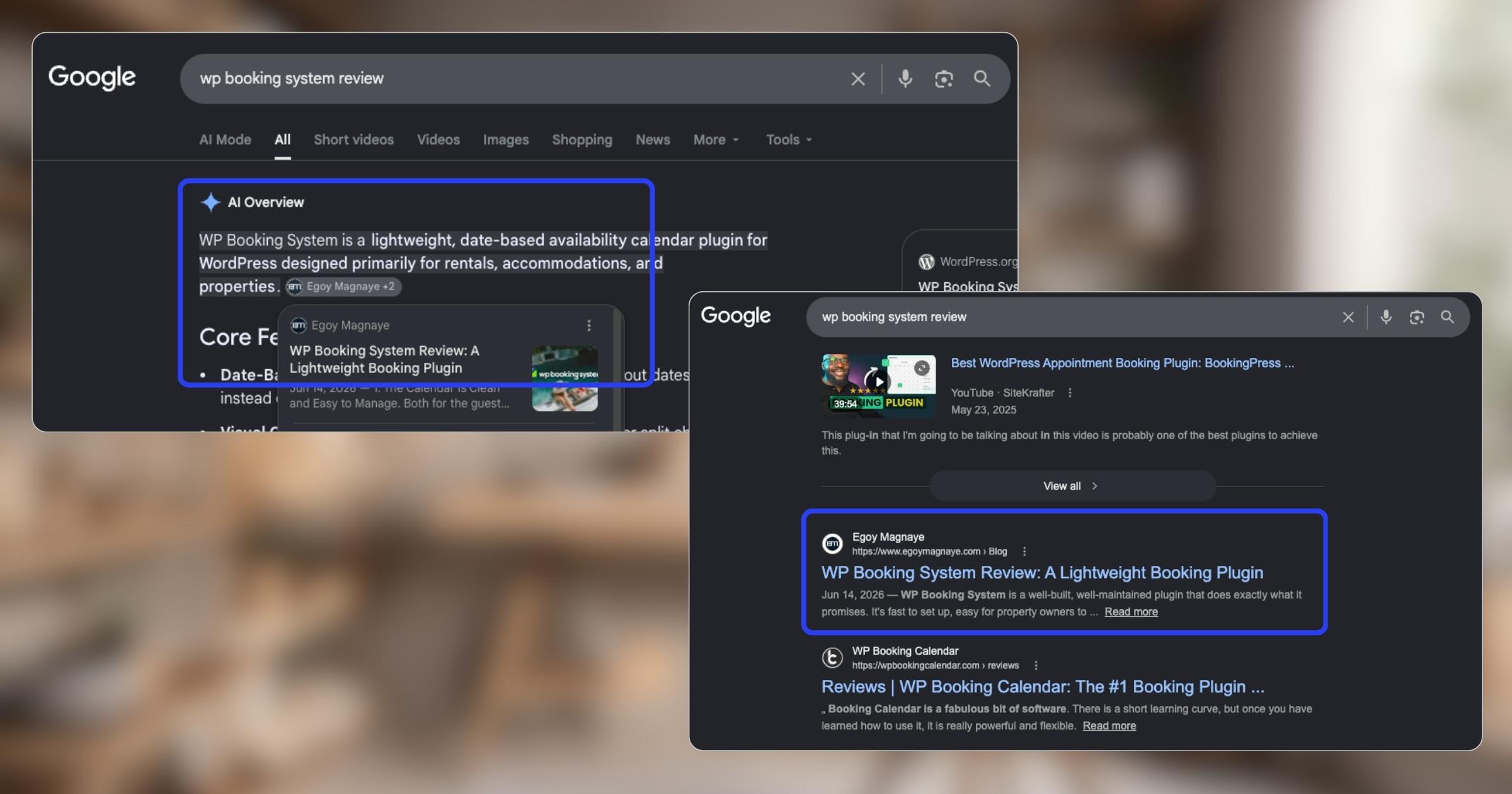
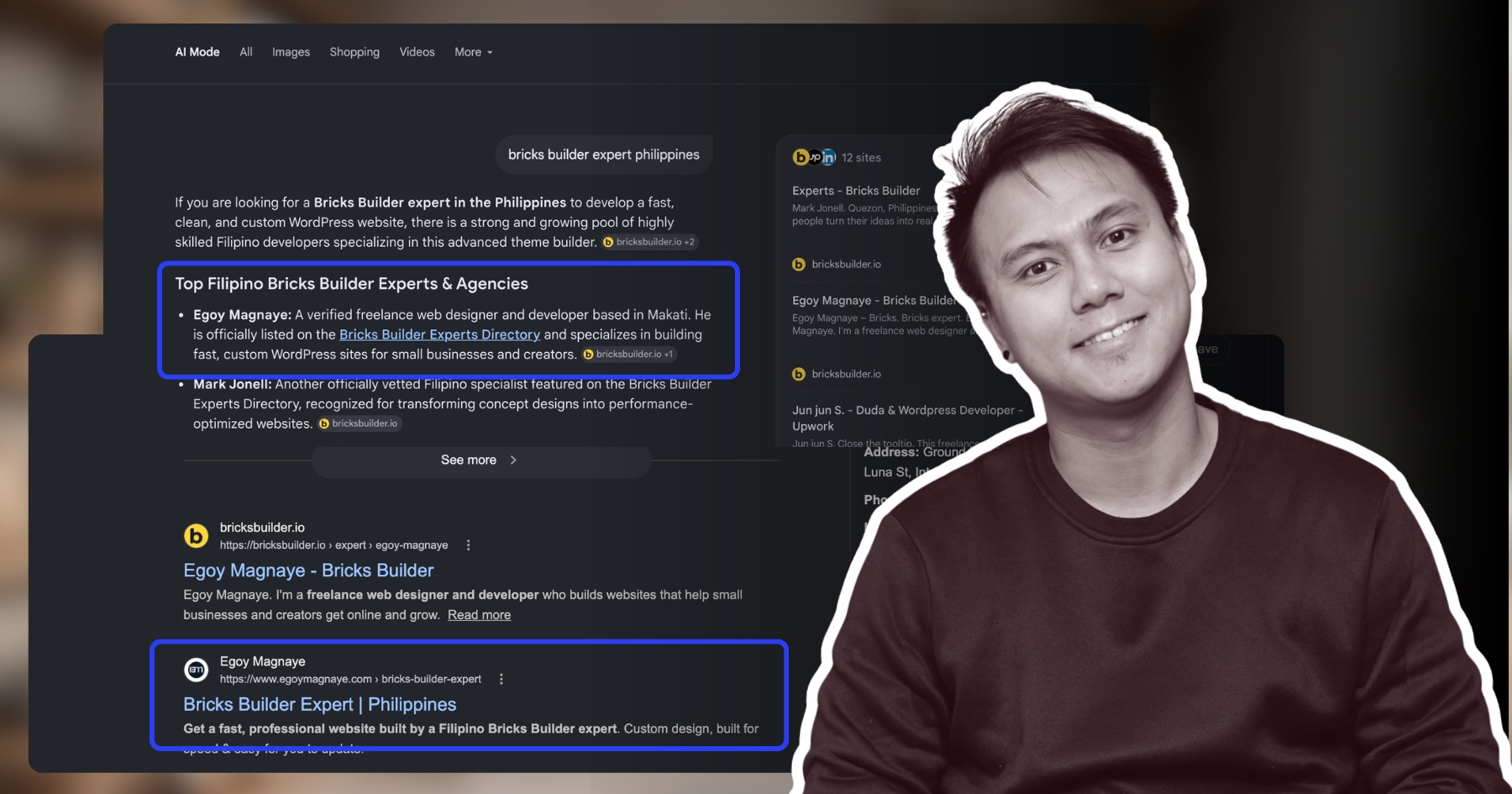
My WP Booking System review is now showing up in AI Overviews and SERP, just like my Bricks Builder one. Been ranking for both too.
Short thoughts, work in progress, lessons learned, & the occasional personal update.
My WP Booking System review is now showing up in AI Overviews and SERP, just like my Bricks Builder one. Been ranking for both too.
Found some old clips of my website designs done on Adobe XD. Different versions of my site over the past 10 years. A lot of testing and trial and error. It’s been a journey.
Had to switch to Figma with all the issues around XD being phased out.
I can’t remember if they’re going to post recordings of the 2-day event, but I was still able to gather some insights from my phone and memory 🙂
Here’s the new blog about HighLevel Live Manila.

Since I’ve already added more than 10 notes, I can say I’m really liking this new feature on my website.
See the full post on why I added microblogging to this website.
Nah maybe a discount 😅
But seriously, if you’re going with WordPress, at least use a solid page builder like Bricks (my bias), Beaver, Divi, or Elementor. Launching a site is just a small part of it.
Building new pages and optimizing over time is the long game, and your site builder matters for that.
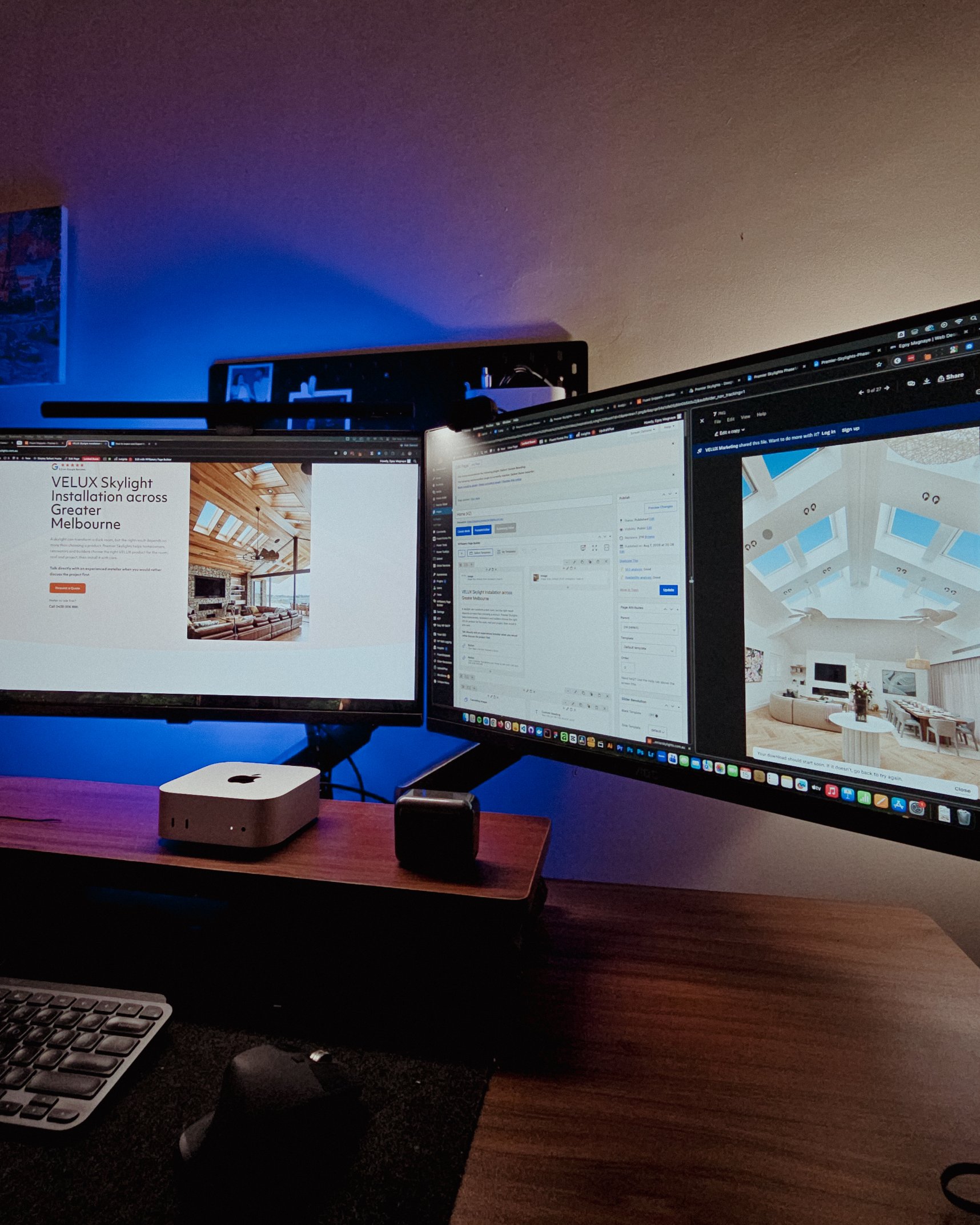
Looking at these skylight photos all day got me thinking. What’s it like living in a house with a transparent roof like that? Then I imagined having one here in PH. Sounds great when it rains. Then summer hits 😂
jk, these skylights are actually automated and packed with features.
WPBakery might be the only page builder where the experience is equally rough whether you’re using backend or frontend editing. Divi handles this way better.
Sorry, I keep comparing these two because they both offer both modes, but the quality gap is real. Credit to the Divi team for getting that right!
I just realized I wasn’t able to record everything. Now I’m trying to piece together all the info I remember and the photos I have.
The insights they shared were pretty overwhelming 😅

I have an urgent page build using WPBakery. Although we have a 1-week deadline, I’m confident I can deliver. But seriously, at least give us a custom CSS field per widget. Even Divi has that!
I’m not really the type to rant about tools I use for work. I get that every builder is built differently. But every time I have a project using this one, it just takes so much longer than it should.
You know, one thing that still bugs me is not asking my old clients to leave their review on my Google Business page.
I just collected them through email or other apps. Should’ve known better 😬
You know what makes doing this stuff worth it? People who still remember you and refer you even if you haven’t spoken in a long time!
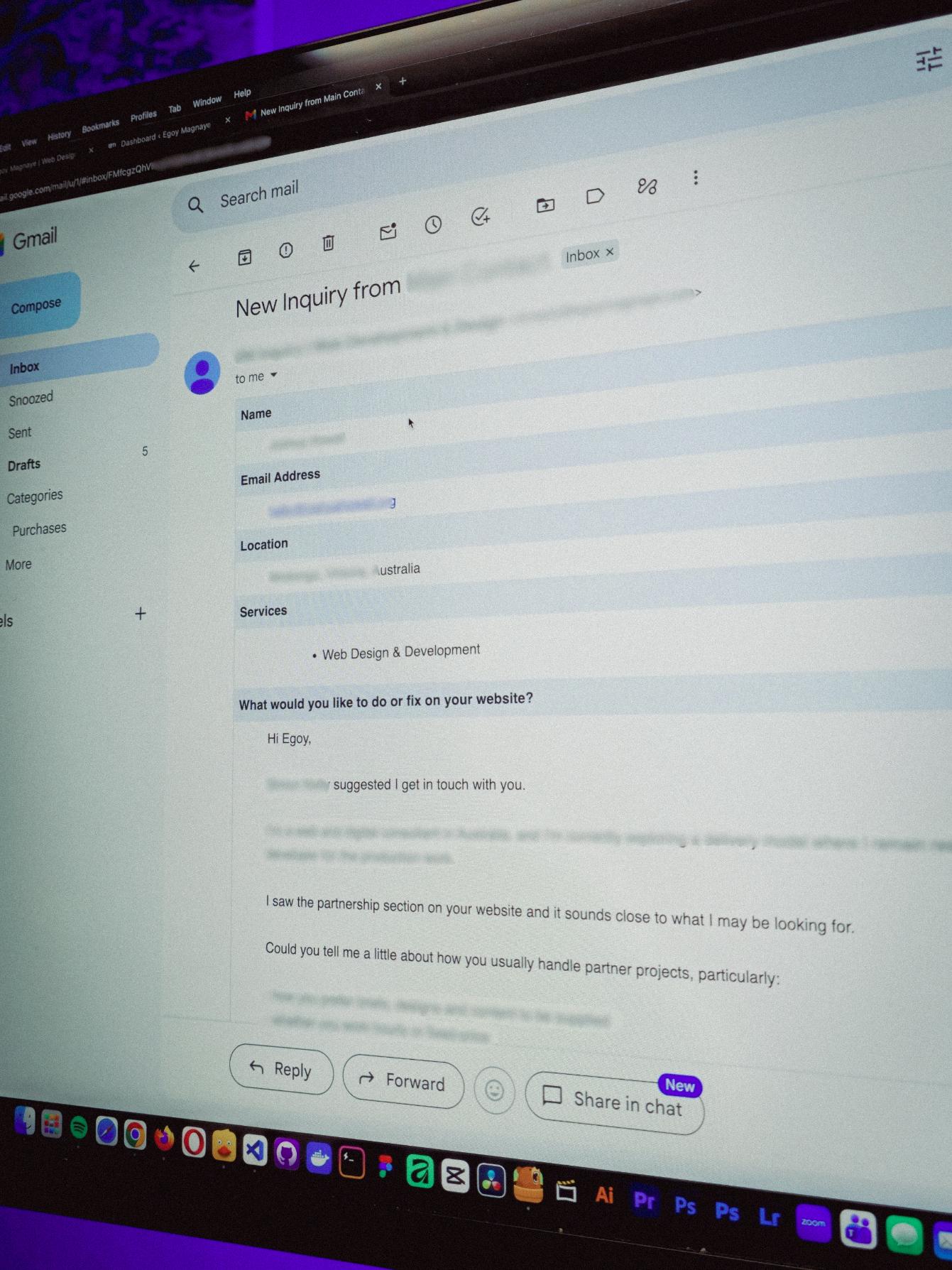
Just got an inquiry! Turns out someone I spoke with 2 years ago referred them. As a small service provider, that kind of thing means a lot 🙂
Late night timelapse of us getting things done. I don’t know why, but I always feel more productive at night.
Also, I just recently got that standing desk, and I can’t appreciate enough how helpful it is when you’re getting older 😂
See those long page designs? It’s still Wednesday but I guess I’m gonna be working even on the weekend 🥲
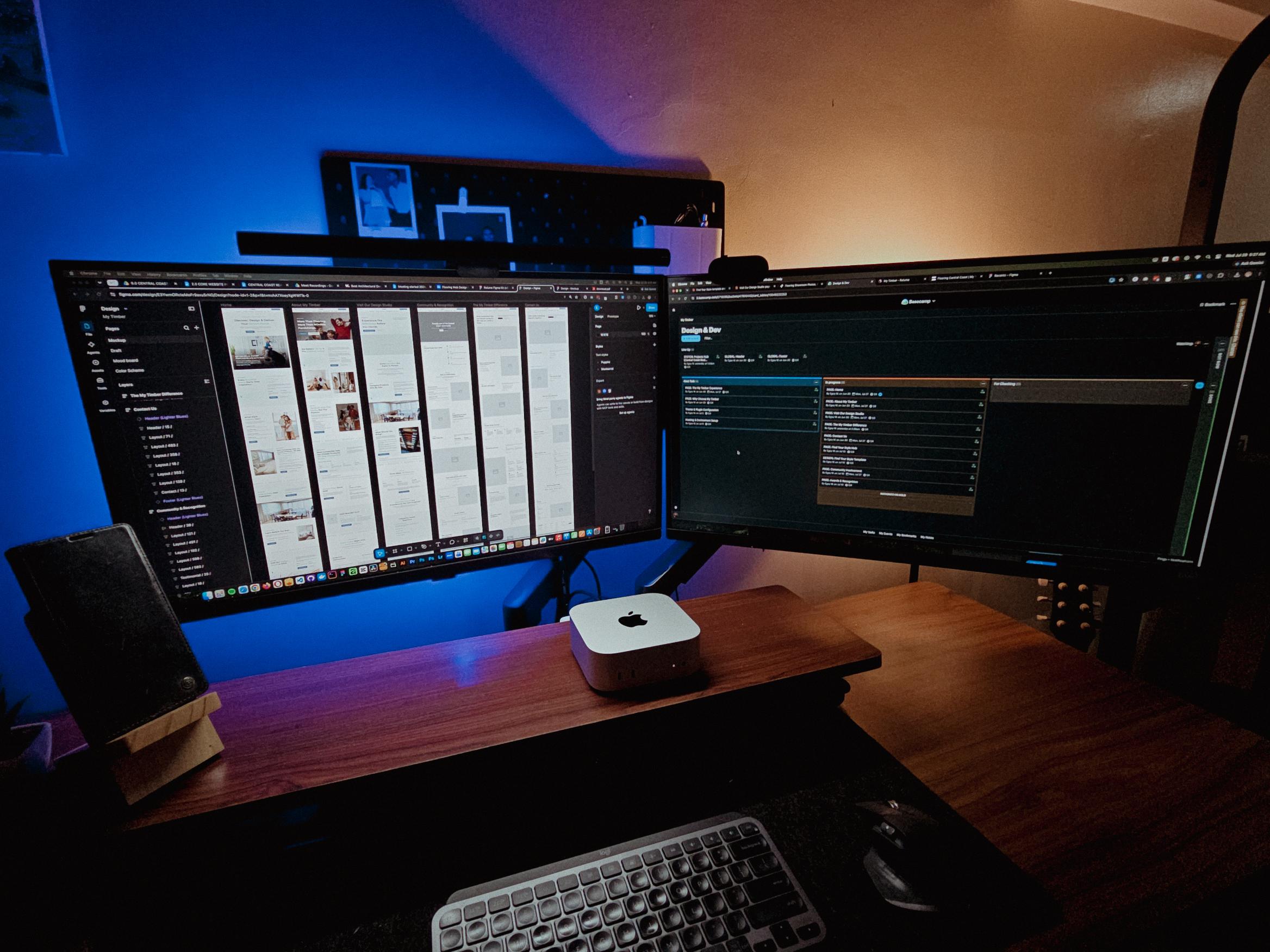
I’m not sure if this is just me, but handling web projects + creating content at the same time is kinda stressful.
Especially when you’re working on it alone. Still grateful for it though.

Finally set up a quick way to share thoughts on my site. Not everything needs to be a full blog post.
New blog about this feature coming soon!

Reader Disclosure
Disclosure: I may occasionally include affiliate links in my posts or pages. If you click on one of these links and make a purchase, I may receive a small commission, which helps me keep this website running and create more useful content. However, this does not affect my opinion on the product or service in any way. I only recommend products and services that I truly believe in and use myself.
A while back, I wrote an overview post explaining how I developed my website using Next.js. Now, in just a short period of time, I’m sharing this post explaining why I decided to switch back to WordPress after using Next for my website.
I’ll walk you through the factors and reasons why you might not want to build your site from scratch. I hope this helps you make a better decision, especially if you’re planning to create your first website for your business. But first, a quick intro to this framework.
If you would like to check the old version of my site, which was built with Next.js, it is still available for viewing. However, please note that the site’s content was replaced with test content as it is only being used as a sample. I have deactivated its search engine indexing capability to prevent it from being indexed.
For those who are not familiar with Next.js, it is a popular framework used for building scalable and dynamic web applications and websites. Think of it as a tool that helps developers create web applications and sites from scratch with less complexity. There are several alternatives to this framework gaining popularity nowadays, but I personally find Next.js easy to use because I have experience with React.js, which is the main library behind it.
One of the main reasons I built my website with Next is because I wanted to learn how the framework works. I believe it’s much faster to learn new skills when you’re actively building things, rather than just following tutorials continuously. Yes, you can learn by watching courses or tutorials online, but if you want to truly develop a skill, you need to start building your own projects.
I won’t overcomplicate this, but one of the main reasons I switched back is simply because WordPress is already a content management system. It’s so easy to add and update content. Don’t get me wrong, you can still achieve this in a Next.js environment by implementing it as a headless CMS (which is what I did on my previous site).
The biggest difference for me between using Next.js and WordPress is that with Next, you still need to develop the front-end of your site from scratch. There are front-end CSS frameworks that can help build pages faster, like Tailwind UI and Flowbite UI. But building sites in WordPress is much easier because it offers page builders that can help develop pages much quicker.
Having a website is not just about the interface. Your website represents your business online, expanding your reach to potential customers. When you’re creating a website, it’s important to consider how you can always improve it to make sure users can use it effectively.
This was one of my weaknesses on my previous site. I couldn’t immediately improve or enhance it because I had to build new functionality from scratch while juggling a day job and my freelance work.
I reached a point where I just wanted to easily add content and features to my site without building everything from the ground up. I work on multiple websites for clients, and coding and maintaining my own site on top of that has become too time-consuming.
As you know, freelancing involves more than just one task. As a freelance web designer and developer, I’m responsible for everything from marketing and planning to handling business matters and completing projects. That’s why I decided to make the switch again so that updating and improving my site wouldn’t consume most of my time, letting me focus on what’s more important.
I get this question sometimes, and it’s a fair one considering where AI coding tools are today. But I launched that Next.js version of my site in the first quarter of 2023. AI coding tools existed back then, but they weren’t nearly as capable as they are now. Building and debugging full projects with AI? That didn’t really become a thing until 2024 onwards.
So when I was building my Next.js website, using AI to speed things up wasn’t really an option. If I were starting from scratch today, would I still hand-code a Next.js site? Probably not. If there’s a way to make things faster so I can focus on what actually matters, I won’t mind using it. Back then, a page builder was still the most practical way to get there.
I didn’t do a traditional migration where you export everything from one platform and import it into another. My Next.js site was custom-built from scratch, so there wasn’t a plugin or tool that could just transfer it over to WordPress.
What I did was rebuild the site. I set up a fresh WordPress installation on Hostinger, picked a page builder, and started recreating my pages from the ground up. The content itself, my portfolio pieces, blog posts, and internal pages, I just copied over manually. It wasn’t a huge site at the time, so this was manageable.
This wasn’t a quick switch though. Even with WordPress making things easier on the content side, you still need to think about your design, your structure, and how you want the site to function. I spent a good amount of time just planning the layout before I started building anything.
If you’re coming from a custom-coded site like I was, just know that there was no shortcut at the time. You’re rebuilding, not migrating. But the upside is you get to rethink everything. I ended up with a cleaner, more focused site because of it.
When I switched back to WordPress, I had to choose a page builder. I’ve used several over the years on client projects: Elementor, Beaver, Divi, even WPBakery. But for my own site, I went with Bricks Builder.
The main reason is how clean the code output is. Bricks generates lightweight, semantic HTML compared to most page builders, which tend to add extra layers of unnecessary elements. For someone who writes custom CSS regularly, that matters.
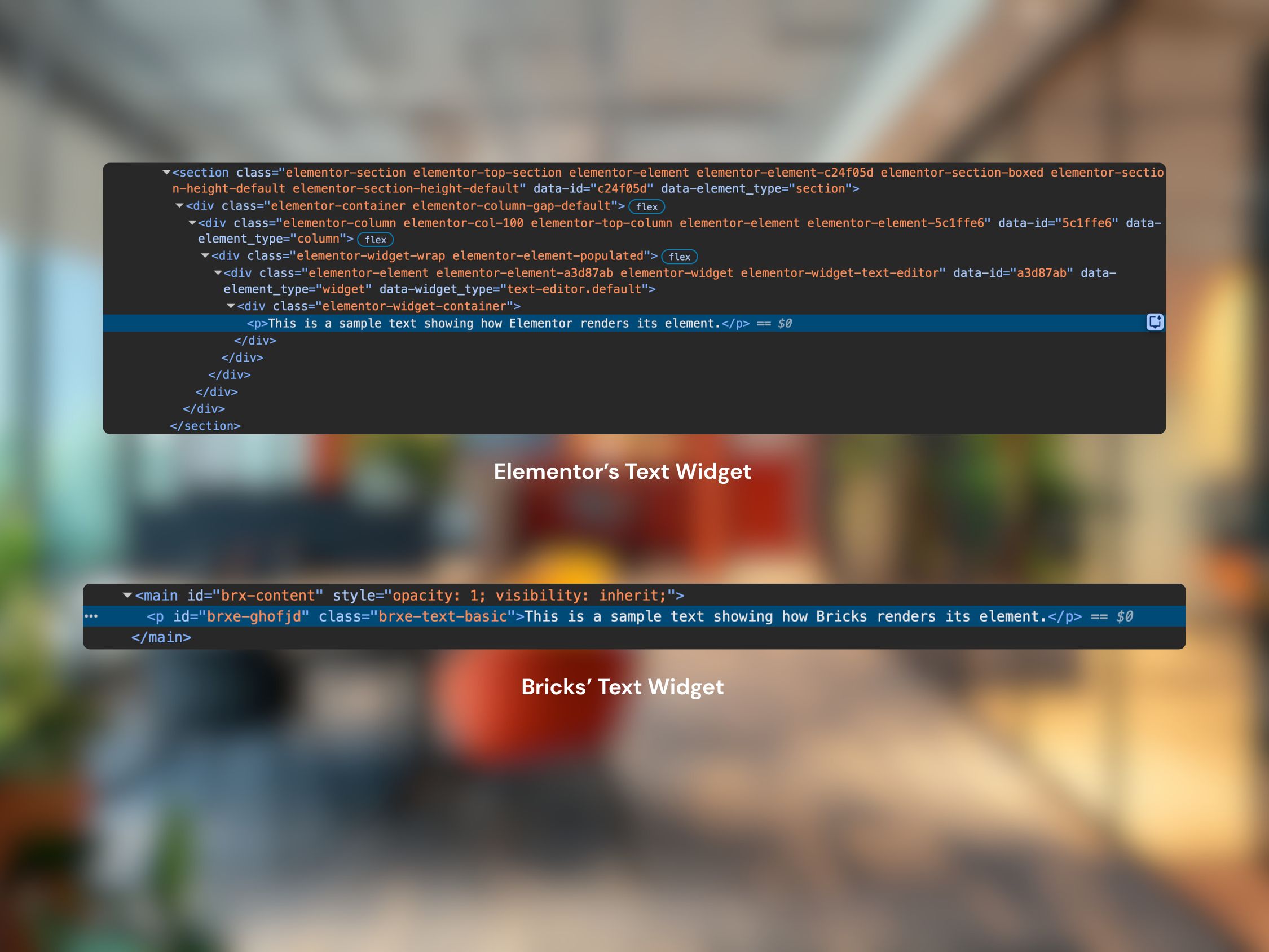
I also like that Bricks gives me control without fighting the tool. I can write my own CSS directly within the builder and structure elements the way I want. It feels closer to hand-coding but with the speed of a visual builder.
It’s not the most popular page builder out there, and I get that. If you’re not comfortable with a more complex page builder, something like Elementor or Divi might feel more intuitive. But for developers and designers who want a builder that stays out of the way, Bricks is worth a look.
Let me walk through what actually changed when I moved from Next.js to WordPress.
One thing I do miss about Next is static site generation. With SSG, your pages are pre-rendered at build time, so when someone visits your site, they’re loading a static HTML file instead of waiting for the server to process a request. Pair that with Next.js’s built-in caching and the fact that I was hosting on Vercel, and I barely had to think about performance. Vercel is built to complement Next.js, so things like edge caching, image optimization, and automatic CDN distribution just worked out of the box.
On WordPress, performance takes more effort. You’re dealing with a dynamic CMS that processes PHP on every request, queries a database, and renders pages server-side. I’m on Hostinger’s managed WordPress hosting, which handles a lot of the optimization for me: server-level caching, PHP version management, and automatic updates. So it’s not like I’m constantly tweaking things. But it’s a different setup compared to serving static files from Vercel.
That said, for a portfolio and business site, the performance I’m getting on WordPress is more than enough.
Vercel was on the complimentary tier, so hosting my Next.js site didn’t cost me anything. Just my domain renewal. For a personal site, it’s hard to argue with that.
On the WordPress side, I’m paying for Hostinger’s managed hosting plan. It’s affordable, and since it’s managed, I don’t have to worry about server maintenance, security patches, or any of that.
So from a pure dollar amount, Vercel was cheaper. But the real cost with Next.js was time. Every new page meant writing components, pushing to GitHub, and waiting for a build. On WordPress, I can get a new page up and running much faster, even with the planning and optimization that goes into it.
Here’s the thing that people don’t always consider: whether you’re using WordPress, Next.js, or any other framework, the SEO work is the same. You still need to do keyword research, write proper meta titles and descriptions, and structure your content properly. The platform doesn’t change that.
What does change is how everything comes together. My Next.js site was actually a headless WordPress setup. I wrote content in Gutenberg, and Next.js pulled it through the REST API. The writing part was fine, but I was maintaining two separate systems. Any layout change or design update still meant going into the code, pushing to GitHub, and redeploying.

Now, everything lives in one place. I write content, build pages, and publish all within WordPress. The SEO fundamentals are the same, but the process is so much smoother. I’ve put out more content since switching than I did during my entire time on Next.js.
When I made the switch, my site was still relatively small. For the first seven years of having a website, I was mostly just using it for job applications and gigs. I wasn’t ranking for a ton of keywords, and my traffic was modest. So the risk was lower compared to migrating an established site with hundreds of indexed pages.
It was only after switching to WordPress again that I actually started putting real effort into my own website. I want this site to be my platform, and I’m still trying to grow it as my personal brand. There’s still a lot of trial and error, and a lot of learning along the way.
But looking at it now, the switch hasn’t hurt me at all. If anything, because WordPress makes it so much easier for me to publish content consistently, my organic traffic has grown.
That said, I did take a few precautions. I made sure my new URL structure matched the old one where possible. For any URLs that changed, I set up 301 redirects so that existing links pointing to my old pages would still work.
If your site is small and you handle redirects properly, moving from Next.js (or any other site builder) to WordPress shouldn’t kill your rankings. Just don’t change all your URLs without redirects. That’s the one thing that can really set you back.
A static Next.js site will generally load faster than a dynamic WordPress site because the pages are pre-built at deploy time. But with reliable hosting and a lightweight page builder like Bricks Builder, WordPress can still be very fast.
Not if you handle it properly. Keep your URL structure the same where possible, set up 301 redirects for any URLs that change, and submit your new sitemap to Google Search Console. For smaller sites, the risk is minimal.
Yes, and that’s exactly what my old site was. I used WordPress as the content backend and Next.js as the frontend through the REST API. It works, but you’re maintaining two systems instead of one, which is one of the reasons I moved to a standard WordPress setup.
It depends on your comfort level with code and how much of a learning curve you’re willing to take on. I use Bricks Builder because it gives me full control over the markup. If you prefer something more visual and beginner-friendly, Elementor or Divi are solid options. If you’re a developer, I’d recommend at least trying Bricks or similar advanced builders.
It always depends on the complexity of your site. A simple portfolio with a few pages will take less time than a content-heavy site with custom functionality. The biggest time investment is usually in planning your structure and design, not the actual building.
Yes, it was a worthwhile decision for me to switch to WordPress, especially as a freelancer. Switching freed up a huge chunk of my time. Time I now spend on client work, content, and actually growing my business instead of maintaining my own codebase. I can add and build new features for my website with less effort compared to developing it from scratch.
Next.js is still an excellent framework though. I don’t regret the time I spent building with it because it taught me a lot about modern web development. It just wasn’t the right fit for maintaining a personal site as a solo freelancer with client projects and business tasks all competing for the same hours.
If you’re in a similar position, sometimes the best move isn’t the most technically impressive one. It’s the one that gets out of your way. WordPress has plenty of alternatives too: Webflow, Framer, Squarespace. The choice depends on your specific needs and experience. It just happens that I have the most experience with WordPress, so it made the most sense for me.

I just went there hoping to learn something new, but the 2-day event turned out…

Creating content as a solo freelancer wasn’t sustainable. Microblogging on my own website keeps things…
As a small service provider and a freelancer, I don’t have a big marketing budget.…