Short thoughts, work in progress, lessons learned, & the occasional personal update.
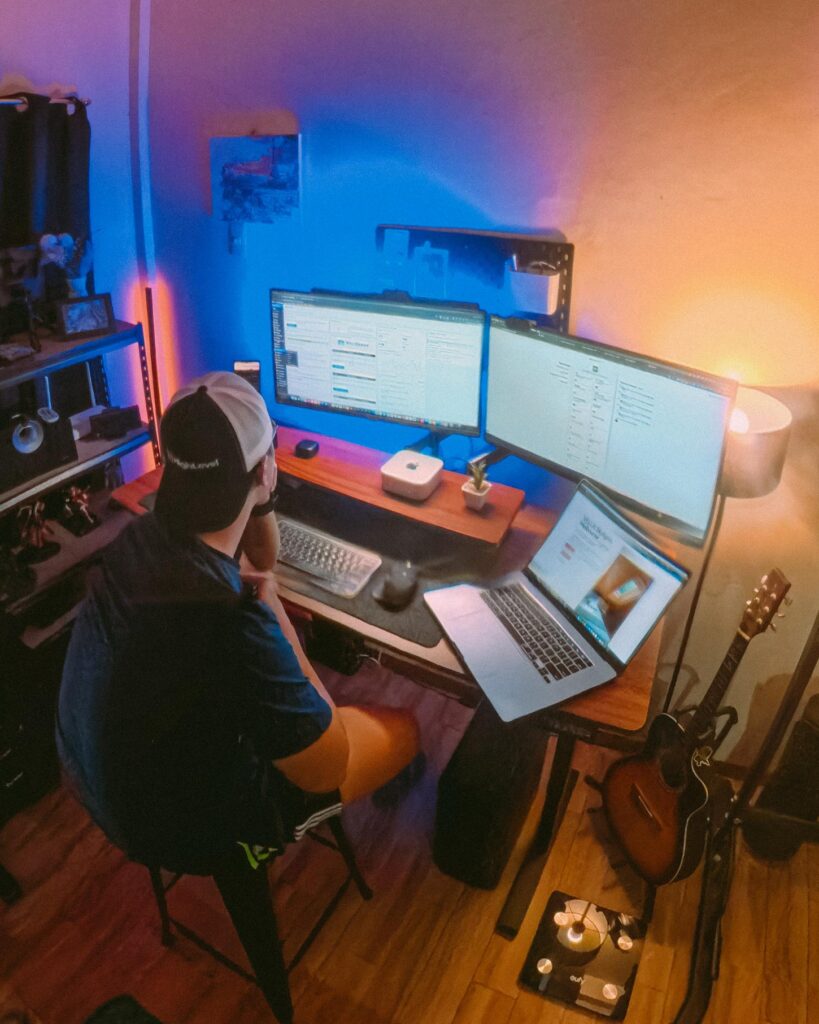
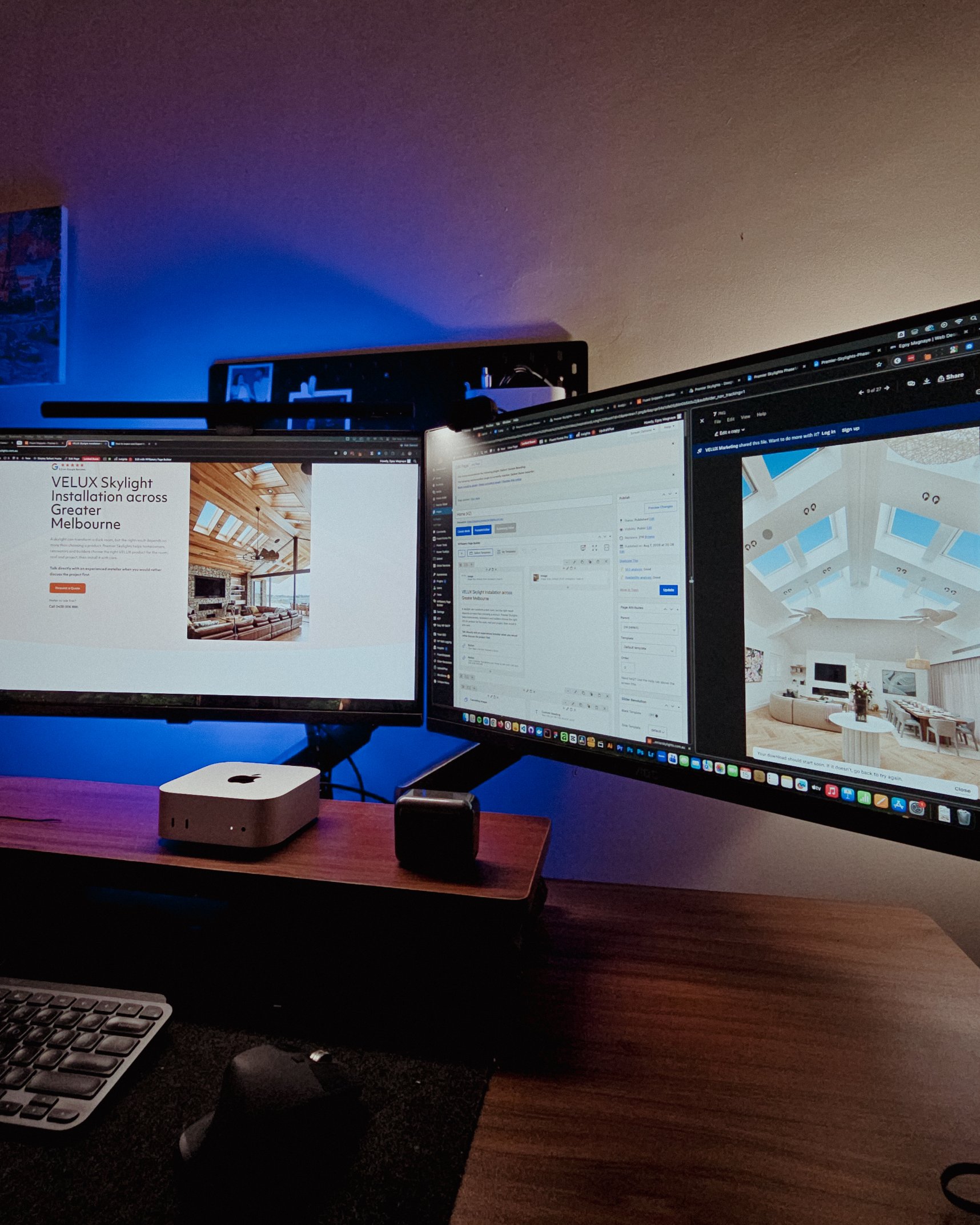
Recently visited my fiancée’s family, so I got some time off from this workstation and worked from somewhere else for a bit.
That’s one of the things I’m really grateful for with freelancing. You have the freedom to bring your work anywhere and get a change of scenery when you need it.
But yeah, good to be back at this little workspace!
Posted 3 days ago
Got my new eyeglasses! Been trying to take better care of my eyes since they take the most stress in this kind of work. So I make sure to get them checked from time to time.
Also, I always go with transition lenses. Just being practical 😅
Classy and functional at the same time!
Posted 6 days ago
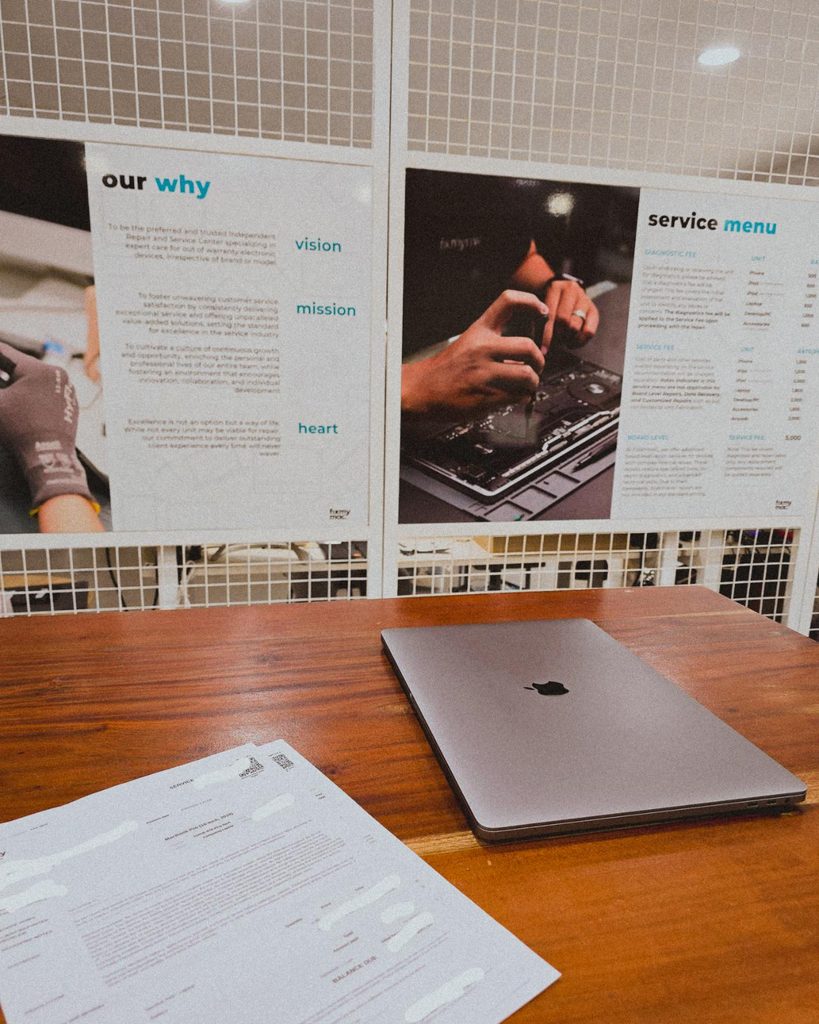
Being a freelancer taught me that you need a backup for everything. Projects, internet, even your computer 😀. Since my main machine is a Mac Mini running the M4 chip, I just needed this laptop repaired as a backup.
But with all the AI integrations these days, PCs and laptops are getting expensive. Even the repairs!
Posted September 29, 2026
I’m continuing an Elementor project, and I can see myself building custom solutions around it again.
For growing sites with heavy dynamic data and conditional layouts, it’s not really its strongest area.
But it’s still great for marketing sites and for less technical users. Also noticed it now has an MCP, which is a nice plus if you’re using AI.
Posted September 25, 2026
Almost done with the design plans for all the dynamic systems on a tradie company web design project.
8 structured data systems in one project. Connecting and strategizing everything so it all works from day one.
I guess freelancing feels fulfilling once you’re done with this kind of project. But the process behind it? That’s a bit overwhelming.
Posted September 20, 2026
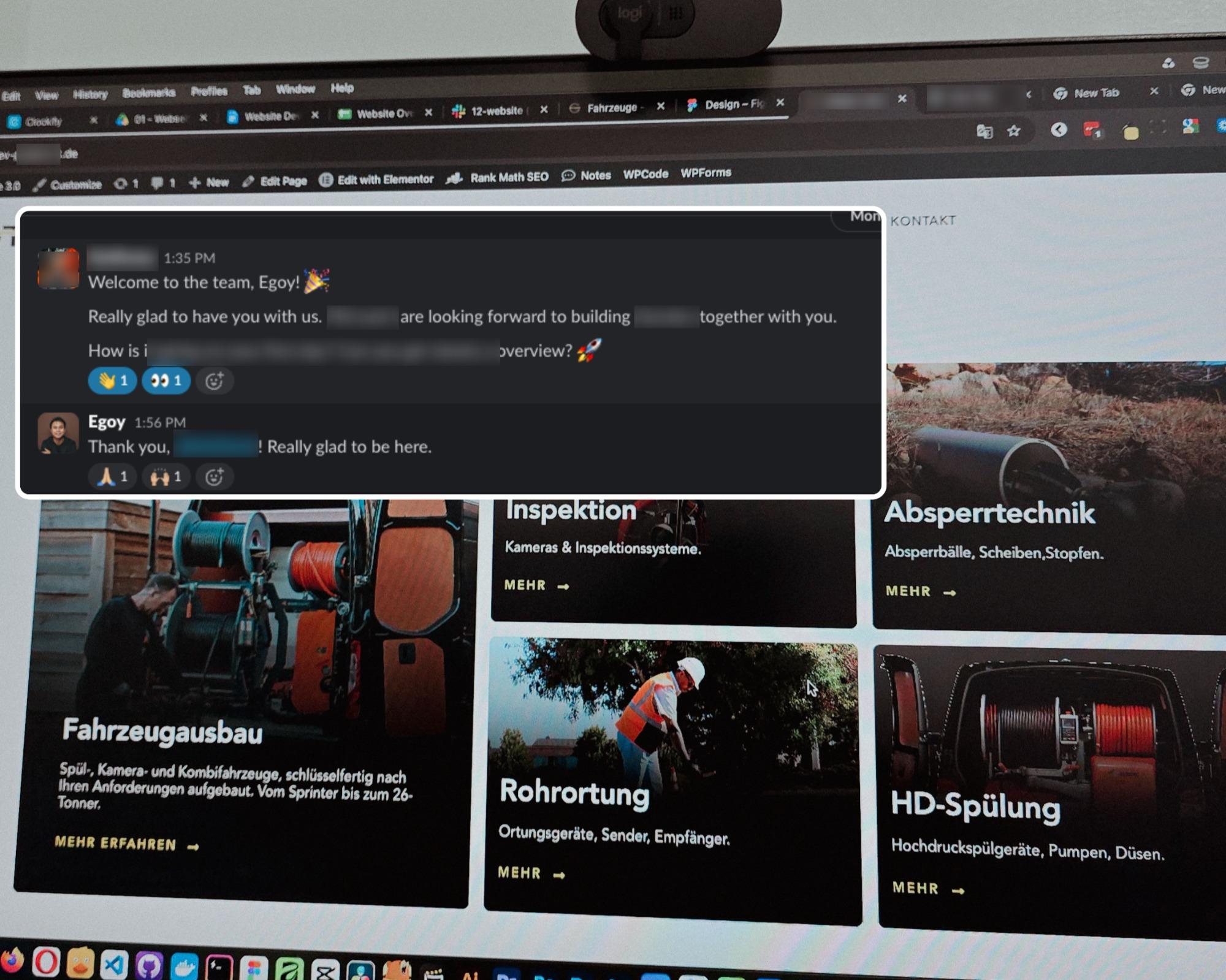
Started a new project for a B2B equipment dealer in the sewer and pipe industry based in Germany.
This time I’m not starting from scratch though, the previous provider left it at about 15% progress so I’m just picking up where they left off.
The only real challenge? The language. Shifting from English to Deutsch 😅
Hallo zusammen 👋
Posted September 18, 2026
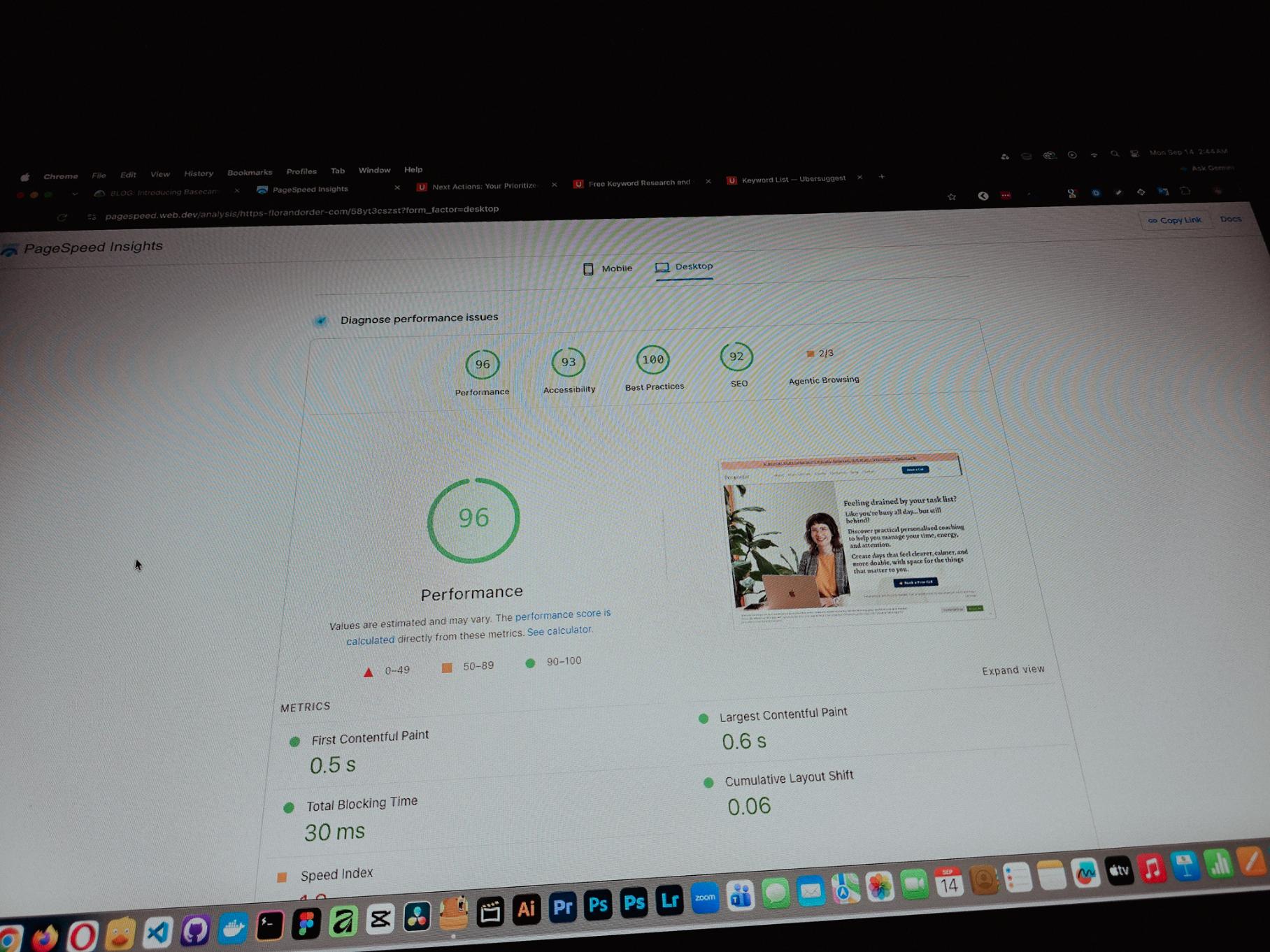
Currently working on one of my monthly site care tasks, checking the speed of a client site. And it’s still performing well. These routine checks don’t look exciting but they keep things running the way they should.
Speed is one of the hardest things to improve on a website because there are so many factors like server, how the pages are built, and the tools used to build them. But I’m still glad I was able to improve this one.
Posted September 13, 2026
One thing you can’t really control when handling projects is the timeline. It can shift at any point, especially when you’re working with trade businesses.
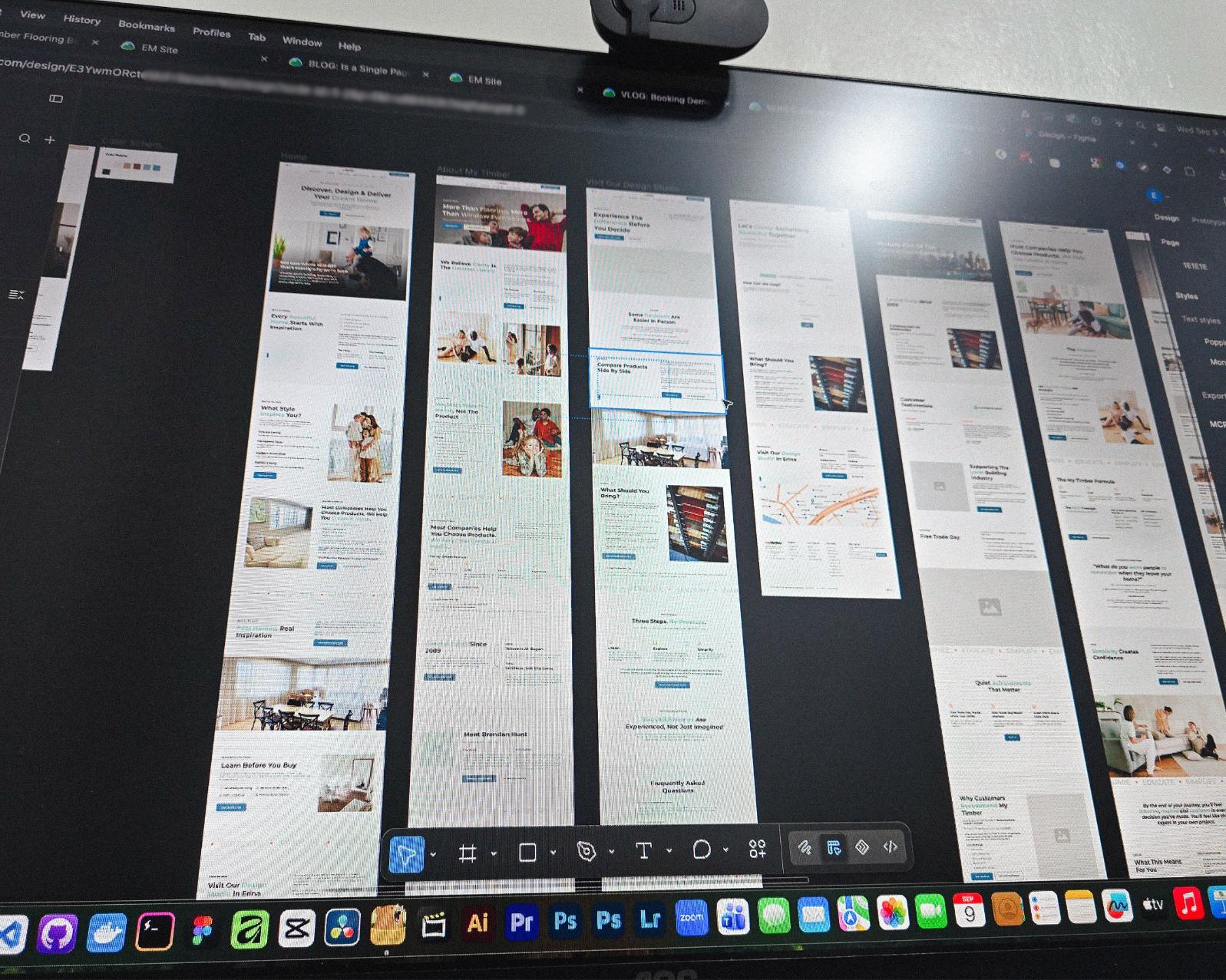
Just picked up the design phase of the flooring company project again. Glad I’m already done with the major pages and just working on the Learning Resources and Projects dynamic pages now.
Posted September 9, 2026
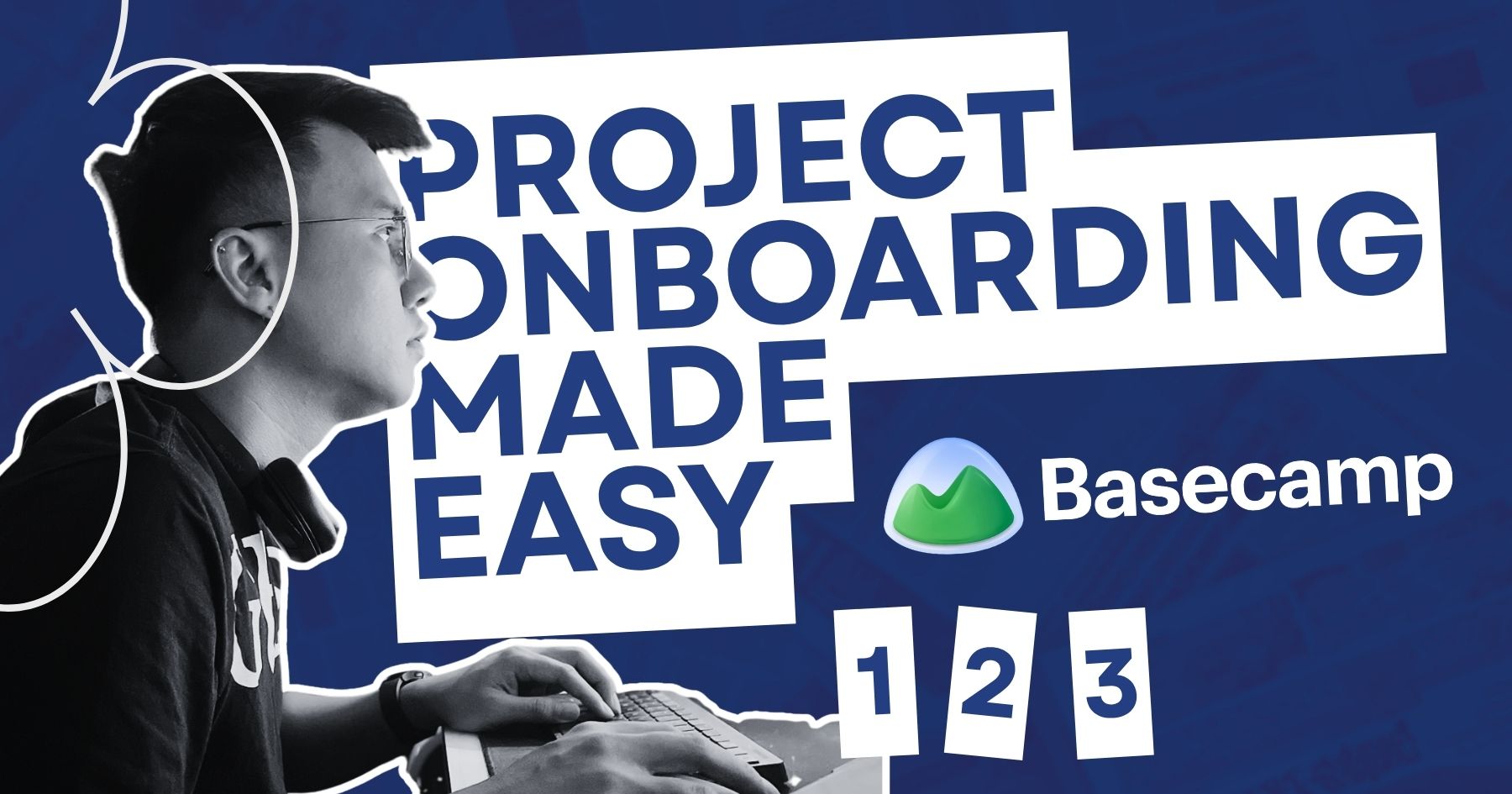
Been using Basecamp for project management since I started freelancing.
I’ve tried the more popular ones, but Basecamp is still one of the most straightforward tools out there.
Btw I’m almost done with a new post on how I onboard client projects using it.
Posted September 3, 2026
Since I left my corporate job last year to go full-time freelancing, I’ve been putting a lot more effort into this website.
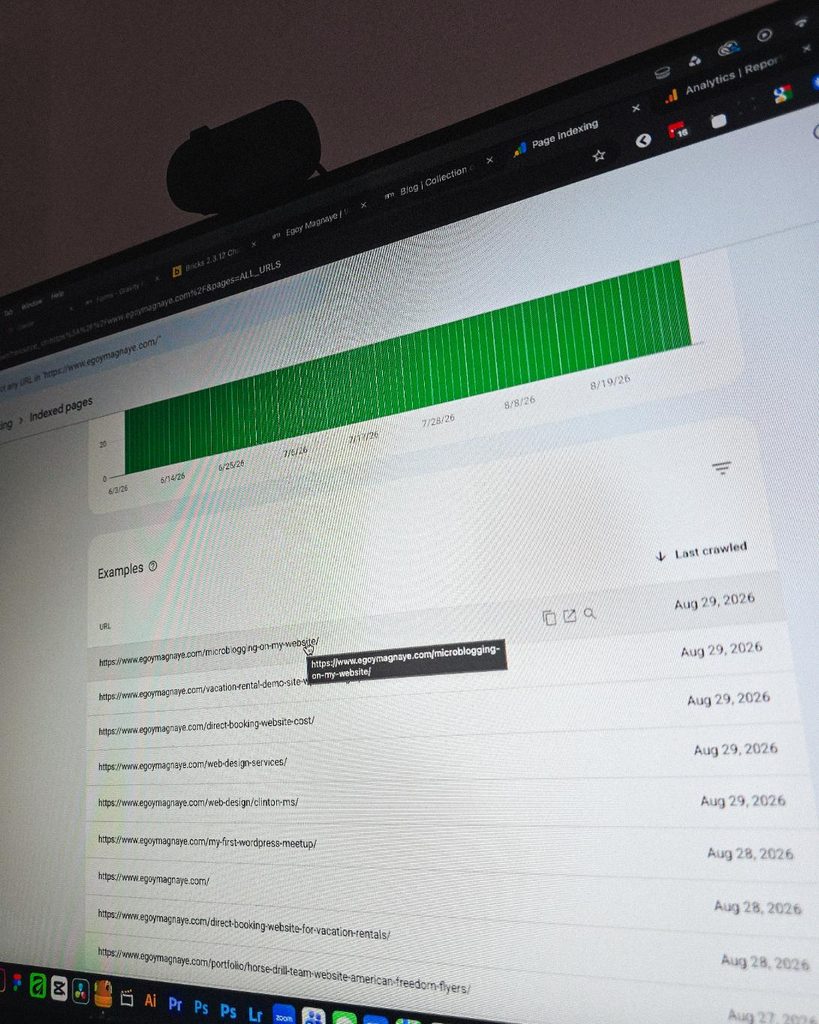
And one of the most rewarding things so far is how much easier it is to get content indexed by Google.
Just added a new post and it got indexed almost immediately.
Posted September 1, 2026
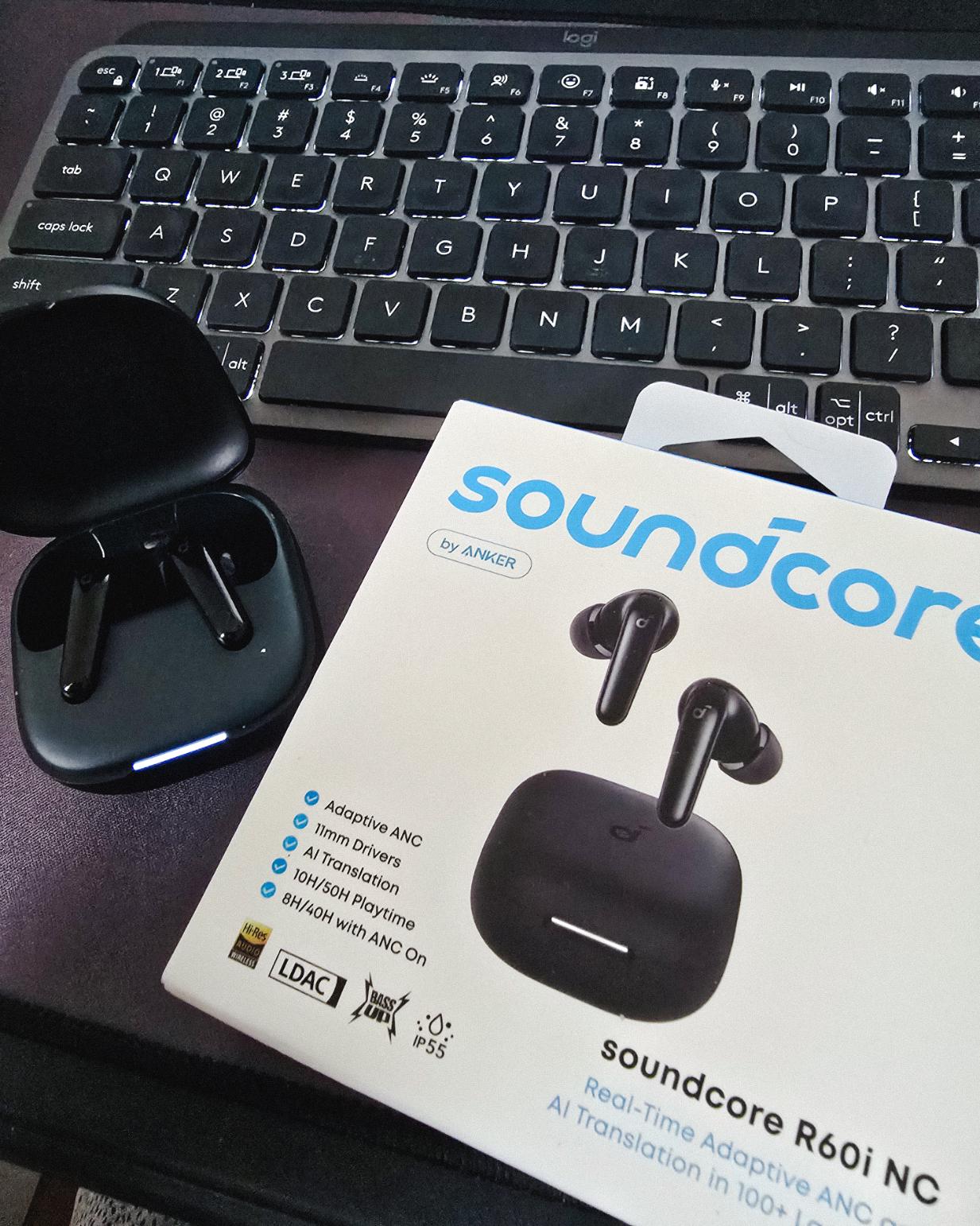
Got my new earbuds from Anker and I’m really liking the noise cancellation so far. Been using the one from Baseus for 2 years and it finally needed a replacement.
Looks small but this pair really helps when I need to focus.
Found some old clips of my website designs done on Adobe XD. Different versions of my site over the past 10 years. A lot of testing and trial and error. It’s been a journey.
Had to switch to Figma with all the issues around XD being phased out.
Posted August 26, 2026
I can’t remember if they’re going to post recordings of the 2-day event, but I was still able to gather some insights from my phone and memory 🙂
I’m at the point where I want to offer businesses stuck on WPBakery a free rebuild.
Nah maybe a discount 😅
But seriously, if you’re going with WordPress, at least use a solid page builder like Bricks (my bias), Beaver, Divi, or Elementor. Launching a site is just a small part of it.
Building new pages and optimizing over time is the long game, and your site builder matters for that.
Posted August 17, 2026
Been handling website projects in the home improvement space, especially clients in AU.
Looking at these skylight photos all day got me thinking. What’s it like living in a house with a transparent roof like that? Then I imagined having one here in PH. Sounds great when it rains. Then summer hits 😂
jk, these skylights are actually automated and packed with features.
Posted August 15, 2026
WPBakery might be the only page builder where the experience is equally rough whether you’re using backend or frontend editing. Divi handles this way better.
Sorry, I keep comparing these two because they both offer both modes, but the quality gap is real. Credit to the Divi team for getting that right!
Posted August 14, 2026
Got a chance to attend the HighLevel Manila 2-day event!
I just realized I wasn’t able to record everything. Now I’m trying to piece together all the info I remember and the photos I have.
The insights they shared were pretty overwhelming 😅
Posted August 10, 2026
I have an urgent page build using WPBakery. Although we have a 1-week deadline, I’m confident I can deliver. But seriously, at least give us a custom CSS field per widget. Even Divi has that!
I’m not really the type to rant about tools I use for work. I get that every builder is built differently. But every time I have a project using this one, it just takes so much longer than it should.
How Microblogging Keeps My Website Fresh (Without Burning Out)
Last updated on September 13, 2026
15 mins read
Reader Disclosure
Disclosure: I may occasionally include affiliate links in my posts or pages. If you click on one of these links and make a purchase, I may receive a small commission, which helps me keep this website running and create more useful content. However, this does not affect my opinion on the product or service in any way. I only recommend products and services that I truly believe in and use myself.
I’ve recently added a new feature on my website that lets me do microblogging. I’ve been freelancing and maintaining this site for about 10 years now, and if there’s one thing that consistently falls behind, it’s my content.
As you know, long-form blog posts take time. Even if you’re using AI to create content, there’s still planning, drafting, editing, adding media, and optimizing for SEO. For me, a single post can easily eat up days or even a weeks. And when you’re juggling active client projects, those days just don’t exist sometimes.
Social media is another story. I’ve tried keeping up with Instagram, posting updates, and sharing work-in-progress shots. But it never sticks. Posting consistently on social media while managing a full workload as a solo freelancer is just not sustainable for me.
So I needed something lighter than a full blog post but more personal than a social media caption. Something that lives on my own site.
Just a bit of a backstory. I was inspired by a website I managed at my previous job. It was a site for home care, and they had this company news category on their blog. The content was very minimal, just a bit of text and images about what’s latest with their company. I thought something like that would solve my problem with content.
That’s how I ended up building a microblog.
What Is This Microblogging Thing?
You might notice that “Notes” button on my header. Clicking it will reveal a drawer that houses my quick notes. A microblog is really just another word for a collection of short posts like quick thoughts, random observations, work-in-progress updates, and quick tips.
Think of it like a Facebook post or X feed, but hosted on my own website. I own the content, I control the format, and it doesn’t disappear because of an algorithm change.
It doesn’t need featured images (though I can add them if I want to). It doesn’t need a thousand words or keyword research. It’s just me, typing out whatever’s on my mind in a few sentences.
Every Site I Build Comes With 3 Months of Support After Launch
The handoff doesn’t end at launch. You get Site Care, a Personalized Growth Guide, and a Scheduled Check-in to make sure everything’s working.
I could, but because of its short-form nature, we’re talking under 100-200 words, it doesn’t feel right to give it its own page. As a web designer, I’m dealing with multiple screen sizes like mobile, tablet, and desktop. With its random nature and minimal content, a microblog entry would look out of place stretched across a full blog layout.
So instead of giving it a single page like a regular blog post, I gave it a separate UI, just a compact card in a feed.
The Reason Why I Added It
There were a few reasons this made sense for me, and most of them came down to one thing: I needed a way to keep my site alive without burning myself out.
1. Staying Visible Without the Pressure
When potential clients or even just visitors land on my site, I want them to see that it’s active. That someone is maintaining it. A blog that hasn’t been updated in three months doesn’t send the best signal.
The microblog solves that. I can drop a quick note in five minutes between tasks, whether it’s a thought about a project I’m working on, a tool I just discovered, or even a frustration with my current tools. It takes almost no effort compared to writing a full post, but it keeps the site feeling current.
For example, I recently attended the HighLevel Live Manila event. I knew I wanted to write a full blog post about the experience, but I still had client work waiting for me right after. So instead of letting it sit in my drafts for weeks, I dropped a quick note about it first just to share that it happened. The long-form post came later when I had the time.
2. Showing Personality
Here’s the thing. With AI-generated content becoming more and more common (some people call it AI slop, and I get why), there’s something refreshing about raw, unpolished, clearly human thoughts on a website.
My notes aren’t crafted. They’re not even optimized. Some of them are just me rambling about something, though it’s still connected to my work. And that’s the point. It’s a way to show visitors that there’s an actual person behind the work, not just a portfolio page.
3. Complementing Long-form, Not Replacing It
The microblog isn’t a replacement for my long-form content. I still write long-form posts about my work and freelancing. Those posts do the heavy lifting for SEO, for educating potential clients, and for establishing credibility.
It fills the gaps in between. It keeps things moving when I don’t have the time or energy for a full article. And sometimes, a quick note even turns into a full blog post later. It’s like a staging area for ideas.
4. It’s Content I Actually Own
Posting on Instagram means your content lives on someone else’s platform. If the algorithm changes, if the platform goes down, if your account gets flagged, that content is gone or buried.
With my microblog, everything lives on my domain where I control the design, the placement, and the archive, and no algorithm decides who sees it.
I’m not saying posting on social media is bad. It’s just that my main product is a website. That’s my main service. So I need to be active on my own platform before being active on others.
How to Build One (WordPress + Bricks Approach)
There are a lot of ways to build this feature, and it really depends on what platform you’re on. But for the sake of simplicity, I’ll walk through how I built mine using WordPress and Bricks Builder. The concept is pretty similar, especially if your site runs on WordPress.
Step 1: Create a Custom Post Type
I created a separate custom post type called Notes. You can name yours differently depending on your preference. This keeps my quick note entries completely separate from my regular blog posts, which makes everything organized. They have their own section in the admin, their own archive behavior, and their own templates.
One key decision: I disabled the single post page when setting up the custom post type. If you’re registering through code, set ‘publicly_queryable‘ to false in your register_post_type() arguments. If you’re using Custom Post Type UI or ACF, look for the “Publicly Queryable” option and set it to False.
This means notes won’t have their own detail page like a regular blog post. They’re short entries, so they don’t need one, and they won’t get indexed by search engines either.
Step 2: Design the Note Card in Bricks
In Bricks Builder, I created a reusable template for how each note appears on the front end. Since notes are short-form, the card layout is minimal. Just the content, a timestamp, and an optional image.
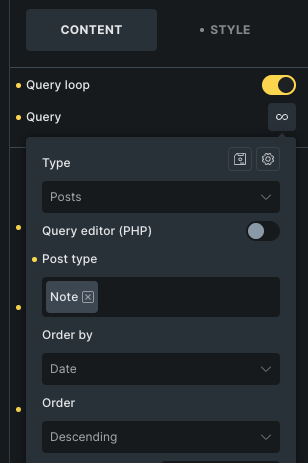
I used the Query Loop in Bricks to pull in the latest notes and display them in a vertical feed. Since the content is lightweight, the “Load More” button only shows after the first 20 notes.
The key here is keeping the design lightweight. No author bio, no category tags. The whole point is that it’s quick and informal.
Step 3: Place It on the Site
Right now, my notes appear in two places. On the blog archive page, they show up as a side column next to the main blog feed. And in a slide-out drawer triggered by a click of a button. It slides out when clicked so readers can scroll through recent notes without leaving the page they’re on.
I used Bricks‘ Offcanvas widget to build the drawer and placed it in my Header template so it’s globally available.
The placement was intentional. I didn’t want to give notes their own dedicated page or archive (at least not yet). They work better as a supporting element, something you notice while browsing the pages rather than a destination on their own.
Step 4: Keep It Simple to Publish
This part matters more than the design. If publishing a note takes more than a couple of minutes, I won’t do it. That’s the whole reason I added this feature.
My setup is stripped down on purpose. Open the dashboard, go to Notes, add a new one, type a few sentences, optionally upload a photo, and hit publish. I don’t need to worry about selecting categories, filling in meta descriptions, or optimizing for keywords. Just post and move on.
Just a Bonus
1. Generate Title Automatically
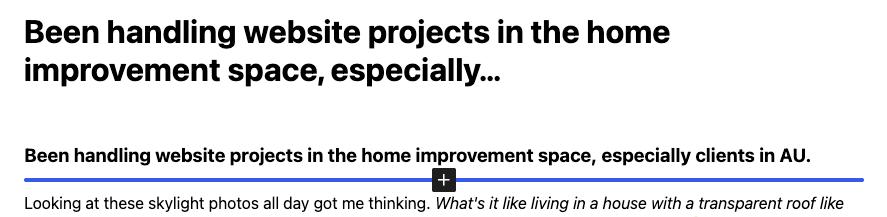
When creating a WordPress post, even a custom post type, you need to add a title. Since we don’t need one in our case, and it’s just another thing to think about, I added a code snippet that automatically uses part of the note’s content as its title.
Sample of automatically created title
/**
 * Auto-generate title for Notes CPT from post content
 */
function em_generate_note_title( $data, $postarr ) {

    // Change 'note' to match your custom post type slug
    if ( $data['post_type'] !== 'note' ) {
        return $data;
    }

    if ( ! empty( $data['post_title'] ) ) {
        return $data;
    }

    $content = wp_strip_all_tags( $data['post_content'] );
    $content = trim( preg_replace( '/\s+/', ' ', $content ) );

    if ( empty( $content ) ) {
        return $data;
    }

    $data['post_title'] = wp_trim_words( $content, 10, '…' );

    return $data;
}
add_filter( 'wp_insert_post_data', 'em_generate_note_title', 10, 2 );
2. Adding Relative Time on Notes
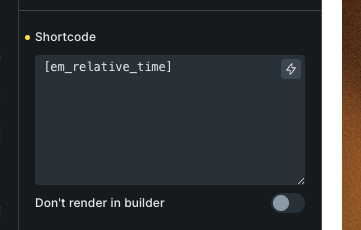
My notes are ordered from newest to oldest, and instead of showing a fixed date, I wanted it to display relative time like “Posted 5 minutes ago” or “Posted 3 days ago“. It gives readers a quick sense of how recent a note is. If the note is more than a week old, it defaults to the standard date format.
I used a shortcode approach for this so I can easily place it anywhere inside my Bricks template using the Shortcode element. The shortcode is “[em_relative_time]“.
You can add these snippets to your functions.php or use a code snippets plugin like FluentSnippets. Make sure to back up your site before adding any code. And if you’re not sure where to place these or need a hand setting it up, feel free to reach out.
Your Website Shouldn't Be the Hardest Part of Running Your Business
I work with businesses to build sites that are easy to manage and actually bring in leads.
For now, the Notes section is intentionally minimal. It’s just a side feature that adds life to my website without adding complexity. Down the line, I might expand it. Maybe a dedicated notes feed page. But I’m not going to over-complicate it before I even know if I’ll stick with the habit of posting regularly.
So far, it’s been easier to keep up with than I expected. And it’s kind of fun to just post a thought without worrying about word count, SEO, or structure.
If your website has been quiet for a while and you’ve been meaning to “start creating content“, maybe start smaller than you think. A microblog might be exactly the low-pressure format you need.
We use cookies to improve your experience on our site. By using our site, you consent to cookies.
This website uses cookies
Websites store cookies to enhance functionality and personalise your experience. You can manage your preferences, but blocking some cookies may impact site performance and services.
Essential cookies enable basic functions and are necessary for the proper function of the website.
Name
Description
Duration
Cookie Preferences
This cookie is used to store the user's cookie consent preferences.