Short thoughts, work in progress, lessons learned, & the occasional personal update.
Almost done with the design plans for all the dynamic systems on a tradie company web design project.
8 structured data systems in one project. Connecting and strategizing everything so it all works from day one.
I guess freelancing feels fulfilling once you’re done with this kind of project. But the process behind it? That’s a bit overwhelming.
Posted 16 hours ago
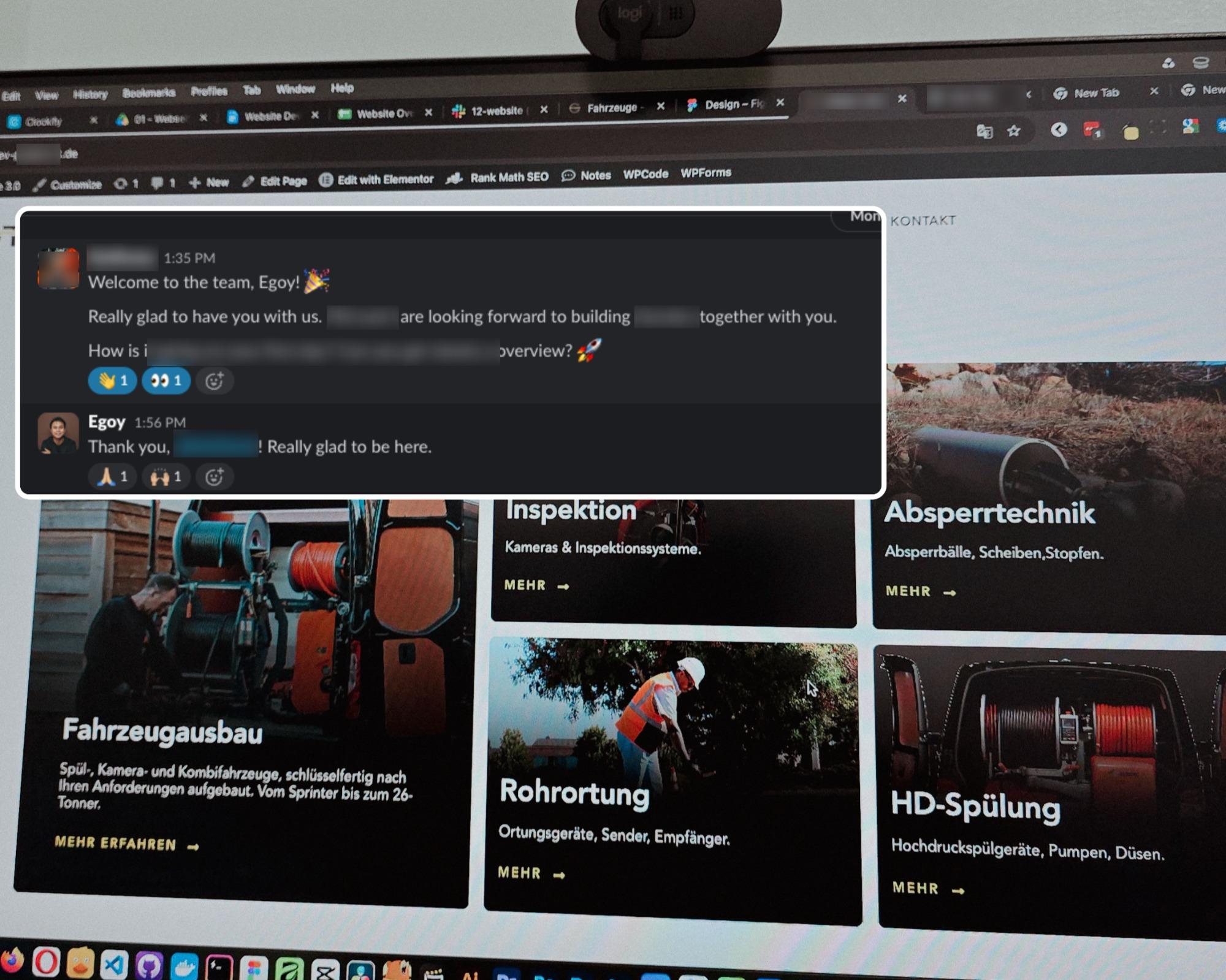
Started a new project for a B2B equipment dealer in the sewer and pipe industry based in Germany.
This time I’m not starting from scratch though, the previous provider left it at about 15% progress so I’m just picking up where they left off.
The only real challenge? The language. Shifting from English to Deutsch 😅
Hallo zusammen 👋
Posted 3 days ago
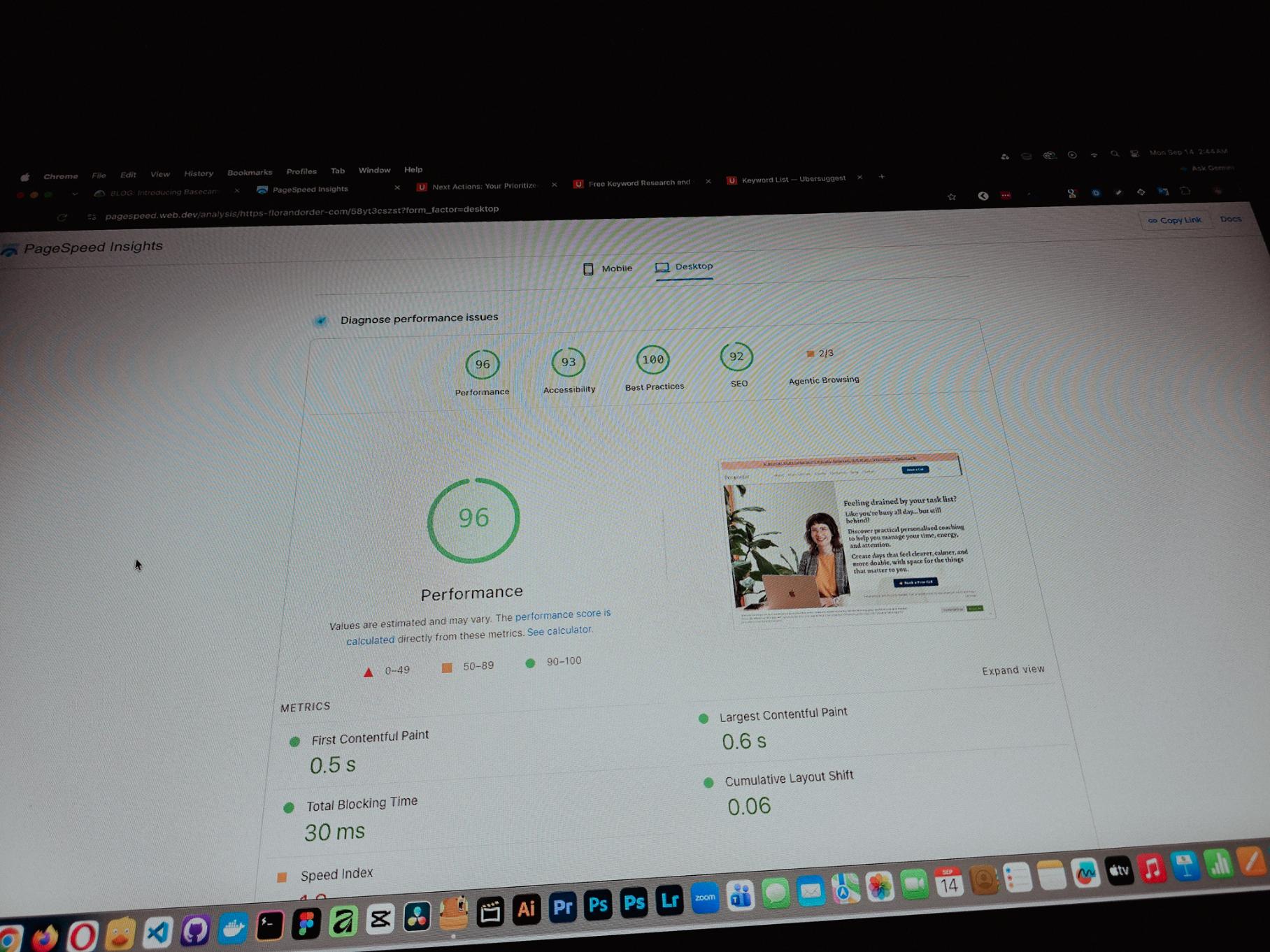
Currently working on one of my monthly site care tasks, checking the speed of a client site. And it’s still performing well. These routine checks don’t look exciting but they keep things running the way they should.
Speed is one of the hardest things to improve on a website because there are so many factors like server, how the pages are built, and the tools used to build them. But I’m still glad I was able to improve this one.
Posted September 13, 2026
One thing you can’t really control when handling projects is the timeline. It can shift at any point, especially when you’re working with trade businesses.
Just picked up the design phase of the flooring company project again. Glad I’m already done with the major pages and just working on the Learning Resources and Projects dynamic pages now.
Posted September 9, 2026
Been using Basecamp for project management since I started freelancing.
I’ve tried the more popular ones, but Basecamp is still one of the most straightforward tools out there.
Btw I’m almost done with a new post on how I onboard client projects using it.
Posted September 3, 2026
Since I left my corporate job last year to go full-time freelancing, I’ve been putting a lot more effort into this website.
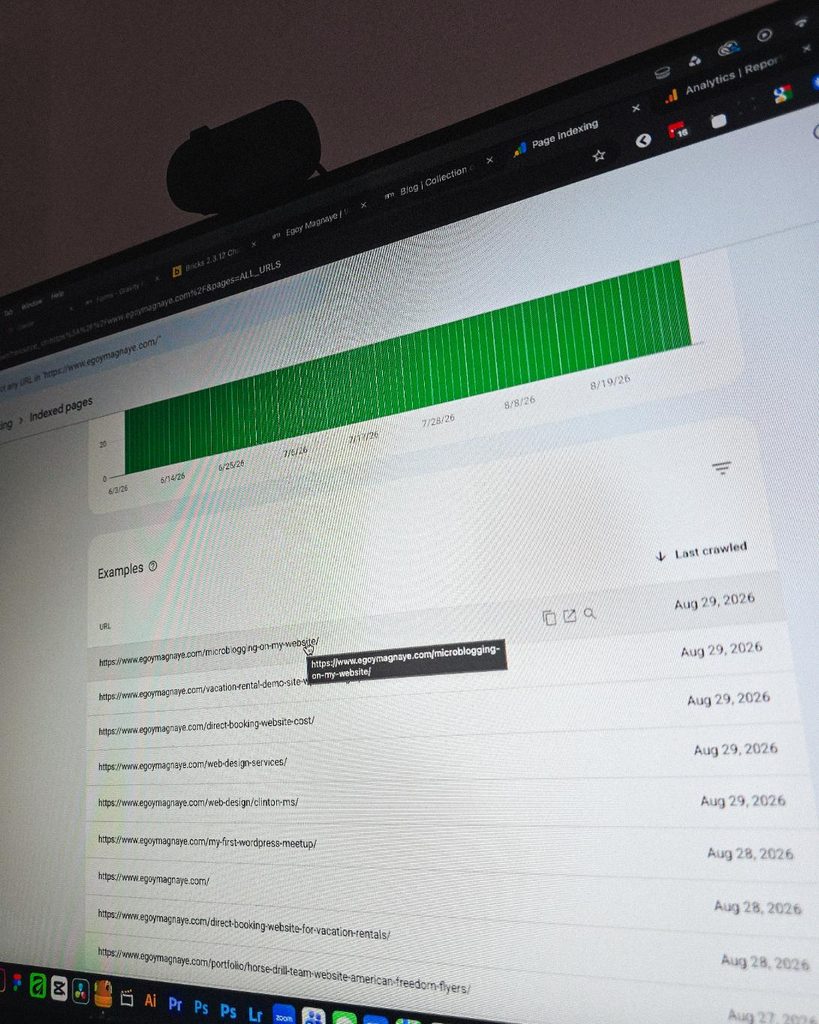
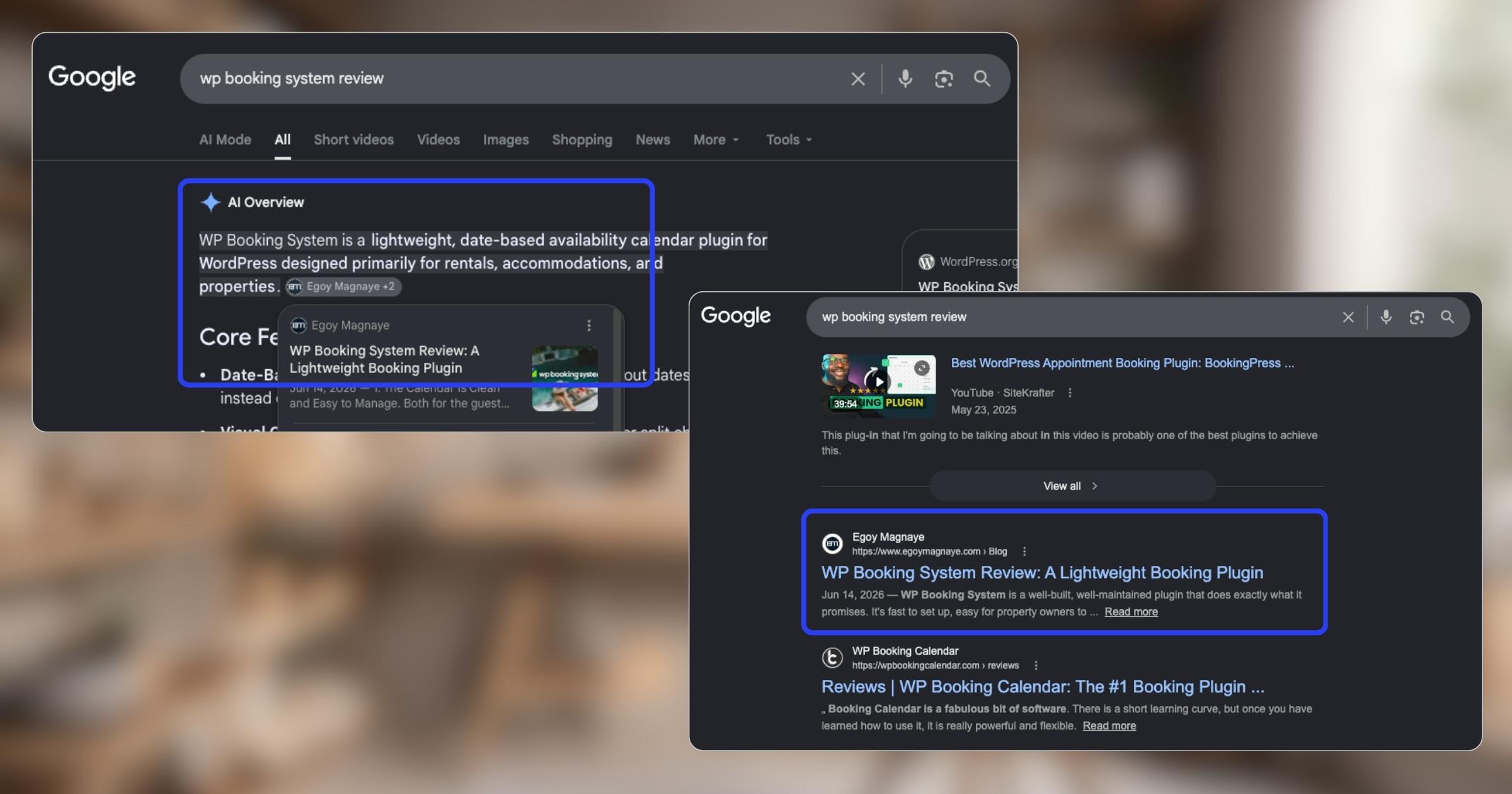
And one of the most rewarding things so far is how much easier it is to get content indexed by Google.
Just added a new post and it got indexed almost immediately.
Posted September 1, 2026
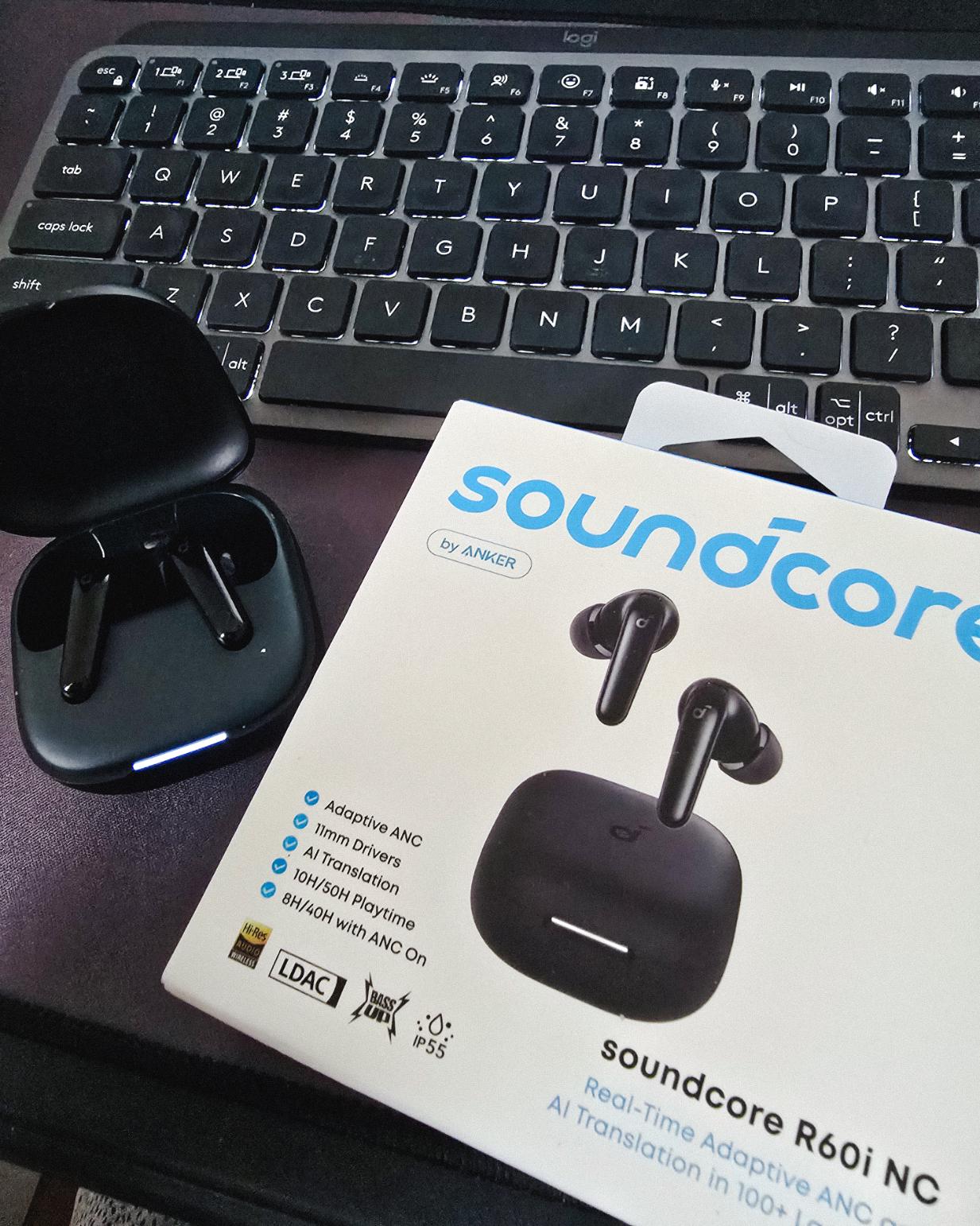
Got my new earbuds from Anker and I’m really liking the noise cancellation so far. Been using the one from Baseus for 2 years and it finally needed a replacement.
Looks small but this pair really helps when I need to focus.
Found some old clips of my website designs done on Adobe XD. Different versions of my site over the past 10 years. A lot of testing and trial and error. It’s been a journey.
Had to switch to Figma with all the issues around XD being phased out.
Posted August 26, 2026
I can’t remember if they’re going to post recordings of the 2-day event, but I was still able to gather some insights from my phone and memory 🙂
I’m at the point where I want to offer businesses stuck on WPBakery a free rebuild.
Nah maybe a discount 😅
But seriously, if you’re going with WordPress, at least use a solid page builder like Bricks (my bias), Beaver, Divi, or Elementor. Launching a site is just a small part of it.
Building new pages and optimizing over time is the long game, and your site builder matters for that.
Posted August 17, 2026
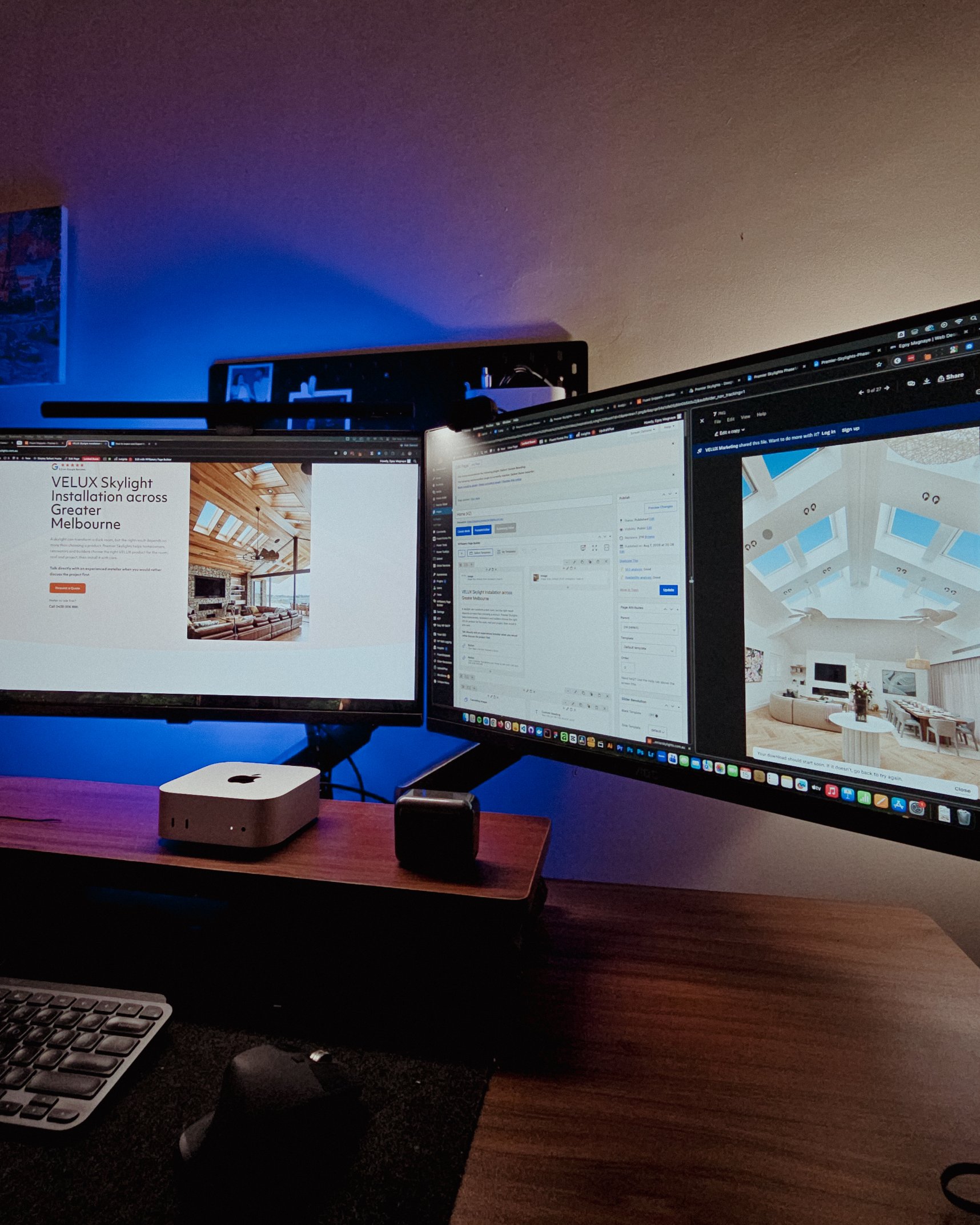
Been handling website projects in the home improvement space, especially clients in AU.
Looking at these skylight photos all day got me thinking. What’s it like living in a house with a transparent roof like that? Then I imagined having one here in PH. Sounds great when it rains. Then summer hits 😂
jk, these skylights are actually automated and packed with features.
Posted August 15, 2026
WPBakery might be the only page builder where the experience is equally rough whether you’re using backend or frontend editing. Divi handles this way better.
Sorry, I keep comparing these two because they both offer both modes, but the quality gap is real. Credit to the Divi team for getting that right!
Posted August 14, 2026
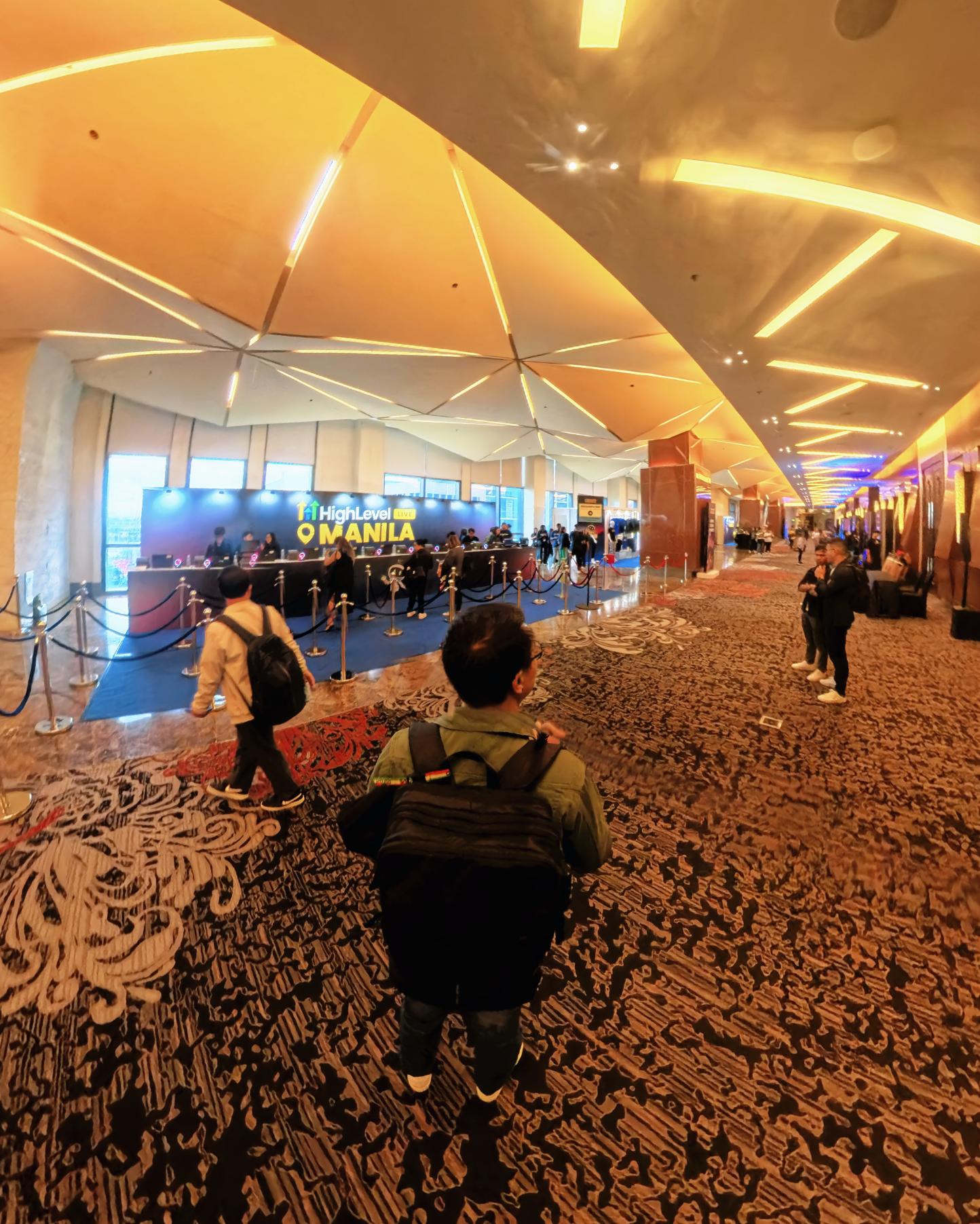
Got a chance to attend the HighLevel Manila 2-day event!
I just realized I wasn’t able to record everything. Now I’m trying to piece together all the info I remember and the photos I have.
The insights they shared were pretty overwhelming 😅
Posted August 10, 2026
I have an urgent page build using WPBakery. Although we have a 1-week deadline, I’m confident I can deliver. But seriously, at least give us a custom CSS field per widget. Even Divi has that!
I’m not really the type to rant about tools I use for work. I get that every builder is built differently. But every time I have a project using this one, it just takes so much longer than it should.
Posted August 8, 2026
You know, one thing that still bugs me is not asking my old clients to leave their review on my Google Business page.
I just collected them through email or other apps. Should’ve known better 😬
Posted August 7, 2026
You know what makes doing this stuff worth it? People who still remember you and refer you even if you haven’t spoken in a long time!
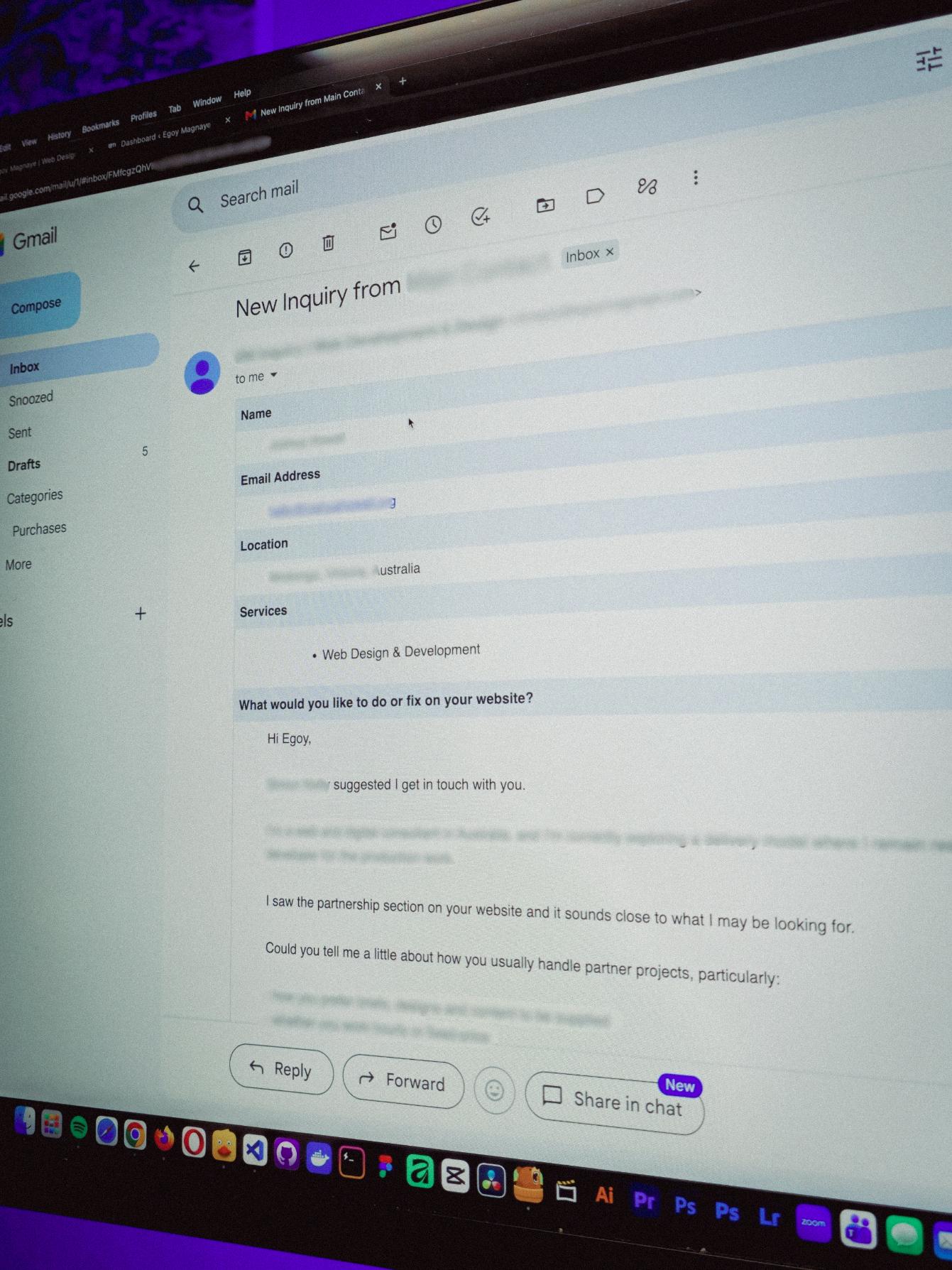
Just got an inquiry! Turns out someone I spoke with 2 years ago referred them. As a small service provider, that kind of thing means a lot 🙂
Posted August 4, 2026
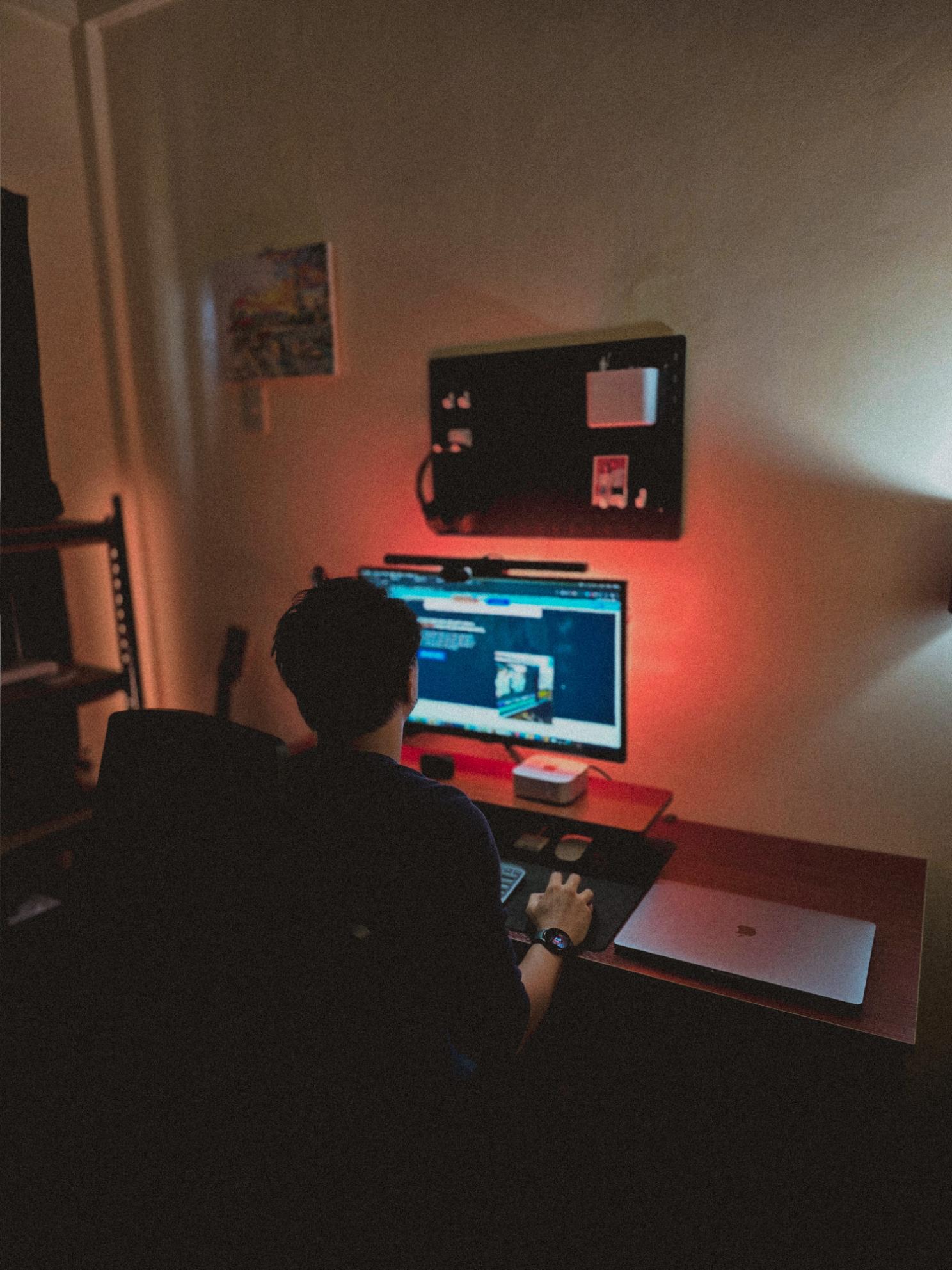
Late night timelapse of us getting things done. I don’t know why, but I always feel more productive at night.
Also, I just recently got that standing desk, and I can’t appreciate enough how helpful it is when you’re getting older 😂
Posted July 31, 2026
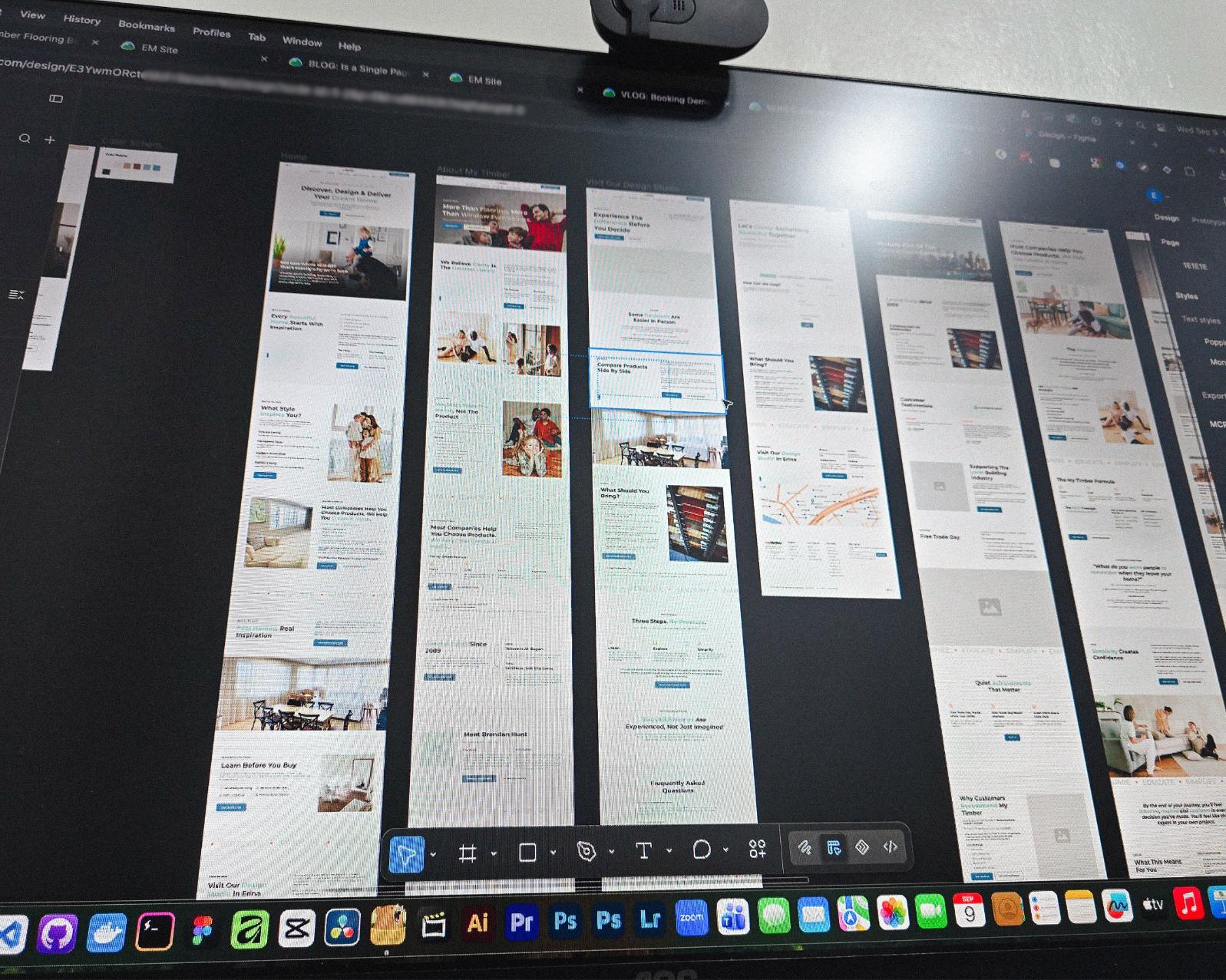
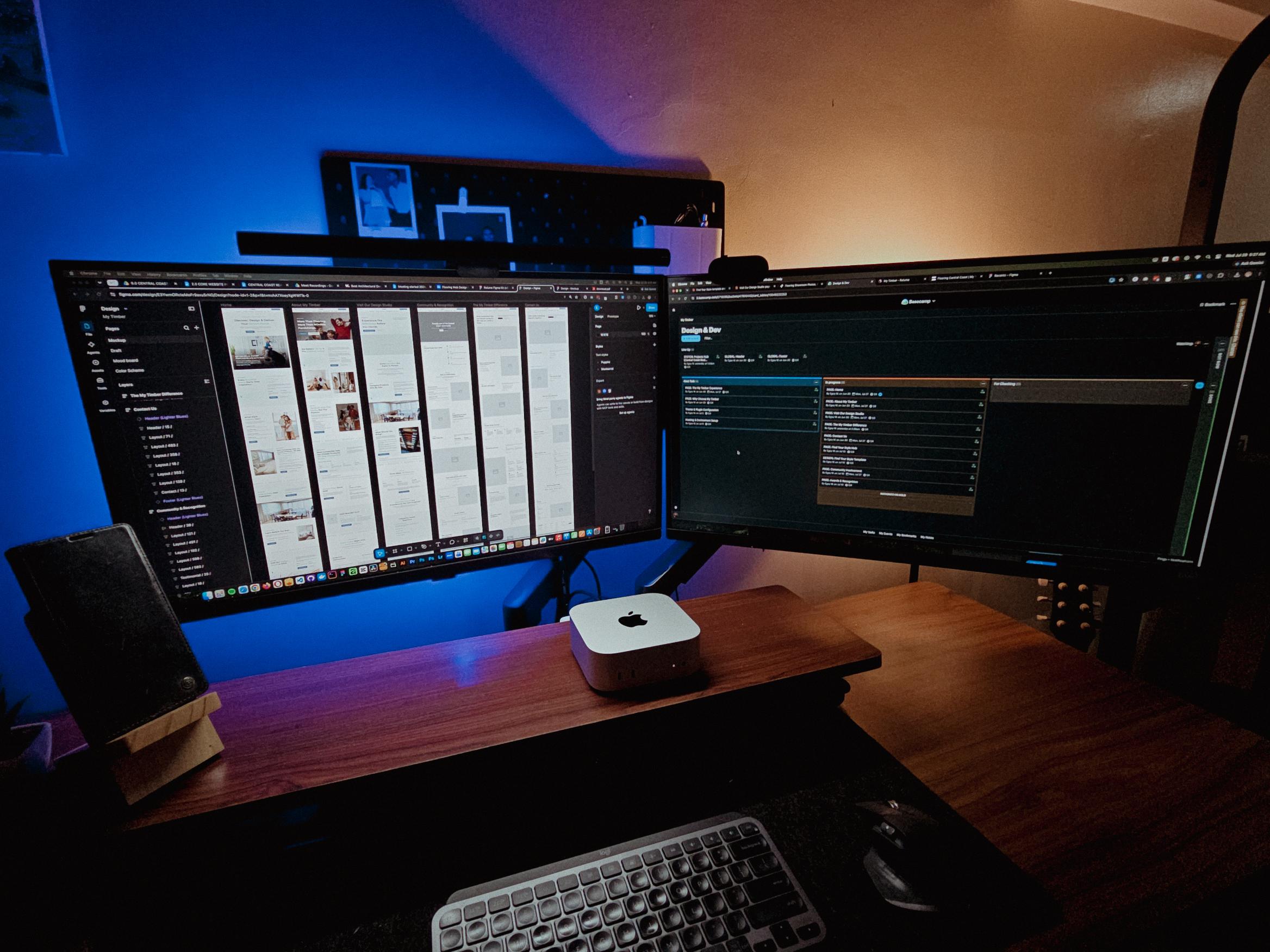
Currently redesigning the website of a flooring company based in Erina, NSW.
See those long page designs? It’s still Wednesday but I guess I’m gonna be working even on the weekend 🥲
Posted July 28, 2026
Table of contents
First Month of Site Care: Seascape Resort & Hotel | Why WooCommerce Maintenance is Different
Last updated on September 01, 2026
15 mins read
Reader Disclosure
Disclosure: I may occasionally include affiliate links in my posts or pages. If you click on one of these links and make a purchase, I may receive a small commission, which helps me keep this website running and create more useful content. However, this does not affect my opinion on the product or service in any way. I only recommend products and services that I truly believe in and use myself.
Last December 2025, we launched the upgraded website for Seascape Resort & Hotel. It was a big step for my client because the site is no longer just a brochure. It now accepts real bookings in real time. Once the site went live, the real work quietly began.
And it wasn’t just the technical side. Shortly after launch, we found out that someone cloned the resort’s Facebook page. That’s a whole different kind of problem, and I shared what we learned about protecting your business page from scammers in a separate post.
This month (January 2026) marks the first Seascape GQ Site Care and Maintenance for their website.
In most of my web design and development projects, I include three months of complimentary site care. This time allows me to observe how the site behaves after launch. It also gives enough room to catch and fix small issues that usually appear only when real users start interacting with the site.
For the Seascape GQ website, we extended this to five months. The reason is simple. This is a transactional site. It works differently from a service-based website that only collects inquiries. When bookings, payments, and customer data are involved, ongoing maintenance becomes more important.
The first month is not about changing the design or adding new features. It is about monitoring and reviewing what actually happens after launch. I check how bookings come in, how the system handles orders, and whether updates cause any issues. A site can look fine on day one, but real usage always tells a better story.
Let Your Guests Book Directly on Your Website
Your own booking system, your own guest data, and less reliance on OTA commissions. It works alongside platforms like Airbnb, not against them.
Includes 3 months of Site Care + a Personalized Growth Guide
What Site Care for an Ecommerce Actually Means
A lot of people think WordPress or similar CMS in general just runs itself. You set it up, maybe update a plugin/extensions here and there, and call it a day. And sure, for a basic blog or portfolio site, you might not prioritize that for a while. But for an ecommerce site? That approach is asking for trouble.
Site care & maintenance is really about watching over your website like you’d watch over anything valuable. You’re checking that everything still works. You’re making sure updates don’t break things. You’re monitoring speed and security. You’re testing the parts of the site that matter most, which in Seascape’s case, means the booking system and the product checkout.
Think of it like maintaining a car. You do not just drive it until something breaks. You change the oil. You check the tires. You pay attention to strange sounds. A WordPress site, especially an ecommerce site running on WooCommerce with a maintenance plan, works the same way.
Why WooCommerce Is Different
Here’s what I’ve learned over the years. A regular WordPress site and a WooCommerce WordPress site require different approaches when it comes to maintenance.
With a standard WordPress site, you can usually update plugins and themes without too much worry. Maybe something breaks occasionally, but it’s usually fixable pretty quickly. The site doesn’t have moving parts that involve customer transactions.
But WooCommerce adds layers of complexity. You’ve got payment gateways. Shopping carts. Product databases. Inventory systems. Booking calendars in Seascape’s case. All of these pieces have to talk to each other perfectly, every single time.
So when you’re doing WooCommerce maintenance, you can’t just hit “update all” and hope for the best. You need an actual process.
This is part of the tradeoff I mentioned in my cost breakdown for direct booking websites, the WordPress stack is cheaper to run, but maintenance is real work that someone has to do.
The 2 Critical Steps Most People Skip in WooCommerce Maintenance
In this post, I’ll share some of the extra and important steps needed to maintain a WordPress ecommerce website. I won’t cover the usual basics like backups, core updates, theme and plugin updates, or security checks. I already have a separate post that goes through how to maintain a WordPress website. Here, we’ll focus only on the essentials that matter most for an ecommerce site.
1. Enabling Maintenance Mode
This is something I want to really emphasize because I see people skip this step all the time. Before you do any significant updates on a WooCommerce site, you need to enable WordPress maintenance mode.
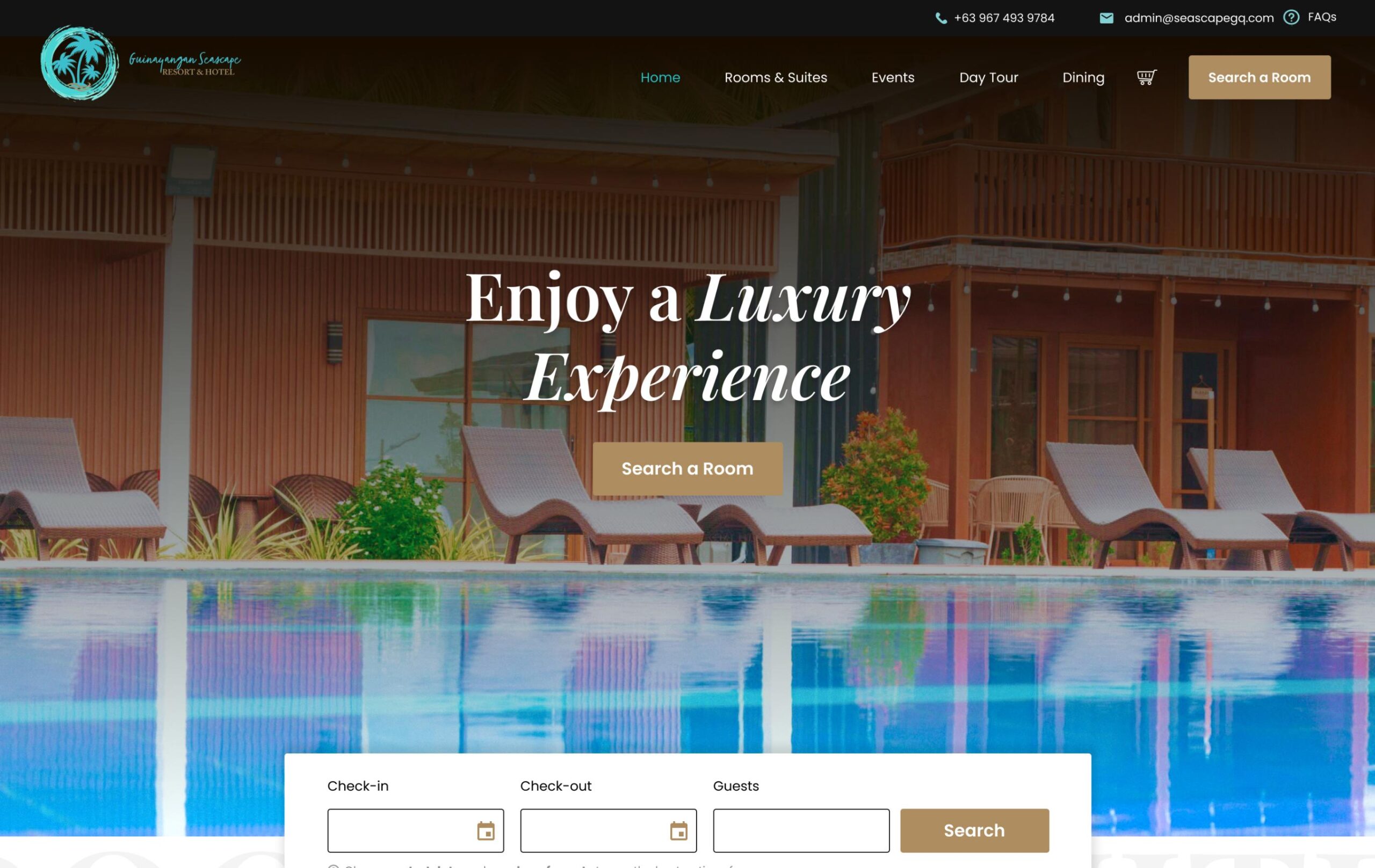
Maintenance Mode Enabled
I know it seems like overkill. It’s just an update, right? But here’s what can happen if you don’t. Let’s say you’re updating WooCommerce or a payment plugin, and right in the middle of that update, a customer tries to complete a booking. Their transaction could get stuck. Data could get corrupted. They might get charged without a confirmation. Or the booking might not save properly.
None of those things are acceptable when you’re running a business that depends on online transactions.
Before I touch anything on Seascape’s site, I put it in maintenance mode. Visitors see a simple “we’ll be right back” message, and that alone prevents a lot of potential headaches.
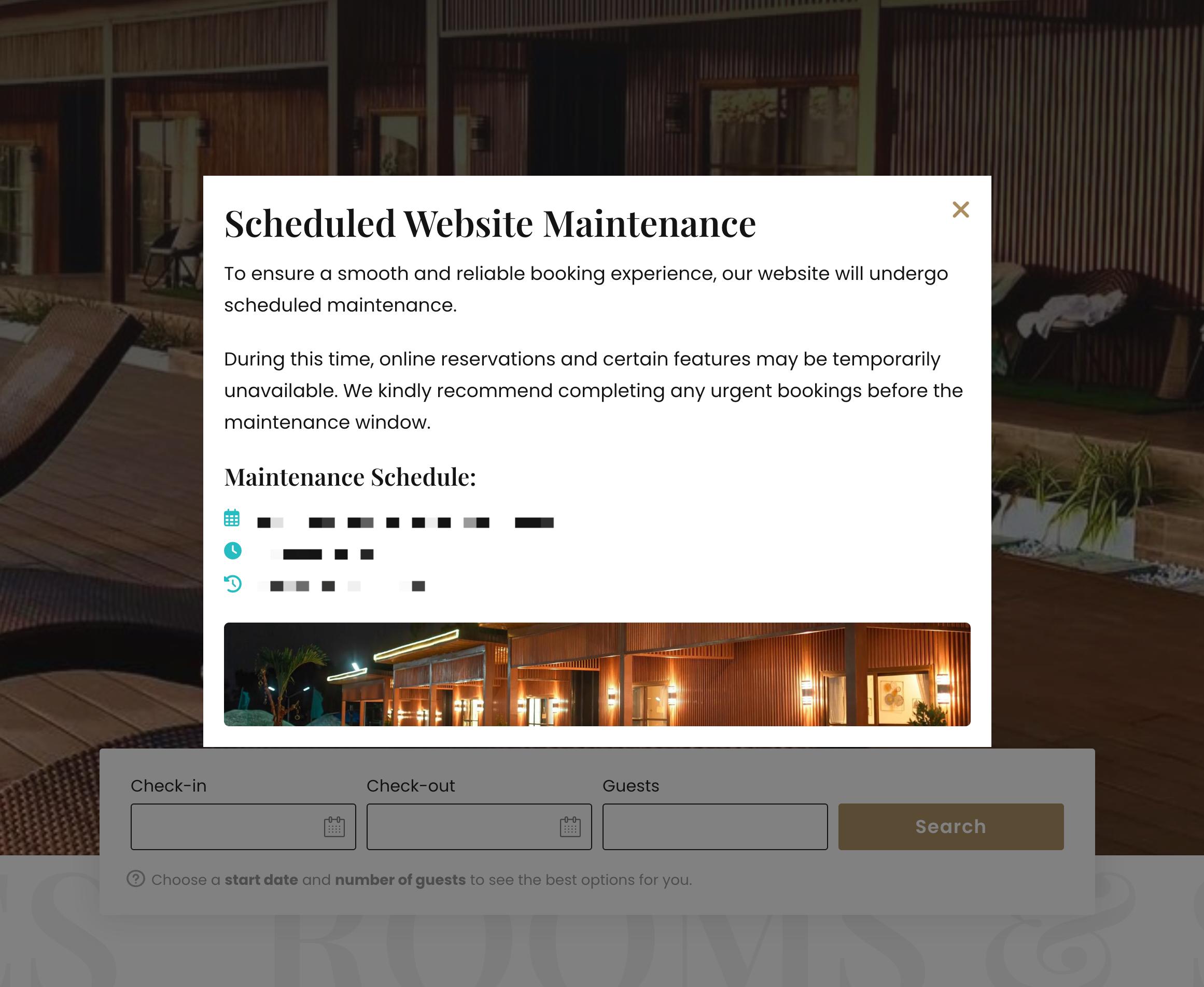
Of course, this maintenance was planned ahead of time. I cannot just place the site in maintenance mode without notice. Everything was coordinated with my client two weeks in advance so they could plan around it properly. We also added a simple popup to notify guests and users that scheduled maintenance would be happening.
Scheduled Maintenance Notification Popup
2. Heavy Testing After Every Update
After the backups, updates and site health checks are done, we don’t just disable maintenance mode and walk away. That’s where a lot of people mess up. You have to test everything.
I believe this applies to every website, not just ecommerce sites. Whether it is a simple blog, a brochure site, or a service-based website, this process still matters. I just want to emphasize that it becomes even more important for websites with heavy transactions.
I’m going to be honest with you. Testing is boring. It takes time. It’s repetitive. And when everything looks fine on the surface, it’s really tempting to skip it.
But with a WooCommerce site, you absolutely cannot skip testing.
After every round of updates on Seascape’s site, I go through what I call a transaction types test. This means running through the site the same way a real guest would. Test bookings are created, products are added to the cart and taken through checkout, different payment methods are tested when available, confirmation emails are checked, and bookings are verified to appear correctly in the system.
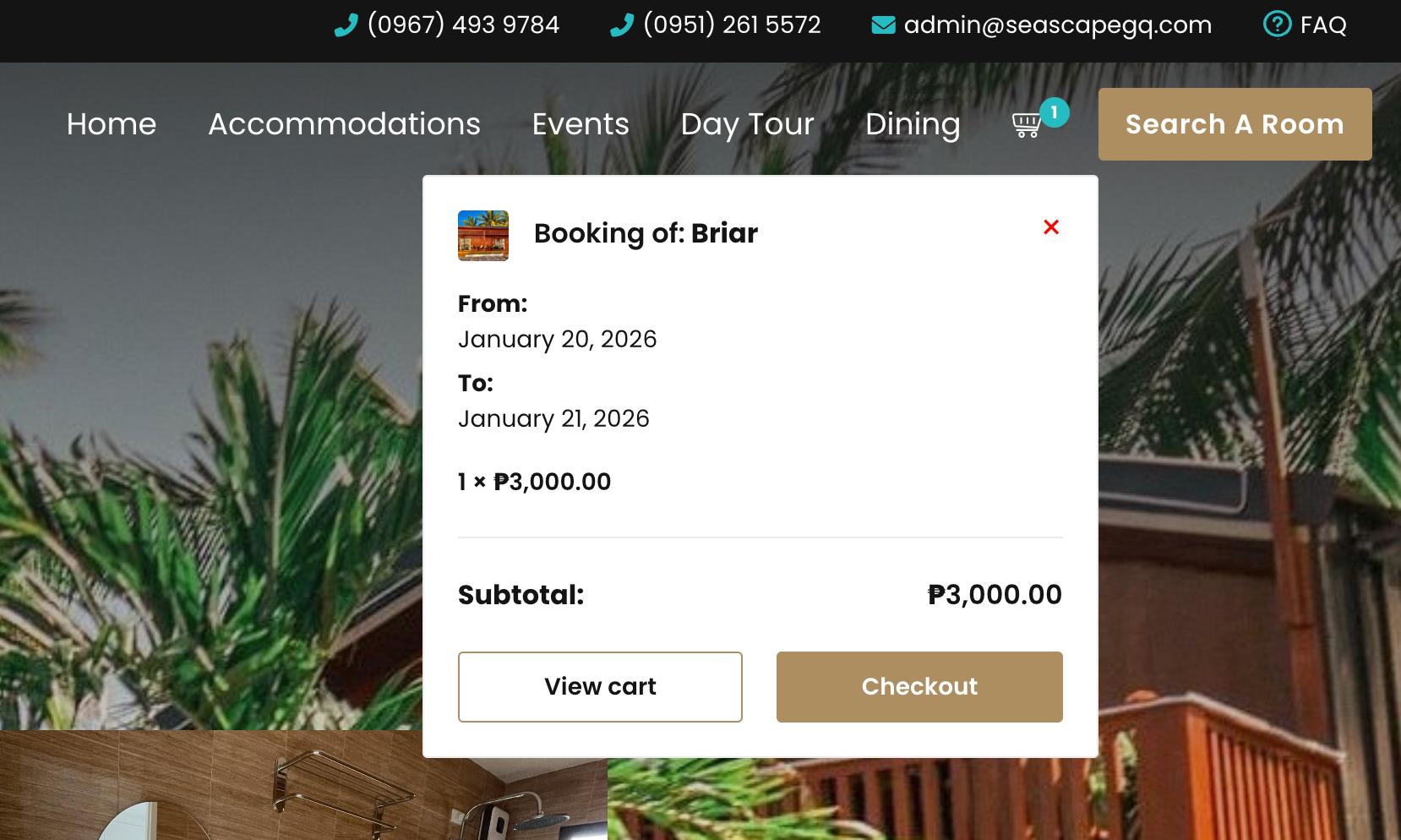
Mini Cart
For emails, Seascape’s notifications are sent through an SMTP, which allows us to monitor and ensure they are delivered properly.
Sometimes everything works perfectly. Great. But sometimes I catch things. Maybe a plugin update changed how the checkout button looks. Maybe a notification email isn’t formatting correctly. Maybe the booking calendar is showing the wrong timezone.
These aren’t always obvious problems. A customer might not even mention them. They’ll just abandon their cart and book somewhere else. That’s lost revenue because someone didn’t take ten minutes to test after an update. That is why testing is always on my WordPress website maintenance checklist.
Keep More of Your Revenue With a Direct Booking Website
Fewer OTA fees, direct guest relationships, and a booking experience you control from start to finish.
Includes 3 months of Site Care + a Personalized Growth Guide
Site Care Is Quiet Work, and That Is a Good Thing
The best site care months feel boring. No crashes. No lost orders. No panic. That is how it should be.
The first month of SGQ Site Care has been about stability. Watching. Testing. Making small adjustments before they become big problems. WooCommerce sites do not need daily changes. They need steady care, consistent monitoring and maintenance to keep everything running smoothly. If your site sells, books, or accepts payments, maintenance is part of the job. Not an extra. Not an afterthought.
If there’s one thing I want you to take away from this, it’s that maintaining a WooCommerce site is different from maintaining a regular WordPress site. It requires more attention, better processes, and actual testing after updates. WordPress under maintenance mode isn’t just a suggestion. It’s a necessary step to protect your transactions and your customers.
Whether you handle it yourself or work with a WordPress website maintenance company, just make sure it’s getting done. Your site, your business, and your customers will thank you for it.
We use cookies to improve your experience on our site. By using our site, you consent to cookies.
This website uses cookies
Websites store cookies to enhance functionality and personalise your experience. You can manage your preferences, but blocking some cookies may impact site performance and services.
Essential cookies enable basic functions and are necessary for the proper function of the website.
Name
Description
Duration
Cookie Preferences
This cookie is used to store the user's cookie consent preferences.