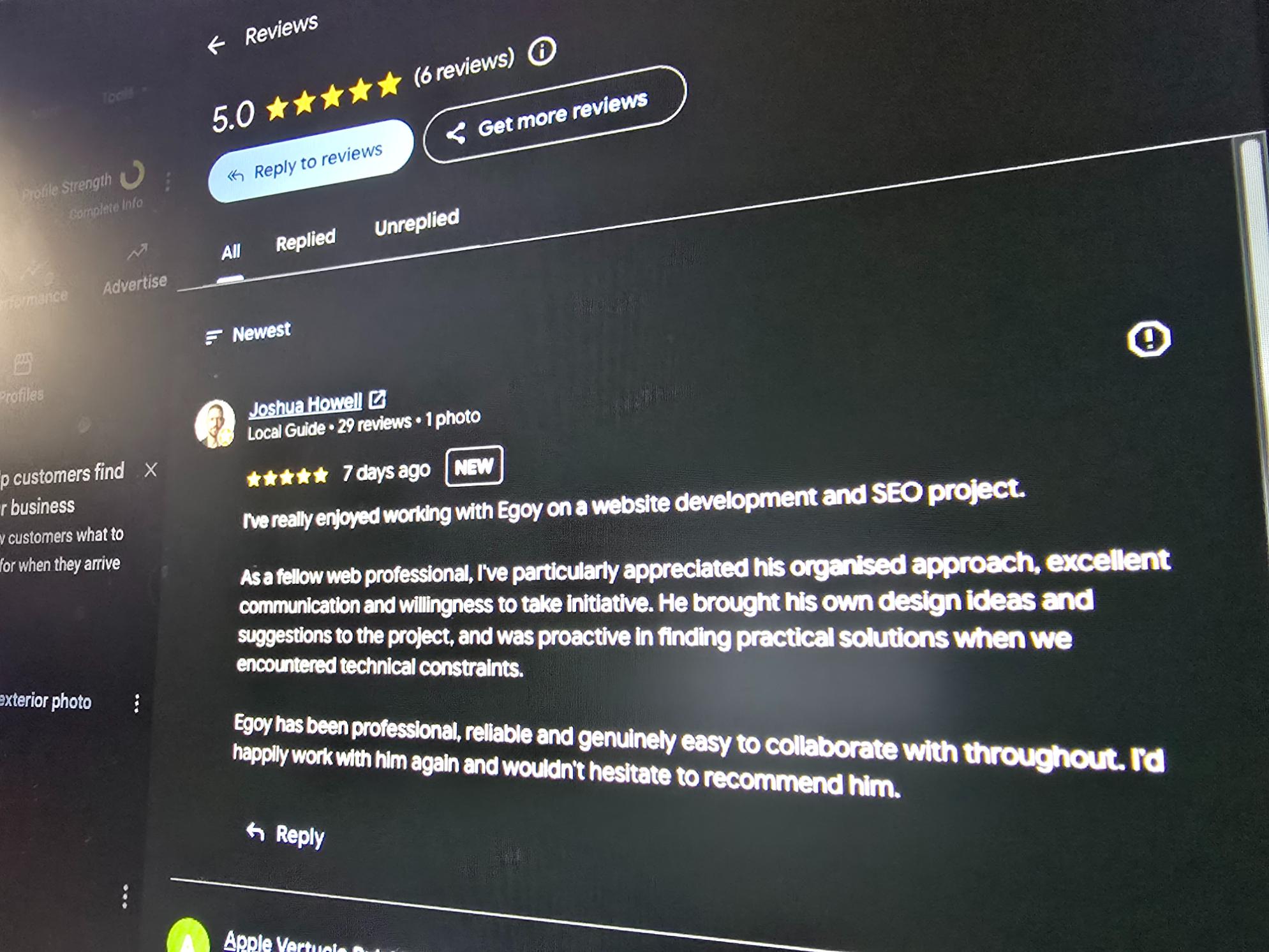
Got a 5-star review from a happy client. Always nice to see these 🙂🙏
Short thoughts, work in progress, lessons learned, & the occasional personal update.
Got a 5-star review from a happy client. Always nice to see these 🙂🙏
You never know what’s gonna happen, so as a freelancer, having backups is a must. Got my new power station from EcoFlow.
And it’s enough to power the whole workstation.
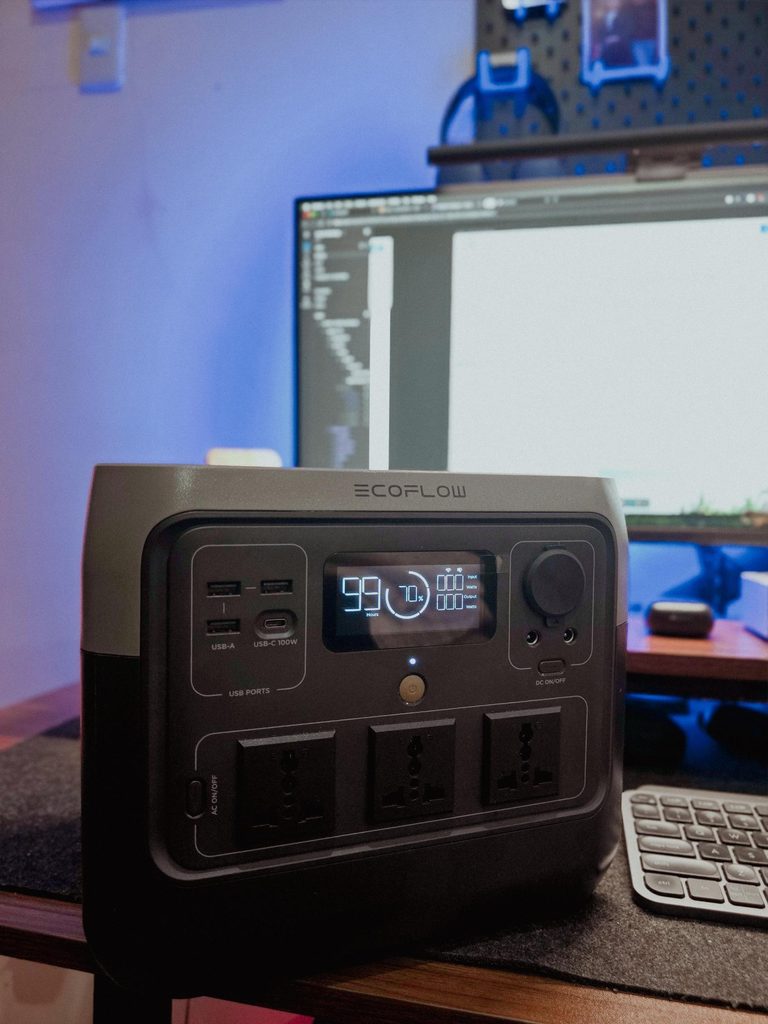
Also I bought a portable solar panel (200W) from a different brand, but it serves its purpose anyway. Gonna upload a photo next time as it’s pretty long when unfolded 😅
Been using my high chair a lot lately since I let go of my old one.
Started getting back aches because of it lol. No choice but to get this ergonomic chair.
Really liking the comfort so far!

The PHP2Shell vulnerability was all over the news this week. Hostinger emailed to say they tested it against their live servers and my sites weren’t affected, and they’re applying the PHP fix automatically anyway.
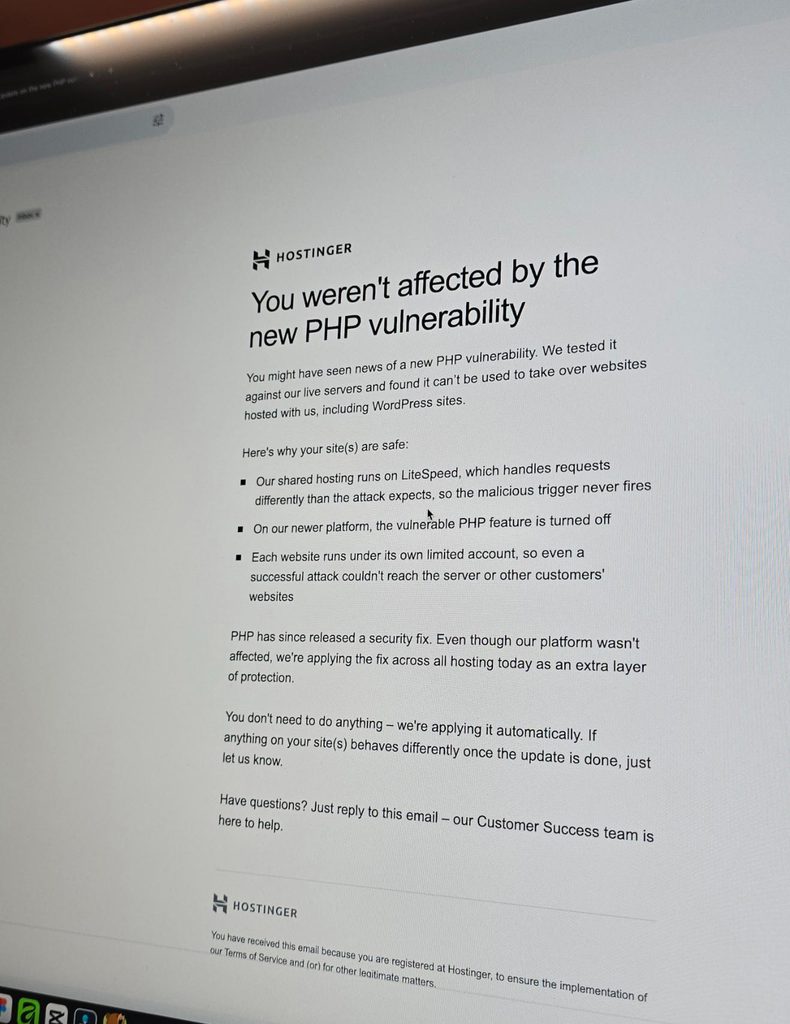
I guess getting good hosting isn’t so bad after all. That assurance really helps in this kind of issue.
It’s been a while since I worked outside of WordPress. Just finished a Wix project for a healthcare practice, working on some of the design refinements and consistency fixes.
The way you build on different platforms really does differ.
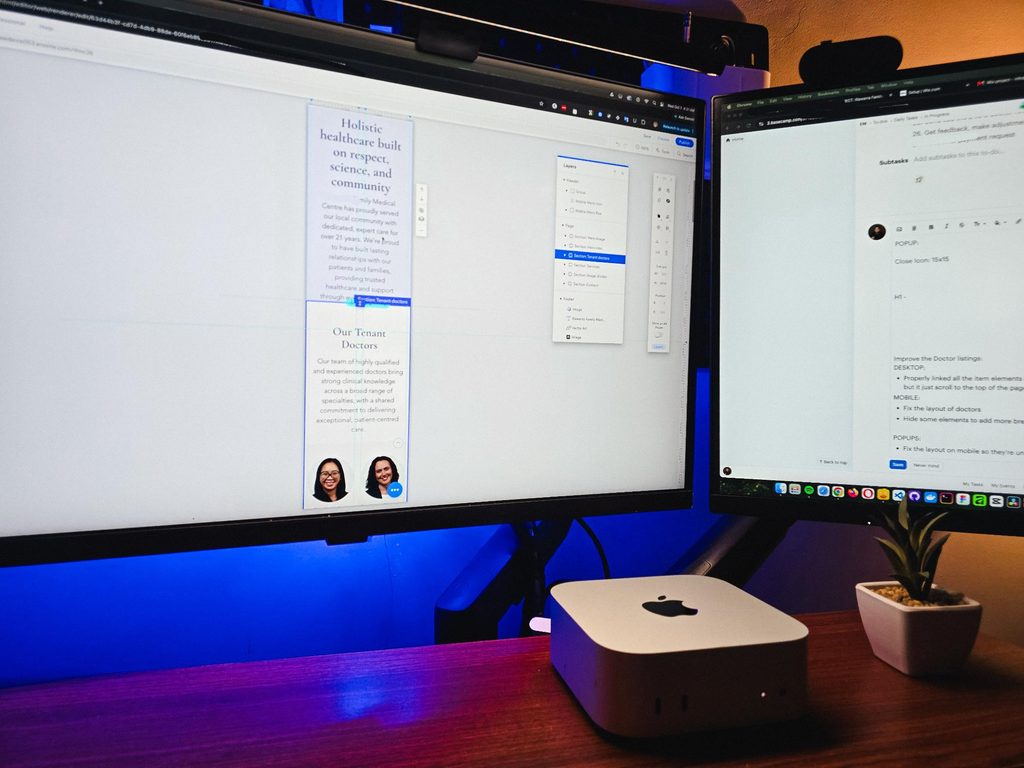
That’s one of the harder parts of freelancing, you need to adapt fast. Enjoyed working on it though.
Recently visited my fiancée’s family, so I got some time off from this workstation and worked from somewhere else for a bit.
That’s one of the things I’m really grateful for with freelancing. You have the freedom to bring your work anywhere and get a change of scenery when you need it.
But yeah, good to be back at this little workspace!
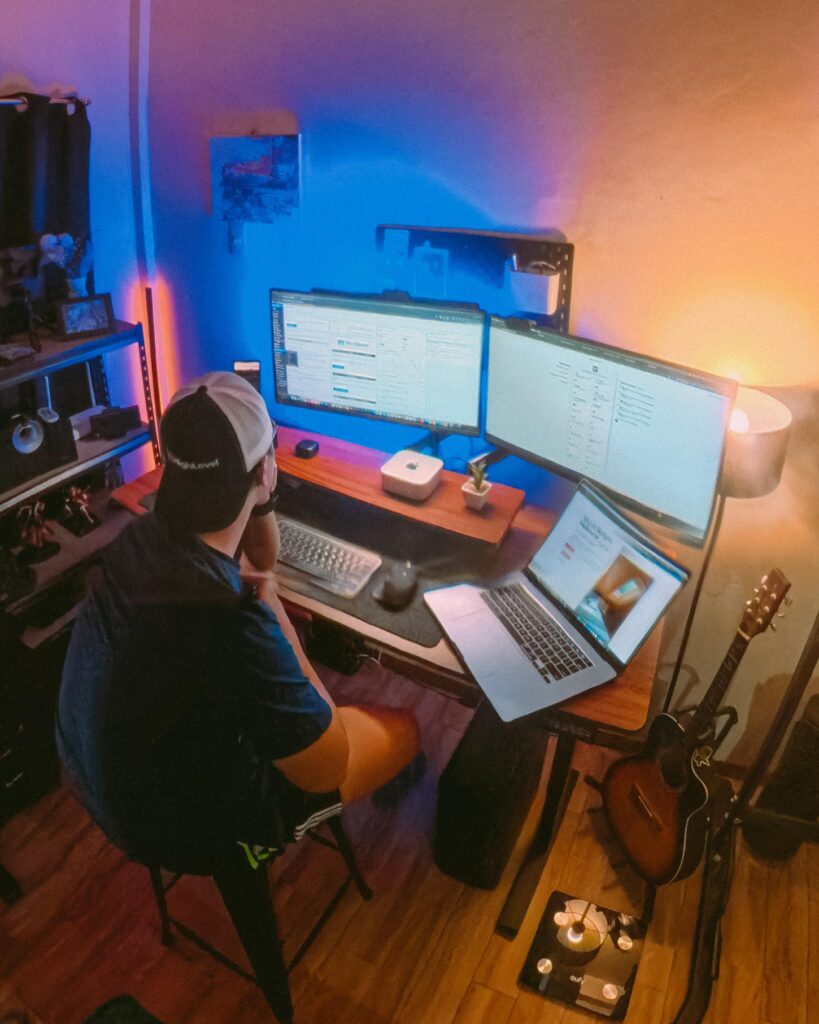
Got my new eyeglasses! Been trying to take better care of my eyes since they take the most stress in this kind of work. So I make sure to get them checked from time to time.
Also, I always go with transition lenses. Just being practical 😅
Classy and functional at the same time!


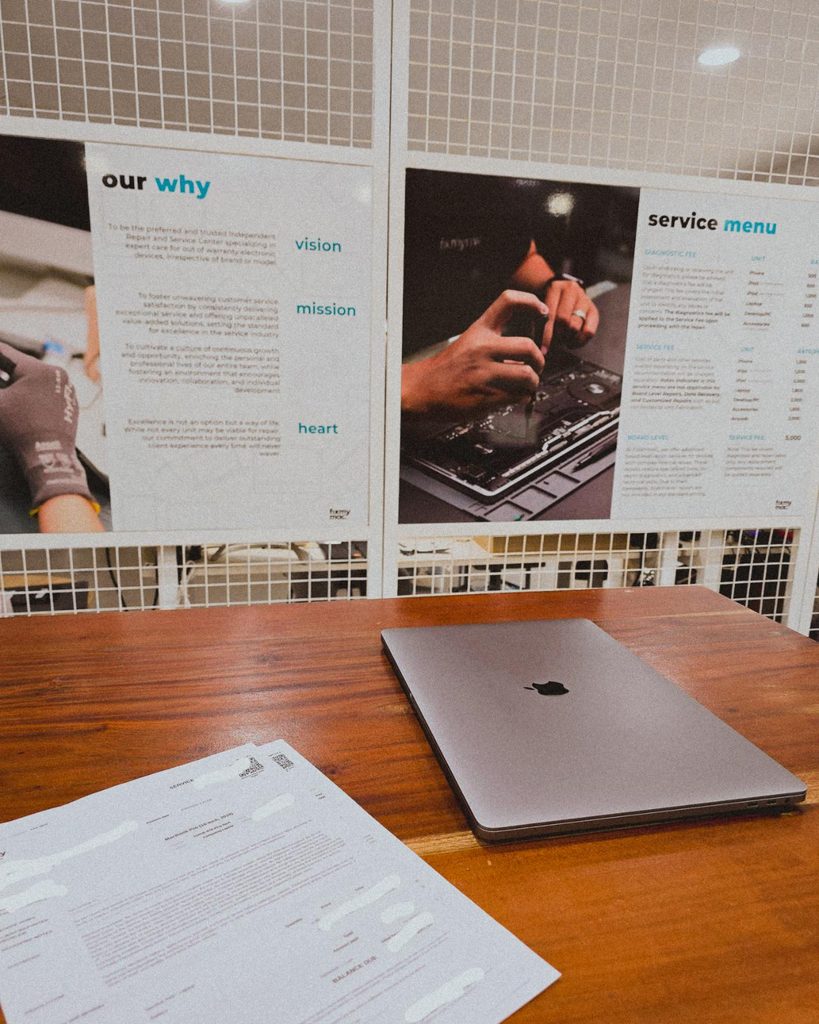
Being a freelancer taught me that you need a backup for everything. Projects, internet, even your computer 😀. Since my main machine is a Mac Mini running the M4 chip, I just needed this laptop repaired as a backup.
But with all the AI integrations these days, PCs and laptops are getting expensive. Even the repairs!
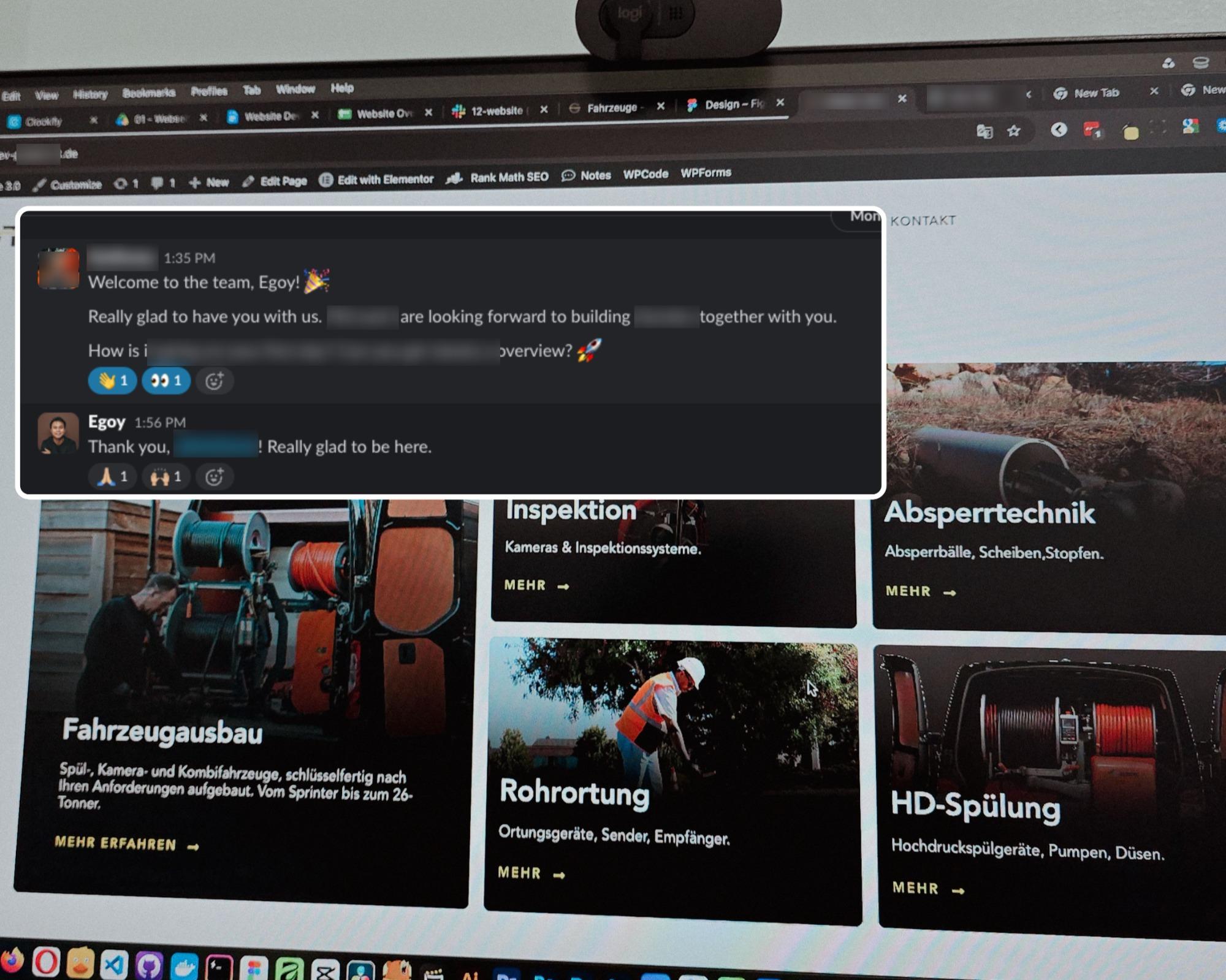
I’m continuing an Elementor project, and I can see myself building custom solutions around it again.
For growing sites with heavy dynamic data and conditional layouts, it’s not really its strongest area.
But it’s still great for marketing sites and for less technical users. Also noticed it now has an MCP, which is a nice plus if you’re using AI.
8 structured data systems in one project. Connecting and strategizing everything so it all works from day one.
I guess freelancing feels fulfilling once you’re done with this kind of project. But the process behind it? That’s a bit overwhelming.
This time I’m not starting from scratch though, the previous provider left it at about 15% progress so I’m just picking up where they left off.
The only real challenge? The language. Shifting from English to Deutsch 😅
Hallo zusammen 👋
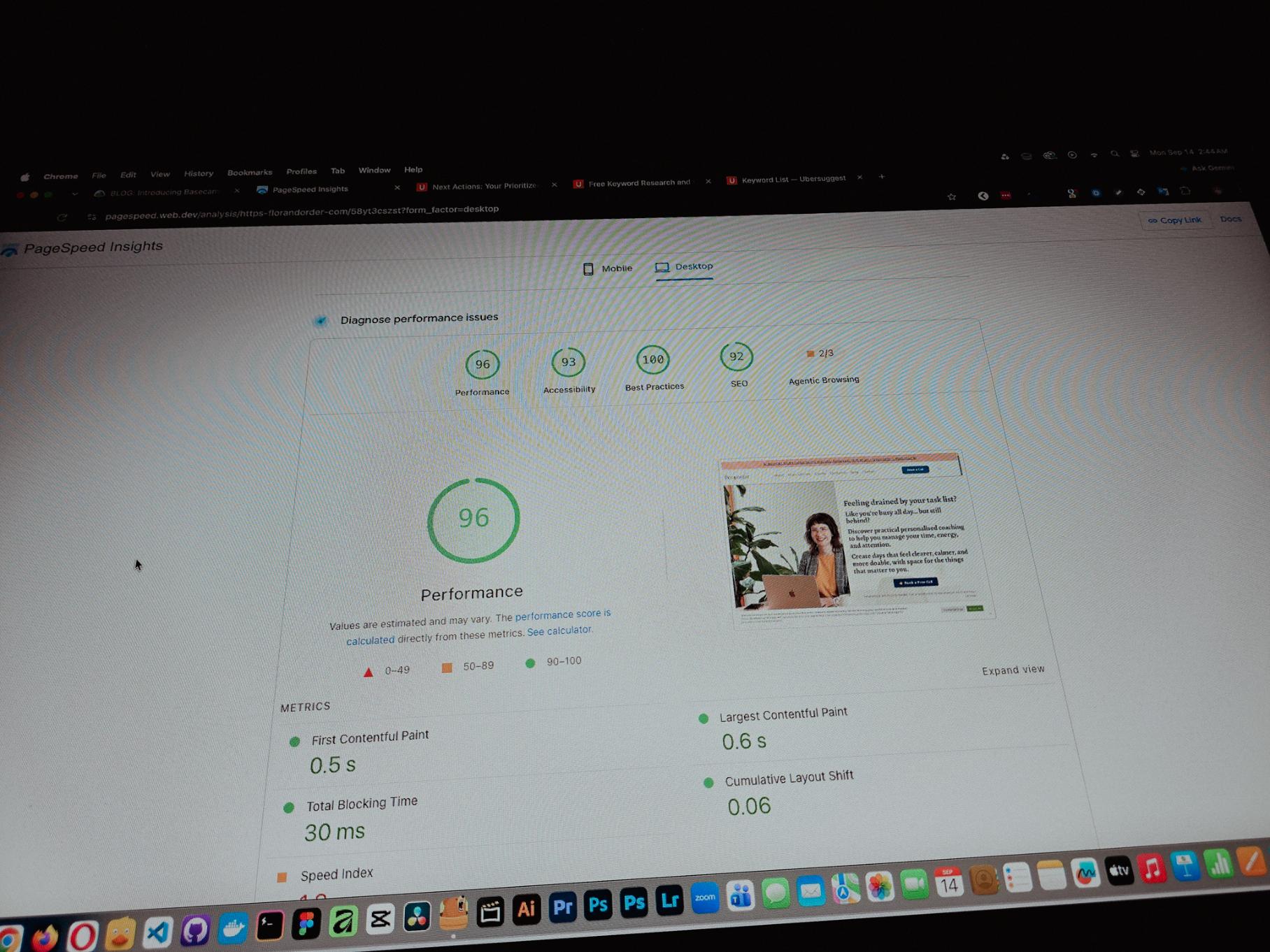
Currently working on one of my monthly site care tasks, checking the speed of a client site. And it’s still performing well. These routine checks don’t look exciting but they keep things running the way they should.
Speed is one of the hardest things to improve on a website because there are so many factors like server, how the pages are built, and the tools used to build them. But I’m still glad I was able to improve this one.
One thing you can’t really control when handling projects is the timeline. It can shift at any point, especially when you’re working with trade businesses.
I’ve tried the more popular ones, but Basecamp is still one of the most straightforward tools out there.
Btw I’m almost done with a new post on how I onboard client projects using it.
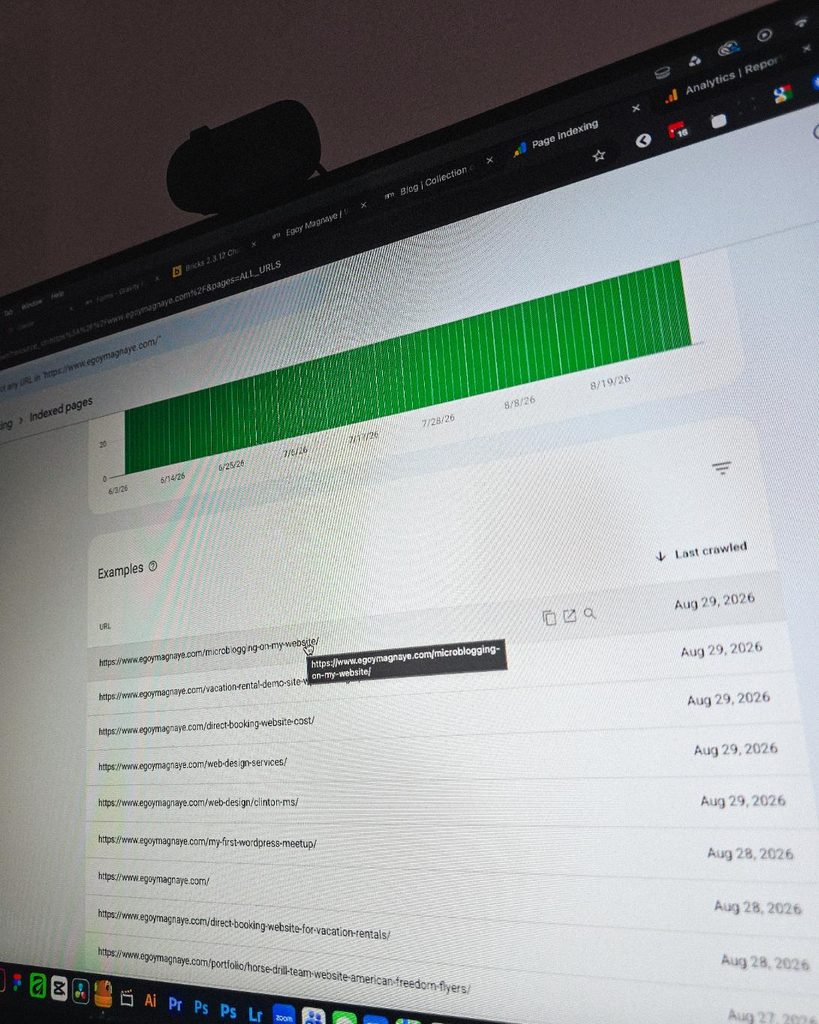
Since I left my corporate job last year to go full-time freelancing, I’ve been putting a lot more effort into this website.
Just added a new post and it got indexed almost immediately.
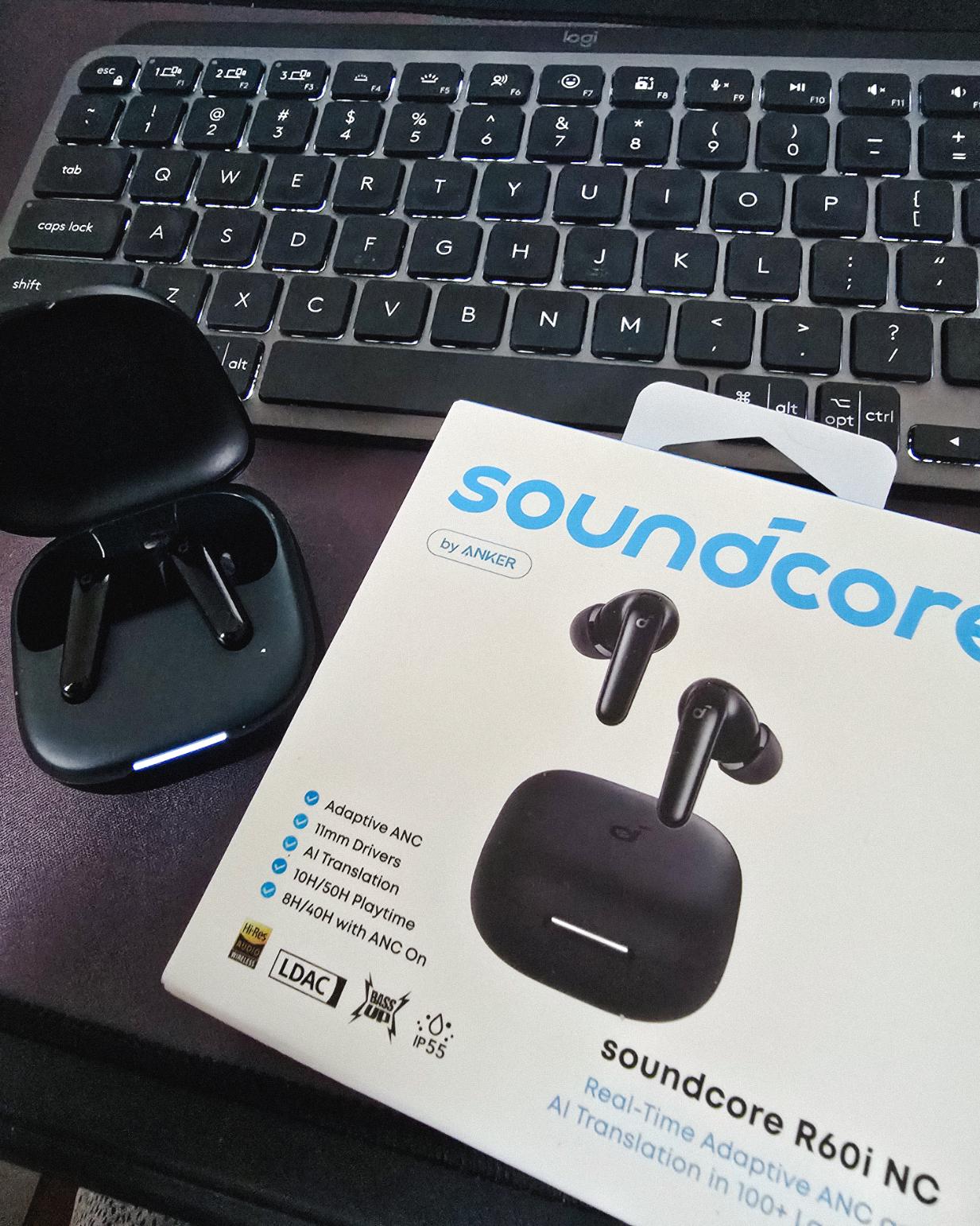
Got my new earbuds from Anker and I’m really liking the noise cancellation so far. Been using the one from Baseus for 2 years and it finally needed a replacement.
Looks small but this pair really helps when I need to focus.
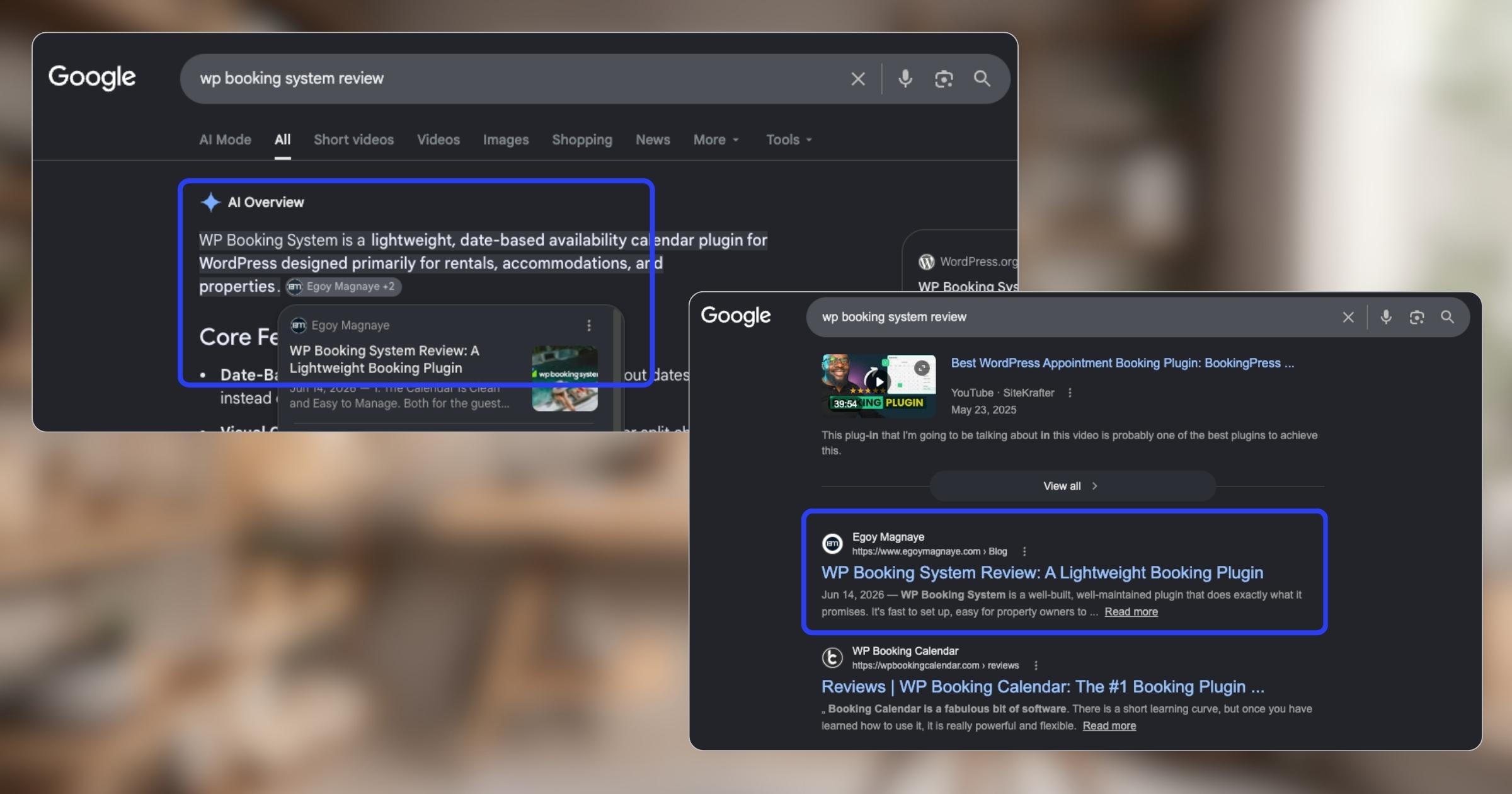
My WP Booking System review is now showing up in AI Overviews and SERP, just like my Bricks Builder one. Been ranking for both too.
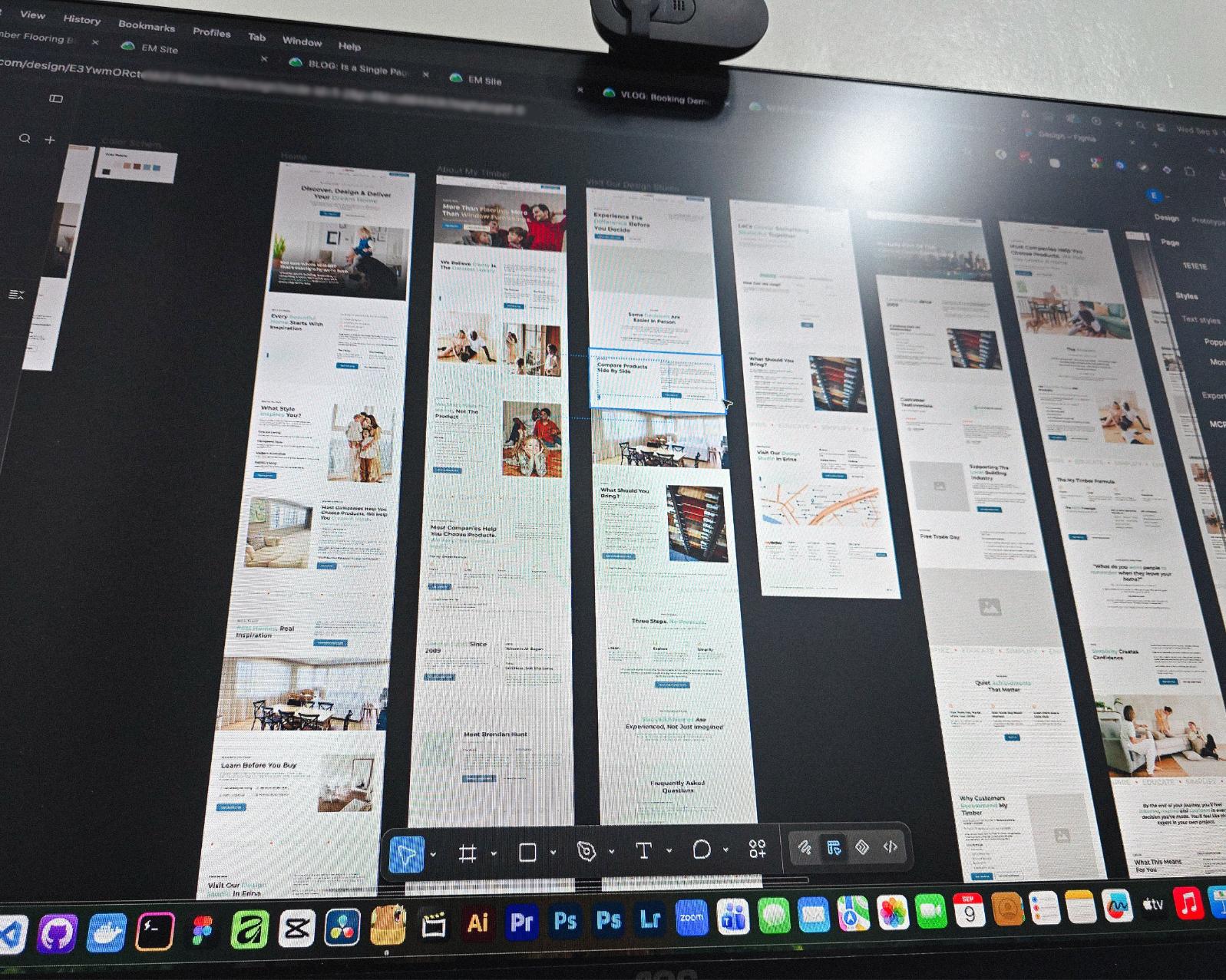
Found some old clips of my website designs done on Adobe XD. Different versions of my site over the past 10 years. A lot of testing and trial and error. It’s been a journey.
Had to switch to Figma with all the issues around XD being phased out.
I can’t remember if they’re going to post recordings of the 2-day event, but I was still able to gather some insights from my phone and memory 🙂
Here’s the new blog about HighLevel Live Manila.

Since I’ve already added more than 10 notes, I can say I’m really liking this new feature on my website.
See the full post on why I added microblogging to this website.
Reader Disclosure
Disclosure: I may occasionally include affiliate links in my posts or pages. If you click on one of these links and make a purchase, I may receive a small commission, which helps me keep this website running and create more useful content. However, this does not affect my opinion on the product or service in any way. I only recommend products and services that I truly believe in and use myself.
Are you a contractor or business owner looking to create a website for your home services company? If so, you’re on the right track! In this post, we’ll discuss the top features you might need whether you’re planning to build a new contractor website or you already have one and are looking to make some improvements. Whether you’re a paving expert, electrician, roofing professional, landscaper, or any other home service pro, having a slick, professional website can really help you stand out from the competition.

I’ve developed websites for various niches including coaching, law, food, and healthcare. And over the past two years, I’ve particularly focused on the contractor sector, consistently working with clients in this industry. When I was hired as a web developer at a web design agency serving the Northern Virginia market, I was assigned to work on multiple contractor websites and most of these home service companies are paving specialists.
Now, in this section, we’ll discuss the features that all the previously mentioned contractor websites incorporate. Although most of these are pretty straightforward, some sites are still not implementing them properly.
When was the last time you redesigned your contractor website? How’s it going—is it still performing well? If you’re noticing a decline in your website’s performance, it might be a good idea to refresh it for your clients. Showing potential clients that you, as their home improvement service provider, are dedicated to improving your own space can help build trust.
Redesigning a website isn’t just about updating its frontend appearance; it’s also a way to identify and address issues that may be causing a decline in performance. A web manager, if you have one, can easily monitor this and assist in auditing your site to pinpoint these problems.
Sometimes, underlying issues like a faulty theme or problematic plugin can only be resolved with a complete redesign. While I know a website redesign can be somewhat expensive, it’s a worthwhile investment if it contributes to improving your business.
It’s essential to optimize your site for mobile screens, because most of your clients are likely browsing from their mobile phones at home. If a website is not properly optimized for mobile use, your potential clients may struggle to interact with your site, such as sending inquiries or checking out the projects your contractor company has accomplished. The website might look disorganized because it was designed solely for desktop or larger screens.

That’s the reason why we emphasize mobile responsiveness during development. It’s essential for your site to display correctly on smaller screens, ensuring that all users have a seamless experience regardless of the device they’re using. This approach not only improves usability but also enhances user engagement and accessibility.
Have you ever visited a website with confusing or unclear menus and ended up bouncing back to your search because you couldn’t navigate the site properly? It’s pretty annoying, right? Having a contractor website means you’ll likely have a lot of content, and having user-friendly navigation is key to ensuring that clients can easily find what they need on your site.
By organizing your site with clear, intuitive menus and logical pathways, you make it straightforward for visitors to navigate through your content without frustration. When users can effortlessly locate the products, services, or information they’re looking for, they’re more likely to engage with your site, ultimately leading to higher satisfaction and increased conversions.
Having a way to list your projects is crucial not just for contractor businesses but for all service or professional businesses. It’s a way to showcase your expertise by carefully selecting your most impressive work, presenting it with high-quality images, and providing insightful descriptions that highlight your capabilities. This creates a compelling showcase that convinces potential clients you’re the best choice for the job.
If you have many projects under a sub-service, make sure to organize your work into intuitive categories or filters. This approach allows your customers to easily find and select only what they need, streamlining their experience.
Building trust with potential clients is important, and there’s no better way to do it than by sharing the positive experiences of those you’ve already served. Featuring testimonials and reviews from satisfied customers not only highlights your credibility but also gives a personal touch to your services.

It reassures new clients that they are making the right choice by choosing you, as they read through the genuine feedback and success stories from those who have witnessed your work first-hand.
I’ve developed a Net Promoter Score (NPS) survey form designed to help collect and highlight positive reviews from your clients. Originally built for a law firm’s website, this tool can easily be repurposed for a home services provider site as well. By showcasing all the positive feedback, it not only enhances your reputation but also builds a strong foundation of trust.
I work with businesses to build sites that are easy to manage and actually bring in leads.
Start with a free site audit · No commitment
You’ve got user-friendly navigation, a portfolio section to showcase your expertise, a list of satisfied clients, and a website optimized for all screens with a modern, professional look. So, what’s next?
Now, you need to make sure that potential clients can easily reach you by adding a contact form. It’s also important to highlight the importance of making your contact details readily available. This step ensures that they can easily reach out to you with questions, requests, or potential projects. Having clear, visible contact information and simple inquiry forms not only enhances customer experience but also increases the likelihood of generating new business leads.
When building a contact form, avoid creating just a generic form with only basic fields like name, email, and message. Instead, tailor the form to fit your business needs. For example, if you’re creating an inquiry form for your contractor website, include specific questions that help you understand what the client needs for their project, along with a selection of predefined services you offer. Also, ensure that the fields are well-organized, making the form user-friendly and easy to navigate.
You could have a great-looking website with all the right features, but if the content looks like it hasn’t been touched in months, potential clients might wonder if your business is still operating.
Most contractors are too busy on job sites to sit down and write full blog posts regularly. But keeping your site active doesn’t have to mean writing long articles. Even quick updates can make a difference, like a recently completed project, a before-and-after photo, or a short note about a new service you’re offering.
One approach that works well for this is adding a quick update feature like a microblog, where you post short, informal updates directly on your website. It’s lighter than a full blog post and keeps your site feeling current without adding pressure to your schedule.
To wrap up, ensuring your contractor website includes these must-have features is not just about staying competitive; it’s about offering a seamless, informative experience that can significantly boost your business’s credibility and attract more clients.
Remember, your website is often the first point of contact for potential customers, so make every element count—from user-friendly design to personalized content like detailed case studies and interactive forms. By focusing on these key aspects, you’re setting the stage for increased engagement, higher conversion rates, and ultimately, business growth.
So, take the time to assess, implement, and refine these features, and watch as your contractor business reaches new heights of success!
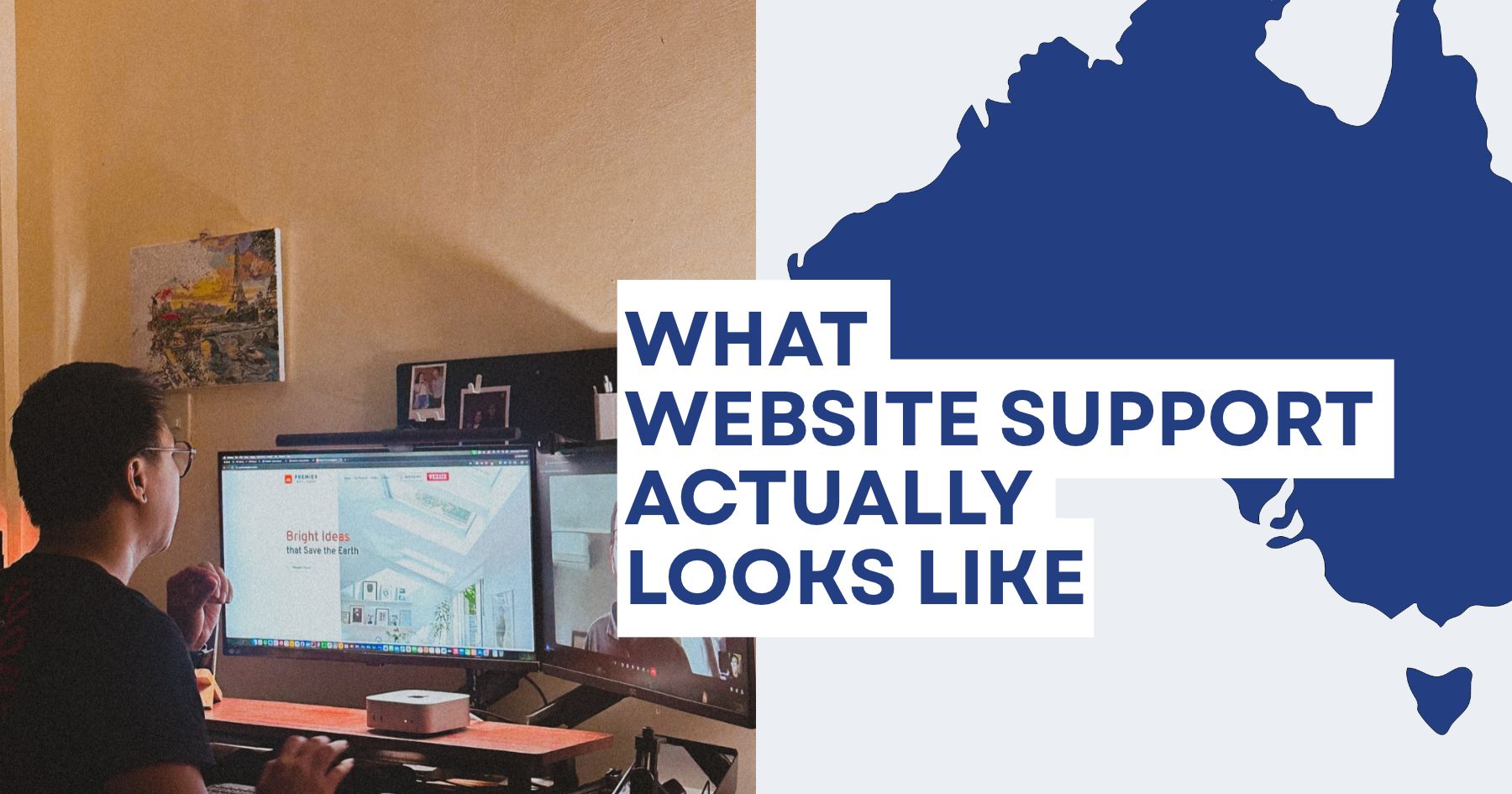
After years of supporting AU business websites, the same improvements keep making a difference. Here…
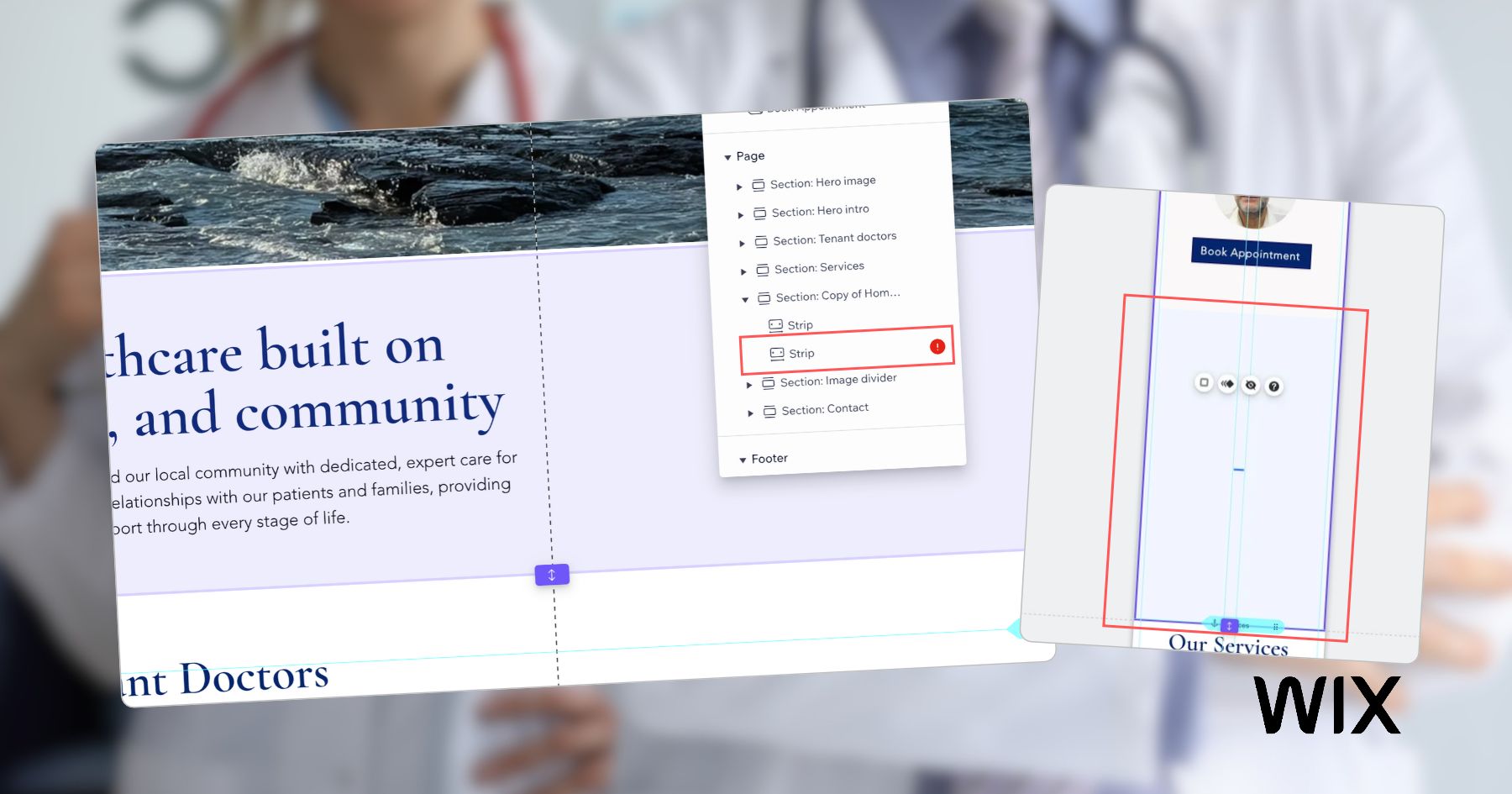
A quick method for finding and removing the hidden strip causing unnecessary white space between…
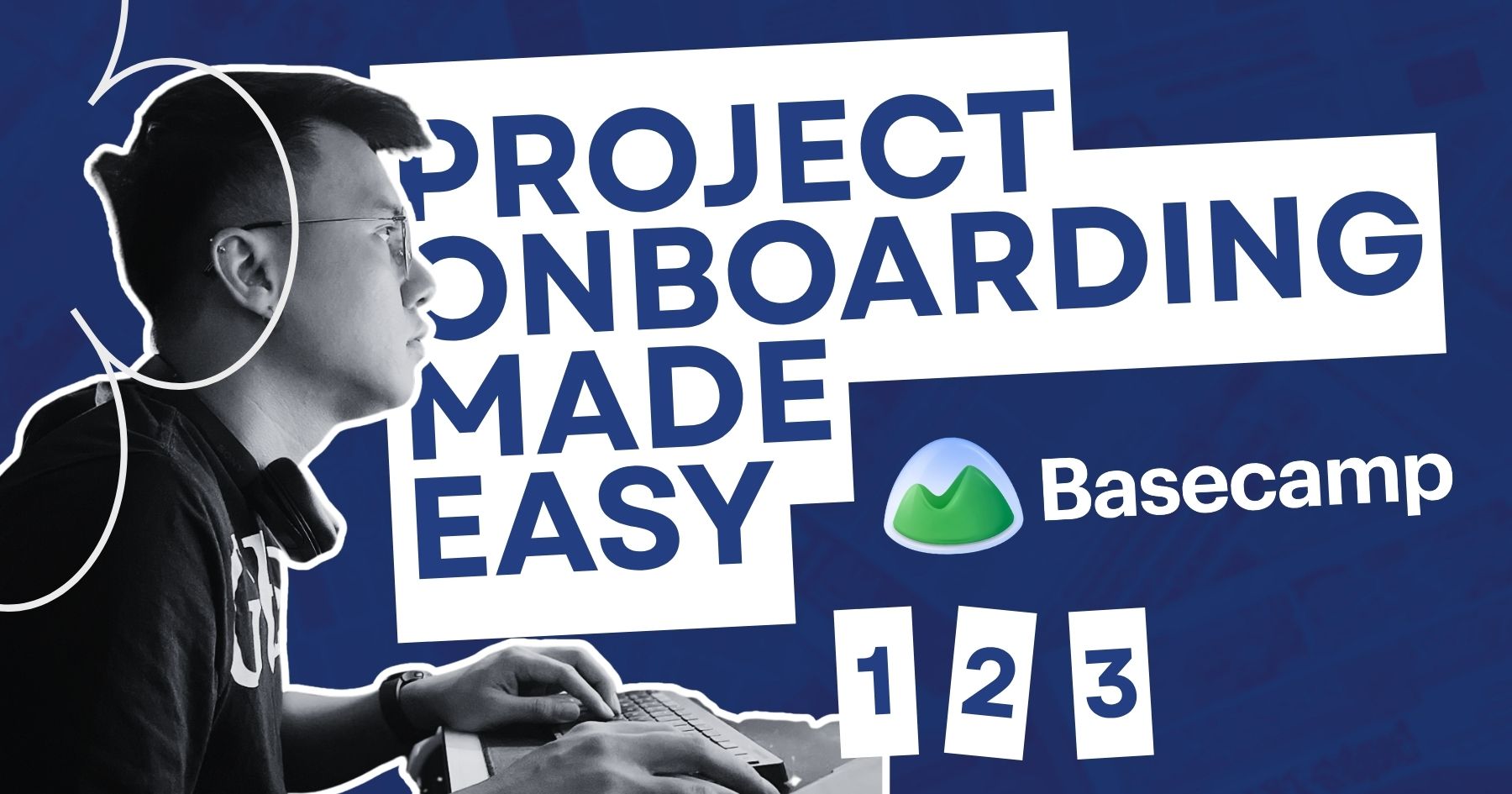
How my web design client onboarding stays organized from day one using Basecamp & what…