Short thoughts, work in progress, lessons learned, & the occasional personal update.
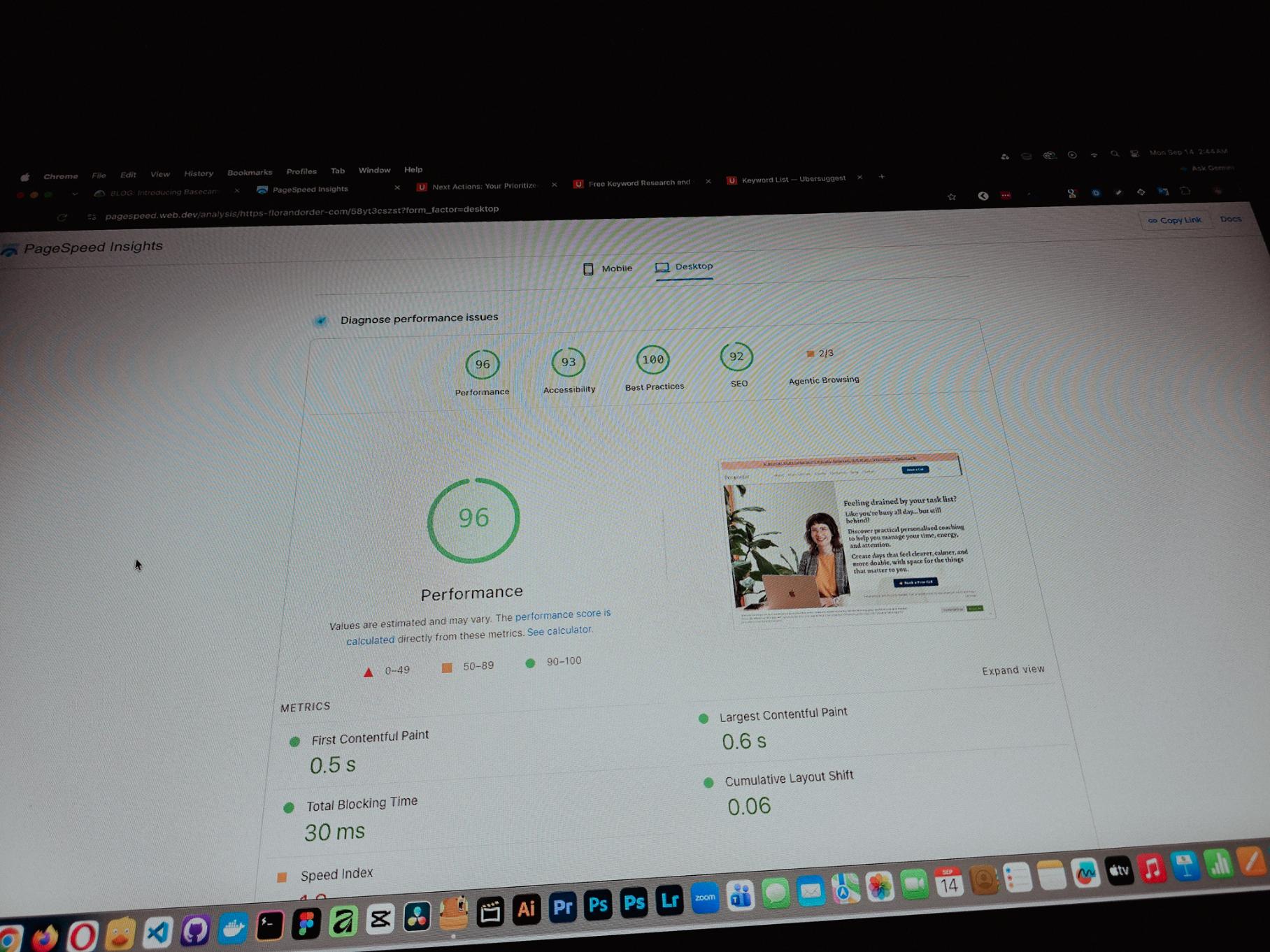
Currently working on one of my monthly site care tasks, checking the speed of a client site. And it’s still performing well. These routine checks don’t look exciting but they keep things running the way they should.
Speed is one of the hardest things to improve on a website because there are so many factors like server, how the pages are built, and the tools used to build them. But I’m still glad I was able to improve this one.
Posted 2 hours ago
One thing you can’t really control when handling projects is the timeline. It can shift at any point, especially when you’re working with trade businesses.
Just picked up the design phase of the flooring company project again. Glad I’m already done with the major pages and just working on the Learning Resources and Projects dynamic pages now.
Posted 4 days ago
Been using Basecamp for project management since I started freelancing.
I’ve tried the more popular ones, but Basecamp is still one of the most straightforward tools out there.
Btw I’m almost done with a new post on how I onboard client projects using it.
Posted September 3, 2026
Since I left my corporate job last year to go full-time freelancing, I’ve been putting a lot more effort into this website.
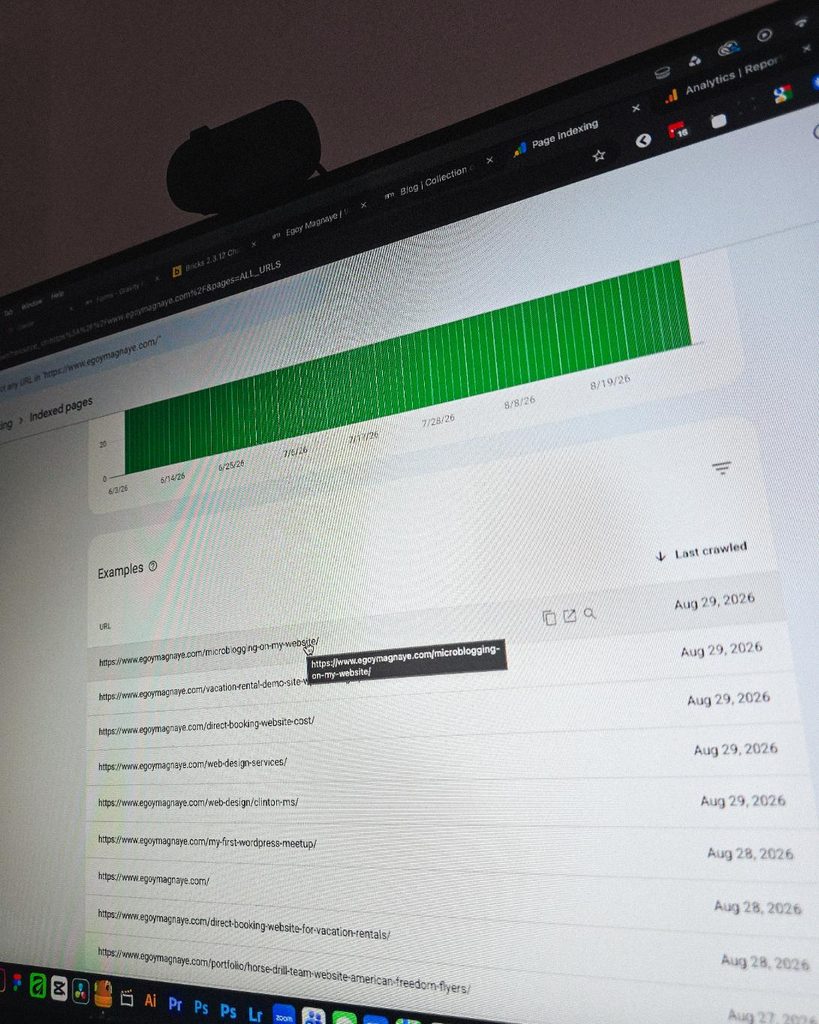
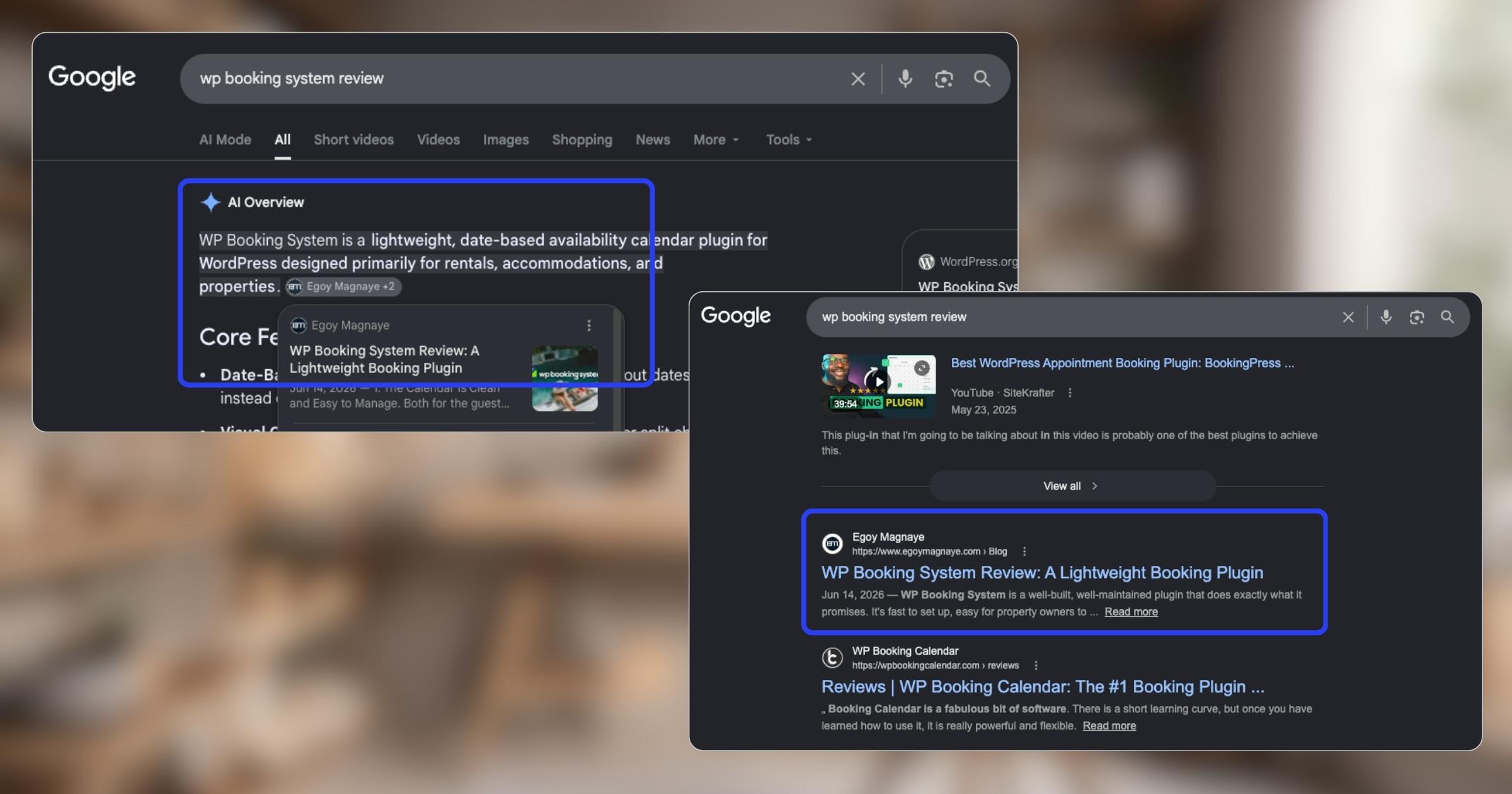
And one of the most rewarding things so far is how much easier it is to get content indexed by Google.
Just added a new post and it got indexed almost immediately.
Posted September 1, 2026
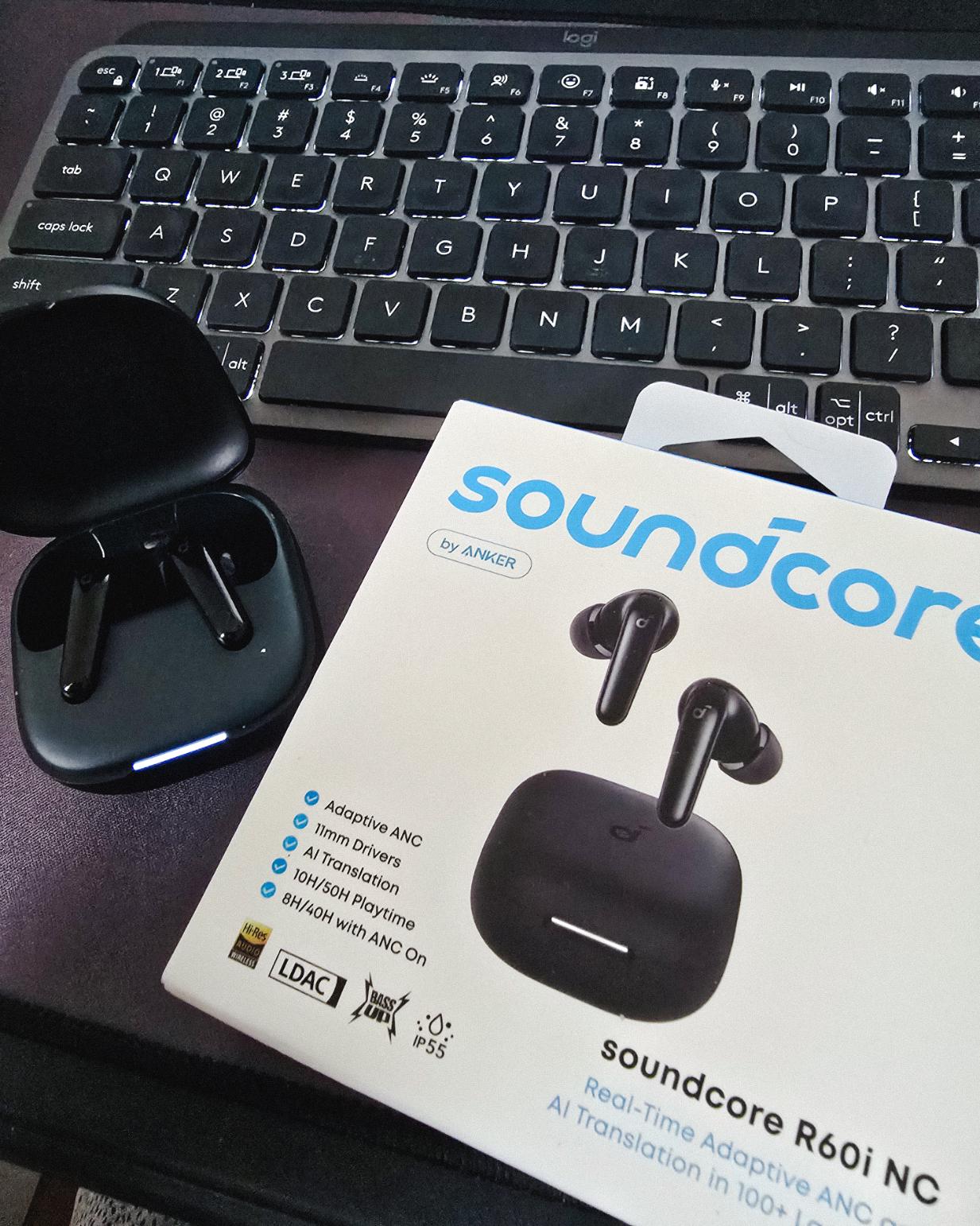
Got my new earbuds from Anker and I’m really liking the noise cancellation so far. Been using the one from Baseus for 2 years and it finally needed a replacement.
Looks small but this pair really helps when I need to focus.
Found some old clips of my website designs done on Adobe XD. Different versions of my site over the past 10 years. A lot of testing and trial and error. It’s been a journey.
Had to switch to Figma with all the issues around XD being phased out.
Posted August 26, 2026
I can’t remember if they’re going to post recordings of the 2-day event, but I was still able to gather some insights from my phone and memory 🙂
I’m at the point where I want to offer businesses stuck on WPBakery a free rebuild.
Nah maybe a discount 😅
But seriously, if you’re going with WordPress, at least use a solid page builder like Bricks (my bias), Beaver, Divi, or Elementor. Launching a site is just a small part of it.
Building new pages and optimizing over time is the long game, and your site builder matters for that.
Posted August 17, 2026
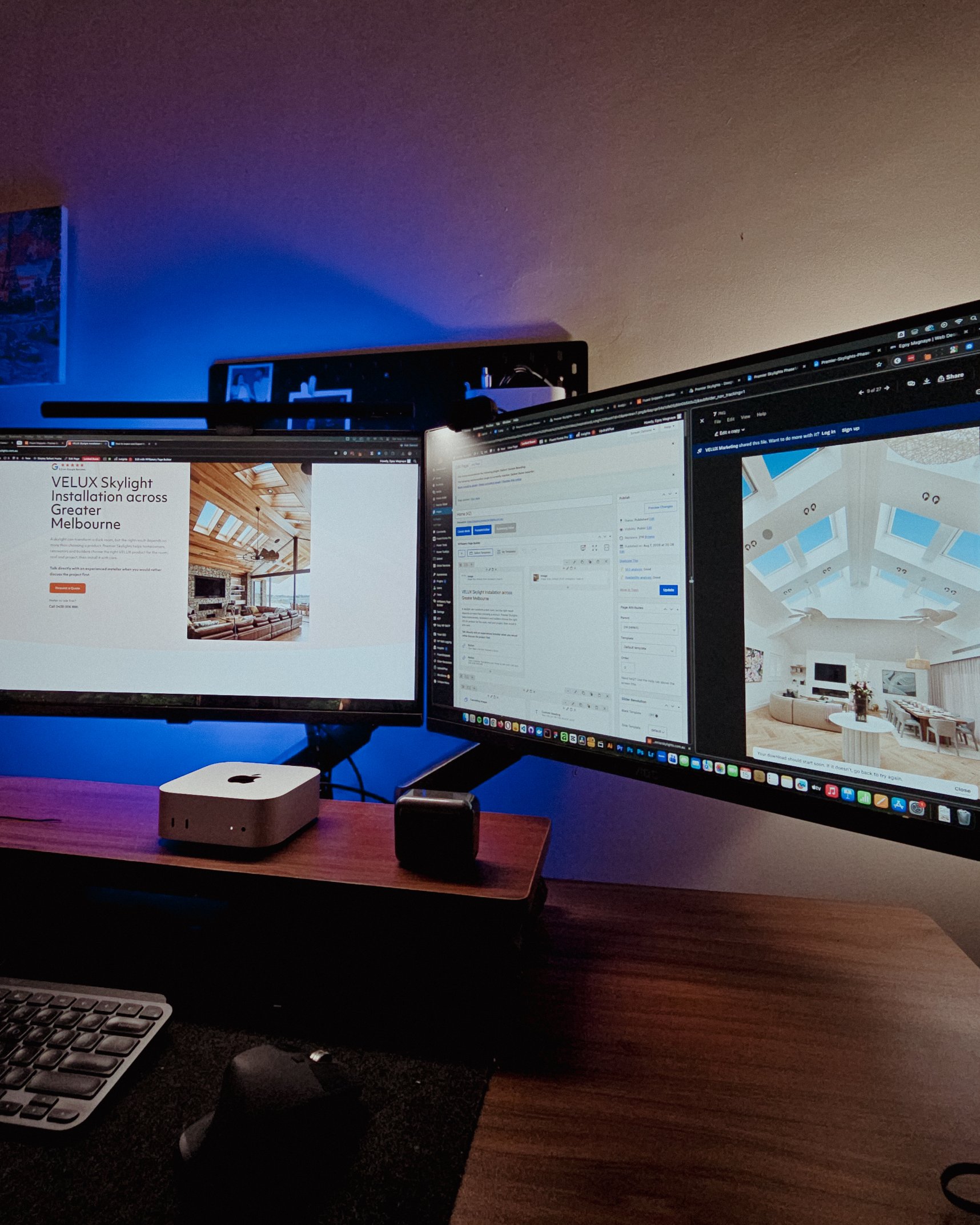
Been handling website projects in the home improvement space, especially clients in AU.
Looking at these skylight photos all day got me thinking. What’s it like living in a house with a transparent roof like that? Then I imagined having one here in PH. Sounds great when it rains. Then summer hits 😂
jk, these skylights are actually automated and packed with features.
Posted August 15, 2026
WPBakery might be the only page builder where the experience is equally rough whether you’re using backend or frontend editing. Divi handles this way better.
Sorry, I keep comparing these two because they both offer both modes, but the quality gap is real. Credit to the Divi team for getting that right!
Posted August 14, 2026
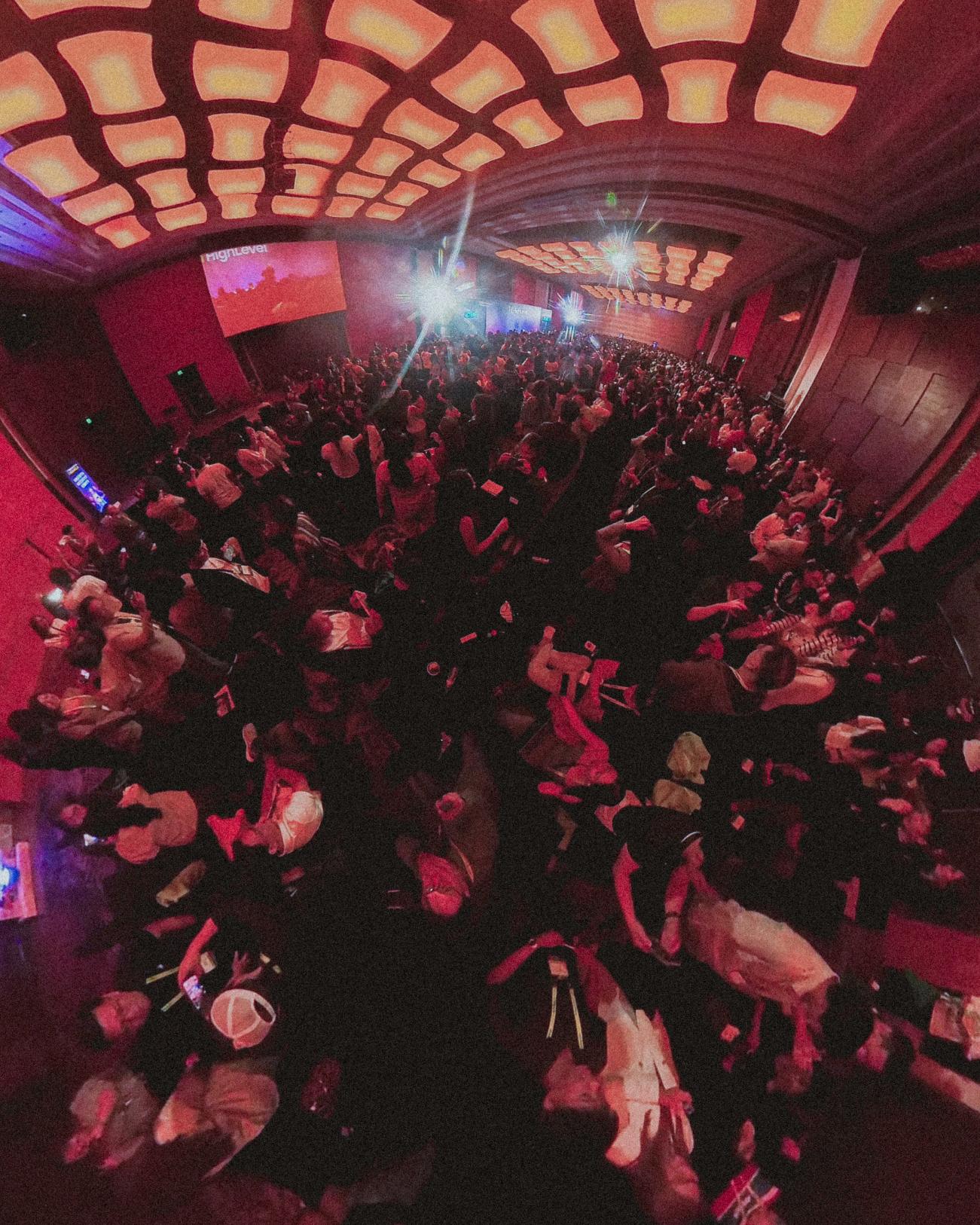
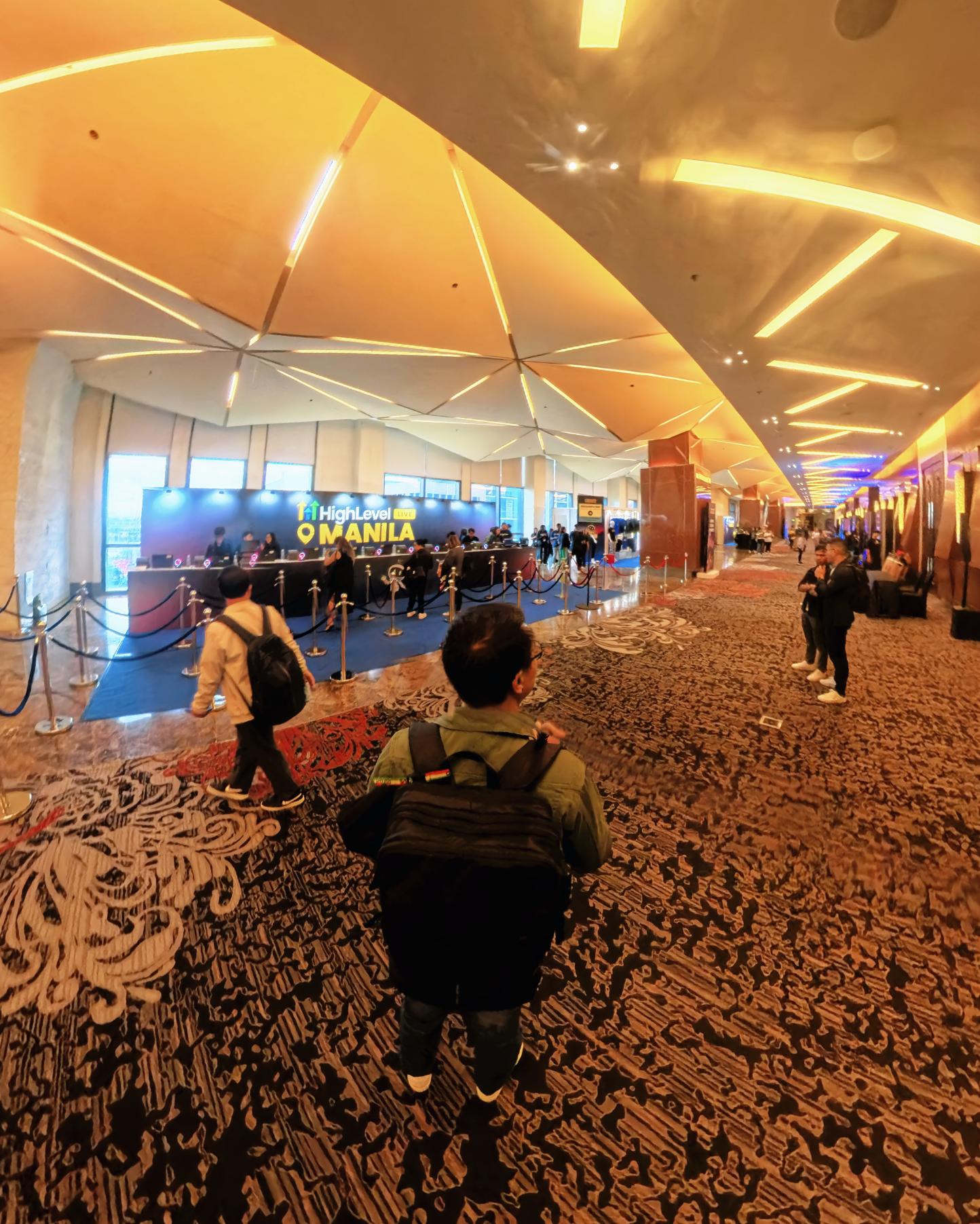
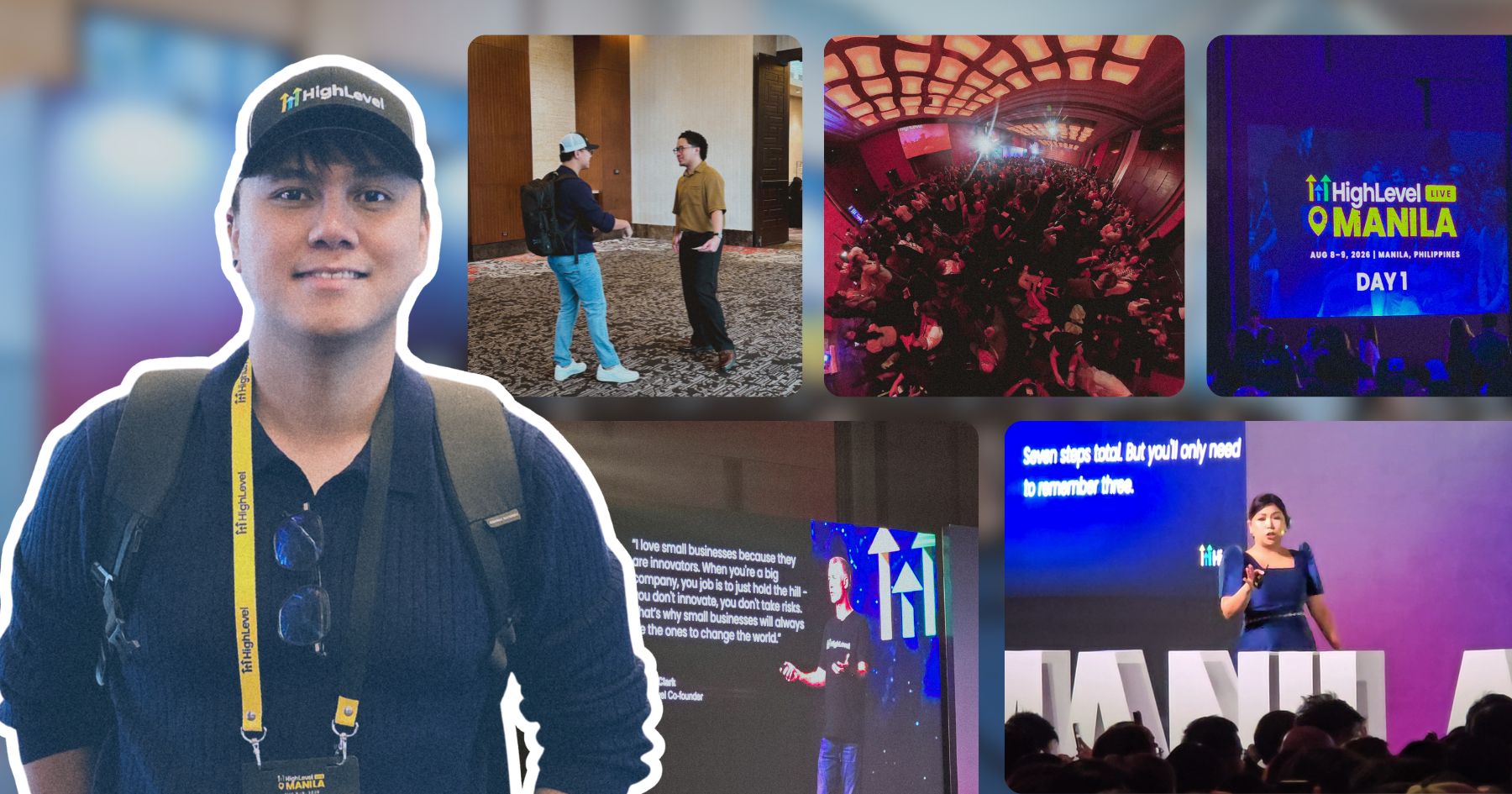
Got a chance to attend the HighLevel Manila 2-day event!
I just realized I wasn’t able to record everything. Now I’m trying to piece together all the info I remember and the photos I have.
The insights they shared were pretty overwhelming 😅
Posted August 10, 2026
I have an urgent page build using WPBakery. Although we have a 1-week deadline, I’m confident I can deliver. But seriously, at least give us a custom CSS field per widget. Even Divi has that!
I’m not really the type to rant about tools I use for work. I get that every builder is built differently. But every time I have a project using this one, it just takes so much longer than it should.
Posted August 8, 2026
You know, one thing that still bugs me is not asking my old clients to leave their review on my Google Business page.
I just collected them through email or other apps. Should’ve known better 😬
Posted August 7, 2026
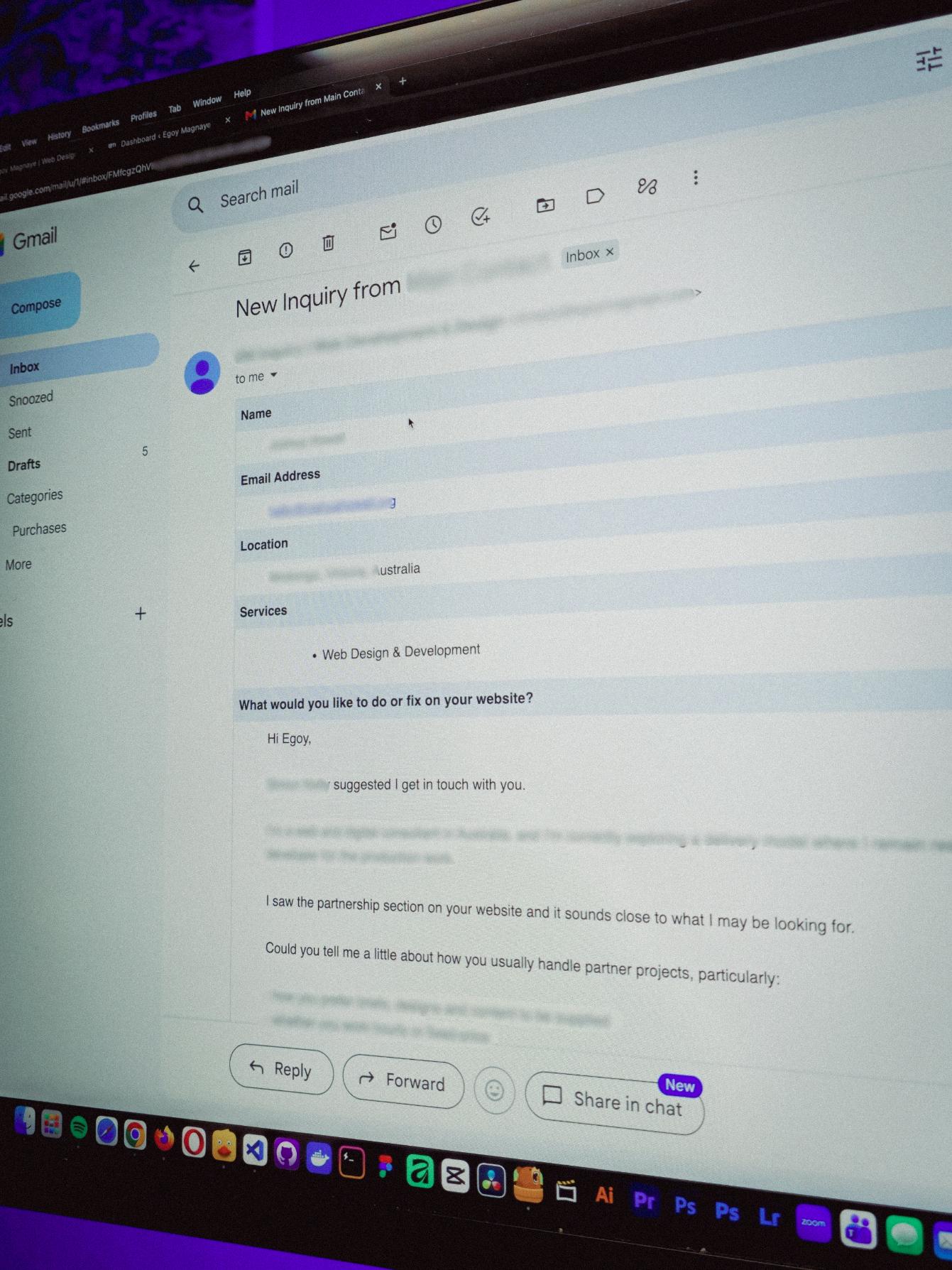
You know what makes doing this stuff worth it? People who still remember you and refer you even if you haven’t spoken in a long time!
Just got an inquiry! Turns out someone I spoke with 2 years ago referred them. As a small service provider, that kind of thing means a lot 🙂
Posted August 4, 2026
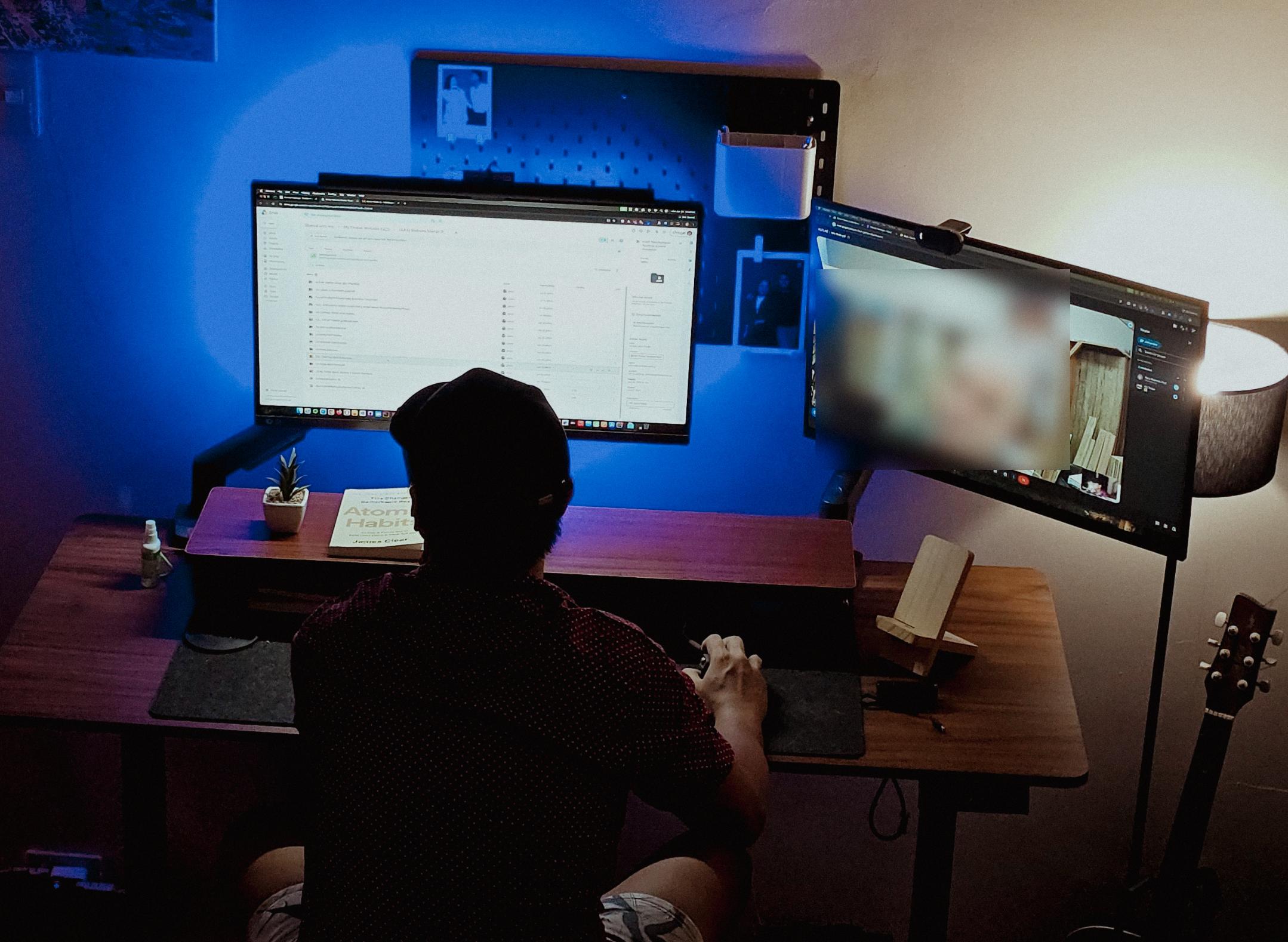
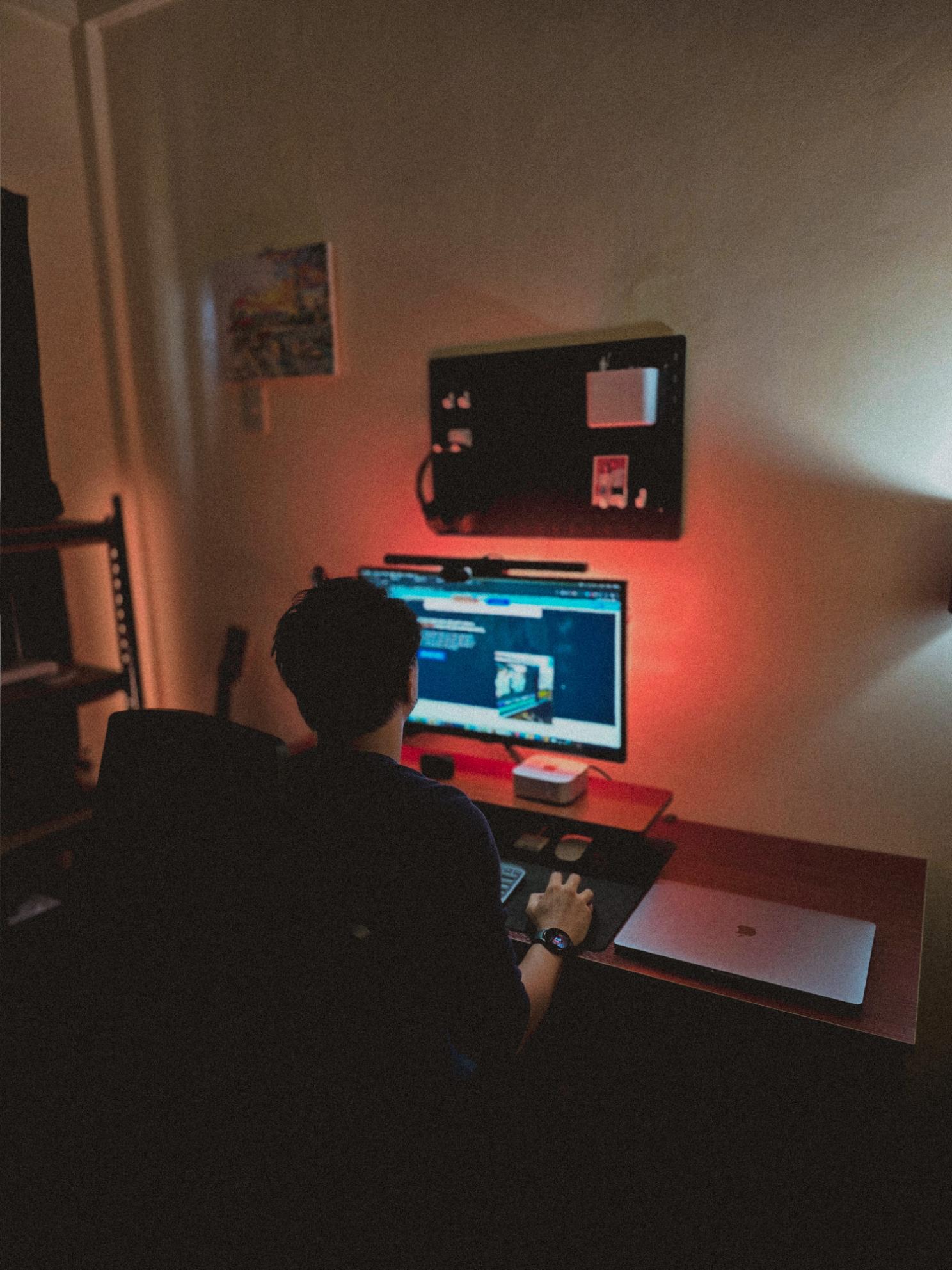
Late night timelapse of us getting things done. I don’t know why, but I always feel more productive at night.
Also, I just recently got that standing desk, and I can’t appreciate enough how helpful it is when you’re getting older 😂
Posted July 31, 2026
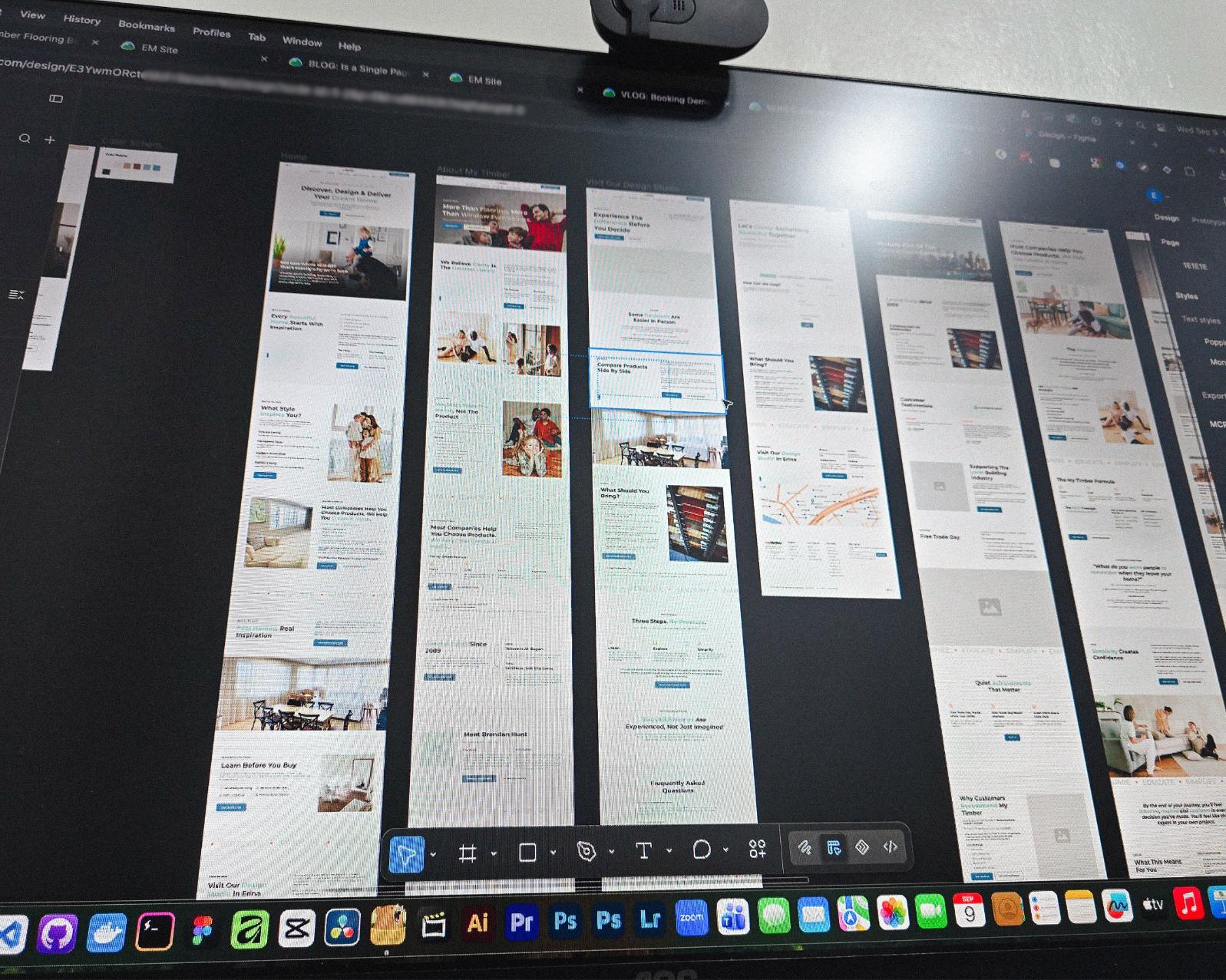
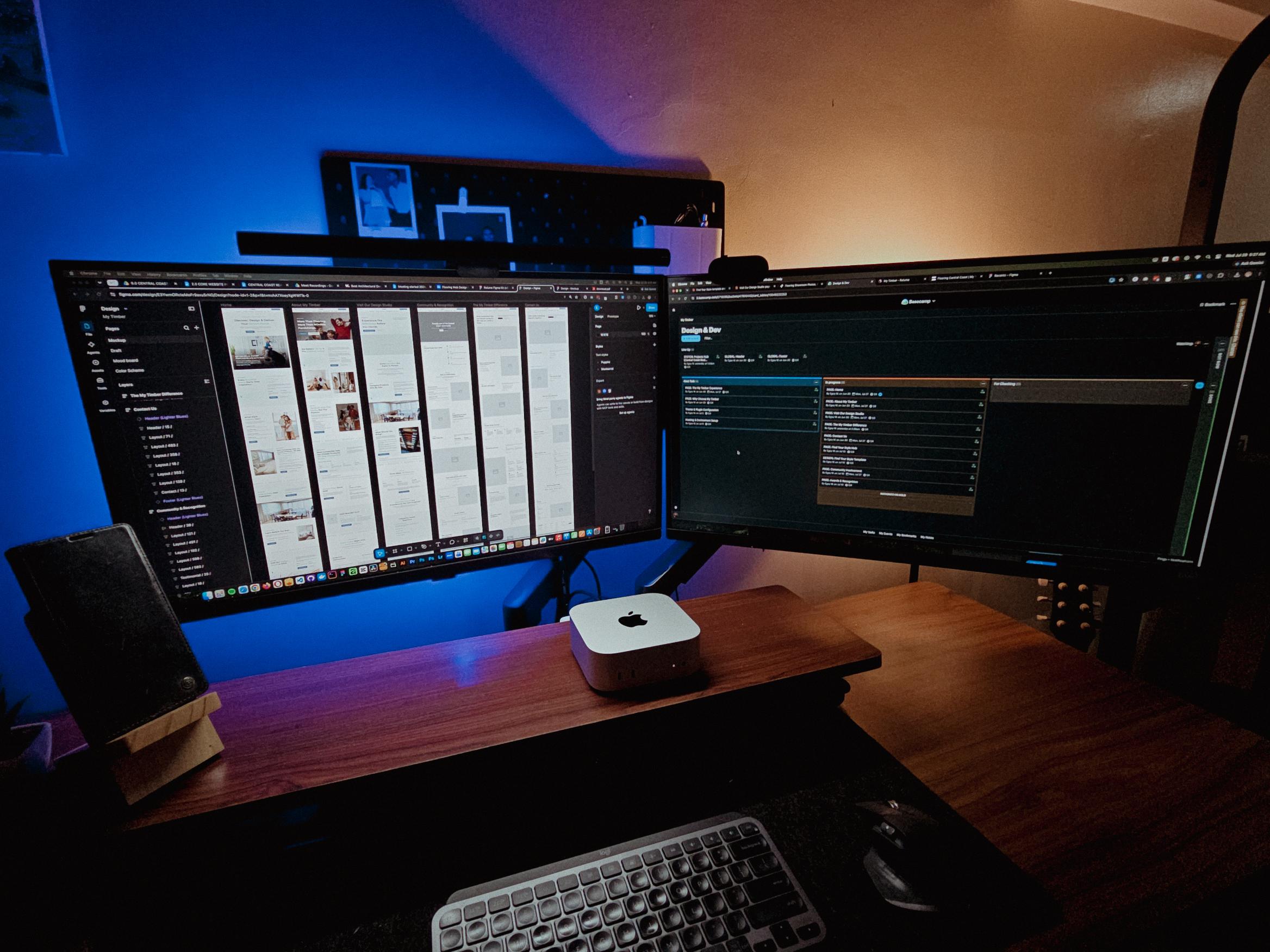
Currently redesigning the website of a flooring company based in Erina, NSW.
See those long page designs? It’s still Wednesday but I guess I’m gonna be working even on the weekend 🥲
Posted July 28, 2026
I’m not sure if this is just me, but handling web projects + creating content at the same time is kinda stressful.
Especially when you’re working on it alone. Still grateful for it though.
Posted July 26, 2026
Finally set up a quick way to share thoughts on my site. Not everything needs to be a full blog post.
New blog about this feature coming soon!
Posted July 23, 2026
Table of contents
What Does It Actually Cost to Run a Direct Booking Website? (The Budget-Friendly Approach)
Last updated on August 31, 2026
10 mins read
Reader Disclosure
Disclosure: I may occasionally include affiliate links in my posts or pages. If you click on one of these links and make a purchase, I may receive a small commission, which helps me keep this website running and create more useful content. However, this does not affect my opinion on the product or service in any way. I only recommend products and services that I truly believe in and use myself.
If you’re a small vacation rental or short-term rental host thinking about having your own direct booking website, and you want to know how much it actually costs to run one, this post is for you.
I’m going to break it all down. What you’ll pay on day one, what you’ll pay every year after that, and what the alternatives look like. I’ll also be honest about the parts that aren’t so simple, because owning a website comes with responsibilities that platforms like Airbnb handle for you.
And yes, since I’m a WordPress developer, this is the cost-effective approach. I’ll walk you through the exact stack I use for clients and what each piece costs.
The Stack I Recommend
When I build direct booking websites for vacation rental hosts, I use a WordPress-based stack. Not because it’s trendy, but because it gives the host full ownership of their site at a fraction of what SaaS platforms charge.
Here’s the lineup: WordPress (free, open source CMS), Hostinger for web hosting, WP Booking System for the booking calendar with online payments and iCal sync, Resend for transactional emails like booking confirmations and reminders, and a domain name for your website address.
The Actual Numbers
Let me walk through each cost, starting with what you’ll pay in year one and what it looks like on renewal. If you want to skip the explanations, you can jump straight to the cost table below.
Hosting: Hostinger
Hostinger’s Business WordPress hosting plan is what I’d recommend for most hosts. It includes a free domain for the first year, free SSL (that’s the padlock icon in the browser that tells guests your site is secure), and enough storage and speed for a booking website.
The catch with Hostinger, and most hosting providers honestly, is that introductory pricing and renewal pricing are two different things. The promo rate on a 12-month plan is around $3.99 to $4.49 per month, which works out to roughly $48 to $54 for the first year. On renewal, that jumps closer to $7.99 to $8.99 per month, so around $96 to $108 per year after year one.
If you commit to a longer term (24 or 48 months), the per-month rate drops. But that means paying more upfront. For a host just testing, a 12-month plan is the safer bet.
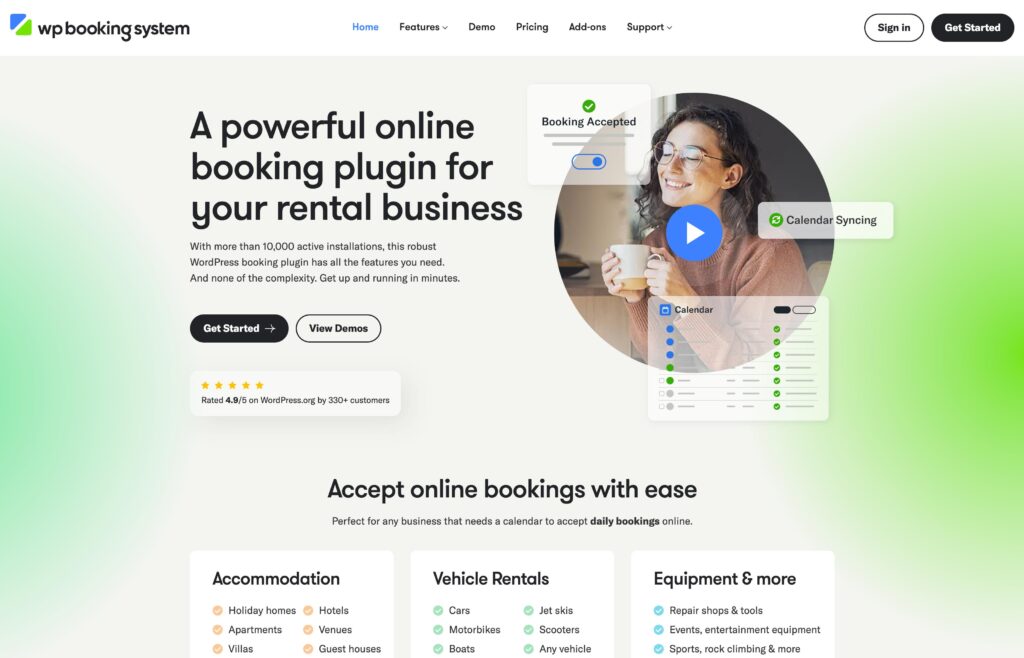
Booking Plugin: WP Booking System
This is the tool that turns your WordPress site into an actual booking platform. Without it, your site is just a brochure. Or a blog.
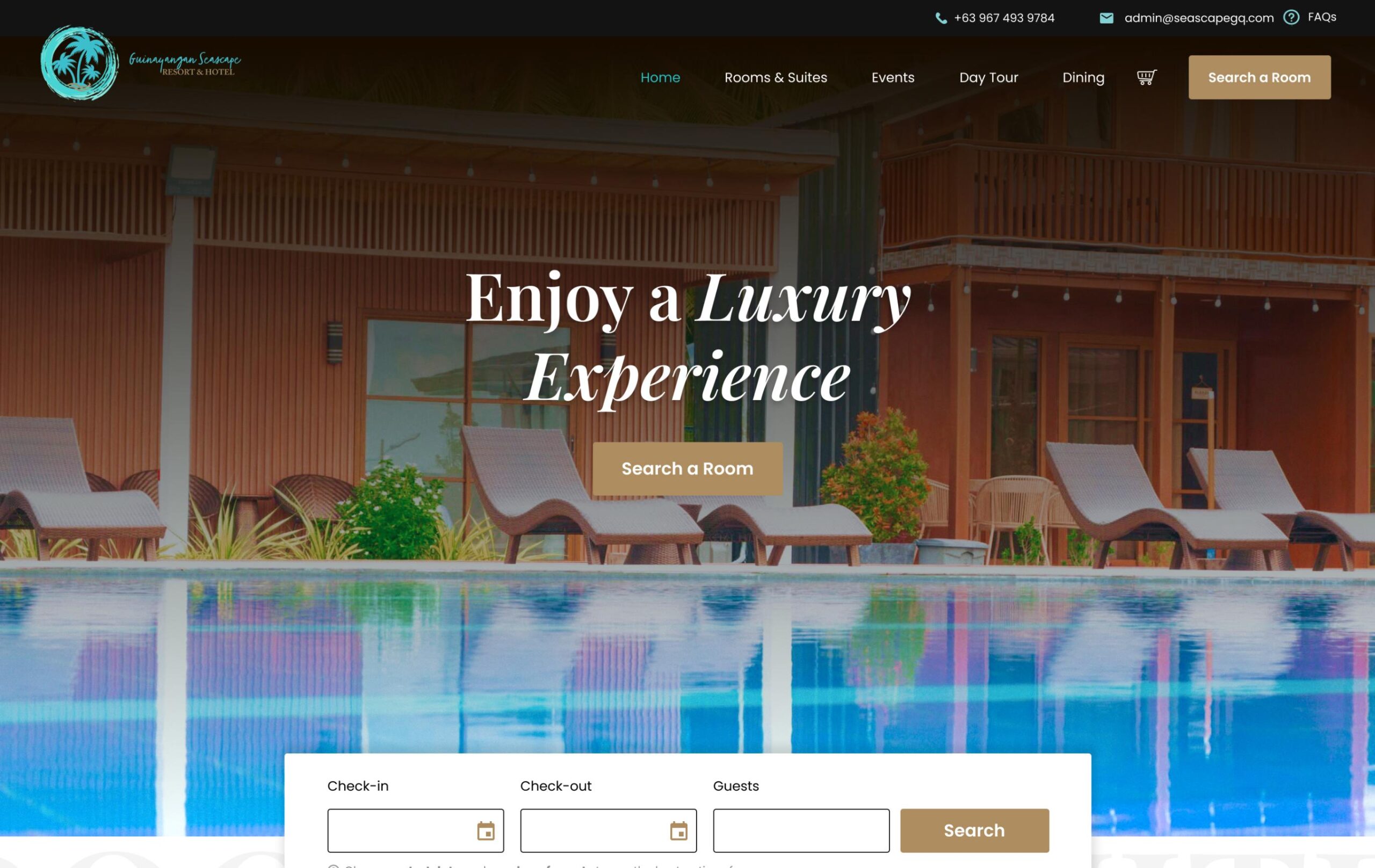
This isn’t the booking system I used for Seascape GQ Hotel and Resort, since that project needed multi-room, cart-based booking, which WP Booking System doesn’t support. I went with YITH WooCommerce Bookings for that one. But for a single-property host who just needs one calendar with availability and online payments, WP Booking System is the simplest and most affordable option I’ve found.
The plan you want is the Business plan at $149 per year. That covers up to 5 websites, includes online payment gateways (Stripe, PayPal, Square), iCal sync so your Airbnb calendar stays updated, SMS notifications, invoices, and discount codes.
The Personal plan at $79 per year covers a single site but only supports offline payments. No Stripe, no PayPal. For a direct booking website where you want guests to pay online, that’s a dealbreaker.
Their pricing is clearly geared toward developers and agencies. As a host, you’ll probably wonder why you need 5 site licenses just to take bookings for one property.
One thing worth knowing: if you stop renewing, the plugin still works. You just won’t get updates or support. With SaaS platforms, canceling means everything disappears.
If you want to see how WP Booking System works on a live site, I put together a vacation rental demo that shows the full booking flow in action.
Email: Resend
When a guest books through your site, they need a confirmation email. When their stay is coming up, they need a reminder. These are transactional emails, and you need a reliable service to make sure they actually land in the inbox.
Resend has a free tier that gives you 3,000 emails per month (with a daily cap of 100).
For a single-property vacation rental, that’s more than enough. You could process dozens of bookings a month and still be well within the limit. If you outgrow it, the Pro plan starts at $20 per month. But most small hosts will never need it.
Domain and SSL
Your domain is your address on the internet, something like seabreezebnb.com or lakesidecabin.co. A .com domain typically costs $10 to $15 per year, but Hostinger includes one free for the first year. SSL, which is what makes your site show https and tells guests their payment info is secure, is also included free with Hostinger. So both of these are covered in year one at no extra cost.
Take Reservations on Your Own Site, Not Just Through OTAs
Give your guests a way to book directly with you, so you keep more revenue and build real relationships from the first reservation.
Includes 3 months of Site Care + a Personalized Growth Guide
Adding It All Up
Here’s everything in one place. Year one includes introductory hosting pricing and the free domain that comes with it. Year two is what you’ll actually pay going forward.
Tool
Year One
Year Two+
Hosting (Hostinger Business, 12-mo plan)
~$48 to $54
~$96 to $108
Booking plugin (WP Booking System Business)
$149
$149
Email (Resend free tier)
$0
$0
Domain name
$0 (included)
~$10 to $15
SSL certificate
$0 (included)
$0 (included)
Total
~$197 to $218
~$255 to $272
Costs listed above were based on each tool’s public pricing at the time of writing and may change.
That’s the honest range. The all-in annual cost for a fully functional direct booking website with online payments and calendar sync, assuming these companies don’t change their prices.
How Does That Compare to SaaS Alternatives?
If you don’t want to deal with WordPress, hosting, and plugins, there are all-in-one platforms that bundle everything together. They’re easier to set up, but they cost more and you don’t own anything.
Lodgify is one of the most popular options. It gives you a website builder, booking engine, channel manager, and payment processing in one package. Their Starter plan has two pricing options: $16 per month with a 1.9% booking fee on every booking, or $32 per month with no booking fee. On the cheaper option, if you process $20,000 in bookings a year, that’s an extra $380 in fees on top of your subscription. Their Professional plan at $40 per month ($480/year) removes the booking fee entirely, but now you’re paying nearly double the WordPress stack.
Hospitable focuses on automation: guest messaging, cleaning schedules, dynamic pricing. Their Host plan starts at $29 per month ($348/year). Their direct booking feature, Hospitable Direct, includes payment processing and guest vetting. Strong product, but if you only need a booking website, you’re paying for tools you might not use yet.
OwnerRez is popular with US-based hosts who want deep control. They include a hosted website builder, channel management, CRM, accounting, and automated messaging. Pricing is per-property, with most hosts landing in the $25 to $50+ per month range. Excellent for multi-property managers, but potentially more platform than a single-property host needs.
SaaS pricing changes frequently. The numbers above were based on each platform’s public pricing page at the time of writing. Check the links for the most up-to-date numbers.
The Tradeoff
SaaS platforms are faster to set up and fully managed. You don’t think about hosting, updates, or security patches. Everything lives in one dashboard. That convenience has real value, especially if you’re managing multiple properties or if technology isn’t your strong suit.
The WordPress stack costs less annually, and you own everything. But “you own it” also means “you maintain it.” WordPress core, your theme, and your plugins need regular updates. If you ignore them for months, things can break or become vulnerable.
You can handle this yourself every few weeks, or hire someone for a site care plan (typically $50 to $100+ per month). With Lodgify or Hospitable, that’s all handled for you. That’s the honest tradeoff.
If you want to see what maintenance actually looks like month to month, I wrote about it using Seascape as the example.
Do You Actually Need One?
Here’s where I want to be genuinely transparent, even though I’m the one who builds these sites for a living. A direct booking website is not for every host. Before you spend anything, ask yourself a few things.
Do you have repeat guests? This is the strongest case for a direct booking site. If guests come back year after year, they’re re-booking through Airbnb and paying platform fees for a “discovery” that already happened. A direct booking site lets them skip the middleman. If most of your bookings come from first-time guests who found you through Airbnb’s search, a website won’t change that overnight.
Are you willing to market your own site? This is the part most “get off Airbnb” advice skips. A direct booking website doesn’t come with built-in traffic. Nobody will find it unless you promote it: sharing the link with past guests, putting a card at your property, maybe running some ads, building up SEO over time. Platforms like Airbnb handle the marketing for you. That’s what their commission pays for.
Is this about additional revenue or replacing platforms entirely? For most small hosts, the smart play is using a direct booking site alongside your OTA listings, not instead of them. Keep Airbnb for new guest discovery. Use your own site to capture repeat bookings and referrals. Think of it as an additional revenue channel, not a replacement.
The hosts who benefit most are the ones who see a direct booking site as a long-term investment. Not a quick fix.
Let Your Guests Book Directly on Your Website
Your own booking system, your own guest data, and less reliance on OTA commissions. It works alongside platforms like Airbnb, not against them.
Includes 3 months of Site Care + a Personalized Growth Guide
So, What’s the Bottom Line?
If you’re a small vacation rental host with one or two properties, repeat guests, and a willingness to promote your own site, the WordPress stack is genuinely cost-effective. You’re looking at roughly $197 to $218 in year one and $255 to $272 per year after that, for a fully functional direct booking website that you own.
If you’d rather not think about hosting, updates, or maintenance, SaaS platforms like Lodgify, Hospitable, or OwnerRez are solid options. They cost more annually, but you’re paying for convenience and a fully managed experience.
And if you’re not sure you have the guest volume to justify any of it, that’s okay too. Start with a Google Business profile and an Instagram page, and see if guests ask how to book directly. When they do, you’ll know it’s time.
We use cookies to improve your experience on our site. By using our site, you consent to cookies.
This website uses cookies
Websites store cookies to enhance functionality and personalise your experience. You can manage your preferences, but blocking some cookies may impact site performance and services.
Essential cookies enable basic functions and are necessary for the proper function of the website.
Name
Description
Duration
Cookie Preferences
This cookie is used to store the user's cookie consent preferences.