Short thoughts, work in progress, lessons learned, & the occasional personal update.
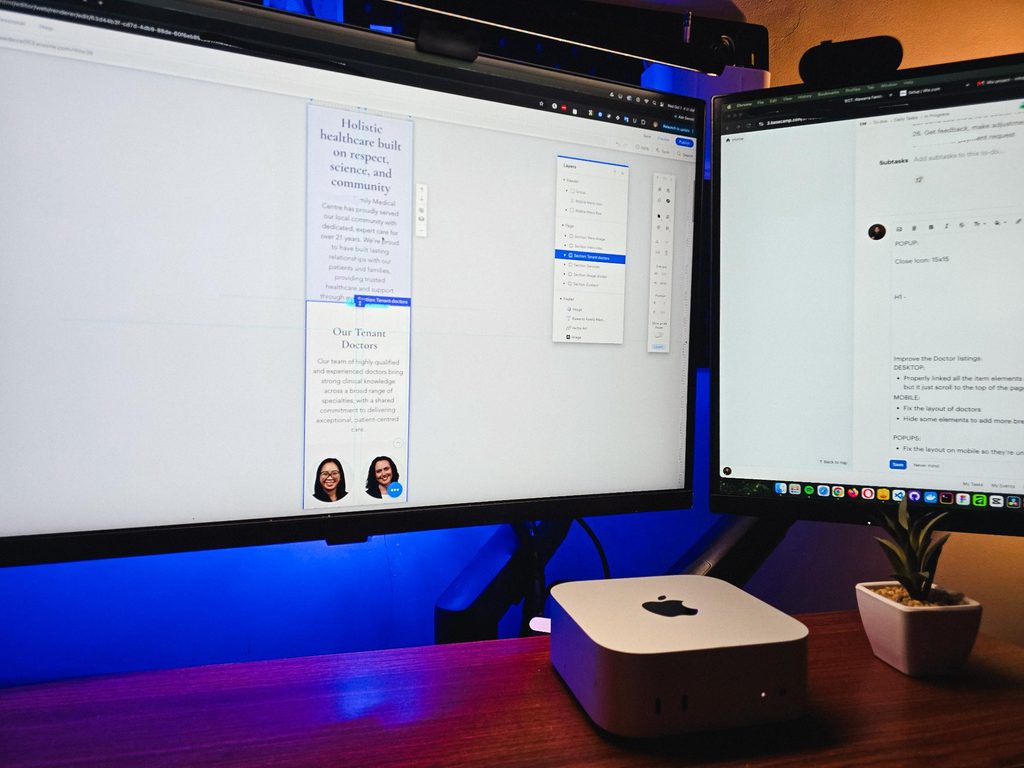
It’s been a while since I worked outside of WordPress. Just finished a Wix project for a healthcare practice, working on some of the design refinements and consistency fixes.
The way you build on different platforms really does differ.
I guess that’s one of the harder parts of freelancing, you need to adapt fast. Enjoyed working on it though.
Posted 2 days ago
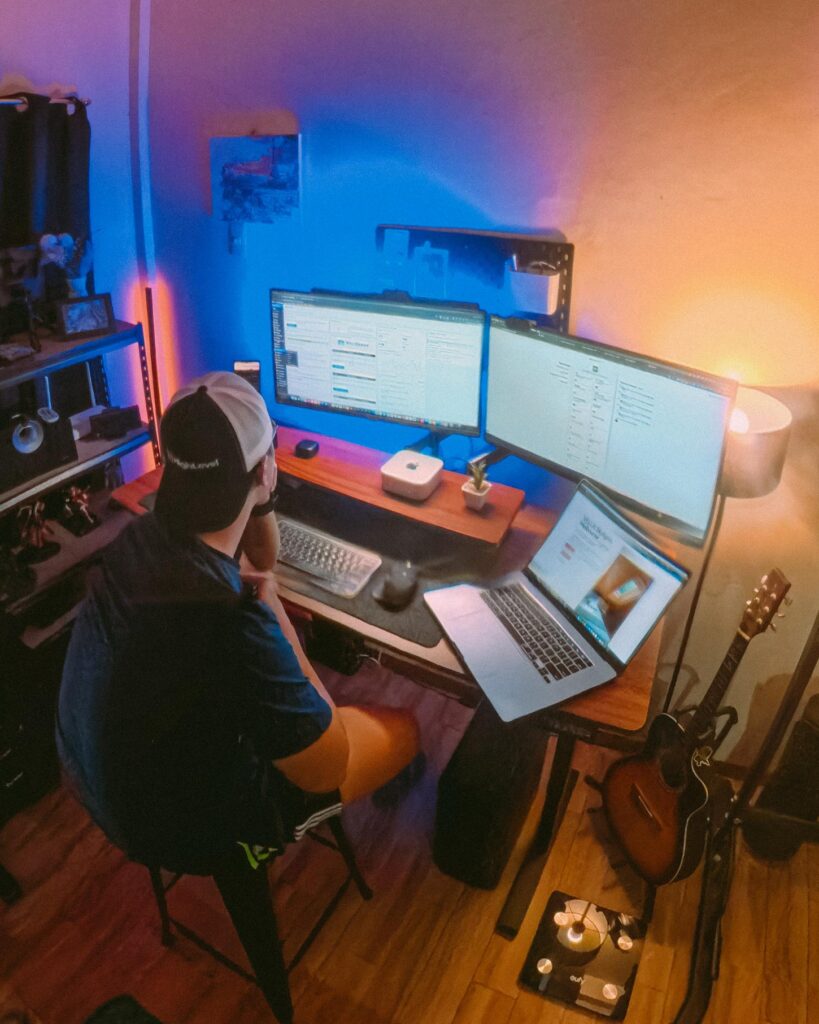
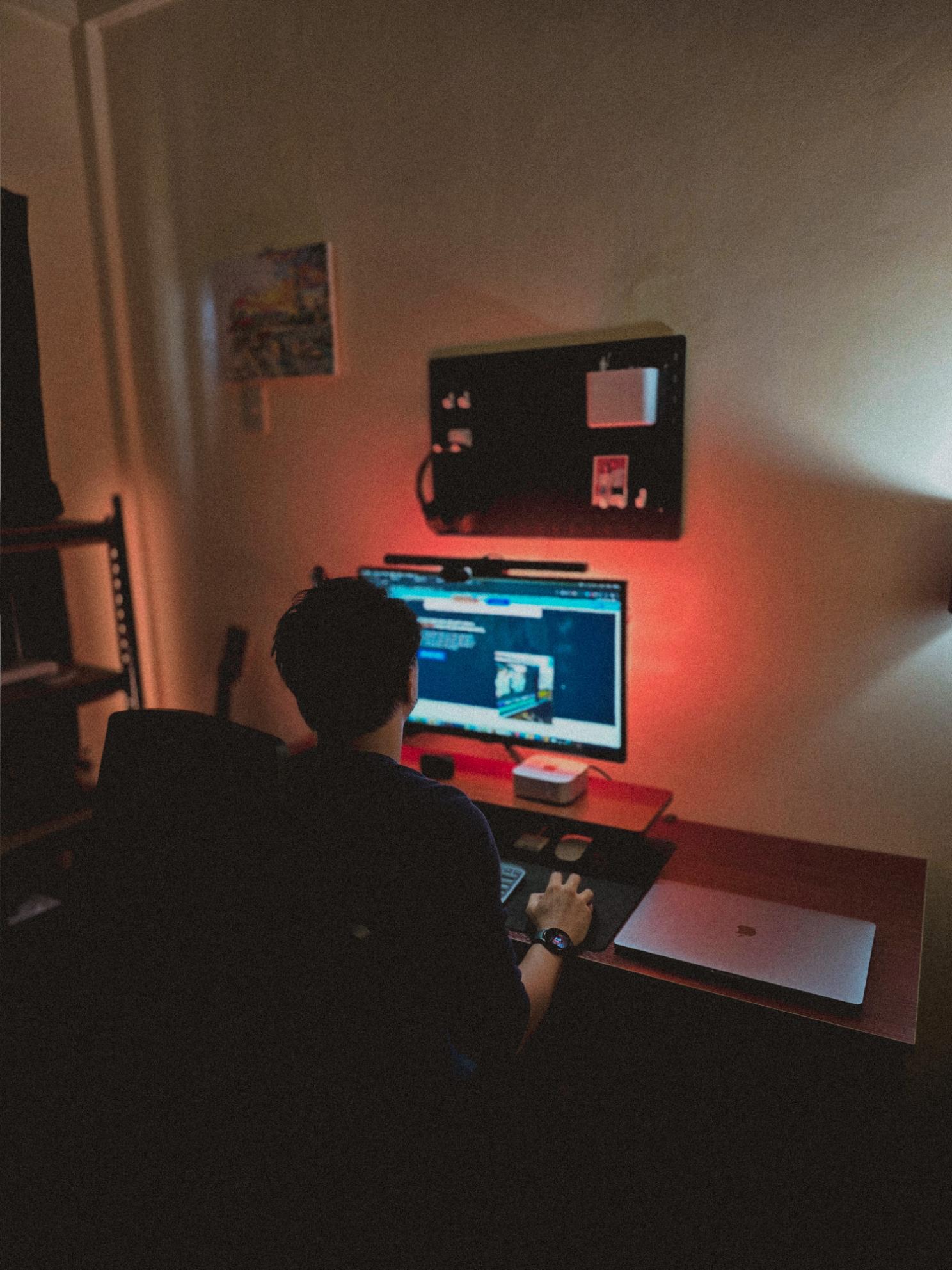
Recently visited my fiancée’s family, so I got some time off from this workstation and worked from somewhere else for a bit.
That’s one of the things I’m really grateful for with freelancing. You have the freedom to bring your work anywhere and get a change of scenery when you need it.
But yeah, good to be back at this little workspace!
Posted October 5, 2026
Got my new eyeglasses! Been trying to take better care of my eyes since they take the most stress in this kind of work. So I make sure to get them checked from time to time.
Also, I always go with transition lenses. Just being practical 😅
Classy and functional at the same time!
Posted October 2, 2026
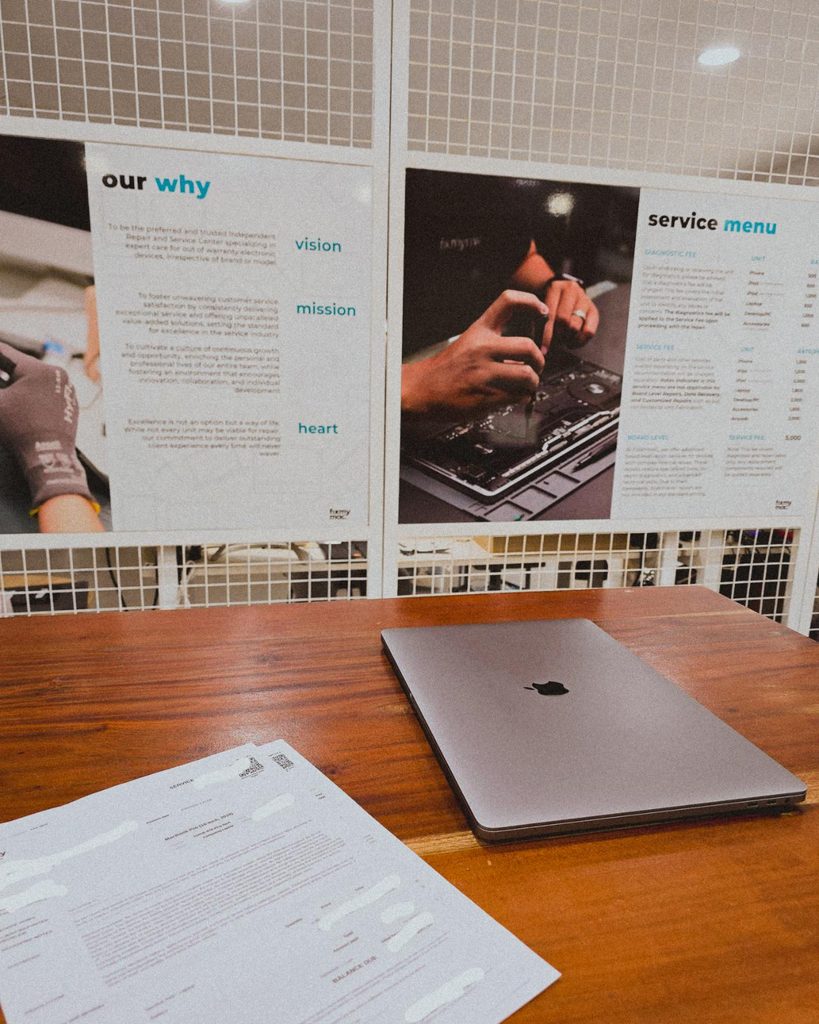
Being a freelancer taught me that you need a backup for everything. Projects, internet, even your computer 😀. Since my main machine is a Mac Mini running the M4 chip, I just needed this laptop repaired as a backup.
But with all the AI integrations these days, PCs and laptops are getting expensive. Even the repairs!
Posted September 29, 2026
I’m continuing an Elementor project, and I can see myself building custom solutions around it again.
For growing sites with heavy dynamic data and conditional layouts, it’s not really its strongest area.
But it’s still great for marketing sites and for less technical users. Also noticed it now has an MCP, which is a nice plus if you’re using AI.
Posted September 25, 2026
Almost done with the design plans for all the dynamic systems on a tradie company web design project.
8 structured data systems in one project. Connecting and strategizing everything so it all works from day one.
I guess freelancing feels fulfilling once you’re done with this kind of project. But the process behind it? That’s a bit overwhelming.
Posted September 20, 2026
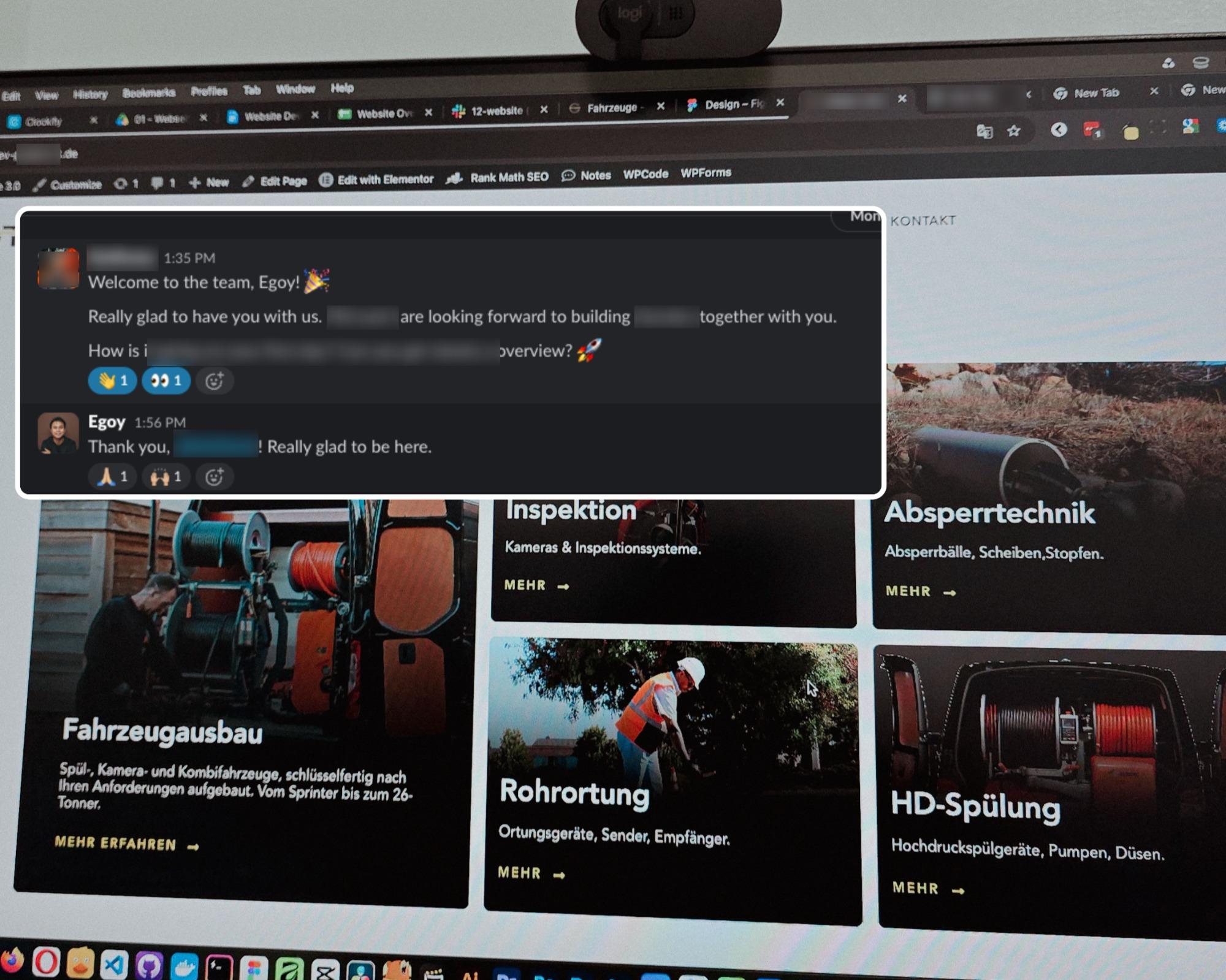
Started a new project for a B2B equipment dealer in the sewer and pipe industry based in Germany.
This time I’m not starting from scratch though, the previous provider left it at about 15% progress so I’m just picking up where they left off.
The only real challenge? The language. Shifting from English to Deutsch 😅
Hallo zusammen 👋
Posted September 18, 2026
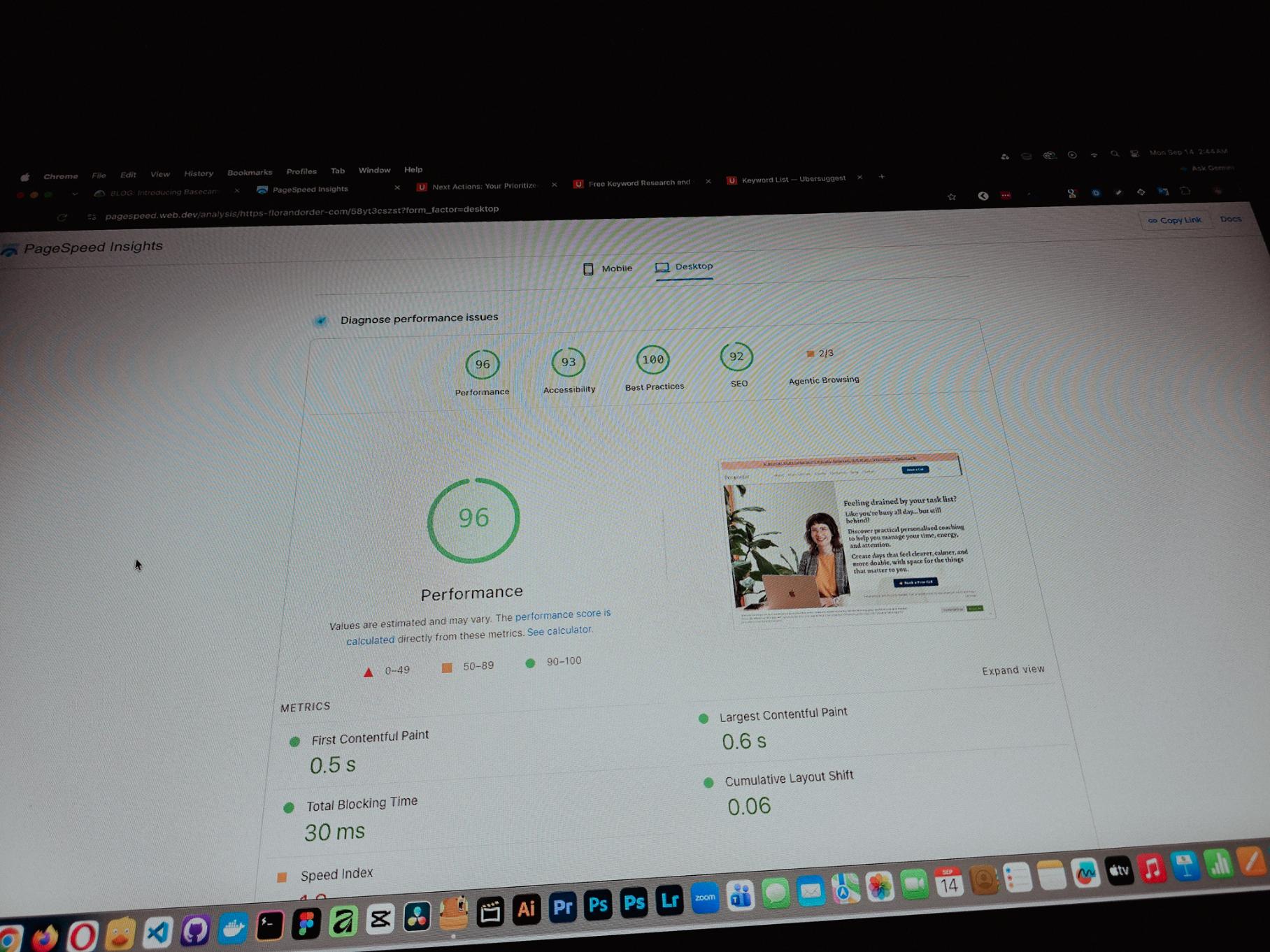
Currently working on one of my monthly site care tasks, checking the speed of a client site. And it’s still performing well. These routine checks don’t look exciting but they keep things running the way they should.
Speed is one of the hardest things to improve on a website because there are so many factors like server, how the pages are built, and the tools used to build them. But I’m still glad I was able to improve this one.
Posted September 13, 2026
One thing you can’t really control when handling projects is the timeline. It can shift at any point, especially when you’re working with trade businesses.
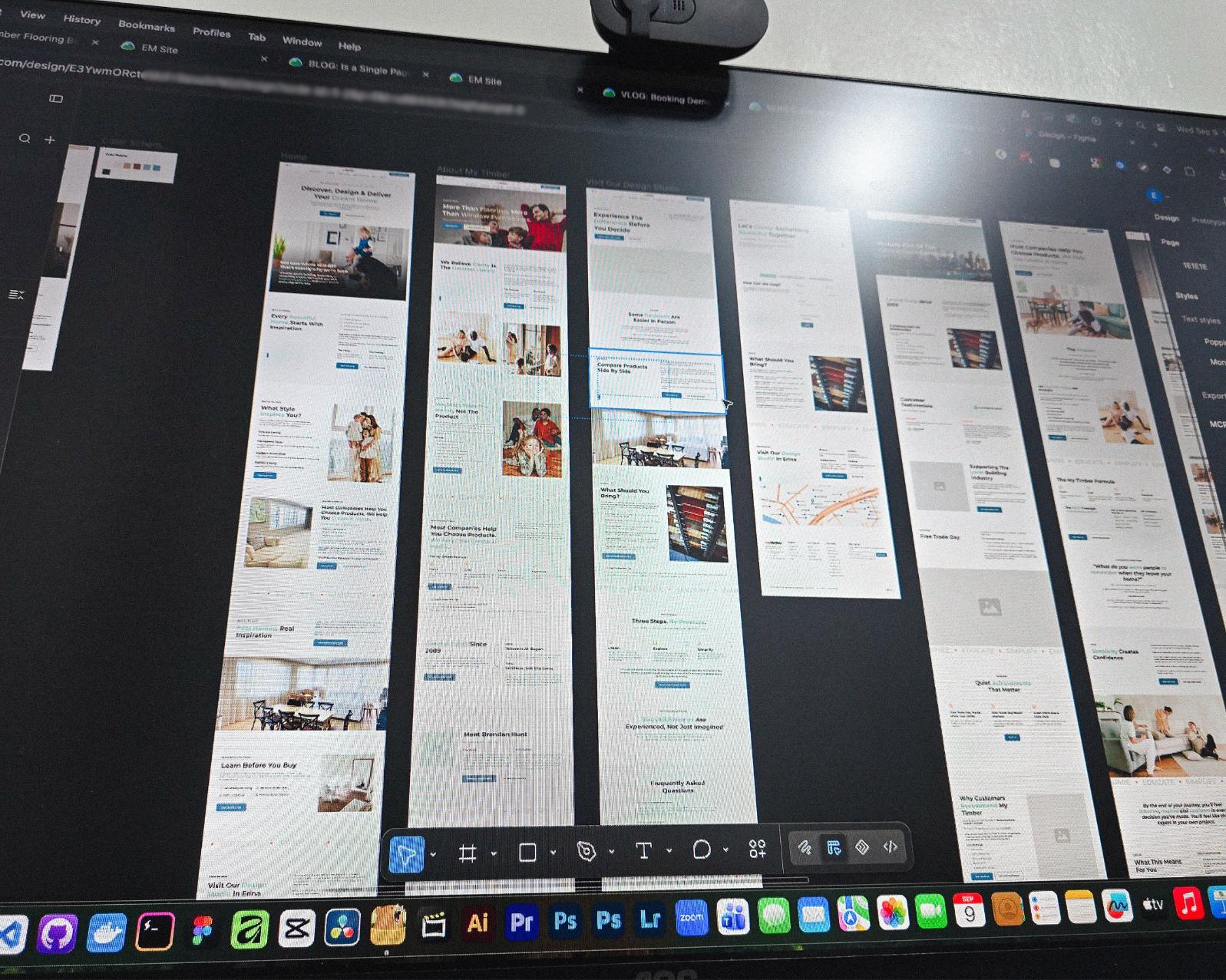
Just picked up the design phase of the flooring company project again. Glad I’m already done with the major pages and just working on the Learning Resources and Projects dynamic pages now.
Posted September 9, 2026
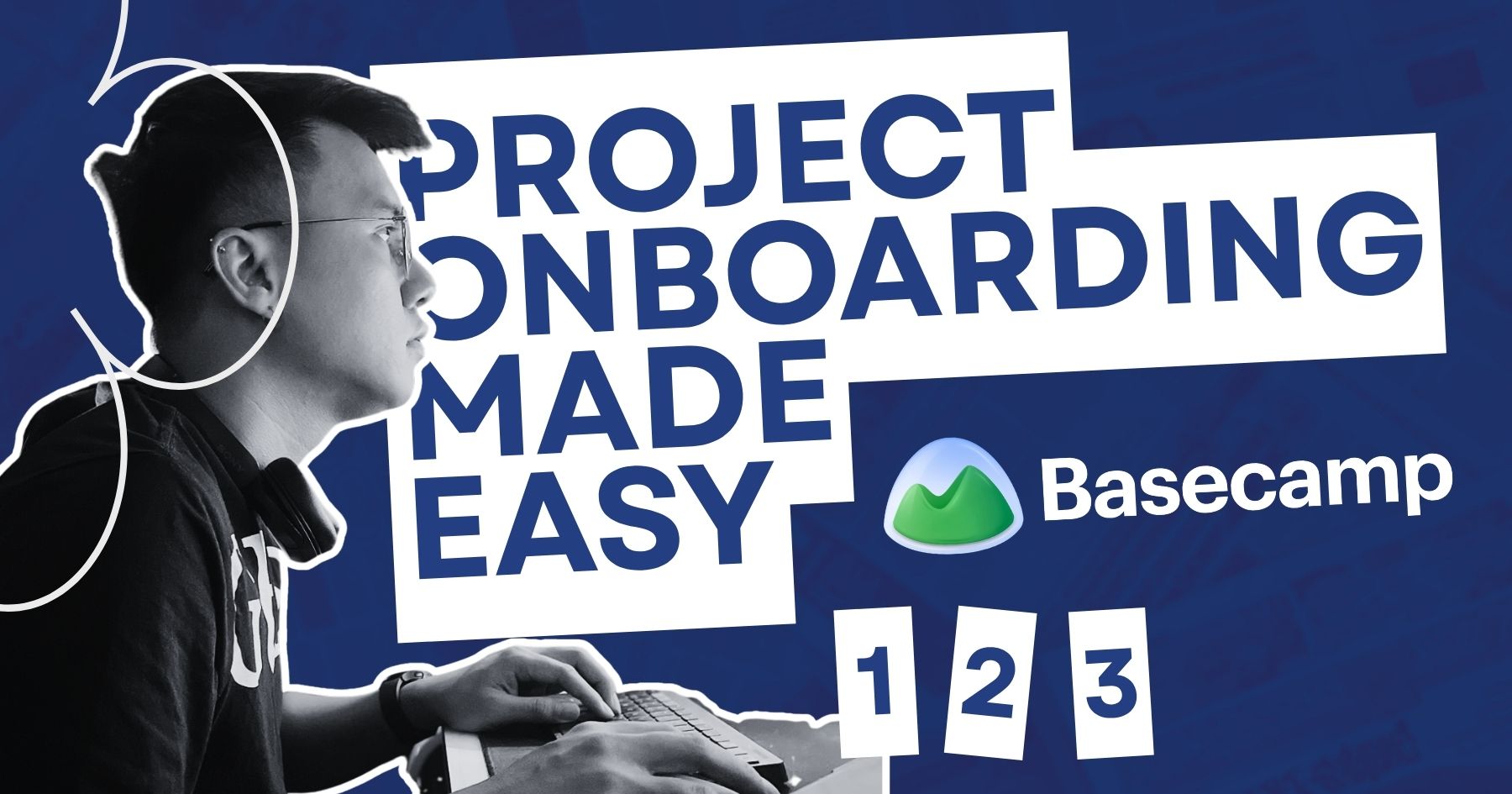
Been using Basecamp for project management since I started freelancing.
I’ve tried the more popular ones, but Basecamp is still one of the most straightforward tools out there.
Btw I’m almost done with a new post on how I onboard client projects using it.
Posted September 3, 2026
Since I left my corporate job last year to go full-time freelancing, I’ve been putting a lot more effort into this website.
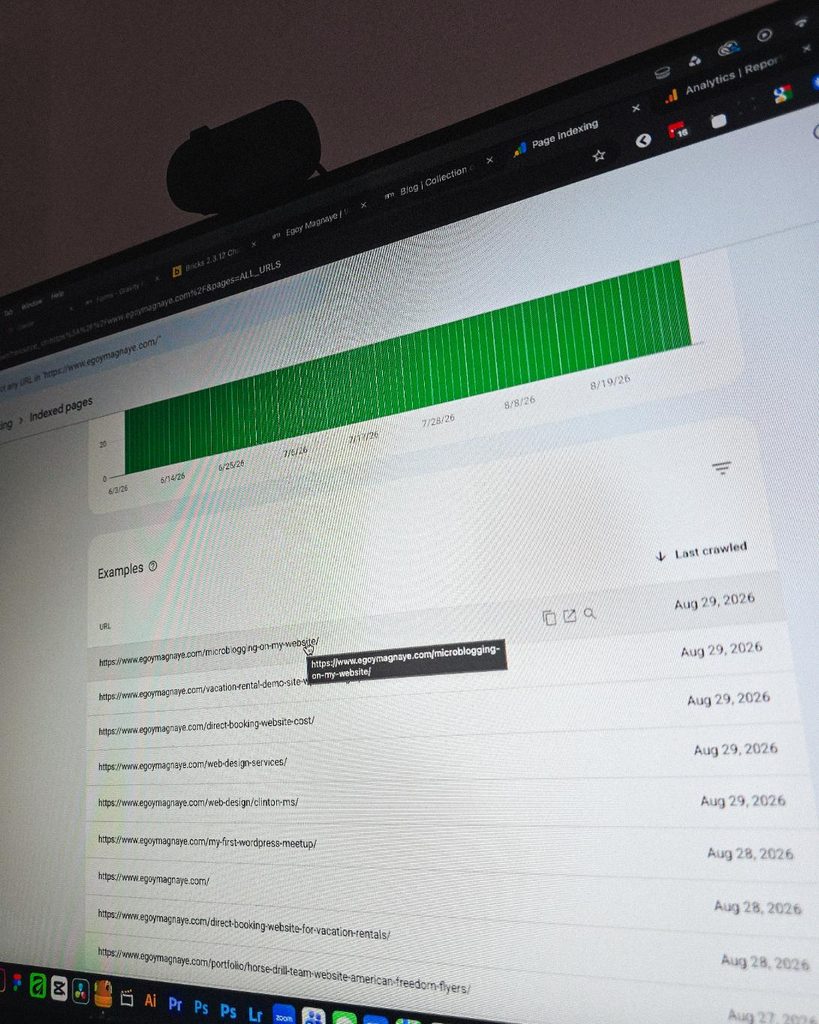
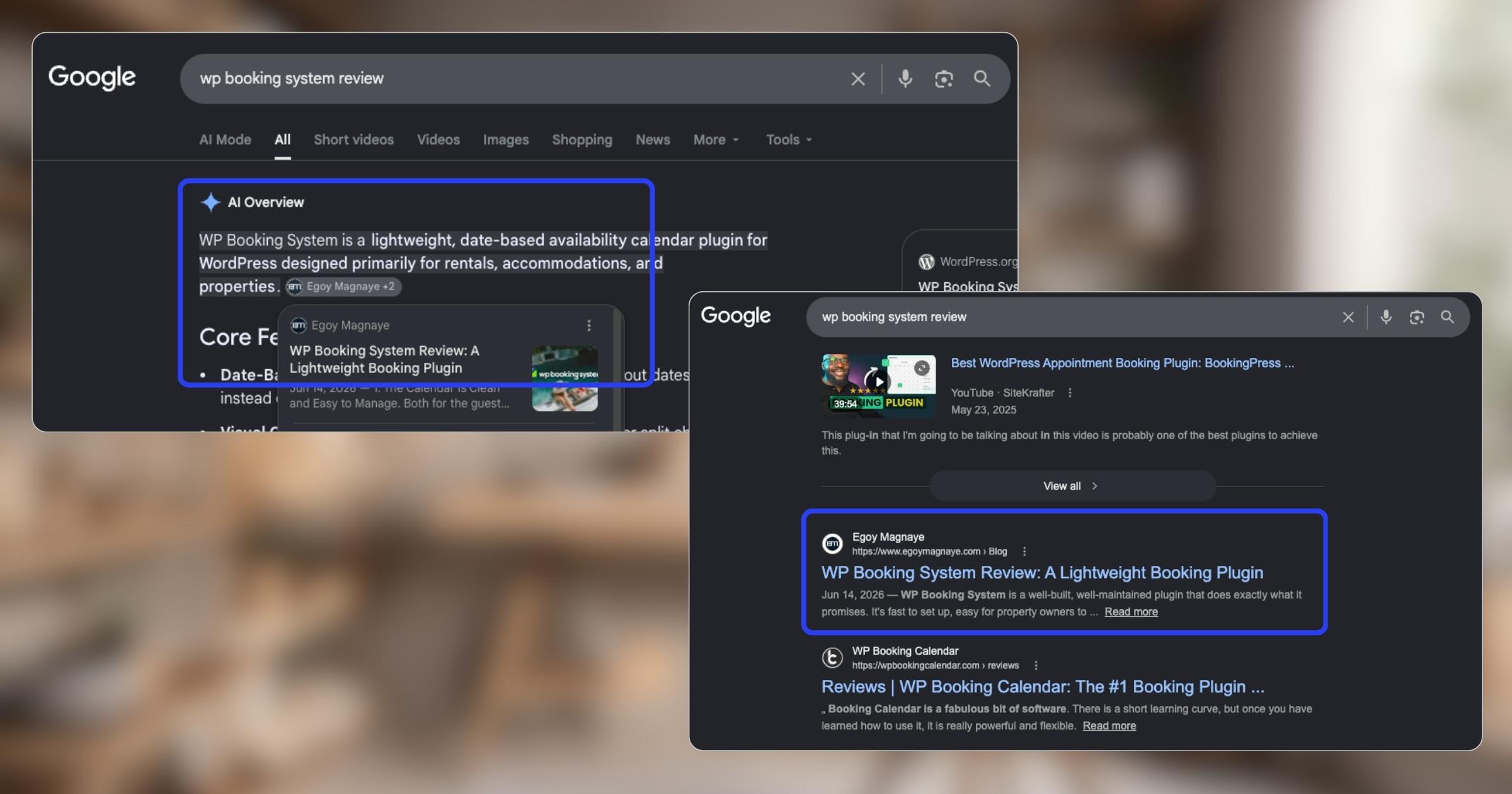
And one of the most rewarding things so far is how much easier it is to get content indexed by Google.
Just added a new post and it got indexed almost immediately.
Posted September 1, 2026
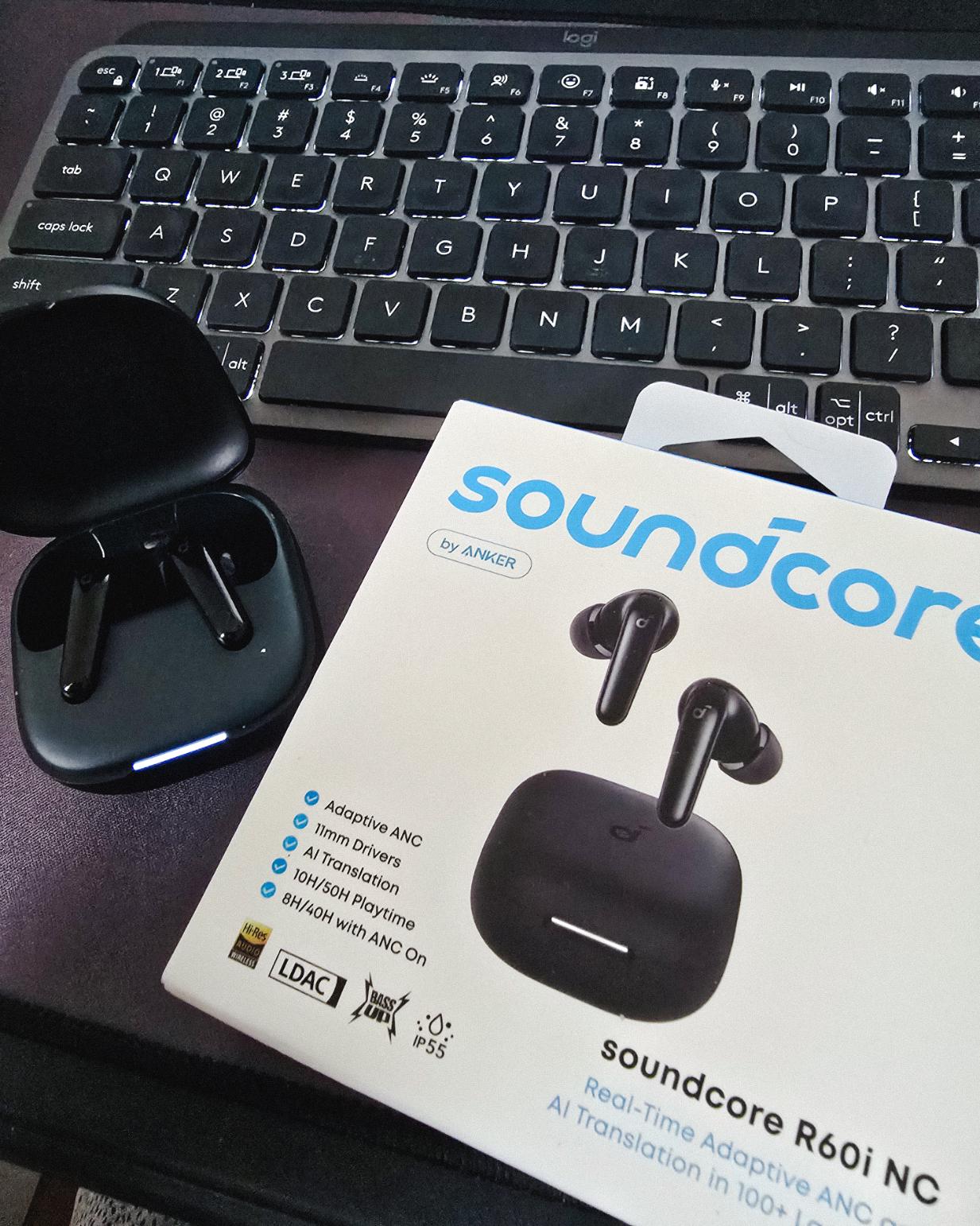
Got my new earbuds from Anker and I’m really liking the noise cancellation so far. Been using the one from Baseus for 2 years and it finally needed a replacement.
Looks small but this pair really helps when I need to focus.
Found some old clips of my website designs done on Adobe XD. Different versions of my site over the past 10 years. A lot of testing and trial and error. It’s been a journey.
Had to switch to Figma with all the issues around XD being phased out.
Posted August 26, 2026
I can’t remember if they’re going to post recordings of the 2-day event, but I was still able to gather some insights from my phone and memory 🙂
I’m at the point where I want to offer businesses stuck on WPBakery a free rebuild.
Nah maybe a discount 😅
But seriously, if you’re going with WordPress, at least use a solid page builder like Bricks (my bias), Beaver, Divi, or Elementor. Launching a site is just a small part of it.
Building new pages and optimizing over time is the long game, and your site builder matters for that.
Posted August 17, 2026
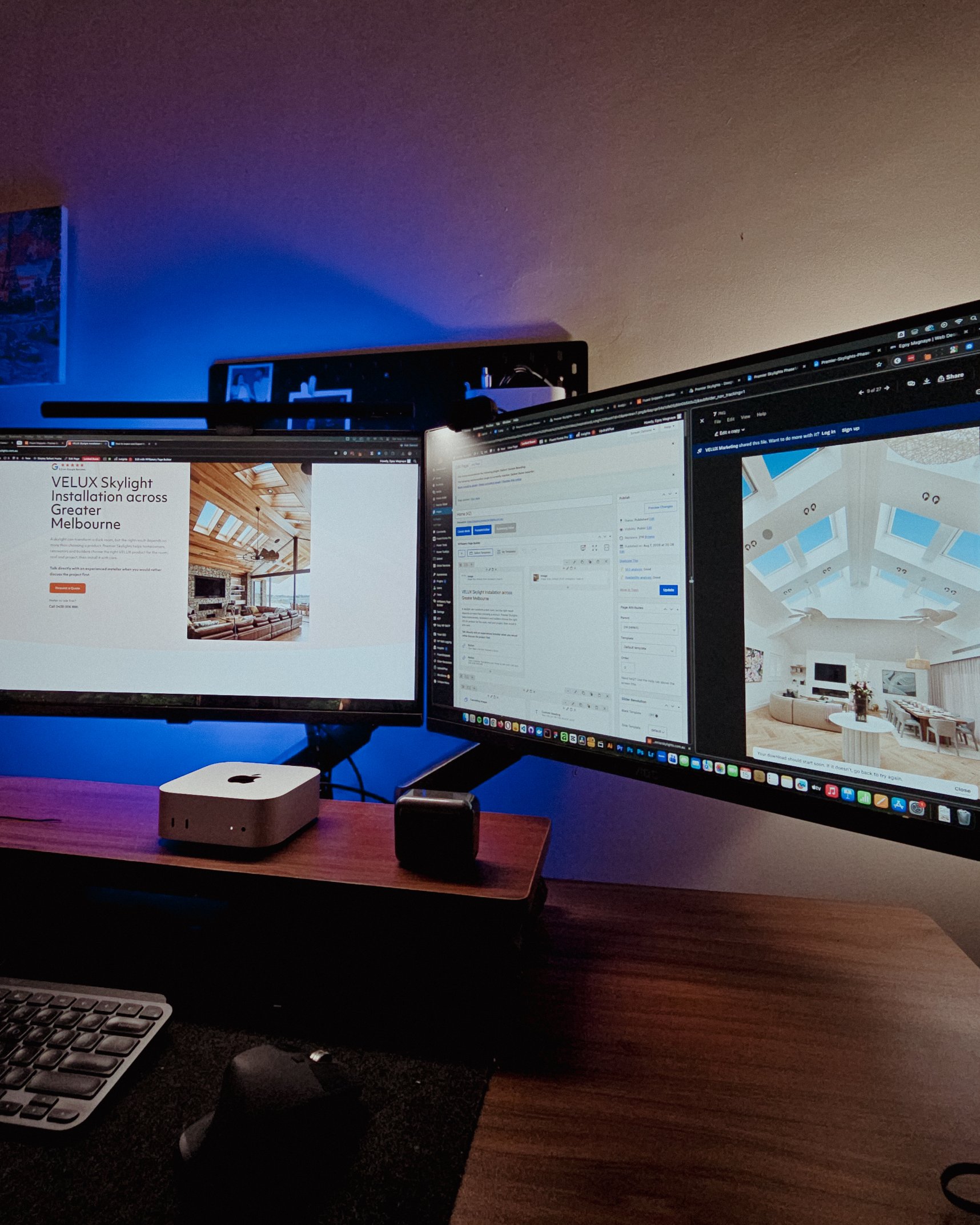
Been handling website projects in the home improvement space, especially clients in AU.
Looking at these skylight photos all day got me thinking. What’s it like living in a house with a transparent roof like that? Then I imagined having one here in PH. Sounds great when it rains. Then summer hits 😂
jk, these skylights are actually automated and packed with features.
Posted August 15, 2026
WPBakery might be the only page builder where the experience is equally rough whether you’re using backend or frontend editing. Divi handles this way better.
Sorry, I keep comparing these two because they both offer both modes, but the quality gap is real. Credit to the Divi team for getting that right!
Posted August 14, 2026
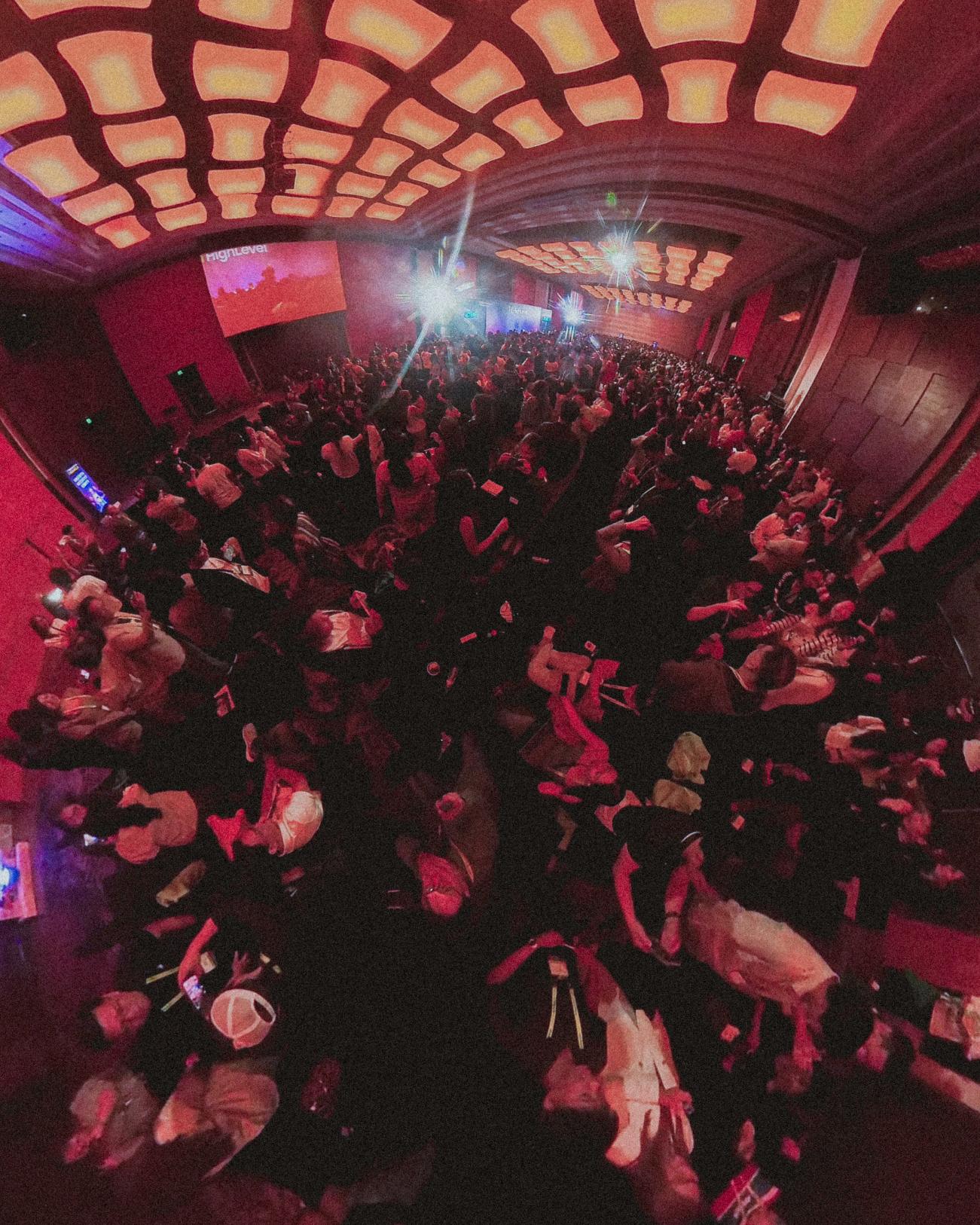
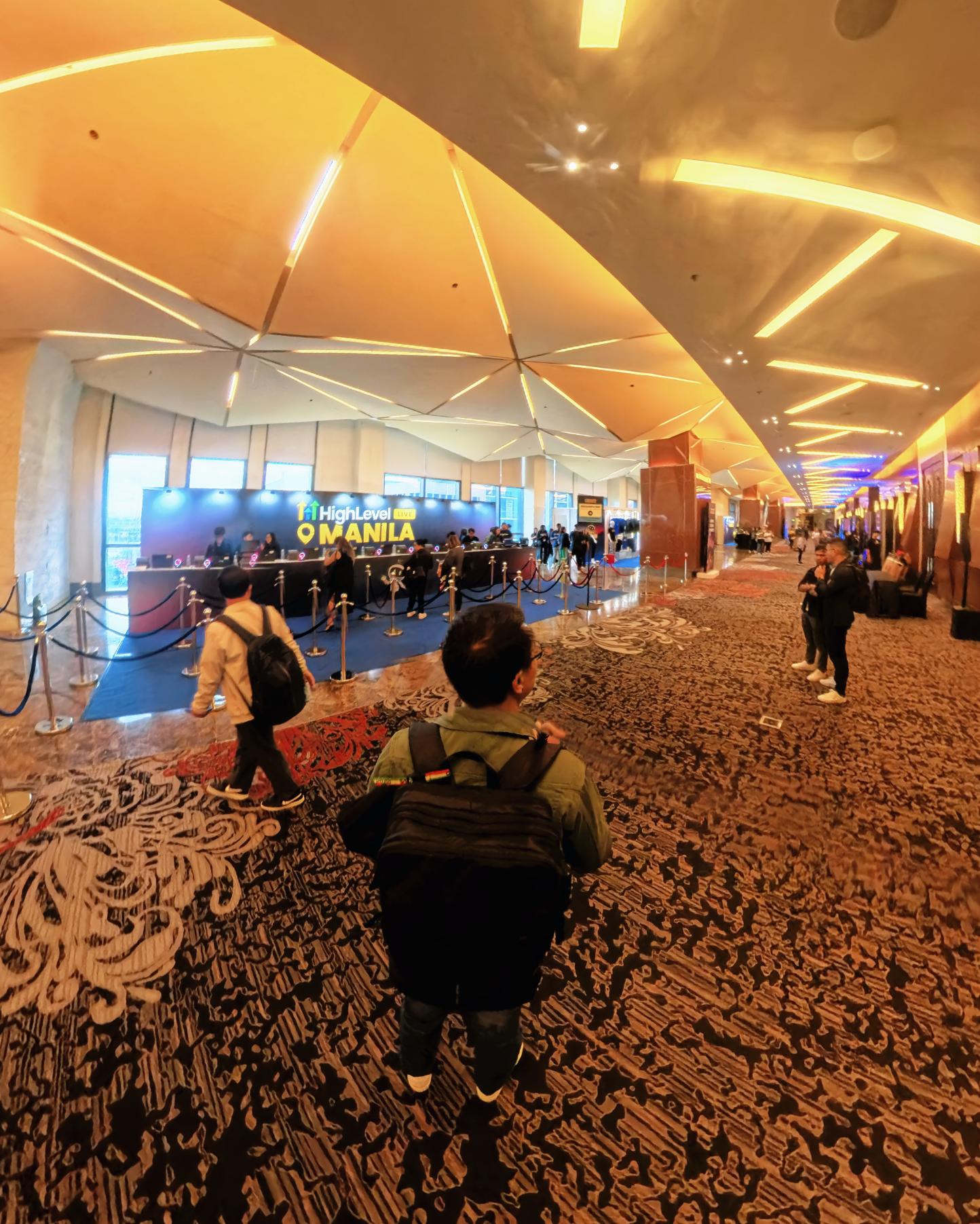
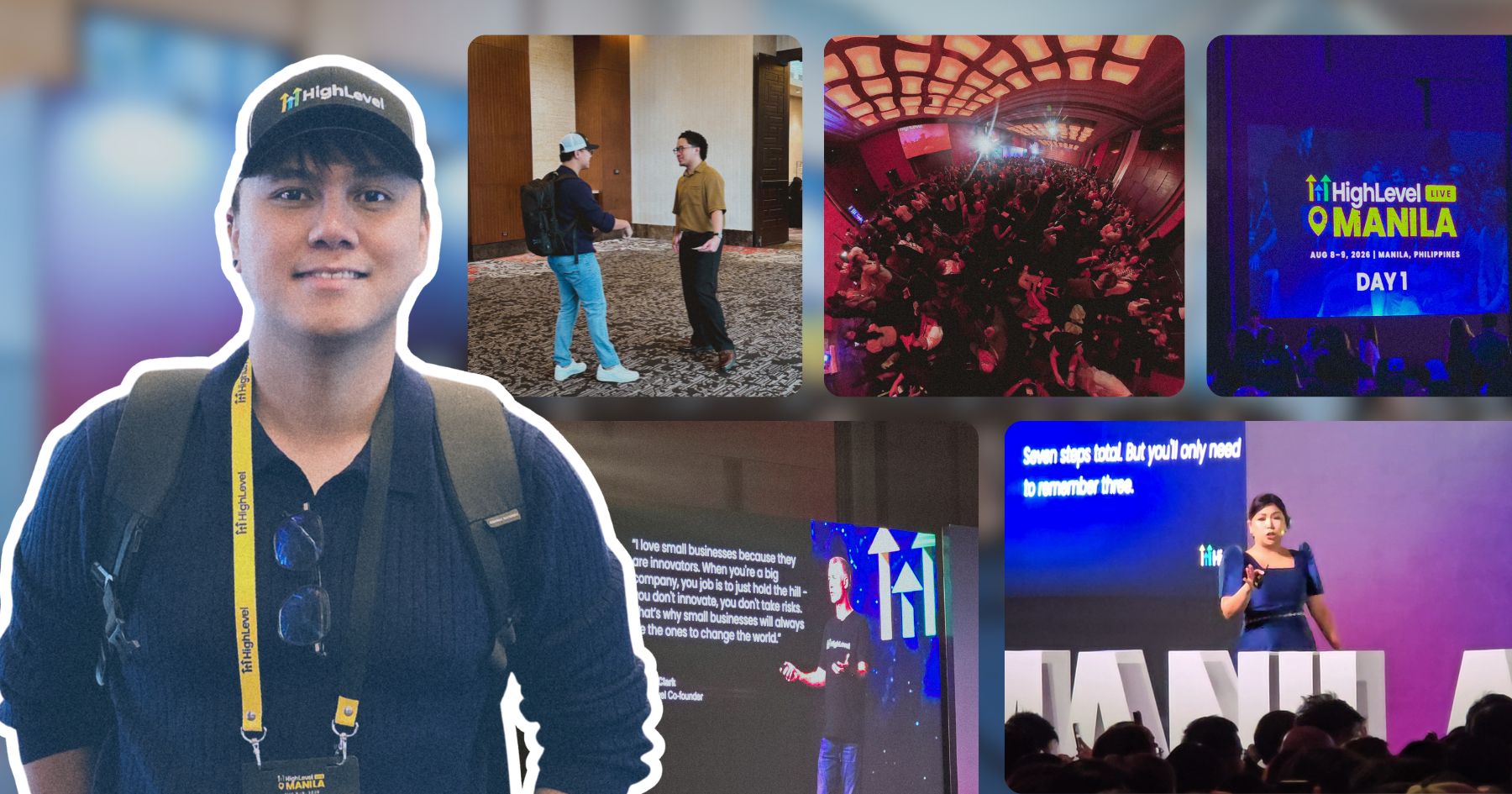
Got a chance to attend the HighLevel Manila 2-day event!
I just realized I wasn’t able to record everything. Now I’m trying to piece together all the info I remember and the photos I have.
The insights they shared were pretty overwhelming 😅
Disclosure: I may occasionally include affiliate links in my posts or pages. If you click on one of these links and make a purchase, I may receive a small commission, which helps me keep this website running and create more useful content. However, this does not affect my opinion on the product or service in any way. I only recommend products and services that I truly believe in and use myself.
A custom-built WordPress plugin that helps to create image slideshows and videos for a client’s in-store monitor display.
This article may contain some technical terms which provides an overview of how I constructed this custom functionality. If you have any questions, please let me know.
What is the main problem?
The main reason why the client wants this type of functionality is that they want to cut some operational costs. Digital signage services are quite expensive services. I developed this functionality so that the client can just create unlimited image slideshows and videos that can be displayed in their stores.
How I built the application?
This digital signage builder was divided into two parts; the back-end part, and the front-facing of the digital signage.
The Back-end – Signage Settings:
The back-end part was developed using React JS for the settings’ user interface.
I didn’t use the create-react-app package to develop the Settings UI, because of its default configurations. The reason for this is because when a create-react-app initiates the build process, it will export a lot of files (js, CSS, assets, etc.) which I don’t like for this task. It will just add some more configurations when building the entire plugin.
What I need are just a single script & stylesheet files that contain all the customization and logic of the app. I can just include these files in the settings area when needed.
To accomplish this goal, I need a custom Webpack setup and configuration. This custom configuration will give me control over where to export my files and use some of the Webpack plugins.
Now let’s talk about the application’s state. As always, I used Redux to manage the state of the app. It was easy to change some settings by controlling the global state.
The Front-end:
This part of the signage builder is responsible for the view only, so I just need a simple React setup. Although create-react-app is a good choice for this, I still didn’t use it. I built a custom setup and this time I used the Parcel bundler instead of Webpack. I want to try Parcel not because it was gaining popularity at that time, but I want to see if it’s much simpler to use than Webpack. So far for this project, the configuration is much less compare to Webpack.
Since the front-end is for view only, I just need it to fetch data and not POSTing something back. I still used the WP REST API to fetch the signage data.
Feature overview:
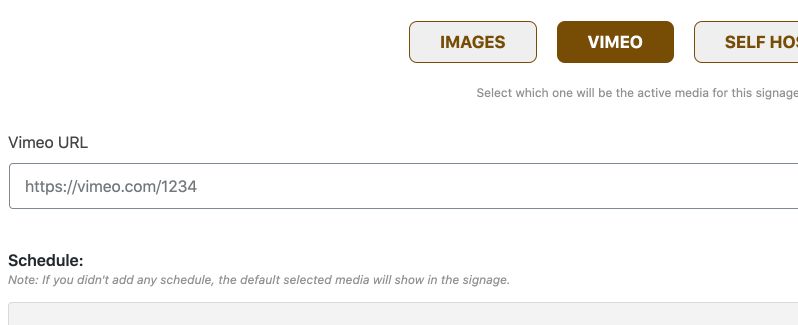
Three media type available: Images, Vimeo videos, Self-hosted Videos
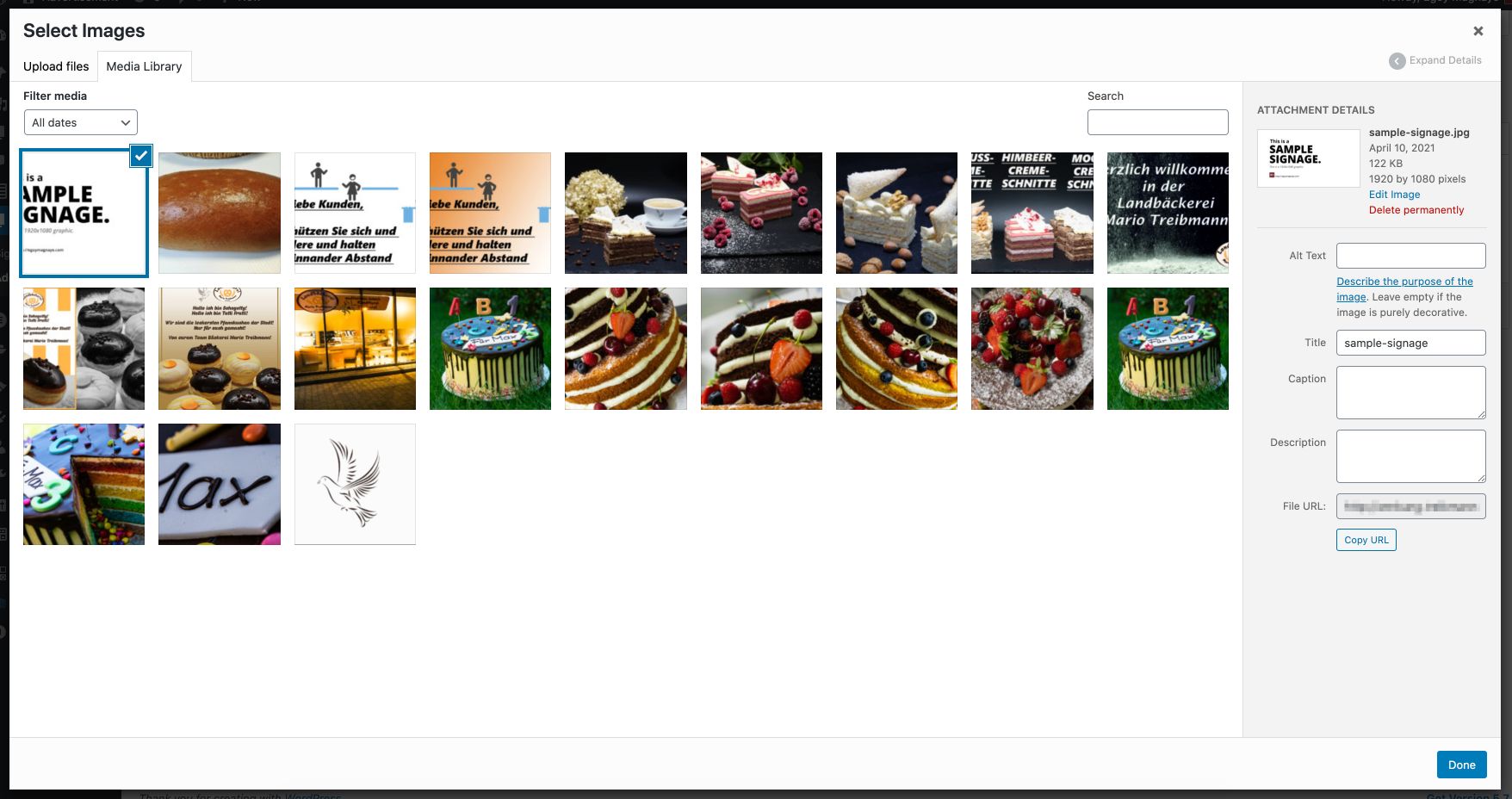
WordPress Media Library integration
Unlimited signages
Add schedules – display different media types according to their schedules.
Developed on a WP Plugin environment so it’s easy to share with other stores.
How does the application work?
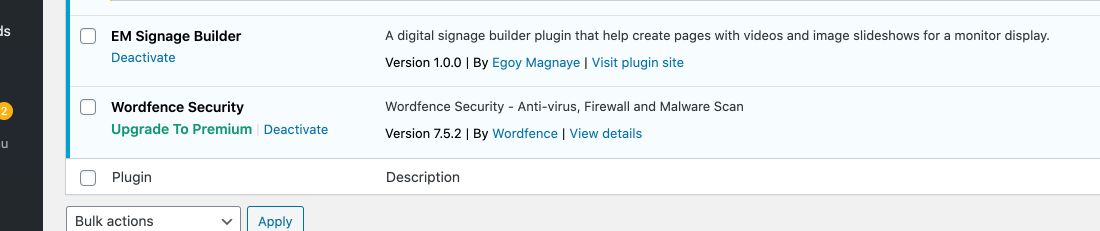
Using the signage builder is simple. Since this is a WordPress plugin, the user needs to install the Digital Signage Builder plugin first to activate the functionality.
If the plugin is activated successfully, the plugin will add a custom post type to the admin area. The user can add unlimited signages.
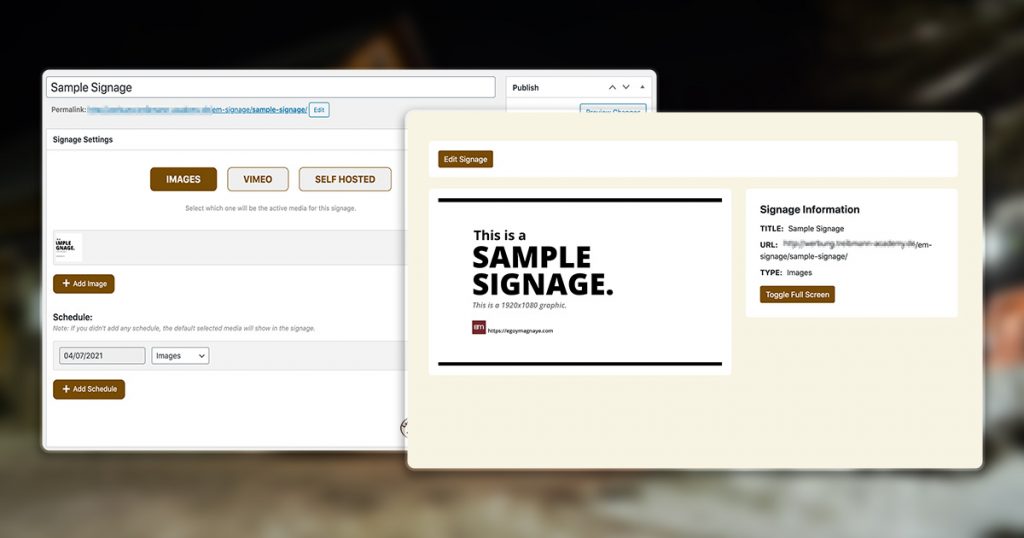
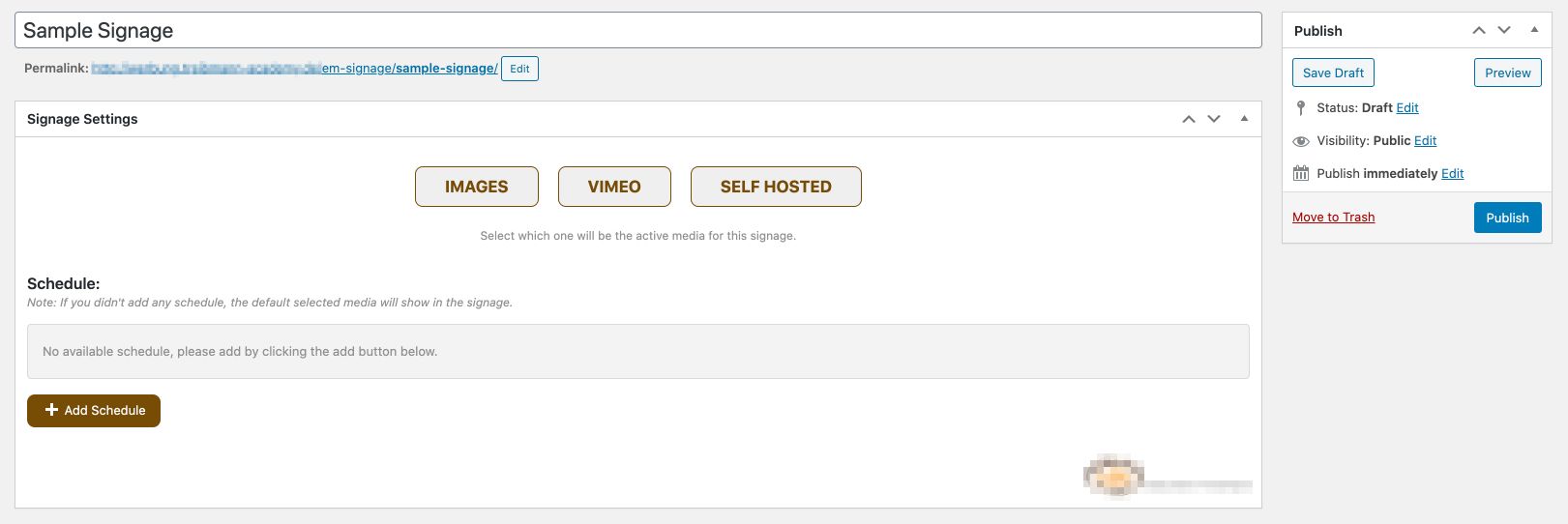
If the user has added new signage, it will show the signage settings. The user needs to choose between Images, Vimeo, or Self-hosted Video media type. By default, the Image media type is selected.
The Image media type is completely integrated with the WP Media Library.
The user can add schedules for each media. This will control what media to show on the front-end. The client requested this feature because they are creating signage for a whole week of operation at once. They just need to reload the digital signage in the front-end and the correct media type will be displayed on their monitors.
If all signage settings were configured properly, they can click the Publish or the Update button to save the signage. After saving it, they can go to the signage display by clicking the link at the top after the signage title.
The user will be redirected to the signage display. The media type that will be displayed depends on what media type is selected in the backend.
The signage display contains some basic info about each media type. Toggling fullscreen depends on each media type. For Image, there’s a Toggle Fullscreen button, while the Videos have their toggle fullscreen by default. The Edit Signage button is displayed only when an admin user was logged in.
We use cookies to improve your experience on our site. By using our site, you consent to cookies.
This website uses cookies
Websites store cookies to enhance functionality and personalise your experience. You can manage your preferences, but blocking some cookies may impact site performance and services.
Essential cookies enable basic functions and are necessary for the proper function of the website.
Name
Description
Duration
Cookie Preferences
This cookie is used to store the user's cookie consent preferences.