Been using my high chair a lot lately since I let go of my old one.
Started getting back aches because of it lol. No choice but to get this ergonomic chair.
Really liking the comfort so far!

Short thoughts, work in progress, lessons learned, & the occasional personal update.
Been using my high chair a lot lately since I let go of my old one.
Started getting back aches because of it lol. No choice but to get this ergonomic chair.
Really liking the comfort so far!
The PHP2Shell vulnerability was all over the news this week. Hostinger emailed to say they tested it against their live servers and my sites weren’t affected, and they’re applying the PHP fix automatically anyway.
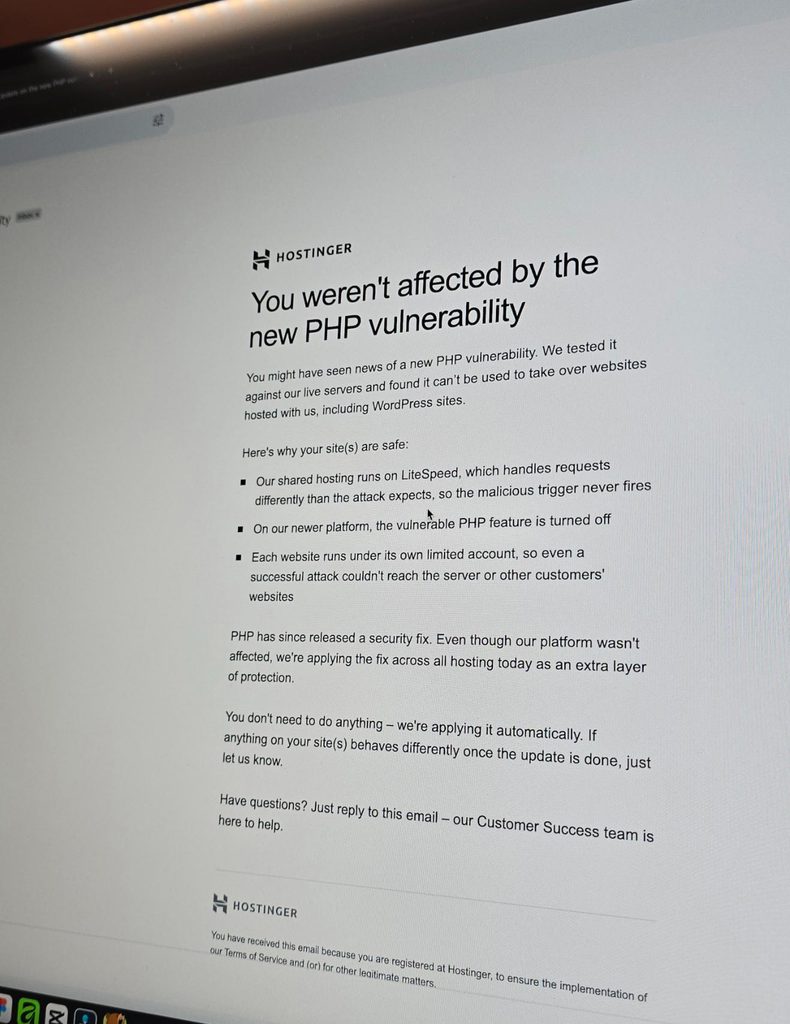
I guess getting good hosting isn’t so bad after all. That assurance really helps in this kind of issue.
It’s been a while since I worked outside of WordPress. Just finished a Wix project for a healthcare practice, working on some of the design refinements and consistency fixes.
The way you build on different platforms really does differ.
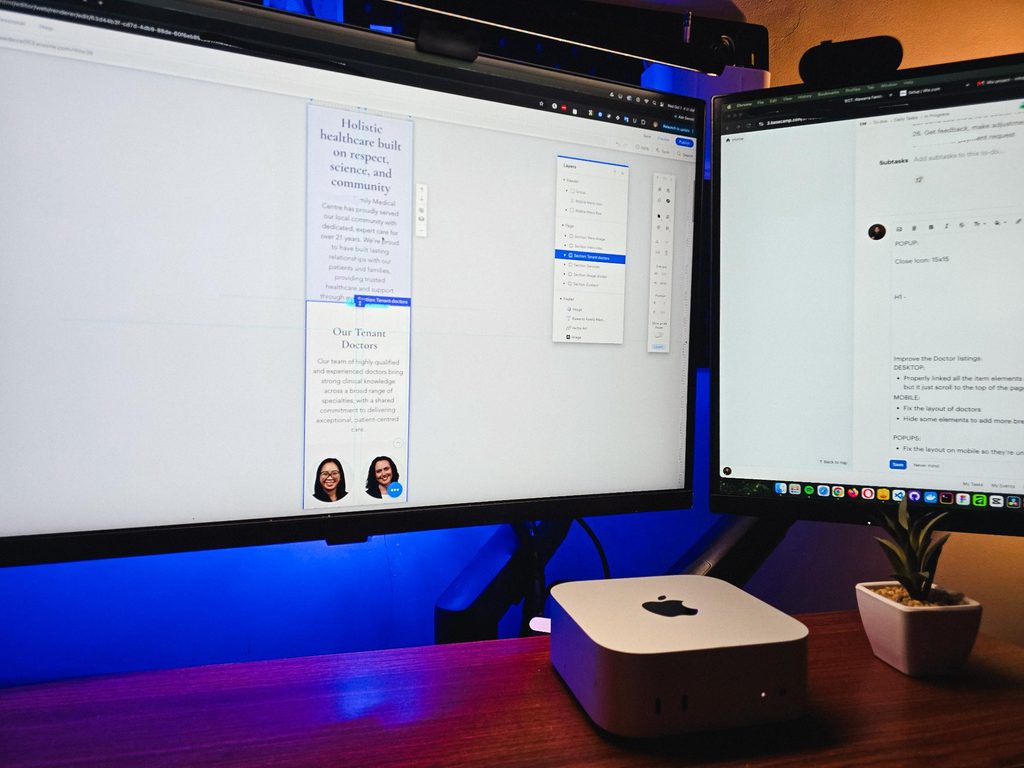
I guess that’s one of the harder parts of freelancing, you need to adapt fast. Enjoyed working on it though.
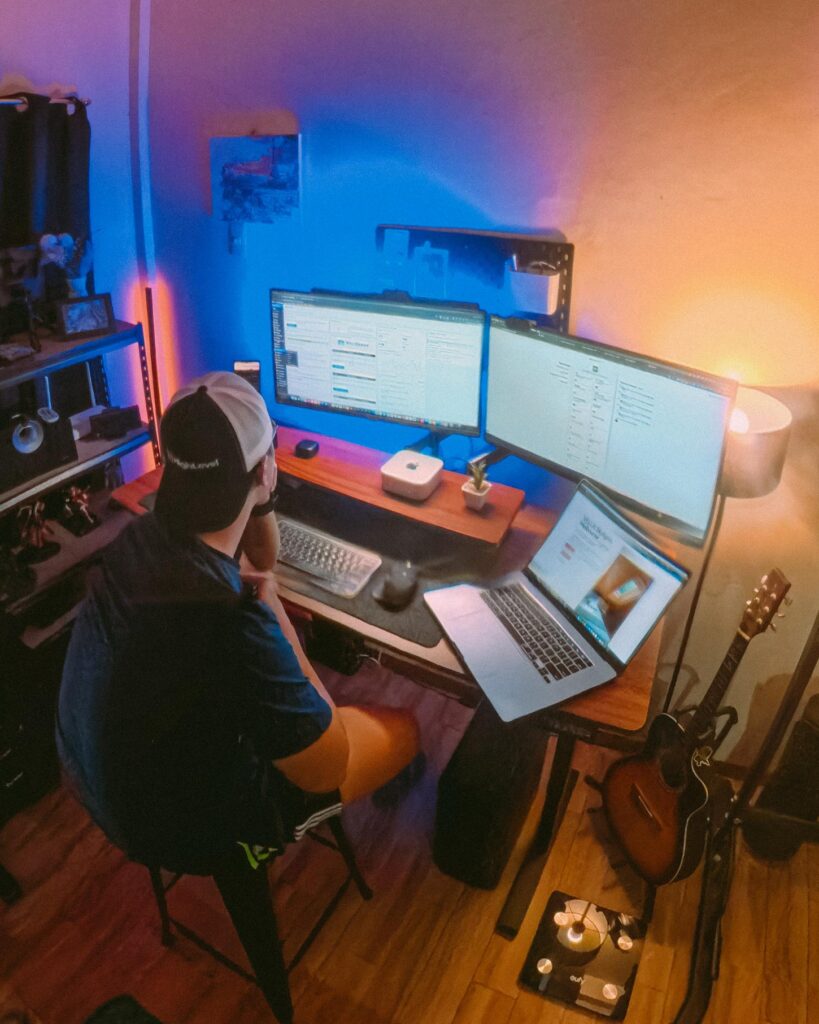
Recently visited my fiancée’s family, so I got some time off from this workstation and worked from somewhere else for a bit.
That’s one of the things I’m really grateful for with freelancing. You have the freedom to bring your work anywhere and get a change of scenery when you need it.
But yeah, good to be back at this little workspace!
Got my new eyeglasses! Been trying to take better care of my eyes since they take the most stress in this kind of work. So I make sure to get them checked from time to time.
Also, I always go with transition lenses. Just being practical 😅
Classy and functional at the same time!


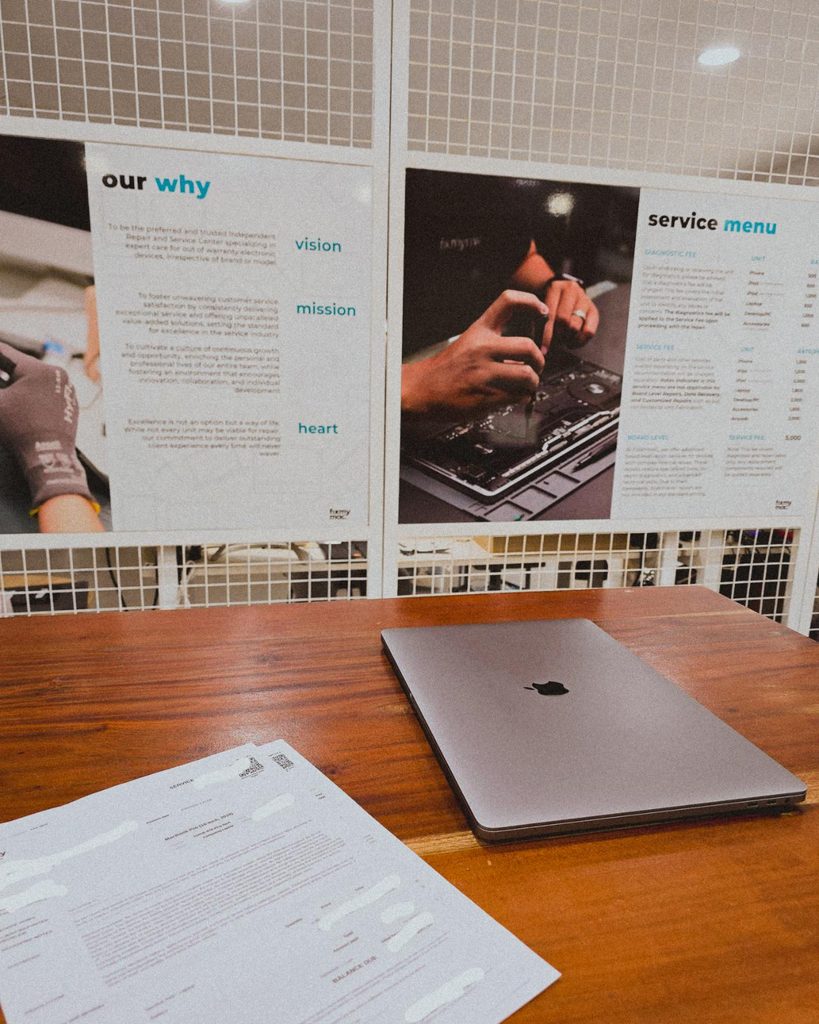
Being a freelancer taught me that you need a backup for everything. Projects, internet, even your computer 😀. Since my main machine is a Mac Mini running the M4 chip, I just needed this laptop repaired as a backup.
But with all the AI integrations these days, PCs and laptops are getting expensive. Even the repairs!
I’m continuing an Elementor project, and I can see myself building custom solutions around it again.
For growing sites with heavy dynamic data and conditional layouts, it’s not really its strongest area.
But it’s still great for marketing sites and for less technical users. Also noticed it now has an MCP, which is a nice plus if you’re using AI.
8 structured data systems in one project. Connecting and strategizing everything so it all works from day one.
I guess freelancing feels fulfilling once you’re done with this kind of project. But the process behind it? That’s a bit overwhelming.
This time I’m not starting from scratch though, the previous provider left it at about 15% progress so I’m just picking up where they left off.
The only real challenge? The language. Shifting from English to Deutsch 😅
Hallo zusammen 👋
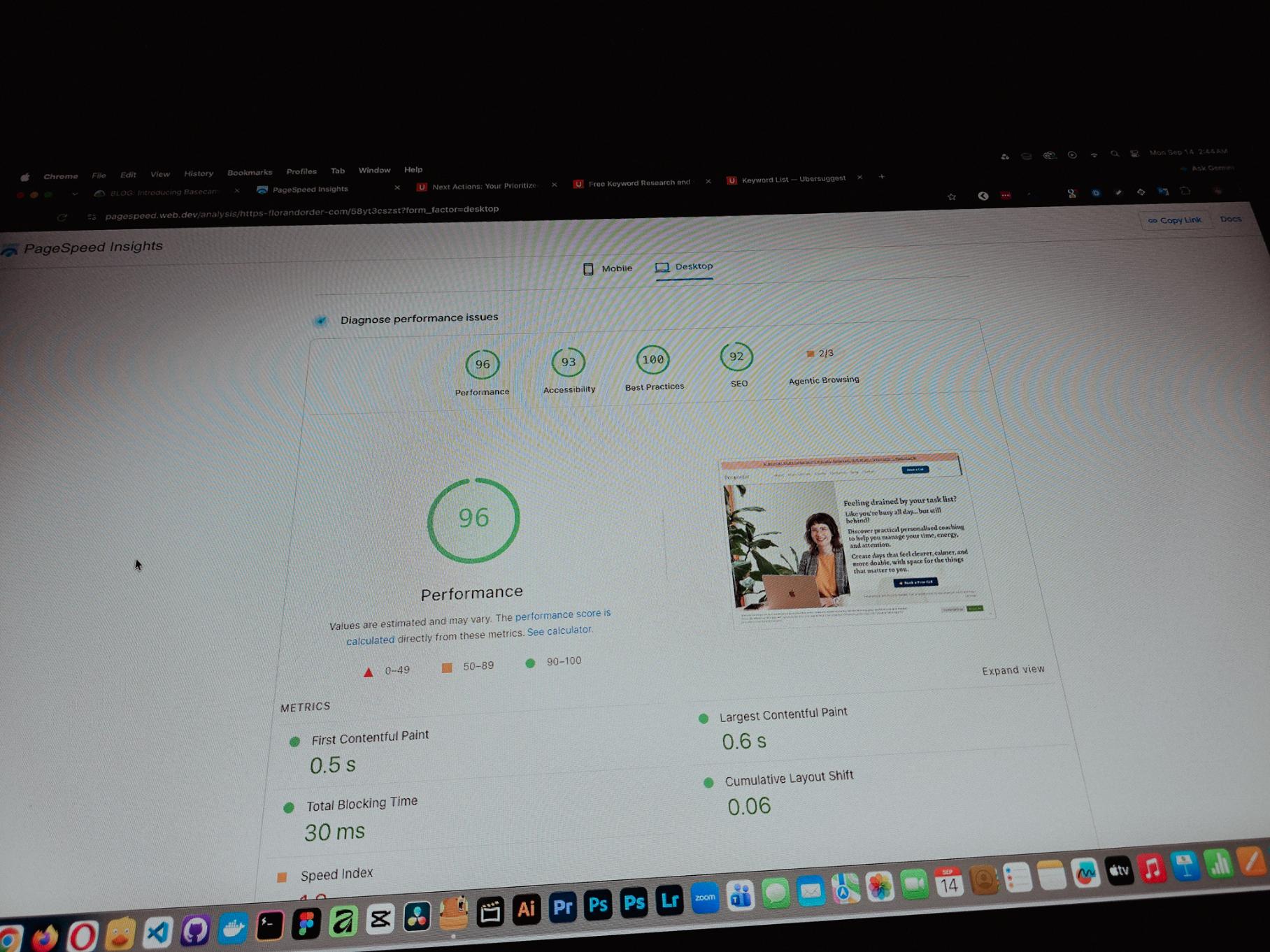
Currently working on one of my monthly site care tasks, checking the speed of a client site. And it’s still performing well. These routine checks don’t look exciting but they keep things running the way they should.
Speed is one of the hardest things to improve on a website because there are so many factors like server, how the pages are built, and the tools used to build them. But I’m still glad I was able to improve this one.
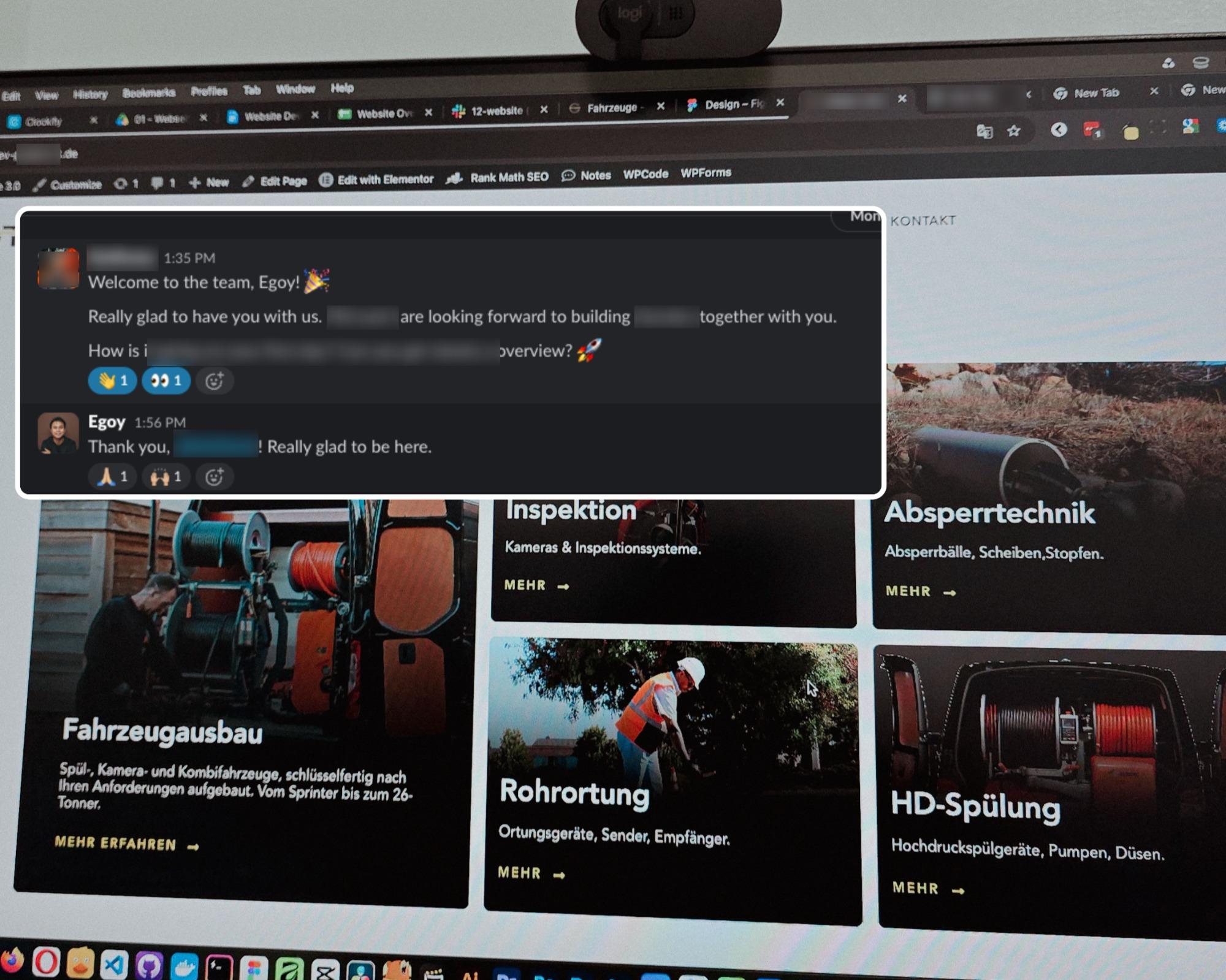
One thing you can’t really control when handling projects is the timeline. It can shift at any point, especially when you’re working with trade businesses.
I’ve tried the more popular ones, but Basecamp is still one of the most straightforward tools out there.
Btw I’m almost done with a new post on how I onboard client projects using it.
Since I left my corporate job last year to go full-time freelancing, I’ve been putting a lot more effort into this website.
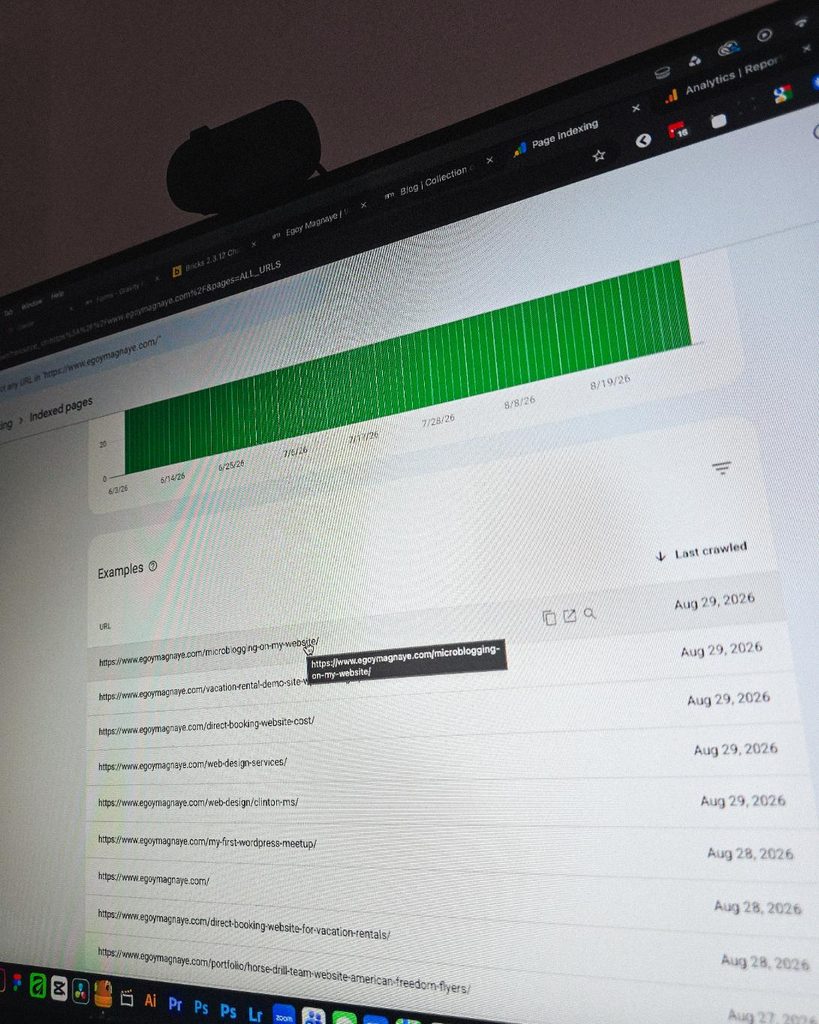
Just added a new post and it got indexed almost immediately.
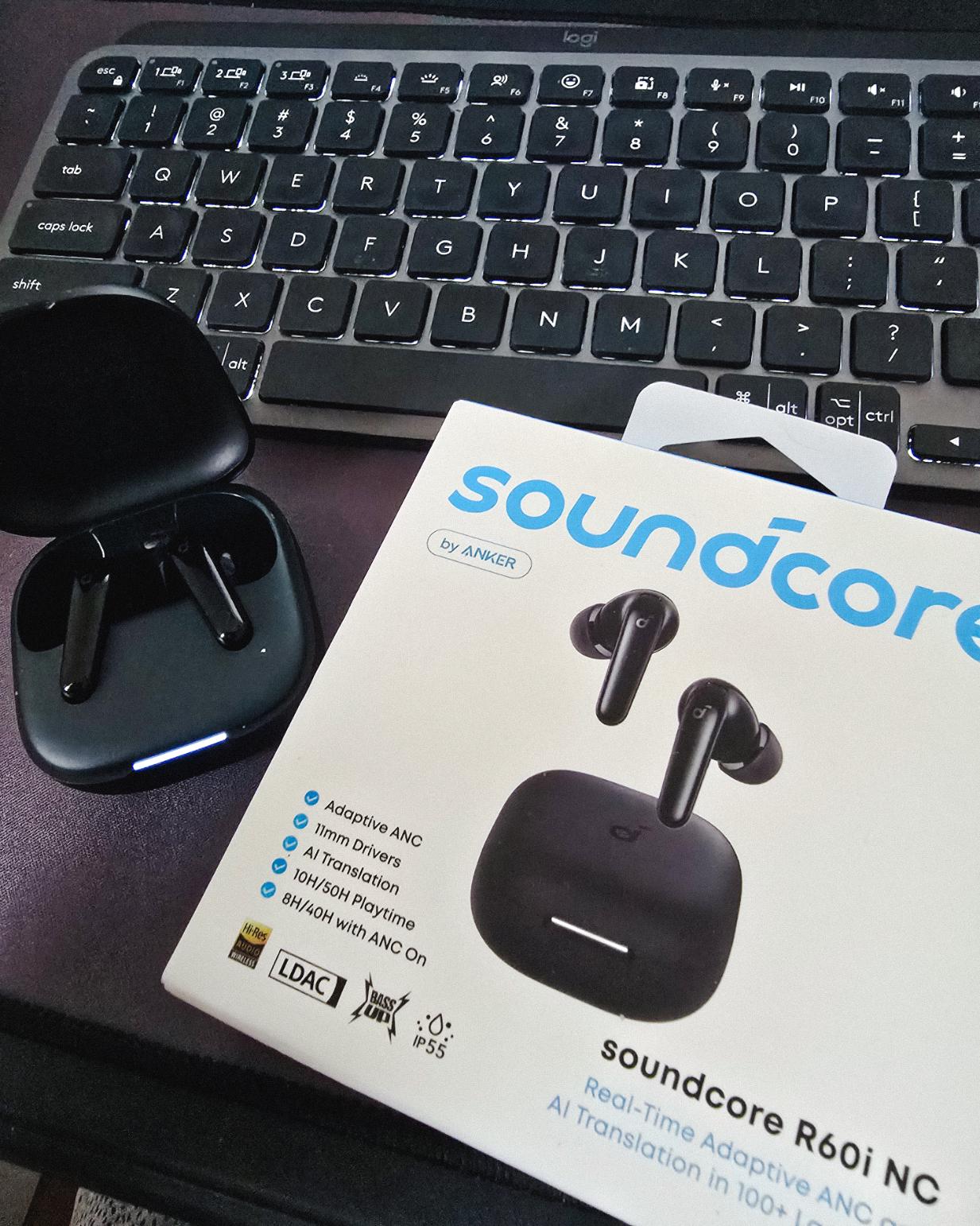
Got my new earbuds from Anker and I’m really liking the noise cancellation so far. Been using the one from Baseus for 2 years and it finally needed a replacement.
Looks small but this pair really helps when I need to focus.
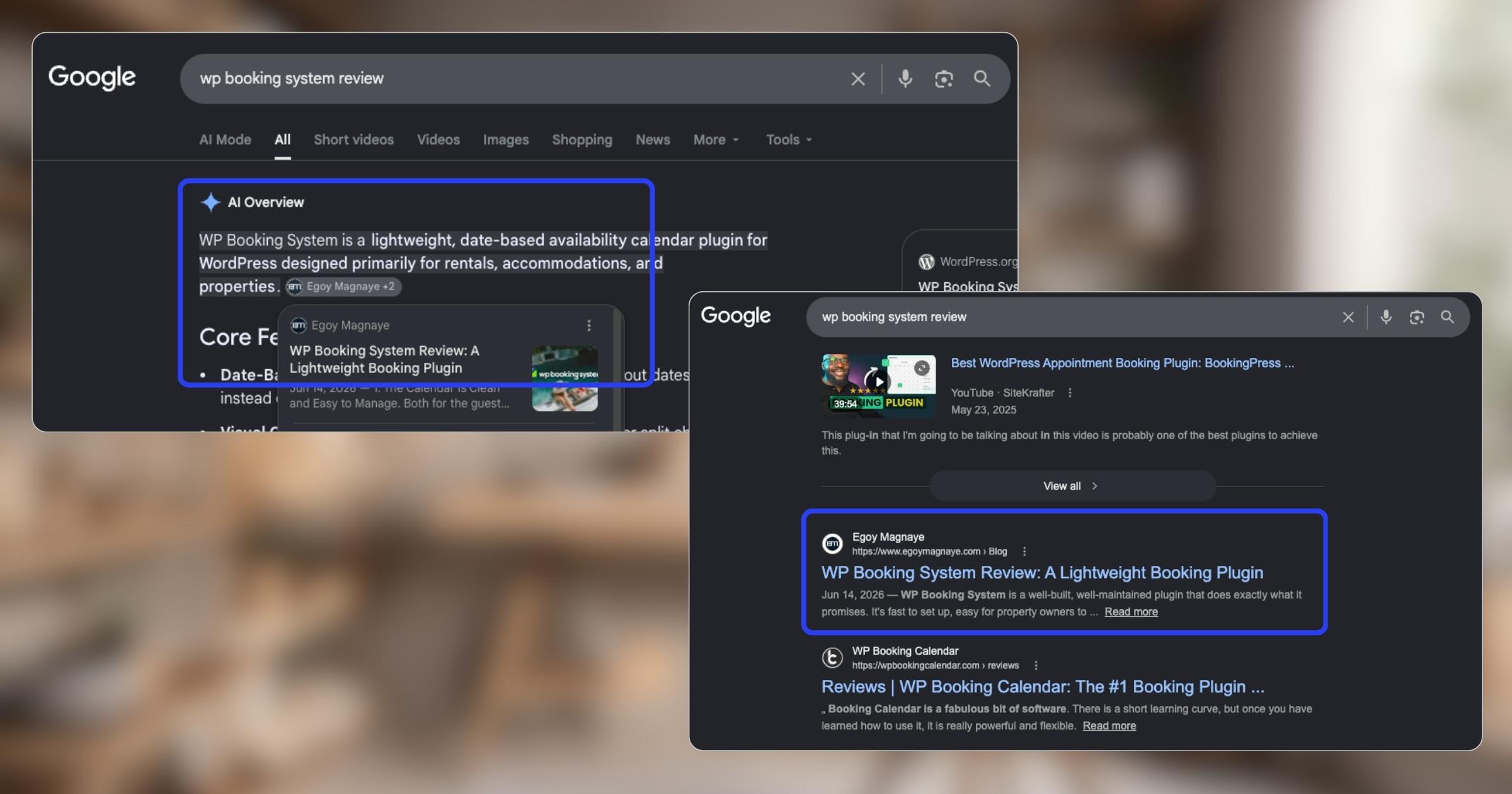
My WP Booking System review is now showing up in AI Overviews and SERP, just like my Bricks Builder one. Been ranking for both too.
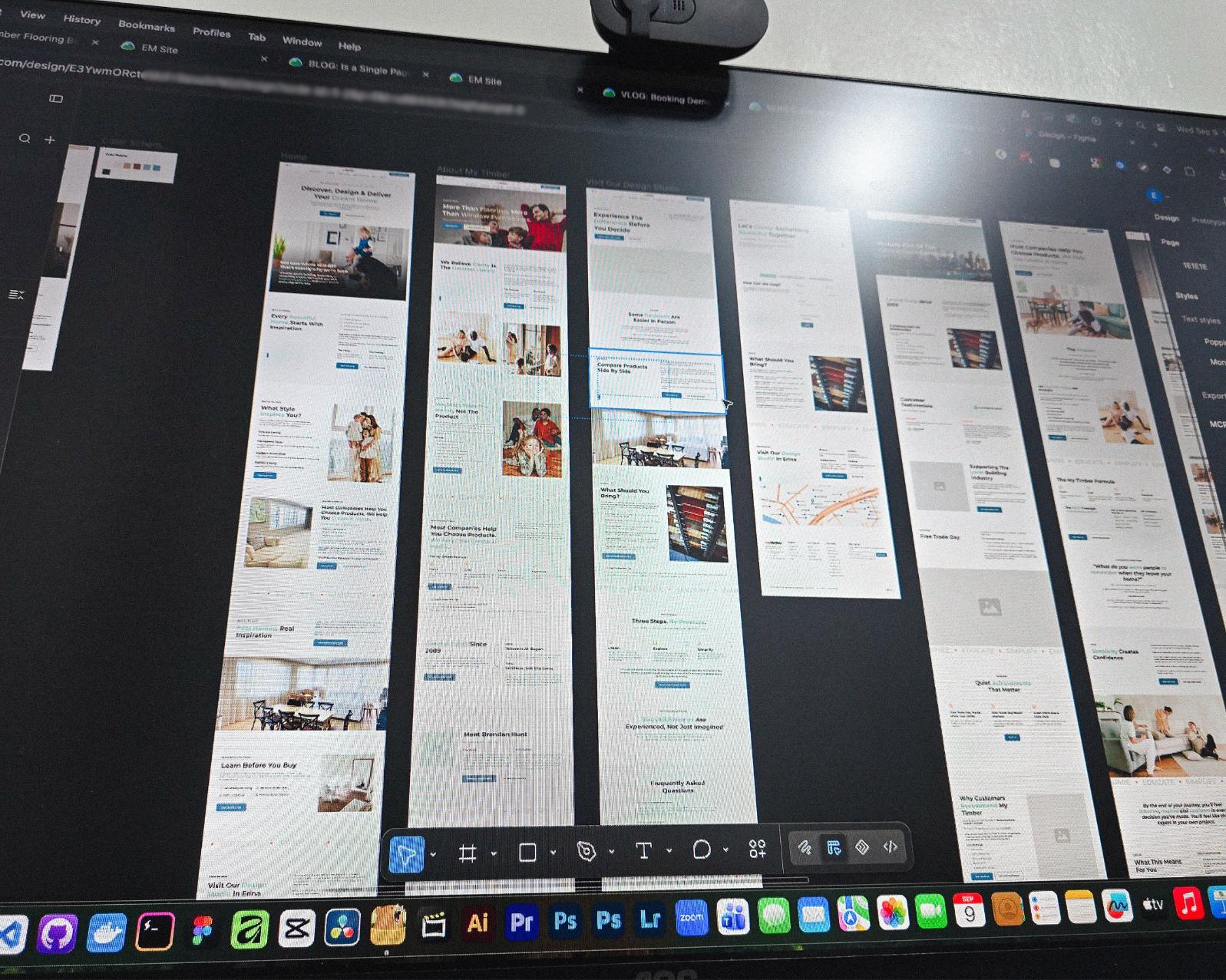
Found some old clips of my website designs done on Adobe XD. Different versions of my site over the past 10 years. A lot of testing and trial and error. It’s been a journey.
Had to switch to Figma with all the issues around XD being phased out.
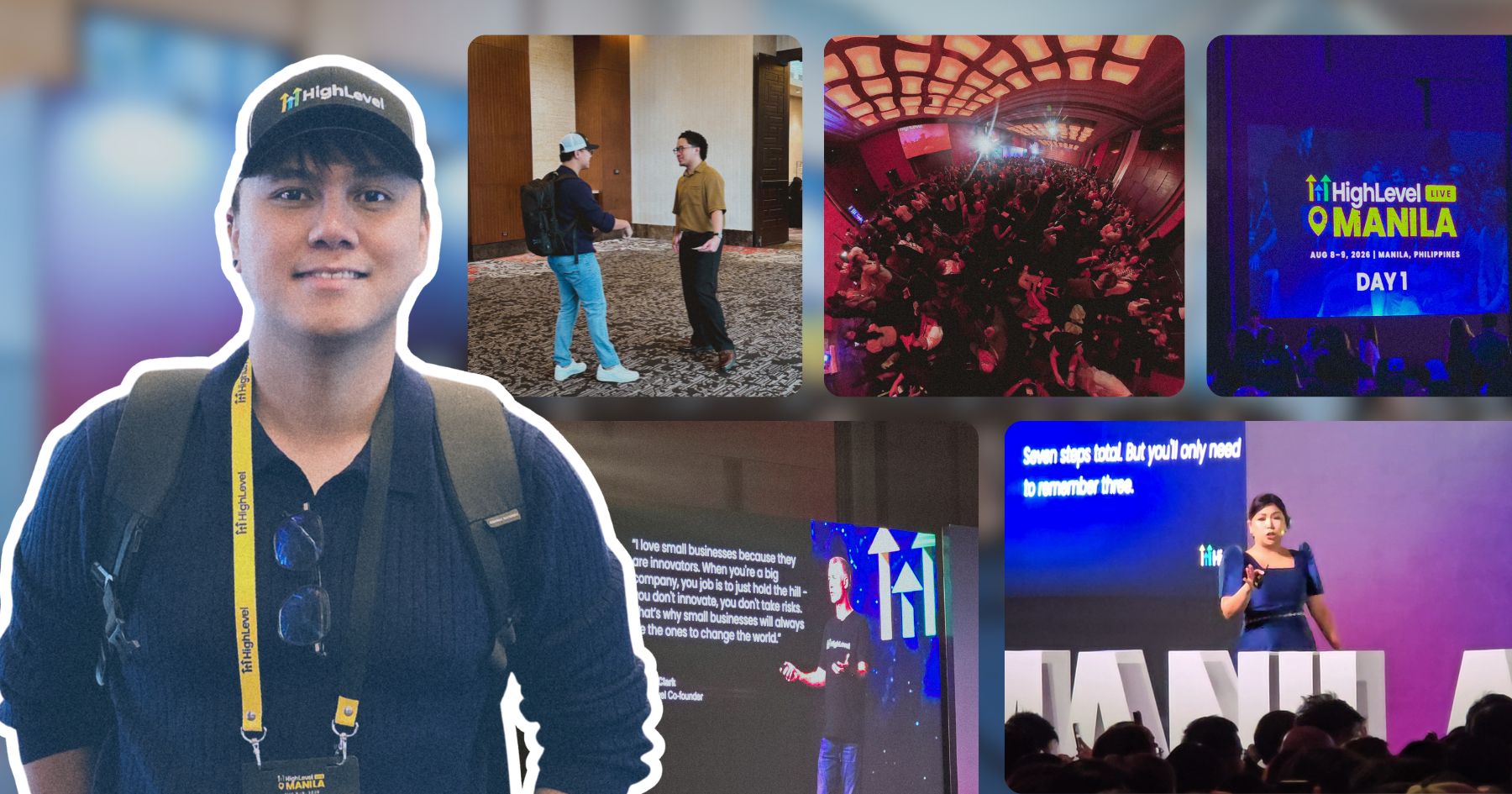
I can’t remember if they’re going to post recordings of the 2-day event, but I was still able to gather some insights from my phone and memory 🙂
Here’s the new blog about HighLevel Live Manila.

Since I’ve already added more than 10 notes, I can say I’m really liking this new feature on my website.
See the full post on why I added microblogging to this website.
Nah maybe a discount 😅
But seriously, if you’re going with WordPress, at least use a solid page builder like Bricks (my bias), Beaver, Divi, or Elementor. Launching a site is just a small part of it.
Building new pages and optimizing over time is the long game, and your site builder matters for that.
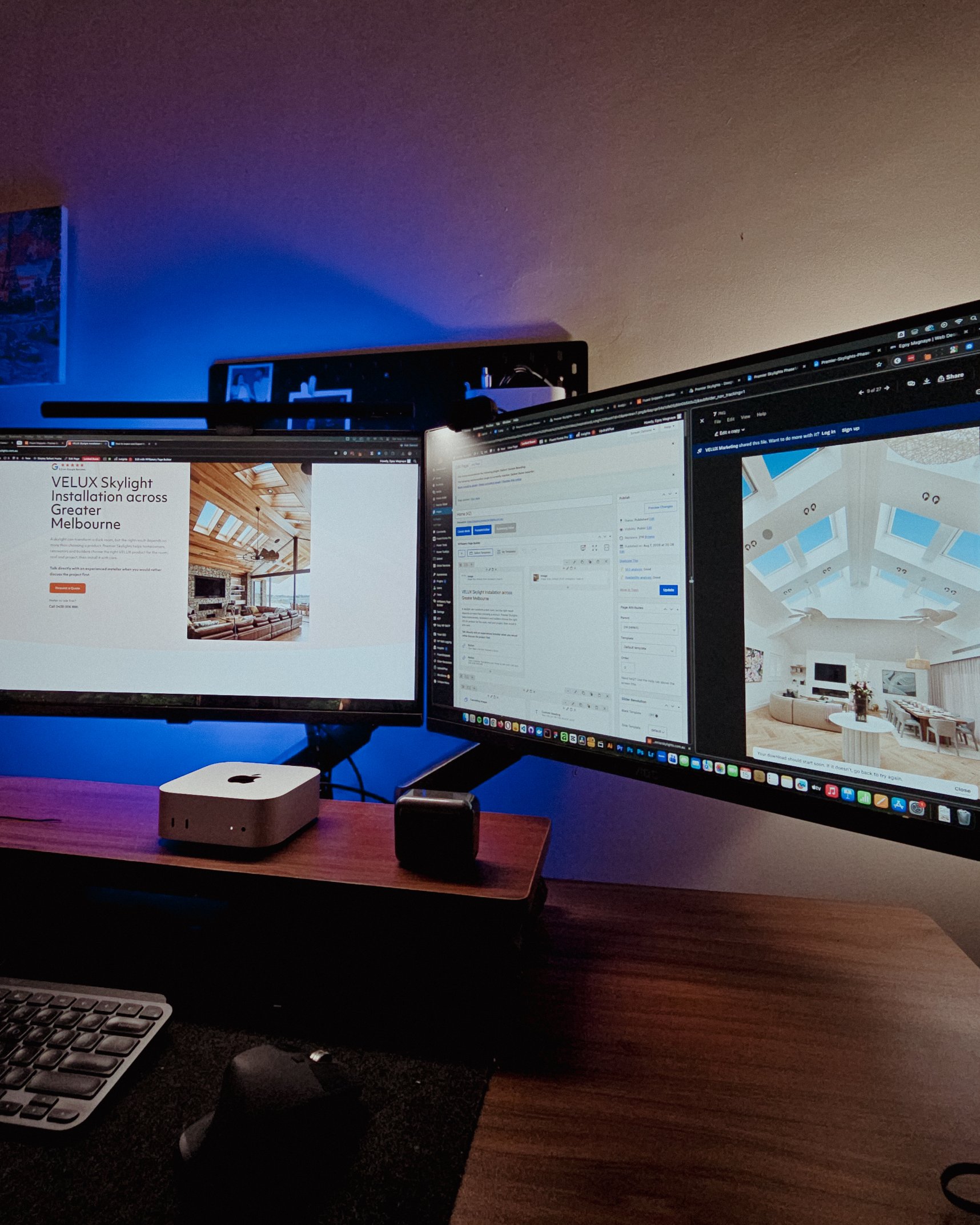
Looking at these skylight photos all day got me thinking. What’s it like living in a house with a transparent roof like that? Then I imagined having one here in PH. Sounds great when it rains. Then summer hits 😂
jk, these skylights are actually automated and packed with features.
Reader Disclosure
Disclosure: I may occasionally include affiliate links in my posts or pages. If you click on one of these links and make a purchase, I may receive a small commission, which helps me keep this website running and create more useful content. However, this does not affect my opinion on the product or service in any way. I only recommend products and services that I truly believe in and use myself.
If you’re working on a project with a bigger scope, like website development or digital marketing, there’s one thing you can’t afford to get wrong. And that’s managing the project itself. You can be great at what you do, but one missed message or one untracked deadline is all it takes for things to go sideways. Basecamp helps me prevent that. It’s at the center of my web design client onboarding process, even when I’m juggling multiple projects at the same time.
In my 10 years of offering web design and development, being good at work has never been enough. As a service provider based in the Philippines working with clients overseas, gaining trust takes real effort. And since website projects tend to have a lot of moving parts, having a solid project management tool isn’t optional for me. It’s a requirement.
I actually wrote a Basecamp project management review back in 2023, covering the core features and why I chose it. Looking back, I realized I haven’t written about it since then, which is surprising because it’s one of the main tools I use every day.
So this one is specifically about my web design onboarding process and how I keep everything running from start to finish. And since Basecamp 5 just dropped this year with some solid updates, I’ll mention the ones that actually improved this workflow along the way.
The handoff doesn’t end at launch. You get Site Care, a Personalized Growth Guide, and a Scheduled Check-in to make sure everything’s working.
No commitment · no pressure

No project is too small for this. Even if your project has a 1-month timeline, I still use Basecamp to manage it. It keeps things organized for both of us and gives you full transparency into the process. Every freelancer’s Basecamp onboarding looks different depending on their workflow. I kept mine simple so it’s easy for both of us.
Once we agree to move forward, whether that’s after a discovery call or a project brief meeting, one of the first things I do is ask if you’re open to using a project management tool to track our progress. Most clients are. But I still ask because some prefer to handle things their own way, and I respect that.
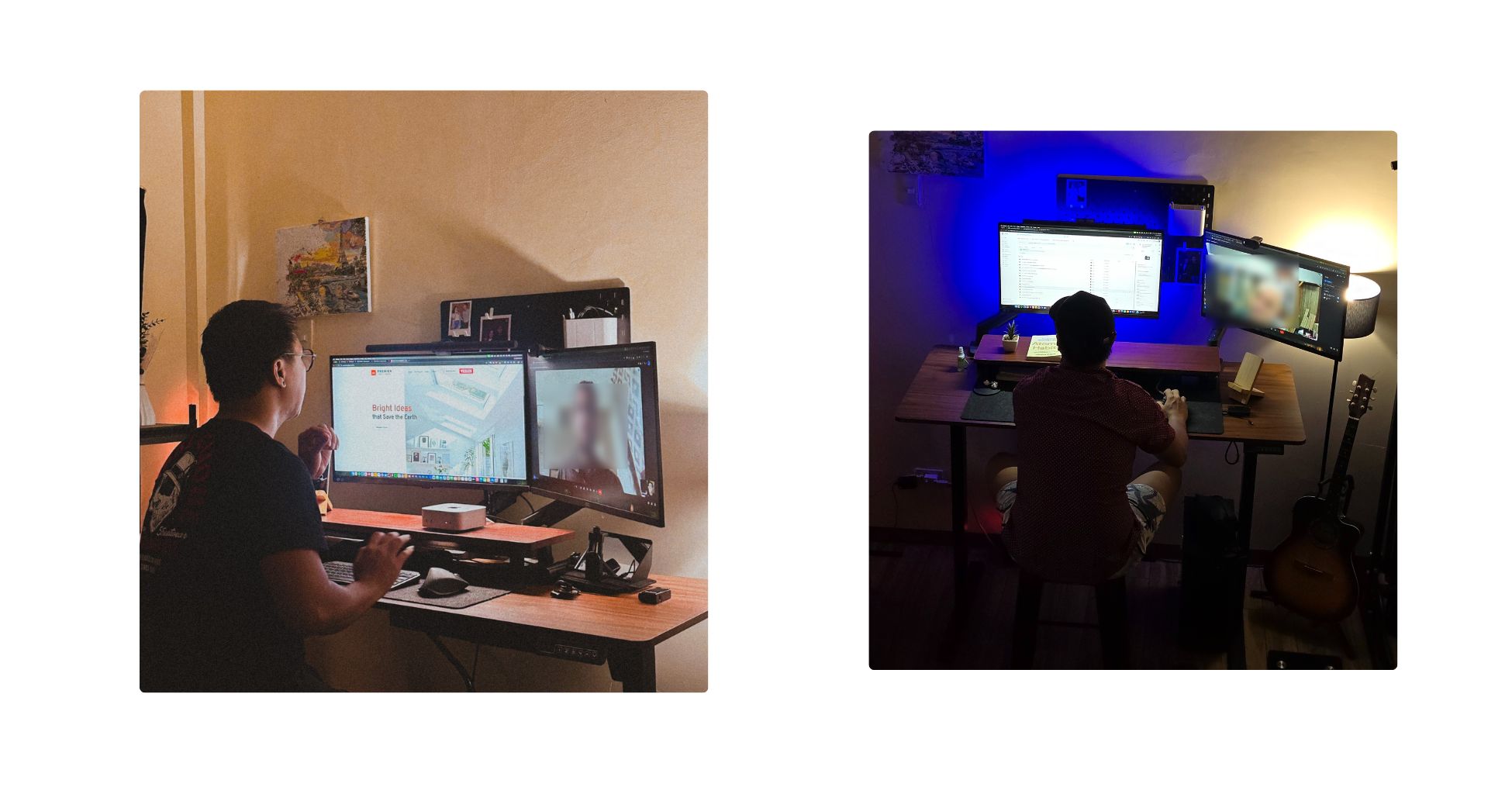
The reason I bring it up early is because the sooner we have a shared space for the project, the fewer things get scattered along the way. When everything lives in one place from the start, neither of us has to dig through emails or messages just to find a file or revisit a decision we already made.
If you’re on board (which I really recommend), I’ll start setting up everything using the details from our project brief.
One of my favorite features of Basecamp is the ability to create templates. Every new project starts from a template I built specifically for web design work. It gives me the bare bones: a message board, a kanban board (similar to a Trello board), docs and files, to-dos, a calendar, and a chat. All the tools I typically need for a website project, already in place.
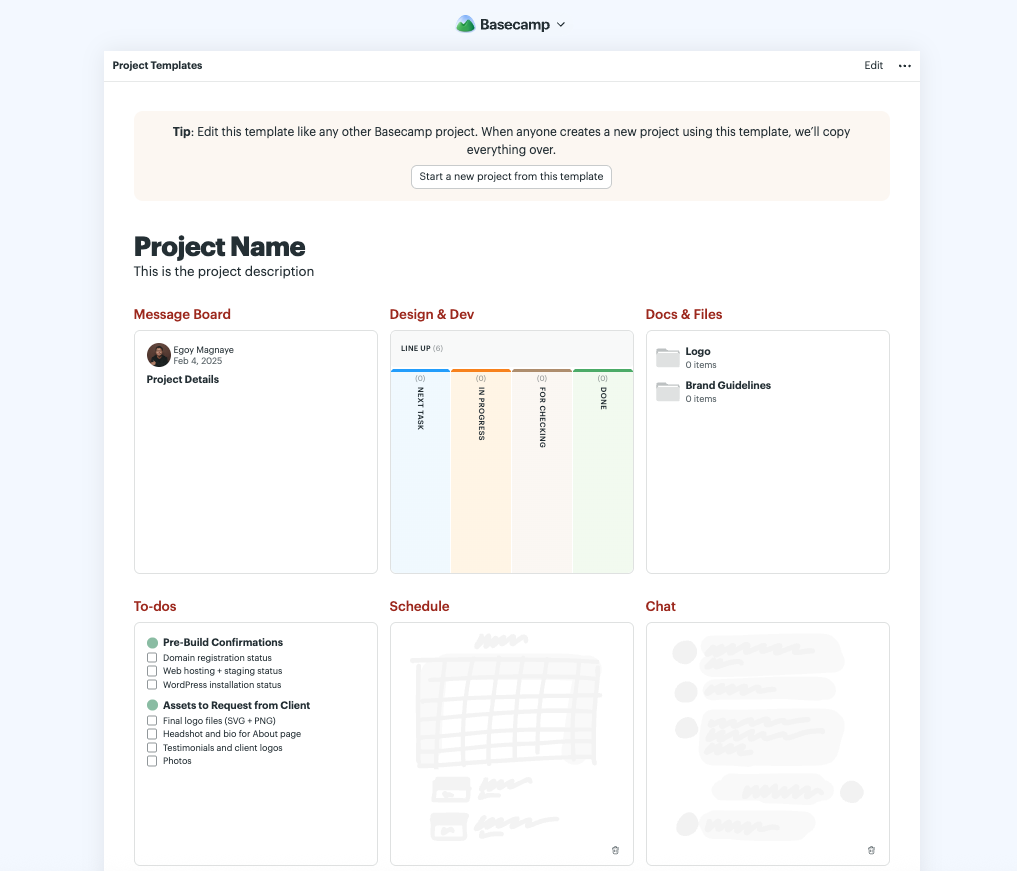
From there, I start personalizing it for your project. Creating the milestone cards on the kanban. Adding relevant to-dos. If we’ve already discussed a timeline or deadlines during our call, those go straight into the calendar.
The template saves me from setting everything up from scratch every time. But every project still gets customized based on what you actually need.
One thing I like about Basecamp is that I can turn off any tool or Basecamp features that I don’t need for a particular project. If yours doesn’t require the kanban board or the chat feature, I just disable them. Keep things clean and less overwhelming on your end.
Once our Basecamp board is good to go, I’ll send you the invite. You don’t need to know how project management software works. Basecamp is simple enough that most of my clients figure it out within minutes. You log in, and everything related to your project is right there in one place.
This is probably the part that adds the most value for both of us. Because from this point on, I don’t need to send separate email updates or chase down conversations. You can check in whenever you want and see exactly what’s happening.
Basecamp has an activity feed that shows every update as it happens. If I update a card, upload a file, or post a note, it shows up on your end. You’re never left wondering where things stand.
Once we’re past the setup, here’s how things work day to day. All our conversations happen inside Basecamp. Quick questions go through the built-in chat. Bigger topics that need their own thread go on the message board. And anything like logos, briefs, or reference files lives in Docs and Files.
If you use Google Drive or Dropbox for your assets, I can add those as external links right inside the project too. It takes less than a minute to set up.

Earlier this year, Basecamp rolled out version 5 with a lot of changes. I’m not going to list all of them. But a few of them directly made my project workflow better.
This is probably my favorite update. With AI tools like ChatGPT and Claude being so common now, most people have run into Markdown-formatted text at some point. Before, pasting that into Basecamp meant the formatting would break and I’d have to clean it up manually. Now it converts Markdown into styled text automatically. Small change, but it saves me a step on almost every project.
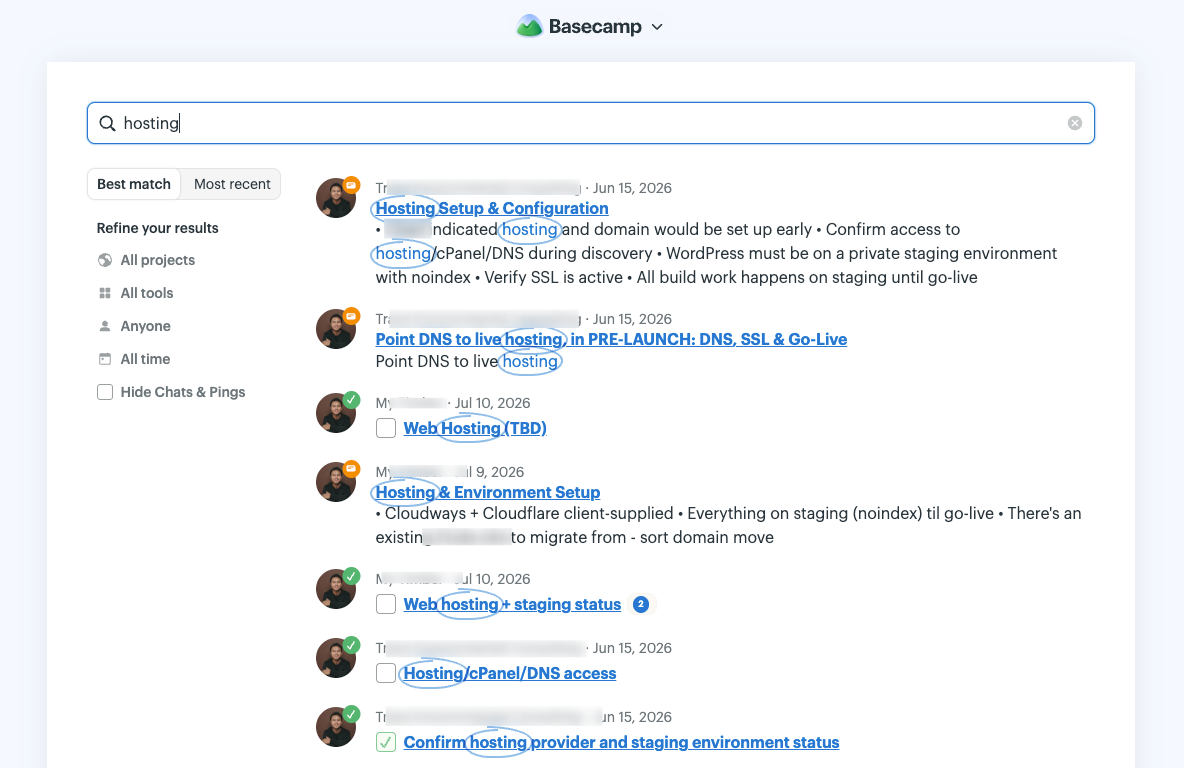
Search in the old version worked fine. But Basecamp 5 made it faster and added a live filter field on most screens. When you’re three months into a project and need to find that one conversation about a logo revision, this makes a real difference. You type a few characters and the results narrow down in real time.
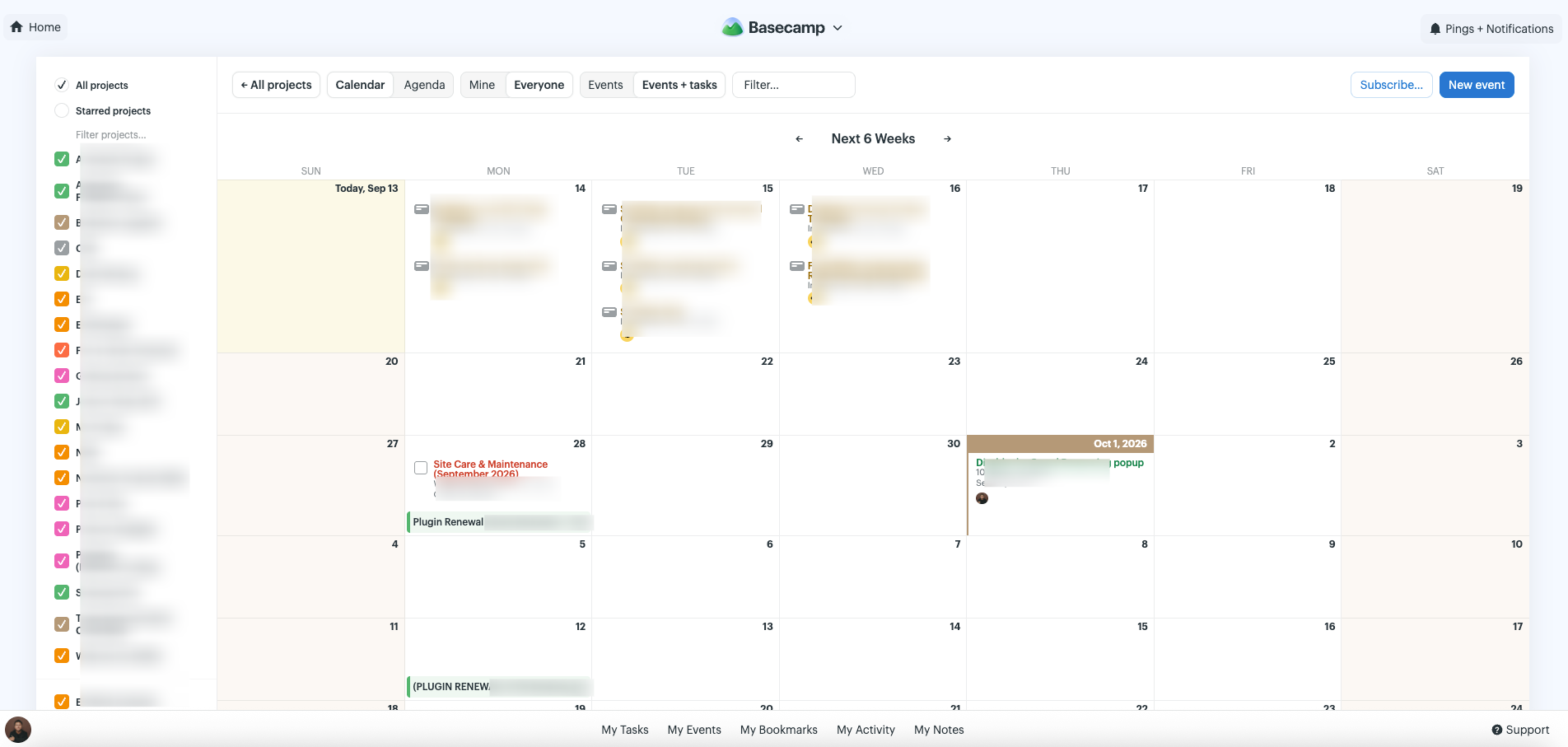
The calendar used to be limited. Now there’s a full-screen version at the global level and one inside each project. All my deadlines across every active project show up in one view. To-dos and task assignments appear on it too. If you use Google Calendar, you can even subscribe to your project calendar from there.
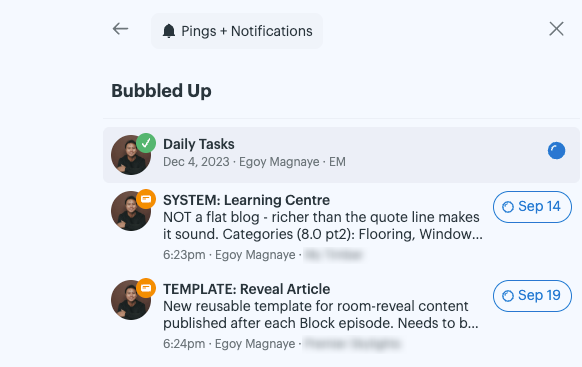
I think this replaced the old “Don’t Forget” feature from Basecamp 4. The idea is the same but the execution is much better. If a notification comes in while I’m focused on something else, I mark it to Bubble Up later. Could be later that day. Tomorrow morning. Next week. It resurfaces in my sidebar when the time comes. For someone managing multiple client projects at once, this keeps things from slipping through.
This one sounds minor but it adds up when you’re in Basecamp every day. You can navigate most of it without touching your mouse. Press Shift and key labels show up across the interface, letting you jump to whatever you need. As a developer who already relies on keyboard shortcuts across code editors, browsers, and other tools, this just makes Basecamp feel faster to work in.
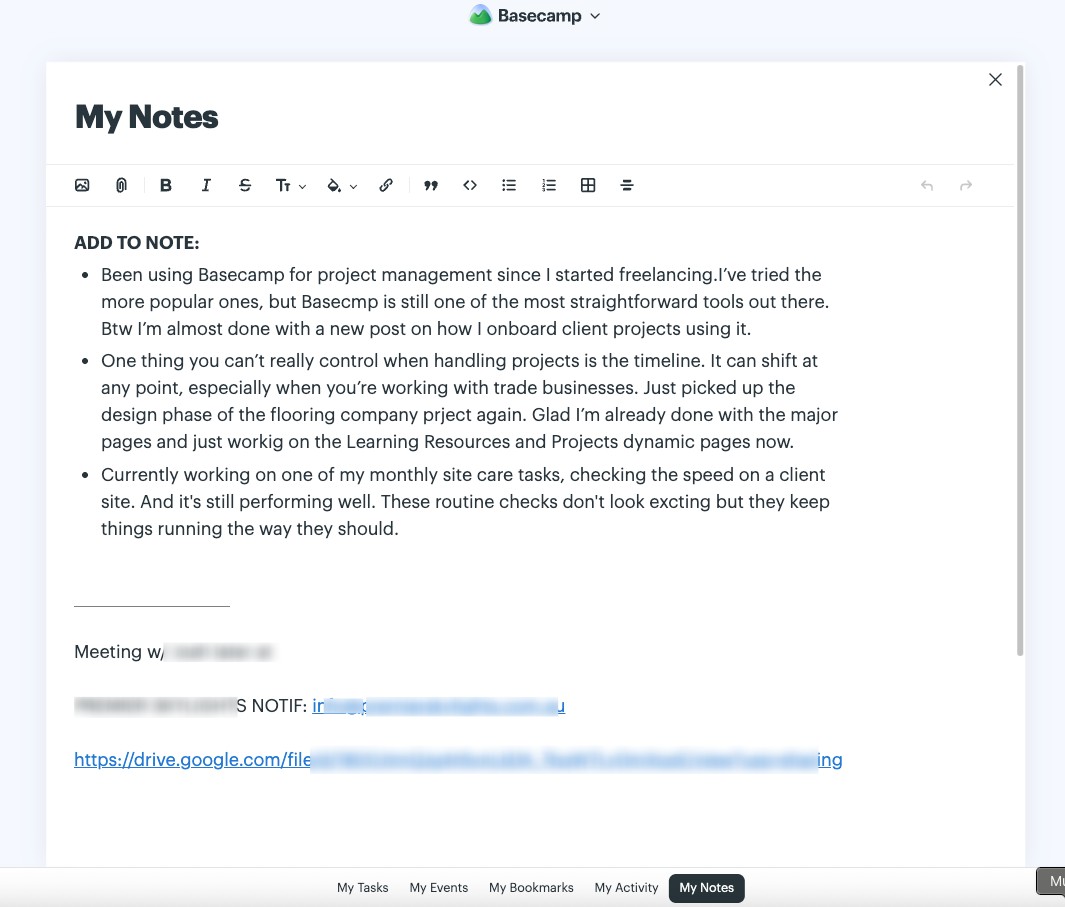
There are a lot of note-taking apps out there. Even our phones have them. But since I’m already in Basecamp most of the time, having one built in just makes more sense for my workflow. There’s now a My Notes section where I can write things down just for myself. Quick reminders. Rough ideas. Something I need to follow up on after a client call.
It’s a small feature, but it’s useful having a personal space inside a tool that’s mostly built for collaboration. I actually use this to draft the quick notes I post on my website’s microblog too.
I started using Basecamp back in 2017. I was first introduced to it when I was working as an outsourced developer for a law firm in the US. Once I started getting my own clients, I subscribed to it and have been using it ever since.
Their pricing has changed a few times over the years, so I’d rather point you to the Basecamp pricing page for the latest numbers. But whatever the current price is, the amount of time it saves me in organizing and managing projects has already paid for itself.
No. When I invite you to a project, you get access for free. You don’t need your own Basecamp account or subscription. You just log in and see everything related to your project.
That’s completely fine. Before setting anything up, I always ask if you’re open to using a project management tool. Some clients prefer to handle things their own way, and I respect that. We’ll find a process that works for both of us.
Yes. Basecamp sends email notifications whenever there’s an update on your project, so you’ll still know when something changes even without logging in. There’s also an option to make certain parts of the project public. For example, I can set our kanban board to public so you can check the progress of each card without needing to log in at all. That said, logging in gives you the full picture with the activity feed, files, and calendar all in one place.
Yes. Basecamp takes data privacy seriously. Your project data is only visible to the people invited to it. And if you ever want your data removed after a project wraps up, just let me know and I can take care of that. You can also check Basecamp’s privacy policy for the full details on how they handle your information.
I work with businesses to build sites that are easy to manage and actually bring in leads.
Start with a free site audit · No commitment
If you’re a freelancer managing your own client projects, yes. Especially if you’re the type who wants something simple that just works without spending hours learning the tool itself.
There are a lot of project management tools out there with more features and options. But that’s exactly why I like Basecamp. It doesn’t try to do everything. It focuses on doing the basics really well, which is all I’ve ever needed.
That said, it depends on how you work. If you need advanced automations or complex project structures with multiple teams, Basecamp might feel too simple for you. But if you’re someone who just needs a clean space to organize projects and keep clients in the loop, it’s hard to beat.
I’ve been using it since 2017 and I haven’t felt the need to switch. That says enough.
Basecamp may sound like a very simple tool, and that’s really what I like about this project management tool. They don’t overcomplicate things. It keeps our projects organized and keeps you informed all the time, which lets me focus on the actual work. And at the end of the day, that’s what matters.
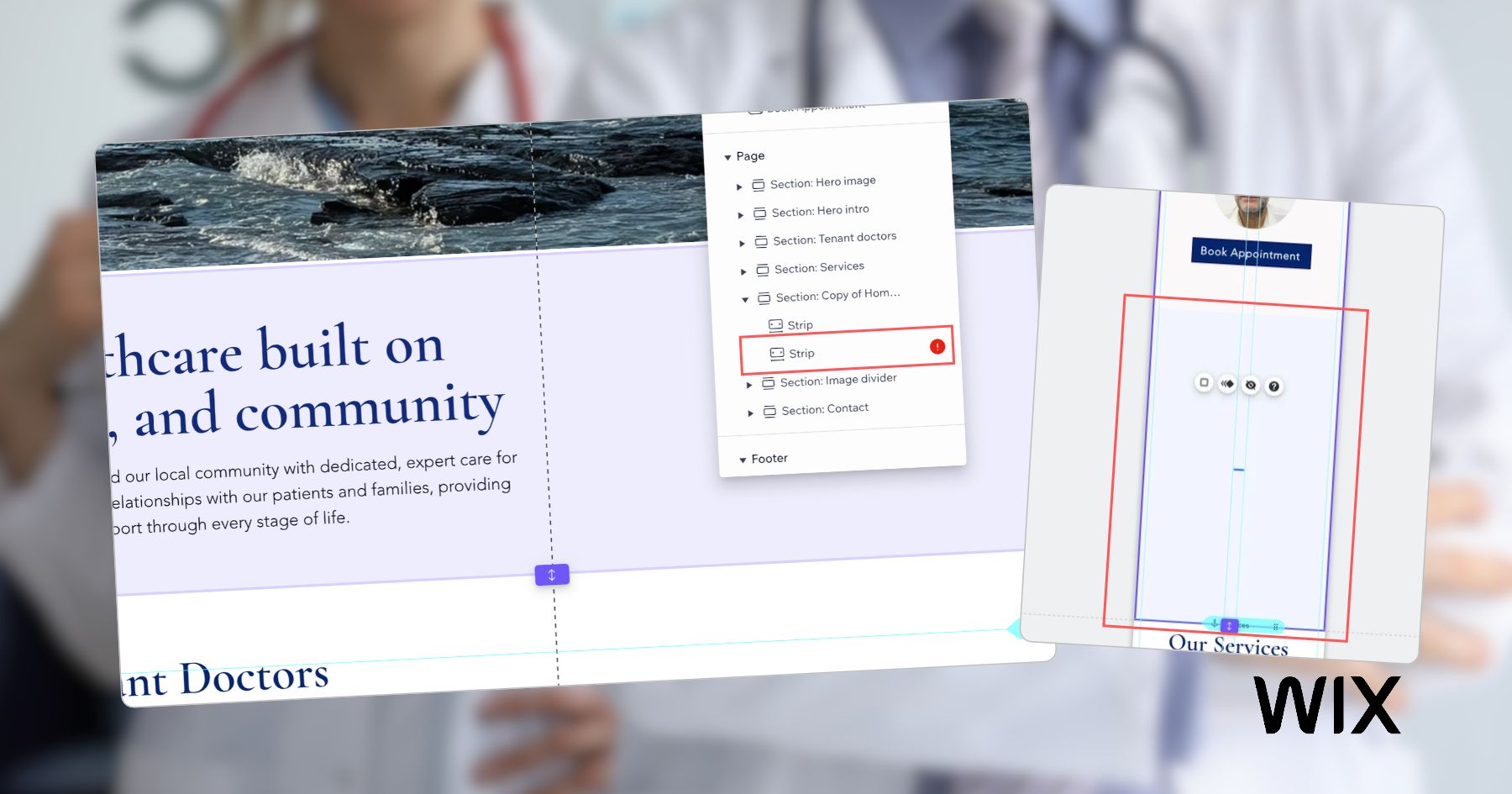
A quick method for finding and removing the hidden strip causing unnecessary white space between…
I just went there hoping to learn something new, but the 2-day event turned out…

Creating content as a solo freelancer wasn’t sustainable. Microblogging on my own website keeps things…