Short thoughts, work in progress, lessons learned, & the occasional personal update.
Almost done with the design plans for all the dynamic systems on a tradie company web design project.
8 structured data systems in one project. Connecting and strategizing everything so it all works from day one.
I guess freelancing feels fulfilling once you’re done with this kind of project. But the process behind it? That’s a bit overwhelming.
Posted 8 hours ago
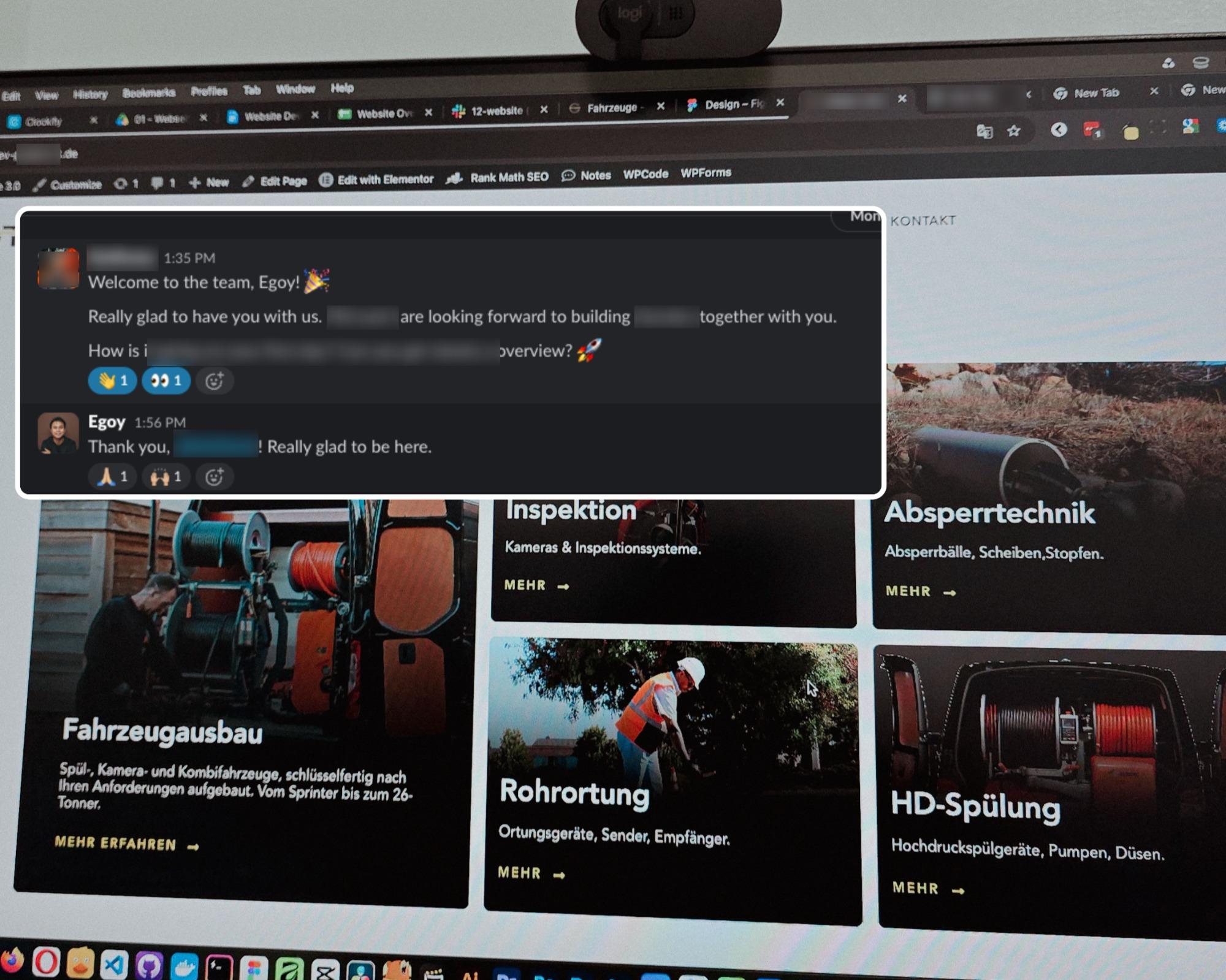
Started a new project for a B2B equipment dealer in the sewer and pipe industry based in Germany.
This time I’m not starting from scratch though, the previous provider left it at about 15% progress so I’m just picking up where they left off.
The only real challenge? The language. Shifting from English to Deutsch 😅
Hallo zusammen 👋
Posted 2 days ago
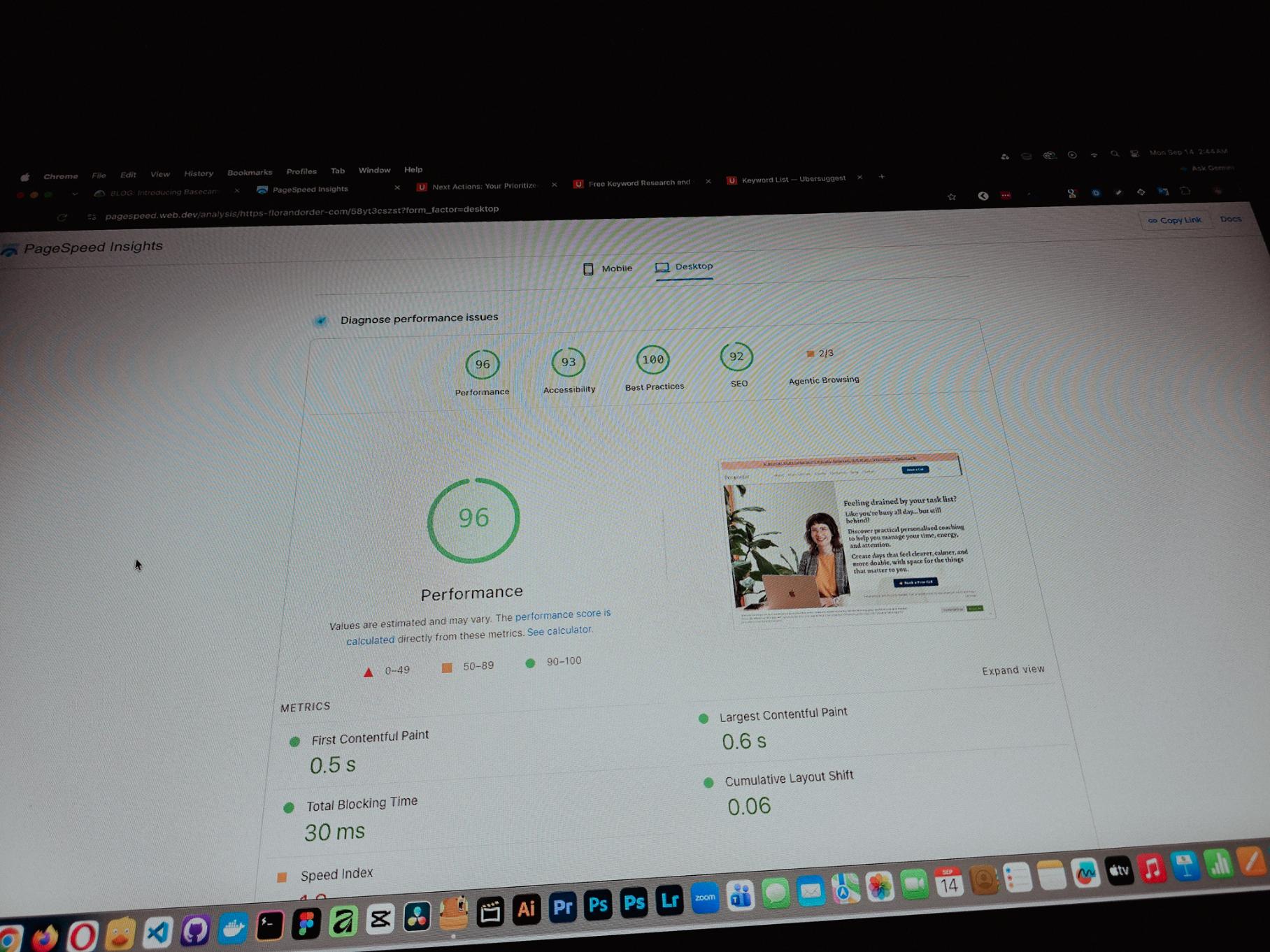
Currently working on one of my monthly site care tasks, checking the speed of a client site. And it’s still performing well. These routine checks don’t look exciting but they keep things running the way they should.
Speed is one of the hardest things to improve on a website because there are so many factors like server, how the pages are built, and the tools used to build them. But I’m still glad I was able to improve this one.
Posted 7 days ago
One thing you can’t really control when handling projects is the timeline. It can shift at any point, especially when you’re working with trade businesses.
Just picked up the design phase of the flooring company project again. Glad I’m already done with the major pages and just working on the Learning Resources and Projects dynamic pages now.
Posted September 9, 2026
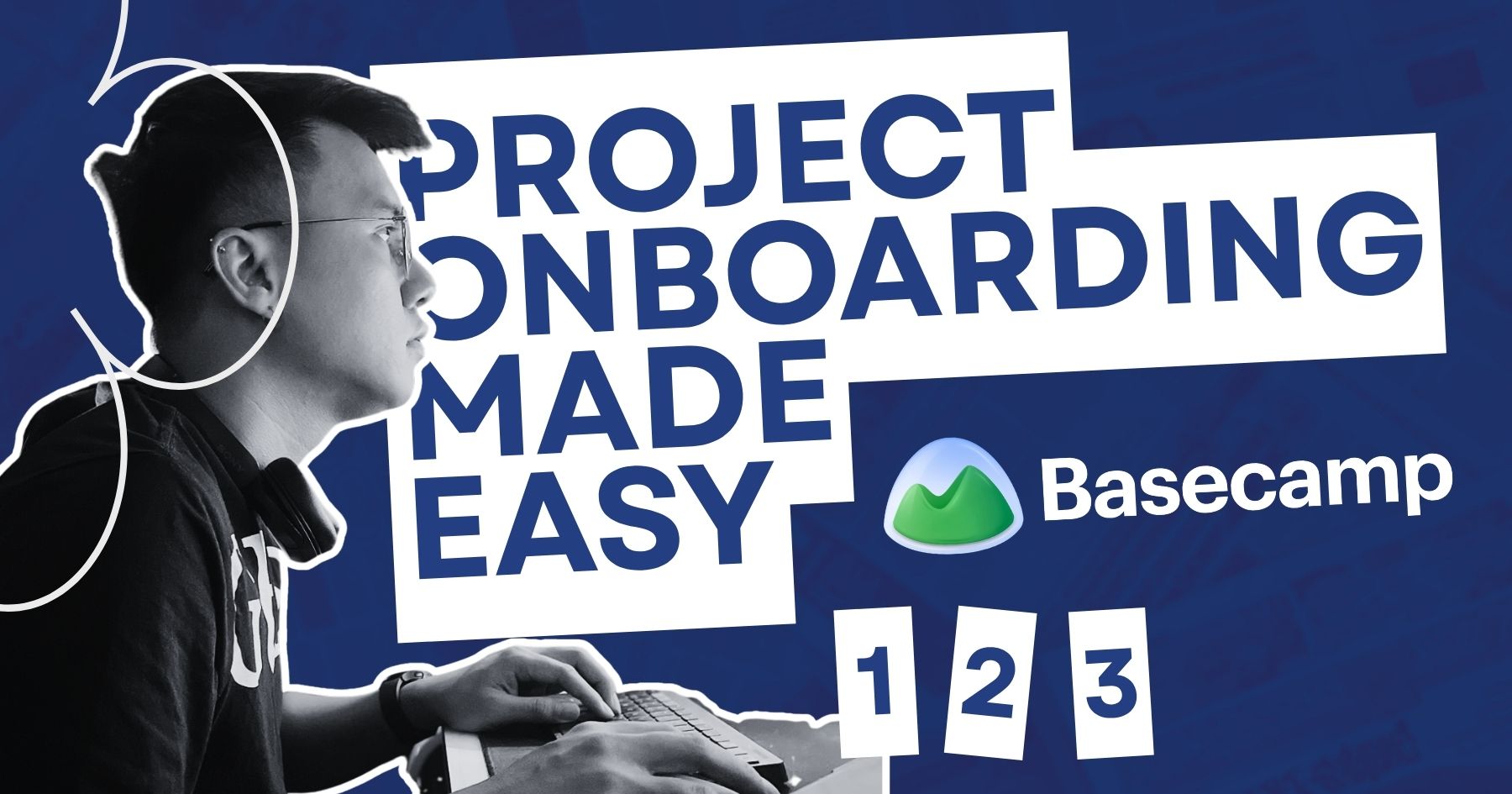
Been using Basecamp for project management since I started freelancing.
I’ve tried the more popular ones, but Basecamp is still one of the most straightforward tools out there.
Btw I’m almost done with a new post on how I onboard client projects using it.
Posted September 3, 2026
Since I left my corporate job last year to go full-time freelancing, I’ve been putting a lot more effort into this website.
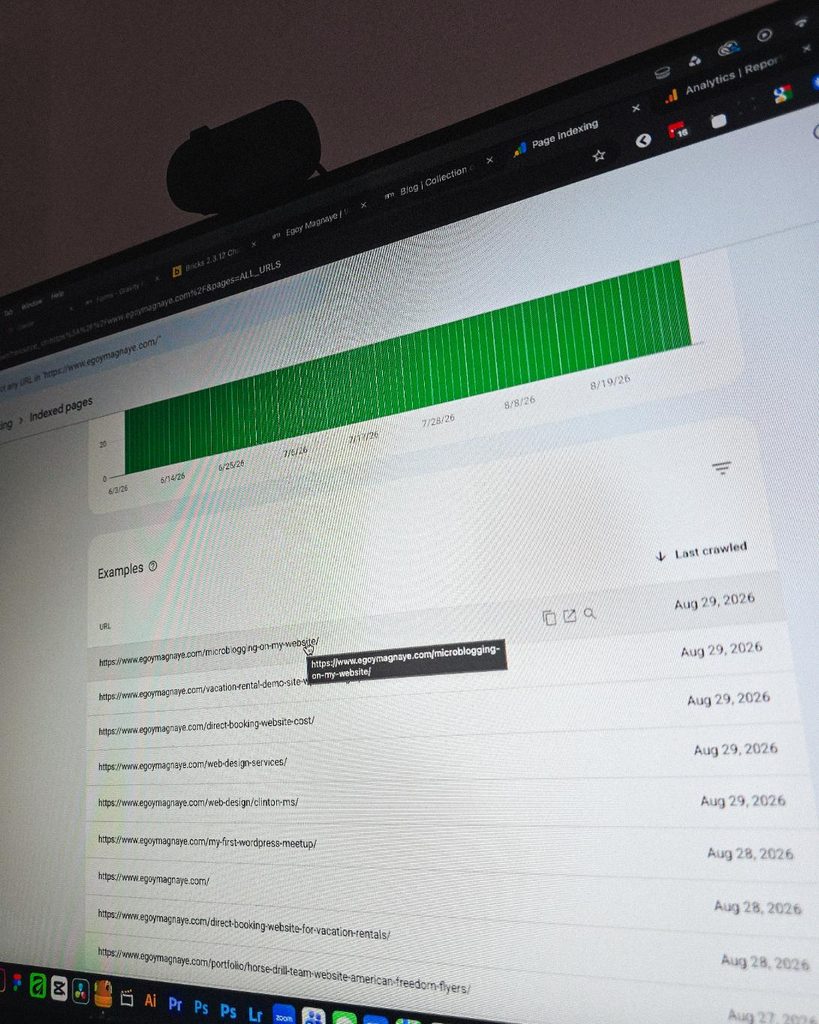
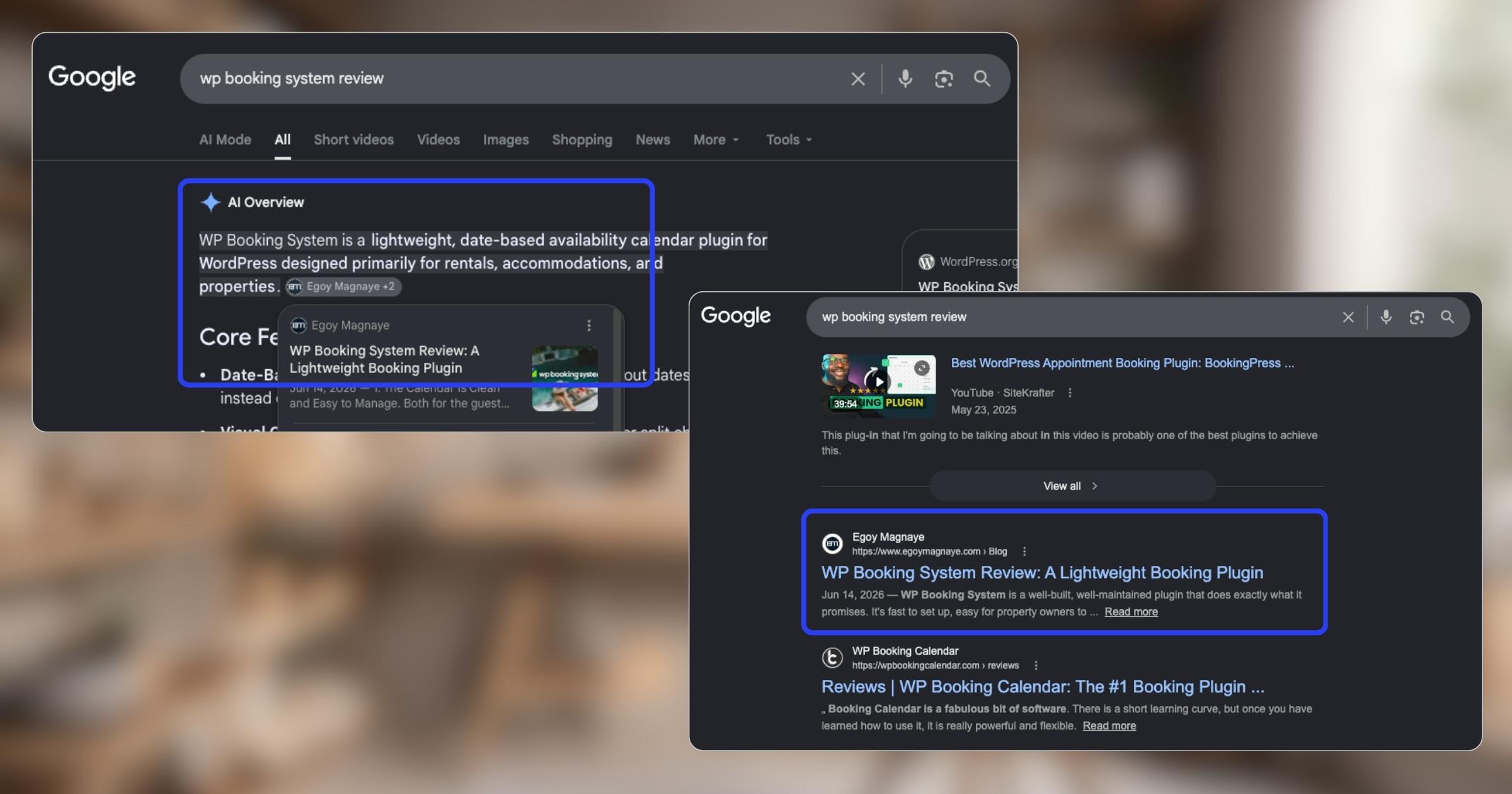
And one of the most rewarding things so far is how much easier it is to get content indexed by Google.
Just added a new post and it got indexed almost immediately.
Posted September 1, 2026
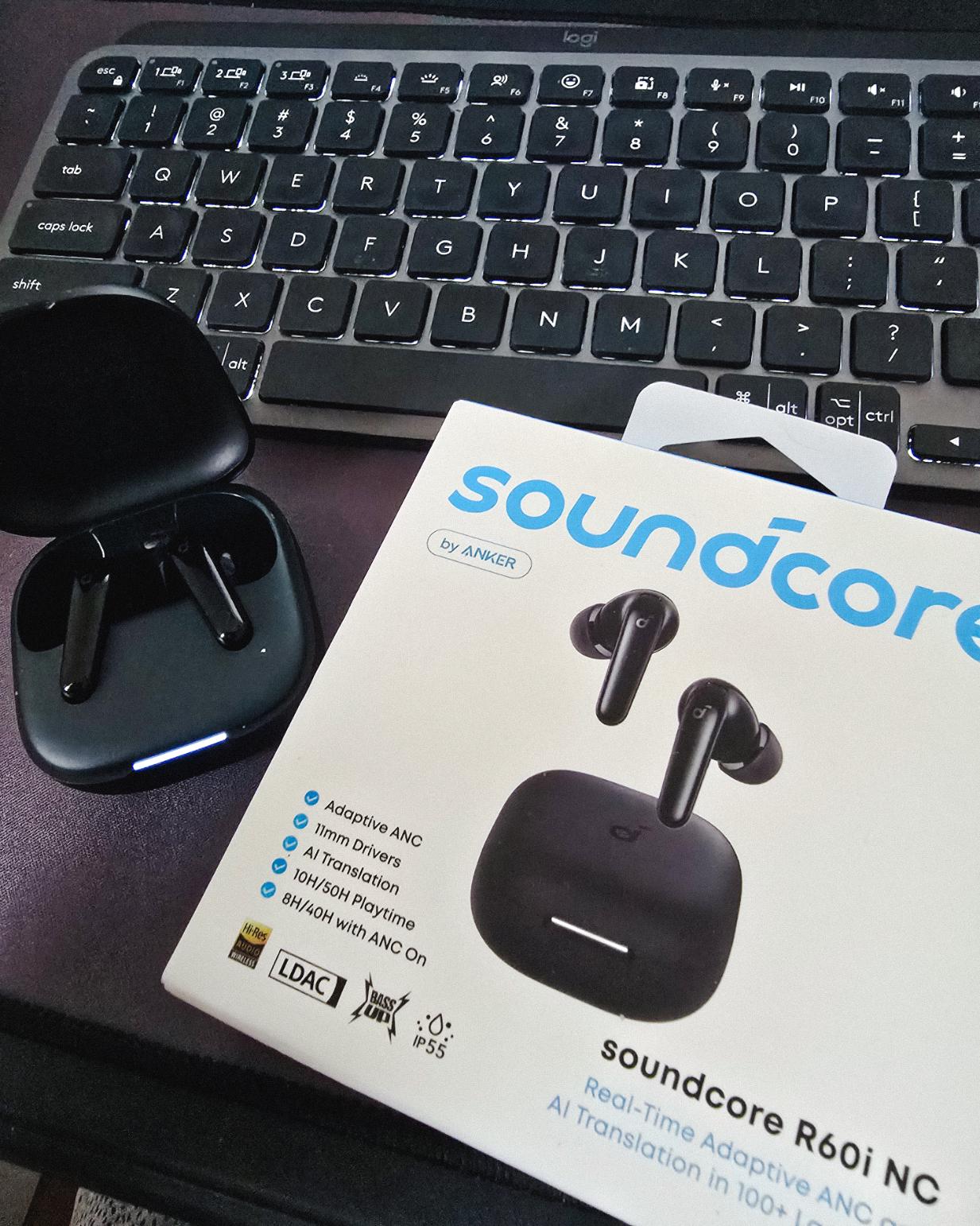
Got my new earbuds from Anker and I’m really liking the noise cancellation so far. Been using the one from Baseus for 2 years and it finally needed a replacement.
Looks small but this pair really helps when I need to focus.
Found some old clips of my website designs done on Adobe XD. Different versions of my site over the past 10 years. A lot of testing and trial and error. It’s been a journey.
Had to switch to Figma with all the issues around XD being phased out.
Posted August 26, 2026
I can’t remember if they’re going to post recordings of the 2-day event, but I was still able to gather some insights from my phone and memory 🙂
I’m at the point where I want to offer businesses stuck on WPBakery a free rebuild.
Nah maybe a discount 😅
But seriously, if you’re going with WordPress, at least use a solid page builder like Bricks (my bias), Beaver, Divi, or Elementor. Launching a site is just a small part of it.
Building new pages and optimizing over time is the long game, and your site builder matters for that.
Posted August 17, 2026
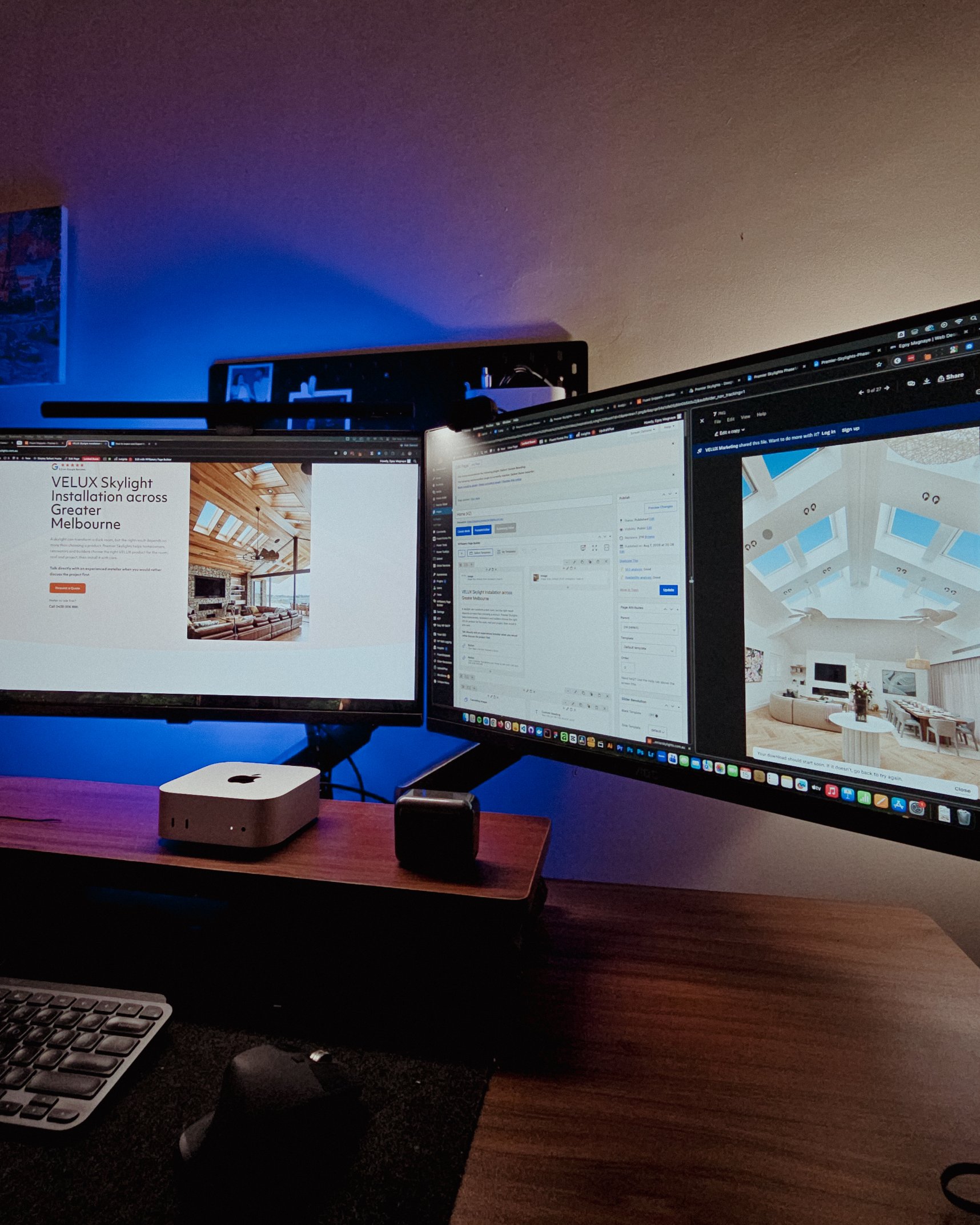
Been handling website projects in the home improvement space, especially clients in AU.
Looking at these skylight photos all day got me thinking. What’s it like living in a house with a transparent roof like that? Then I imagined having one here in PH. Sounds great when it rains. Then summer hits 😂
jk, these skylights are actually automated and packed with features.
Posted August 15, 2026
WPBakery might be the only page builder where the experience is equally rough whether you’re using backend or frontend editing. Divi handles this way better.
Sorry, I keep comparing these two because they both offer both modes, but the quality gap is real. Credit to the Divi team for getting that right!
Posted August 14, 2026
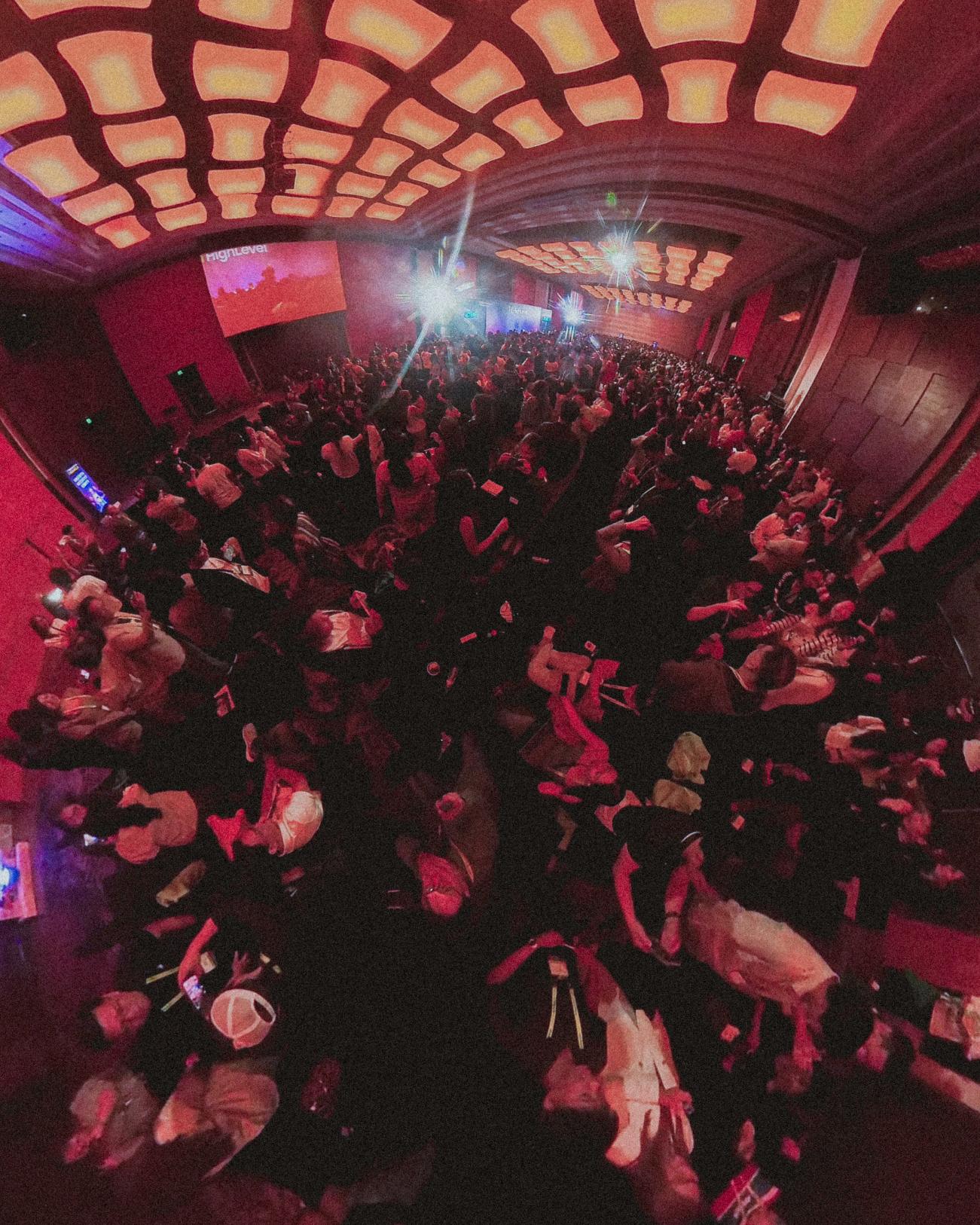
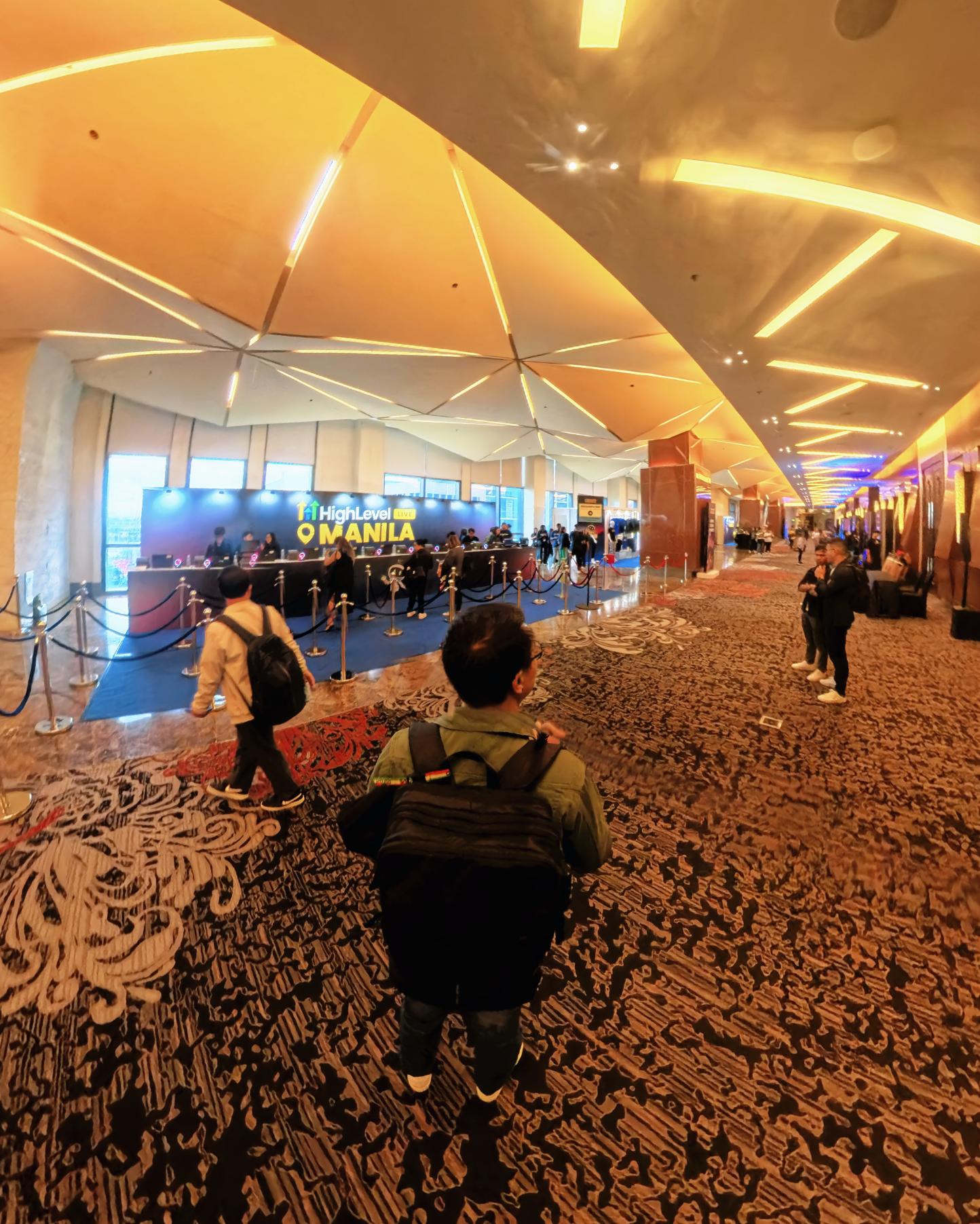
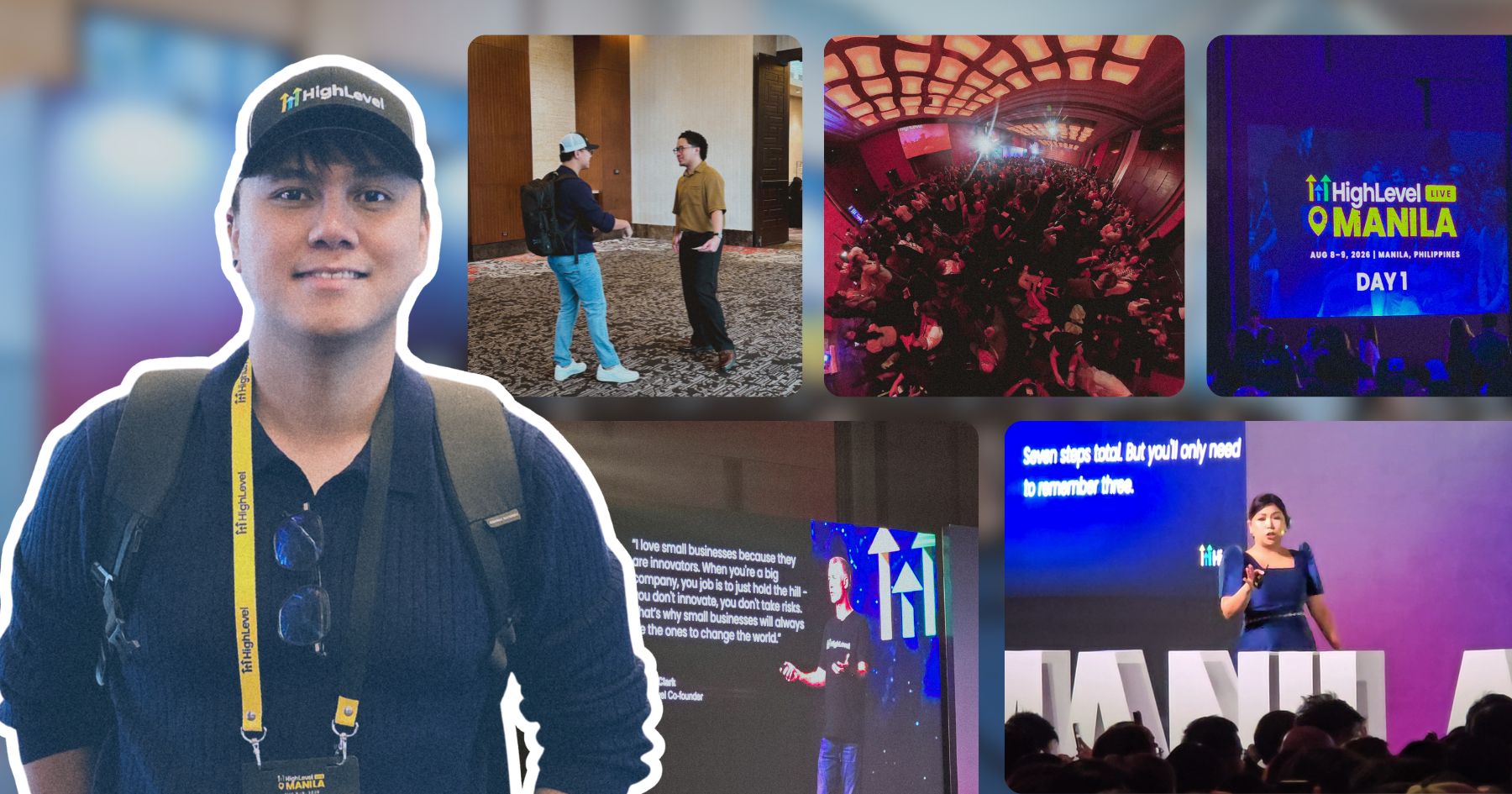
Got a chance to attend the HighLevel Manila 2-day event!
I just realized I wasn’t able to record everything. Now I’m trying to piece together all the info I remember and the photos I have.
The insights they shared were pretty overwhelming 😅
Posted August 10, 2026
I have an urgent page build using WPBakery. Although we have a 1-week deadline, I’m confident I can deliver. But seriously, at least give us a custom CSS field per widget. Even Divi has that!
I’m not really the type to rant about tools I use for work. I get that every builder is built differently. But every time I have a project using this one, it just takes so much longer than it should.
Posted August 8, 2026
You know, one thing that still bugs me is not asking my old clients to leave their review on my Google Business page.
I just collected them through email or other apps. Should’ve known better 😬
Posted August 7, 2026
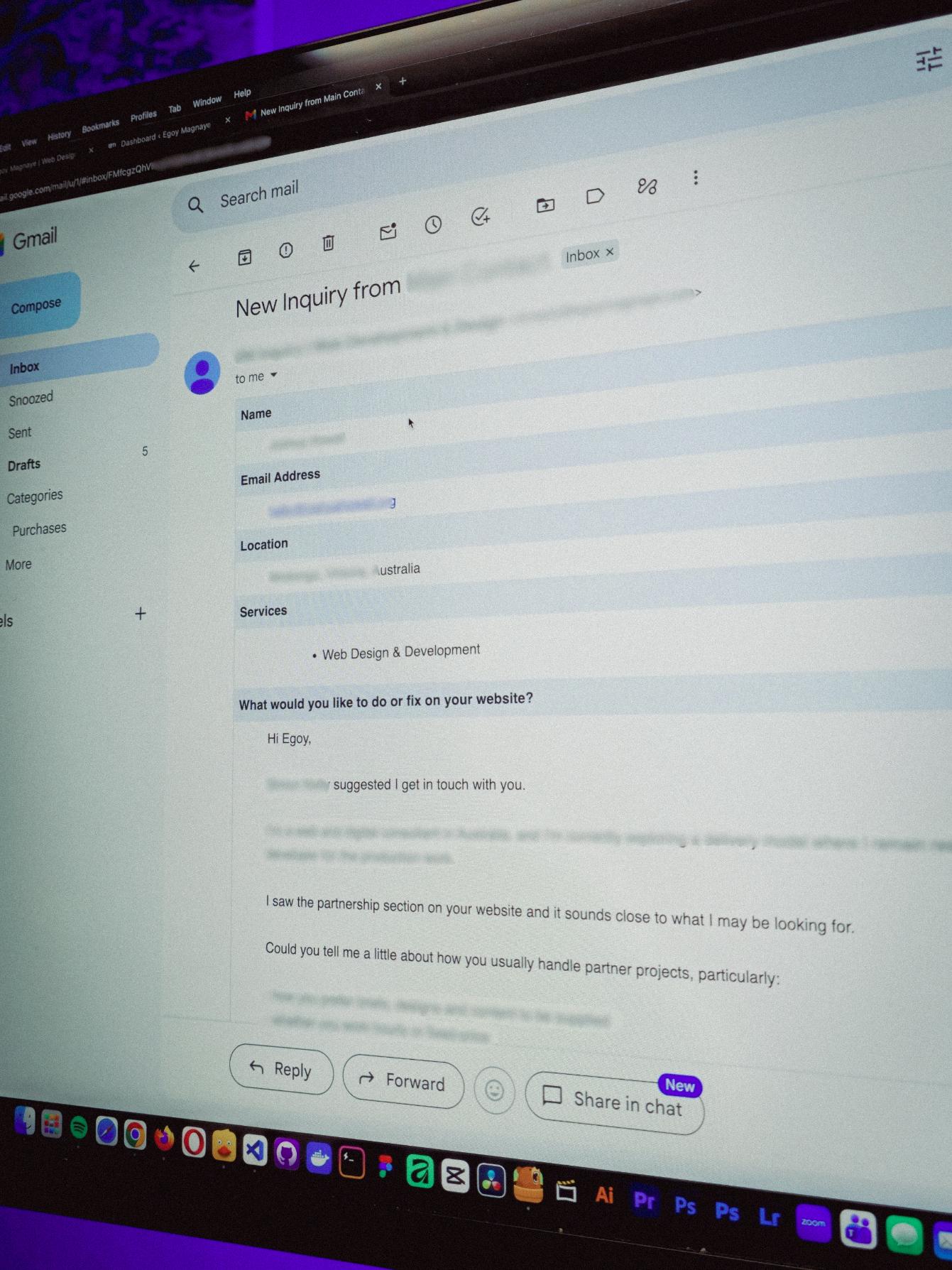
You know what makes doing this stuff worth it? People who still remember you and refer you even if you haven’t spoken in a long time!
Just got an inquiry! Turns out someone I spoke with 2 years ago referred them. As a small service provider, that kind of thing means a lot 🙂
Posted August 4, 2026
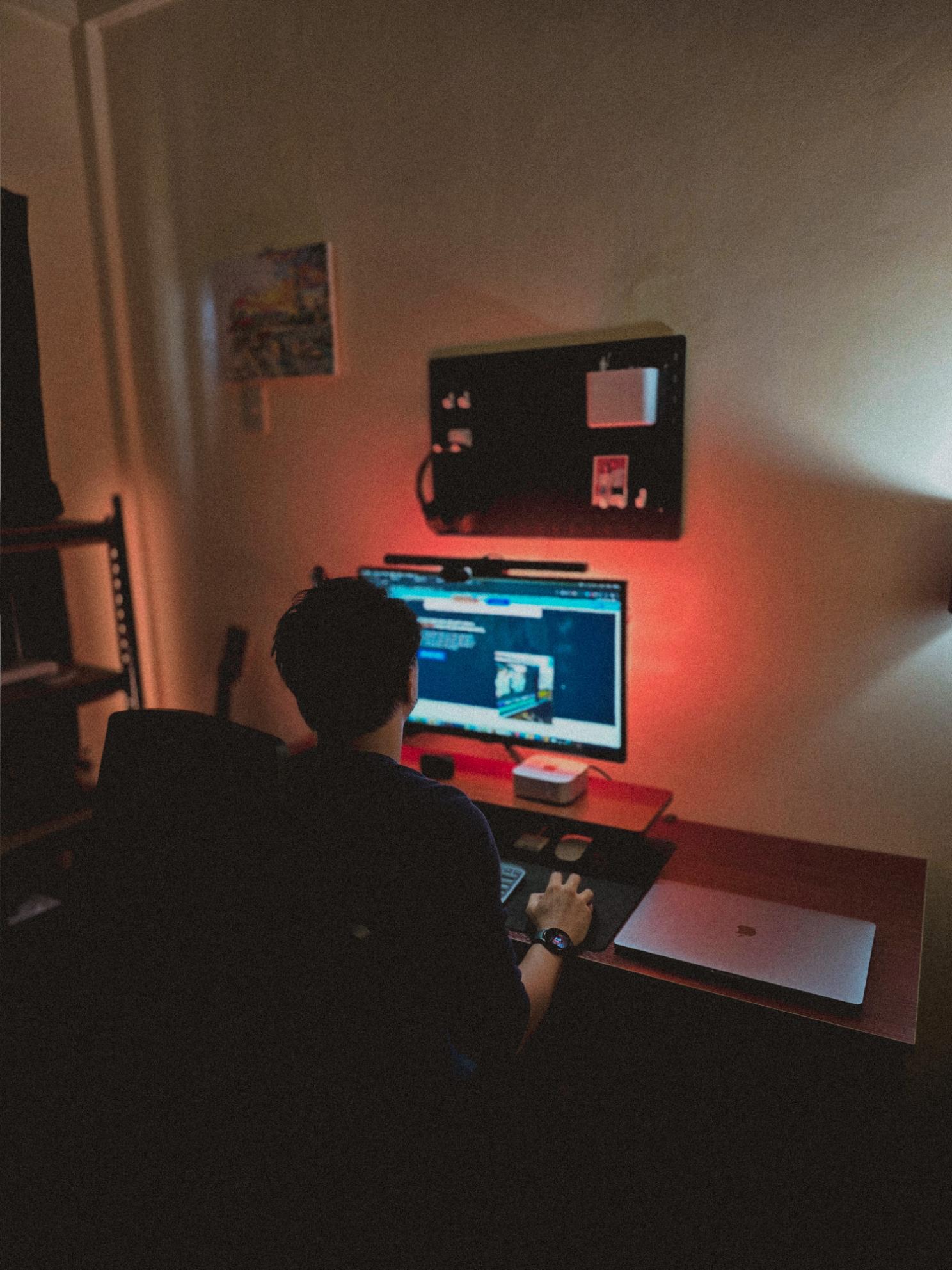
Late night timelapse of us getting things done. I don’t know why, but I always feel more productive at night.
Also, I just recently got that standing desk, and I can’t appreciate enough how helpful it is when you’re getting older 😂
Posted July 31, 2026
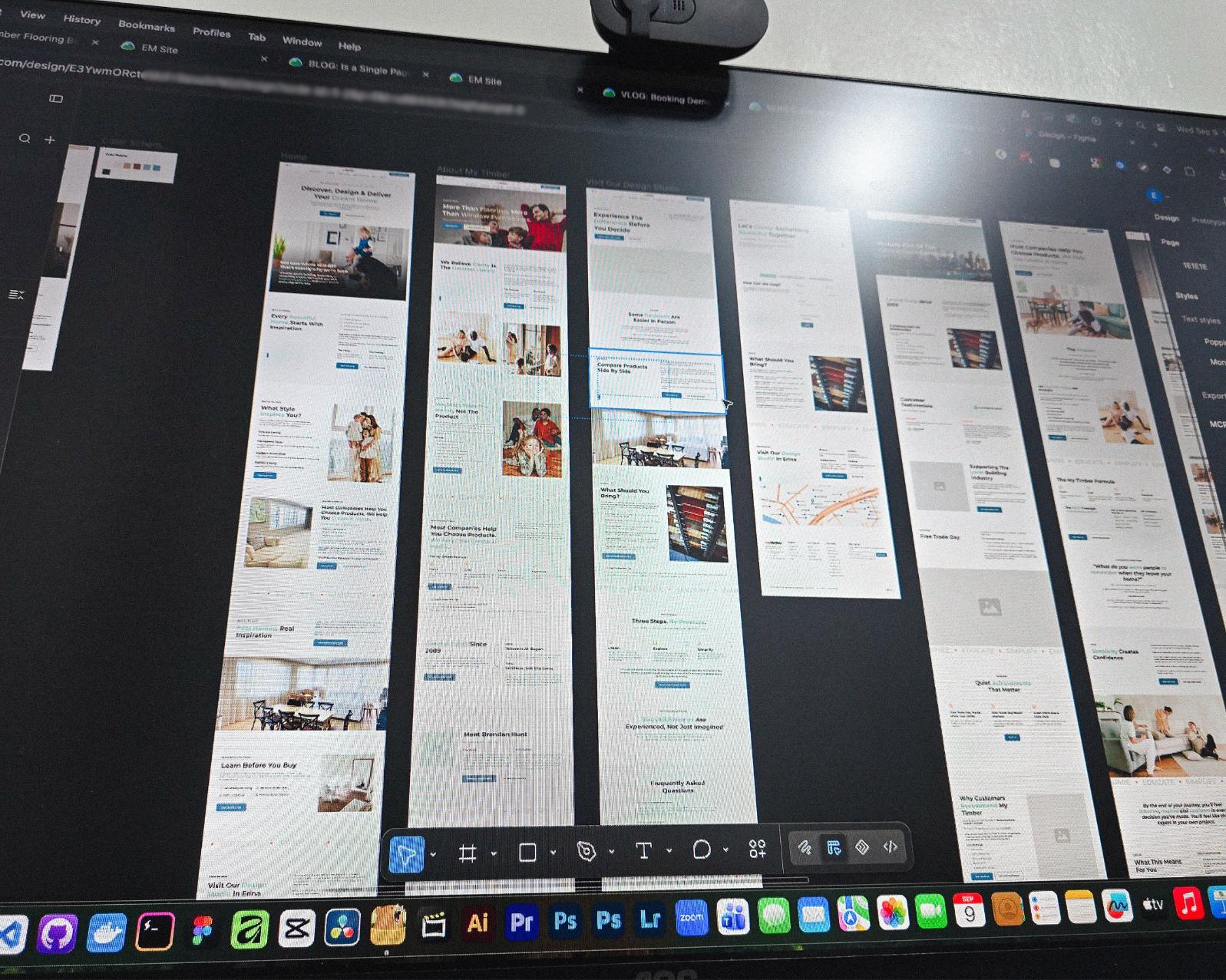
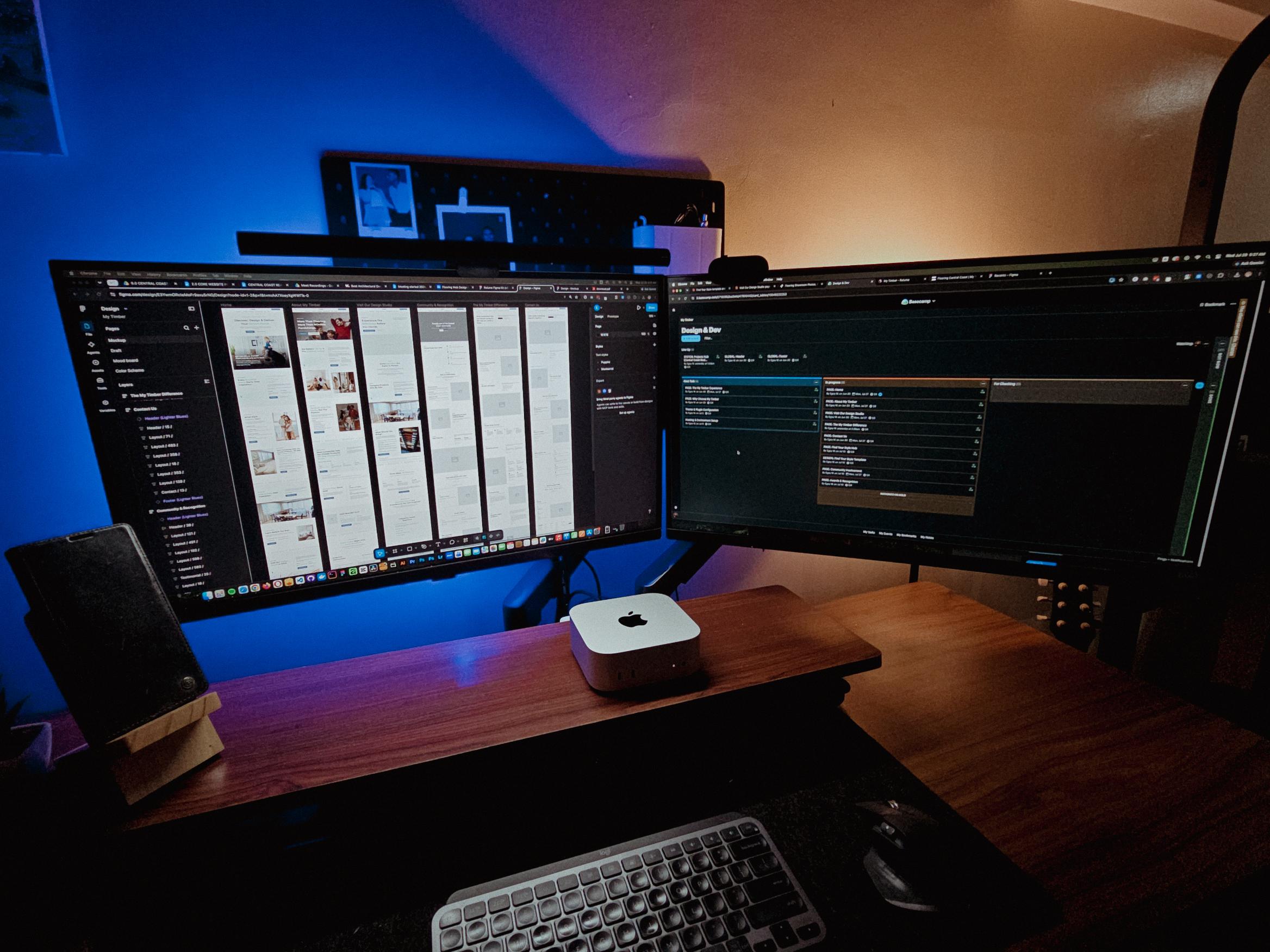
Currently redesigning the website of a flooring company based in Erina, NSW.
See those long page designs? It’s still Wednesday but I guess I’m gonna be working even on the weekend 🥲
Posted July 28, 2026
Table of contents
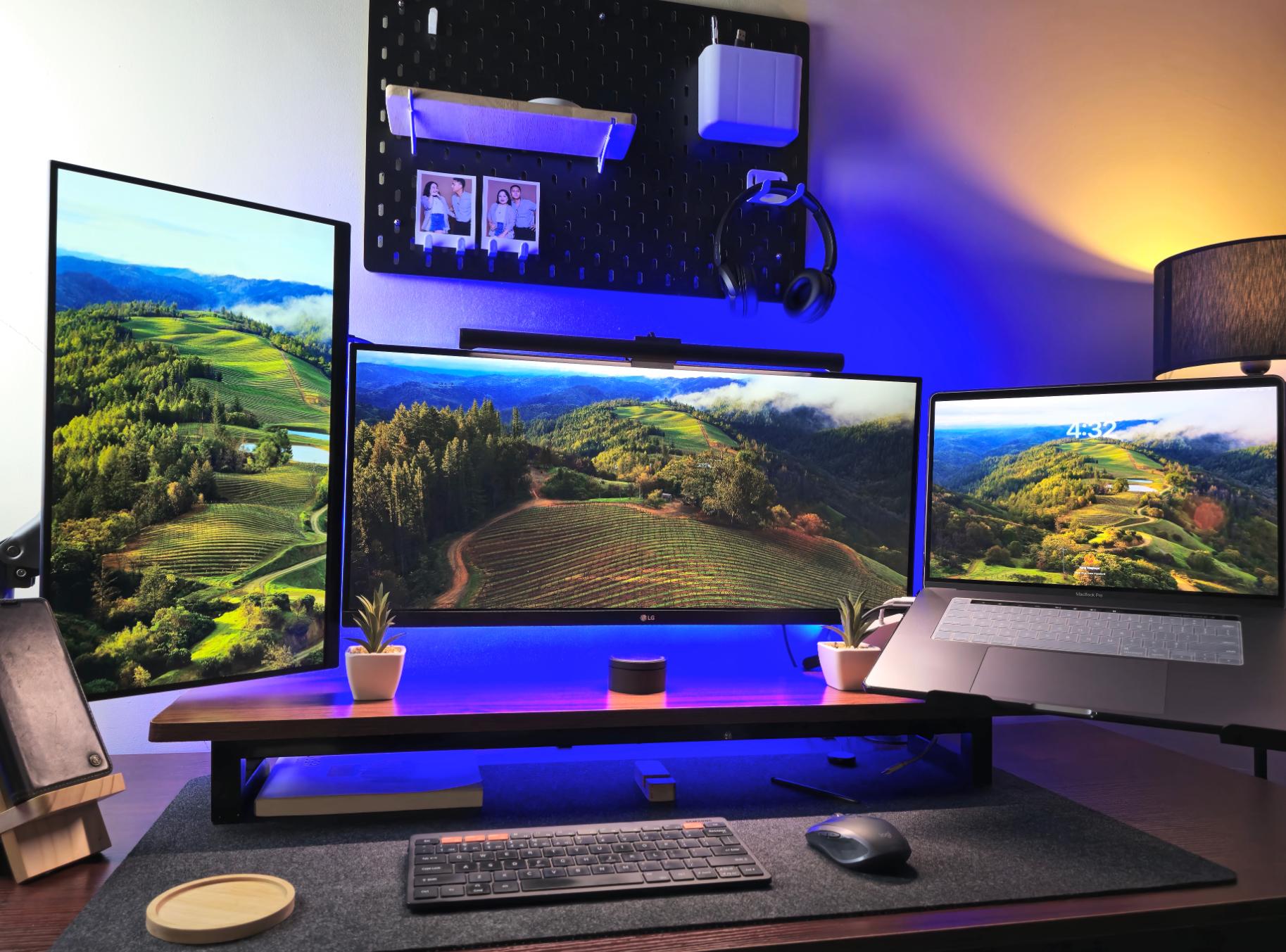
Setting Up My Humble Workspace for Freelance & Web Dev
Last updated on August 26, 2026
20 mins read
Reader Disclosure
Disclosure: I may occasionally include affiliate links in my posts or pages. If you click on one of these links and make a purchase, I may receive a small commission, which helps me keep this website running and create more useful content. However, this does not affect my opinion on the product or service in any way. I only recommend products and services that I truly believe in and use myself.
After nearly nine years in web development and freelancing, I’ve just realized I’ve completely disregarded improving my workstation. As long as I have my laptop with me, I’m fit to work. I’ve been focused on improving only my skills without considering that my workspace also plays a huge role in how I work.
If you ever feel like your workspace is holding you back from reaching your full potential? Trust me, I’ve been there. As someone who’s spent countless hours hunched over a laptop on a rickety kitchen table, I know firsthand how a subpar setup can really put a damper on your productivity (and your back!).
In this post, I’ll share my humble work area and how I transformed it into a space that motivates me to sit down and be productive.
The Heart of My Setup: Choosing the Right Computer
Honestly, I don’t know how to build my own desktop. I know some of the basics, but assembling it myself is daunting, especially considering how expensive the parts are. Just imagining them breaking while I’m building it is a big no for me.
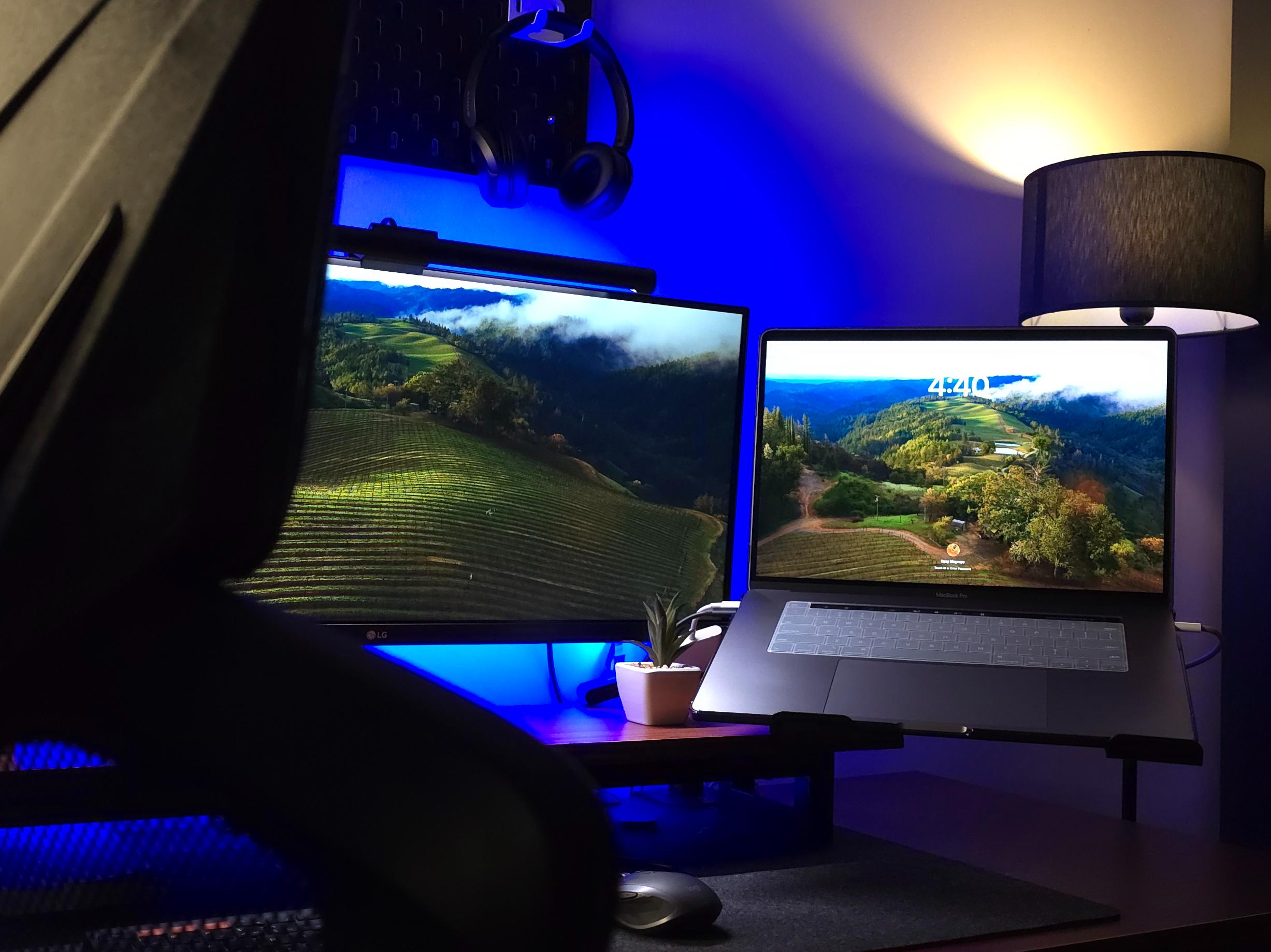
So, I started relying on laptops, and currently I’m using a 16-inch MacBook Pro with an Intel Core i9 processor.
Using this laptop for my work is less hassle compared to having a desktop. It requires minimal setup, space, and I can bring it wherever I want, making it perfect for work-from-home or hybrid work setups.
I’m planning to buy a Mac Mini in the future with the newer M-chip. I think it’ll be a great addition to my arsenal. Actually, the Mac Mini was actually the first Apple product I used for work, before my laptop. It was the computer I used in my third dev job when I was still working in an office setup.
Oh, I also have a Windows desktop here, but I’m just using it as a backup computer. And NO, if you’re asking if I built it myself, lol. I bought it fully assembled.
Multiple Screens: A Game-Changer for Productivity
They say, once you go for dual monitors, there’s no going back. Well, technically, triple monitors because of my laptop’s screen. Having these multiple screens is like upgrading from a bicycle to a sports car for my workspace. Sure, I can get by with one screen, but when it comes to my productivity, these screens are a must.
Whenever possible, I avoid multitasking, as it prevents me from focusing on a single task. As a developer, I tend to juggle different tasks, but I strive to concentrate on one at a time. Some will say that’s the beauty of having multiple screens: you can work on different tasks simultaneously. However, I’m not a fan of it. I find that most of my support tasks are somewhat complicated and need my focus on that task alone.
For example, in my part-time job (even for my personal clients), we have a monthly site care task. I want to focus on that task at a time rather than working on another one simultaneously. It’s just like, “One thing at a time, and do it well.” This approach helps me stay focused, avoid distractions, and likely do a better job because I’m not spread thin.
Essential Peripherals: Keyboard, Mouse, and More
I prefer wireless peripherals to wired ones. I find they help declutter my workspace and improve my focus. Not to sound like those other dev influencers online, but honestly, a less wired setup helps me focus.
For my keyboard, I’m using a Samsung wireless keyboard that I bought online two years ago. What I love about this keyboard is its multi-device connection functionality. It can connect to up to three computers. So whenever I’m using my Windows desktop, I can switch easily with just a click of a key.
I’ve been a long time user of the Logitech Pebble (a very nice and light mouse for my everyday work), but now I’ve switched to a more advanced Logitech mouse, which is the Logitech MX Anywhere 2S. What I love about this mouse is its rechargeable battery, which lasts for two months of heavy use after each charge. It also features an easy-switch and dual connectivity function, similar to my keyboard.
To avoid burnout, listening to music can really help. I bought a wireless Sony headset (I forgot the model, but it’s just a basic version) with dual connectivity, so I can switch easily between my phone and laptop. I use these headphones for my client meetings and work as well.
Creating the Right Ambiance: Lighting and Decor
For me, creating the perfect workspace is essential for developers like us to maximize productivity and creativity. Lighting and decor play important roles in setting the right ambiance, directly impacting our focus and overall well-being. When it comes to decor, less is often more. A clutter-free environment promotes clear thinking and reduces distractions.
Honestly, the only important ambient light here is my tall lamp and the screen bar, but the other RGB lighting is just a personal preference. I saw it online and thought it would be cool to have it too. Well, I admit it, these lights contribute to the overall mood of my workstation, so I don’t regret buying them.
Let’s talk about the most essential addition to my workspace: the screen bar. I bought one of these because I prefer working in the dark, just like those super technical IT guys in movies who are about to hack into a highly secured server or bank (lol, I’m just a dev). Working in the dark helps me focus; however, doing so for extended periods causes eye strain. This monitor light helps alleviate that issue.
Improving My Workstation as I Grow
They say your workstation can make or break your productivity. Well, let me tell you, it’s so true! As we spend more time at our desks, it’s only natural that our workstations evolve with us. I mean, who wants to be stuck with the same old setup forever, right?
Starting out, you might be content with a basic desk and chair combo. But as you clock in more hours, you’ll start noticing little things that could use an upgrade. Maybe it’s time for a comfier chair to save your back, or a bigger monitor to open more tabs.
I’m planning some upgrades for my work setup too; I’m just finding the right timing and funds (of course). For now, I’m happy and satisfied with my current workspace. It always makes my job easier and more fun.
We use cookies to improve your experience on our site. By using our site, you consent to cookies.
This website uses cookies
Websites store cookies to enhance functionality and personalise your experience. You can manage your preferences, but blocking some cookies may impact site performance and services.
Essential cookies enable basic functions and are necessary for the proper function of the website.
Name
Description
Duration
Cookie Preferences
This cookie is used to store the user's cookie consent preferences.