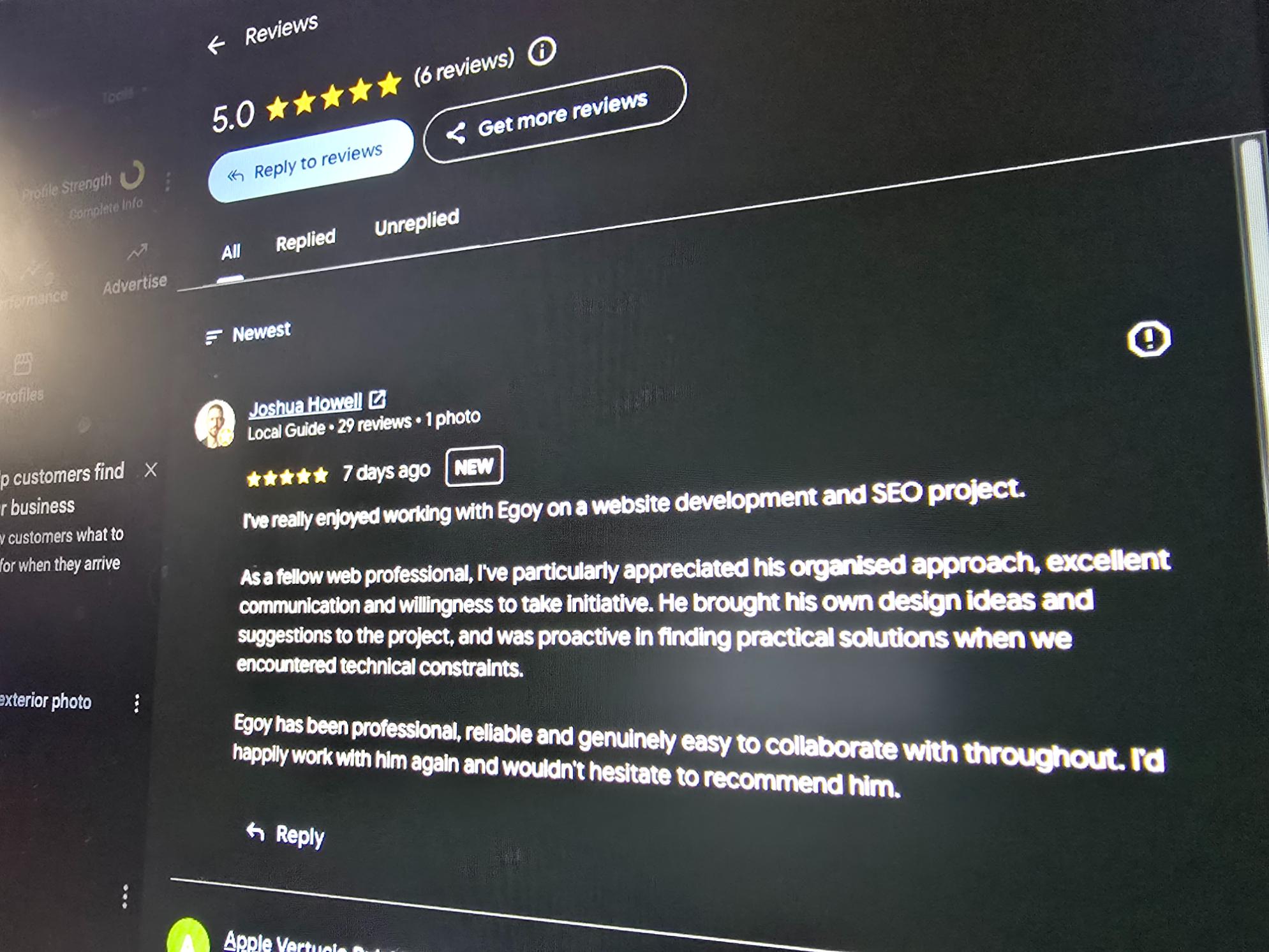
Got a 5-star review from a happy client. Always nice to see these 🙂🙏
Short thoughts, work in progress, lessons learned, & the occasional personal update.
Got a 5-star review from a happy client. Always nice to see these 🙂🙏
You never know what’s gonna happen, so as a freelancer, having backups is a must. Got my new power station from EcoFlow.
And it’s enough to power the whole workstation.
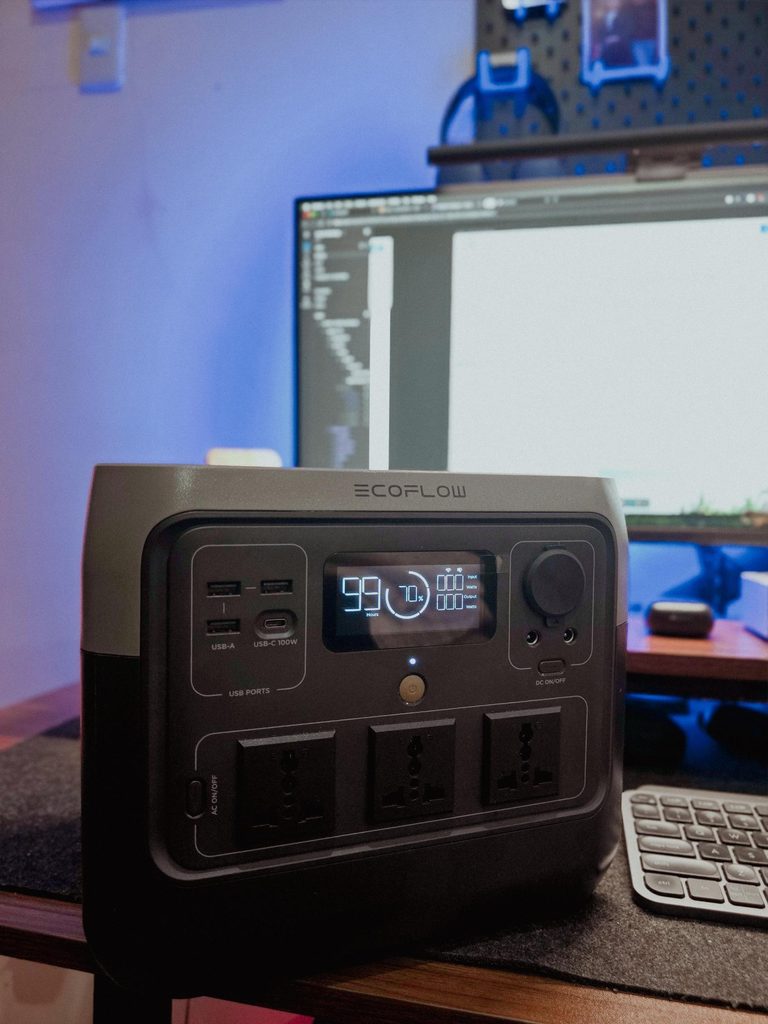
Also I bought a portable solar panel (200W) from a different brand, but it serves its purpose anyway. Gonna upload a photo next time as it’s pretty long when unfolded 😅
Been using my high chair a lot lately since I let go of my old one.
Started getting back aches because of it lol. No choice but to get this ergonomic chair.
Really liking the comfort so far!

The PHP2Shell vulnerability was all over the news this week. Hostinger emailed to say they tested it against their live servers and my sites weren’t affected, and they’re applying the PHP fix automatically anyway.
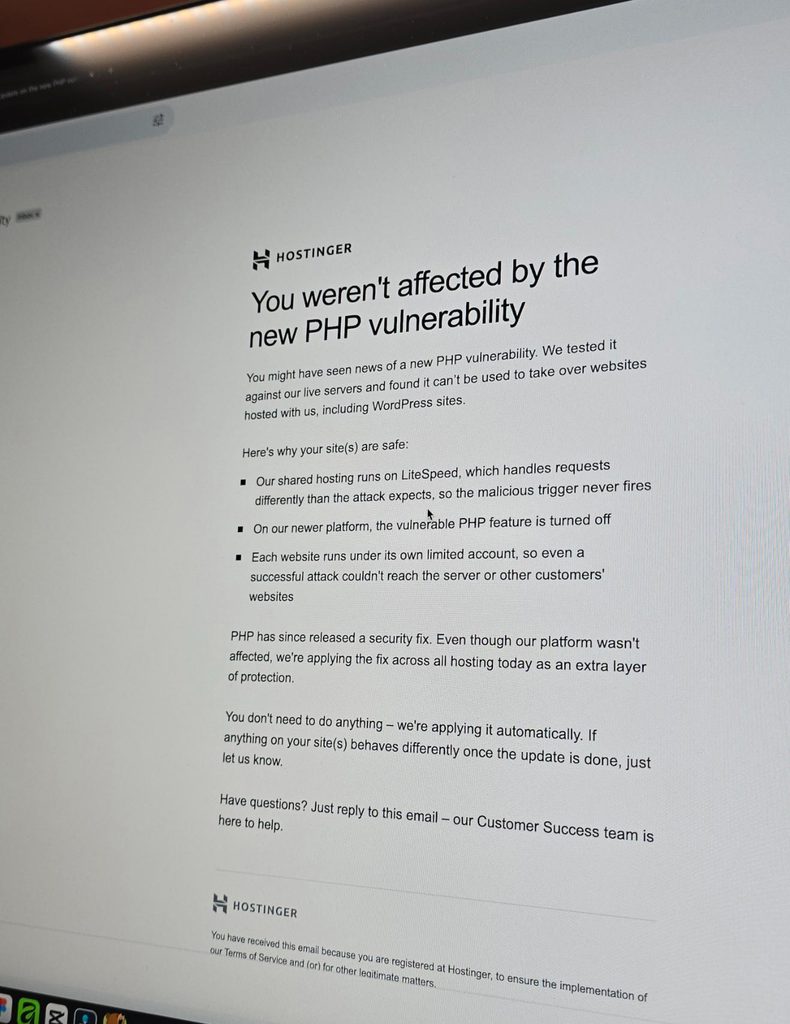
I guess getting good hosting isn’t so bad after all. That assurance really helps in this kind of issue.
It’s been a while since I worked outside of WordPress. Just finished a Wix project for a healthcare practice, working on some of the design refinements and consistency fixes.
The way you build on different platforms really does differ.
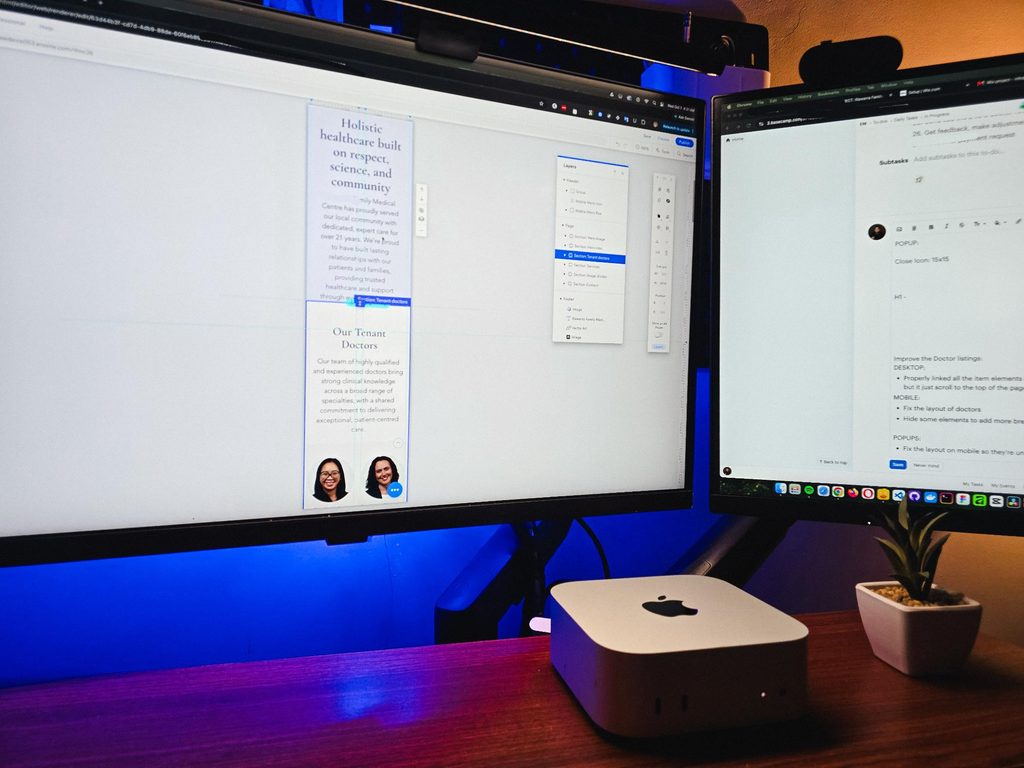
That’s one of the harder parts of freelancing, you need to adapt fast. Enjoyed working on it though.
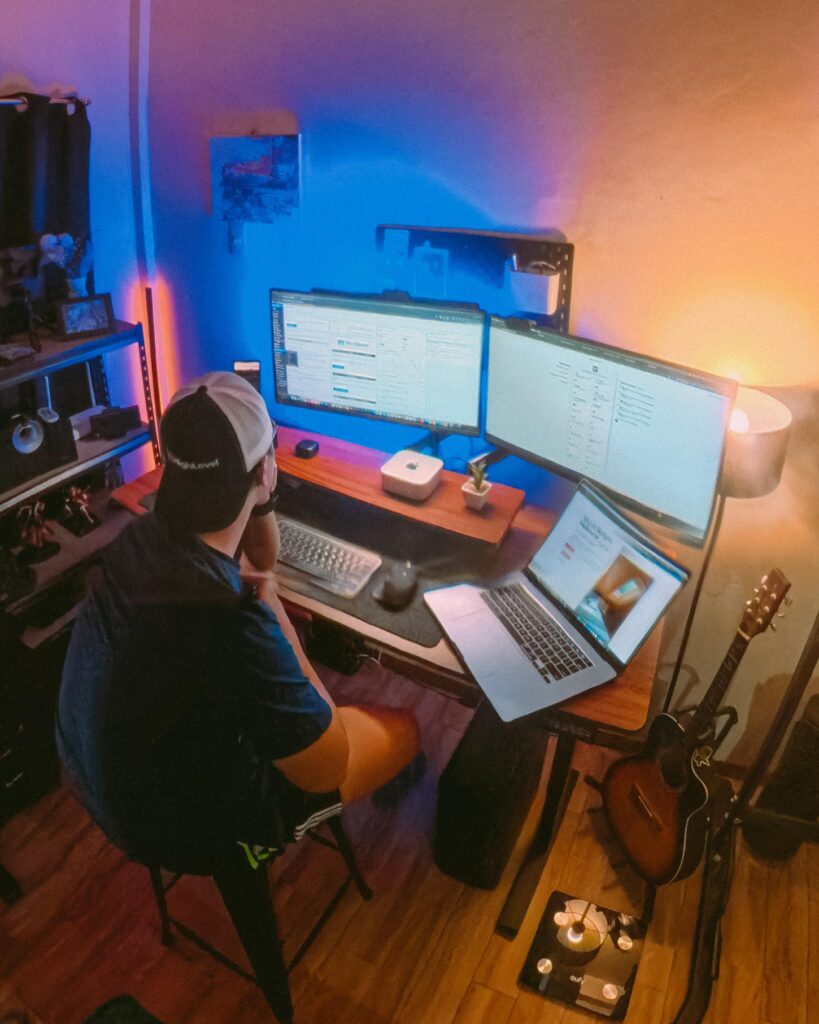
Recently visited my fiancée’s family, so I got some time off from this workstation and worked from somewhere else for a bit.
That’s one of the things I’m really grateful for with freelancing. You have the freedom to bring your work anywhere and get a change of scenery when you need it.
But yeah, good to be back at this little workspace!
Got my new eyeglasses! Been trying to take better care of my eyes since they take the most stress in this kind of work. So I make sure to get them checked from time to time.
Also, I always go with transition lenses. Just being practical 😅
Classy and functional at the same time!


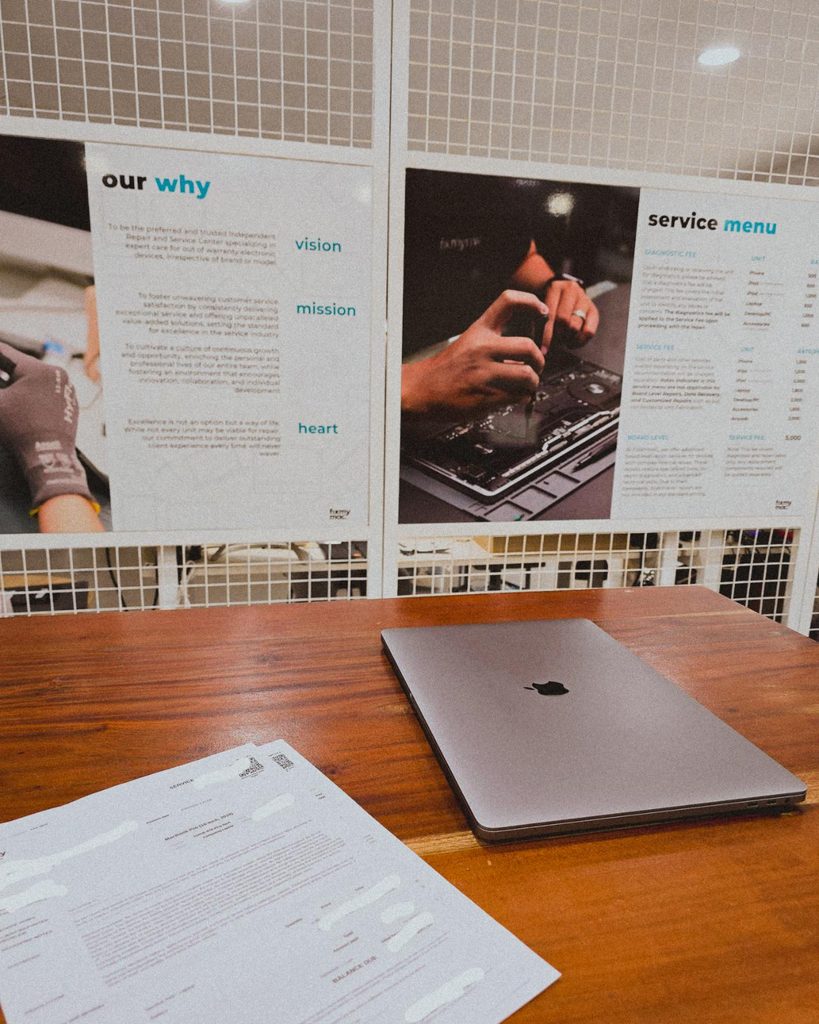
Being a freelancer taught me that you need a backup for everything. Projects, internet, even your computer 😀. Since my main machine is a Mac Mini running the M4 chip, I just needed this laptop repaired as a backup.
But with all the AI integrations these days, PCs and laptops are getting expensive. Even the repairs!
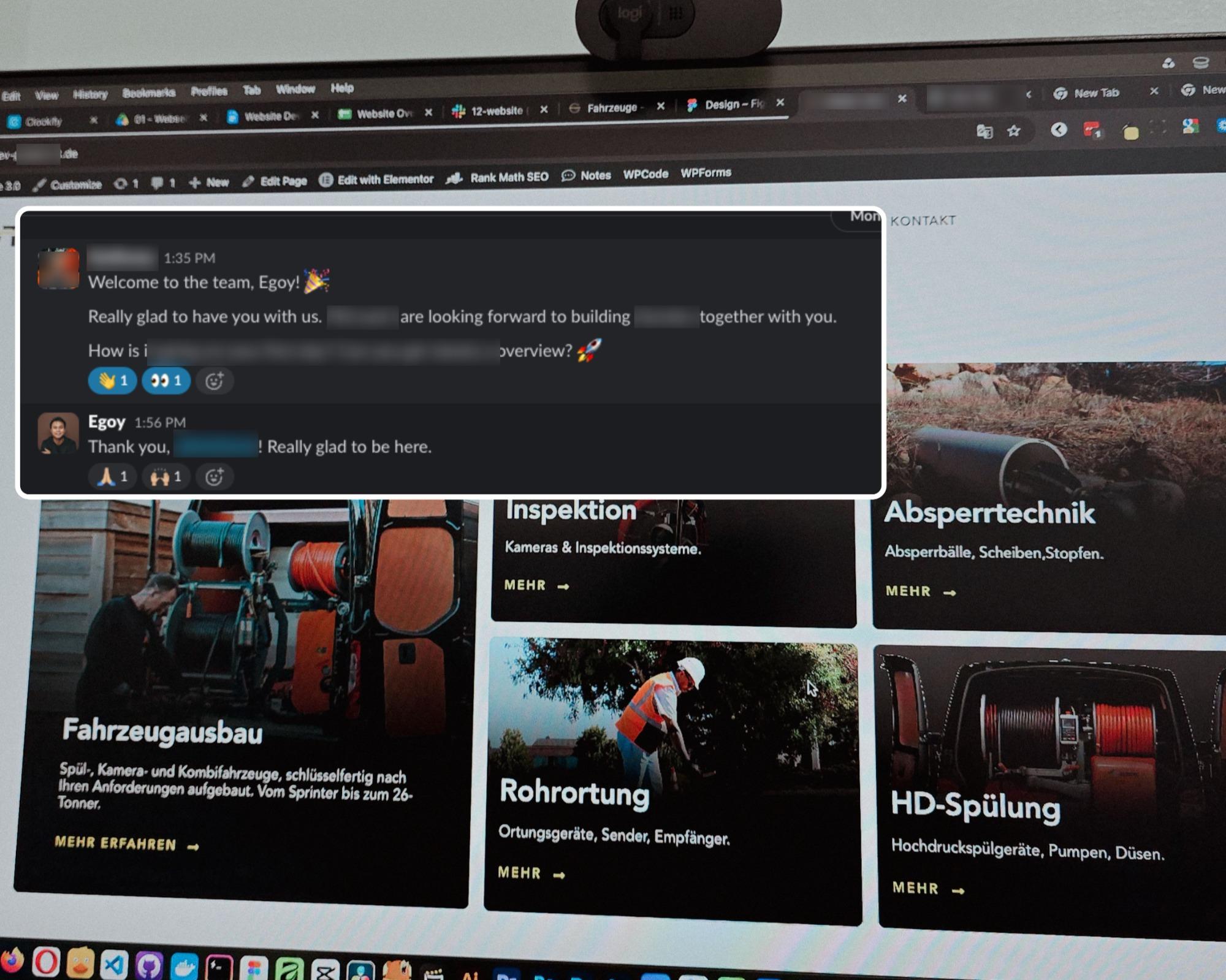
I’m continuing an Elementor project, and I can see myself building custom solutions around it again.
For growing sites with heavy dynamic data and conditional layouts, it’s not really its strongest area.
But it’s still great for marketing sites and for less technical users. Also noticed it now has an MCP, which is a nice plus if you’re using AI.
8 structured data systems in one project. Connecting and strategizing everything so it all works from day one.
I guess freelancing feels fulfilling once you’re done with this kind of project. But the process behind it? That’s a bit overwhelming.
This time I’m not starting from scratch though, the previous provider left it at about 15% progress so I’m just picking up where they left off.
The only real challenge? The language. Shifting from English to Deutsch 😅
Hallo zusammen 👋
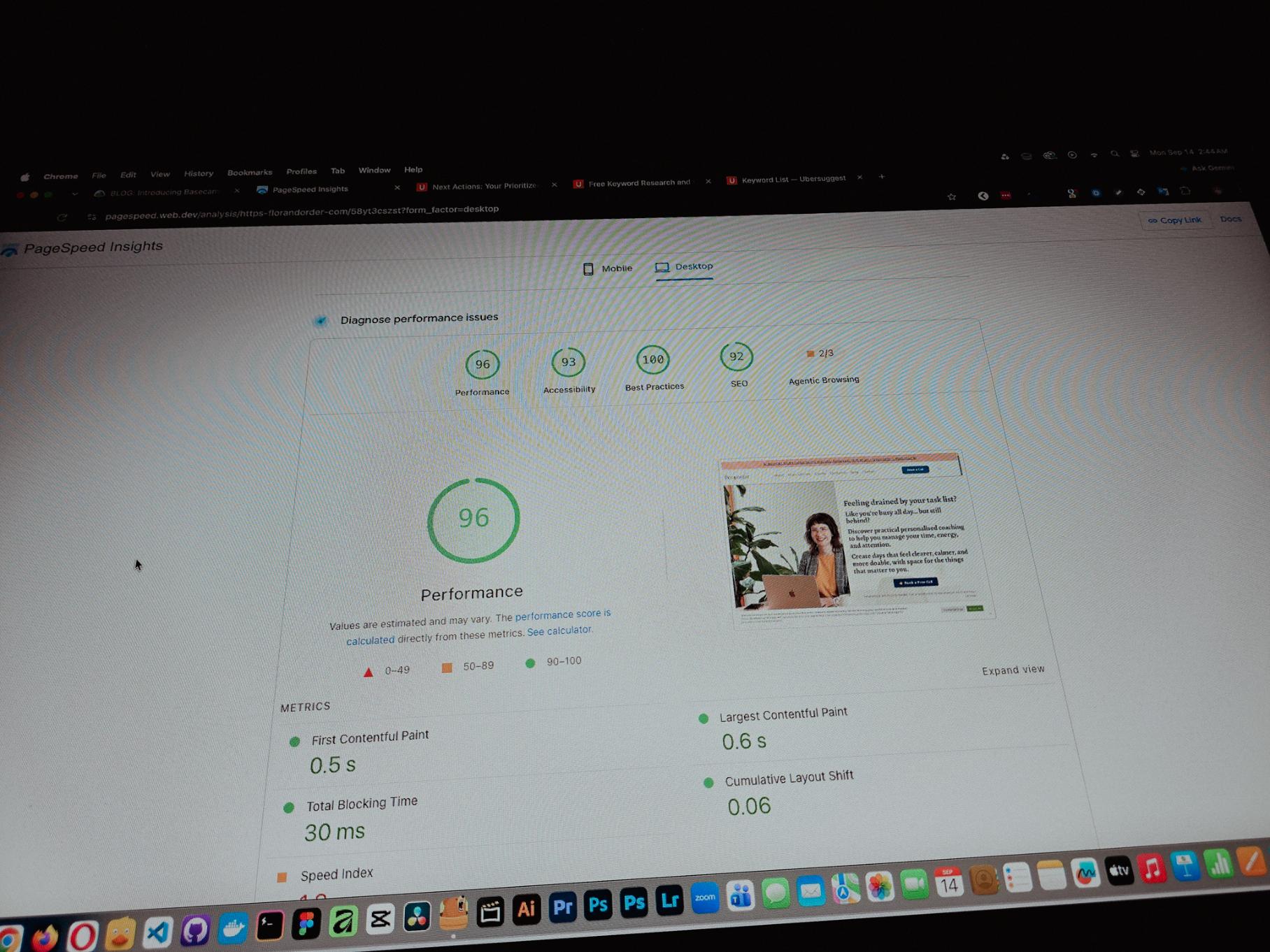
Currently working on one of my monthly site care tasks, checking the speed of a client site. And it’s still performing well. These routine checks don’t look exciting but they keep things running the way they should.
Speed is one of the hardest things to improve on a website because there are so many factors like server, how the pages are built, and the tools used to build them. But I’m still glad I was able to improve this one.
One thing you can’t really control when handling projects is the timeline. It can shift at any point, especially when you’re working with trade businesses.
I’ve tried the more popular ones, but Basecamp is still one of the most straightforward tools out there.
Btw I’m almost done with a new post on how I onboard client projects using it.
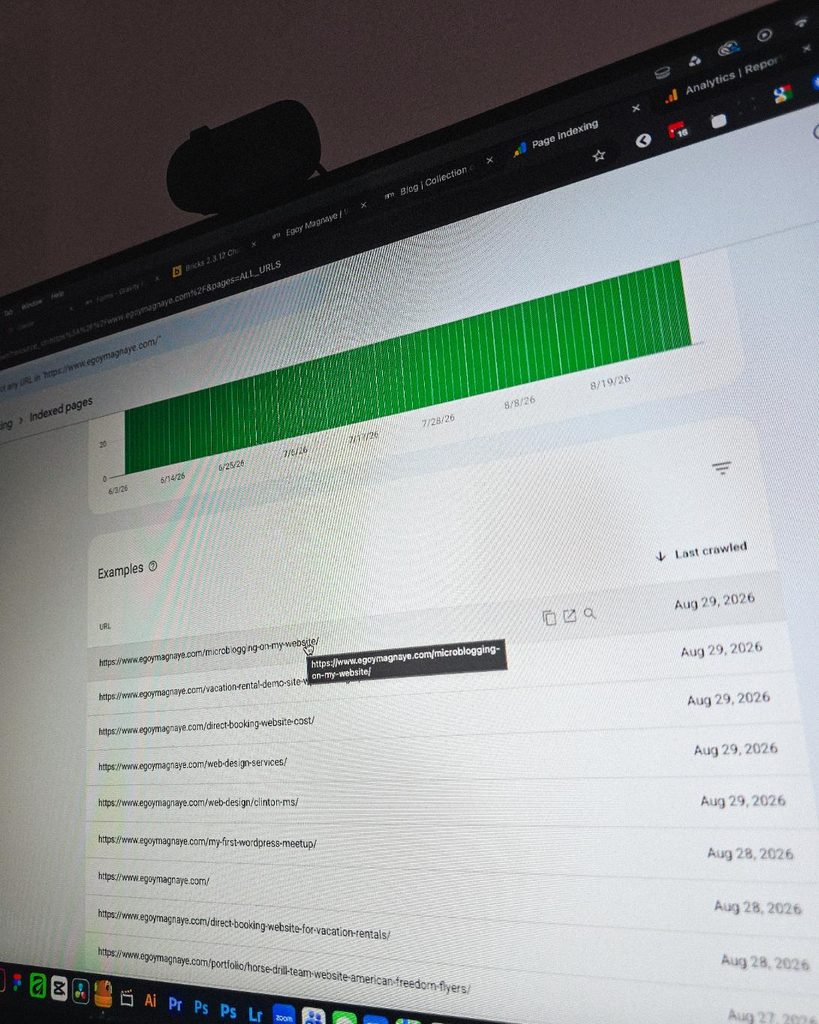
Since I left my corporate job last year to go full-time freelancing, I’ve been putting a lot more effort into this website.
Just added a new post and it got indexed almost immediately.
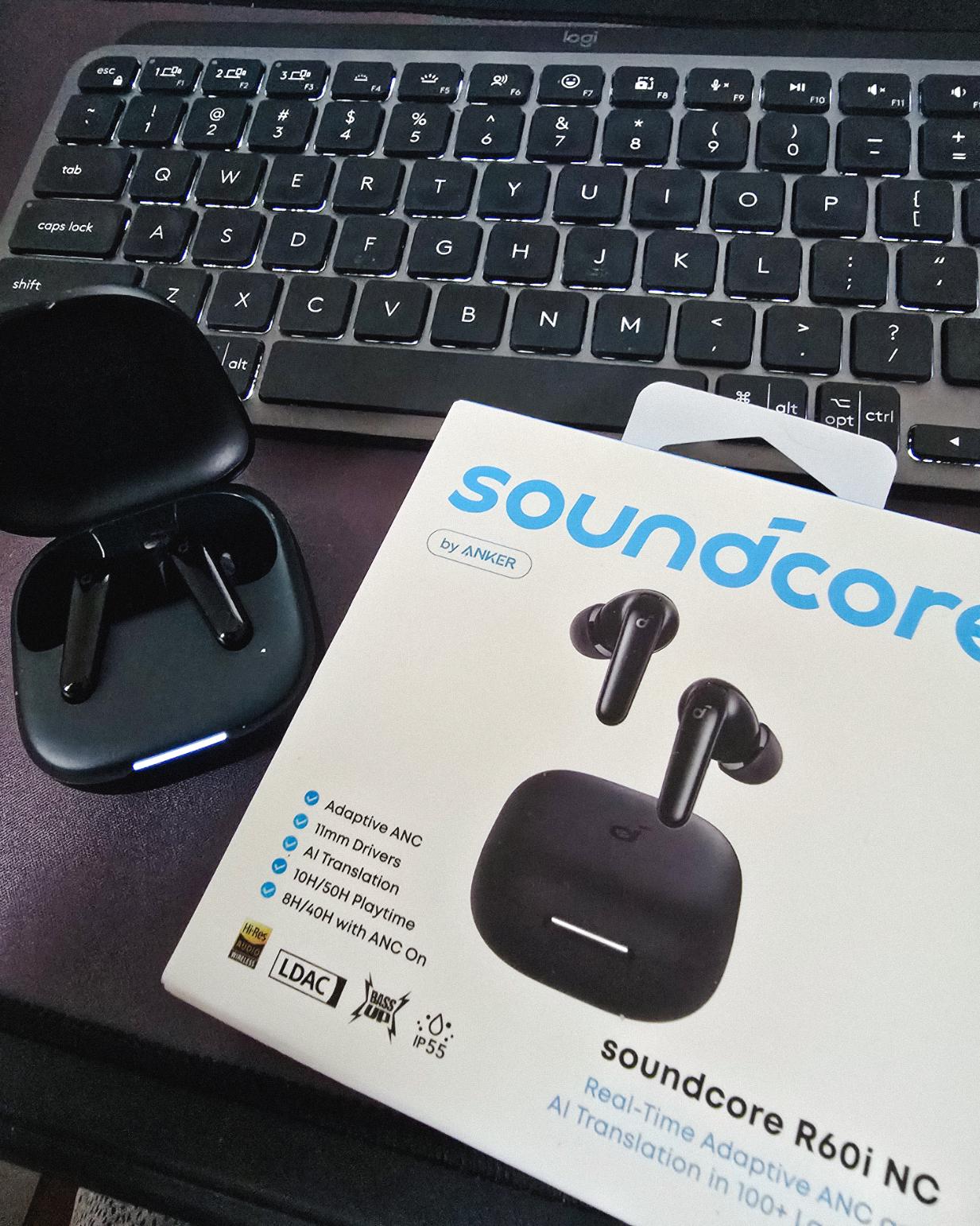
Got my new earbuds from Anker and I’m really liking the noise cancellation so far. Been using the one from Baseus for 2 years and it finally needed a replacement.
Looks small but this pair really helps when I need to focus.
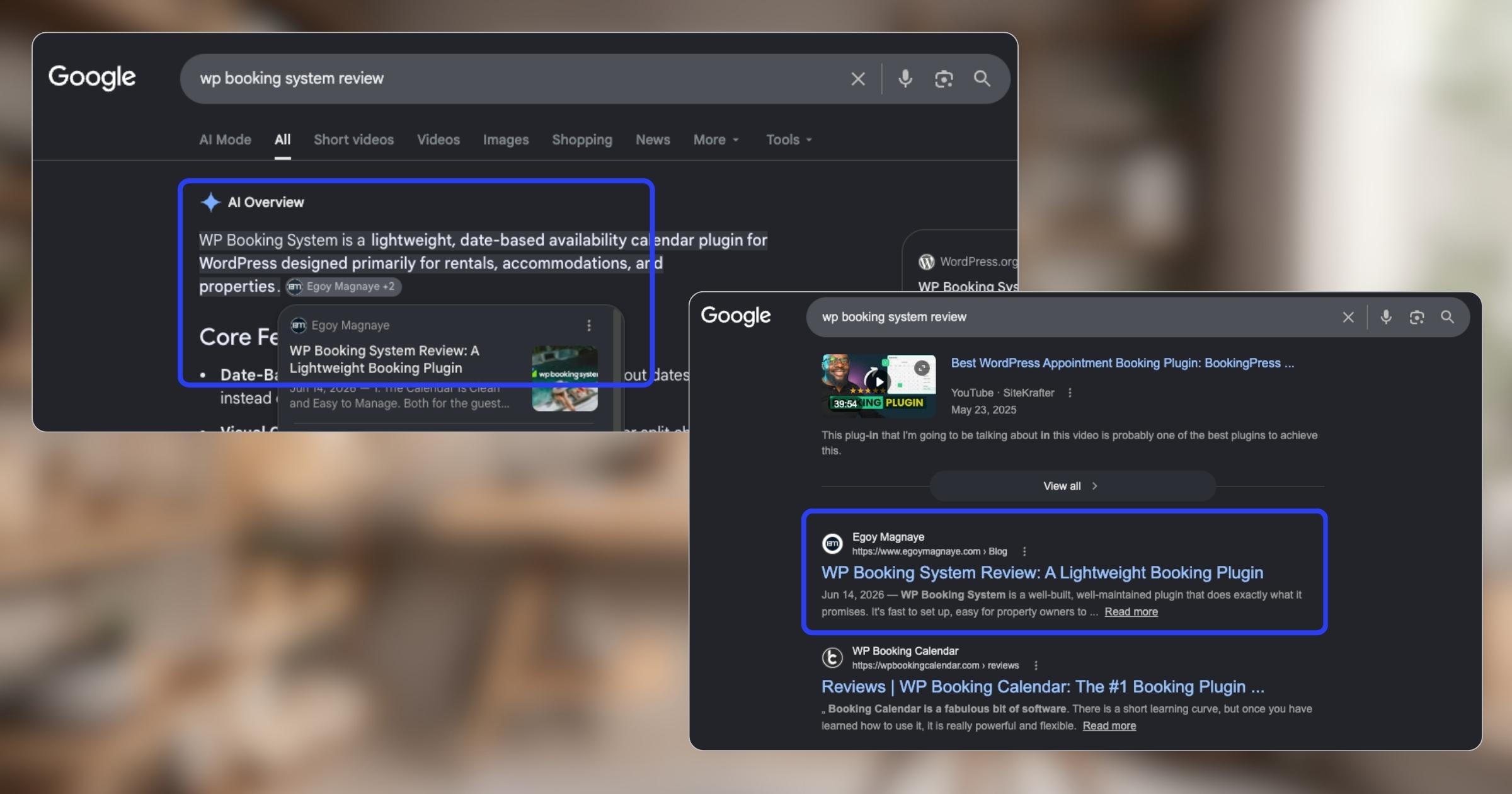
My WP Booking System review is now showing up in AI Overviews and SERP, just like my Bricks Builder one. Been ranking for both too.
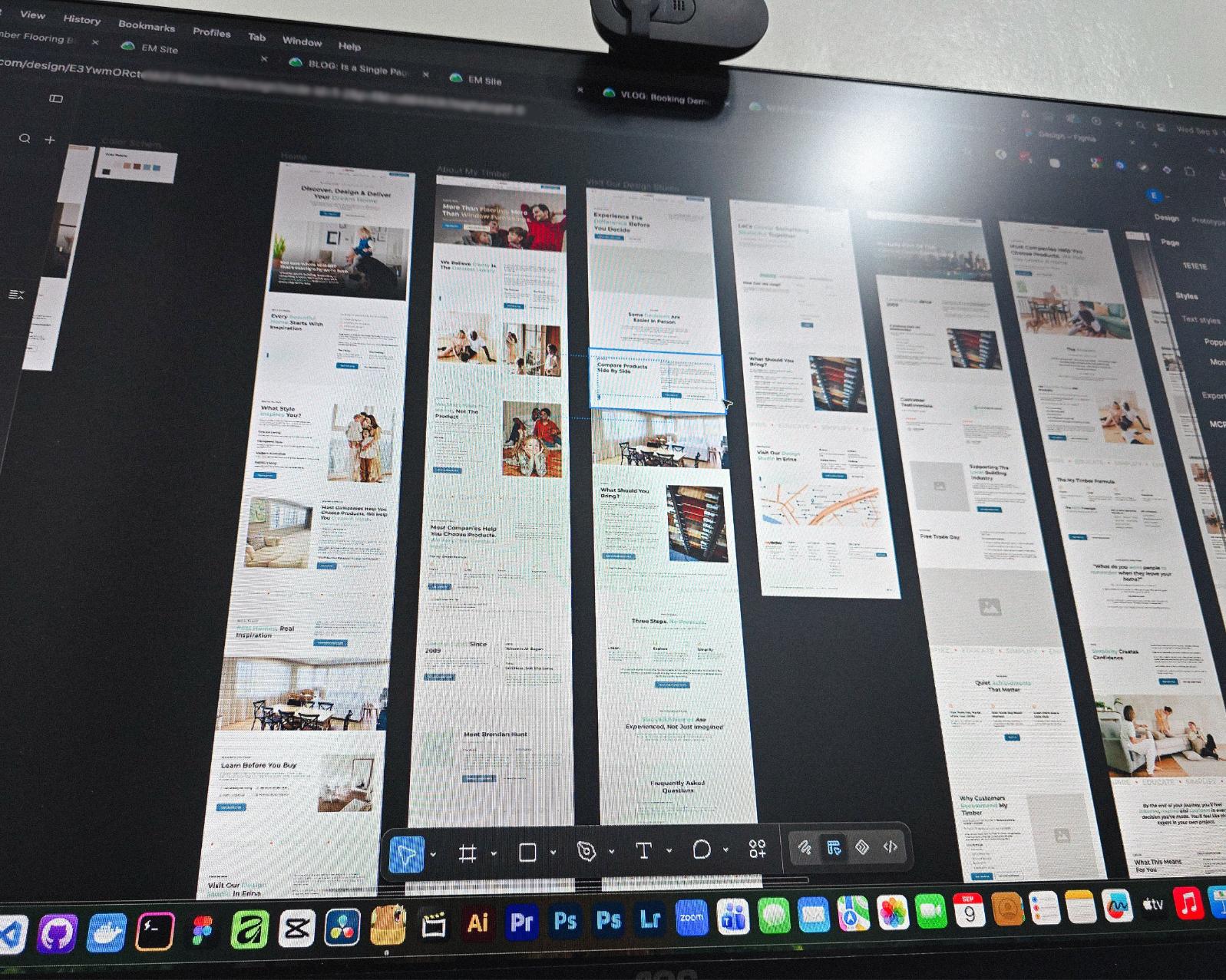
Found some old clips of my website designs done on Adobe XD. Different versions of my site over the past 10 years. A lot of testing and trial and error. It’s been a journey.
Had to switch to Figma with all the issues around XD being phased out.
I can’t remember if they’re going to post recordings of the 2-day event, but I was still able to gather some insights from my phone and memory 🙂
Here’s the new blog about HighLevel Live Manila.
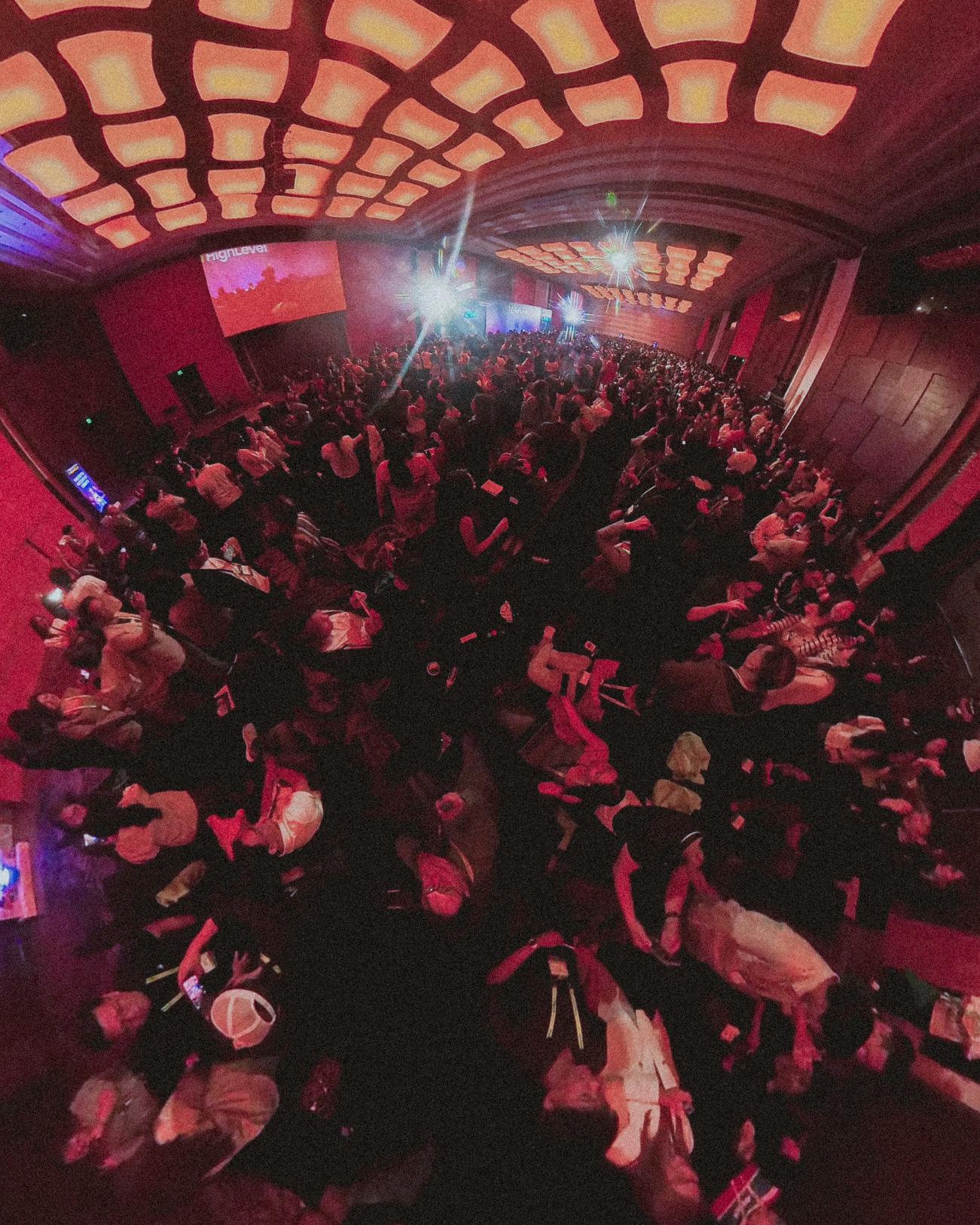
Since I’ve already added more than 10 notes, I can say I’m really liking this new feature on my website.
See the full post on why I added microblogging to this website.
Reader Disclosure
Disclosure: I may occasionally include affiliate links in my posts or pages. If you click on one of these links and make a purchase, I may receive a small commission, which helps me keep this website running and create more useful content. However, this does not affect my opinion on the product or service in any way. I only recommend products and services that I truly believe in and use myself.
I’ve recently added a new feature on my website that lets me do microblogging. I’ve been freelancing and maintaining this site for about 10 years now, and if there’s one thing that consistently falls behind, it’s my content.
As you know, long-form blog posts take time. Even if you’re using AI to create content, there’s still planning, drafting, editing, adding media, and optimizing for SEO. For me, a single post can easily eat up days or even a weeks. And when you’re juggling active client projects, those days just don’t exist sometimes.
Social media is another story. I’ve tried keeping up with Instagram, posting updates, and sharing work-in-progress shots. But it never sticks. Posting consistently on social media while managing a full workload as a solo freelancer is just not sustainable for me.
So I needed something lighter than a full blog post but more personal than a social media caption. Something that lives on my own site.
Just a bit of a backstory. I was inspired by a website I managed at my previous job. It was a site for home care, and they had this company news category on their blog. The content was very minimal, just a bit of text and images about what’s latest with their company. I thought something like that would solve my problem with content.
That’s how I ended up building a microblog.
You might notice that “Notes” button on my header. Clicking it will reveal a drawer that houses my quick notes. A microblog is really just another word for a collection of short posts like quick thoughts, random observations, work-in-progress updates, and quick tips.
Click this button to see it in action:
NotesThink of it like a Facebook post or X feed, but hosted on my own website. I own the content, I control the format, and it doesn’t disappear because of an algorithm change.
It doesn’t need featured images (though I can add them if I want to). It doesn’t need a thousand words or keyword research. It’s just me, typing out whatever’s on my mind in a few sentences.
The handoff doesn’t end at launch. You get Site Care, a Personalized Growth Guide, and a Scheduled Check-in to make sure everything’s working.
No commitment · no pressure

I could, but because of its short-form nature, we’re talking under 100-200 words, it doesn’t feel right to give it its own page. As a web designer, I’m dealing with multiple screen sizes like mobile, tablet, and desktop. With its random nature and minimal content, a microblog entry would look out of place stretched across a full blog layout.
So instead of giving it a single page like a regular blog post, I gave it a separate UI, just a compact card in a feed.
There were a few reasons this made sense for me, and most of them came down to one thing: I needed a way to keep my site alive without burning myself out.
When potential clients or even just visitors land on my site, I want them to see that it’s active. That someone is maintaining it. A blog that hasn’t been updated in three months doesn’t send the best signal.
The microblog solves that. I can drop a quick note in five minutes between tasks, whether it’s a thought about a project I’m working on, a tool I just discovered, or even a frustration with my current tools. It takes almost no effort compared to writing a full post, but it keeps the site feeling current.
For example, I recently attended the HighLevel Live Manila event. I knew I wanted to write a full blog post about the experience, but I still had client work waiting for me right after. So instead of letting it sit in my drafts for weeks, I dropped a quick note about it first just to share that it happened. The long-form post came later when I had the time.
Here’s the thing. With AI-generated content becoming more and more common (some people call it AI slop, and I get why), there’s something refreshing about raw, unpolished, clearly human thoughts on a website.
My notes aren’t crafted. They’re not even optimized. Some of them are just me rambling about something, though it’s still connected to my work. And that’s the point. It’s a way to show visitors that there’s an actual person behind the work, not just a portfolio page.
The microblog isn’t a replacement for my long-form content. I still write long-form posts about my work and freelancing. Those posts do the heavy lifting for SEO, for educating potential clients, and for establishing credibility.
It fills the gaps in between. It keeps things moving when I don’t have the time or energy for a full article. And sometimes, a quick note even turns into a full blog post later. It’s like a staging area for ideas.
Posting on Instagram means your content lives on someone else’s platform. If the algorithm changes, if the platform goes down, if your account gets flagged, that content is gone or buried.
With my microblog, everything lives on my domain where I control the design, the placement, and the archive, and no algorithm decides who sees it.
I’m not saying posting on social media is bad. It’s just that my main product is a website. That’s my main service. So I need to be active on my own platform before being active on others.
There are a lot of ways to build this feature, and it really depends on what platform you’re on. But for the sake of simplicity, I’ll walk through how I built mine using WordPress and Bricks Builder. The concept is pretty similar, especially if your site runs on WordPress.
I created a separate custom post type called Notes. You can name yours differently depending on your preference. This keeps my quick note entries completely separate from my regular blog posts, which makes everything organized. They have their own section in the admin, their own archive behavior, and their own templates.
You can register a CPT through code in your functions.php file, or use plugins like Custom Post Type UI or Advanced Custom Fields if you prefer a visual interface.
One key decision: I disabled the single post page when setting up the custom post type. If you’re registering through code, set ‘publicly_queryable‘ to false in your register_post_type() arguments. If you’re using Custom Post Type UI or ACF, look for the “Publicly Queryable” option and set it to False.
This means notes won’t have their own detail page like a regular blog post. They’re short entries, so they don’t need one, and they won’t get indexed by search engines either.
In Bricks Builder, I created a reusable template for how each note appears on the front end. Since notes are short-form, the card layout is minimal. Just the content, a timestamp, and an optional image.
I used the Query Loop in Bricks to pull in the latest notes and display them in a vertical feed. Since the content is lightweight, the “Load More” button only shows after the first 20 notes.
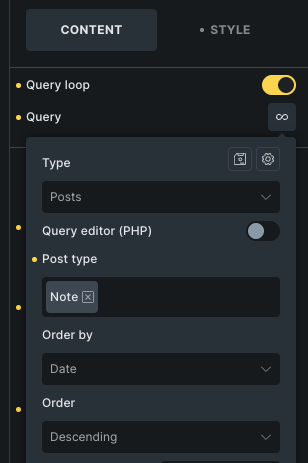
The key here is keeping the design lightweight. No author bio, no category tags. The whole point is that it’s quick and informal.
Right now, my notes appear in two places. On the blog archive page, they show up as a side column next to the main blog feed. And in a slide-out drawer triggered by a click of a button. It slides out when clicked so readers can scroll through recent notes without leaving the page they’re on.
I used Bricks‘ Offcanvas widget to build the drawer and placed it in my Header template so it’s globally available.

The placement was intentional. I didn’t want to give notes their own dedicated page or archive (at least not yet). They work better as a supporting element, something you notice while browsing the pages rather than a destination on their own.
This part matters more than the design. If publishing a note takes more than a couple of minutes, I won’t do it. That’s the whole reason I added this feature.
My setup is stripped down on purpose. Open the dashboard, go to Notes, add a new one, type a few sentences, optionally upload a photo, and hit publish. I don’t need to worry about selecting categories, filling in meta descriptions, or optimizing for keywords. Just post and move on.
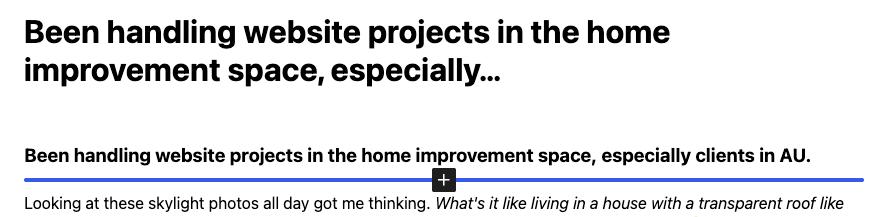
When creating a WordPress post, even a custom post type, you need to add a title. Since we don’t need one in our case, and it’s just another thing to think about, I added a code snippet that automatically uses part of the note’s content as its title.
/**
 * Auto-generate title for Notes CPT from post content
 */
function em_generate_note_title( $data, $postarr ) {

    // Change 'note' to match your custom post type slug
    if ( $data['post_type'] !== 'note' ) {
        return $data;
    }

    if ( ! empty( $data['post_title'] ) ) {
        return $data;
    }

    $content = wp_strip_all_tags( $data['post_content'] );
    $content = trim( preg_replace( '/\s+/', ' ', $content ) );

    if ( empty( $content ) ) {
        return $data;
    }

    $data['post_title'] = wp_trim_words( $content, 10, '…' );

    return $data;
}
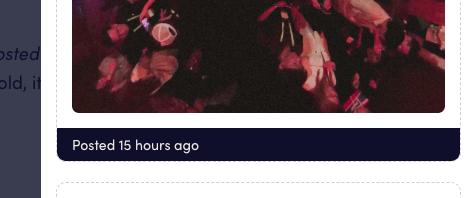
add_filter( 'wp_insert_post_data', 'em_generate_note_title', 10, 2 );My notes are ordered from newest to oldest, and instead of showing a fixed date, I wanted it to display relative time like “Posted 5 minutes ago” or “Posted 3 days ago“. It gives readers a quick sense of how recent a note is. If the note is more than a week old, it defaults to the standard date format.
I used a shortcode approach for this so I can easily place it anywhere inside my Bricks template using the Shortcode element. The shortcode is “[em_relative_time]“.
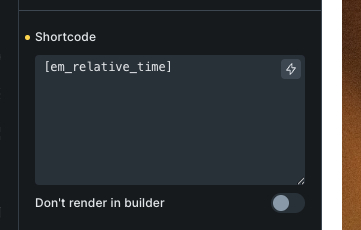
/**
 * Relative time for notes.
 *
 * Usage:
 * [em_relative_time]
 */
function em_relative_time() {

    $post_id = get_the_ID();

    if ( ! $post_id ) {
        return '';
    }

    $timestamp = get_the_time( 'U', $post_id );
    $diff      = current_time( 'timestamp' ) - $timestamp;

    if ( $diff < WEEK_IN_SECONDS ) {
        return sprintf(
            'Posted %s ago',
            human_time_diff( $timestamp, current_time( 'timestamp' ) )
        );
    }

    return sprintf(
        'Posted %s',
        get_the_date( 'F j, Y', $post_id )
    );
}
add_shortcode( 'em_relative_time', 'em_relative_time' );
You can add these snippets to your functions.php or use a code snippets plugin like FluentSnippets. Make sure to back up your site before adding any code. And if you’re not sure where to place these or need a hand setting it up, feel free to reach out.
I work with businesses to build sites that are easy to manage and actually bring in leads.
Start with a free site audit · No commitment
For now, the Notes section is intentionally minimal. It’s just a side feature that adds life to my website without adding complexity. Down the line, I might expand it. Maybe a dedicated notes feed page. But I’m not going to over-complicate it before I even know if I’ll stick with the habit of posting regularly.
So far, it’s been easier to keep up with than I expected. And it’s kind of fun to just post a thought without worrying about word count, SEO, or structure.
If your website has been quiet for a while and you’ve been meaning to “start creating content“, maybe start smaller than you think. A microblog might be exactly the low-pressure format you need.
After years of supporting AU business websites, the same improvements keep making a difference. Here…
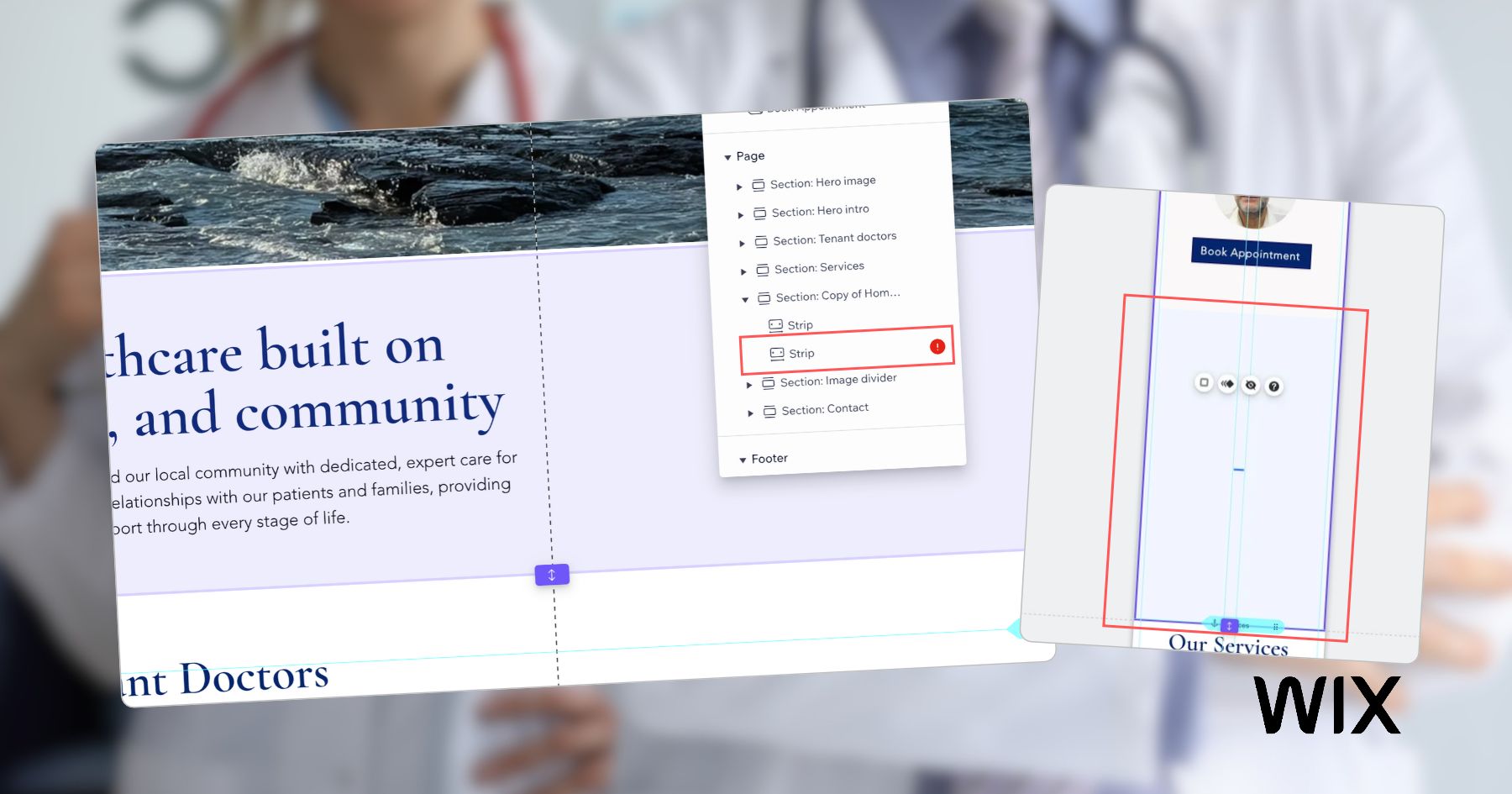
A quick method for finding and removing the hidden strip causing unnecessary white space between…
How my web design client onboarding stays organized from day one using Basecamp & what…