New
Latest Notes & Updates

Short thoughts, work in progress, lessons learned, & the occasional personal update.

Almost done with the design plans for all the dynamic systems on a tradie company web design project.

8 structured data systems in one project. Connecting and strategizing everything so it all works from day one.

I guess freelancing feels fulfilling once you’re done with this kind of project. But the process behind it? That’s a bit overwhelming.

Posted 17 hours ago

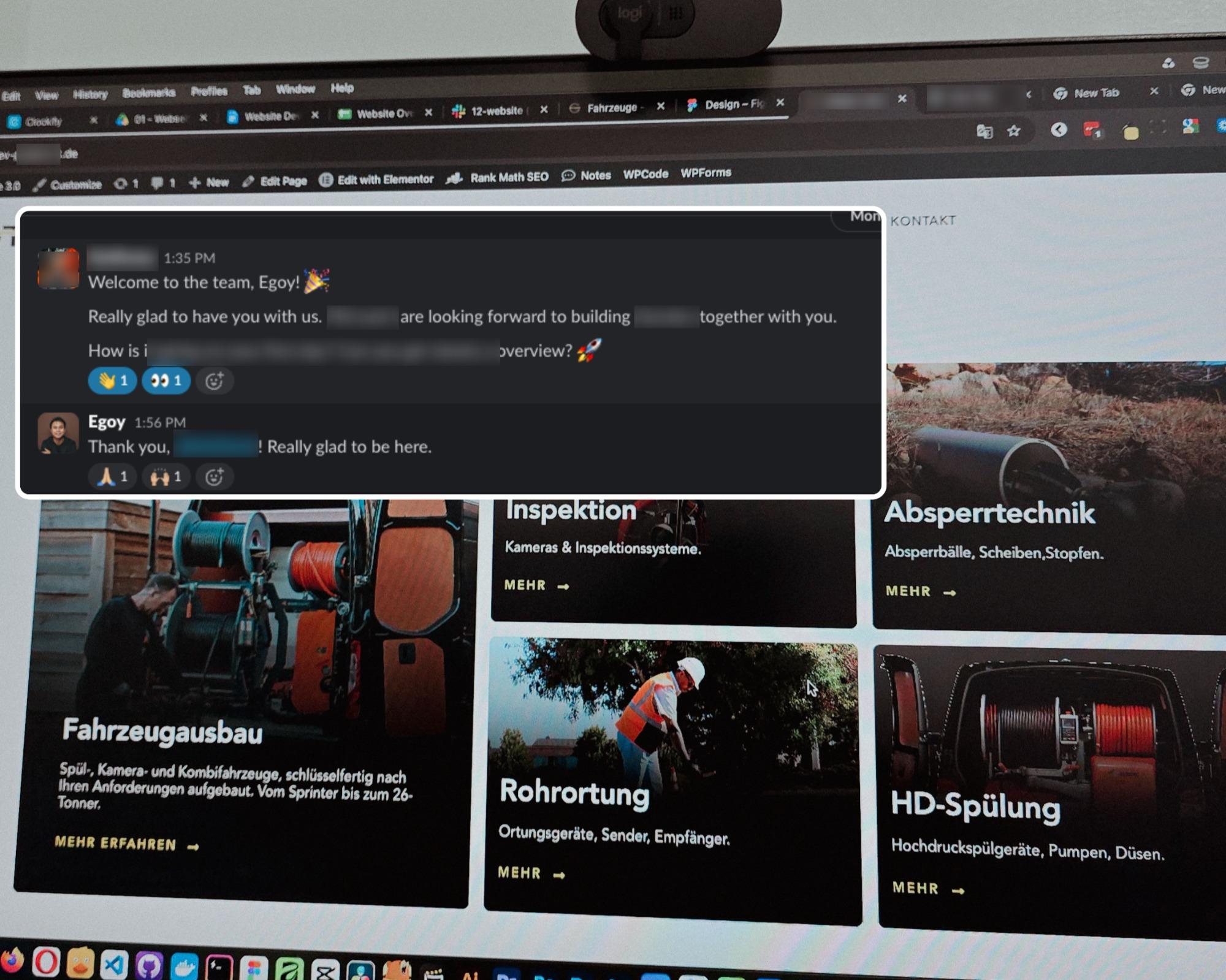
Started a new project for a B2B equipment dealer in the sewer and pipe industry based in Germany.

This time I’m not starting from scratch though, the previous provider left it at about 15% progress so I’m just picking up where they left off.

The only real challenge? The language. Shifting from English to Deutsch 😅

Hallo zusammen 👋

Posted 3 days ago

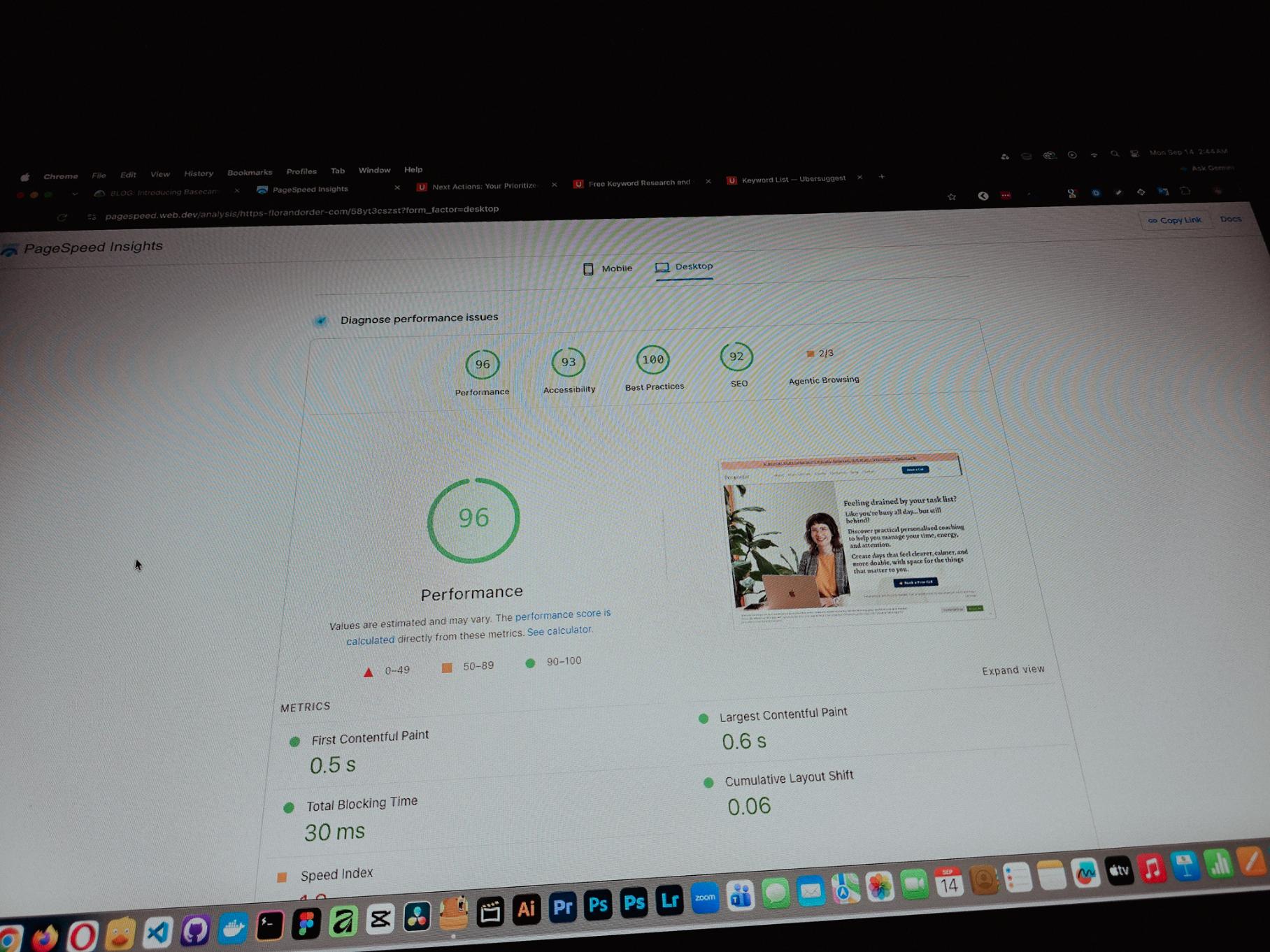
Currently working on one of my monthly site care tasks, checking the speed of a client site. And it’s still performing well. These routine checks don’t look exciting but they keep things running the way they should.

Speed is one of the hardest things to improve on a website because there are so many factors like server, how the pages are built, and the tools used to build them. But I’m still glad I was able to improve this one.

Recent speed test result of Flor & Order
Posted September 13, 2026

One thing you can’t really control when handling projects is the timeline. It can shift at any point, especially when you’re working with trade businesses.

Just picked up the design phase of the flooring company project again. Glad I’m already done with the major pages and just working on the Learning Resources and Projects dynamic pages now.

Posted September 9, 2026

Been using Basecamp for project management since I started freelancing.

I’ve tried the more popular ones, but Basecamp is still one of the most straightforward tools out there.

Btw I’m almost done with a new post on how I onboard client projects using it.

Posted September 3, 2026

Since I left my corporate job last year to go full-time freelancing, I’ve been putting a lot more effort into this website.

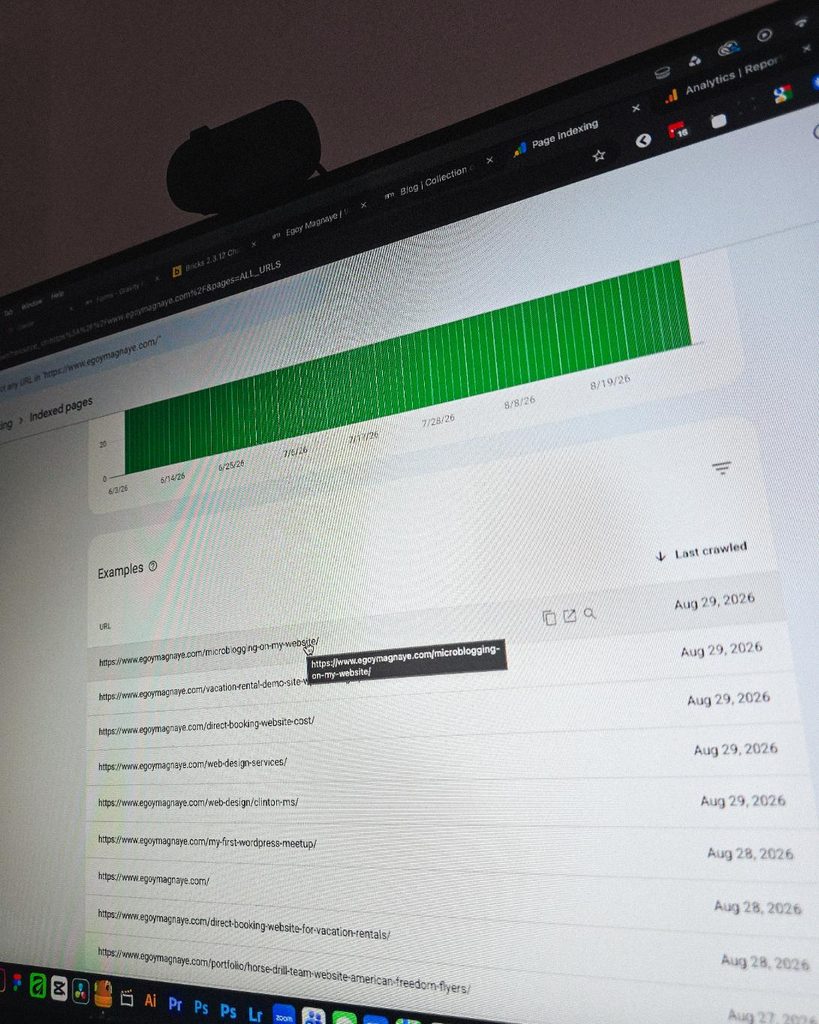
And one of the most rewarding things so far is how much easier it is to get content indexed by Google.

Just added a new post and it got indexed almost immediately.

Posted September 1, 2026

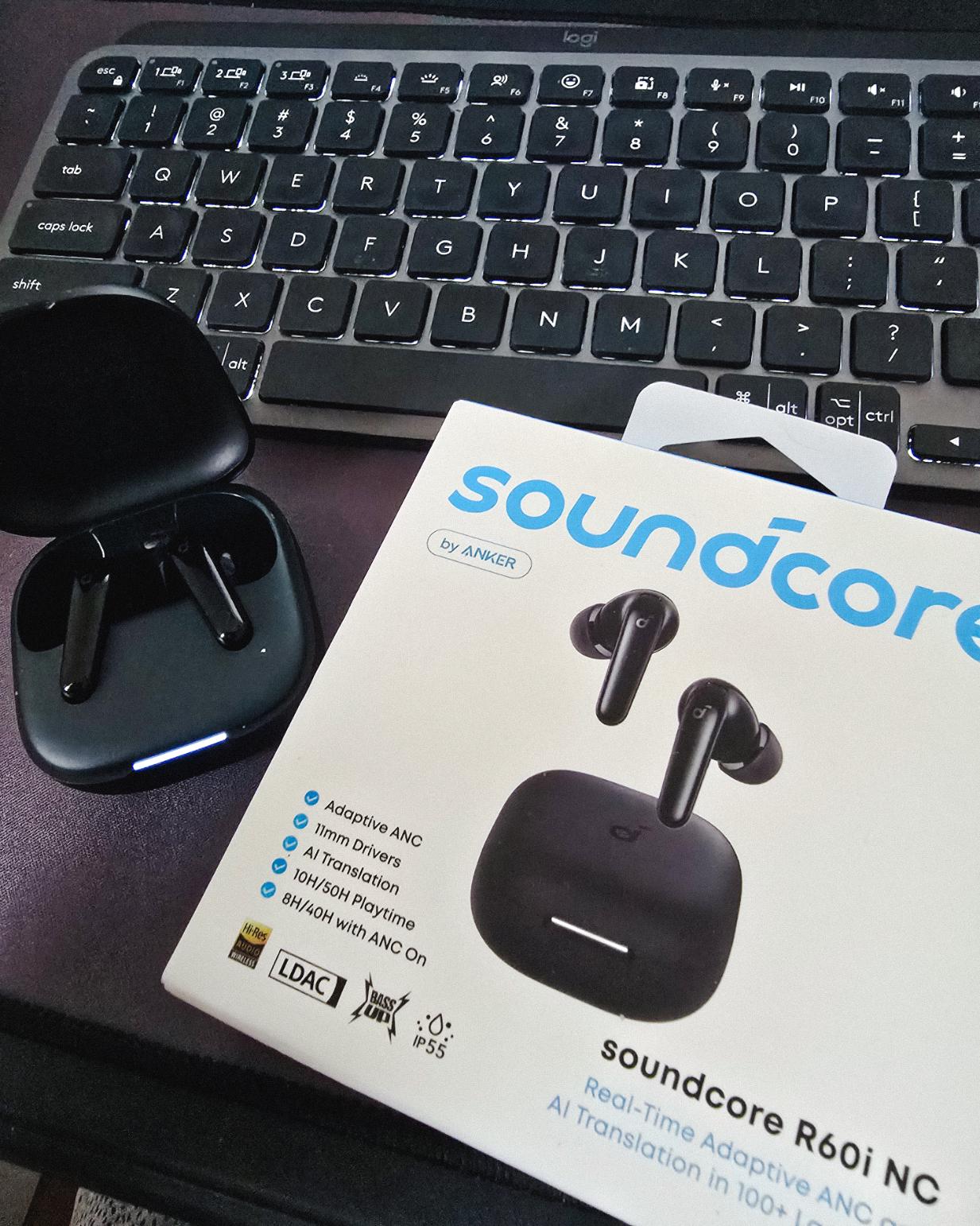
Got my new earbuds from Anker and I’m really liking the noise cancellation so far. Been using the one from Baseus for 2 years and it finally needed a replacement.

Looks small but this pair really helps when I need to focus.

Posted August 30, 2026

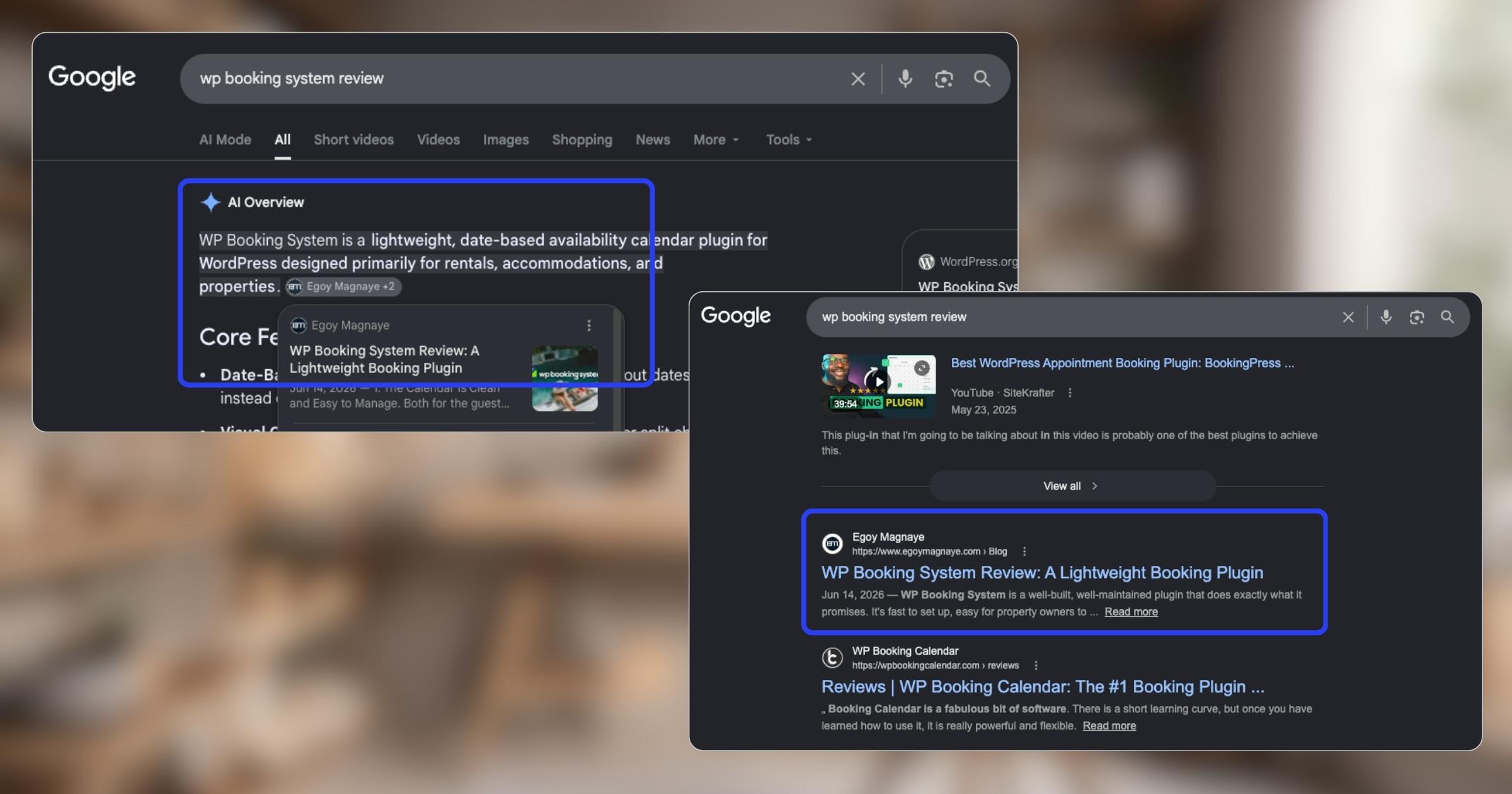
My WP Booking System review is now showing up in AI Overviews and SERP, just like my Bricks Builder one. Been ranking for both too.

Posted August 27, 2026

Found some old clips of my website designs done on Adobe XD. Different versions of my site over the past 10 years. A lot of testing and trial and error. It’s been a journey.

Had to switch to Figma with all the issues around XD being phased out.

Posted August 26, 2026

I can’t remember if they’re going to post recordings of the 2-day event, but I was still able to gather some insights from my phone and memory 🙂

Here’s the new blog about HighLevel Live Manila.

Posted August 23, 2026

Since I’ve already added more than 10 notes, I can say I’m really liking this new feature on my website.

See the full post on why I added microblogging to this website.

Posted August 19, 2026

I’m at the point where I want to offer businesses stuck on WPBakery a free rebuild.

Nah maybe a discount 😅

But seriously, if you’re going with WordPress, at least use a solid page builder like Bricks (my bias), Beaver, Divi, or Elementor. Launching a site is just a small part of it.

Building new pages and optimizing over time is the long game, and your site builder matters for that.

Posted August 17, 2026

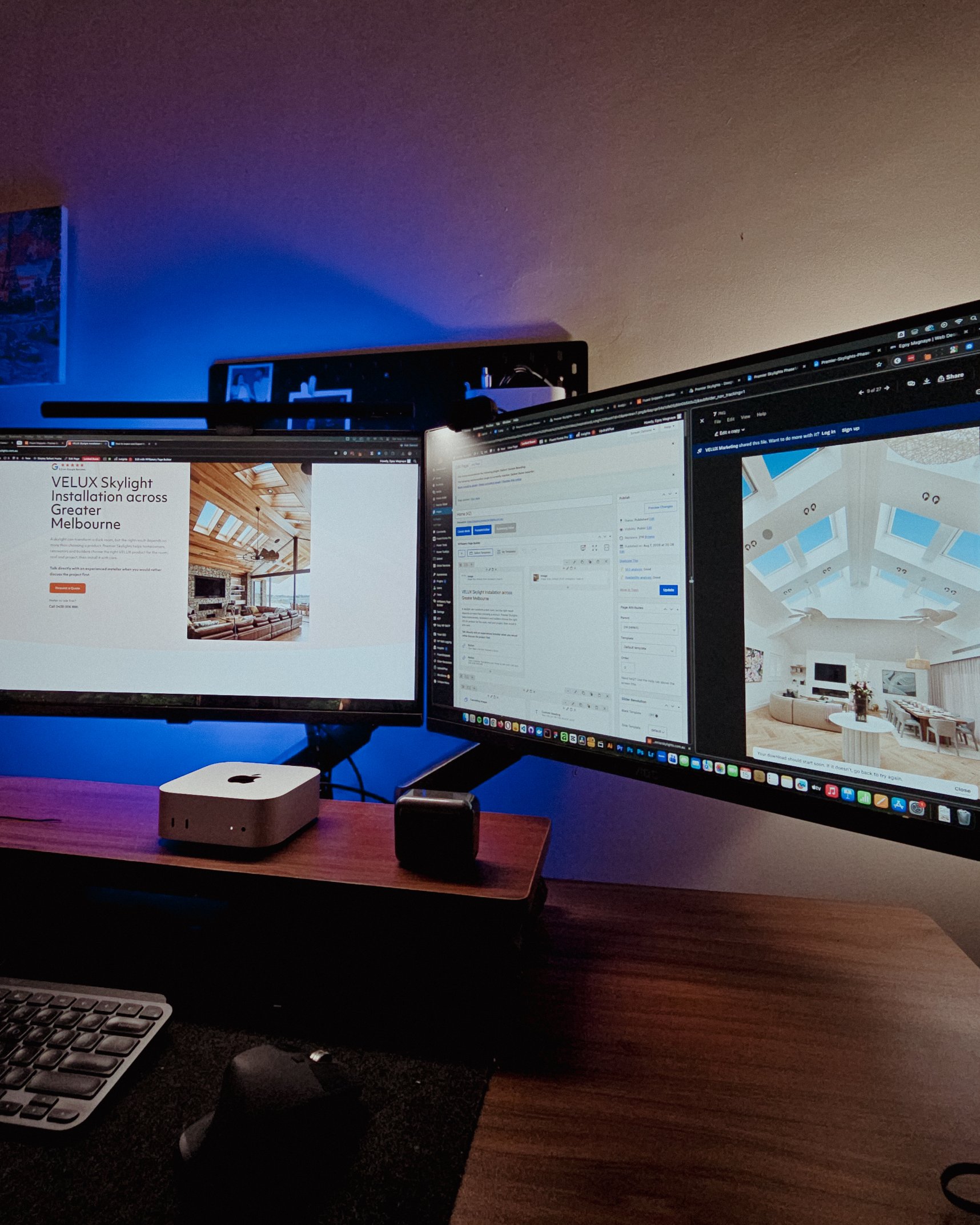
Been handling website projects in the home improvement space, especially clients in AU.

Looking at these skylight photos all day got me thinking. What’s it like living in a house with a transparent roof like that? Then I imagined having one here in PH. Sounds great when it rains. Then summer hits 😂

jk, these skylights are actually automated and packed with features.

Posted August 15, 2026

WPBakery might be the only page builder where the experience is equally rough whether you’re using backend or frontend editing. Divi handles this way better.

Sorry, I keep comparing these two because they both offer both modes, but the quality gap is real. Credit to the Divi team for getting that right!

Posted August 14, 2026

Got a chance to attend the HighLevel Manila 2-day event!

I just realized I wasn’t able to record everything. Now I’m trying to piece together all the info I remember and the photos I have.

The insights they shared were pretty overwhelming 😅

Posted August 10, 2026

I have an urgent page build using WPBakery. Although we have a 1-week deadline, I’m confident I can deliver. But seriously, at least give us a custom CSS field per widget. Even Divi has that!

I’m not really the type to rant about tools I use for work. I get that every builder is built differently. But every time I have a project using this one, it just takes so much longer than it should.

Posted August 8, 2026

You know, one thing that still bugs me is not asking my old clients to leave their review on my Google Business page.

I just collected them through email or other apps. Should’ve known better 😬

Posted August 7, 2026

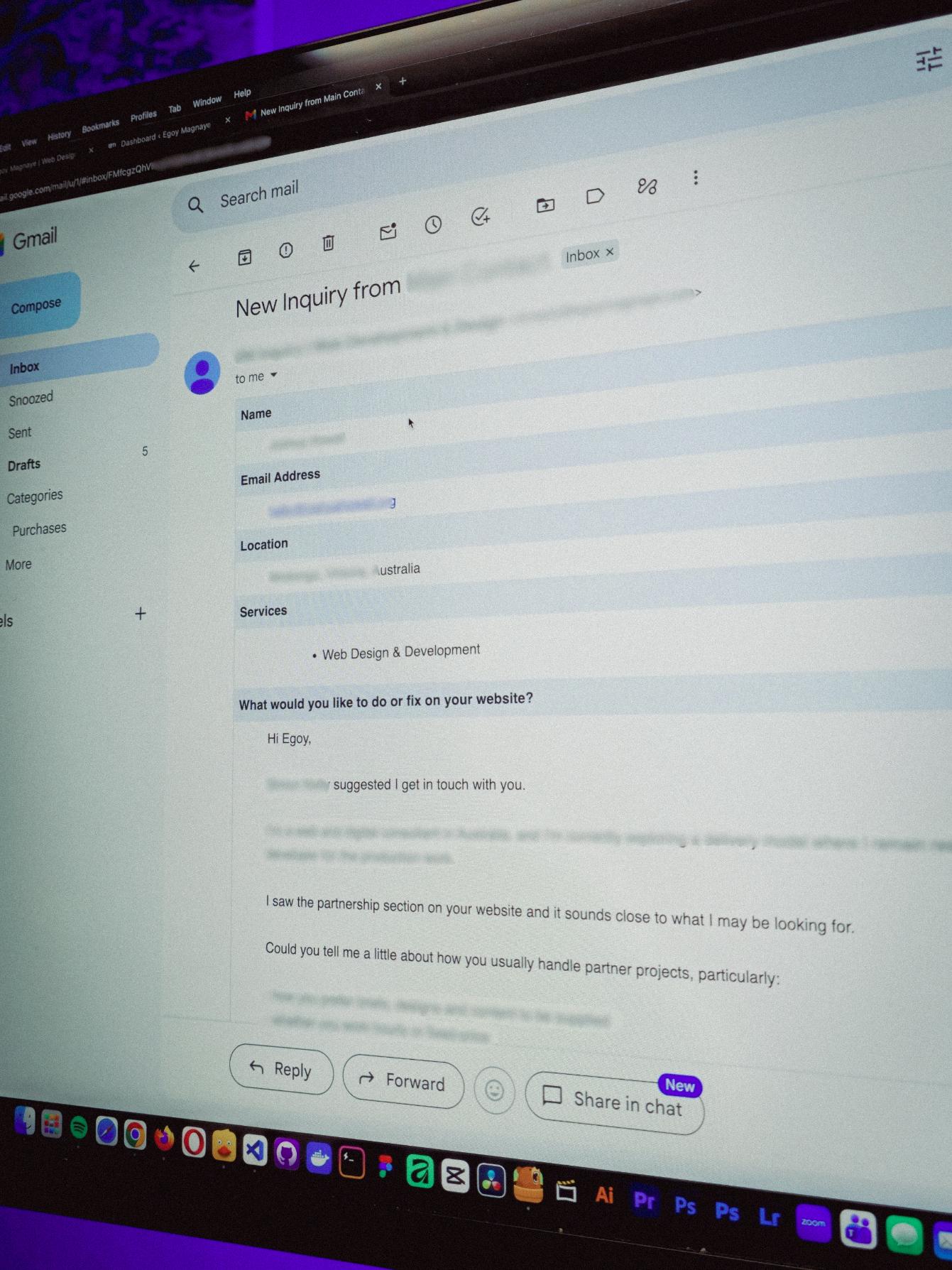
You know what makes doing this stuff worth it? People who still remember you and refer you even if you haven’t spoken in a long time!

Just got an inquiry! Turns out someone I spoke with 2 years ago referred them. As a small service provider, that kind of thing means a lot 🙂

Image of my recent web design & development inquiry from Australia
Posted August 4, 2026

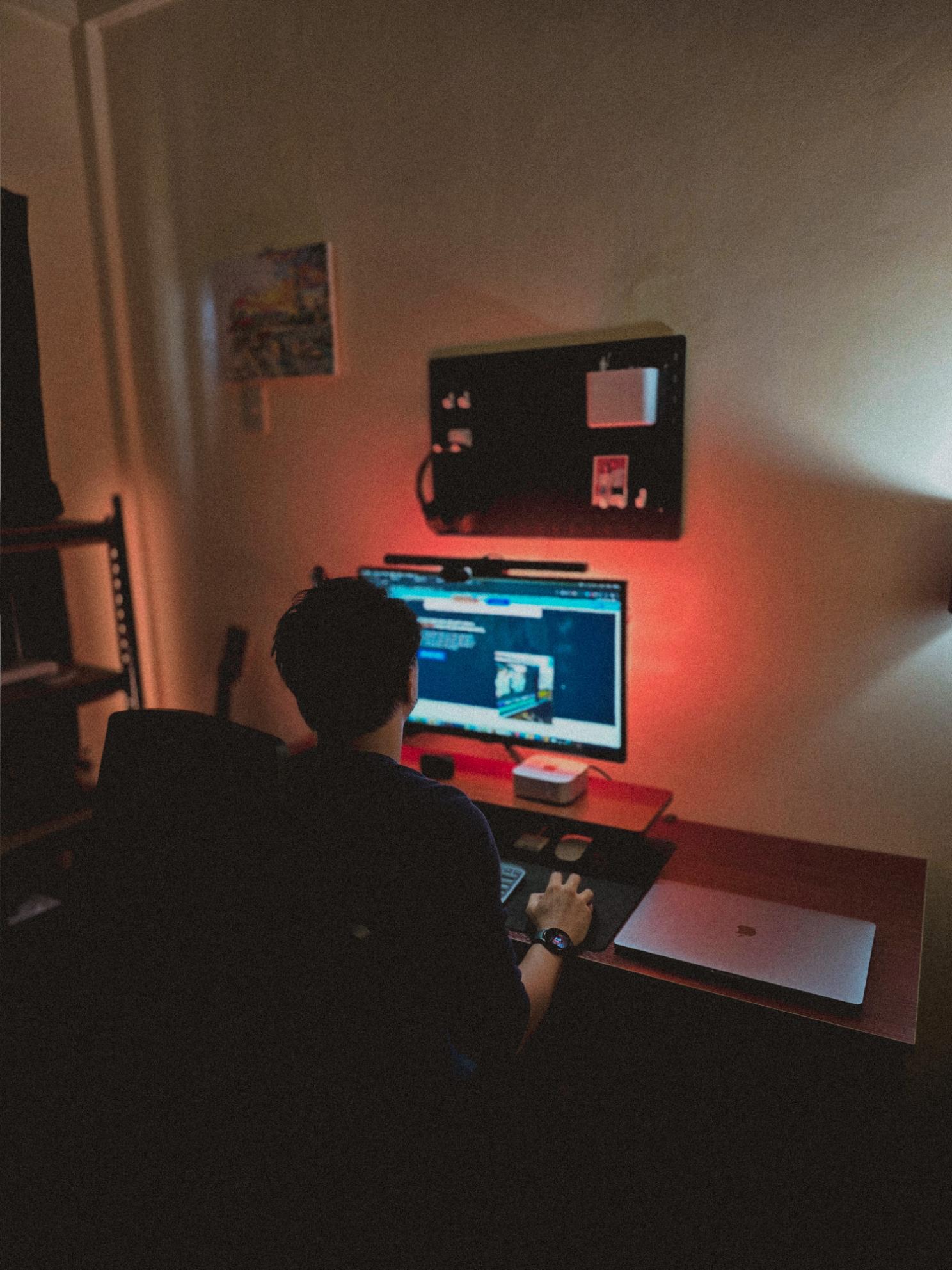
Late night timelapse of us getting things done. I don’t know why, but I always feel more productive at night.

Also, I just recently got that standing desk, and I can’t appreciate enough how helpful it is when you’re getting older 😂

Posted July 31, 2026

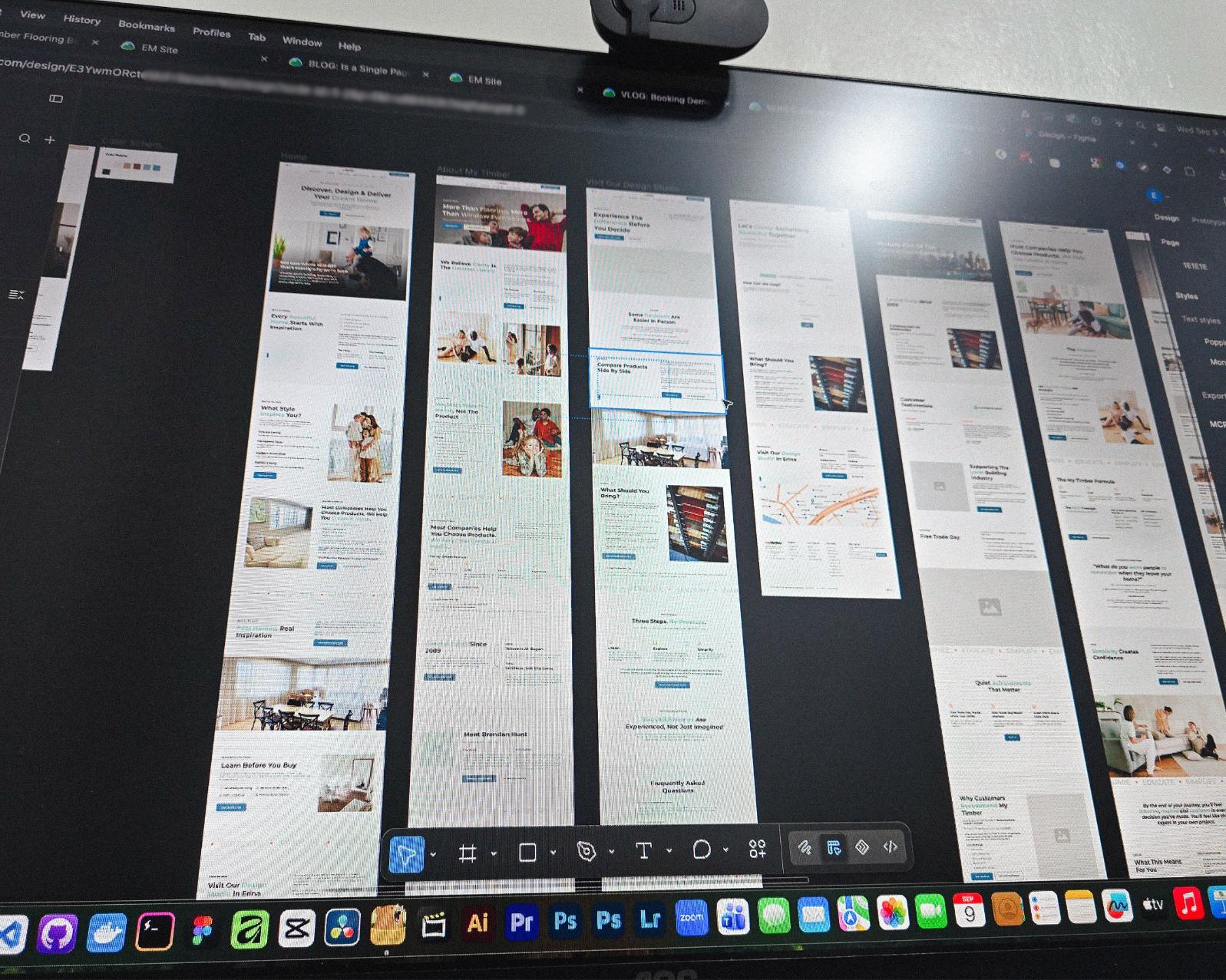
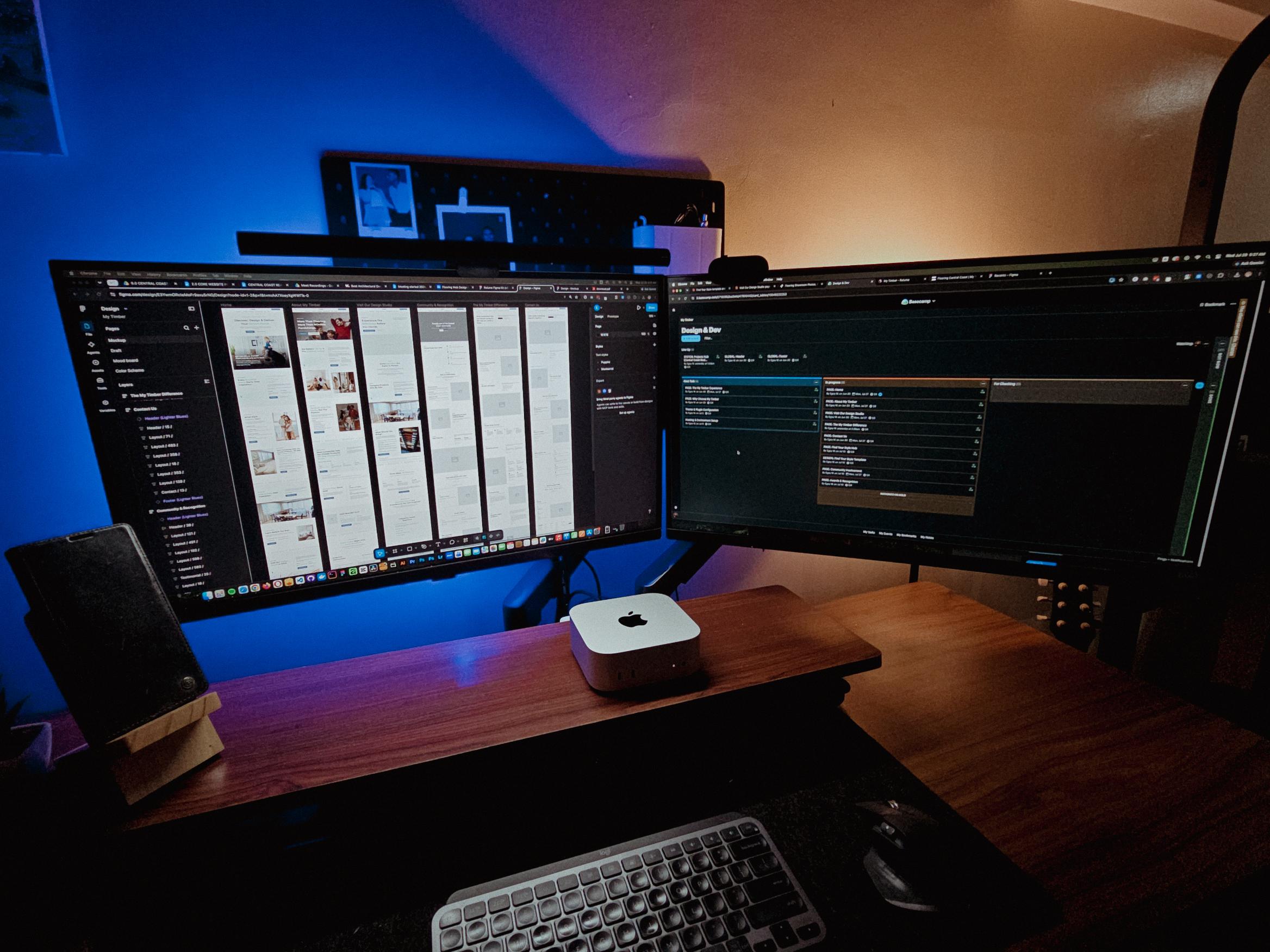
Currently redesigning the website of a flooring company based in Erina, NSW.

See those long page designs? It’s still Wednesday but I guess I’m gonna be working even on the weekend 🥲

Image of my workstation redesigning the website of a flooring company based in Erina, NSW.
Posted July 28, 2026
Table of contents

How to Maintain A WordPress Website: Keeping Your Site Healthy

Last updated on August 26, 2026

15 mins read

Reader Disclosure

Disclosure: I may occasionally include affiliate links in my posts or pages. If you click on one of these links and make a purchase, I may receive a small commission, which helps me keep this website running and create more useful content. However, this does not affect my opinion on the product or service in any way. I only recommend products and services that I truly believe in and use myself.

Imagine if your car missed its oil change and scheduled tune-ups. What do you think will happen? We all know that if we don’t maintain our vehicles, they will not function properly. The same goes for our website; it needs to be properly maintained. But how do we maintain our websites? What are the things we need to do? Well, this article will mainly focus on how to maintain a WordPress website, but the general idea will work for most websites.

Featured image of How To Maintain a WordPress Website blog post

Website maintenance is one of the key responsibilities of a web manager, and honestly, it’s one of my main duties for some of my work and personal clients.

We’ll explore the importance of regular maintenance for your WordPress site and why staying on top of updates, backups, security checks, and performance tuning can make a world of difference in the long run. Let’s discuss the first step in maintaining your website!

1. Backing Up Your Website

The very first thing on this list is checking the site’s backup! Are the backups working, or are they corrupted? Backing up your WordPress website is like having an insurance policy for your online presence. It’s important to have a backup plan in place to protect your hard work and valuable content from unexpected events.

Most popular web hosting services already have backup management features, but it’s still better to have multiple backups in place. That is why I continue to offer this service as part of my website care services, providing added security and peace of mind.

2. Keeping your WordPress Core, Plugins, and Themes Up-to-Date

One of the greatest benefits of using WordPress to establish an online presence is its wide repositories of plugins and themes. With these tools, you can create a fully functional website that aligns with your business needs. However, I believe this can also be the huge weakness of WordPress because these plugins and themes are developed by third parties, potentially opening a gateway for hackers to access your website.

It’s still quite impressive to note that 43.6% of all active websites on the internet are powered by WordPress. With all this, it remains a viable target for hackers.

So how can you prevent or reduce these types of problems on your website? The first recommendation is to please conduct some research before installing anything on your website. It’s crucial that the plugins you opt for are not only well-maintained but also backed by a proactive team of developers. This approach ensures that in case of any security concerns, you’ll have robust support and timely updates at your disposal.

3. Performance Optimization for Better User Experience

Whenever you make changes to your website, like updating plugins and themes, always check your website’s performance. Actually, this is an ongoing task during scheduled maintenance on all my sites. Since we don’t control these updates from the developers, it’s our responsibility to keep checking how our website performs. Remember, every update might affect how our website works, so always check and test the main functionalities of your clients’ websites.

Also, when it comes to optimizing the performance of your WordPress site, speed is important for enhancing user experience. A slow-loading website can deter visitors and affect your search engine rankings negatively. To ensure optimal performance, consider implementing strategies such as image optimization, caching techniques, and choosing a reliable hosting provider.

4. Cleaning Up Your Website’s Content and Database

Just like cleaning out your closet or tidying up your workspace, you need to regularly clean up your website content and database as well. Think of it as decluttering your virtual space – getting rid of outdated content (if you have one) and fixing broken links, can help improve site speed, SEO rankings, and overall user satisfaction. Plus, a clean and well-maintained website reflects positively on your brand.

Additional tips in cleaning up your WordPress database, you can delete spam messages (e. g., form submissions, blog post comments) and post revisions, which are often unnecessary and can be safely removed. Remember to back up your site before proceeding to ensure you always have a restore point.

5. Checking Site Security, Again!

When you’re doing your regular website maintenance, don’t forget to make security your top concern. It’s always a good idea to double check it. Just updating plugins and themes doesn’t cut it, you know? When maintaining my client sites, I always check the user list to identify any unwanted guests and promptly remove any suspicious users.

Another tip I can share; if you are the one developing the site, you are likely familiar with the file system. It’s always helpful to check for any changes in it. If you’re using Wordfence, you can scan your site using this plugin; it really helps me monitor the site for vulnerability issues.

Here Are Some Additional Inputs I Can Add!

How to maintain a WooCommerce website?

WooCommerce is one of the most popular plugins for WordPress if you want to sell online. It lets you accept payments, list products, and manage your inventory in one place.

Maintaining a WooCommerce site is a little different from taking care of a normal blog or service website. Since people can place orders anytime, you need to be more careful when making updates. Simple things like turning on maintenance mode and testing the checkout can make a big difference.

I wrote a separate post on why WooCommerce is different. In it, I go deeper into these two important steps and show how I handle them using one of my recent WooCommerce project as an example.

When is the best day to maintain your website?

The answer to these questions really depends on your website and business operations. If you have a website that receives high traffic, such as e-commerce sites, you need to check and plan for the best day and time when you have low traffic. Make sure to inform your customers and clients properly about the maintenance so they are aware of it.

In my case, I always schedule my maintenance from Monday to Wednesday. This schedule gives me more time to address any unexpected errors or issues that may arise.

What information do you need to provide to your web manager or developer?

If you decide to have someone manage your site, here are the things I most often request from my clients.

You need to prepare:

  • New WordPress credentials (username and password)
  • SFTP or FTP – very helpful for troubleshooting issues and bugs caused by plugin and theme incompatibility during maintenance.
  • Any important information you would like to share with your developer regarding your website.

So there you have it! By following these maintenance steps regularly, you can keep your WordPress website running smoothly and securely. Remember, a little bit of upkeep can go a long way in ensuring that your website stays in top shape.

I understand that managing your website can sometimes feel overwhelming, especially when you’re juggling other important tasks. Please know that I’m here to help by assisting with the maintenance of your WordPress site. If you’re interested, let me help you with this task to ensure your site runs smoothly, giving you more time to focus on what truly matters in your workflow.

Leave the first comment

Related
Articles

Featured image of blog about project onboarding on Basecamp

The Simple System Behind My Web Design Client Onboarding (Using Basecamp)

How my web design client onboarding stays organized from day one using Basecamp & what…

Read more
Featured image of HighLevel Live Manila 2026

I Went to HighLevel Live Manila Knowing Almost Nothing. Here Are My Takeaways.

I just went there hoping to learn something new, but the 2-day event turned out…

Read more

How Microblogging Keeps My Website Fresh (Without Burning Out)

Creating content as a solo freelancer wasn’t sustainable. Microblogging on my own website keeps things…

Read more