Been using my high chair a lot lately since I let go of my old one.
Started getting back aches because of it lol. No choice but to get this ergonomic chair.
Really liking the comfort so far!

Short thoughts, work in progress, lessons learned, & the occasional personal update.
Been using my high chair a lot lately since I let go of my old one.
Started getting back aches because of it lol. No choice but to get this ergonomic chair.
Really liking the comfort so far!
The PHP2Shell vulnerability was all over the news this week. Hostinger emailed to say they tested it against their live servers and my sites weren’t affected, and they’re applying the PHP fix automatically anyway.
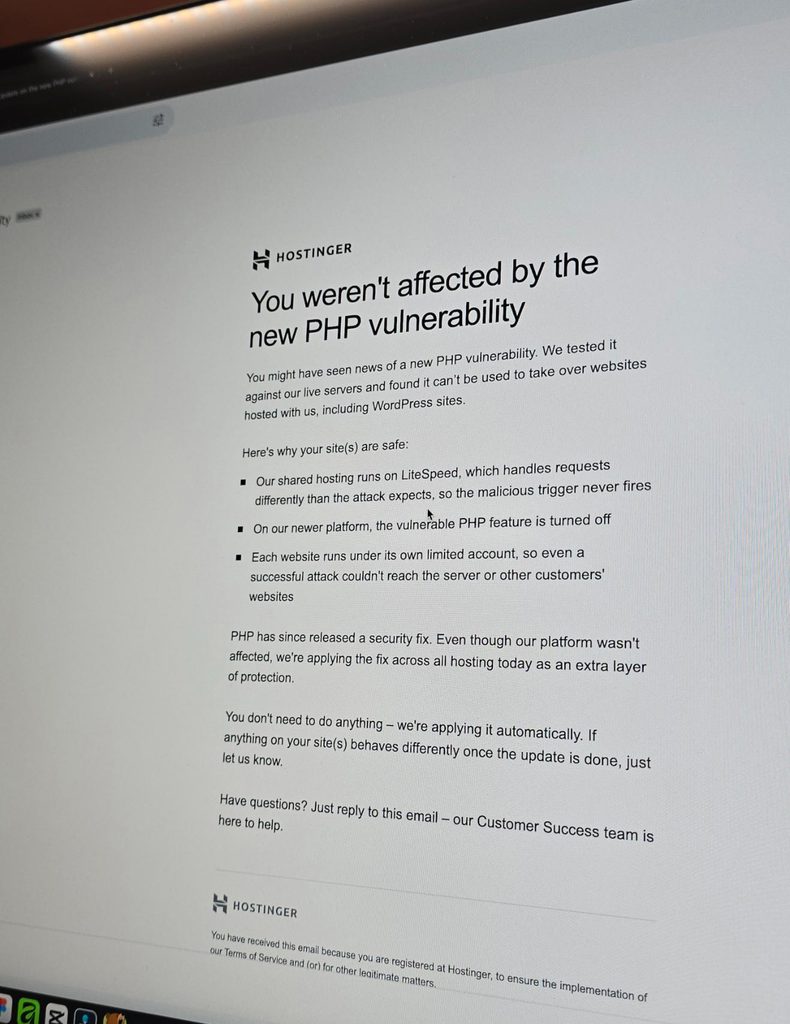
I guess getting good hosting isn’t so bad after all. That assurance really helps in this kind of issue.
It’s been a while since I worked outside of WordPress. Just finished a Wix project for a healthcare practice, working on some of the design refinements and consistency fixes.
The way you build on different platforms really does differ.
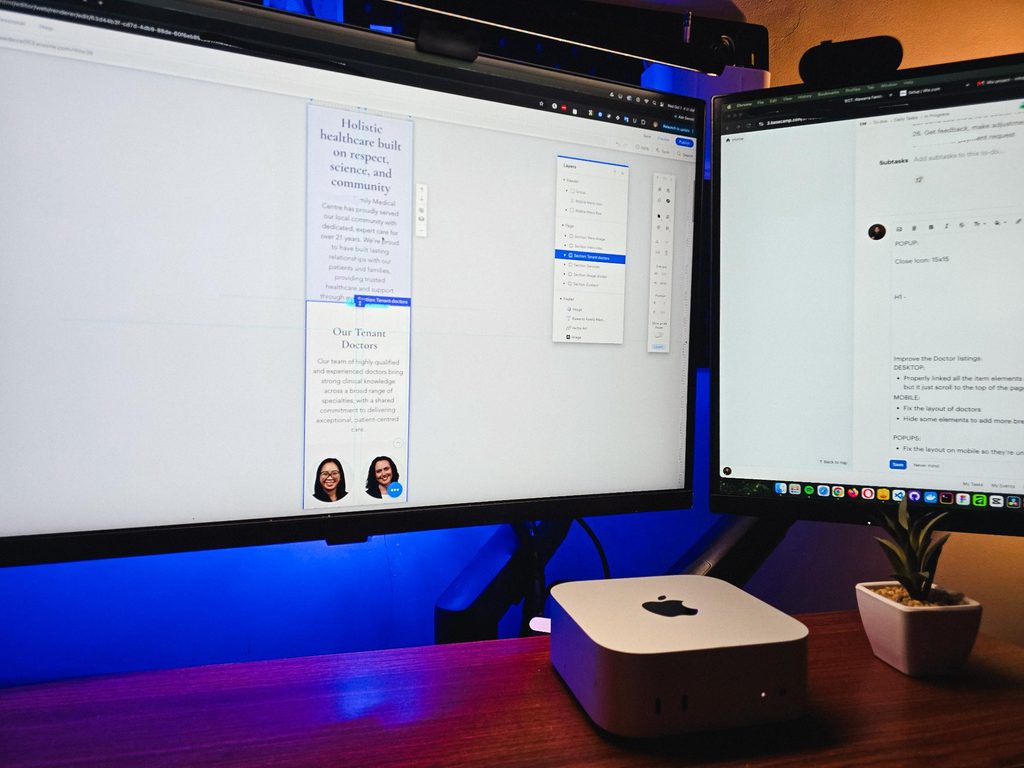
I guess that’s one of the harder parts of freelancing, you need to adapt fast. Enjoyed working on it though.
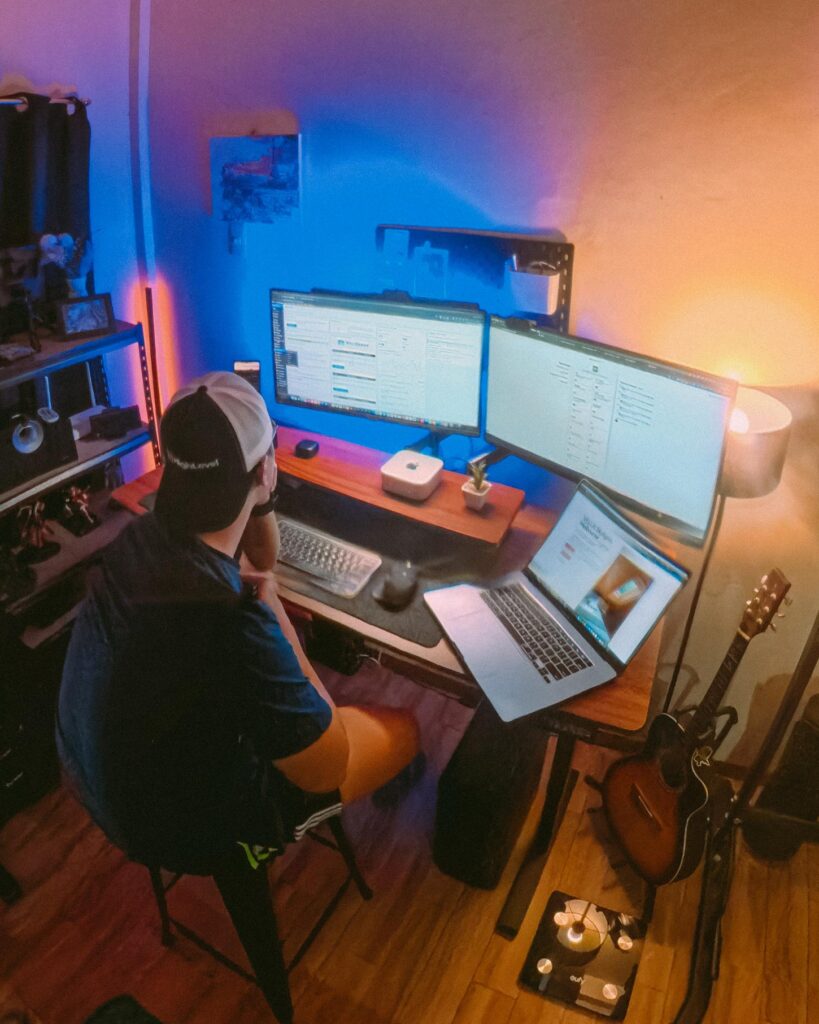
Recently visited my fiancée’s family, so I got some time off from this workstation and worked from somewhere else for a bit.
That’s one of the things I’m really grateful for with freelancing. You have the freedom to bring your work anywhere and get a change of scenery when you need it.
But yeah, good to be back at this little workspace!
Got my new eyeglasses! Been trying to take better care of my eyes since they take the most stress in this kind of work. So I make sure to get them checked from time to time.
Also, I always go with transition lenses. Just being practical 😅
Classy and functional at the same time!


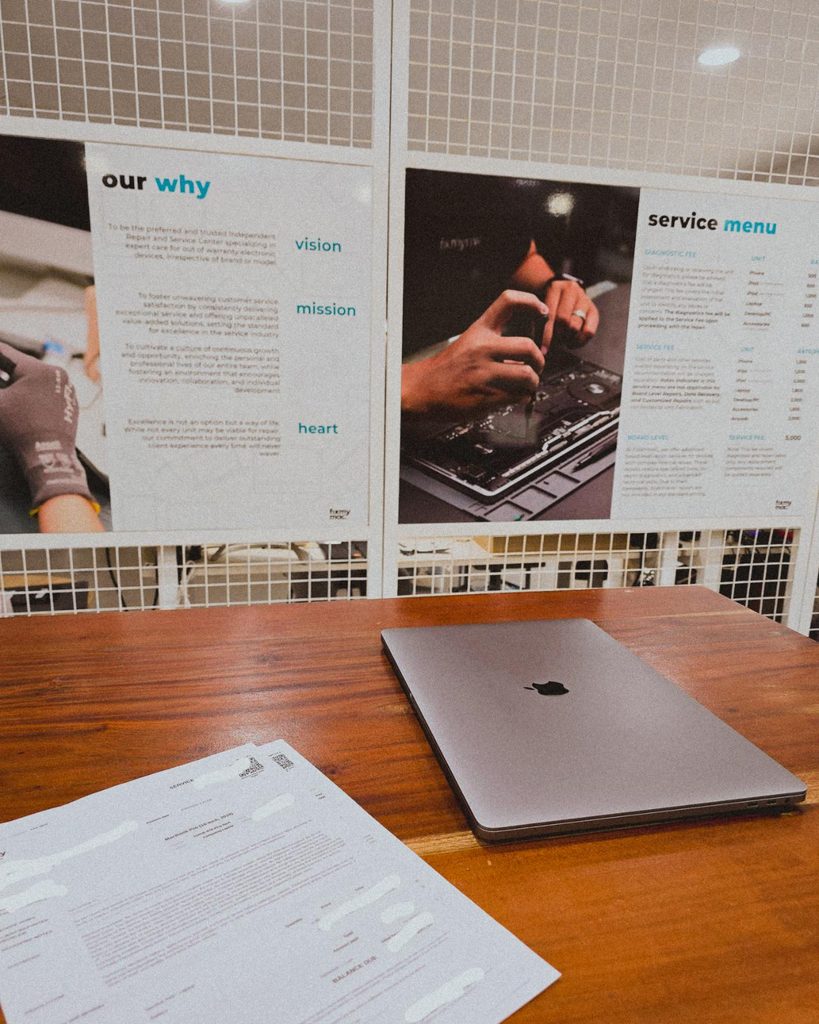
Being a freelancer taught me that you need a backup for everything. Projects, internet, even your computer 😀. Since my main machine is a Mac Mini running the M4 chip, I just needed this laptop repaired as a backup.
But with all the AI integrations these days, PCs and laptops are getting expensive. Even the repairs!
I’m continuing an Elementor project, and I can see myself building custom solutions around it again.
For growing sites with heavy dynamic data and conditional layouts, it’s not really its strongest area.
But it’s still great for marketing sites and for less technical users. Also noticed it now has an MCP, which is a nice plus if you’re using AI.
8 structured data systems in one project. Connecting and strategizing everything so it all works from day one.
I guess freelancing feels fulfilling once you’re done with this kind of project. But the process behind it? That’s a bit overwhelming.
This time I’m not starting from scratch though, the previous provider left it at about 15% progress so I’m just picking up where they left off.
The only real challenge? The language. Shifting from English to Deutsch 😅
Hallo zusammen 👋
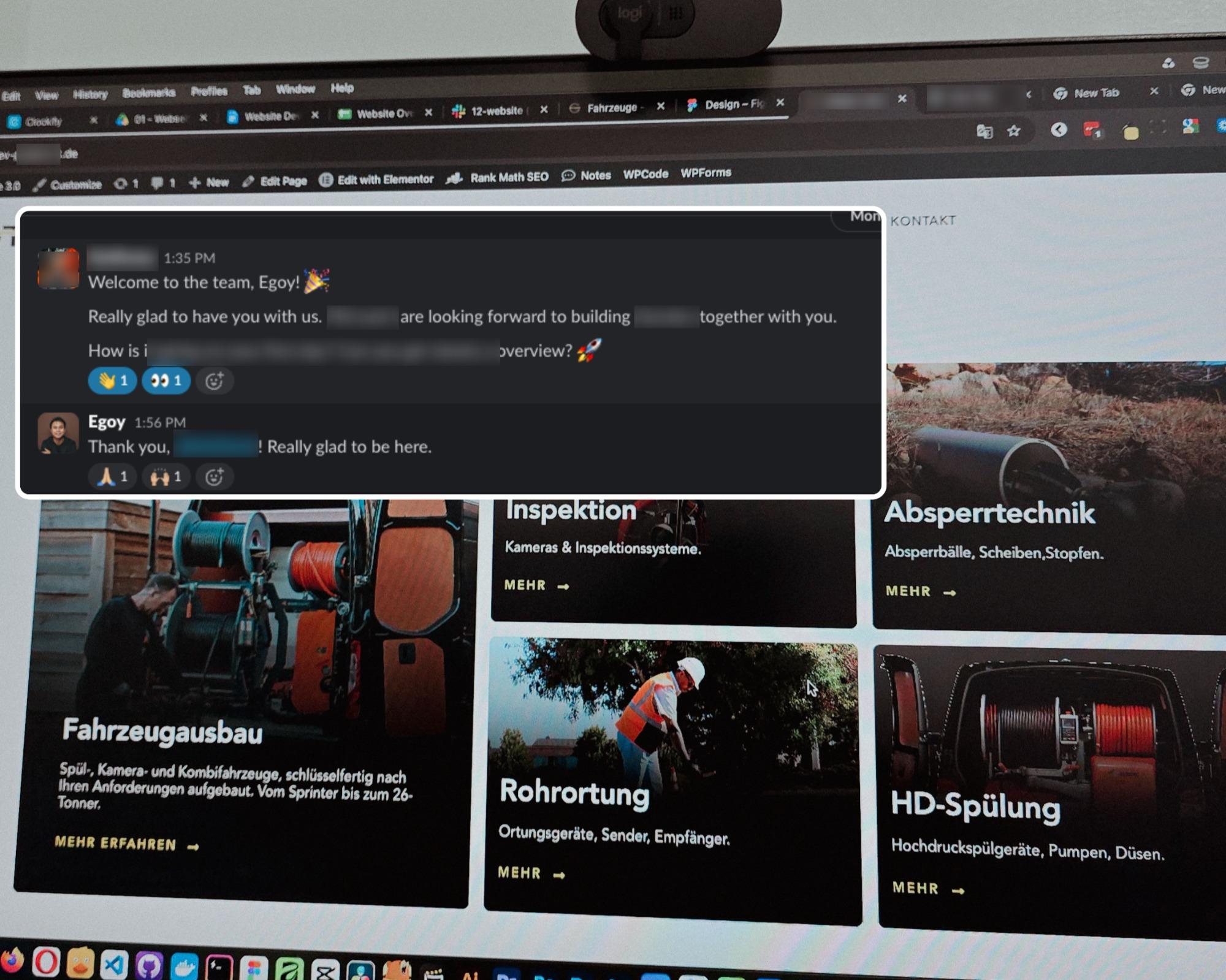
Currently working on one of my monthly site care tasks, checking the speed of a client site. And it’s still performing well. These routine checks don’t look exciting but they keep things running the way they should.
Speed is one of the hardest things to improve on a website because there are so many factors like server, how the pages are built, and the tools used to build them. But I’m still glad I was able to improve this one.
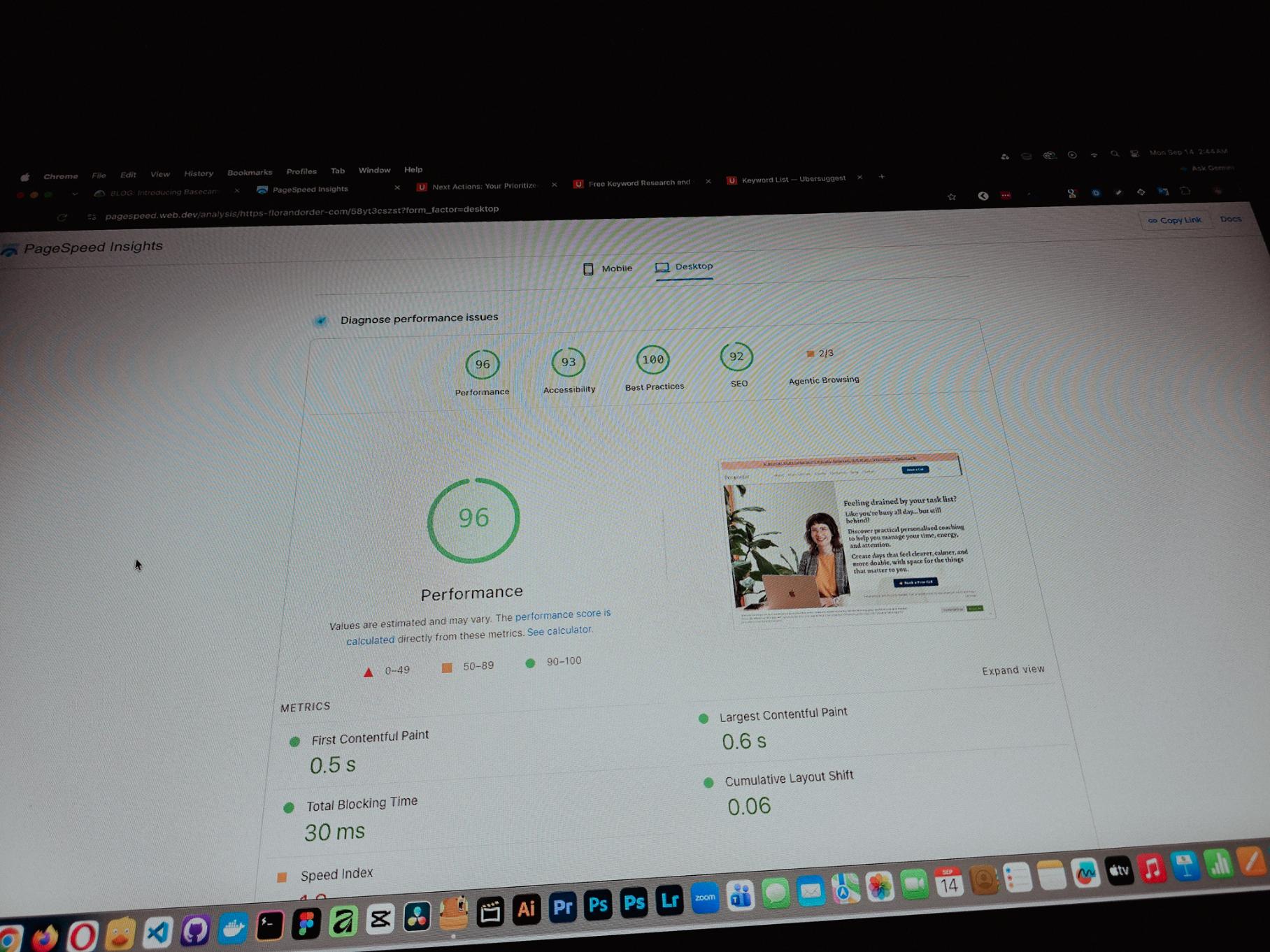
One thing you can’t really control when handling projects is the timeline. It can shift at any point, especially when you’re working with trade businesses.
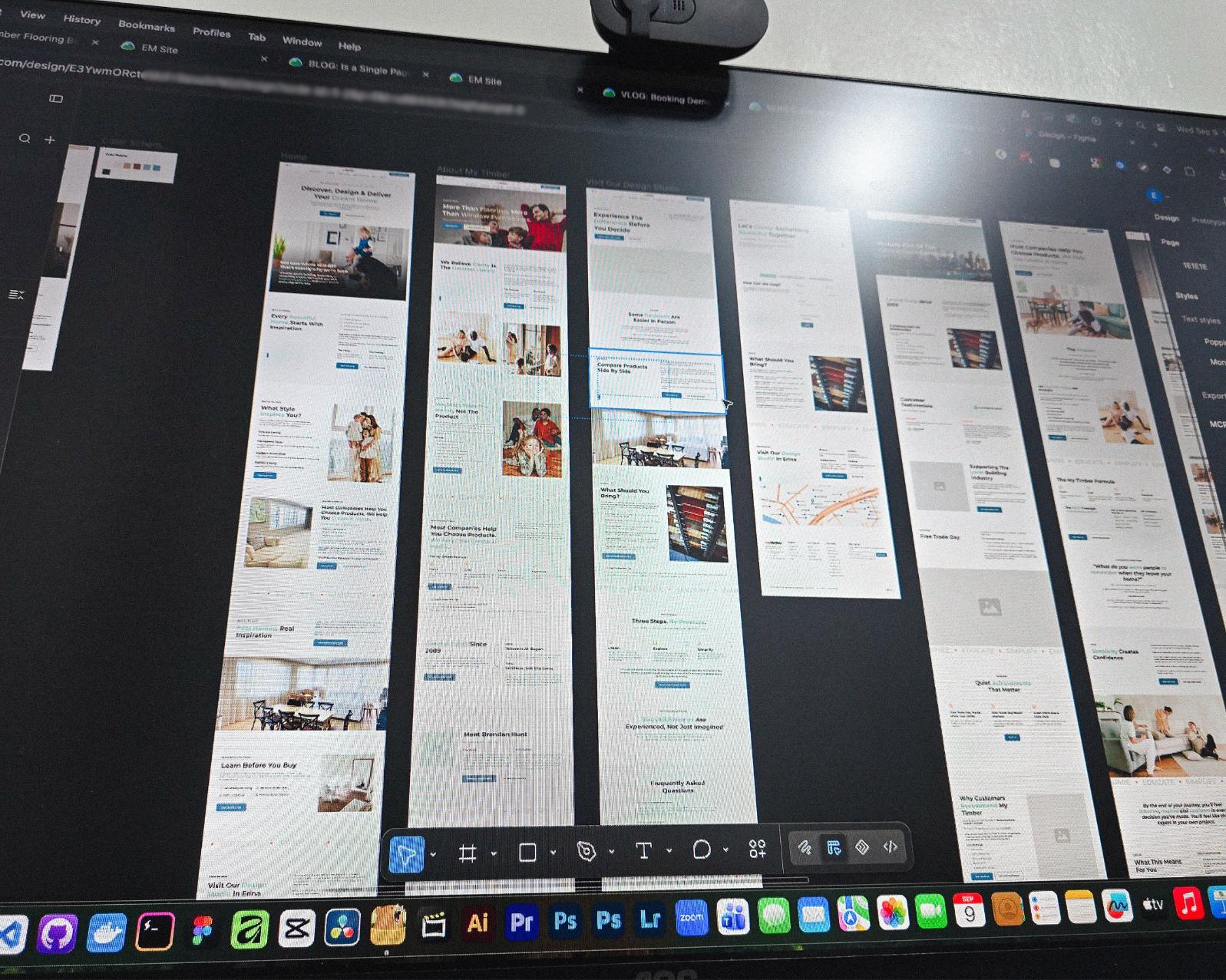
I’ve tried the more popular ones, but Basecamp is still one of the most straightforward tools out there.
Btw I’m almost done with a new post on how I onboard client projects using it.
Since I left my corporate job last year to go full-time freelancing, I’ve been putting a lot more effort into this website.
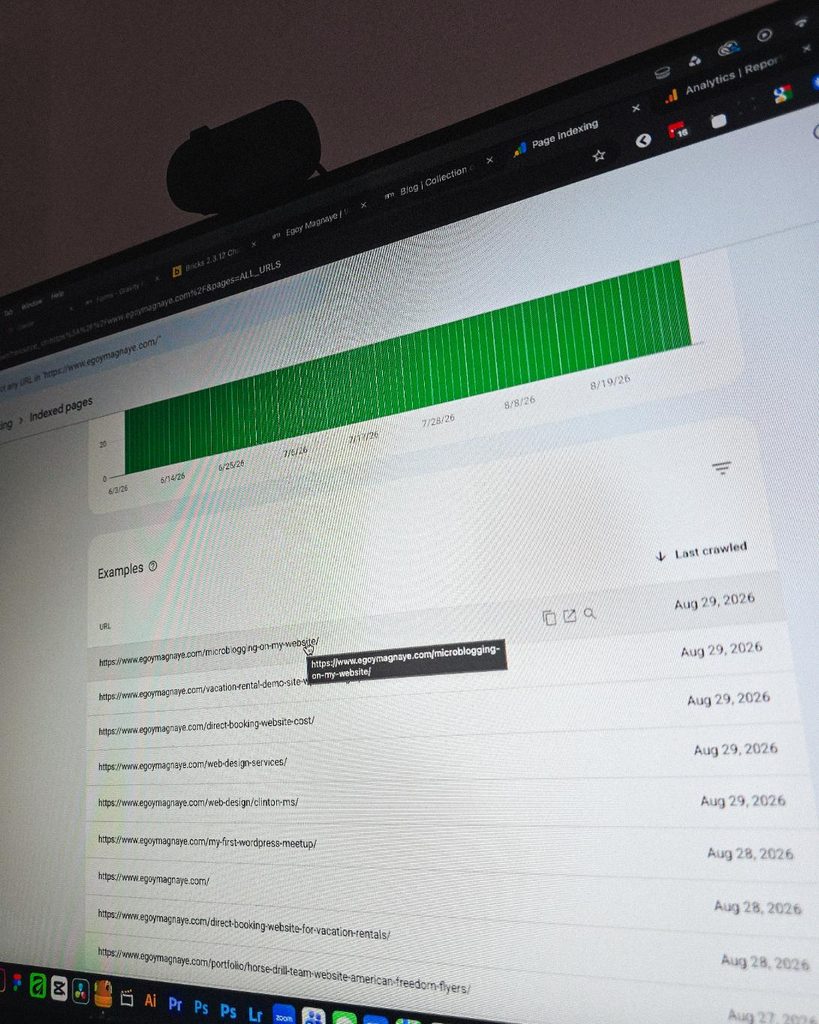
Just added a new post and it got indexed almost immediately.
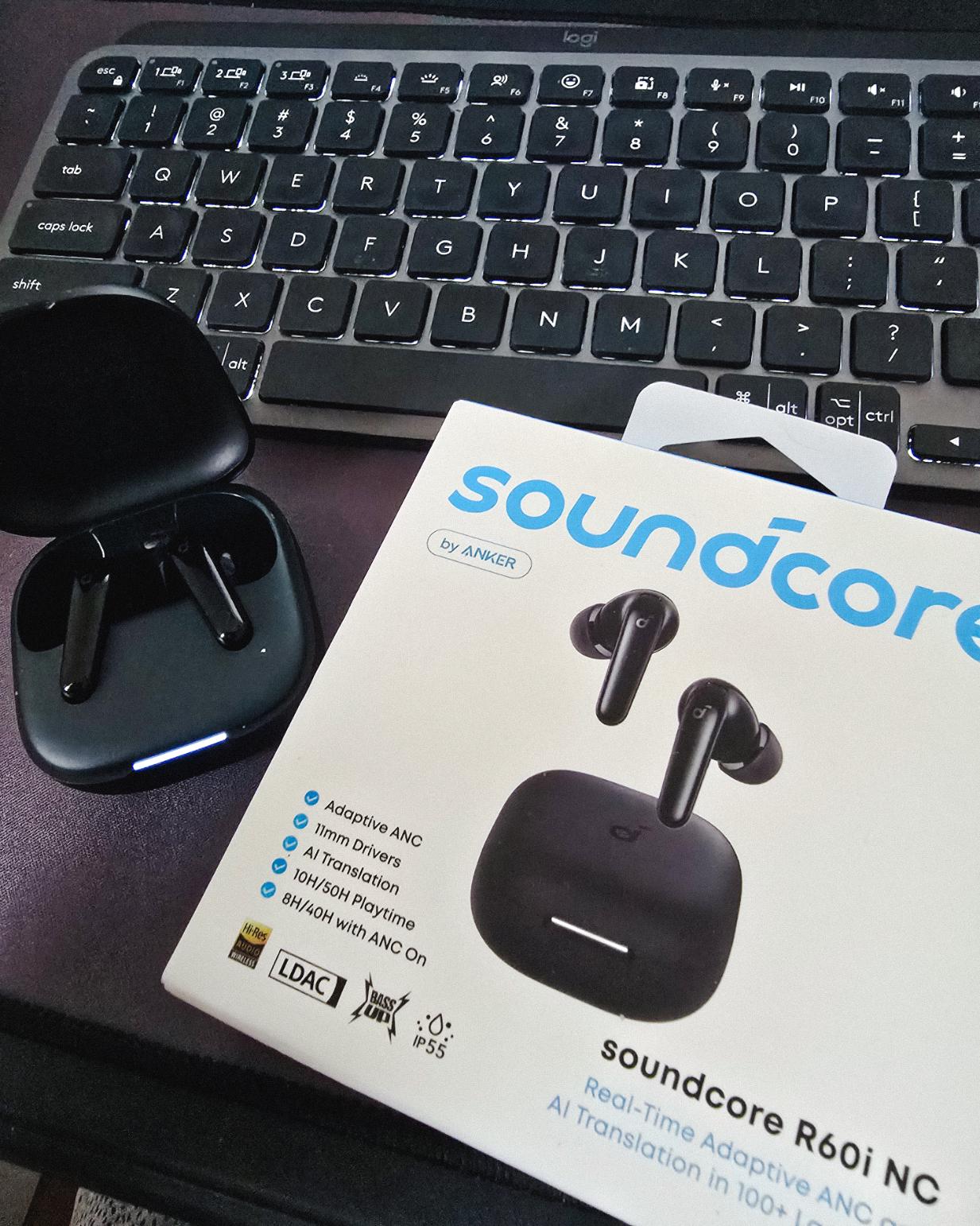
Got my new earbuds from Anker and I’m really liking the noise cancellation so far. Been using the one from Baseus for 2 years and it finally needed a replacement.
Looks small but this pair really helps when I need to focus.
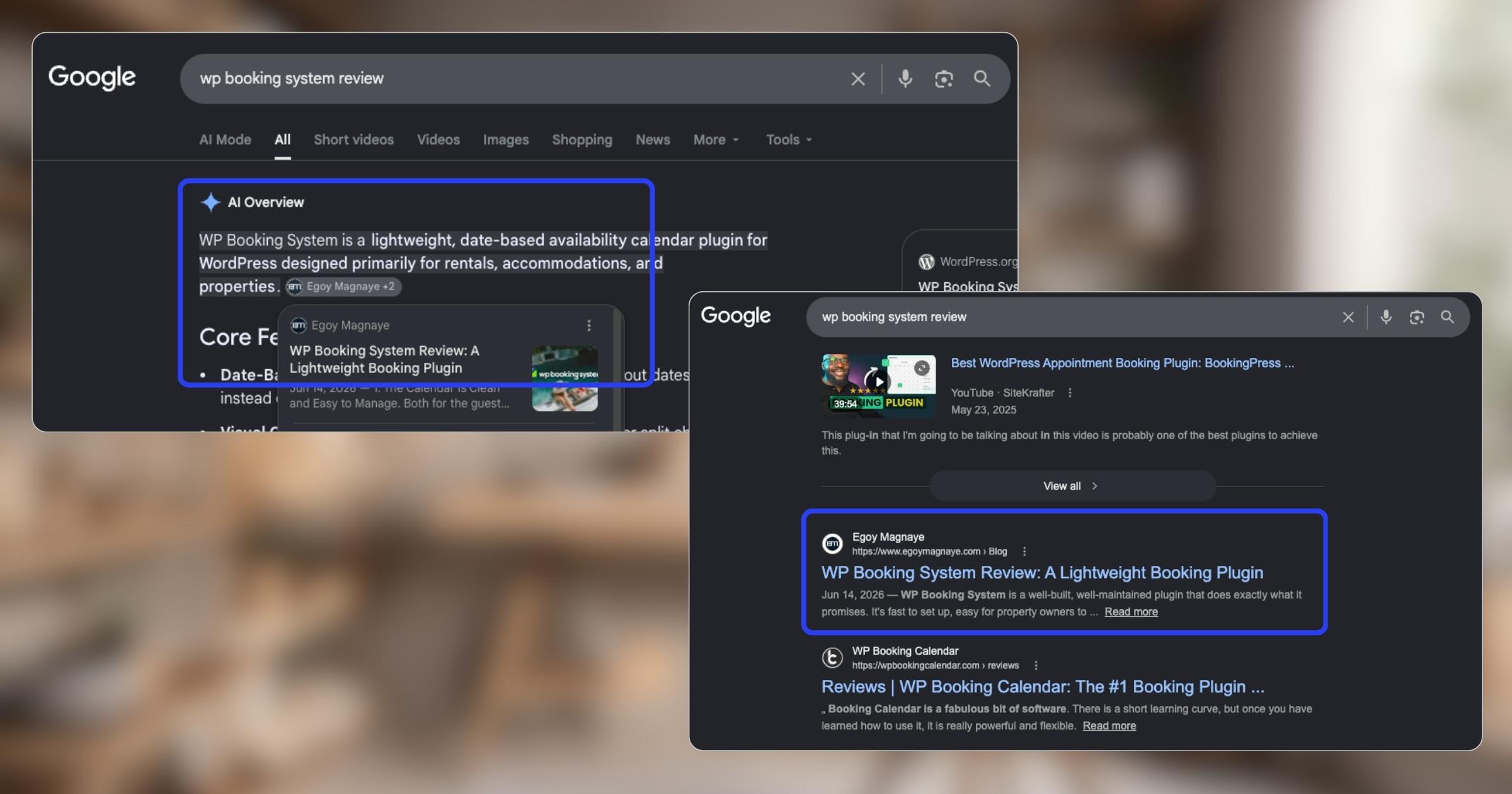
My WP Booking System review is now showing up in AI Overviews and SERP, just like my Bricks Builder one. Been ranking for both too.
Found some old clips of my website designs done on Adobe XD. Different versions of my site over the past 10 years. A lot of testing and trial and error. It’s been a journey.
Had to switch to Figma with all the issues around XD being phased out.
I can’t remember if they’re going to post recordings of the 2-day event, but I was still able to gather some insights from my phone and memory 🙂
Here’s the new blog about HighLevel Live Manila.

Since I’ve already added more than 10 notes, I can say I’m really liking this new feature on my website.
See the full post on why I added microblogging to this website.
Nah maybe a discount 😅
But seriously, if you’re going with WordPress, at least use a solid page builder like Bricks (my bias), Beaver, Divi, or Elementor. Launching a site is just a small part of it.
Building new pages and optimizing over time is the long game, and your site builder matters for that.
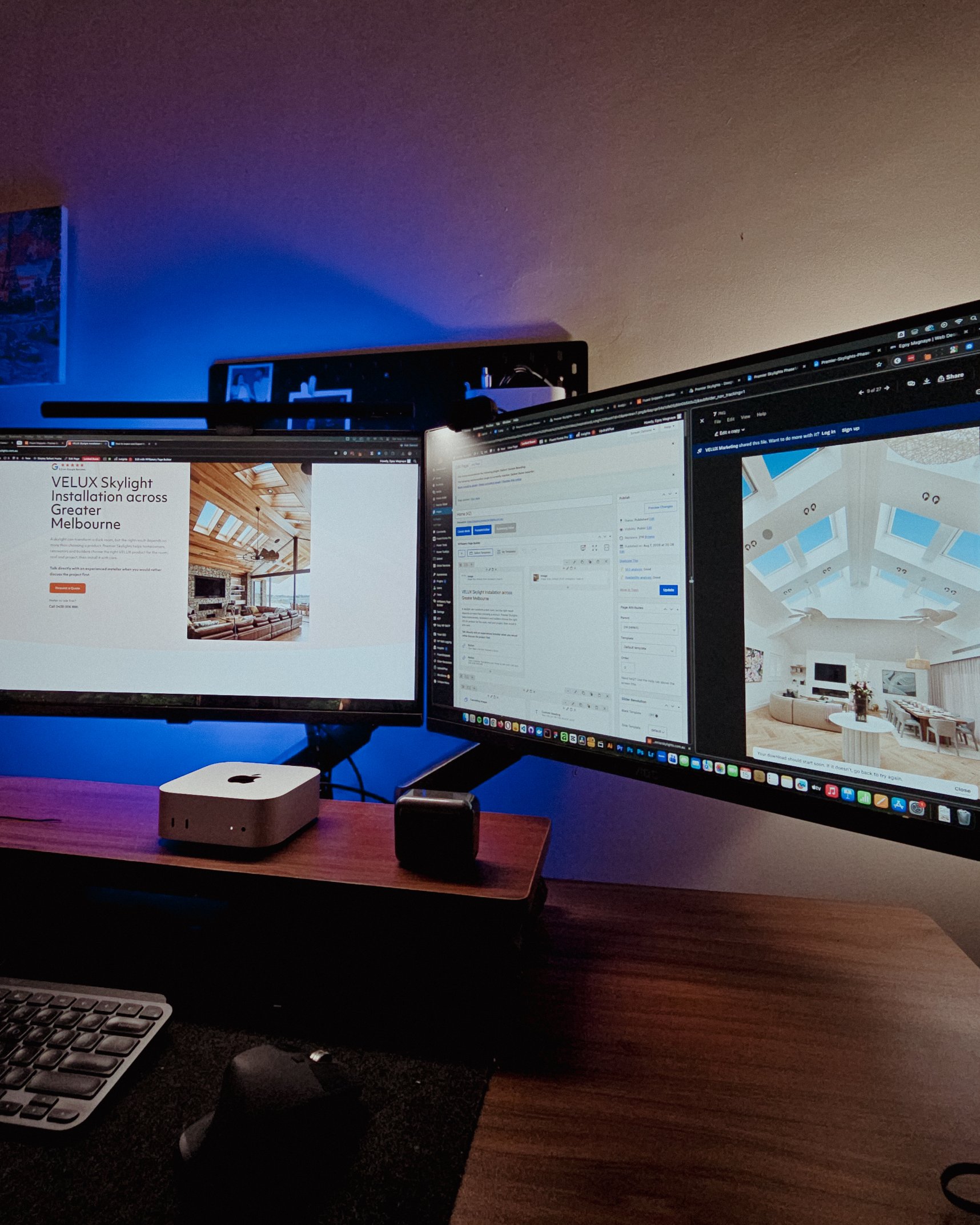
Looking at these skylight photos all day got me thinking. What’s it like living in a house with a transparent roof like that? Then I imagined having one here in PH. Sounds great when it rains. Then summer hits 😂
jk, these skylights are actually automated and packed with features.
Reader Disclosure
Disclosure: I may occasionally include affiliate links in my posts or pages. If you click on one of these links and make a purchase, I may receive a small commission, which helps me keep this website running and create more useful content. However, this does not affect my opinion on the product or service in any way. I only recommend products and services that I truly believe in and use myself.
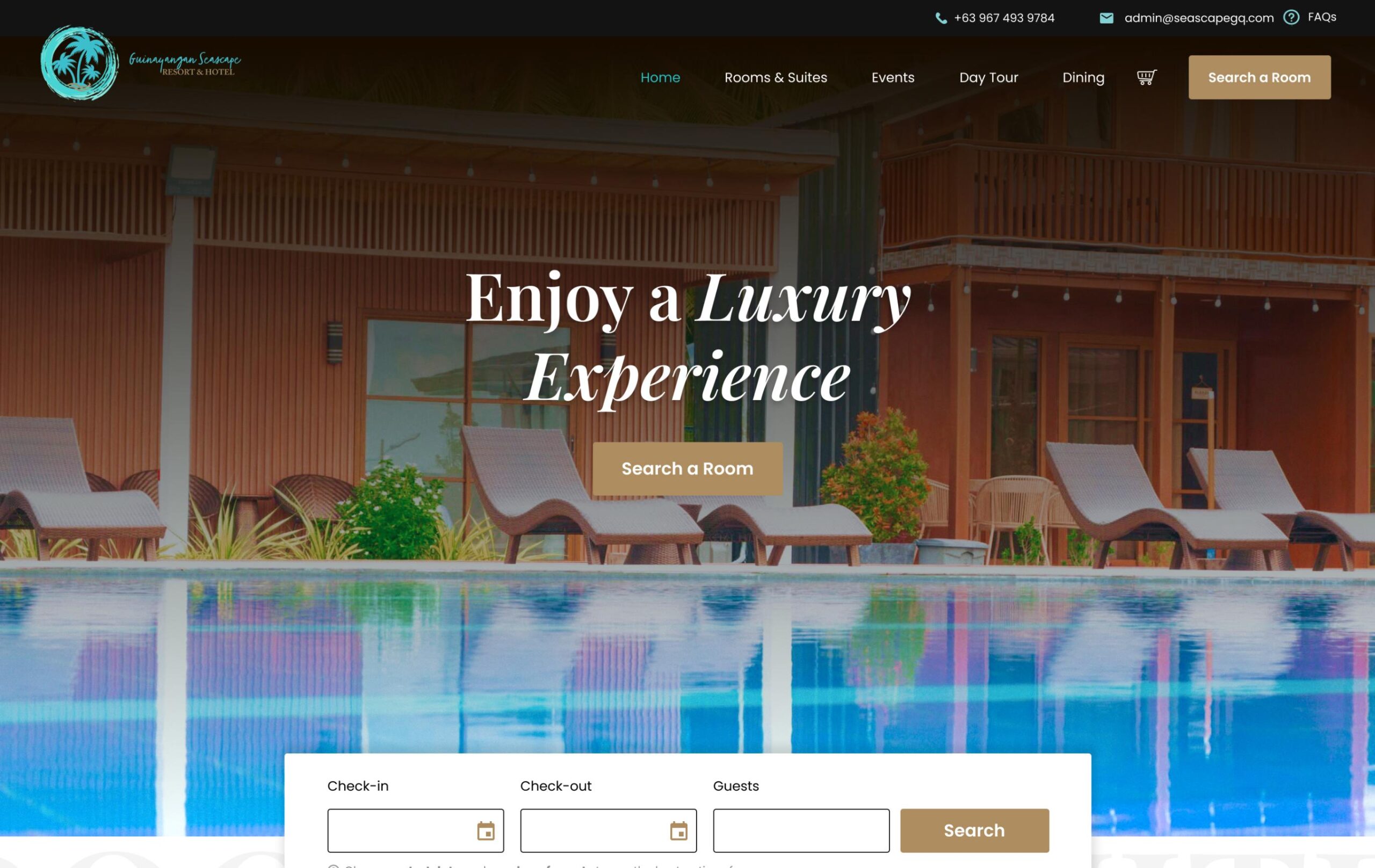
If you’ve read my YITH Booking & Appointment review, you already know that WP Booking System was actually the first plugin I recommended for a hotel & resort project. It did what we needed at the time. The setup was fast, the calendar looked clean on the frontend, and we could manage bookings from the dashboard without any hand-holding.
We eventually switched to YITH Booking & Appointment for reasons I’ll explain later in this post. But that switch wasn’t because the plugin is bad. It’s because the project’s requirements grew beyond what it was designed to handle.
So in this post, I want to give a fair breakdown of what it offers, what makes it a genuinely good option for certain properties, and where it might not be the best fit, so you can figure out if it works for yours.
WP Booking System is a WordPress booking calendar plugin designed for daily bookings. Vacation rentals, holiday homes, vehicle rentals, equipment hire. It’s been around for a while, has over 20,000 active installations, and holds a 4.9 out of 5 rating on WordPress.org.
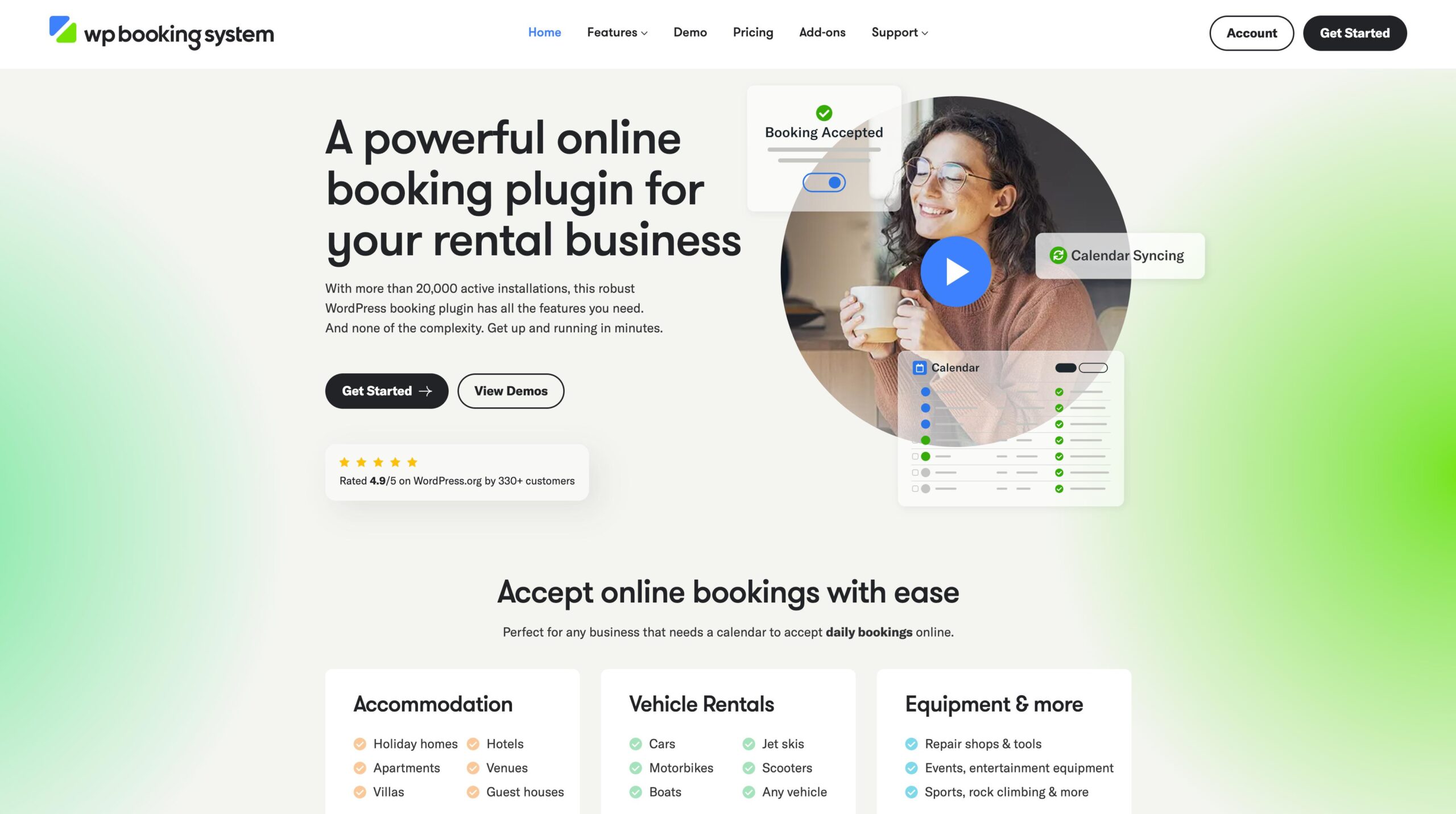
The core idea is simplicity. You install the plugin, create a calendar, embed it on your page, and you’re accepting bookings. No WooCommerce dependency, no complicated product setup, no eCommerce overhead. For a property owner who just wants guests to pick dates and submit a booking request, that simplicity is the whole point.
Give your guests a way to book directly with you, so you keep more revenue and build real relationships from the first reservation.
Includes 3 months of Site Care + a Personalized Growth Guide
One thing worth pointing out: WP Booking System has a free version on WordPress.org that you can install right now without paying anything.
With the free version, you can create a booking calendar and a booking form, receive and manage bookings from the dashboard, and embed everything using a shortcode or a Gutenberg block. It also supports multiple languages, which is a nice bonus if your guests aren’t all English speakers.
What you don’t get on free is the stuff that makes it production-ready for a real vacation rental business: iCalendar sync, online payments, custom legend items, split-day selection, email notifications, and the ability to create unlimited calendars and forms. Those are all premium features.
If you’re still evaluating whether this plugin is right for your property, you can install it, set up a test calendar, see how the interface feels, and decide before spending anything. That’s a low-risk way to test drive a booking system, especially if you’re comparing it against other options.
I want to spend some time here because these are things I genuinely appreciated when I was testing and using the plugin.
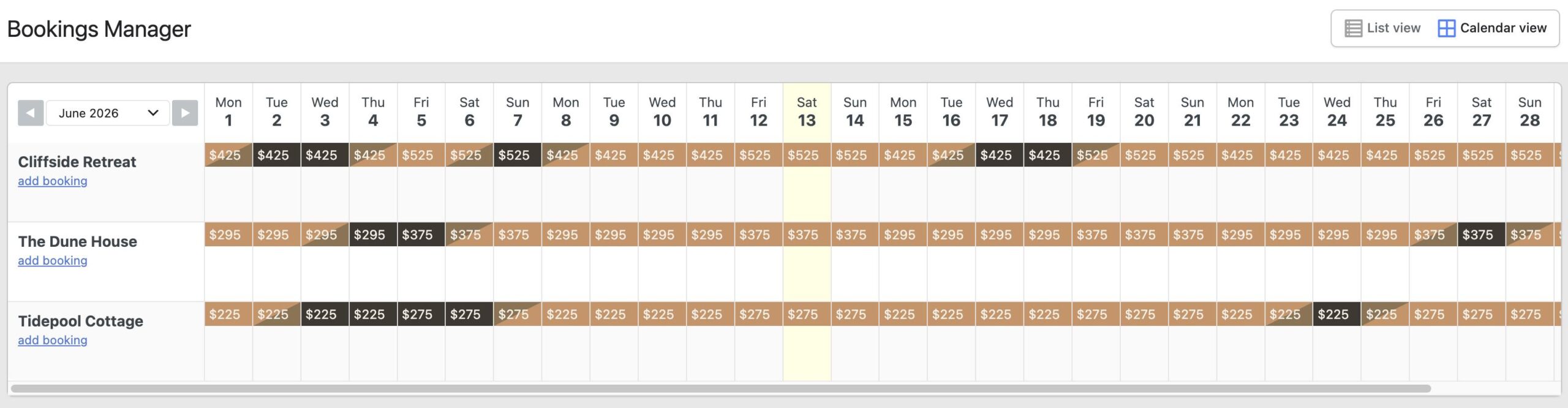
Both for the guest and for the property owner. On the frontend, the calendar displays availability clearly with color-coded dates. On the backend, you can update availability with a few clicks, set changeover days (that split-day visual showing check-in and check-out on the same date), add tooltips for specific dates, and create custom legend items.
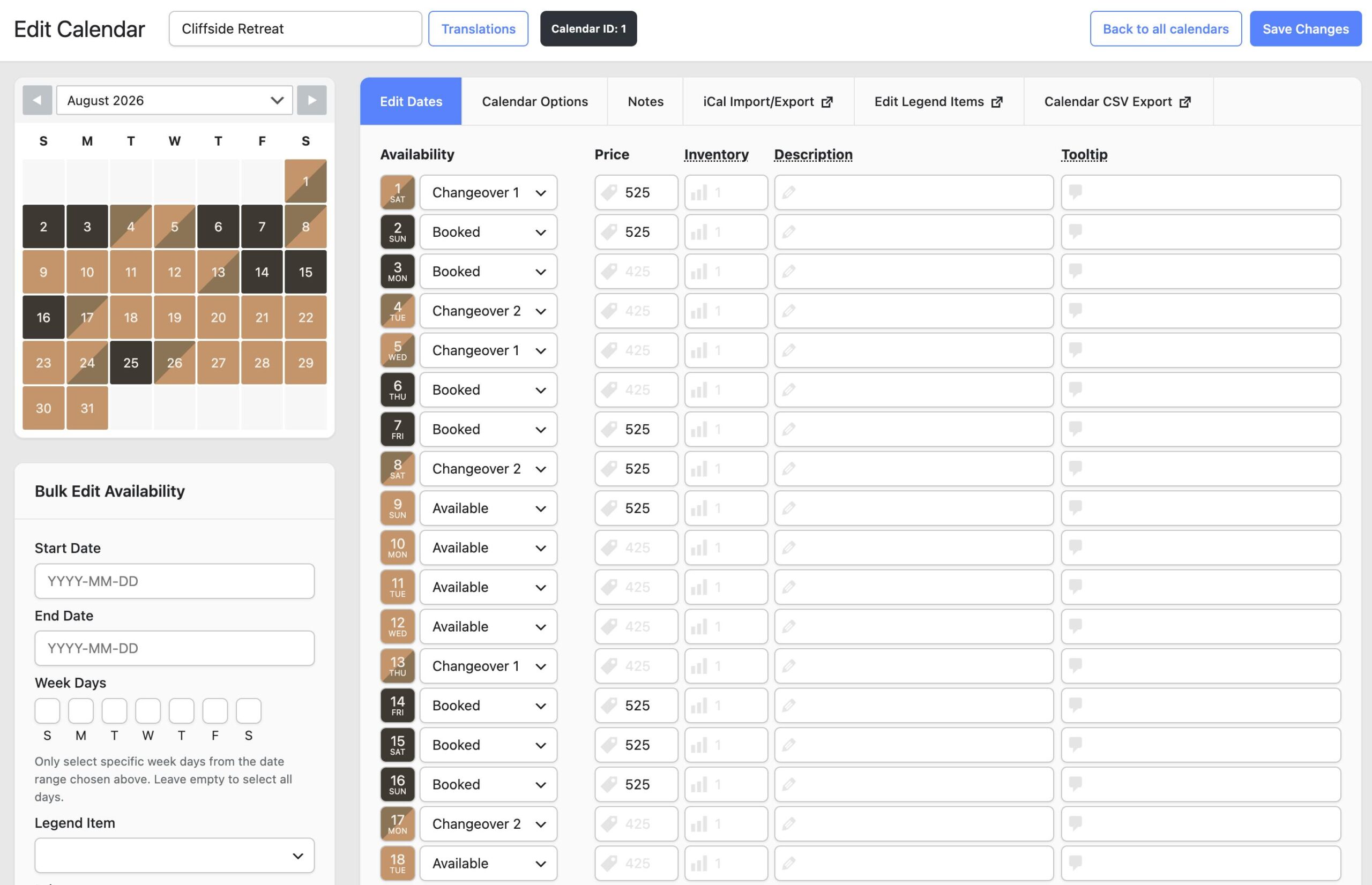
If you’ve ever had to explain to a client what “booked” and “available” mean on their calendar, the visual legend system handles that really well.
This was a big deal for the project. The plugin syncs availability with Airbnb, Booking.com, Vrbo, Google Calendar, and any platform that supports iCal feeds. That means when someone books on Airbnb, the dates automatically get blocked on the direct booking calendar, and vice versa.
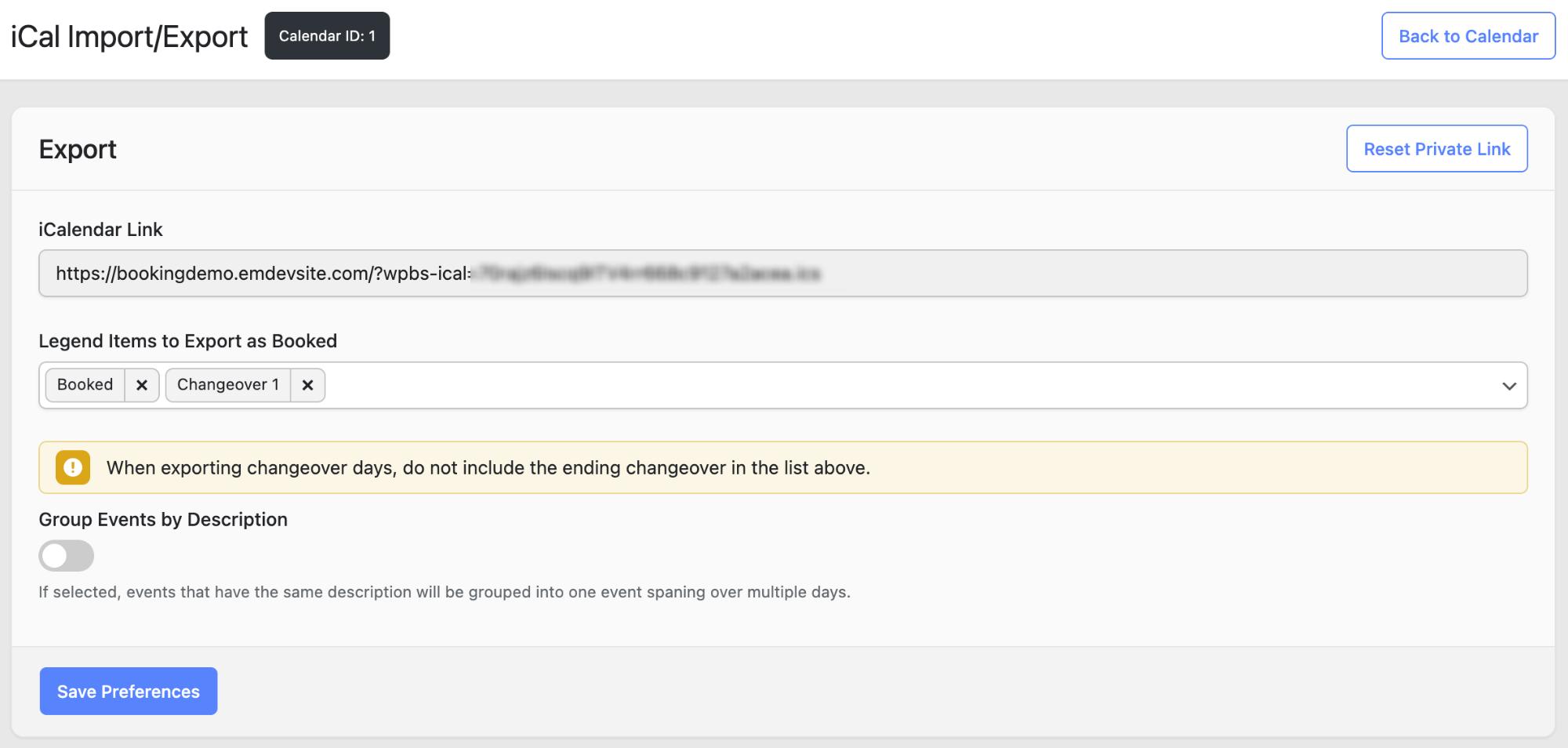
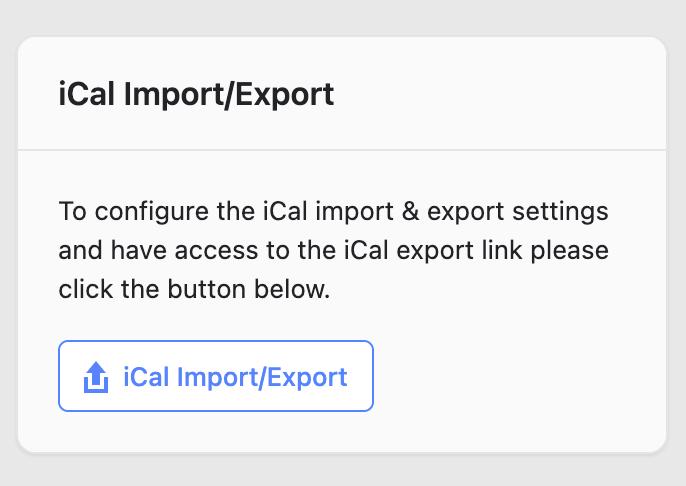
For any vacation rental host who wants a direct booking website alongside their OTA listings (which is exactly what I help clients build), this kind of sync is non-negotiable. The fact that this plugin includes it out of the box, without needing a third-party integration tool, is a real plus.
This might sound like a small thing, but it matters more than you’d think. WooCommerce is powerful, but it’s also heavy. It adds additional complexity on your site, admin menus, cart logic, and a lot of overhead that a simple vacation rental site doesn’t necessarily need.
The plugin runs independently. Your site stays leaner, page loads stay faster, and you don’t have to worry about WooCommerce updates breaking something. If all you need is a calendar, a booking form, and a way to collect payments, skipping WooCommerce entirely is an advantage.
That said, if you do want to use WooCommerce, the plugin has an add-on called WooCommerce Checkout (more on that later).
I initially thought this booking system offers only a basic form with a few text fields. It’s not. The form builder has three tiers of elements: basic fields (text, email, phone, textarea, dropdown, checkbox, radio, number), advanced fields (datepicker, HTML, hidden fields, captcha, consent, and even a signature field), and pricing-specific fields (product fields, product dropdowns, coupon, inventory, total, and payment method).
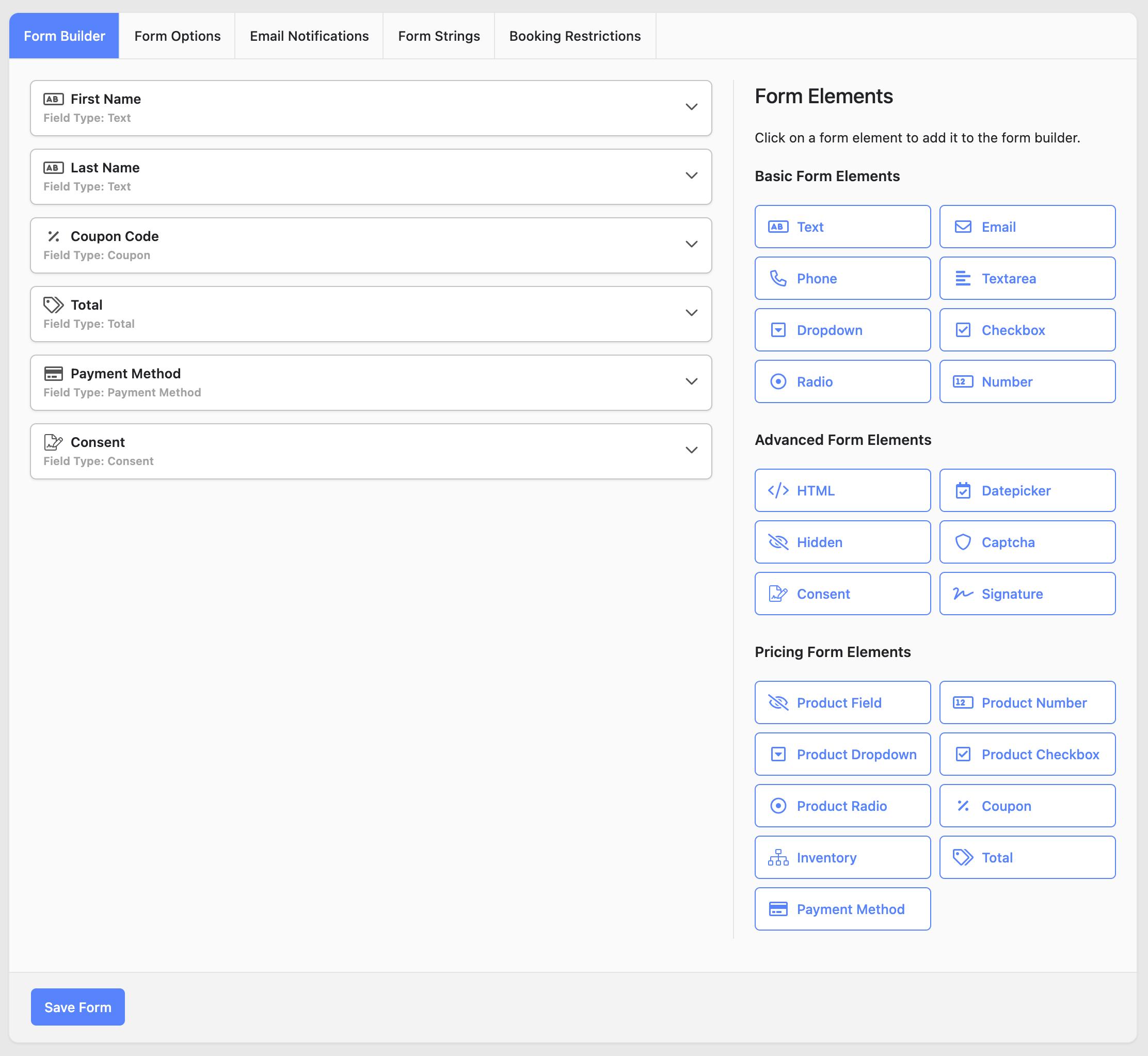
Worth noting that some of these fields, like inventory and coupon, are tied to separate add-ons, so they’re not all available out of the box.
It also supports conditional logic, so you can show or hide fields based on what the guest selects. For example, you could display a coupon code field only when a guest picks a specific dropdown option, or show an extra textarea when they check a box for special requests.
Email notifications come with the plugin, and SMS is available as a separate add-on. You can set up different notifications for different moments in the booking lifecycle: a confirmation when someone books, a reminder a few days before their arrival, and a follow-up thank-you message after checkout. You can also customize who receives each notification, whether that’s the guest, the property owner, or both.
On the Business plan and above, you get access to Stripe, PayPal, Square, Mollie, and a WooCommerce Checkout add-on. The Personal plan only supports offline payments (bank transfer, pay on arrival), so if you need online payments, you’ll want the Business tier at minimum.
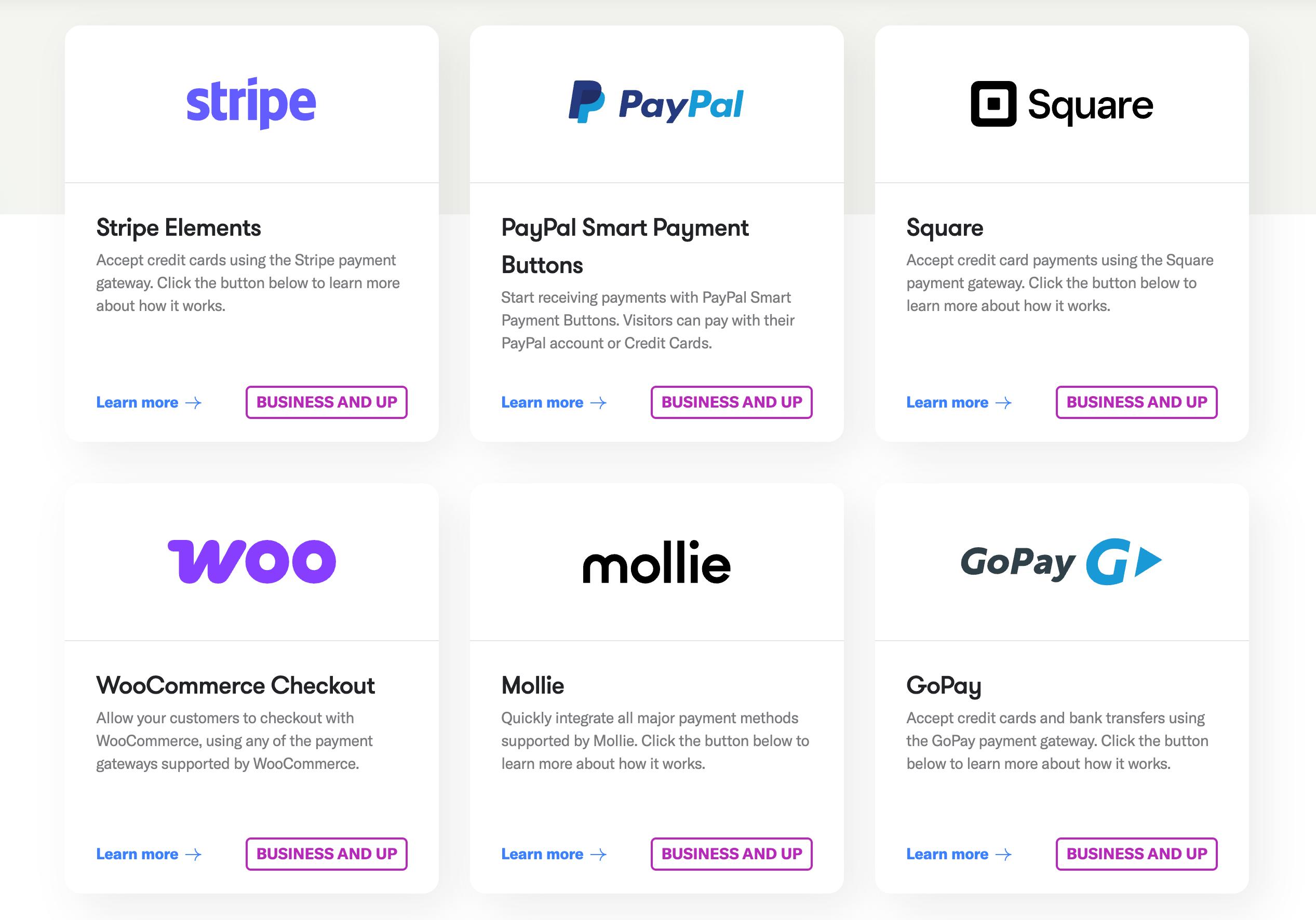
As for the WooCommerce Checkout add-on, I think where it becomes useful is when your preferred payment gateway isn’t natively supported by the plugin. For example, here in the Philippines, Stripe isn’t available. So if you want to accept payments through a local gateway like PayMongo, you’d need WooCommerce installed along with that gateway’s WooCommerce plugin. The add-on bridges that gap and lets you route bookings through WooCommerce’s checkout instead.
If you want to see how all of this comes together on an actual vacation rental website, I built a demo site called Coastip & Co. using the premium version of the plugin and a few of its add-ons. Three properties, full booking flow, the whole thing.
Every plugin has tradeoffs. Here are the ones I think are worth knowing about before you commit.
The plugin uses a fixed timezone based on what’s set in your WordPress settings. It doesn’t automatically adjust for the guest’s local time. For most vacation rental bookings, this isn’t a major issue since you’re booking dates, not hourly slots. But if your property gets a lot of international traffic and you have strict check-in or check-out times, it’s something to be aware of. A guest in New York looking at your calendar set to Philippine Standard Time might need a moment to do the math.
It’s not a flaw in the plugin itself. Most WordPress booking plugins work this way. Just worth mentioning so you’re not caught off guard.
This is the reason we eventually moved away from it for a recent short-term rental project I worked on. Each calendar in the plugin represents one bookable unit, and each booking is tied to one calendar. There’s no shared cart system.
So if a guest wants to book two different rooms at the same time (a deluxe for themselves and a standard for their friends), they’d need to go through the booking process separately for each room. Two forms, two confirmations, potentially two payments. I covered this in more detail in my YITH Booking & Appointment review.
Here’s the thing. If you’re running a single-property rental, like a standalone villa, a cabin, or a one-unit Airbnb, this doesn’t affect you at all. You only have one bookable unit anyway. The plugin works exactly as intended for that use case.
It becomes a limitation specifically when you’re managing a hotel, resort, or multi-unit property where guests might want to book several rooms in one transaction. That was exactly our situation, so we switched to YITH, which integrates with the WooCommerce cart and lets guests add multiple rooms and check out once.
As of writing, the plugin offers three annual plans:
Personal at $79/year covers one website with all premium features and 7 basic add-ons. Offline payments only, so no Stripe or PayPal on this tier.
Business at $149/year covers up to 5 websites and unlocks all 21 premium add-ons, including the online payment gateways. This is the realistic starting point for most vacation rental hosts who want to accept online bookings.
Developer at $249/year covers unlimited websites with the same add-on access. Makes sense if you’re a developer building booking sites for clients.
All plans auto-renew annually. If you cancel, you can keep using the plugin but lose updates, support, and access to new add-ons.
As you can see, their pricing is designed for developers and agencies. I think that’s one reason it can get confusing, because online payments like Stripe and PayPal are only included starting at the Business tier. If you just need one license for one website, you’re kind of forced into a plan that covers five.
After testing it and comparing it against other options, here’s how I’d frame it.
WP Booking System is a strong choice if you manage a single bookable property. A vacation home, a standalone villa, a one-unit Airbnb, a single boat or vehicle rental. If your guests only ever need to book one thing at a time, the simplicity and speed of this plugin is an advantage, not a compromise.
It’s also worth considering if you want a booking system that doesn’t depend on WooCommerce. Not every vacation rental needs a full eCommerce layer. If a clean calendar, a booking form, payment collection, and automated email notifications cover your requirements, this plugin handles all of that without the extra weight.
Where it starts to feel limited is when your property has multiple rooms or units that guests might want to book together. That’s a specific use case, and if that’s your situation, I’d recommend reading my YITH Booking & Appointment review to see how I solved it for the Seascape project.
Just to be fair, you can still use this plugin if you have multiple rooms or units. It’s just that I’m talking about the guest booking experience. It really depends on your preference.
Your own booking system, your own guest data, and less reliance on OTA commissions. It works alongside platforms like Airbnb, not against them.
Includes 3 months of Site Care + a Personalized Growth Guide
WP Booking System is a well-built, well-maintained plugin that does exactly what it promises. It’s fast to set up, easy for property owners to manage, and affordable compared to SaaS booking platforms that charge monthly fees or take a percentage of each booking.
For a single-property vacation rental, I’d genuinely recommend it. My previous project just happened to need something more, and that’s okay. Not every plugin needs to be everything for everyone.
If you’re exploring options for your own vacation rental website and want to understand the full picture, including costs, plugins, and what goes into a direct booking setup, check out my other posts on the topic. And if you want someone to handle the build for you, that’s literally what I do.
A quick method for finding and removing the hidden strip causing unnecessary white space between…
How my web design client onboarding stays organized from day one using Basecamp & what…

I just went there hoping to learn something new, but the 2-day event turned out…