Short thoughts, work in progress, lessons learned, & the occasional personal update.
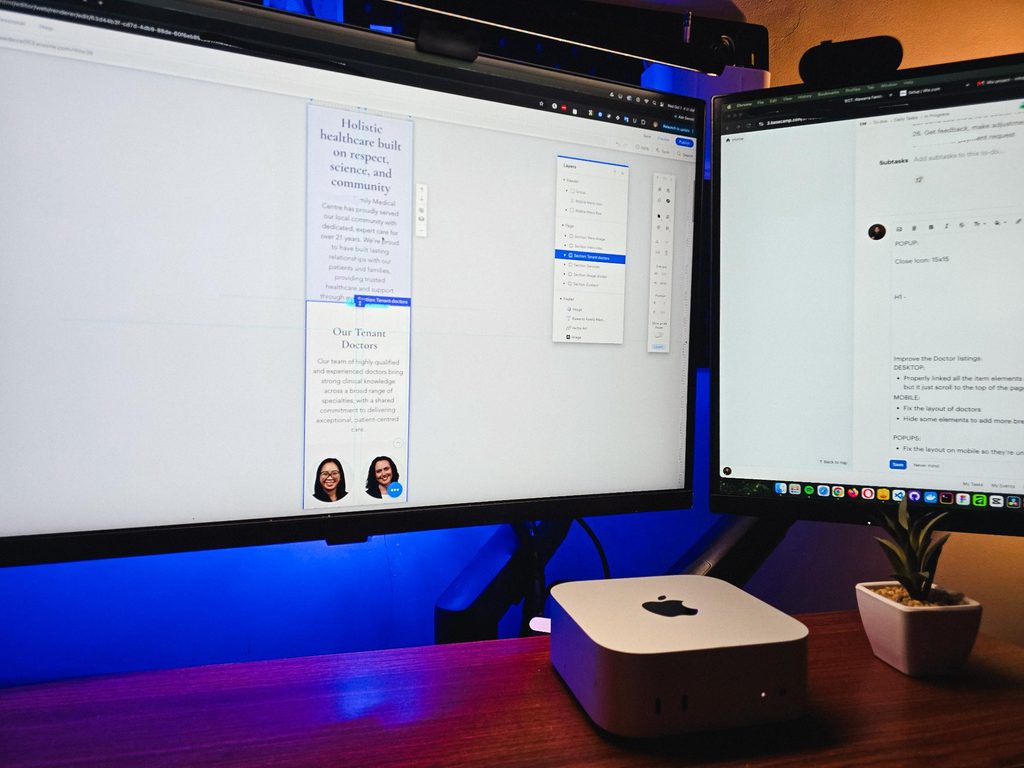
It’s been a while since I worked outside of WordPress. Just spent a week on a Wix project for a healthcare practice, working on some of the design refinements and consistency fixes.
The way you build on different platforms really does differ.
I guess that’s one of the harder parts of freelancing, you need to adapt fast. Enjoyed working on it though.
Posted 2 days ago
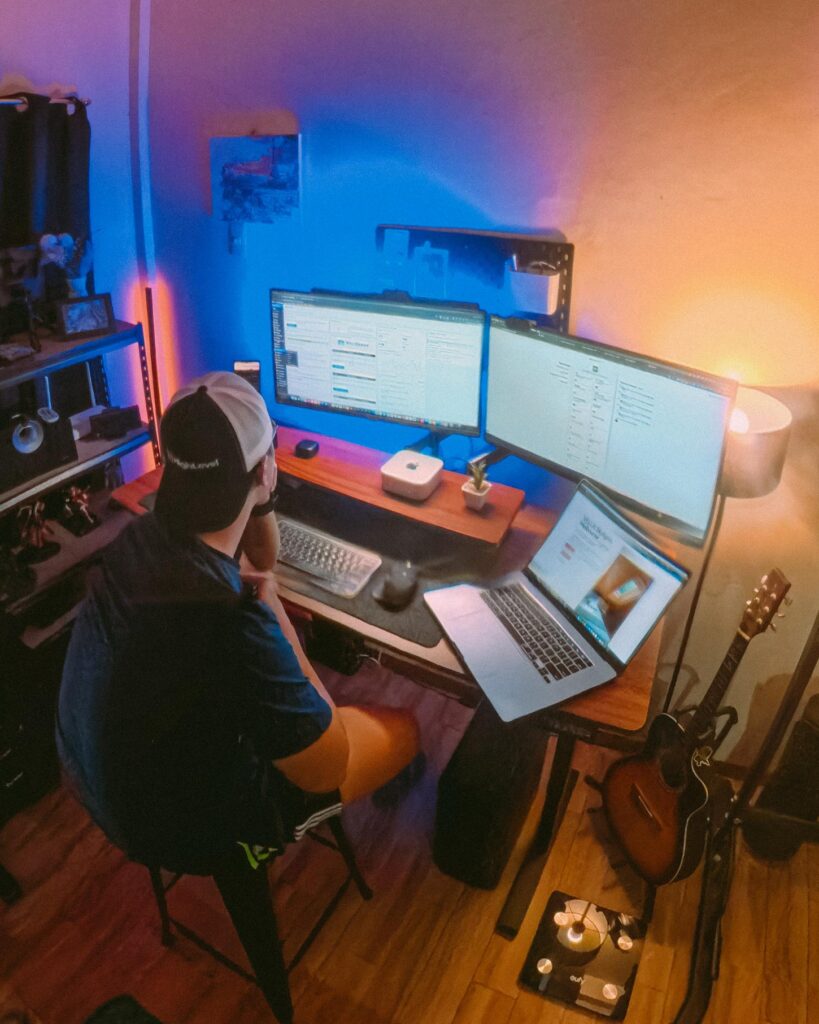
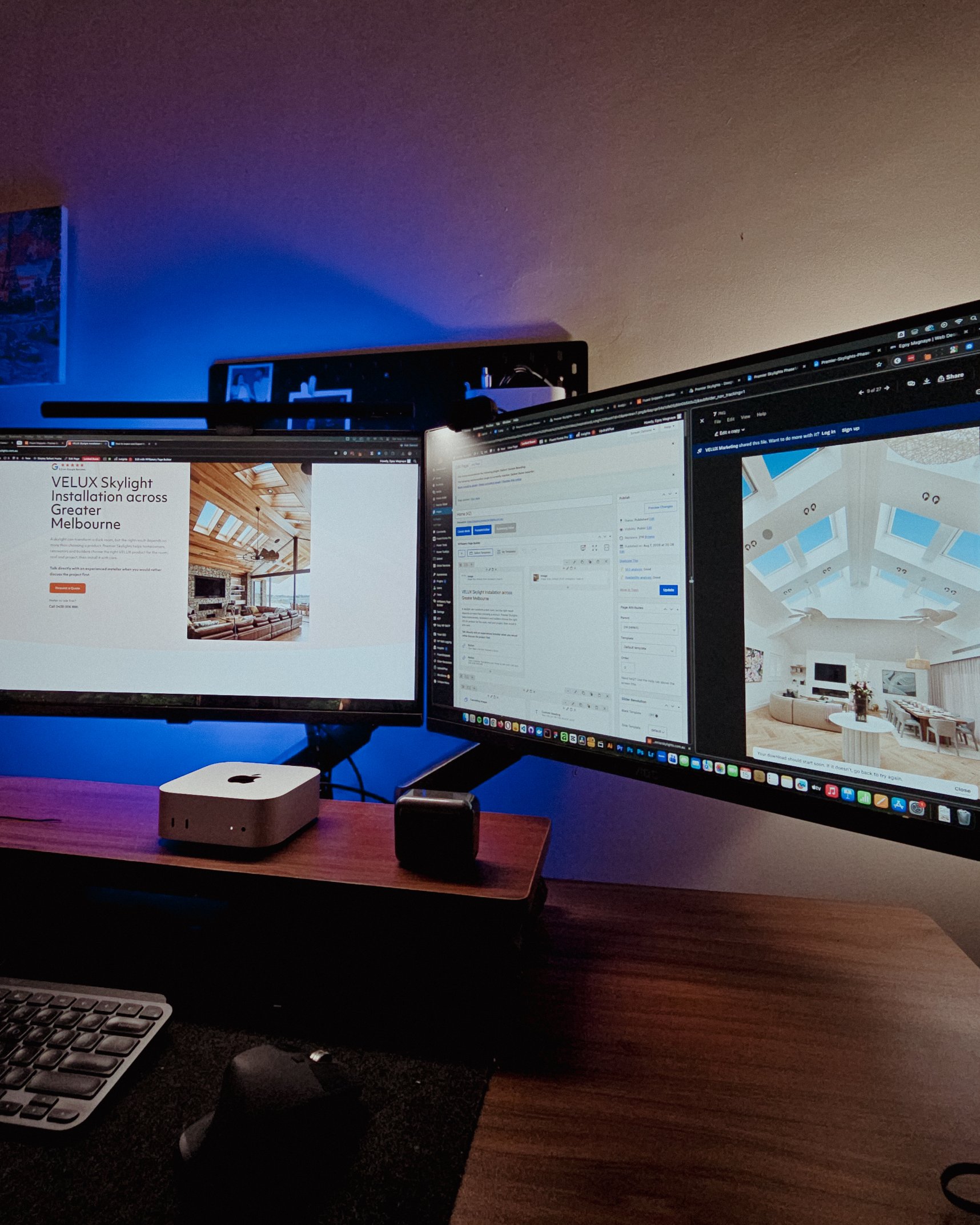
Recently visited my fiancée’s family, so I got some time off from this workstation and worked from somewhere else for a bit.
That’s one of the things I’m really grateful for with freelancing. You have the freedom to bring your work anywhere and get a change of scenery when you need it.
But yeah, good to be back at this little workspace!
Posted October 5, 2026
Got my new eyeglasses! Been trying to take better care of my eyes since they take the most stress in this kind of work. So I make sure to get them checked from time to time.
Also, I always go with transition lenses. Just being practical 😅
Classy and functional at the same time!
Posted October 2, 2026
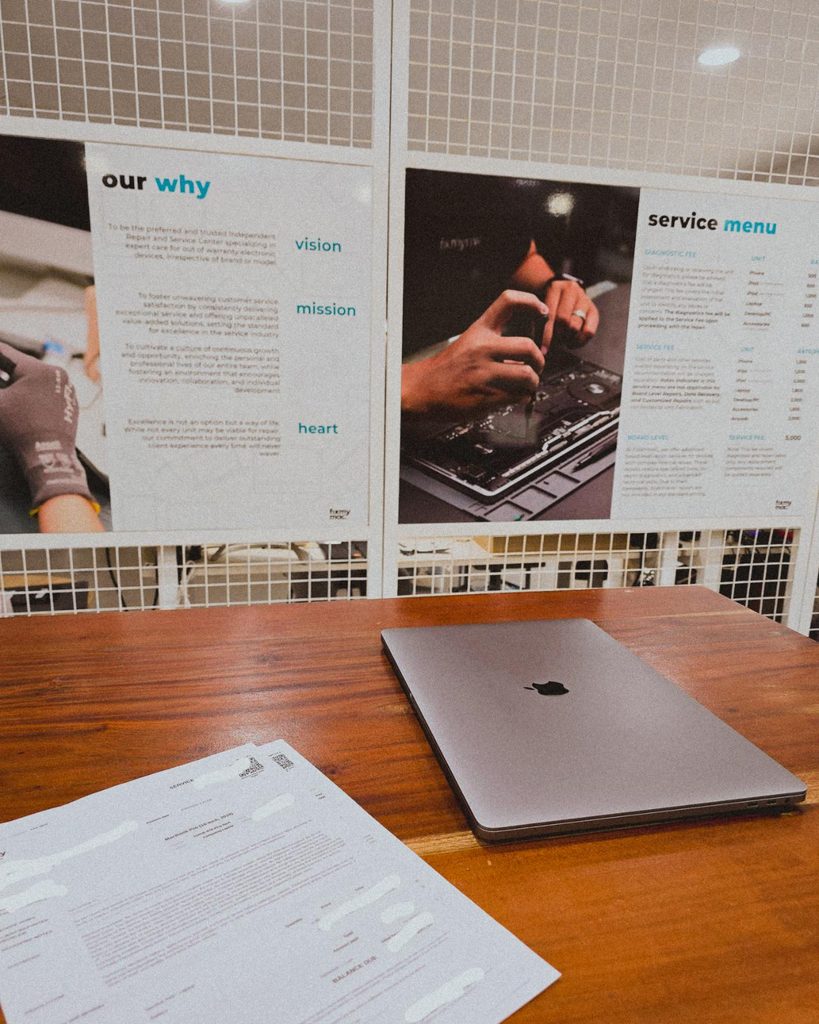
Being a freelancer taught me that you need a backup for everything. Projects, internet, even your computer 😀. Since my main machine is a Mac Mini running the M4 chip, I just needed this laptop repaired as a backup.
But with all the AI integrations these days, PCs and laptops are getting expensive. Even the repairs!
Posted September 29, 2026
I’m continuing an Elementor project, and I can see myself building custom solutions around it again.
For growing sites with heavy dynamic data and conditional layouts, it’s not really its strongest area.
But it’s still great for marketing sites and for less technical users. Also noticed it now has an MCP, which is a nice plus if you’re using AI.
Posted September 25, 2026
Almost done with the design plans for all the dynamic systems on a tradie company web design project.
8 structured data systems in one project. Connecting and strategizing everything so it all works from day one.
I guess freelancing feels fulfilling once you’re done with this kind of project. But the process behind it? That’s a bit overwhelming.
Posted September 20, 2026
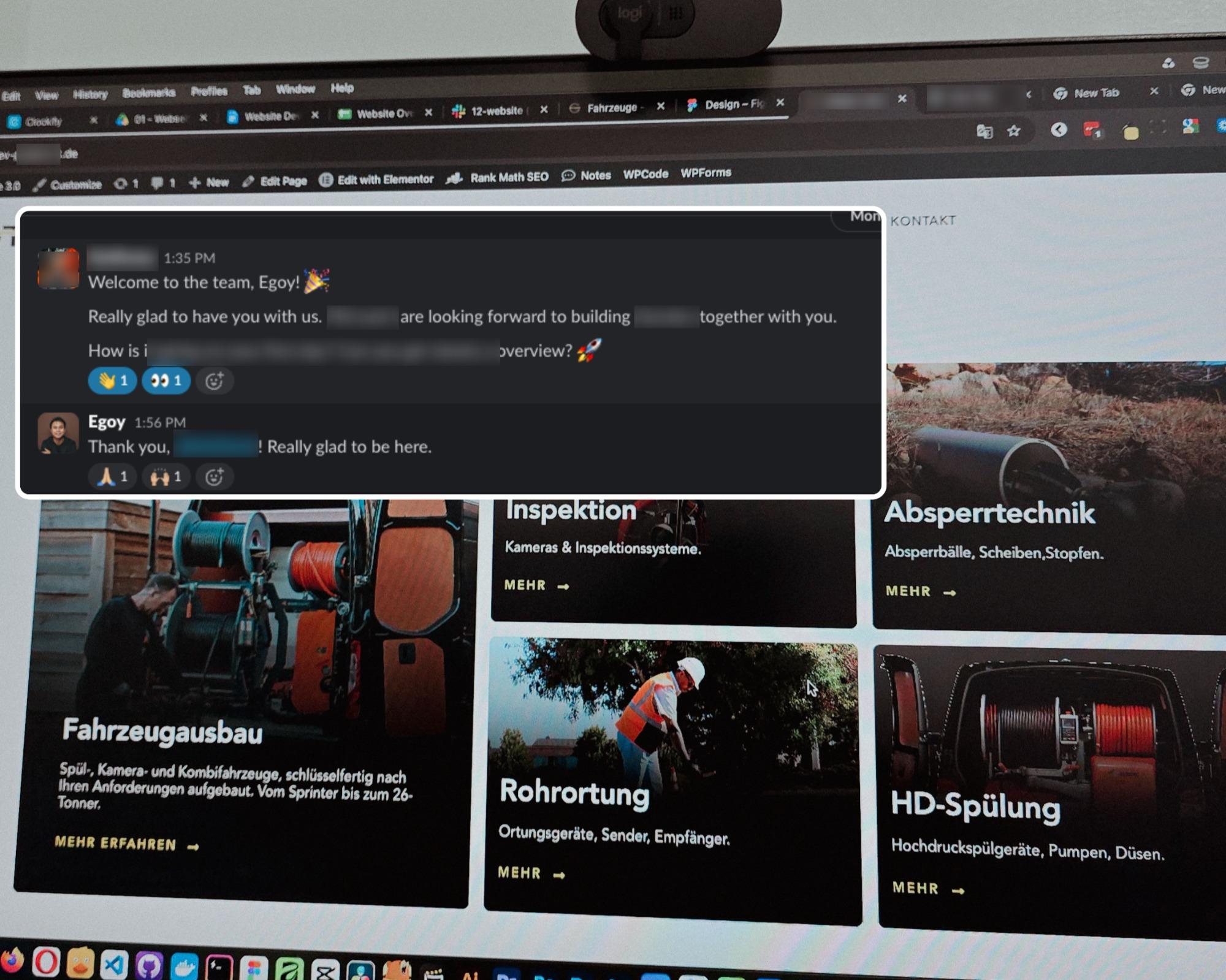
Started a new project for a B2B equipment dealer in the sewer and pipe industry based in Germany.
This time I’m not starting from scratch though, the previous provider left it at about 15% progress so I’m just picking up where they left off.
The only real challenge? The language. Shifting from English to Deutsch 😅
Hallo zusammen 👋
Posted September 18, 2026
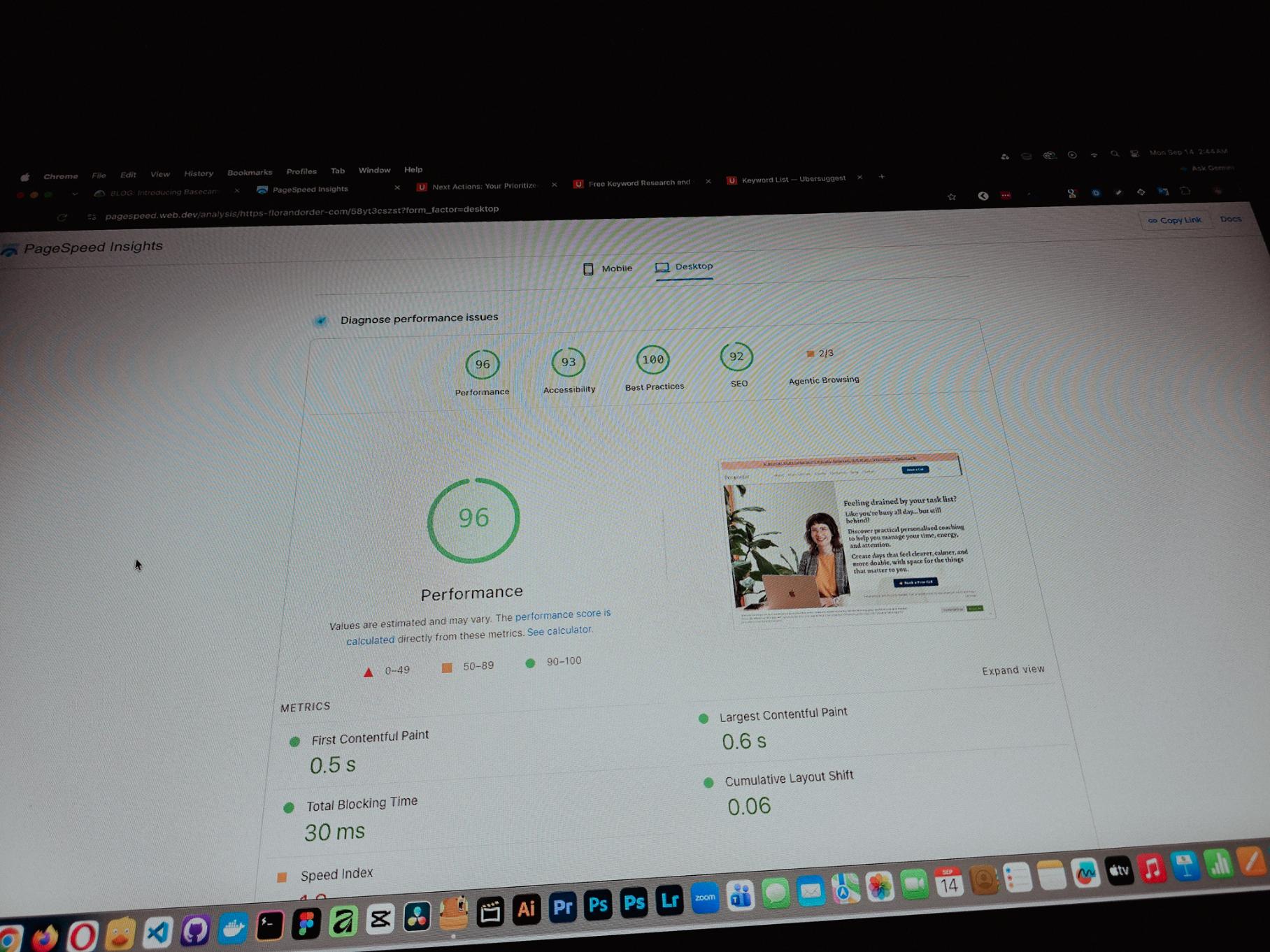
Currently working on one of my monthly site care tasks, checking the speed of a client site. And it’s still performing well. These routine checks don’t look exciting but they keep things running the way they should.
Speed is one of the hardest things to improve on a website because there are so many factors like server, how the pages are built, and the tools used to build them. But I’m still glad I was able to improve this one.
Posted September 13, 2026
One thing you can’t really control when handling projects is the timeline. It can shift at any point, especially when you’re working with trade businesses.
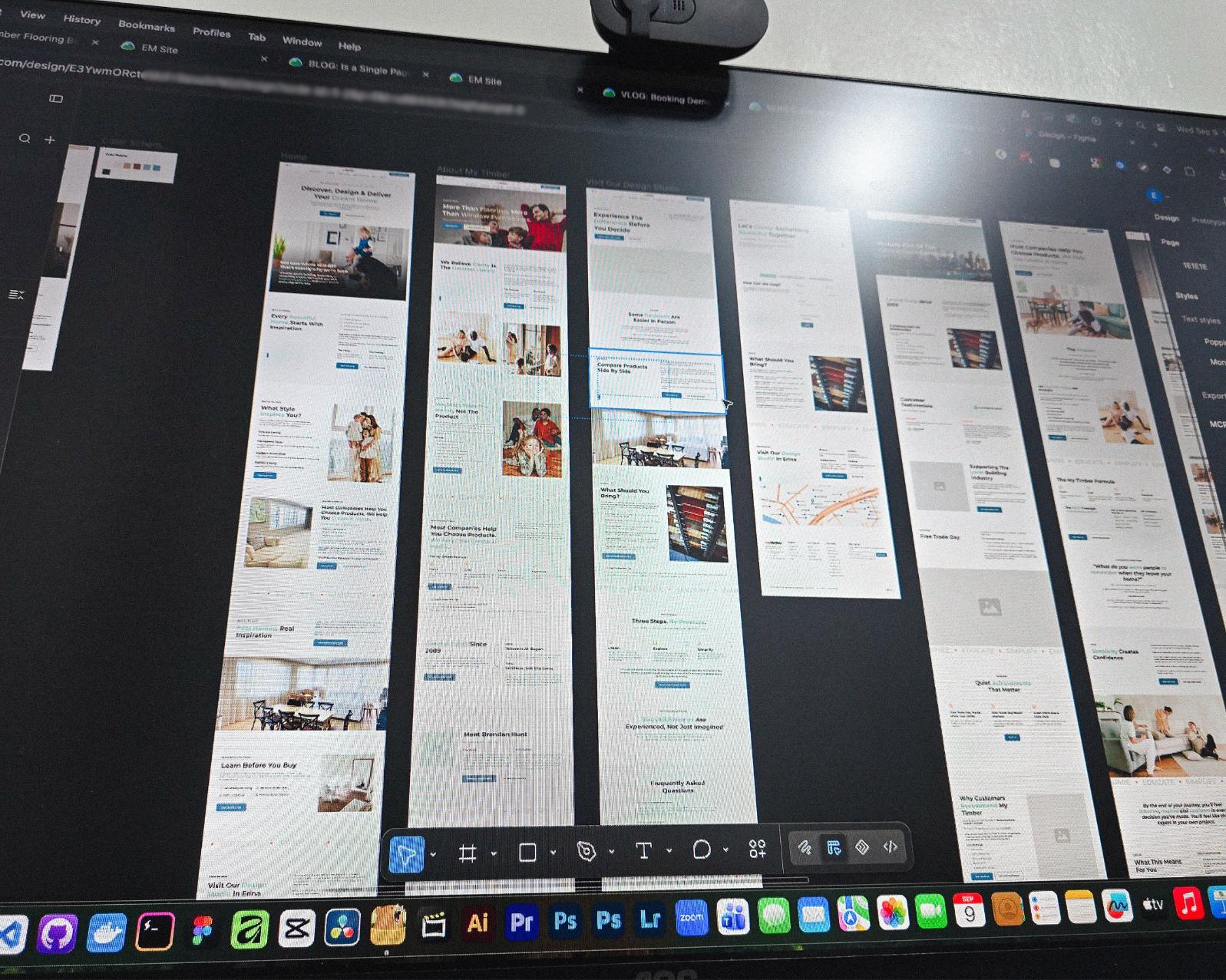
Just picked up the design phase of the flooring company project again. Glad I’m already done with the major pages and just working on the Learning Resources and Projects dynamic pages now.
Posted September 9, 2026
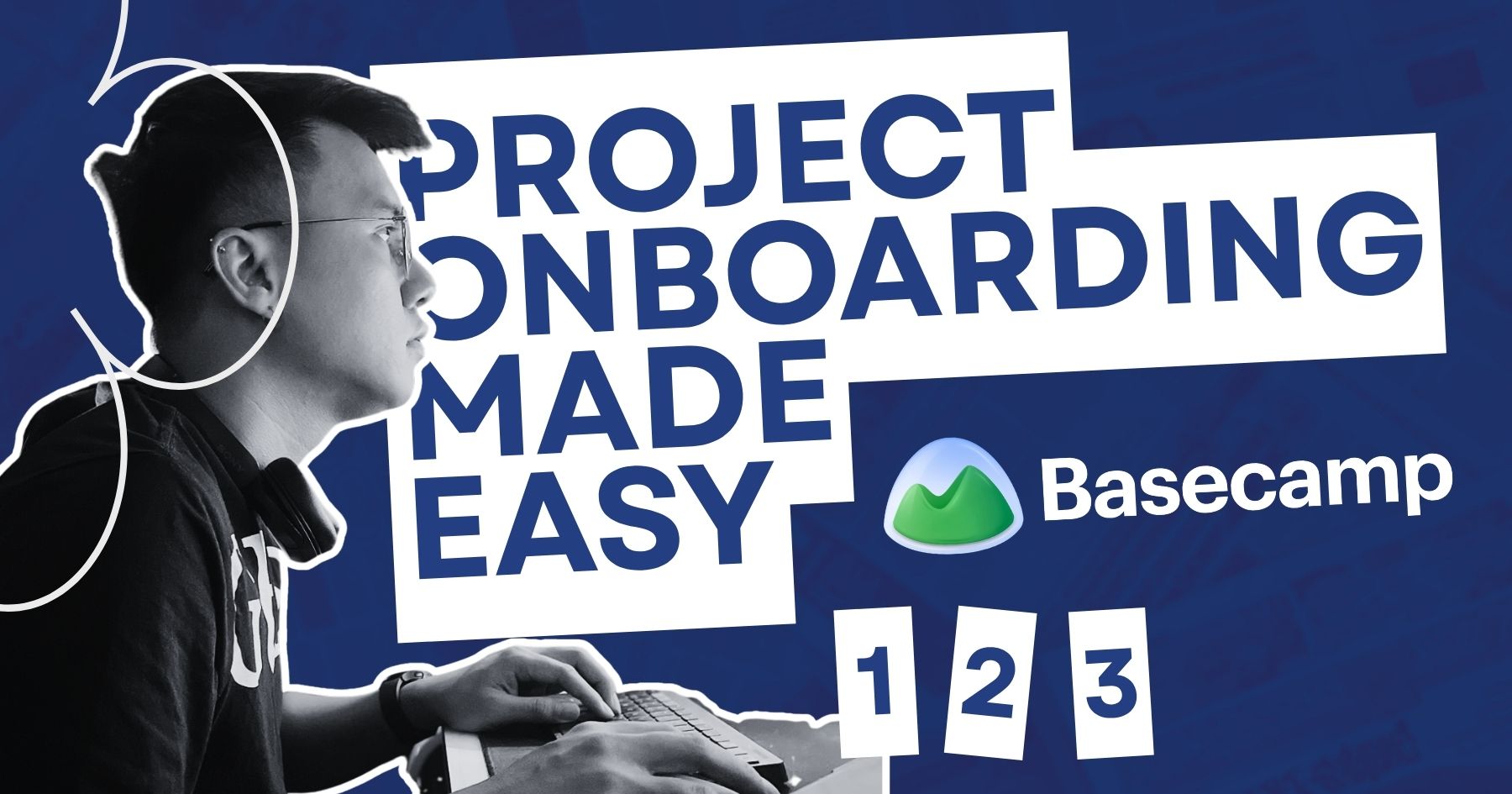
Been using Basecamp for project management since I started freelancing.
I’ve tried the more popular ones, but Basecamp is still one of the most straightforward tools out there.
Btw I’m almost done with a new post on how I onboard client projects using it.
Posted September 3, 2026
Since I left my corporate job last year to go full-time freelancing, I’ve been putting a lot more effort into this website.
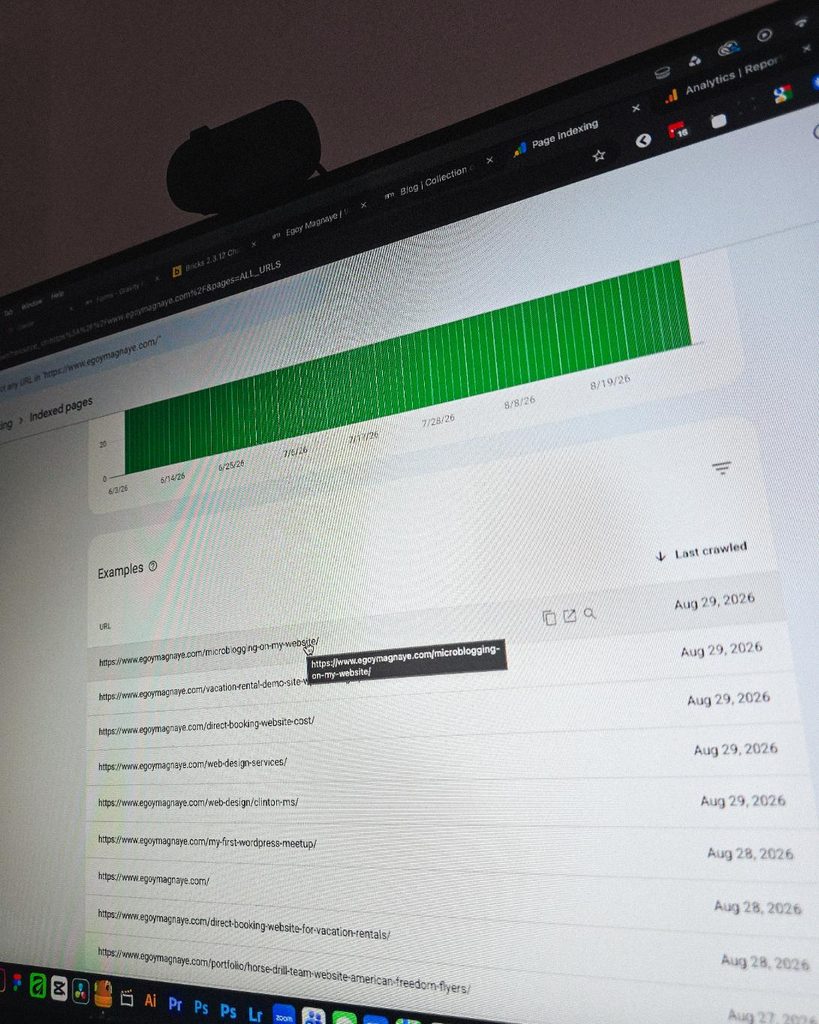
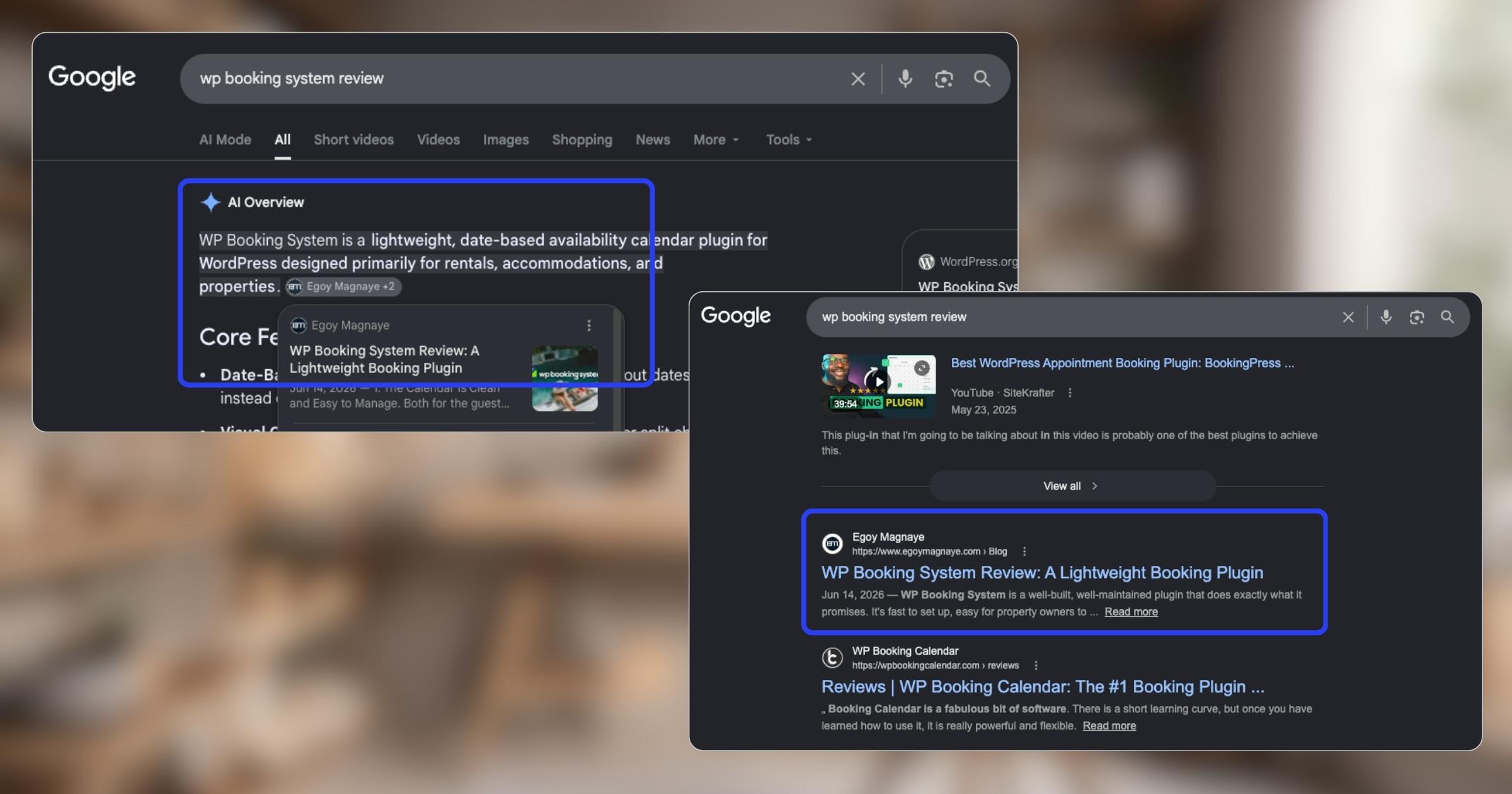
And one of the most rewarding things so far is how much easier it is to get content indexed by Google.
Just added a new post and it got indexed almost immediately.
Posted September 1, 2026
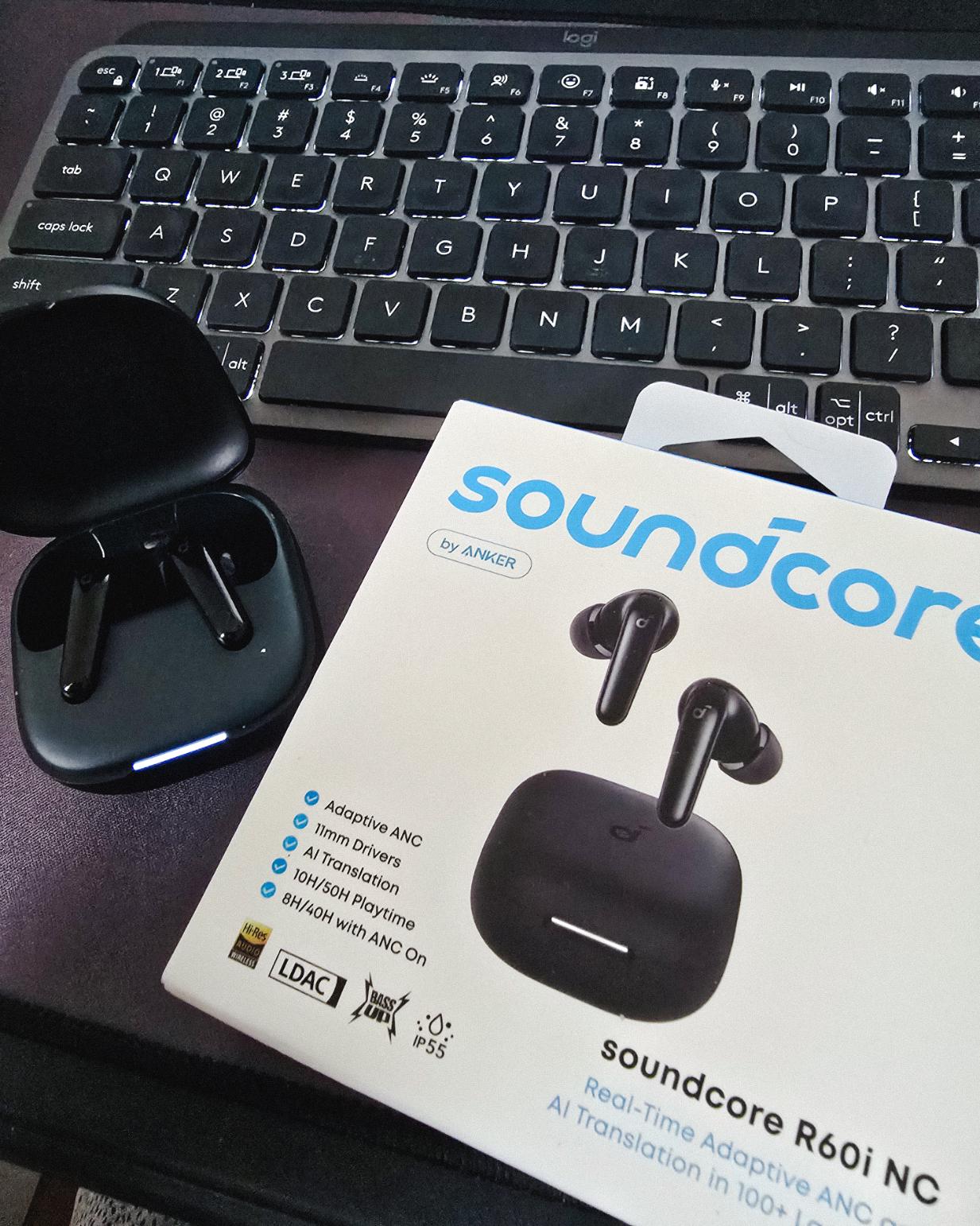
Got my new earbuds from Anker and I’m really liking the noise cancellation so far. Been using the one from Baseus for 2 years and it finally needed a replacement.
Looks small but this pair really helps when I need to focus.
Found some old clips of my website designs done on Adobe XD. Different versions of my site over the past 10 years. A lot of testing and trial and error. It’s been a journey.
Had to switch to Figma with all the issues around XD being phased out.
Posted August 26, 2026
I can’t remember if they’re going to post recordings of the 2-day event, but I was still able to gather some insights from my phone and memory 🙂
I’m at the point where I want to offer businesses stuck on WPBakery a free rebuild.
Nah maybe a discount 😅
But seriously, if you’re going with WordPress, at least use a solid page builder like Bricks (my bias), Beaver, Divi, or Elementor. Launching a site is just a small part of it.
Building new pages and optimizing over time is the long game, and your site builder matters for that.
Posted August 17, 2026
Been handling website projects in the home improvement space, especially clients in AU.
Looking at these skylight photos all day got me thinking. What’s it like living in a house with a transparent roof like that? Then I imagined having one here in PH. Sounds great when it rains. Then summer hits 😂
jk, these skylights are actually automated and packed with features.
Posted August 15, 2026
WPBakery might be the only page builder where the experience is equally rough whether you’re using backend or frontend editing. Divi handles this way better.
Sorry, I keep comparing these two because they both offer both modes, but the quality gap is real. Credit to the Divi team for getting that right!
Posted August 14, 2026
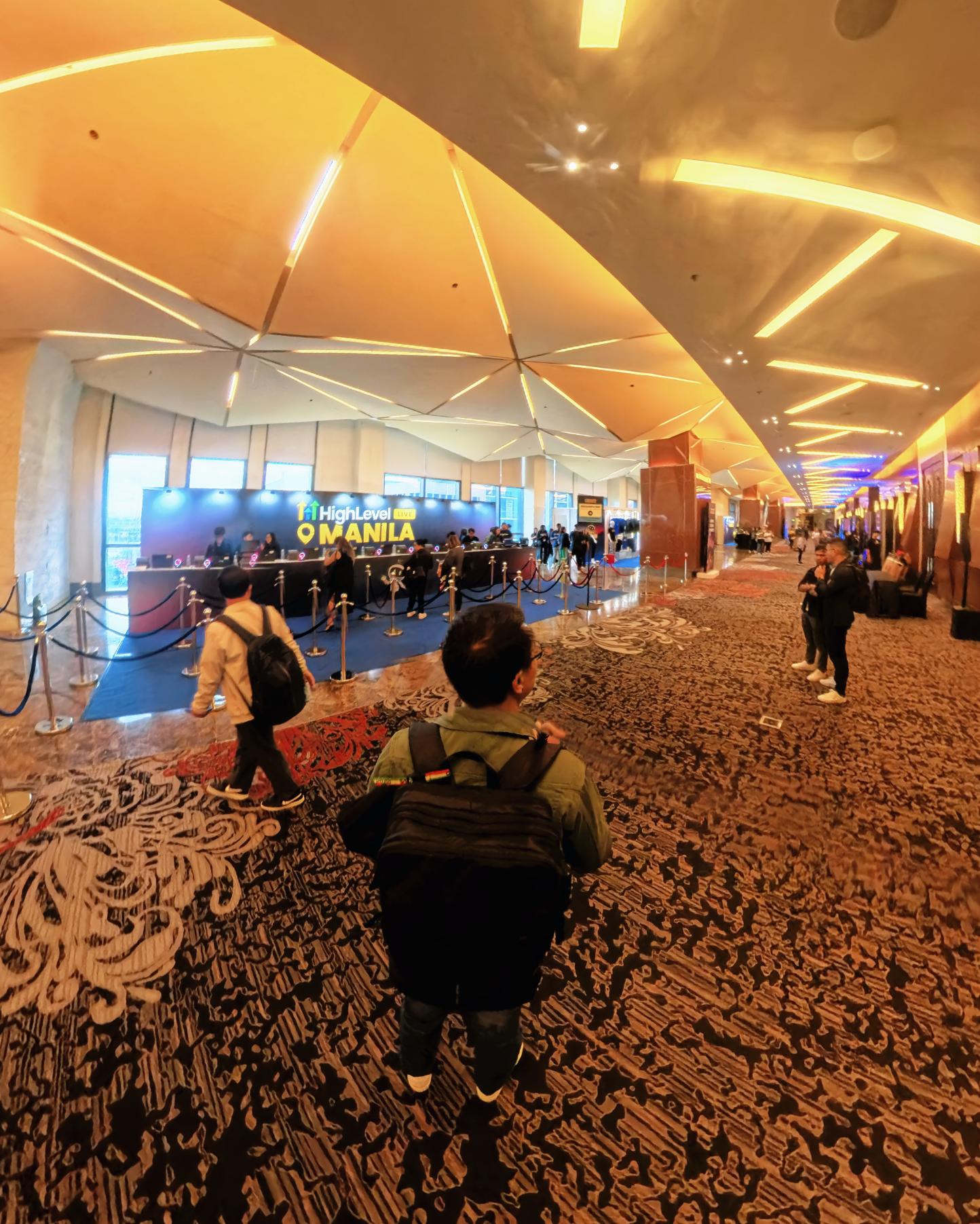
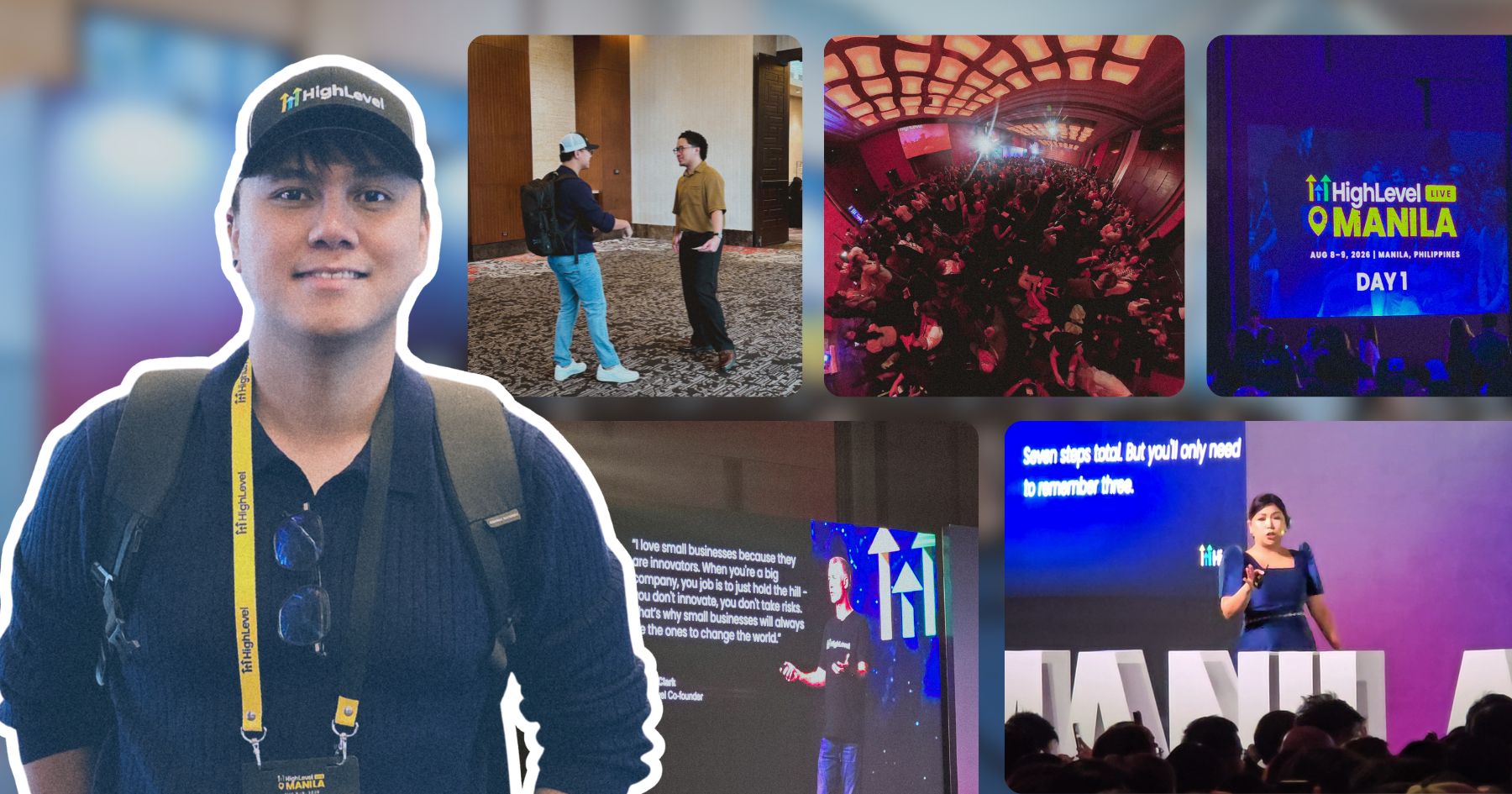
Got a chance to attend the HighLevel Manila 2-day event!
I just realized I wasn’t able to record everything. Now I’m trying to piece together all the info I remember and the photos I have.
The insights they shared were pretty overwhelming 😅
Disclosure: I may occasionally include affiliate links in my posts or pages. If you click on one of these links and make a purchase, I may receive a small commission, which helps me keep this website running and create more useful content. However, this does not affect my opinion on the product or service in any way. I only recommend products and services that I truly believe in and use myself.
New Update for 2024!
This site is no longer built with Next.js. Here’s a new article explaining why I switched back to WordPress again.
This article is all about the process of developing my portfolio website and the various steps I undertook to create it. If you’re planning to create your own website using Next.js, this might help you.
Establishing a portfolio website is must-have for freelancers just beginning their journey in the world of online freelancing. It provides an ideal opportunity to exhibit your work & accomplishments. Nowadays, we have many options to create a website. There are low- or no-code tools, such as Webflow, Squarespace, and WordPress, that you can use to develop your site.
I have been using WordPress to develop websites for many years, and I can use it to build my portfolio website instead of using a framework. If you are familiar with WordPress, this type of website can be easily developed using a website builder. I don’t know why, but sometimes it seems that I just want to challenge myself. Despite the fact that I could have done it in WordPress in a short period of time, I still chose to develop it from scratch.
For those who are unfamiliar with Next.js, it is an open-source React framework that provides an easy way to create scalable, dynamic web applications with server-side rendering and API routes. In other words, it is just a tool that helps developers like us easily build web applications and websites from scratch.
Now, let’s dive into how I constructed this Next.js website.
What Technologies and Packages are Involved?
As the title implies, this is all about building a website using the Next.js framework, which was the main technology used here. Honestly, I didn’t set up this framework from scratch; I used a starter and boilerplate template for Next.js, which made it much easier and faster.
This setup uses a lot of packages, which saves me a lot of time in developing this website. However, I will only discuss the major ones which I believe might help you as well.
Typescript – My website looks like a simple portfolio site, but I still used Typescript for this one. It’s not only because it was preconfigured to the starter template I’m using, but also so that I can practice Typescript. Developers need to possess certain skills, and Typescript is becoming essential for professionals to acquire them.
Tailwind CSS – Tailwind CSS is a modern, utility-based CSS framework that help us developers build custom designs quickly and efficiently. Although I can use CSS frameworks such as Bootstrap and Material UI, I still choose to use Tailwind CSS because it is easy to build custom components using this one.
React Hook Form – A lightweight React library that makes it easy to create forms and manage form state with hooks. It offers a simple, customizable API that allows me to easily validate and submit forms without having to write complex validation logic or deal with the complexities of managing state.
Yup – A JavaScript object schema validator and object parser. This is really useful for validating and parsing complex objects and data structures. It helps to reduce the amount of code needed to validate and parse data, and to ensure data integrity.
NProgress – I think this package is a must have for a Next.js applications. This package helps improve user experience by providing visual progress indicators for web applications. It helps to give users an indication that something is happening during page loading, and can also be used to show the completion of an action.
Styled Components – This package is a great way to style React components. It allows you to write CSS-in-JS, which makes styling React components easy and organized. Styled Components is a great way to keep your React components organized and styled in an efficient and effective way.
Twin.Macro – If you are using Tailwind CSS in your project and you want to use Styled Components as well, then this package will be your favorite tool. This package enables you to use Tailwind classes in your Styled Components.
React Transition Group – Did you notice the page transition? This is the package I used to achieve that transition. It allows developers to easily animate components in and out of the DOM, as well as animate complex transitions between components.
GSAP – I use GSAP (GreenSock Animation Platform) for its powerful animation capabilities and ease of use. If you noticed any animation in this portfolio, then it was due to GSAP. This package is an invaluable tool for creating stunning animations that are as smooth as butter.
Where Did I Store My Data?
I have been using WordPress as my content management system for quite a long time, and I can confidently say that I am familiar with how it works. It’s still one of the most popular CMS available today. Not only is it easy to use and manage, but it is also incredibly versatile.
As a headless CMS, WordPress offers a wide range of benefits to developers and content creators alike. One of the reasons I use it for my headless CMS is its flexibility. WordPress makes it easy to manage and organize content, allowing me to quickly create and update my website content.
WordPress also has a REST API, which allows developers to access the content of any WordPress website from outside the WordPress installation itself. This means we can create web and mobile apps that pull in data from any WordPress site, such as posts, pages, custom post types, taxonomies, and users. The API also provides a way to extend WordPress itself by adding new routes and endpoints in a safe and secure way.
The Post Types
This website has two post types at the moment, Portfolio and Posts.
Posts – This is the default post type of WordPress. The one you are reading right now was generated using this post type. Posts can be categorized, tagged, and archived, and can be used to display content on the front page of a website. Since this is dynamic content that needs to be updated frequently, I used Next.js Server-Side Rendering (SSR) to render it on my Next.js site.
Portfolio – This particular post type is specifically designed to showcase and present my portfolio. Unfortunately, this feature is not available on WordPress by default, but you can still easily create custom post types using a plugin or by adding it manually. With regards to rendering, Portfolios are often displayed using Static Site Generation (SSG), which provides the best performance and allows for maximum flexibility.
The Contact Form
My contact page may appear simple to the user, however, it is different tools that work together in the background to make the page function as intended. These tools include various forms of packages and code that enable the page to display correctly and allow users to easily submit their inquiries.
The form state was managed by React Hook Form, which I find to be a much simpler library to use than Formik – the latter of which I had used for constructing the Store Locator and Custom Enquiry form for a certain client. Yup was used for the validation process, which is easily integrated with React Hook Form and allows for seamless implementation.
To handle the main functionality, I created a new API endpoint for POST requests, which enabled me to reliably integrate Sendgrid as an advanced email delivery service. For added security, server validations were also handled with the Yup package to ensure that all data is validated correctly before being processed.
The Hosting
As a front-end web developer with limited time for server management, I opted for easy-to-use hosting such as Vercel. With Vercel, I don’t have to worry about managing servers or setting up complex hosting environments – everything is handled for us automatically.
I can easily deploy my portfolio using Git. It doesn’t require any specialized knowledge and is a straightforward process that can be completed quickly. This makes it an ideal choice for front-end devs like us who need to quickly get their Next.js site up and running without the hassle of more complex deployment methods.
Incoming Features
I understand how important it is for a website to have fresh content and new features. That’s why I try to spend as much time as possible making improvements and additions that will keep my website looking great and operating smoothly. This includes things like bug fixes, content additions, design changes, and SEO optimization.
Here are some of my incoming features:
Portfolio filtering
Blog listing
On-site search functionality
Better navigation
That concludes my overview of how I built my portfolio with Next.js. I hope this gave you an idea of the various features and functions it offers, as well as some practical tips on getting started with the platform. If you are still having trouble building your website with Next.js or have any further questions, don’t hesitate to reach out!
We use cookies to improve your experience on our site. By using our site, you consent to cookies.
This website uses cookies
Websites store cookies to enhance functionality and personalise your experience. You can manage your preferences, but blocking some cookies may impact site performance and services.
Essential cookies enable basic functions and are necessary for the proper function of the website.
Name
Description
Duration
Cookie Preferences
This cookie is used to store the user's cookie consent preferences.