Short thoughts, work in progress, lessons learned, & the occasional personal update.
Almost done with the design plans for all the dynamic systems on a tradie company web design project.
8 structured data systems in one project. Connecting and strategizing everything so it all works from day one.
I guess freelancing feels fulfilling once you’re done with this kind of project. But the process behind it? That’s a bit overwhelming.
Posted 18 hours ago
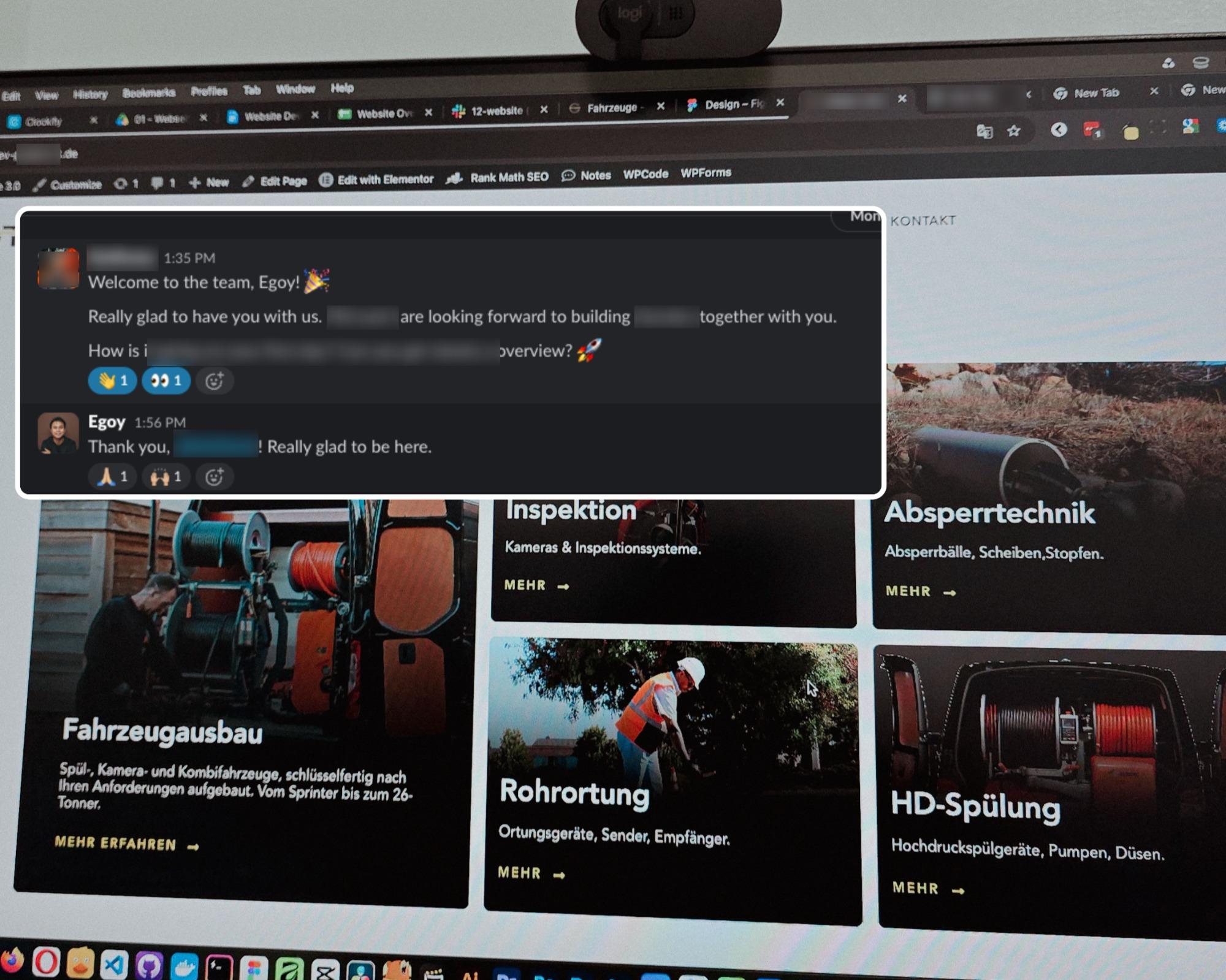
Started a new project for a B2B equipment dealer in the sewer and pipe industry based in Germany.
This time I’m not starting from scratch though, the previous provider left it at about 15% progress so I’m just picking up where they left off.
The only real challenge? The language. Shifting from English to Deutsch 😅
Hallo zusammen 👋
Posted 3 days ago
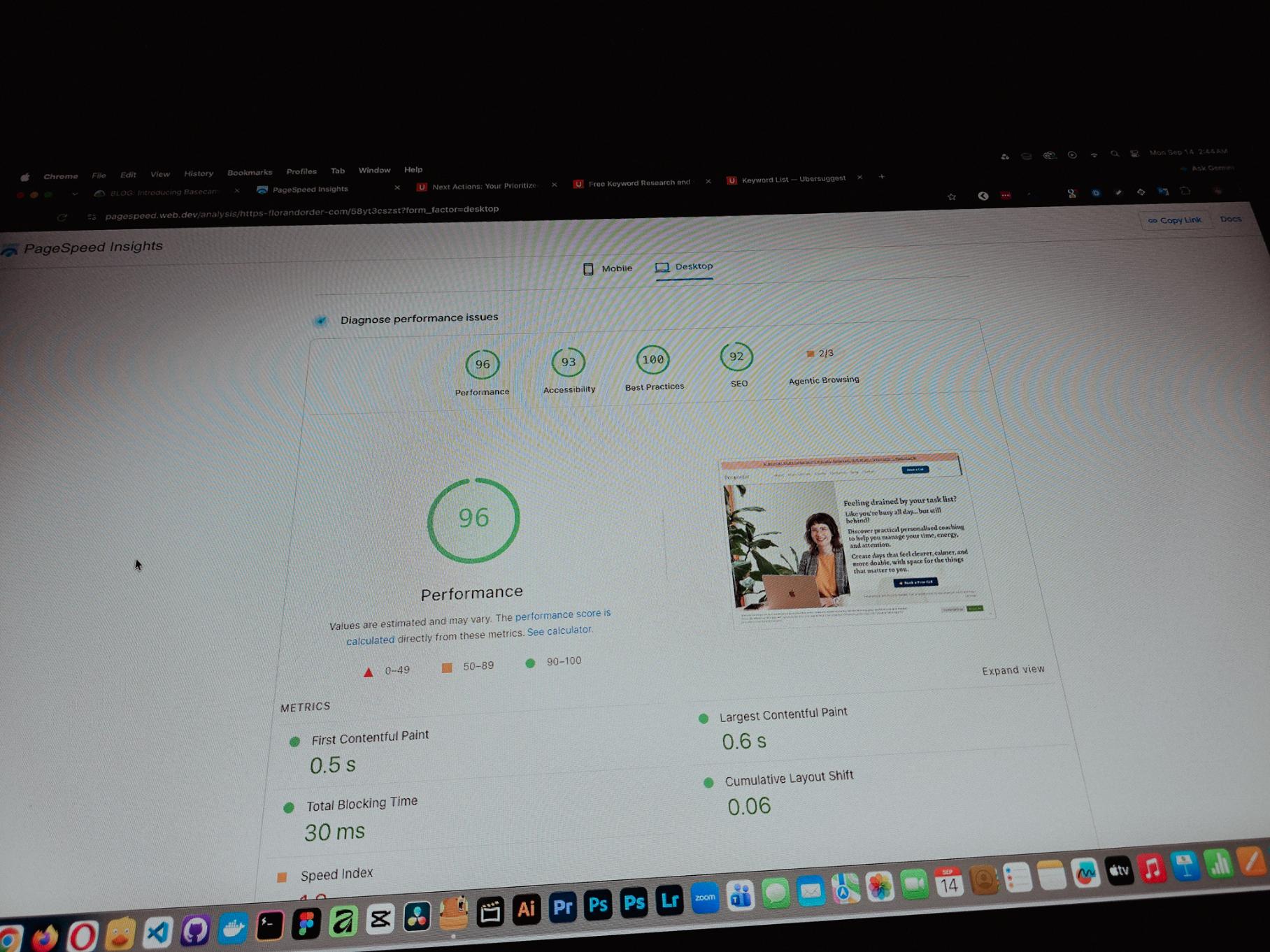
Currently working on one of my monthly site care tasks, checking the speed of a client site. And it’s still performing well. These routine checks don’t look exciting but they keep things running the way they should.
Speed is one of the hardest things to improve on a website because there are so many factors like server, how the pages are built, and the tools used to build them. But I’m still glad I was able to improve this one.
Posted September 13, 2026
One thing you can’t really control when handling projects is the timeline. It can shift at any point, especially when you’re working with trade businesses.
Just picked up the design phase of the flooring company project again. Glad I’m already done with the major pages and just working on the Learning Resources and Projects dynamic pages now.
Posted September 9, 2026
Been using Basecamp for project management since I started freelancing.
I’ve tried the more popular ones, but Basecamp is still one of the most straightforward tools out there.
Btw I’m almost done with a new post on how I onboard client projects using it.
Posted September 3, 2026
Since I left my corporate job last year to go full-time freelancing, I’ve been putting a lot more effort into this website.
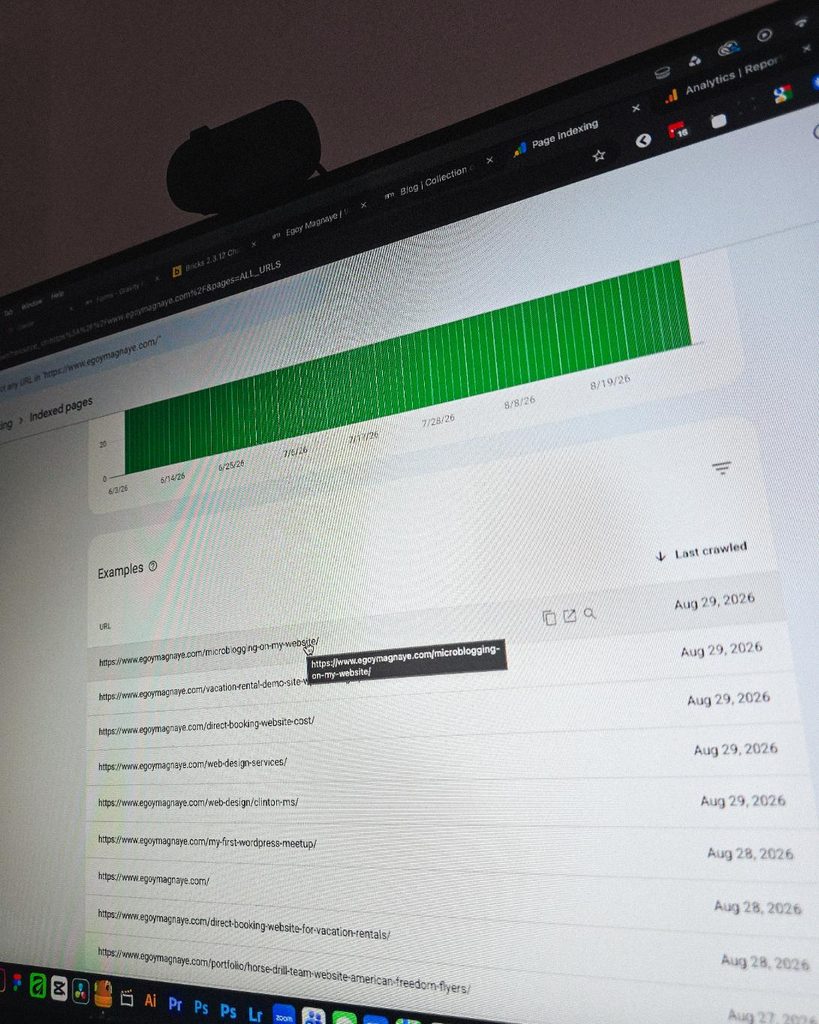
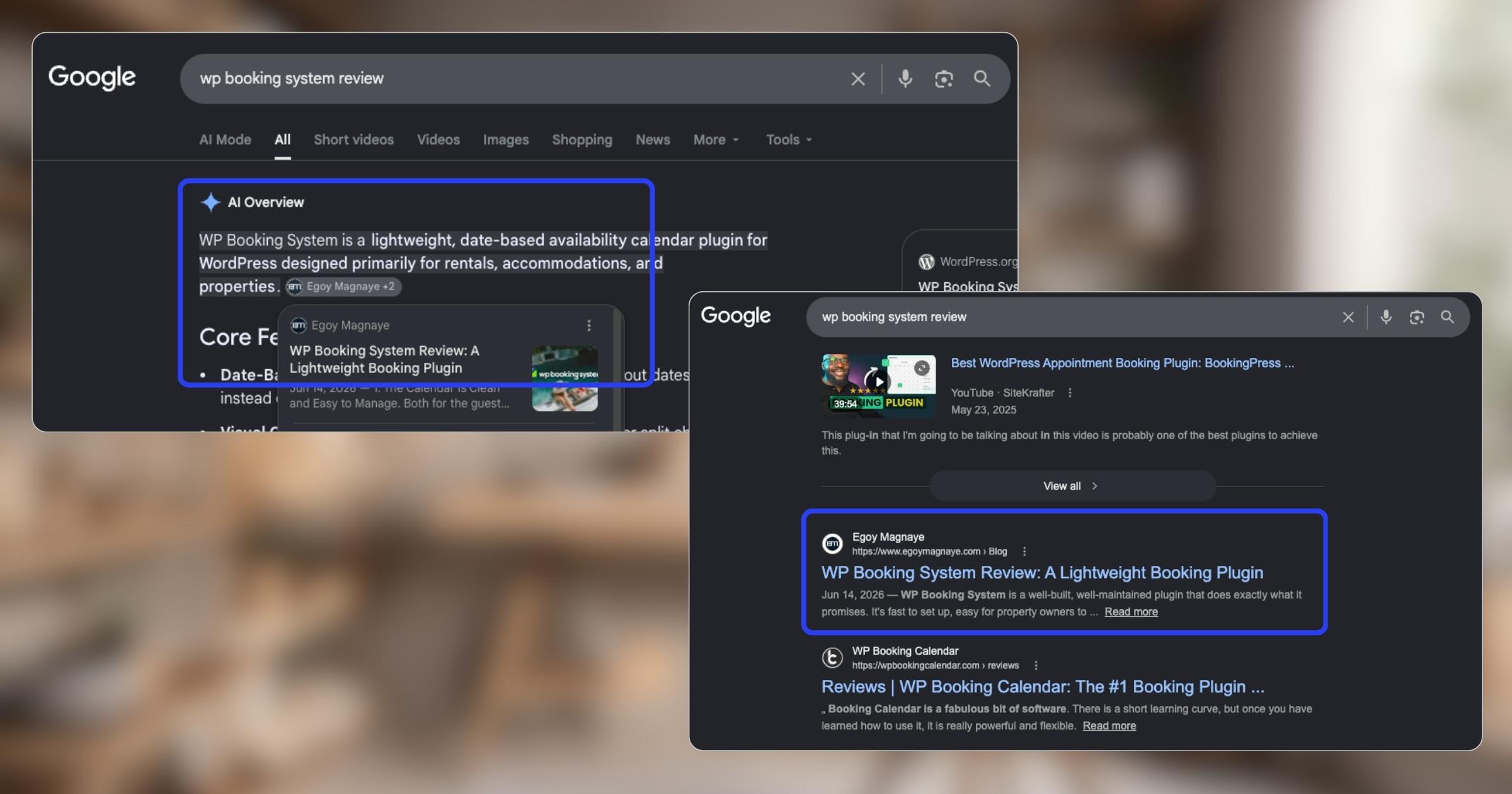
And one of the most rewarding things so far is how much easier it is to get content indexed by Google.
Just added a new post and it got indexed almost immediately.
Posted September 1, 2026
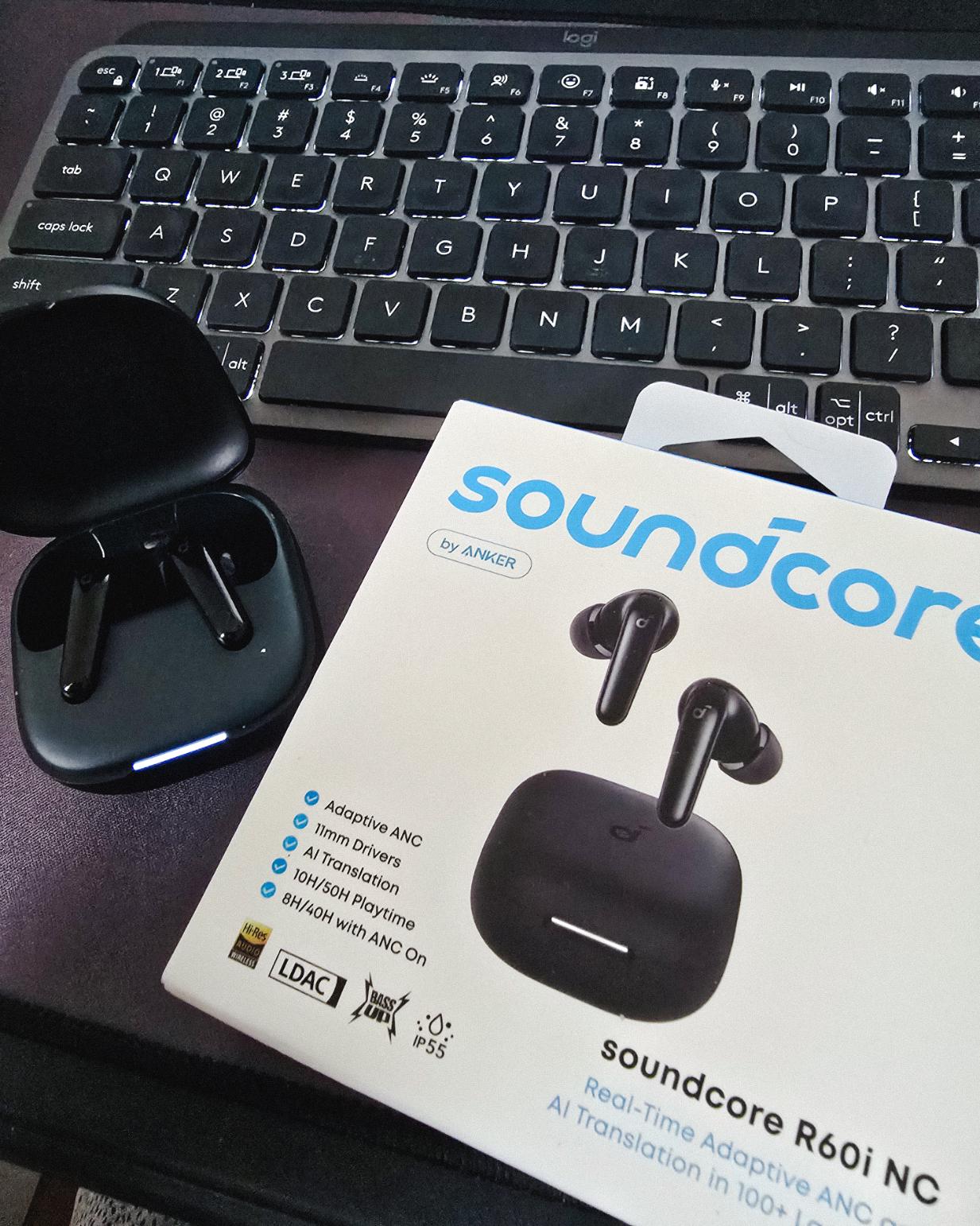
Got my new earbuds from Anker and I’m really liking the noise cancellation so far. Been using the one from Baseus for 2 years and it finally needed a replacement.
Looks small but this pair really helps when I need to focus.
Found some old clips of my website designs done on Adobe XD. Different versions of my site over the past 10 years. A lot of testing and trial and error. It’s been a journey.
Had to switch to Figma with all the issues around XD being phased out.
Posted August 26, 2026
I can’t remember if they’re going to post recordings of the 2-day event, but I was still able to gather some insights from my phone and memory 🙂
I’m at the point where I want to offer businesses stuck on WPBakery a free rebuild.
Nah maybe a discount 😅
But seriously, if you’re going with WordPress, at least use a solid page builder like Bricks (my bias), Beaver, Divi, or Elementor. Launching a site is just a small part of it.
Building new pages and optimizing over time is the long game, and your site builder matters for that.
Posted August 17, 2026
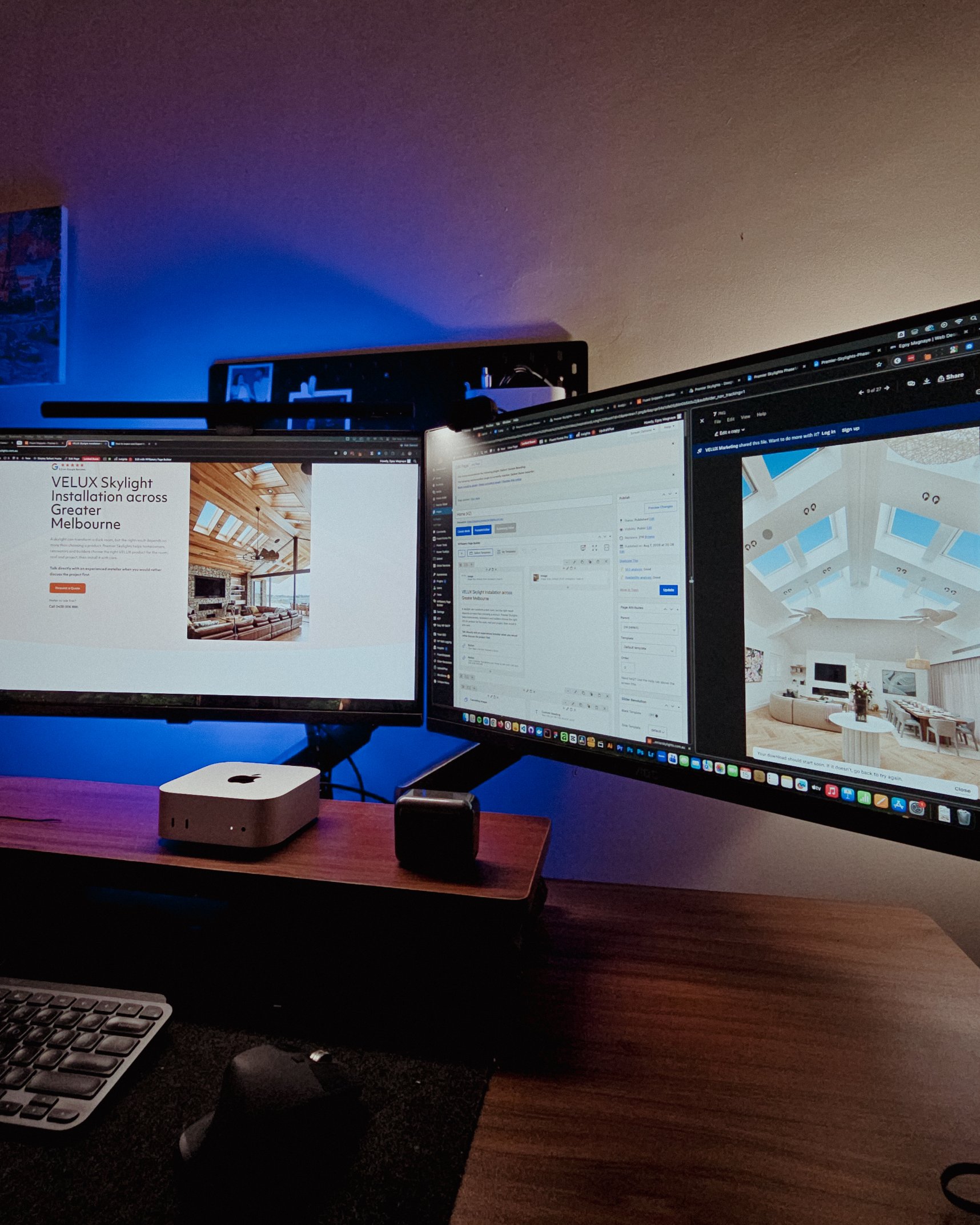
Been handling website projects in the home improvement space, especially clients in AU.
Looking at these skylight photos all day got me thinking. What’s it like living in a house with a transparent roof like that? Then I imagined having one here in PH. Sounds great when it rains. Then summer hits 😂
jk, these skylights are actually automated and packed with features.
Posted August 15, 2026
WPBakery might be the only page builder where the experience is equally rough whether you’re using backend or frontend editing. Divi handles this way better.
Sorry, I keep comparing these two because they both offer both modes, but the quality gap is real. Credit to the Divi team for getting that right!
Posted August 14, 2026
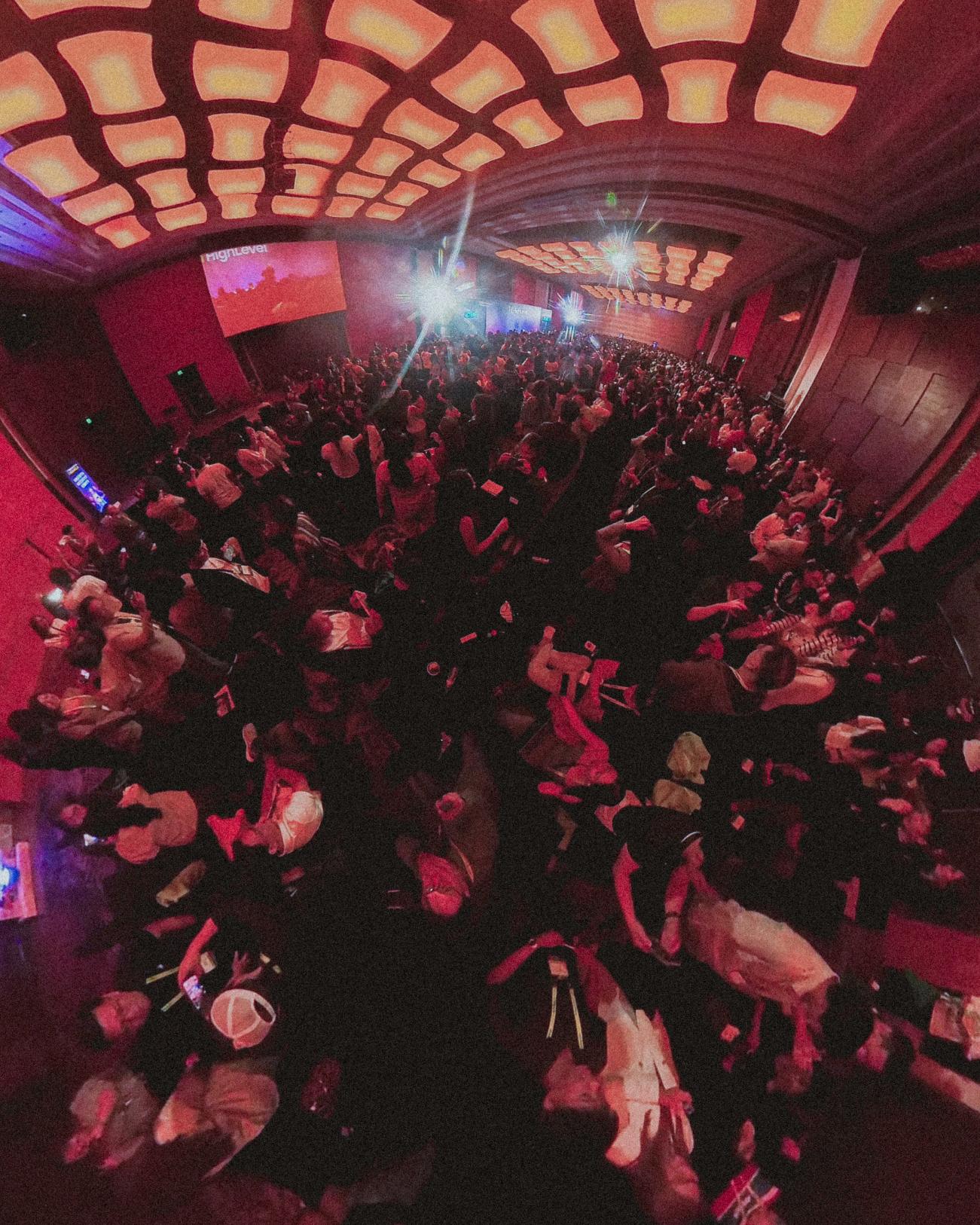
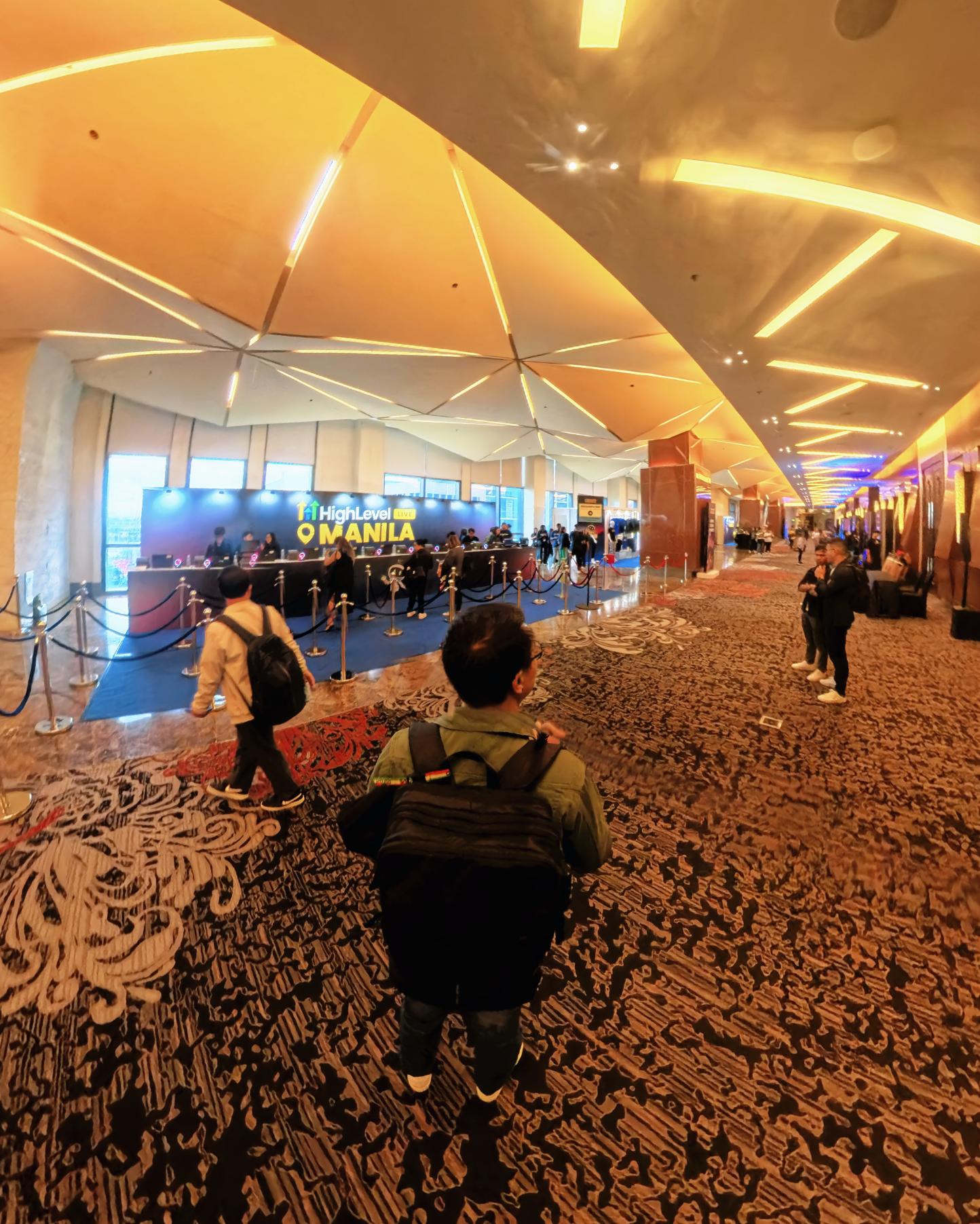
Got a chance to attend the HighLevel Manila 2-day event!
I just realized I wasn’t able to record everything. Now I’m trying to piece together all the info I remember and the photos I have.
The insights they shared were pretty overwhelming 😅
Posted August 10, 2026
I have an urgent page build using WPBakery. Although we have a 1-week deadline, I’m confident I can deliver. But seriously, at least give us a custom CSS field per widget. Even Divi has that!
I’m not really the type to rant about tools I use for work. I get that every builder is built differently. But every time I have a project using this one, it just takes so much longer than it should.
Posted August 8, 2026
You know, one thing that still bugs me is not asking my old clients to leave their review on my Google Business page.
I just collected them through email or other apps. Should’ve known better 😬
Posted August 7, 2026
You know what makes doing this stuff worth it? People who still remember you and refer you even if you haven’t spoken in a long time!
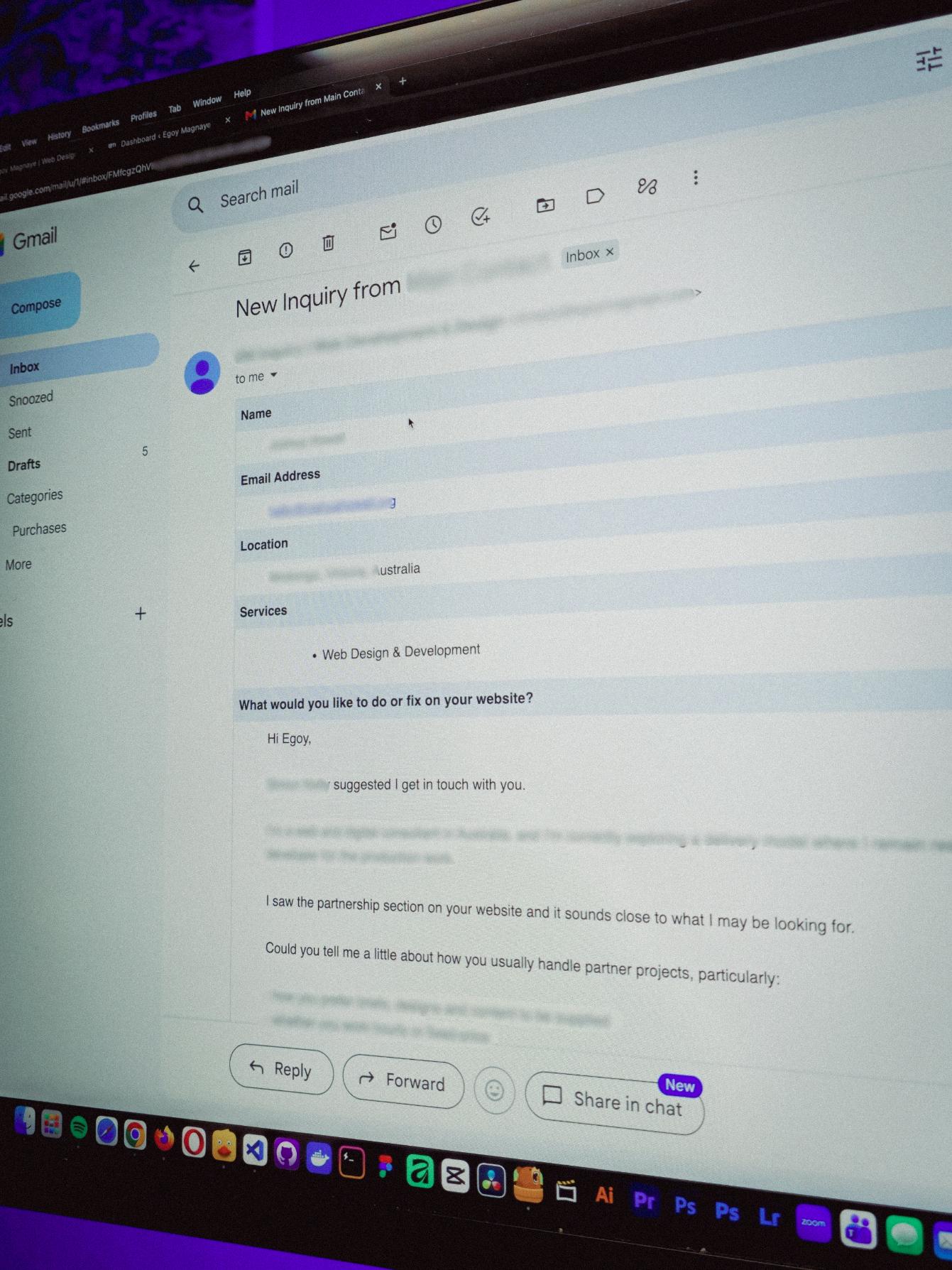
Just got an inquiry! Turns out someone I spoke with 2 years ago referred them. As a small service provider, that kind of thing means a lot 🙂
Posted August 4, 2026
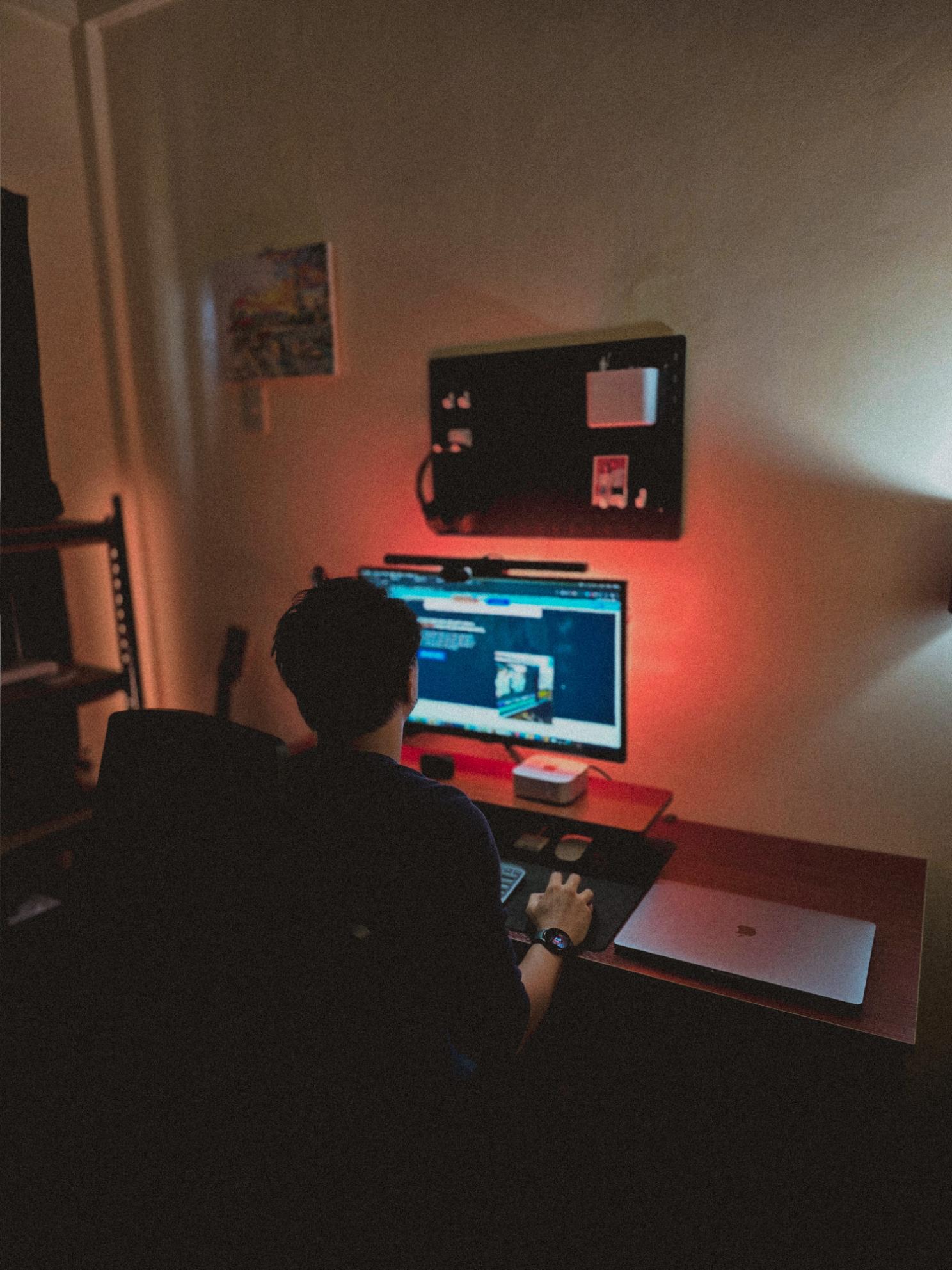
Late night timelapse of us getting things done. I don’t know why, but I always feel more productive at night.
Also, I just recently got that standing desk, and I can’t appreciate enough how helpful it is when you’re getting older 😂
Posted July 31, 2026
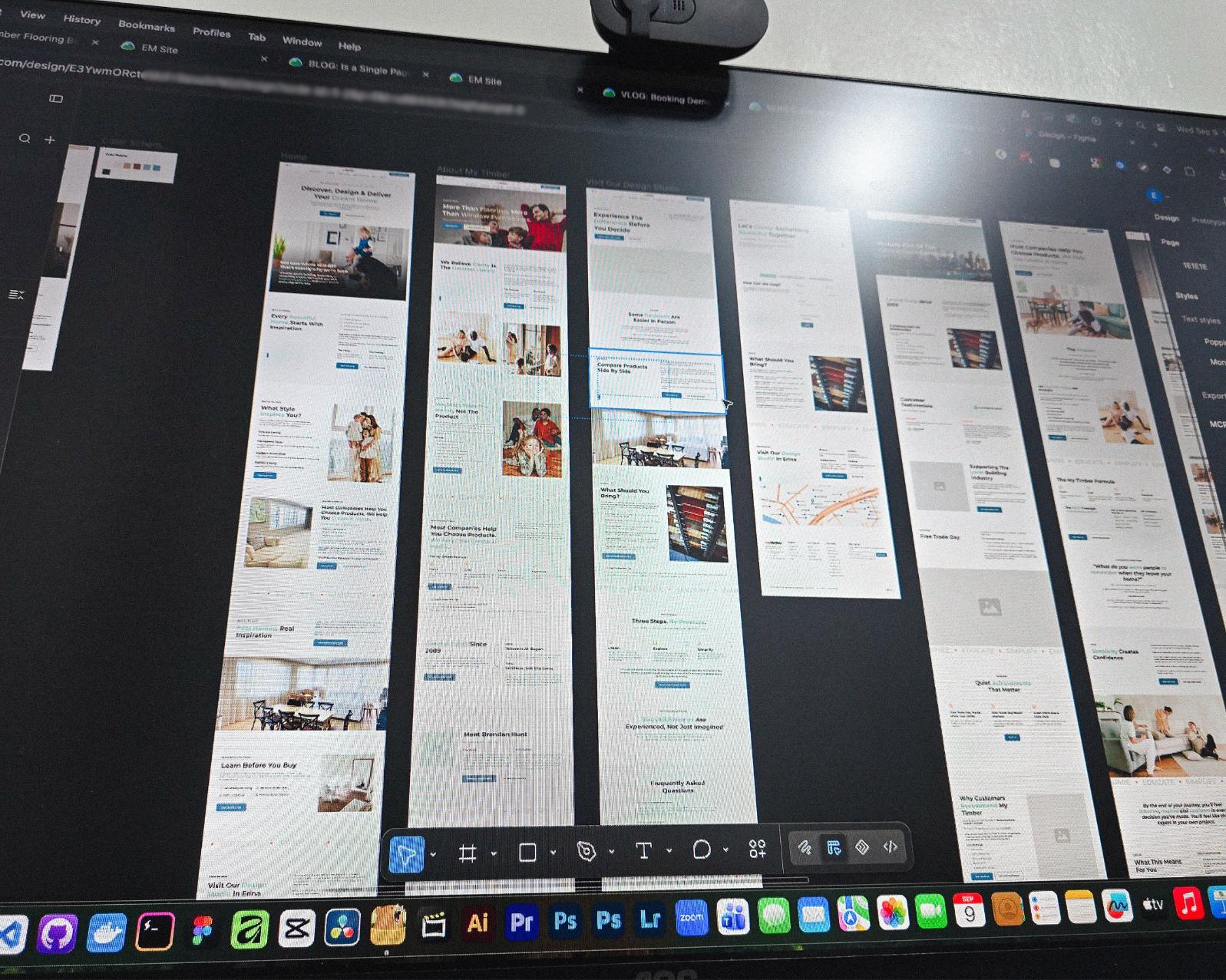
Currently redesigning the website of a flooring company based in Erina, NSW.
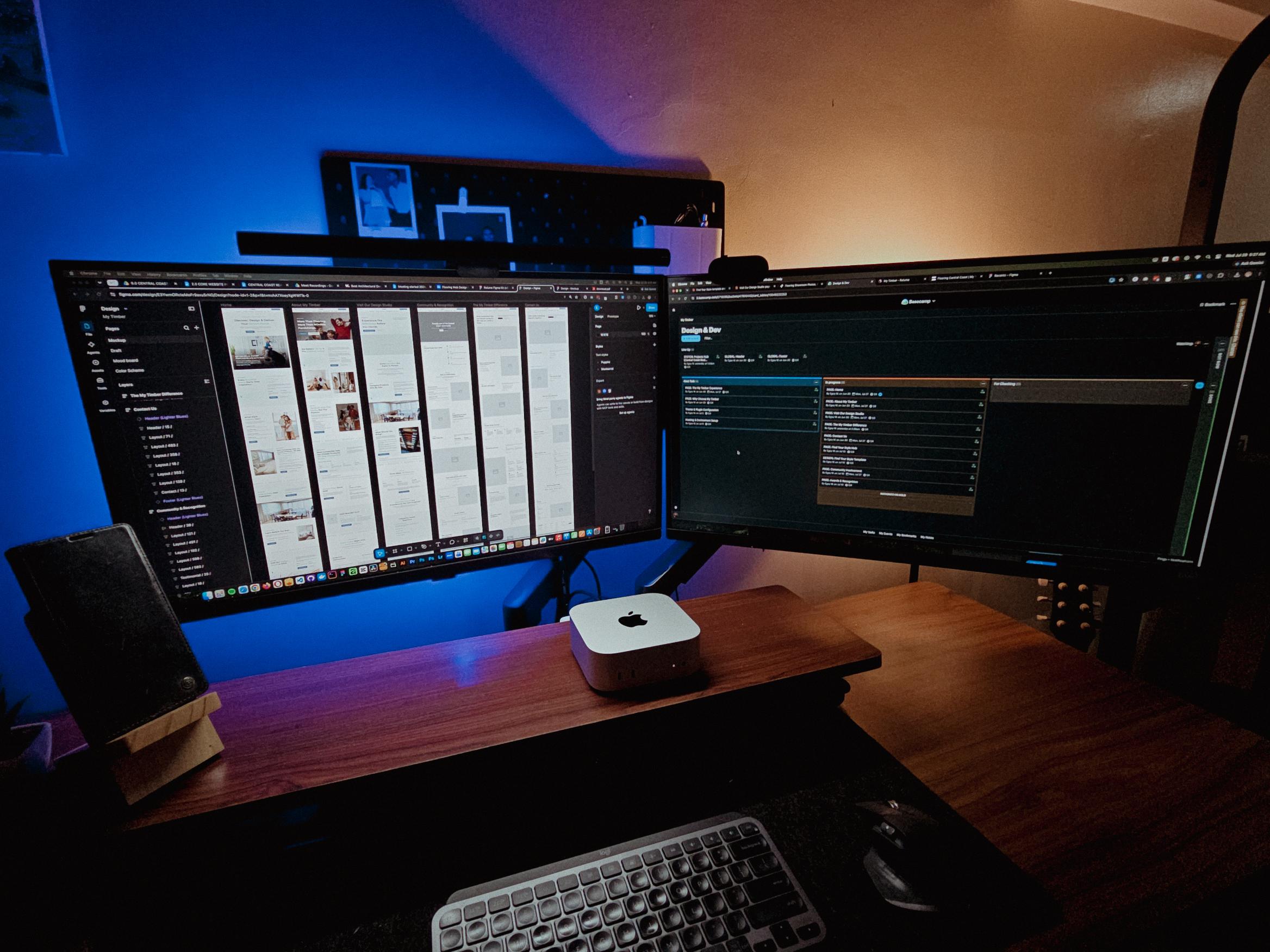
See those long page designs? It’s still Wednesday but I guess I’m gonna be working even on the weekend 🥲
Posted July 28, 2026
Table of contents
What Happens If You Stop Updating Your WordPress Site (Plugins, Themes & Core)?
Last updated on August 26, 2026
20 mins read
Reader Disclosure
Disclosure: I may occasionally include affiliate links in my posts or pages. If you click on one of these links and make a purchase, I may receive a small commission, which helps me keep this website running and create more useful content. However, this does not affect my opinion on the product or service in any way. I only recommend products and services that I truly believe in and use myself.
Do you have a WordPress website? How often are you updating it? When was the last time you maintained it? In my previous post, I discussed how to properly maintain your WordPress site. Now, in this article, we will discuss the issues of not updating your WordPress site, which is an important task in site maintenance.
There are two major things you can update on your WordPress site: first is the “Content,” and the second is the “WordPress System.” We will skip the “Content” and save it for future posts. We will be focusing on your “WordPress System” and what may happen if you stop updating or maintaining it.
Actually, we (referring to developers, project managers, etc.) are only using the term “update your WordPress,” without the word “system.” However, for the sake of this post and to point out that there is still a system you need to maintain, we will be using the term “WordPress System”.
A Brief Introduction
Your WordPress system consists of three main components: the core, plugins, and themes. Basically, these components determine how your website functions, its features, and its front-end appearance.
These individual components are primarily developed by programmers/developers and installed on your servers or web hosting. The wonderful community of developers is continuously improving the WordPress ecosystem, and that’s why everyone still loves WordPress.
However, there are still users, mostly those who are less tech-savvy in this CMS, they are unaware that they need to continuously maintain their WordPress, just like their content.
So, what will actually happen if you ignore your WordPress system updates?
In my 10 years of working as a WordPress developer and a web manager, there are two main issues you will encounter if you stop updating it. These issues will mainly affect how your website functions and its security. Let’s start with the first one:
Stop Getting Improvements from the WordPress Ecosystem
If you’re using WordPress to power your website, it’s likely you have installed plugins and themes to add more features to your site. As I mentioned earlier, there are developers and programmers who continuously improve WordPress. These improvements are added through the plugins, themes, or even the WordPress core files.
If you ignore updating your website, you will stop receiving these updates as well. Perhaps they have added new features or improved the performance of their plugins or themes. What if the new updates have some security improvements (more on that later)?
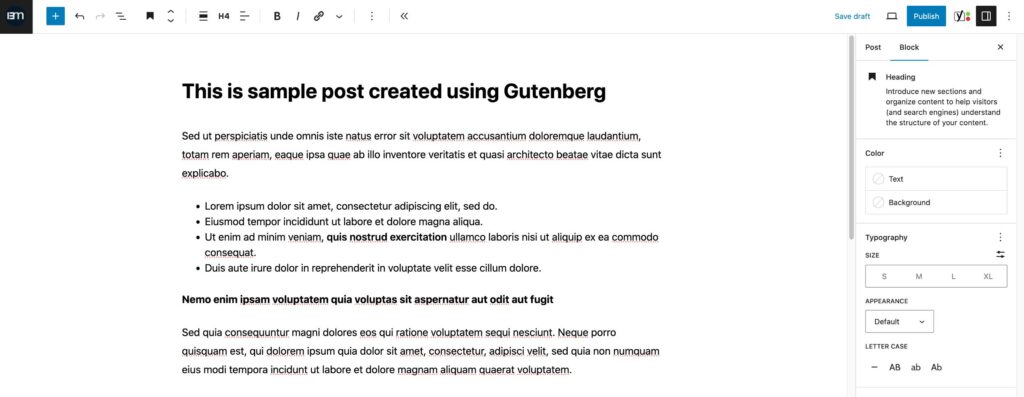
One of the main features that I remember being added recently was the “Gutenberg” functionality, which was added into the WordPress core in December 2018 (if I’m not mistaken). Gutenberg is a new way of adding content to your WordPress website. Prior to that, we only had a WYSIWYG text editor, which was functional; however, Gutenberg opens up a new and flexible way of adding new content.
Although Gutenberg can’t compete with popular page builders such as Bricks, Divi and Elementor, I still believe it’s nice to have this for those users who want more settings and control over their simple content.
Now, let’s talk about the second issue.
High Risk to Website Security Issues and Vulnerabilities!
Keeping your WordPress core, plugins and themes up-to-date is important for maintaining a secure website. Outdated WordPress installations are highly vulnerable to security threats and can expose your site to a range of malicious attacks.
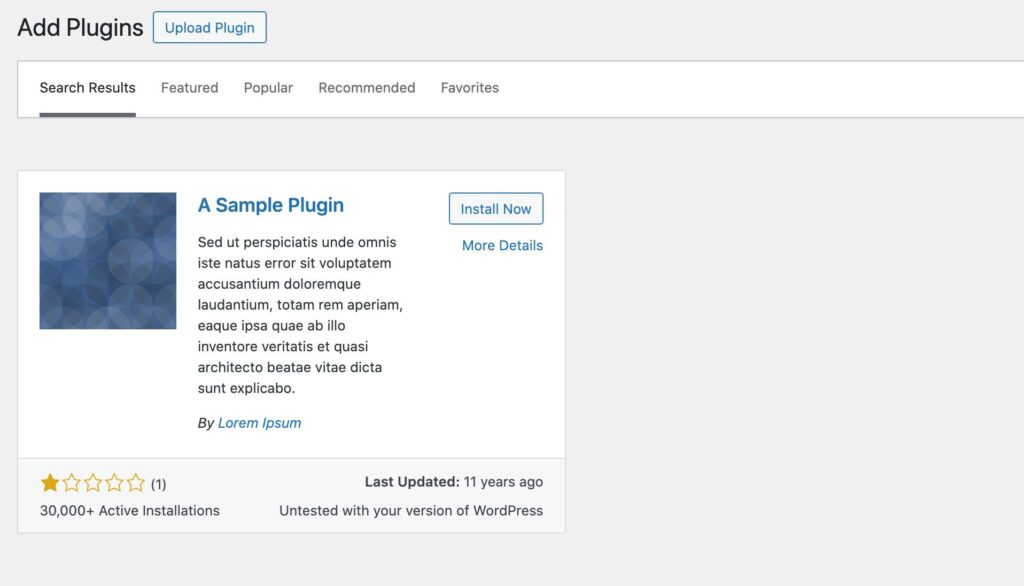
Recently, I experienced troubleshooting security related issues in one of my freelance projects. The website had outdated plugins. Not only were they outdated, but some of them were removed from the WordPress repository, which means that the developer stopped adding improvements and updates to it.
This is a sample of a bad and untrusted plugin. This plugin is for demo purposes only.
The issue is that there are always new security vulnerabilities being reported in the WordPress community. So if you stop updating your core, plugins and themes, this can lead to potential vulnerabilities. Just like what happened on one of the sites I’m maintaining, there was malware that kept recurring from the file system.
So what can you do to prevent these problems?
Well, I can just easily say, go to your “Dashboard”, then navigate to the “Updates” admin page, and hit all the “Update” buttons in that page. You can actually do that, but it’s not our recommended way!
Here’s the overview what you can do:
Backup Your Website – It’s better to always have a restore point, so if something goes wrong, you can restore it back.
Check All the Details of the Updates – Check for any “breaking changes” first, so you’re aware if something will break on your website after the updates. This is a good approach because you have the chance to plan ahead.
Start the “Update” Process – If all is good, you can now start updating your system. In my case, I will start by updating all the plugins first, then the themes, and lastly, the WordPress core.
Check Your Website – Don’t forget to check the front-end of your website. Check if there are no broken layouts or sections, and check the main functionality, such as contact forms, product cart, and checkout process (for ecommerce sites). If you have a caching plugin (e.g., W3 Total Cache, WP Super Cache, etc.), purge or delete your old cache and check your site in incognito mode. This will ensure you’re not viewing the cached version of your site.
Scan For Security Issues – It’s better to run some security scanning to double-check if your website is still vulnerable to security issues.
What if you have plugins & themes that were removed from the WordPress Repository?
Actually, this one is a bit technical because it’s most likely that someone built your website for you. That plugin was installed on purpose, and somewhere in your website, it uses that for certain functionalities. So removing it will cause some issues on your website, and some pages will not work properly.
If you think that plugins play a huge role in your website, what I suggest is to consult the issue with your developer. Alternatively, you’re welcome to reach out to me. I’ll do my best to assist you and start finding a solution.
When it comes to “removed” themes, that’s a whole different story. Themes handle the front-end stuff, like how your site looks, the layout, etc. Depending on how your website was built, it’s usually not a good idea to remove or change the theme because if you do, your site will start looking different, and most of the time, it will not work as it did before.
I don’t want to say this, but I’m afraid the only solution is to completely redesign the site and use a modern and reliable theme. It may seem like a daunting task, but it could be the key to improving your online presence. Remember, a fresh look can attract new visitors and keep existing ones engaged.
That’s it! I hope you found the information in this article valuable. Remember, if you have questions or concerns, please don’t hesitate to get in touch. Thank you for reading and stay tuned for more content!
We use cookies to improve your experience on our site. By using our site, you consent to cookies.
This website uses cookies
Websites store cookies to enhance functionality and personalise your experience. You can manage your preferences, but blocking some cookies may impact site performance and services.
Essential cookies enable basic functions and are necessary for the proper function of the website.
Name
Description
Duration
Cookie Preferences
This cookie is used to store the user's cookie consent preferences.